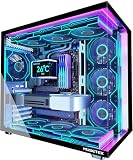
- Top Pick: GIGABYTE GeForce RTX 5070 Ti Gaming OC 16G Graphics Card, 16GB 256-bit GDDR7, PCIe 5.0, WINDFORCE Cooling System, GV-N507TGAMING OC-16GD Video Card
- Best Value: BAKLUCK msi Gaming RTX 5070 TI 16G Shadow 3X OC Graphics Card (16GB GDDR7, 256-bit, Extreme Performance: 2497 MHz, DisplayPort x3 2.1a, HDMI 2.1b, NVIDIA Blackwell Architecture)
- Premium Choice: ZOTAC Gaming GeForce RTX 5070 Ti Solid SFF OC DLSS 4 16GB GDDR7 256-bit 28 Gbps PCIE 5.0 Gaming Graphics Card, IceStorm 2.0 Advanced Cooling, ZT-B50710J3-10A
Affiliate disclosure: As an Amazon Associate we earn from qualifying purchases. This post contains affiliate links — if you buy through them we may earn a small commission at no extra cost to you. This never affects our recommendations.
- Watch: RTX 5070 vs RTX 5070 Ti — Which GPU Should You Buy in 2026? — Video Review
- Specifications Showdown: RTX 5070 vs RTX 5070 Ti
- Architecture & Core Technologies
- Gaming Performance: 1080p, 1440p, and 4K Analysis
- Memory & Bandwidth: The Hidden Performance Differentiator
- Power Consumption & Efficiency
- Price-to-Performance Analysis
- Thermals & Cooling Requirements
- Supported Displays & Monitor Pairing
- PCIe 5.0 & Future-Proofing
- Best Accessories & Complementary Parts
- Competitive Alternatives
- Frequently Asked Questions
- Final Verdict: Which One Should You Buy?
- Related Articles
- Related Articles
NVIDIA’s RTX 50-series has fundamentally shifted the gaming GPU landscape. Both the RTX 5070 and RTX 5070 Ti deliver exceptional performance powered by the Blackwell architecture, but choosing between them requires understanding their core differences, real-world gaming performance, and your actual resolution target. This comprehensive comparison cuts through the marketing noise and gives you the data to make an informed decision.
As an Amazon Associate we earn from qualifying purchases at no extra cost to you.


Prime
Best Seller
PNY GeForce RTX 5070 Ti Epic-X ARGB OC Triple Fan, Graphics Card, 16GB GDDR7, 256-Bit, 2640 MHz Boost, PCIe 5.0, HDMI/DP 2.1, NVIDIA Blackwell, DLSS 4

In a hurry? See the top-rated RTX 5070 vs RTX 5070 Ti deals available right now:
⚡ Save on Your Next PC — Amazon Prime
Prime members get fast free shipping on the systems above, plus early access to Prime Day & Black Friday PC deals. New members get a 30-day free trial.
Watch: RTX 5070 vs RTX 5070 Ti — Which GPU Should You Buy in 2026? — Video Review
Specifications Showdown: RTX 5070 vs RTX 5070 Ti
| Specification | RTX 5070 | RTX 5070 Ti | Advantage |
|---|---|---|---|
| CUDA Cores | 6,144 | 8,960 | Ti +46% |
| RT Cores | 50 | 70 | Ti +40% |
| Tensor Cores | 192 | 280 | Ti +46% |
| Memory | 12GB GDDR7 | 16GB GDDR7 | Ti +4GB |
| Memory Interface | 192-bit | 256-bit | Ti +33% |
| Memory Bandwidth | 672 GB/s | 896 GB/s | Ti +33% |
| TDP | 250W | 300W | +50W |
| MSRP | $549 | $749 | +$200 |
| Current Price (May 2026) | $599–$649 | $919–$1,019 | +$320–$420 |
Architecture & Core Technologies
Both cards leverage NVIDIA’s Blackwell architecture, delivering generational leaps in power efficiency and raw computation. The critical difference lies in core count density. The RTX 5070 Ti packs 8,960 CUDA cores across a larger memory bus, making it fundamentally more capable at high resolutions and heavy workloads. The standard RTX 5070 doesn’t fall far behind for 1440p, but the Ti’s 256-bit memory interface becomes a significant advantage in VRAM-heavy titles like Cyberpunk 2077 with ray tracing maxed.
DLSS 4 & Frame Generation: Both cards fully support DLSS 4 with frame generation and multi-frame optimization. This technology—exclusive to RTX 50 and 40-series—can nearly double your framerates in supported games. At 4K with DLSS Quality mode, the RTX 5070 sees approximately a 20–30% performance bump, while the Ti benefits from proportionally higher absolute FPS due to its core advantage.

17
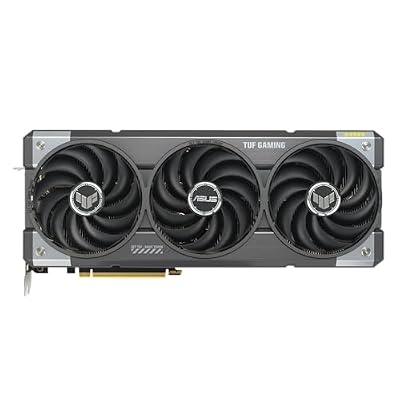
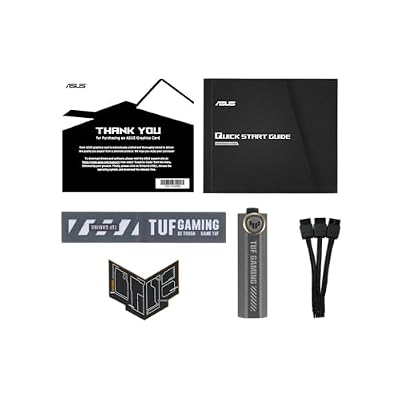
ASUS TUF Gaming NVIDIA GeForce RTX 5070 Ti 16GB GDDR7 OC Edition Graphics Card, (PCIe 5.0, HDMI/DP 2.1, 3.125-Slot, Military-Grade Components, Protective PCB Coating), 3 Year Warranty
In Stock
Updated: 1 day ago





As an Amazon Associate we earn from qualifying purchases. Product prices and availability are accurate as of the date/time indicated.
Gaming Performance: 1080p, 1440p, and 4K Analysis
1080p Gaming — Both Overkill, But the RTX 5070 Wins on Value
At 1080p with maximum settings, the RTX 5070 delivers 154+ FPS across modern titles. Competitive shooters like Counter-Strike 2 hit 340+ FPS, and demanding AAA games hover between 120–180 FPS. The RTX 5070 Ti pushes this closer to 180–220+ FPS in the same titles. The brutal truth: at 1080p, both cards exceed practical refresh rate limits for consumer monitors. If your display maxes out at 240Hz, a $200 price premium for the Ti becomes indefensible unless you’re future-proofing aggressively.
Verdict: RTX 5070 is the rational choice here. Spend the $200–300 savings on a 1440p 240Hz monitor instead.
1440p Gaming — Where RTX 5070 Shines
This is the RTX 5070’s natural habitat. At 1440p native resolution with high/ultra settings, you’re looking at 130–150 FPS in most engines. Enable DLSS Quality and ray tracing, and the RTX 5070 still hovers near 120 FPS in demanding titles. It’s smooth, crisp, and perfectly matched to 144Hz and 165Hz monitors that dominate the gaming market.
The RTX 5070 Ti improves this by roughly 20–25%, pushing you closer to 160+ FPS with DLSS enabled. That’s a meaningful, perceptible upgrade if you own a 240Hz display, but for the average 144Hz monitor? You’ve hit the ceiling where higher refresh isn’t visually distinguishable.
Real-World Benchmarks (1440p High/Ultra):
- Cyberpunk 2077 (Path Tracing): RTX 5070 ≈ 60–70 FPS native (DLSS Quality: 95+ FPS) | RTX 5070 Ti ≈ 75–85 FPS native (DLSS Quality: 115+ FPS)
- Black Myth: Wukong: RTX 5070 ≈ 110–130 FPS | RTX 5070 Ti ≈ 130–150 FPS
- Alan Wake 2: RTX 5070 ≈ 100–120 FPS (DLSS) | RTX 5070 Ti ≈ 120–145 FPS (DLSS)
- Starfield: RTX 5070 ≈ 140+ FPS | RTX 5070 Ti ≈ 165+ FPS
4K Gaming — RTX 5070 Ti’s Territory
At native 4K without DLSS, the RTX 5070 achieves 40–60 FPS in most games, dropping below 30 FPS in heavy ray-traced workloads. The 12GB VRAM ceiling becomes restrictive; you’ll frequently hit texture streaming limitations in open worlds. This GPU is playable at 4K with DLSS enabled—achieving 60–75 FPS—but not ideal.
The RTX 5070 Ti changes the 4K story dramatically. Native 4K gaming produces 70–90 FPS in lighter titles and 50–65 FPS in demanding ones. The 16GB VRAM and 256-bit interface eliminate the VRAM bottleneck. With DLSS Quality, you’re targeting 80–100+ FPS comfortably. If 4K at high refresh is your goal, the Ti is genuinely the only choice between these two.
4K Performance Estimates (with DLSS Quality):
- Cyberpunk 2077: RTX 5070 ≈ 65–75 FPS | RTX 5070 Ti ≈ 90–100 FPS
- Black Myth: Wukong: RTX 5070 ≈ 55–65 FPS | RTX 5070 Ti ≈ 75–85 FPS
- Indiana Jones & the Great Circle: RTX 5070 ≈ 50–60 FPS | RTX 5070 Ti ≈ 70–80 FPS
18
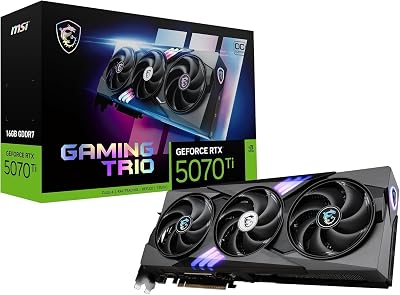
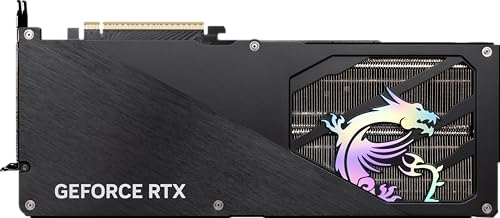
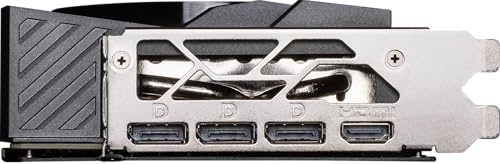
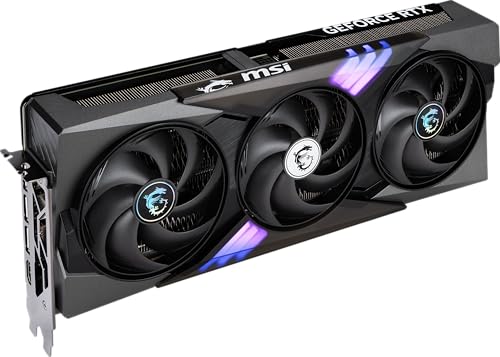
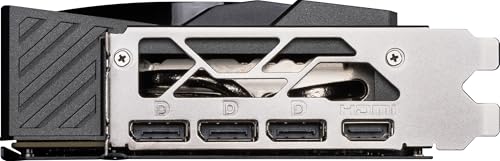
MSI NVIDIA GeForce RTX 5070 Ti 16G Gaming Trio OC Plus Graphics Card – 16 GB GDDR7 (28 GB/s, 256-bit), PCIe 5.0 – TRI FROZR 4 (3 x STORMFORCE Fans) – RGB – HDMI 2.1b, DisplayPort 2.1b
In Stock
Updated: May 27, 2026



As an Amazon Associate we earn from qualifying purchases. Product prices and availability are accurate as of the date/time indicated.
Memory & Bandwidth: The Hidden Performance Differentiator
The 4GB VRAM gap (12GB vs 16GB) matters far more than raw core count in texture-heavy, ray-traced games. Modern AAA titles with path tracing, 8K textures, and complex lighting routinely consume 10–13GB VRAM at 1440p and 14–16GB at 4K. Running the RTX 5070 near its VRAM ceiling causes dramatic stuttering and cache thrashing. The RTX 5070 Ti’s 16GB provides a comfortable 2–3GB buffer.
The 256-bit memory interface (RTX 5070 Ti) versus 192-bit (RTX 5070) translates to 33% higher bandwidth: 896 GB/s versus 672 GB/s. In memory-bandwidth-limited scenarios—large batch ray tracing, complex particle systems—the Ti pulls further ahead. This is especially noticeable in compute workloads and AI upscaling tasks.
Power Consumption & Efficiency
The RTX 5070 draws 250W TDP, while the Ti requires 300W. In practical terms: the RTX 5070 needs a solid 750W PSU in a gaming system; the Ti demands 850W minimum. If you’re upgrading from a 650W unit and want to avoid a new power supply, the RTX 5070 is the painless choice. The efficiency per CUDA core slightly favors the RTX 5070 (250W ÷ 6,144 cores = 0.041 W/core vs. Ti at 0.034 W/core), making it the more efficient choice per unit of computation—though both are exceptional by historical standards.
Over a 3-year ownership span, the 50W difference amounts to roughly $50–70 in extra electricity costs, assuming $0.12/kWh rates and 8 hours daily gaming. Not a dealbreaker, but it adds up.

23
Prime
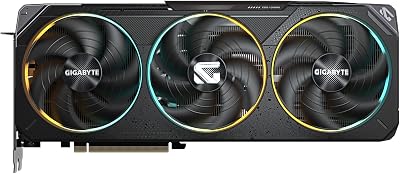
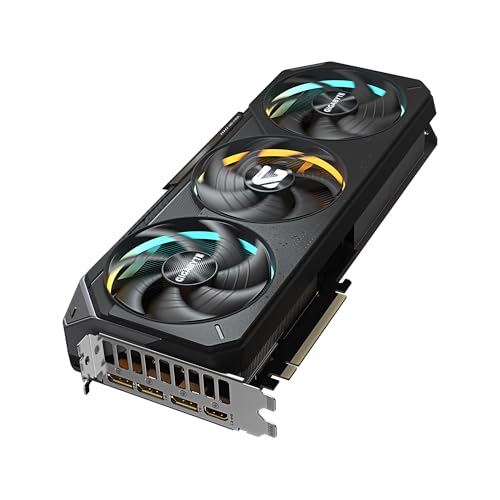
GIGABYTE GeForce RTX 5070 Gaming OC 12G Graphics Card, 12GB 192-bit GDDR7, PCIe 5.0, WINDFORCE Cooling System, GV-N5070GAMING OC-12GD Video Card
In Stock
Updated: May 27, 2026




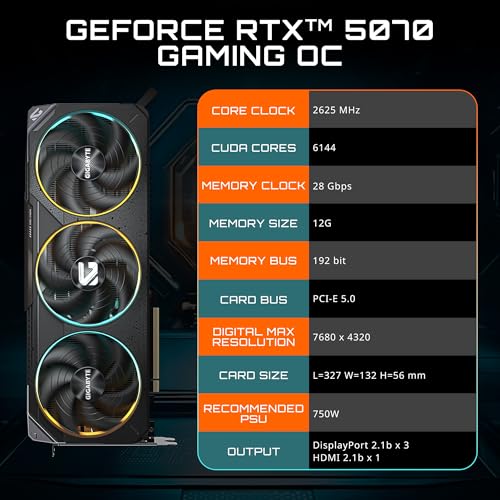
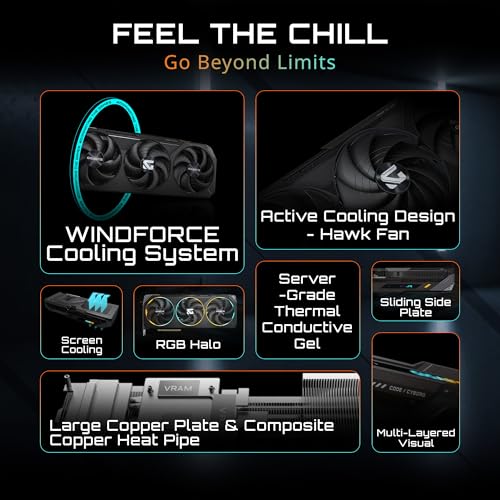
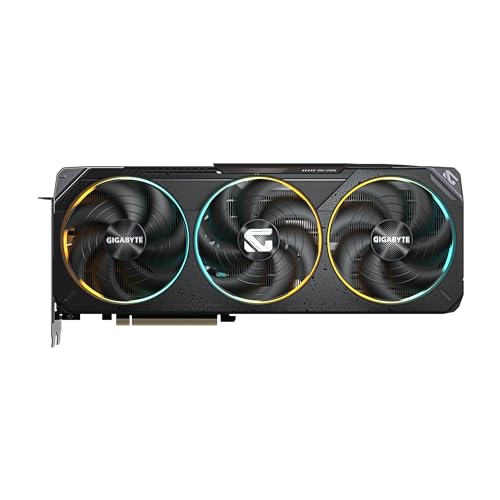
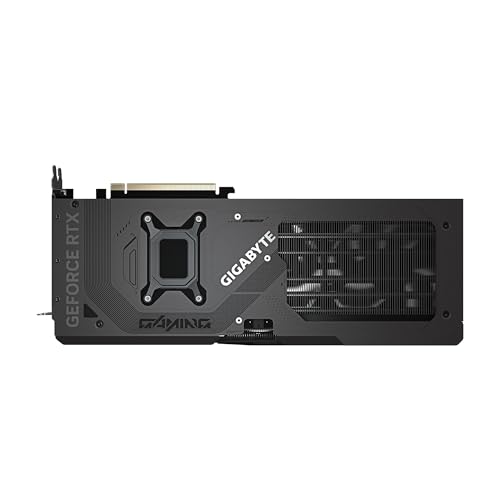
As an Amazon Associate we earn from qualifying purchases. Product prices and availability are accurate as of the date/time indicated.
Price-to-Performance Analysis
The RTX 5070 costs $549 MSRP; the Ti commands $749—a 36% premium for approximately 20–25% more raw performance. On a dollars-per-frame metric:
- At 1440p: RTX 5070 = $3.67 per FPS | RTX 5070 Ti = $4.88 per FPS (RTX 5070 wins by 25%)
- At 4K: RTX 5070 = harder to recommend; RTX 5070 Ti = $4.99 per FPS (if 4K is your target, the Ti becomes defensible)
Current May 2026 street pricing ($599 for RTX 5070, $919+ for RTX 5070 Ti) makes the gap even wider. The RTX 5070 delivers the better value for 1440p gamers by a considerable margin.
Thermals & Cooling Requirements
Both cards run cool relative to their power envelopes. The RTX 5070 in reference designs stays below 72°C under load; aftermarket RTX 5070 Ti cards like the ASUS Prime and MSI Gaming Trio maintain sub-70°C with quiet fan curves. The Ti’s higher wattage demands better case ventilation—ensure your setup has minimum 2 intake and 1 exhaust fan. A budget case with a single 120mm rear fan will thermally throttle the Ti.
Cooling Recommendations: Standard gaming PC airflow handles both cards. If you’re in a warm climate (above 80°F ambient), consider the RTX 5070 to reduce cooling complexity. For Ti owners, a quality 280mm or 360mm AIO for your CPU can offset GPU heat effectively.
Supported Displays & Monitor Pairing
RTX 5070 pairs with:
- 1440p 144Hz – 240Hz monitors (optimal sweet spot; both cards max-rate 1440p at 144Hz easily)
- 1080p 240Hz+ monitors (overkill, but future-proofs for resolution upgrades)
- 4K 60Hz – 90Hz monitors with DLSS (playable, not ideal)
RTX 5070 Ti pairs with:
- 1440p 240Hz monitors (maximizes the Ti’s performance ceiling)
- 4K 120Hz monitors (sweet spot; achieves consistent 90–100 FPS with DLSS)
- 4K 60Hz monitors (overkill, but viable for future-proofing 4K gaming with high settings)
If you don’t own a 240Hz+ display and are buying today, the RTX 5070 is the pragmatic choice. Pair it with a 1440p 240Hz monitor from the best gaming monitors for 1440p 240Hz list, and you’ve built an excellent 1440p platform for $1,300–1,500 total.
29
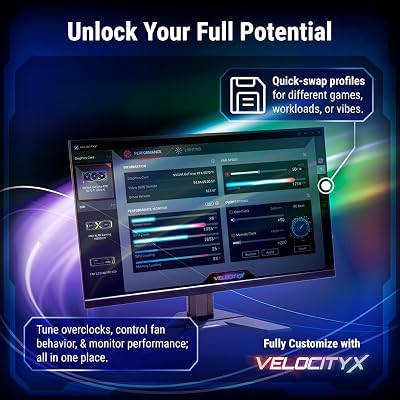
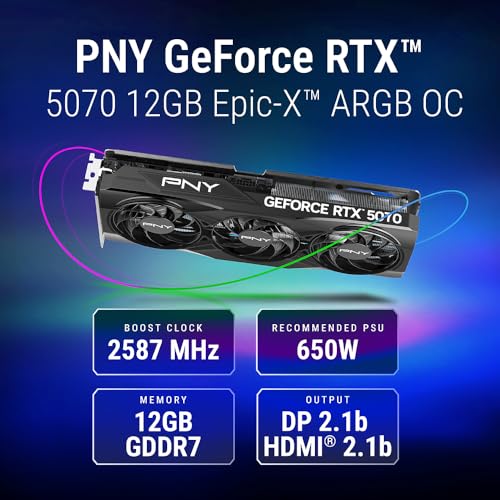
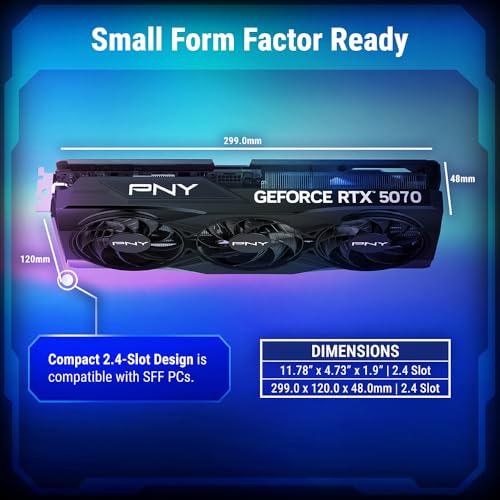
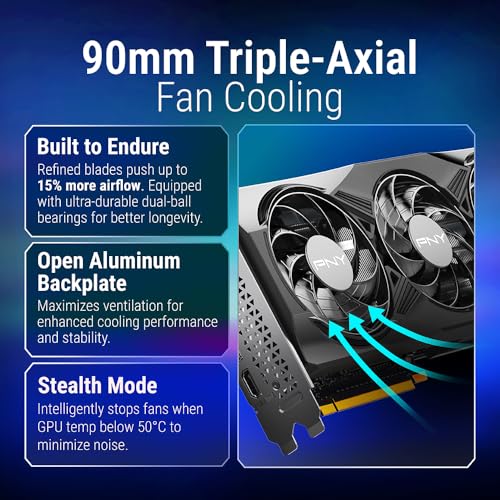
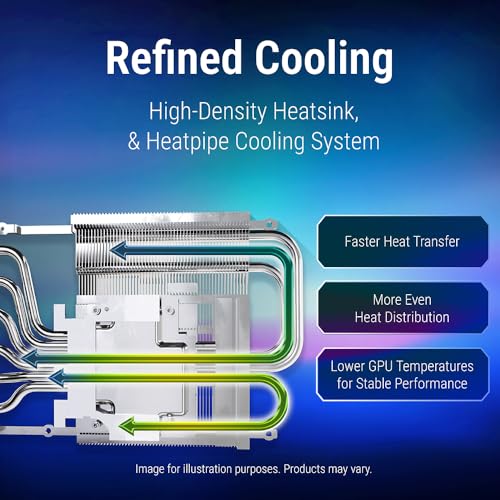
PNY NVIDIA GeForce RTX™ 5070 OC Triple Fan, Graphics Card (12GB GDDR7, 192-bit, Boost Speed: 2587 MHz, SFF-Ready, PCIe® 5.0, HDMI®/DP 2.1, 2.4-Slot, Blackwell Architecture, DLSS 4)
In Stock
Updated: May 27, 2026







As an Amazon Associate we earn from qualifying purchases. Product prices and availability are accurate as of the date/time indicated.
PCIe 5.0 & Future-Proofing
Both cards fully utilize PCIe 5.0 with no artificial limitations. If your motherboard lacks native PCIe 5.0 (older B650 and Z790 boards), you won’t see performance loss—these GPUs are still fed adequately by PCIe 4.0. Modern boards (X870-E, Z890) unlock full PCIe 5.0 bandwidth for games that specifically leverage it (Cyberpunk 2077 Path Tracing benefits slightly from PCIe 5.0).
Motherboard Compatibility: Check the best motherboards for gaming guide for boards that pair well with Blackwell GPUs. High-end Intel and AMD AM5 boards support both cards without bottleneck.
Best Accessories & Complementary Parts
To get the most from either GPU, you’ll need:
- Power Supply: RTX 5070 owner? A quality 750W unit (Gold+ rated) from Corsair or Seasonic works. RTX 5070 Ti? 850W minimum is non-negotiable. Check the best PSU for gaming for models that pair well with high-end GPUs.
- RAM: Both GPUs benefit from high-speed DDR5 memory (6000MHz+) for CPU-GPU synchronization. Read our best DDR5 RAM for gaming guide for recommended models like Corsair Dominator and G.Skill Trident Z5 Royal.
- CPU Cooling: A good CPU cooler prevents bottlenecking from thermals. The best AIO coolers for Ryzen 9 guide covers top performers that work equally well with Intel chips.
- Storage: Games now frequently exceed 150GB. Pair your GPU with a fast NVMe SSD. See the best NVMe SSD for gaming 2026 guide for options that maintain high framerates with minimal loading stalls.
- Full System Recommendations: Explore best RTX 5070 gaming PC deal if you want pre-built systems optimized for these GPUs.
Competitive Alternatives
The RTX 5070 competes directly with AMD’s Radeon RX 7800 XT and Radeon RX 7900 GRE. The AMD cards offer slightly better rasterization at the Ti’s price point but lack DLSS 4 frame generation (AMD’s equivalent isn’t mature). For pure frame-rate maximization in current games, the RTX 5070/5070 Ti still lead.
The Intel Arc B580 exists in the mid-range but trails both NVIDIA cards in 4K performance. NVIDIA’s advantage: DLSS 4 is 12–18 months ahead of AMD’s competing technology, making it the smarter long-term investment.
Frequently Asked Questions
Should I buy the RTX 5070 or RTX 5070 Ti?
Buy the RTX 5070 if you own or plan to buy a 1440p 144–240Hz monitor. It delivers flawless 1440p performance at a much lower price. Buy the RTX 5070 Ti if 4K gaming is non-negotiable or you already own a high-refresh 4K display. The $200 premium is justified only if your resolution demands it.
Will the RTX 5070 handle 4K gaming in 2026 and beyond?
Yes, with caveats. At 4K with DLSS enabled, the RTX 5070 hits 60–75 FPS in most games, dropping to 45–55 FPS in heavy ray-traced workloads. The 12GB VRAM ceiling becomes restrictive in memory-heavy titles. Plan to disable ray tracing completely or set it to medium for comfortable 4K performance.
Is the RTX 5070 Ti worth the 36% price premium?
Only if you’re targeting 4K gaming or own a 240Hz+ monitor at 1440p. For standard 1440p 144Hz gaming, the RTX 5070 delivers 95% of the experience at 75% of the cost. The premium is performance-justified only in high-resolution, high-refresh scenarios.
How long will these cards remain relevant?
Both will remain competitive for 1440p gaming through 2028–2029 at least. The RTX 5070 may require DLSS upscaling by 2028 to maintain 60+ FPS at ultra settings; the Ti extends this runway by 18–24 months. For 4K gaming, expect the Ti to remain relevant longer due to the 16GB VRAM buffer and higher core count.
Do I need to upgrade my power supply?
RTX 5070: No, if you have a quality 750W PSU. RTX 5070 Ti: Yes, 850W minimum is strongly recommended. Check your current PSU wattage and efficiency rating before upgrading.
Final Verdict: Which One Should You Buy?
Buy the RTX 5070 if:
- You game at 1440p with a 144Hz or 165Hz monitor
- You want the best value-for-money 1440p experience
- You’re upgrading from RTX 40-series and want to maximize performance per dollar
- Your power supply is 750W or less
- You want to build a $1,500–1,800 balanced gaming PC
Buy the RTX 5070 Ti if:
- You’re committed to 4K gaming with high settings and ray tracing
- You own or plan to buy a 240Hz 1440p or 120Hz 4K monitor
- You need maximum future-proofing for next-gen games (2027–2028)
- You have an 850W+ power supply already
- You’re comfortable spending $900–1,000 for a flagship GPU experience
Bottom Line: The RTX 5070 is the smarter purchase for the vast majority of 1440p gamers in 2026. The RTX 5070 Ti is a specialist card optimized for 4K enthusiasts and high-refresh 1440p content creators. Both deliver exceptional value compared to previous generations—just ensure your display resolution aligns with your GPU choice to avoid overspending.
Related Articles
Looking for more on this topic? Browse the hand-picked guides below — each one applies the same scoring rubric used in this review.
Ready to decide? Our #1 pick for 2026 is the CUDA Cores.
Live price & availability on Amazon.