
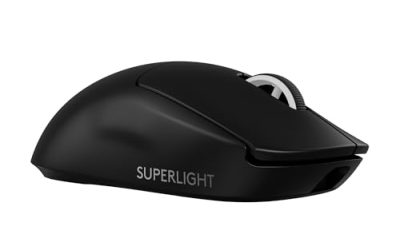
Symmetrical vs Ergonomic Gaming Mouse
Symmetrical vs ergonomic gaming mouse shapes compared by grip, hand size, sensor and switches, with clear picks for FPS, MMO and long sessions.
We research everything we recommend. When you buy through our links, we may earn a commission. As an Amazon Associate we earn from qualifying purchases. Learn more ›
Browse Gaming Guides buying guides and comparisons for 2026.
Symmetrical vs ergonomic gaming mouse shapes compared by grip, hand size, sensor and switches, with clear picks for FPS, MMO and long sessions.
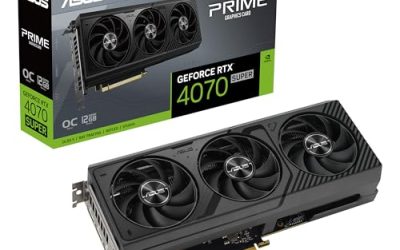
Assassin's Creed Shadows pushes GPUs hard with built-in ray tracing. Five cards for smooth 1080p, 1440p and 4K play, backed by published benchmarks.
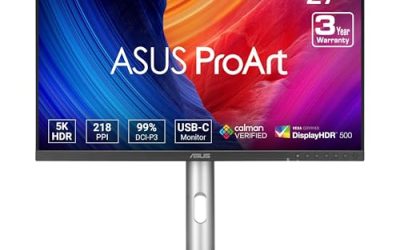
Compare the best high end 5K and 6K monitors for photo and video work, with factory-calibrated colour, Thunderbolt hubs and Retina-class pixel density.
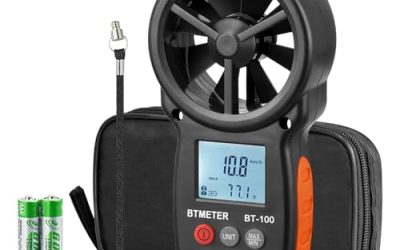
The best handheld anemometers for wind speed compared on range, accuracy, units and extras, with picks for sailing, drones, HVAC checks and shooting.
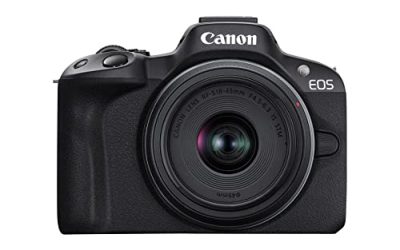
The best cameras for forensic investigators compared: rugged macro compacts and mirrorless bodies with RAW files, flash support, and scale-ready detail.
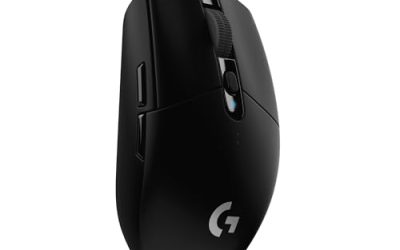
A mouse that disconnects mid-game and reconnects by itself points at the link, not the sensor. Read the dropout pattern, then fix the port or power fault.
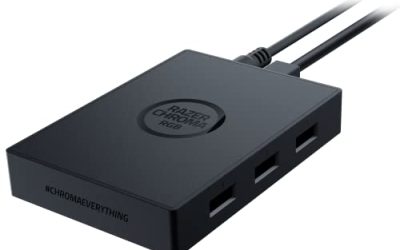
Fans one color, RAM another, strips doing their own thing? The cause is two control apps fighting or a header limit. Here is the fix order that works.
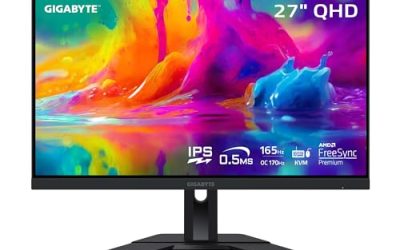
Night Light stuck on and tinting your games yellow? Check the schedule, driver, HDR and the apps that keep the warm filter alive, then clear it.
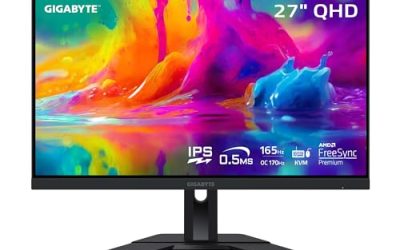
Still seeing screen tearing with VSync on? Audit the sync chain in order: driver overrides, window modes, adaptive variants and second screens.
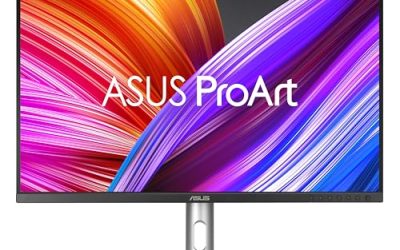
HDR on but your PC games look too dark? Two tone mappers are fighting over the same picture. Set peak brightness, paper white and the black floor in order.
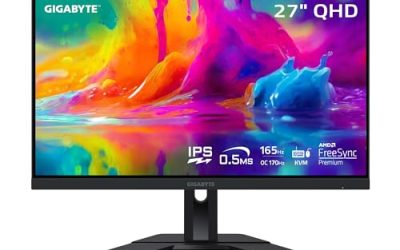
A game that crashes only when you alt-tab is failing the switch, not the gameplay. Test borderless mode, overlays, and fullscreen optimizations first.
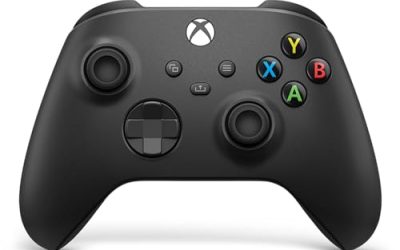
Controller not detected on PC? Work through cable, pairing, driver, Steam Input and firmware checks in order, and see reference pads that connect cleanly.





