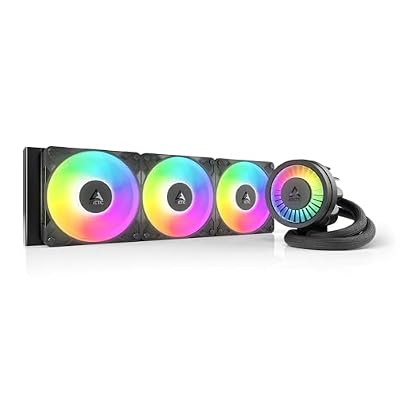
STALKER 2 Graphics Settings for RTX 5090 Max FPS
An RTX 5090 is the fastest consumer graphics card in its generation, and that headroom is tempting to spend on maximum settings everywhere. In STALKER 2, that approach often wastes performance. Several of the most expensive options add visual detail that is hard to see during play, while others hit the processor or the memory budget. This guide explains how to set the game for smooth, high frame rates on a card in this class, and which settings to lower first when you want the most frames for the least loss in image quality.
This is a settings and buying guide, not a benchmark report. We have not measured frame rates in every area of the game, and this article does not publish fps figures. Results depend on the game build, resolution, display and processor, so use the in-game settings and an overlay to check the effect of each change on your own system. The hero listing above is the closest match to the graphics hardware discussed here. Confirm the exact model, power requirements and price on the card before you buy.


Why an RTX 5090 Can Still Stutter in STALKER 2
A top graphics card solves the rendering side of the problem, but it does not solve everything. Open world games like this one also spend processor time on the simulation, on streaming new areas, and on keeping a large amount of world state current. If the processor or the storage cannot keep up, the graphics card waits, and the frame rate can dip even when the graphics load looks low. This is why a flagship card paired with a modest processor can disappoint in busy zones.
Before you change settings, watch the processor and the graphics load during a difficult area. If the graphics card is near its limit, reducing the rendering settings will help. If the processor is near its limit and the graphics card has headroom, reducing graphics settings will change little, and the better fix lies in the processor, memory and background load. Our STALKER 2 build guide covers the balance between parts in more detail.
Upscaling and Frame Generation First
On NVIDIA hardware, upscaling and frame generation are usually the biggest gains available in a title like this. Upscaling renders at a lower internal resolution and rebuilds the image, which can free a large amount of graphics work. Frame generation adds generated frames between rendered ones, which raises the displayed frame rate, but it does not reduce input latency in the same way. For a competitive or precise shooter setting, the latency cost matters, while in a slower exploration session the smoother image can be more useful.
Test upscaling at the quality level you prefer and compare the image in motion. Some modes look soft on fine detail such as foliage and distant objects. If the game offers a quality preset for upscaling, begin in the middle and move up or down until the trade-off suits you.
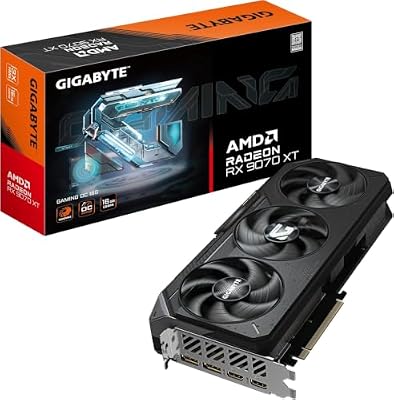
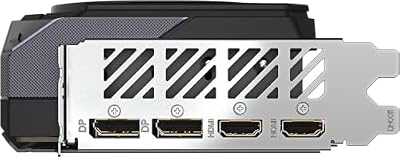
Radeon RX 9070 XT Gaming OC 16G Graphics Card - 16 GB GDDR6, 256 Bit, PCI-E 5.0, 3060 MHz Core Frequency, 2 x DisplayPort, 2 x HDMI, GV-R9070XTGAMING OC-16GD


As an Amazon Associate we earn from qualifying purchases. Product prices and availability are accurate as of the date/time indicated.
Which Settings Cost the Most Frames
Settings that affect distance, shadows and volumetric effects usually cost the most. View distance, shadow quality and volumetric fog or clouds tend to add heavy load, and in an open area they can be the main reason for a drop. Reflections and ray traced effects, where available, are another large cost. Lower these first if you want to hold a high frame rate. Texture quality, by contrast, mostly affects video memory. It rarely changes speed much, but a setting that is too high for the available memory will cause hitching when you move between areas.
Shadows and Volumetrics
Shadows give a scene its depth, and high quality shadows are worth keeping in tight interiors where they matter. In open terrain, a medium shadow setting often looks close to the high setting while costing less. Volumetric effects are visually striking but can be expensive, so test them in the area where you spend most of your time.
Textures and Video Memory
Keep textures at the highest level that stays inside the memory of your card. Going beyond that point rarely adds much detail and can trigger stutter when the game streams data. Check the memory use reported by your overlay while you play, and step back one notch if you see frequent spikes.
Comparison Table: Graphics Hardware Options
The table compares the hero listing with the four alternatives by role. It is a reference for matching hardware to goals, not a ranking of measured performance.
| Option | Role in this guide | Best for | What to confirm | Price range |
|---|---|---|---|---|
| Hero listing | Closest match to the card discussed | High resolution play with maximum headroom | Exact model, power connectors and length | Check current price |
| Alternative 1 | Second listing in the same set | Players who want a smaller spend | Video memory and cooler design | Check current price |
| Alternative 2 | Third listing in the same set | Quiet operation at high settings | Noise levels and fan curve | Check current price |
| Alternative 3 | Fourth listing in the same set | 1440p play at high frame rates | Resolution target and monitor refresh | Check current price |
| Alternative 4 | Fifth listing in the same set | Compact or airflow-limited cases | Card length and clearance | Check current price |
A table row describes what a listing is for, not what it will do in this game. Use it to shortlist, then check the specifications on the card.

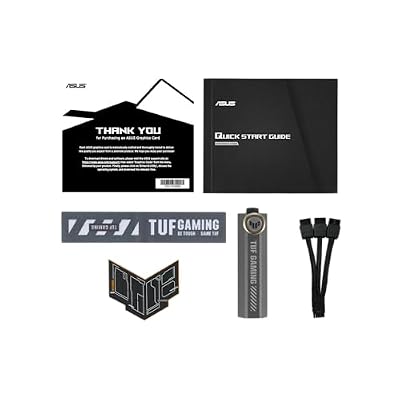
ASUS TUF Gaming GeForce RTX™ 5080 16GB GDDR7 OC Edition Graphics Card | PCIe 5.0, HDMI/DP 2.1, 3.6-slot, Military-grade Components, Protective PCB Coating, Axial-tech Fans




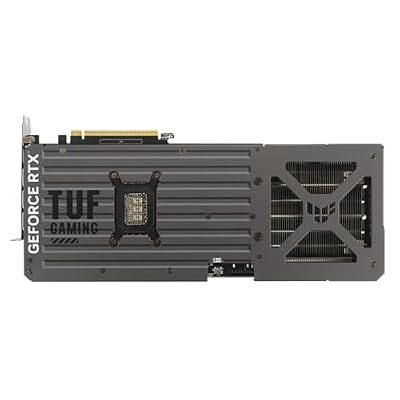


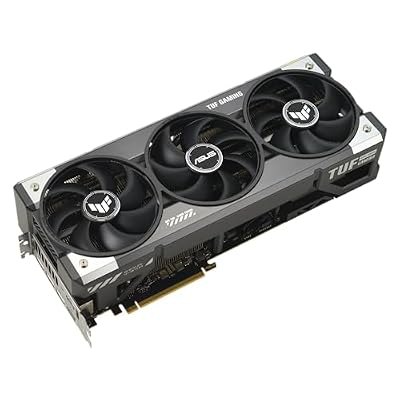


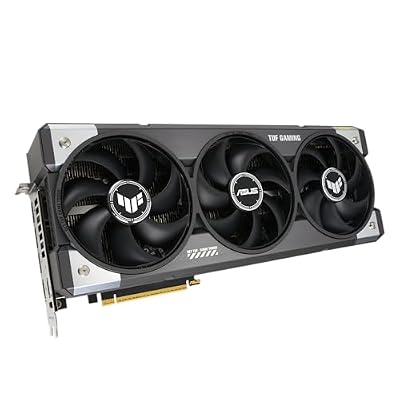

As an Amazon Associate we earn from qualifying purchases. Product prices and availability are accurate as of the date/time indicated.
A Practical Order for Changing Settings
Work in a fixed order so that you can see what each change does. Start with the display mode and the resolution. Then set upscaling. Then lower shadows, volumetric effects and view distance one step at a time. Set textures last, and check memory use. Record the frame rate in one fixed area, such as a busy village or a tight interior, before and after each change. Repeat the test in an open area to see how the open world behaves. This takes a little time, but it stops you from guessing.
Frequently Asked Questions
Do I need the highest settings with an RTX 5090?
No. Many of the highest settings add cost without a clear visual benefit at normal viewing distance. Use upscaling and lower the most expensive options first, then decide whether the remaining detail matters to you.
Is frame generation worth using?
It raises the displayed frame rate, which can make a game look smoother. It does not reduce input delay in the same way, so it suits slower exploration better than a fast fight where timing matters.
Why do I still see stutter with a top graphics card?
The processor, storage and video memory can each become the limit. A stutter in a busy area often comes from streaming or processor load rather than the graphics card. Check which part is at its maximum during the stutter.
Should I set textures to the maximum?
Only if your card has enough video memory for the setting. Exceeding the memory budget causes hitching, and the extra detail is often hard to see at normal play distance.
Next Steps
If you are deciding whether a flagship card is necessary, read our RTX 5090 review for an overview of the card class and its trade-offs. For a lower budget, the best GPU for STALKER 2 guide compares cards across price tiers. Cooling and power planning for a card this size are covered in the cooler guide for RTX 5090 builds and the 1000W PSU guide for RTX 5090 systems. If you want to know which processors keep up with a card like this, the best gaming CPU for 2026 list is the place to start. For a higher resolution target, see the 4K GPU guide, and for a mid-range comparison the 1440p GPU guide shows what changes when you lower the resolution.