Monster Train 2 is Shiny Shoe’s sequel to the deckbuilding roguelike about defending a train rolling through a frozen hell, released on Steam on 21 May 2025 under publisher Big Fan Games. The Linux question has a short answer: there is no native Linux build. Steam’s record sells a Windows build and a Mac build, and its Linux flag reads false. Everything else here is about the gap between that fact and the surprising amount of Linux-flavoured paperwork the record carries anyway — and about how well the Windows build runs under Proton.
That paperwork matters because a casual glance can mislead: the requirements section has a Linux tab, the main content depot is tagged for Linux, and one of the four add-on apps flags Linux outright. Read layer by layer, every signal dissolves. What survives is a Deck Verified badge, a Platinum Proton file and a genuinely real Mac build. This article covers the sequel’s record only; the first Monster Train is a separate app with its own article on this site.
As an Amazon Associate, we earn from qualifying purchases.
Quick answer
Monster Train 2 has no native Linux build: Steam sells Windows and Mac versions only, and the Linux paperwork on the record is decoration. The Windows build is the Linux route, and it is a strong one: ProtonDB rates it Platinum across 23 reports, and Valve marks the game Steam Deck Verified.
What the store record actually sells
Start with the platform flags, because they settle the question the rest of the record keeps muddying. On the full Steam record for app 2742830, Windows reads true, Mac reads true and Linux reads false. The game is still sold, its release state is a full release rather than a coming-soon page, and a single package group carries the offer. This live commercial record does not contain a Linux build.
The Mac leg, by contrast, is real on every layer. Its requirements tab is genuinely populated, asking for an Apple processor with macOS 14 Sonoma and an M2-class chip. A dedicated macOS depot sits beside the main depot at roughly the same size, the extended OS field names only Mac variants — Apple silicon and notarized builds — and the detected technology is the expected Unity and Mono stack. When this record ships a second platform, flags, requirements, depot and metadata all agree. The Linux side never gets past the first layer.
Three Linux mirages on one record
The first mirage is the requirements tab. The Linux requirements field exists, with the familiar Minimum and Recommended headings — and completely empty lists underneath both: a populated-but-empty shell, the scaffolding of a specification with nothing inside it. The same shell repeats on the two content expansions, The Punished and Destiny of the Railforged. It is the shape of a platform that was templated and never filled in.
The second mirage is subtler. The main content depot, all 1.93 GiB of it, carries a configuration tag naming Windows and Linux together, and the two expansion depots repeat the pairing. A depot tag, however, is delivery metadata — a label on the box, not a census of its contents. The census is unambiguous: some 680 files of almost entirely Windows material, including 178 DLLs, two Windows executables and the Unity asset bundles the Windows build loads. No Linux executable, no Linux launch entry, no Linux client icon exists anywhere in the record. The tag is a leftover; the files are the truth.
The third mirage is the family trap this cluster keeps meeting. Of the four add-on apps, exactly one flags Linux support: the Monster Train 2 Soundtrack, a music app whose platform flags read true across the board. Music apps inherit broad flags because audio plays anywhere. The two real expansions match the base game exactly — Windows and Mac true, Linux false, hollow shells — and the fourth add-on, the Digital Compendium, is Windows only and drops even the shell. Across the whole family, the only Linux flag belongs to the music.
The Proton file: Platinum, with one footnote
Since the Windows build is the route, its Proton record is the evidence that matters, and the full summary is about as strong as this database gets. The settled tier is Platinum, the best-reported tier is Platinum, the trending tier is Platinum, across 23 reports, with confidence rated good. The filings behind those numbers are mostly uneventful in the best way: out-of-the-box runs on current Proton builds, on GE-Proton, and on the Deck.
One detailed filing supplies the footnote worth knowing. On Proton 10 and on Experimental, that player hit missing textures and video cutscenes that would not play, on desktop and Deck alike — and reverting to the Proton 9 branch fixed the video problem outright. It does not dent the Platinum consensus, but it is worth knowing before a long run. One more caution belongs to the database itself: the game’s ProtonDB page carries a stray heading claiming native support, which Steam’s record contradicts on every layer above. The article follows Steam; the heading is wrong.
Steam Deck: Verified, on pre-release paperwork
Valve’s own compatibility record resolves to the top category: Verified. All four checks pass — the default controller configuration is fully functional, the glyphs match the Deck, the interface text is legible and the default graphics configuration performs well — and the SteamOS side reads Compatible, with a Proton 9.0 release candidate as the recommended runtime. The game’s own record backs the input story, listing full controller support with Steam Input API support among its categories; that claim comes from this game’s record, not from any other game’s page.
The honest caveat is the paperwork’s age. Valve’s test is dated 15 March 2025 and was run against build 17611208 — a pre-release build, tested two months before launch. The current public build is 26650011, dated 13 November 2026. The badge therefore grades a replaced build of an unfinished version. Nothing in the Proton file suggests the current build has regressed.
Anti-cheat and other storefronts
There is little to say on anti-cheat, and the article says it plainly rather than dressing silence up as a clearance. The game is a single-player deckbuilder; no anti-cheat is named on Steam’s record, and the Are We Anti-Cheat Yet database, read in full, holds no entry for it in either direction: documentation silence, not a certification. On GOG, there is no edition: the natural product address resolves to the general games catalogue rather than a product page, and GOG’s catalogue records return only unrelated titles. Steam is the only PC storefront selling this game.
Gear for the way it actually runs
A turn-based card battler with full controller support and a Verified badge is handheld-shaped by nature; the desktop route asks little more than a comfortable pad or a precise mouse.
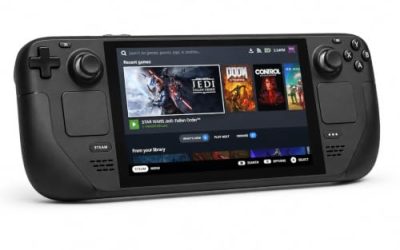
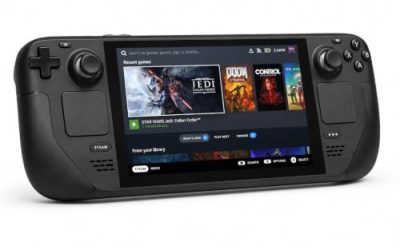
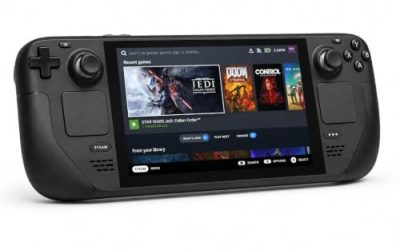
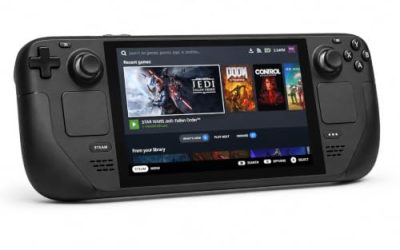
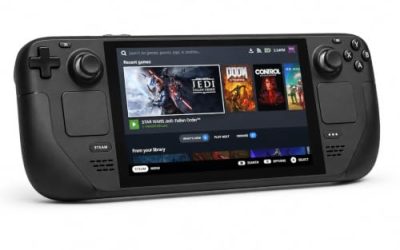
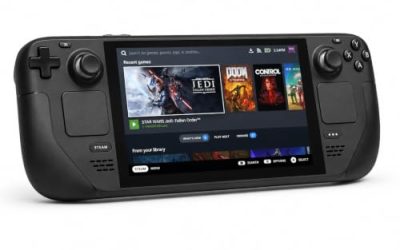
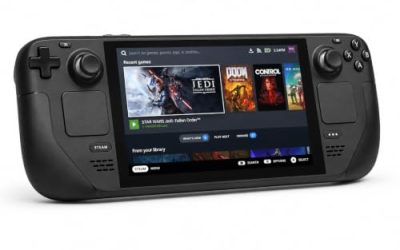
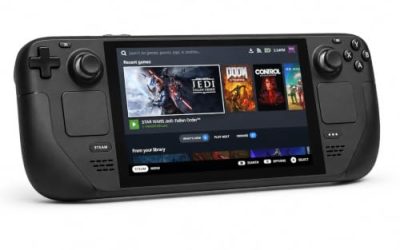
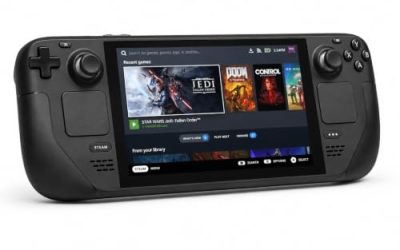
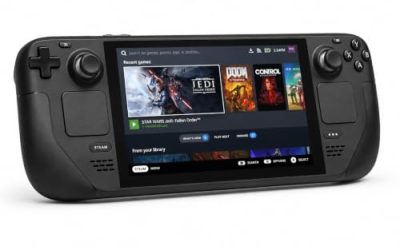
Valve Steam Deck OLED 512GB

The handheld the Verified badge was written for. A run-based deckbuilder suits the Deck’s pick-up-and-suspend rhythm, and Valve’s sheet gives the Windows build a clean pass.
Specs
- Display: 7.4-inch HDR OLED, 1280 by 800, up to 90 Hz
- Processor: AMD Zen 2 and RDNA 2 custom APU
- Memory: 16 GB LPDDR5
- Storage: 512 GB NVMe, plus a microSD slot
- Wireless: Wi-Fi 6E and Bluetooth
- Channel note: Valve sells the Deck mainly through its own store, so Amazon listings are third-party sellers
8BitDo Ultimate 2 Bluetooth Controller
The docked and desktop pad pick. The game’s record lists full controller support, and this pad covers the couch case with modern sticks and triggers plus back buttons for menu shortcuts.
Specs
- Connectivity: Bluetooth wireless and USB-C wired
- Joysticks: TMR electromagnetic, anti-drift design
- Triggers: Hall effect, with mode switching
- Extras: two remappable back buttons, motion control
- In the box: charging dock included
Xbox Wireless Controller, Carbon Black
The safest guest pad in PC gaming: Steam Input support is universal, and Valve’s sheet confirms this game’s glyphs match the Deck’s own layout, so prompts stay familiar.
- Connectivity: Xbox Wireless and Bluetooth
- Port: USB-C for wired play
- Controls: hybrid D-pad, dedicated Share button
- Power: AA batteries or optional rechargeable pack
Logitech G502 HERO
Deckbuilding is menu work, and at a desk a precise wired mouse turns card inspection and shop trips into single clicks. Eleven programmable buttons cover the inputs a long run repeats.
Specs
- HERO optical sensor, up to 25,600 DPI
- 11 programmable buttons
- Adjustable weight system
- Wired USB connection
- On-board memory profiles
Samsung T9 Portable SSD 2TB
For moving a Linux game library between machines, or keeping an offline backup of installers, a fast USB-C drive is the simple answer. The headline figure needs a Gen 2×2 host port; on a lesser port the drive runs at that ceiling.
Specs
- Capacity: 2 TB portable SSD
- Interface: USB 3.2 Gen 2×2, USB-C connector
- Maker-rated speeds: up to 2,000 MB per second read, 1,950 MB per second write
- Features: Dynamic Thermal Guard, maker-rated drop resistance
How to choose
Buy the Steam copy, because it is the only PC edition on sale and the exact build both records describe. On a Linux desktop or laptop, install under Proton and start with the default tool; the Platinum file says that is what nearly every reporter did. Keep the footnote in reserve: if cutscenes refuse to play or textures go missing, the Proton 9 branch is the documented fix, not a reinstall. On a Steam Deck, the Verified badge means no configuration work is expected — install and launch. Mac owners are the exception: they have a genuine native build, and none of this applies to them.
Who should skip
Skip this one if you buy native Linux builds only, on principle or for a tinker-free library: no amount of Platinum paperwork changes the flag on the record, and the depot tag and soundtrack flag are not a quiet port. Skip it if your library lives on GOG, because no edition exists there. And if the first game’s runs already exhausted your appetite for train defence, a clean Proton file will not change the shape of the game itself.
FAQ
Is Monster Train 2 native on Linux?
No. Steam flags the game for Windows and Mac only, the Linux requirements tab is an empty shell, and the content depot’s file census is entirely Windows material. The Mac build is genuinely native; the Linux route is the Windows build under Proton.
Why does the depot mention Linux if there is no Linux build?
Because a depot’s OS tag is publisher-set delivery metadata, not a contents list. Here the tag names Linux while the depot holds Windows executables and DLLs, no Linux launch entry exists, and the store flag reads false. Where tag and census disagree, the census wins.
Does the soundtrack’s Linux flag mean a port exists?
No. The soundtrack is a separate music app, and music apps routinely flag every platform because audio plays anywhere. All four add-ons were read individually: the expansions match the base game’s flags, the compendium is Windows only, and only the music claims Linux.
Which Proton version should I use?
Start with the current default; most of the 23 Platinum reports did exactly that. If cutscenes fail to play or textures go missing, one detailed report documents the Proton 9 branch as the fix. Deck players can simply install and launch, per the Verified badge.
Final verdict
Monster Train 2 is not a native Linux game, and its record shows why that question needs more than one layer of evidence: an empty shell, a mislabelled depot tag and a soundtrack flag all point the wrong way, while the flags, the file census and the missing launch entry point the right one. Judged as a Proton title, it is one of the easiest recommendations in this cluster — Platinum across the board, a Verified Deck badge, and one documented footnote about cutscenes on the newest Proton branch. Buy it on Steam, run the Windows build, and ignore the paperwork that pretends otherwise.
Product and ASIN Reference
| Product | ASIN |
|---|---|
| Valve Steam Deck OLED 512GB | B0CQ3RWQQZ |
| 8BitDo Ultimate 2 Bluetooth Controller | B0F194QFT2 |
| Xbox Wireless Controller, Carbon Black | B08DF248LD |
| Logitech G502 HERO | B07GBZ4Q68 |
| Samsung T9 Portable SSD 2TB | B0CHFS9K14 |