ANNO: Mutationem is a cyberpunk action-adventure game with RPG elements from ThinkingStars, released in March 2022, mixing pixelated 2D characters with 3D environments. Despite the capitalised first word, it has nothing to do with Ubisoft’s Anno city-builder series: an unrelated game from another studio. Its Steam record is the only authority this article follows.
The Linux picture splits in two. On the native side there is nothing: Steam flags the game for Windows and Mac, the Linux requirements field is a populated-but-empty shell, and no Linux depot exists in any form. On the Proton side there is almost everything a Windows-only game can offer: a Platinum community file with strong confidence, and a Verified Steam Deck badge.
As an Amazon Associate, we earn from qualifying purchases.
Quick answer
ANNO: Mutationem is not native on Linux. Steam flags the game Windows and Mac only, the Linux requirements field is an empty shell, and no Linux depot exists. The Linux route is Proton: ProtonDB settles at Platinum across 37 reports with strong confidence, and Valve rates the game Verified on Steam Deck. Buy the Steam copy; no GOG edition exists.
First, the name: not that Anno
The Anno strategy series, the city-builders published by Ubisoft, has its own app records and its own platform history. ANNO: Mutationem is a separate product from ThinkingStars, its developer and publisher: a single-player action RPG set in a cyberpunk metropolis, not a colony builder. The rest of this article concerns app 1368030 alone.
What Steam’s record ships
Steam’s platform flags read Windows true, Mac true, Linux false, and two of those legs point in opposite directions.
The Mac leg is real on every layer this project checks. The Mac requirements tab is genuinely populated in both tiers: macOS 11.0 Big Sur on an Apple M1 with 8 GB of RAM at minimum, macOS 12.0 Monterey on an Apple M2 with 16 GB recommended. Behind the tab sits a macOS content depot of 9.20 GiB, the record carries the macosapplesilicon and macosnotarized markers, and a Mac client icon file is registered. An Apple-silicon-only Mac build, delivered and documented — and a neighbouring platform’s build, not evidence of a Linux version.
The Linux leg is the populated-but-empty shell: the field exists, with Minimum and Recommended headings, and both lists under them are empty. Beside it, the Windows tab is genuinely populated in both tiers, asking at minimum for Windows 7 SP1 64-bit, an Intel i3 4130 or AMD FX 4100, 4 GB of RAM and a GeForce GTX 750, and recommending Windows 10, an i5 4590 or Ryzen 5 1400, 8 GB of RAM and a GTX 960. Any current Linux machine clears that bar easily.
The depot census settles what the flags suggest. The app carries exactly two content depots: 1368031, Windows 64-bit content at 9.23 GiB, and 1368032, the macOS build at 9.20 GiB. There is no Linux depot in any form: no full build, no zero-byte placeholder, no ghost entry, no stranded build in an unsold package. The registered assets include no Linux client icon in any form, a clean absence rather than a fossil. The game is built on Unity with IL2CPP, and its own record lists full controller support, taken from the record’s own controller field and category.
The record’s DLC array holds two apps, both read individually. The Collectors Upgrade Pack (1909960) flags Windows and Mac true and Linux false, matching the base game. The Original Game Soundtrack Complete Edition (1823560) also flags Windows and Mac true and Linux false. The soundtrack trap, where an audio app carries a Linux flag that a family scan then credits to the game, cannot fire here: the family’s Linux-flag count is zero. No anti-cheat is named on the record, the game is single-player, and the Are We Anti Cheat Yet database, read in full at 1,167 entries, holds no entry for this title: documentation silence, not a clearance.
ProtonDB: Platinum, and a heading that gets it wrong
ProtonDB’s summary record for app 1368030, read directly this session, is as strong as a Windows-only file gets: Platinum on the settled, best-reported and trending tiers alike, across 37 reports, with strong confidence.
One part of the page does get it wrong, and it is worth naming. The game page carries a “Natively Supports:” heading, the stray tag that appears on dozens of pages in this cluster. Steam’s record contradicts it on every layer: the flag is false, the requirements field is an empty shell, and the depot census contains no Linux build. This article follows Steam. The confusion shows inside the file itself, where at least one reporter filed a Proton report while claiming native Linux compatibility. Readers who buy on that heading’s authority are buying a Proton game, albeit an excellent one.
The report colour supports the tier. The newest filings, on Proton 10.0-3, describe out-of-the-box play with no tinkering. One adds the file’s only practical caveat: the gamepad was not detected until Steam Input was disabled for this game, after which the pad worked normally, a game-specific input quirk rather than a Proton failure. The one failure report, a Deck install that hung on a black loading screen under an old GE-Proton build, dates from the launch era and has not been repeated on current builds.
The Steam Deck sheet
Valve rates ANNO: Mutationem Verified on Steam Deck, its top category, with SteamOS separately Compatible. One evidence note: Valve’s own compatibility endpoint returned unusable output this session, so the verdict and its paperwork were read through SteamDB’s republication of Valve’s record.
All four Verified checks pass: the default controller configuration is fully functional, the game shows Steam Deck controller icons, in-game interface text is legible with no small-text deduction, and the default graphics configuration performs well. The recommended runtime is proton-stable, as expected: it certifies the Windows build under Proton, and since no native build exists, Proton is the route rather than a fallback. One configuration note, not a deduction: the primary player is not controller slot zero, so an external pad may need a manual switch first.
The paperwork’s date is the honest caveat. Valve tested the game on 21 April 2022 against build 8359035, a launch-era copy. The current public build is 22799777, from April 2026, so the badge grades a build long since replaced. The verdict stands, but the test is historical; the ProtonDB file’s newest reports supply the current-build evidence.
The storefront ruling
There is no second PC edition to weigh. The natural GOG product address for this title resolves to GOG’s general games catalogue rather than a product page, and GOG’s catalogue records surface no product for it, so the ruling rests on the absent page and the records, not on search silence. The Steam copy is the only PC edition on sale.
Gear that fits the record
The picks below follow the record’s shape: the handheld the Verified badge was written for, two pads, a mouse for desktop sessions, and fast library storage.
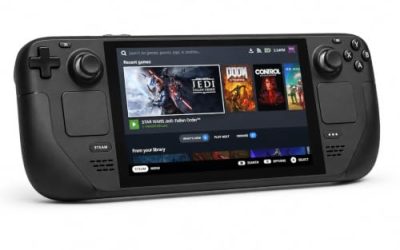
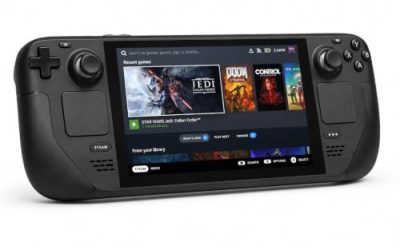
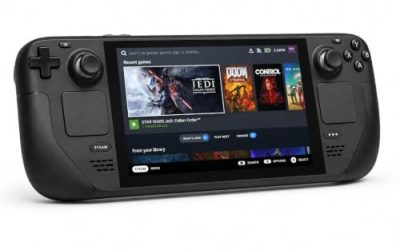
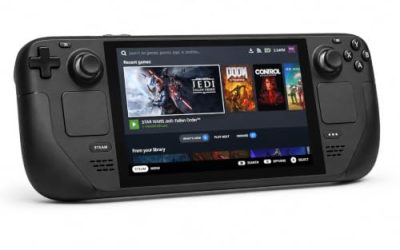
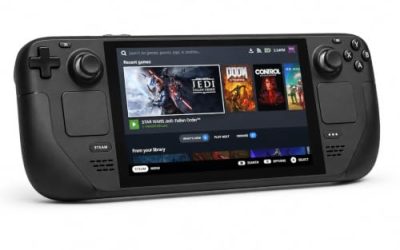
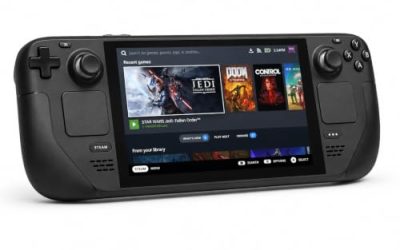
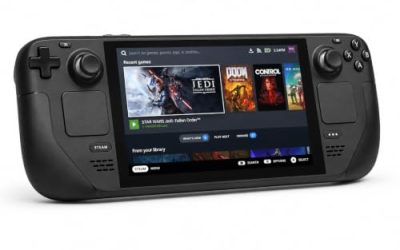
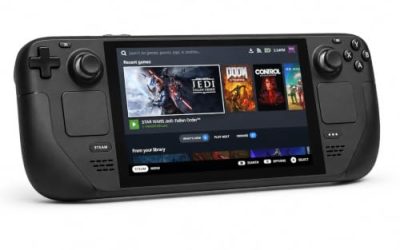
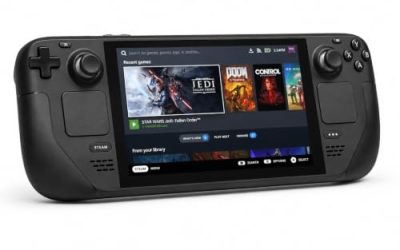
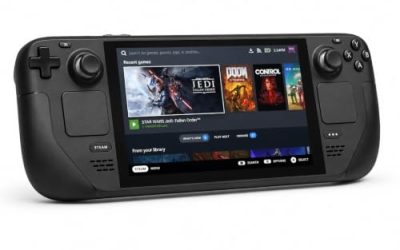
Valve Steam Deck OLED 512GB

The handheld the badge names. Valve’s sheet gives the Windows build a clean pass under proton-stable, and the game’s published Windows requirements sit far below the Deck’s APU.
Specs
- Display: 7.4-inch HDR OLED, 1280 by 800, up to 90 Hz
- Processor: AMD Zen 2 and RDNA 2 custom APU
- Memory: 16 GB LPDDR5
- Storage: 512 GB NVMe, plus a microSD slot
- Wireless: Wi-Fi 6E and Bluetooth
- Channel note: Valve sells the Deck mainly through its own store, so Amazon listings are third-party sellers
8BitDo Ultimate 2 Bluetooth Controller
The docked and desktop pad pick. The game’s own record lists full controller support, and this pad covers the couch case with modern sticks, triggers and back buttons.
Specs
- Connectivity: Bluetooth wireless and USB-C wired
- Joysticks: TMR electromagnetic, anti-drift design
- Triggers: Hall effect, with mode switching
- Extras: two remappable back buttons, motion control
- In the box: charging dock included
Xbox Wireless Controller, Carbon Black
The safest guest pad in PC gaming: universal Steam Input support, familiar glyphs, and pairing over Bluetooth or its own wireless standard. If a pad is not detected, the ProtonDB fix applies: disable Steam Input for this game.
- Connectivity: Xbox Wireless and Bluetooth
- Port: USB-C for wired play
- Controls: hybrid D-pad, dedicated Share button
- Power: AA batteries or optional rechargeable pack
Logitech G502 HERO
At a desk, a precise wired mouse earns its place between fights. Eleven programmable buttons cover the confirm, cancel and dodge inputs a long session repeats.
Specs
- HERO optical sensor, up to 25,600 DPI
- 11 programmable buttons
- Adjustable weight system
- Wired USB connection
- On-board memory profiles
Samsung T9 Portable SSD 2TB
For moving a Linux game library between desktop and laptop, a fast USB-C drive is the simple answer. The headline figure needs a Gen 2×2 host port; on a lesser port the drive runs at that ceiling instead.
Specs
- Capacity: 2 TB portable SSD
- Interface: USB 3.2 Gen 2×2, USB-C connector
- Maker-rated speeds: up to 2,000 MB per second read, 1,950 MB per second write
- Features: Dynamic Thermal Guard, maker-rated drop resistance
How to choose
Choose the Steam copy, the only PC edition on sale. On desktop or laptop, install under Proton and leave the compatibility tool at its default; a unanimous Platinum file with strong confidence says current builds run the game cleanly. Keep one fix in mind: if your gamepad is not detected, disable Steam Input for this game specifically, the one tinker step the recent reports record. On Steam Deck, install and launch; the Verified badge is old paperwork, but the current community file agrees with it.
Who should skip
Skip this one if you are shopping for a native Linux action RPG: the flag is false, the requirements tab is an empty shell, and no Linux depot exists. Skip it if you want a DRM-free offline installer, because no GOG edition exists. Skip it if a Steam Deck badge only counts for you when tested against the current build, since Valve’s test dates from the launch month. And skip it if the name led you here looking for a city builder.
FAQ
Is ANNO: Mutationem native on Linux?
No. Steam’s record for app 1368030 flags Linux false, the Linux requirements field is a set of headings over empty lists, and the depot census contains a Windows build and a macOS build but no Linux build in any form. The Mac build is real, and it is a different platform’s copy.
Is ANNO: Mutationem part of the Anno strategy series?
No. It is a cyberpunk action-adventure RPG developed and published by ThinkingStars. Ubisoft’s Anno games are a separate city-builder series with their own app records.
How well does ANNO: Mutationem run under Proton?
ProtonDB’s summary record reads Platinum on the settled, best-reported and trending tiers, across 37 reports with strong confidence. Newest reports describe out-of-the-box play; the one recorded quirk is gamepad detection, fixed by disabling Steam Input.
Is ANNO: Mutationem Steam Deck Verified?
Yes. Valve’s record gives the game its top category, Verified, with all four checks passing and proton-stable as the recommended runtime. The test dates from April 2022 against a launch-era build, so the paperwork predates the current build, which current ProtonDB reports still support.
Final verdict
ANNO: Mutationem is a Windows and Mac release whose Linux absence is total and unambiguous: a false flag, an empty shell where the requirements tab should be, and a depot census with no Linux build to find. The traps that usually muddy this ruling do not fire, not even in the soundtrack. What Linux players get instead is near the best outcome a Windows-only game can offer: a unanimous Platinum Proton file with strong confidence, a Verified Deck badge, and full controller support on the game’s own record. Buy the Steam copy, play it under Proton, and ignore both the name and the heading.
Product and ASIN Reference
| Product | ASIN |
|---|---|
| Valve Steam Deck OLED 512GB | B0CQ3RWQQZ |
| 8BitDo Ultimate 2 Bluetooth Controller | B0F194QFT2 |
| Xbox Wireless Controller, Carbon Black | B08DF248LD |
| Logitech G502 HERO | B07GBZ4Q68 |
| Samsung T9 Portable SSD 2TB | B0CHFS9K14 |