

- Top Pick: Elgato Stream Deck MK.2 Studio Controller, 15 Macro Keys
- Best Value: VSD M18 Macro Keypad Programmable Pad, Stream Controller Streaming Deck, Customizable LCD keys, Gaming shortcut keyboard, USB sound board, Trigger actions in OBS, Twitch, YouTube, Works with PC Mac
- Premium Choice: ActionRing Stream Controller Deck,Macro Keypad,Gaming Shortcut Keyboard
🛒 Best Price Today on Amazon
Prime members get fast, free shipping on everything above, plus member-only deals. New members get a 30-day free trial — cancel anytime.
- Top Stream Deck Controllers Picks for 2026
- Best Stream Deck Controllers at a Glance
- 1. Elgato Stream Deck MK.2 – Studio Controller, 15 LCD Macro Keys
- 2. Elgato Stream Deck + – Audio Mixer, Production Console and Studio Controller
- 3. Elgato Stream Deck XL – Advanced Studio Controller, 32 LCD Macro Keys
- 4. Elgato Stream Deck Mini – 6 LCD Keys Compact Studio Controller
- 5. Elgato Stream Deck MK.2 White – 15 LCD Macro Keys, White Chassis
- 6. Elgato Stream Deck Neo – 8 Keys with Touch Points and Smart Display
- How to Choose the Right Stream Deck Controller
- Related Guides
- Frequently Asked Questions
- Related Guides
- Related Articles
- Related Guides
Top Stream Deck Controllers Picks for 2026
Here are our current top stream deck controllers picks, compared on real Amazon owner reviews, price, and features. Live prices update below.
As an Amazon Associate we earn from qualifying purchases at no extra cost to you.


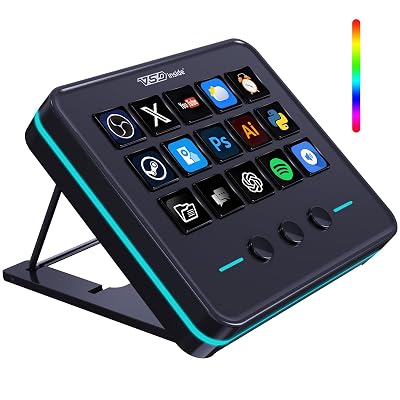


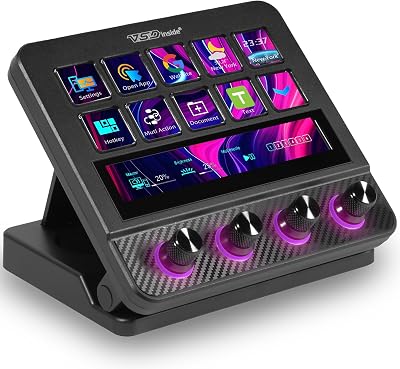
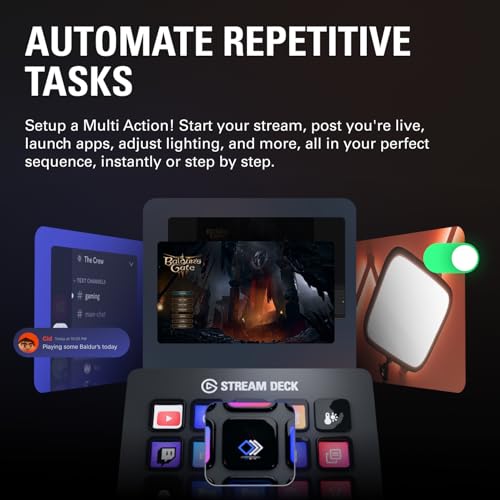
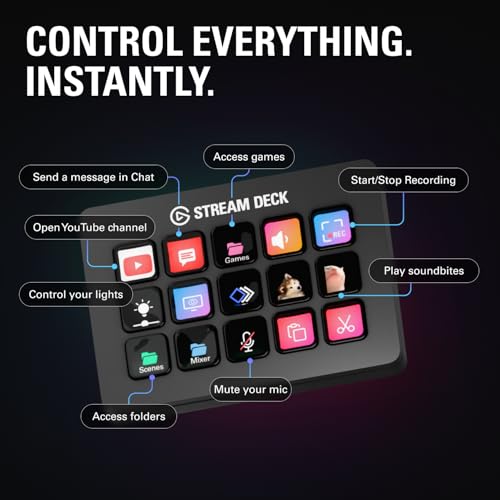
A Stream Deck controller is the small box on your desk that turns streaming, content production and everyday computing into a one-press operation. Elgato essentially defined the category and remains the industry standard, with a lineup of macro key controllers that scale from compact six-key panels right up to a 32-key flagship. Each device pairs customizable LCD keys with the same Stream Deck software, so you can trigger OBS scenes, mute your mic, switch scenes in Twitch, fire chat commands, control lights, run shortcuts in apps like Word and Excel, and much more — all from a tactile, instantly readable button.
This guide rounds up the best Stream Deck controllers in 2026, focused on the Elgato Stream Deck family that virtually every streamer, podcaster and content creator considers first. We lead with the Stream Deck MK.2 — the most recommended all-rounder — then cover the dial-and-touchscreen Stream Deck +, the 32-key XL for power users, the compact Mini for budget setups, the white MK.2 variant for clean builds, and the newer Stream Deck Neo for productivity leaning users. Prices span from around $59 to $249, so there is a Stream Deck for every budget. Below is an at-a-glance comparison, then a closer look at each and a buyer’s guide built around key count, dials, software and intent — the things that genuinely separate one Stream Deck from another.
Best Stream Deck Controllers at a Glance
| Controller | Best For | Standout Spec | Approx Price |
|---|---|---|---|
| Elgato Stream Deck MK.2 (15 keys) | Most streamers, all-rounder | 15 LCD macro keys, faceplates | around $134 |
| Elgato Stream Deck + (8 keys + 4 dials + touch) | Audio control & creators | Dials + touch strip + 8 keys | around $179 |
| Elgato Stream Deck XL (32 keys) | Power users & multi-app pros | 32 LCD keys, biggest layout | around $249 |
| Elgato Stream Deck Mini (6 keys) | Budget & tight desks | 6 LCD keys, compact footprint | around $59 |
| Elgato Stream Deck MK.2 White | Clean white-themed builds | 15 LCD keys, white chassis | around $134 |
| Elgato Stream Deck Neo (8 keys + touch) | Productivity-first users | 8 keys + 2 touch points, smart display | around $89 |
1. Elgato Stream Deck MK.2 – Studio Controller, 15 LCD Macro Keys
34
Prime
Elgato Stream Deck MK.2 – Studio Controller, 15 macro keys, trigger actions in apps and software like OBS, Twitch, YouTube and more, USB, works with Mac and PC
In Stock


As an Amazon Associate we earn from qualifying purchases. Product prices and availability are accurate as of the date/time indicated.
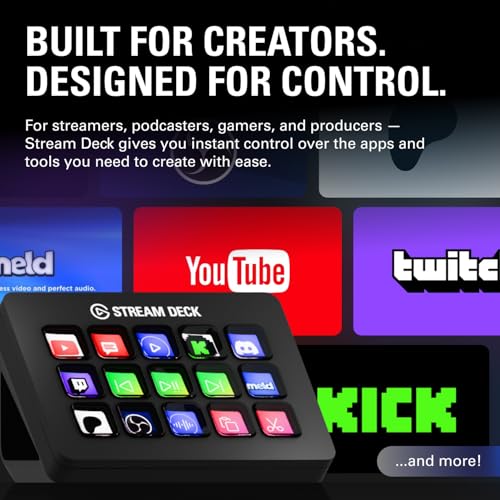
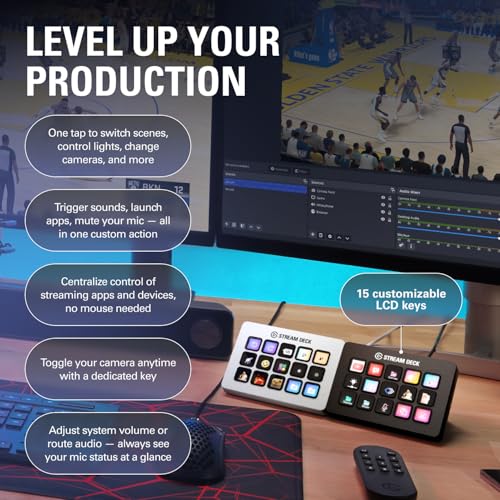
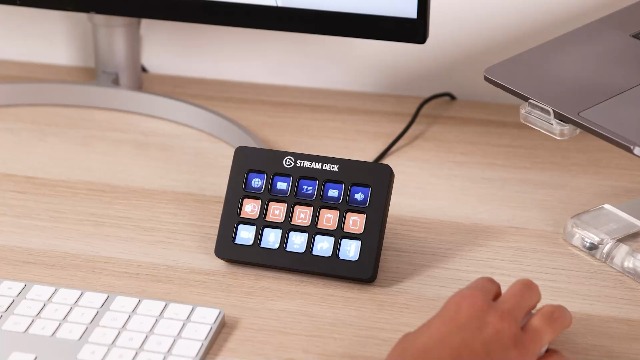
The Elgato Stream Deck MK.2 is the default recommendation for anyone shopping for their first Stream Deck controller, and the reason it shows up in nearly every streamer setup. It pairs fifteen customizable LCD macro keys with Elgato’s mature Stream Deck software, swappable faceplates for personalization, and a magnetic stand. At around $134 it sits in the sweet spot of capability, price and footprint.
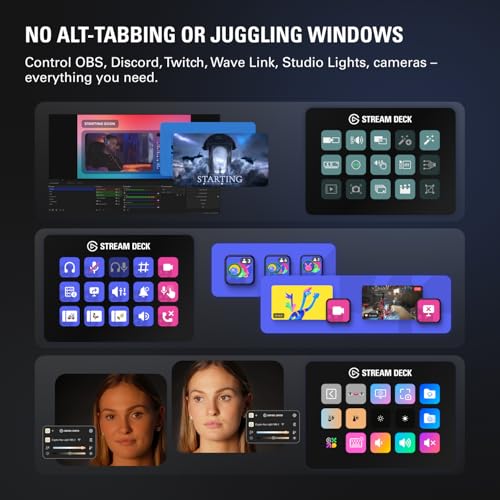
This is the controller for streamers, podcasters and content creators who want real, dependable macro control without overcomplicating the desk. Fifteen keys is enough to map OBS scenes, mute toggles, chat commands, scene transitions, media controls and your most-used apps on a single screen, and the LCD icons make every action instantly readable. With folder navigation in software you can stack effectively unlimited actions behind those keys. For most users the MK.2 is the right Stream Deck, and the one we lead the list with.
Pros: Industry-standard 15 LCD macro keys, mature Elgato software, faceplate customization, fair price.
Cons: Single 15-key layout; no dials or touch strip like the Stream Deck +.
2. Elgato Stream Deck + – Audio Mixer, Production Console and Studio Controller

11


As an Amazon Associate we earn from qualifying purchases. Product prices and availability are accurate as of the date/time indicated.
The Elgato Stream Deck + is the creator-focused step up, adding hardware that the standard MK.2 does not offer. It pairs eight customizable LCD keys with four physical dials and a touch strip, turning the Stream Deck into a hands-on audio mixer, production console and studio controller. At around $179 it is the pick for streamers and editors who want tactile control of levels and parameters alongside macro keys.
This is the Stream Deck for the user who needs to ride mic, music, game and chat audio in real time, scrub timelines, or tweak parameters in software like OBS, Premiere and DaVinci Resolve. The four dials feel great under the fingers, the touch strip surfaces additional controls and context, and you still get eight LCD macro keys for the most-used actions. If audio control or production work matters to your stream or edits, the Stream Deck + is the most capable consumer Elgato makes.
Pros: Eight LCD keys plus four physical dials and a touch strip, ideal for audio and production.
Cons: Higher price; fewer top-row keys than the MK.2 or XL.
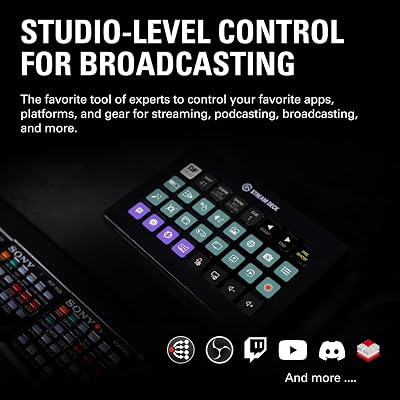
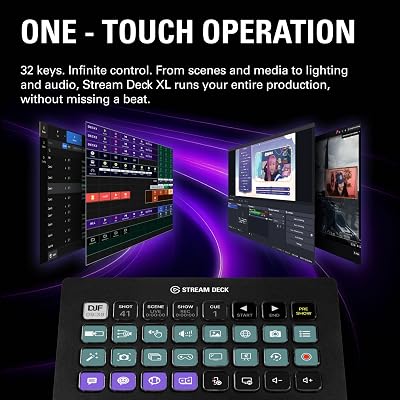
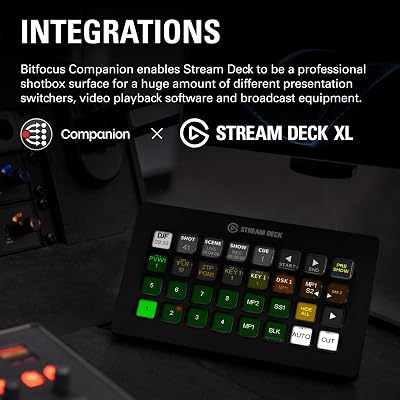
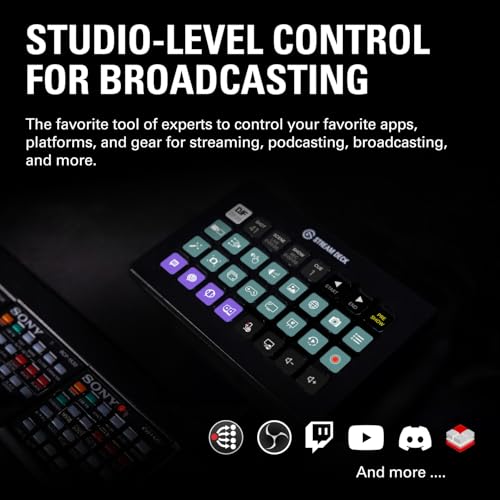
3. Elgato Stream Deck XL – Advanced Studio Controller, 32 LCD Macro Keys

24
Prime
Elgato Stream Deck XL – Advanced Studio Controller, 32 Macro Keys, Trigger Actions in apps and Software Like OBS, Twitch, YouTube and More, USB, Works with Mac and PC
In Stock



As an Amazon Associate we earn from qualifying purchases. Product prices and availability are accurate as of the date/time indicated.
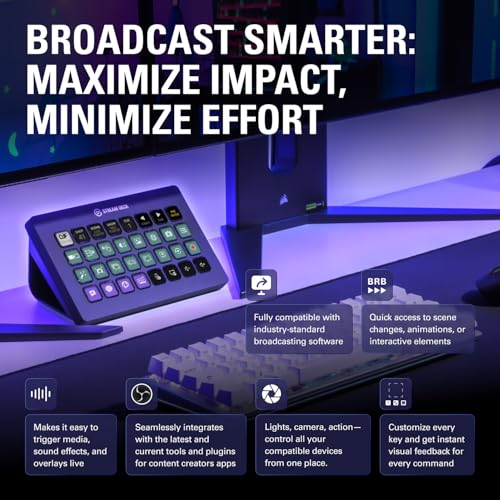
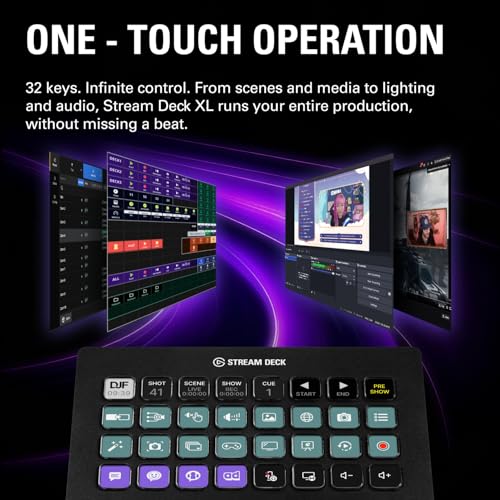
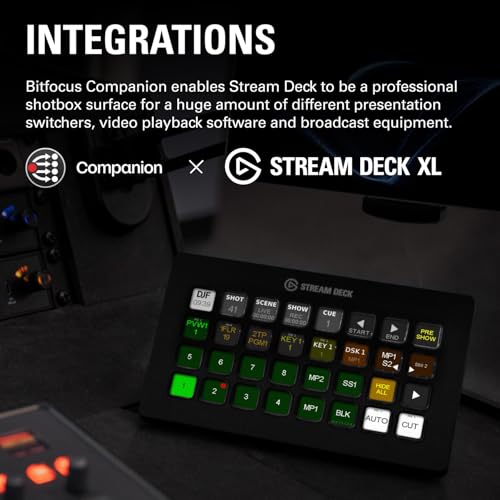
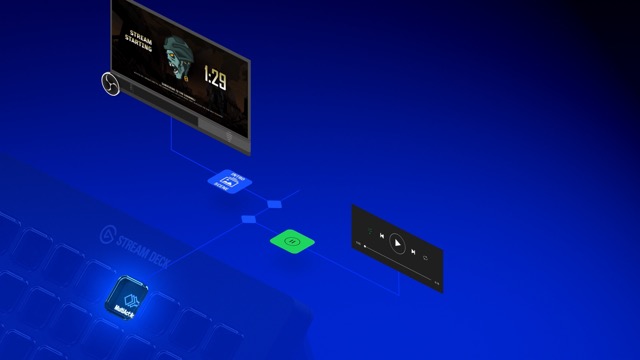
The Elgato Stream Deck XL is the power user pick, doubling down on key count. It pairs thirty-two customizable LCD macro keys on a single panel with the same Stream Deck software the rest of the family uses. At around $249 it is the most expensive option here, and the choice for streamers, producers and professionals who want as many actions as possible without diving into folders.
This is the controller for the heavy multitasker — the streamer who runs many scenes, the editor who maps dozens of shortcuts across multiple NLEs, or the studio user who controls lights, cameras and audio sources simultaneously. Thirty-two keys on one surface means more actions visible at a glance and less drilling into sub-folders to find them. If you already know the MK.2 will not be enough or you simply want the maximum amount of one-press control on the desk, the XL is the obvious endgame Stream Deck.
Pros: Massive 32 LCD macro keys on one panel, software identical to MK.2, fewer folder dives.
Cons: Largest footprint and highest price; overkill for casual streamers.
4. Elgato Stream Deck Mini – 6 LCD Keys Compact Studio Controller

22
Prime
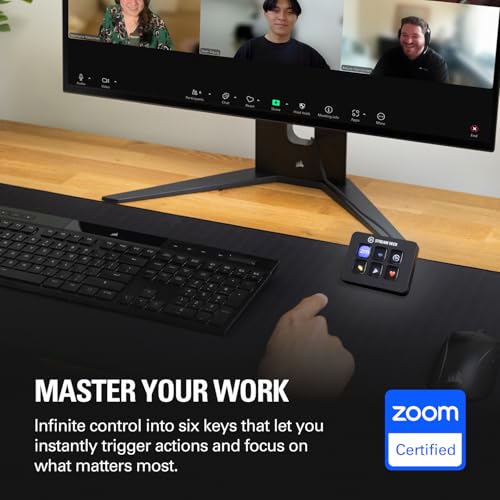
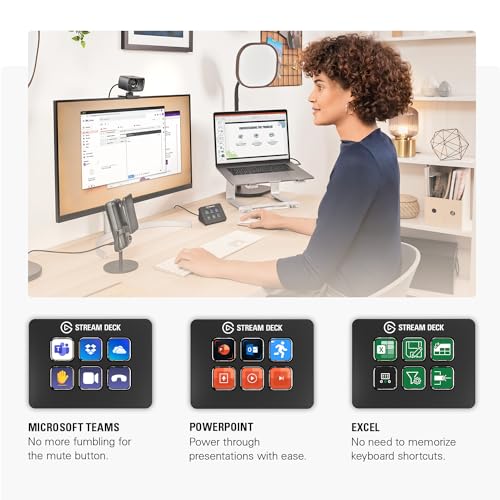
Elgato Stream Deck Mini – Control Zoom, Teams, PowerPoint, MS Office and Boost Productivity with Seamless Integration for Daily Apps, Set Up Shortcuts Easily, USB, Compatible with Mac and PC
In Stock


As an Amazon Associate we earn from qualifying purchases. Product prices and availability are accurate as of the date/time indicated.
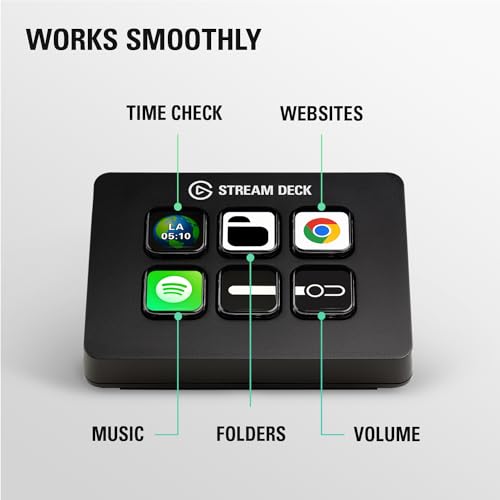
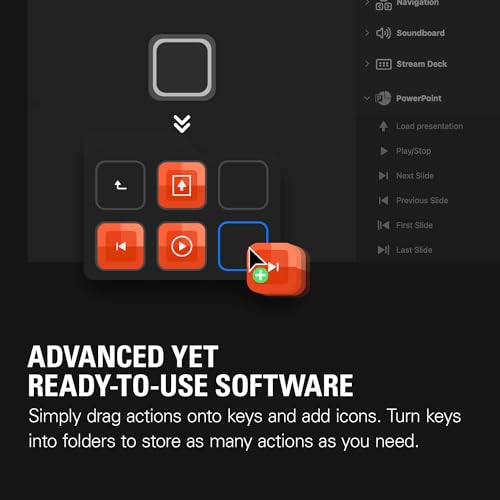
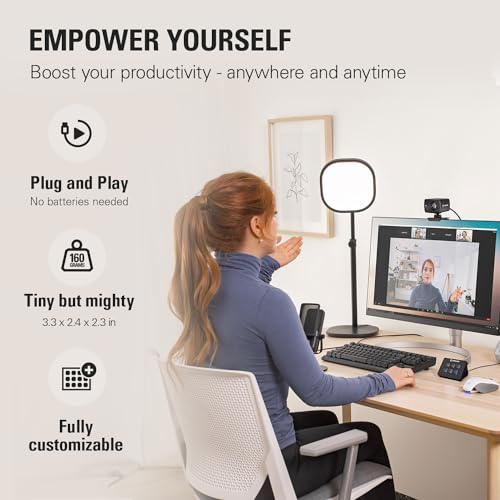
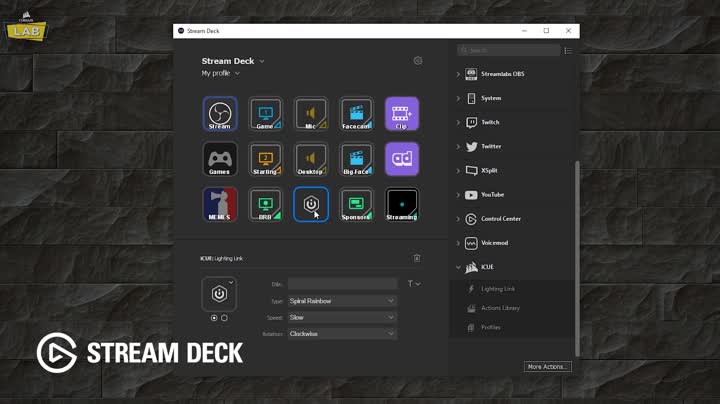
The Elgato Stream Deck Mini is the budget pick and the smallest Stream Deck Elgato sells. It packs six customizable LCD macro keys into a compact chassis with the same Stream Deck software powering the rest of the family. At around $59 it is by a wide margin the most affordable way into the ecosystem, ideal for tight desks or first-time users who want to try the workflow.
This is the controller for the streamer or creator who wants to start small and see how a Stream Deck fits their workflow before committing to a larger model. Six keys is enough for the essentials — mute, scene switch, push-to-talk, browser source toggles, a couple of chat commands — and the folder system in software multiplies what you can do behind those keys. For a starter Stream Deck or a secondary panel beside a larger unit, the Mini is a smart, affordable choice.
Pros: Lowest entry price into the Stream Deck ecosystem, compact footprint, identical software.
Cons: Only six keys; you may outgrow it if you stream or edit heavily.
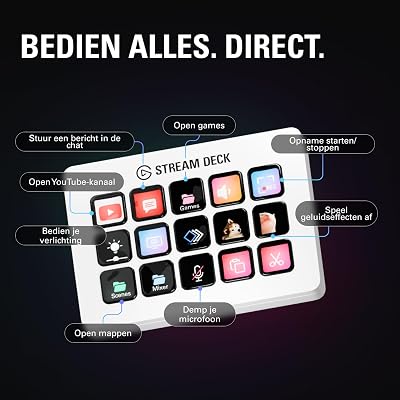
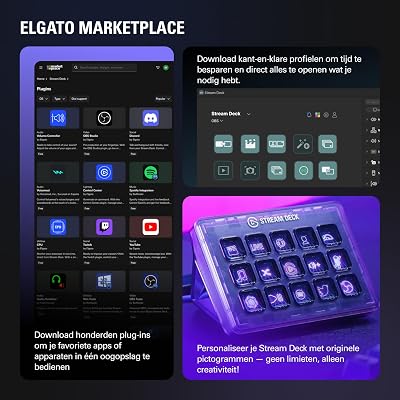
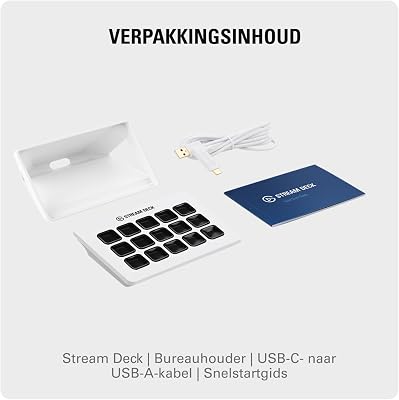
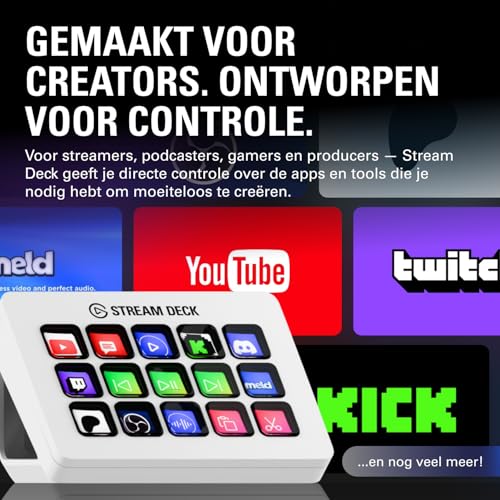
5. Elgato Stream Deck MK.2 White – 15 LCD Macro Keys, White Chassis
33
Elgato Stream Deck MK.2 White – Studio Controller, 15 macro keys, trigger actions in apps and software like OBS, Twitch, YouTube and more, works with Mac and PC
In Stock






As an Amazon Associate we earn from qualifying purchases. Product prices and availability are accurate as of the date/time indicated.
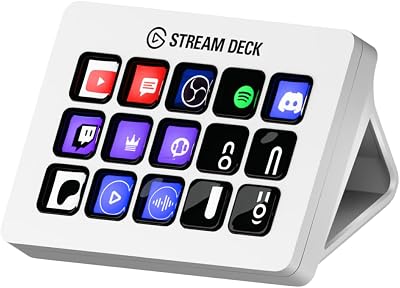
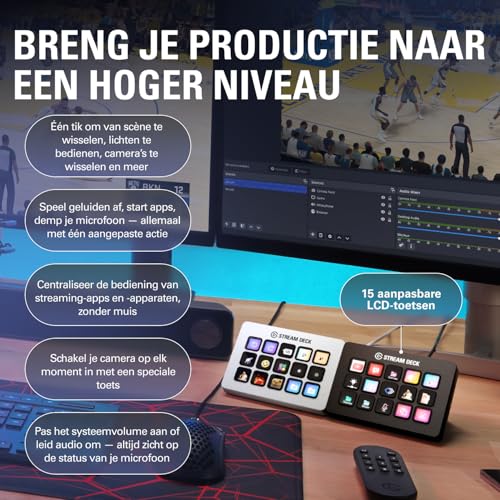
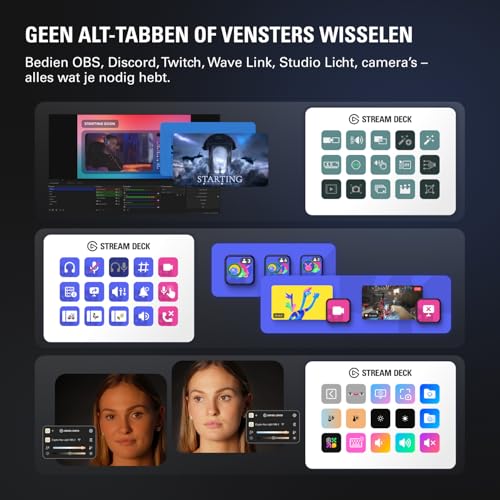
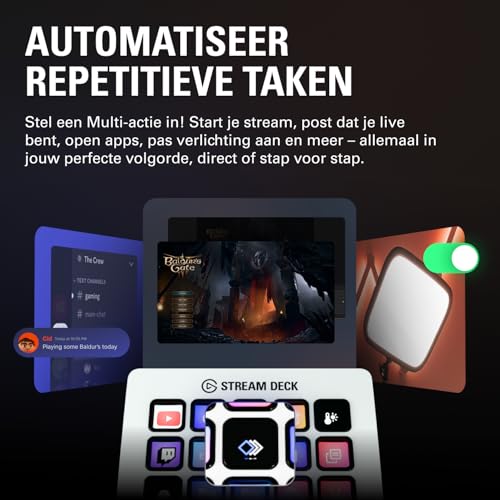
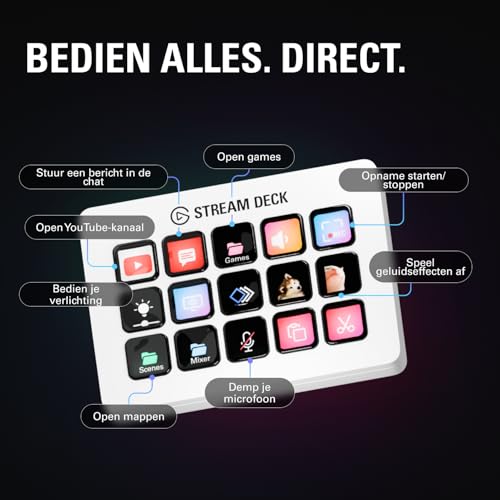
This is the same beloved Stream Deck MK.2 in a clean white finish, designed for builds with white peripherals, light desk setups and on-camera aesthetics. It pairs fifteen customizable LCD macro keys with Elgato’s Stream Deck software, swappable faceplates and a magnetic stand. At around $134 it costs the same as the standard black MK.2, so this is purely an aesthetic choice.
This is the controller to choose if you have built a white streaming setup — white keyboard, white mouse, white camera, white microphone arm — and want your macro controller to match rather than clash. Functionally it is identical to the black MK.2, so it inherits all of its strengths and the same deep Stream Deck software ecosystem. For visually polished, color-coordinated battlestations, the white MK.2 is an easy, no-compromise recommendation.
Pros: Same MK.2 capability in a white finish for color-coordinated streaming desks.
Cons: Aesthetic upgrade only; no functional differences from the standard MK.2.
6. Elgato Stream Deck Neo – 8 Keys with Touch Points and Smart Display
12





As an Amazon Associate we earn from qualifying purchases. Product prices and availability are accurate as of the date/time indicated.
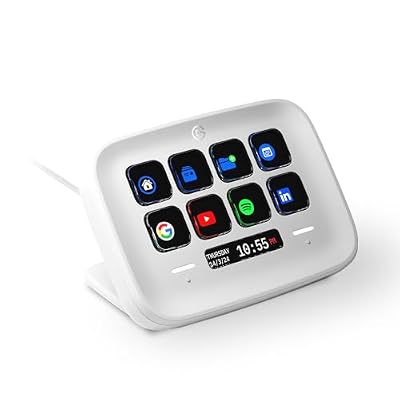
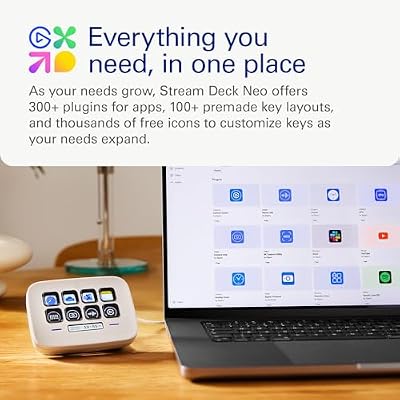
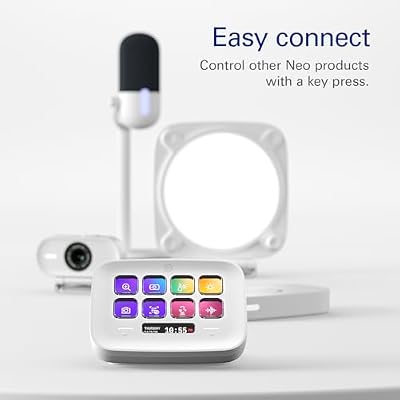
The Elgato Stream Deck Neo is the productivity-leaning Stream Deck, the newest shape in the lineup. It blends eight customizable LCD keys with two touch points and a smart info display for time, notifications and at-a-glance status — bridging the gap between a streamer’s macro pad and a productivity controller. At around $89 it slots between the Mini and the MK.2 in both price and capability.
This is the Stream Deck for the user whose day mixes streaming with heavy productivity — Microsoft Office, Teams calls, Zoom toggles, browser shortcuts and creative tools — and who likes the idea of a smart info bar at the same time. Eight LCD keys cover the essentials, the touch points add quick page switching, and the smart display turns the Neo into a tiny status dashboard. For productivity-first users dipping into streaming, the Neo is a thoughtful, modern Stream Deck.
Pros: Eight LCD keys with two touch points and a smart info display, productivity-friendly.
Cons: Fewer keys than the MK.2; aimed at productivity as much as streaming.
How to Choose the Right Stream Deck Controller
Choosing the right Stream Deck starts with how many keys you actually need. Six on the Mini is fine for the absolute essentials — mute, scene switch, push-to-talk and a handful of macros — while fifteen on the MK.2 is the sweet spot for most streamers, comfortably mapping scenes, hotkeys, chat commands and media controls on one screen. The thirty-two-key XL is for power users who want to avoid folder dives entirely; if you already know the MK.2 will fill up fast, jump straight to the XL.
Decide whether you need dials and a touch strip. The Stream Deck + is the only model in the family with four physical dials and a touch strip, which makes it the right Stream Deck for users who want real-time audio mixing or tactile control of parameters in apps like OBS, Premiere and DaVinci Resolve. If audio control is central to your stream or your edits, the Stream Deck + is worth the price step up over the MK.2. If not, the regular key panels are simpler and cheaper.
Match the controller to your use case beyond pure streaming. A streamer who lives in OBS and Twitch chat is best served by the MK.2 or XL; a content creator who edits as much as they stream may prefer the Stream Deck + for its production-friendly dials; a productivity-first user who streams part-time may find the Stream Deck Neo’s smart display a perfect fit. The Mini suits the budget-conscious or anyone trying the workflow for the first time, and the white MK.2 lets you match a clean color-themed setup.
Finally, remember that all six options run the same Stream Deck software, so the experience scales smoothly. You can start with a Mini, upgrade to an MK.2 and then add a Stream Deck + alongside it without relearning anything; actions, plugins and folders all transfer. Set your budget, pick the form factor and key count that fits how you actually work, and lean on the deep Stream Deck plugin ecosystem to make any of them powerful. The best Stream Deck controller is the one whose key count and feature mix match your workflow.
Frequently Asked Questions
Which Stream Deck should most streamers buy first?
For most streamers the Elgato Stream Deck MK.2 is the right starting point. Fifteen LCD macro keys is enough to map OBS scenes, mute toggles, chat commands and media controls on a single screen, the software is mature and well-supported, and the price is sensible. Step down to the Mini if your budget is tight, or step up to the Stream Deck + or XL if you already know you need dials or many more keys.
Do I really need a Stream Deck + over a regular Stream Deck?
Only if dials and a touch strip add real value to your workflow. The Stream Deck + adds four physical dials and a touch strip on top of eight LCD keys, which is genuinely useful for live audio mixing and hands-on control of production software. If you mainly trigger macros and scenes, a regular Stream Deck like the MK.2 or XL gives you more keys at a lower price.
Is the Stream Deck XL worth the extra cost?
For power users, yes. The XL’s thirty-two keys mean far more one-press actions on a single page, which suits streamers running many scenes, editors with dozens of shortcuts, or studio users controlling several apps at once. If you regularly hit the limits of a fifteen-key layout or dislike navigating folders, the XL pays for itself in workflow speed.
Can I use a Stream Deck for things other than streaming?
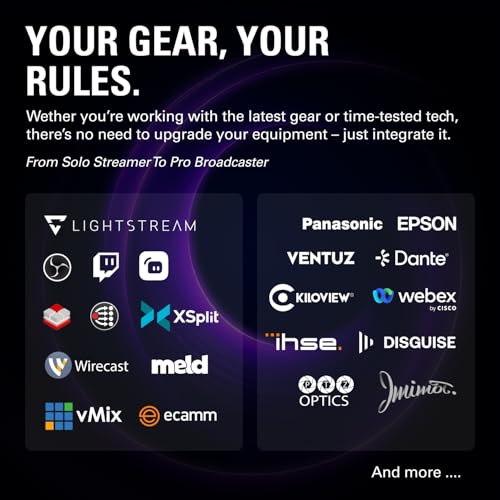
Absolutely. Stream Deck software integrates with OBS, Twitch and YouTube for streaming, but it also handles general system shortcuts, app launches, Microsoft Office and Teams actions, smart-home controls, scripts and far more through community plugins. Models like the Stream Deck Neo lean into this productivity angle directly with an info display and touch points, but every Stream Deck can be used as a powerful macro controller for daily work.
Related Guides
- Best Streaming Key Lights
- Best Audio Interfaces for Streaming
- Best Streaming Microphones
- Best Streaming Cameras
- Best Streaming Camera Mounts
- Best Green Screens for Streaming
- Best Mechanical Keyboards
Affiliate Disclosure: As an Amazon Associate, we earn from qualifying purchases. If you click a link and make a purchase, we may earn a small commission at no extra cost to you. Prices and availability are accurate as of publication and may change.










