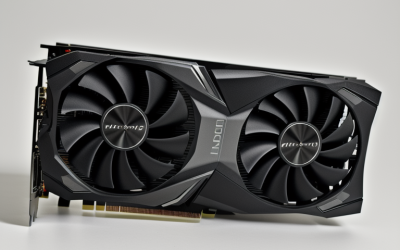
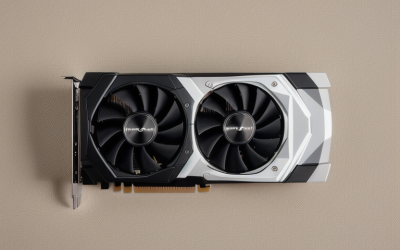
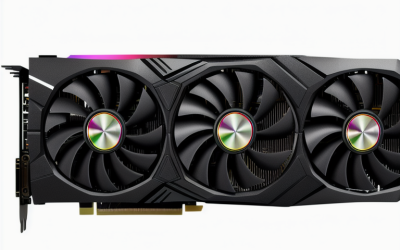
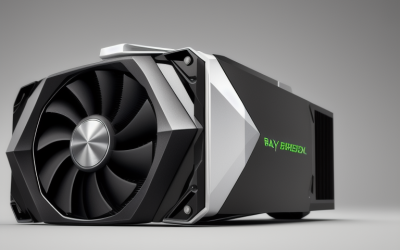
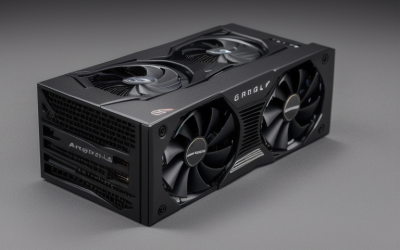
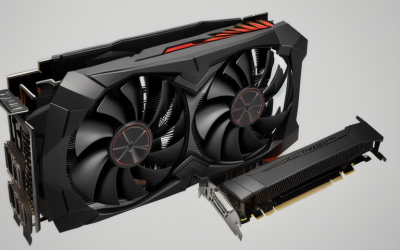
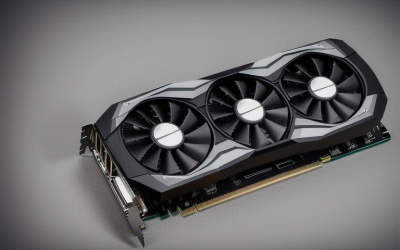
- Top Pick: BOSGAME eGPU Graphic Card Dock Expansion Card, Radeon RX 7600M XT 8GB GDDR6 RDNA3 Architecture M.2 2280 Oculink, Support Thunderbolt 3 AndThunderbolt 4
- Best Value: NIMO External Graphics Card Enclosure, AMD Radeon RX 7600M XT for Laptop | USB4 80Gbps /OCuLink eGPU, 240W PSU, 65W PD, 8K HDMI/DP, Boost gaming, 3D rendering & local LLM AI on laptop/Mini PC/handheld
- Premium Choice: Khadas Mind Graphics 2 eGPU External Graphics Card with NVIDIA RTX 5060 Ti 16GB GDDR7, Desktop GPU for Thunderbolt 4 Laptops, 4K & 8K Output via HDMI 2.1b / DP 2.1b, PCIe 4.0 x8, Built-in Speakers
An external graphics card is a workaround for a laptop, mini PC, or handheld that has a capable processor but a weak or missing GPU. The decision this keyword hides is not which card is fastest; it is which connection your host machine actually offers. A Thunderbolt 4 laptop, an OCuLink-equipped mini PC, and a USB4 handheld each pair with a different kind of enclosure, and the wrong pairing leaves performance on the table or does not work at all.
Heading into 2026, the market splits into two camps. Three of the seven listings below are finished units that bundle a graphics chip with the dock. The other four are empty OCuLink docks that need a desktop graphics card and a standard ATX power supply supplied by you. Both kinds are covered here, with that distinction stated plainly, so you can decide whether you want a ready box or a build-it-yourself project. A bare dock suits someone retiring a desktop and keeping its card, while a finished unit suits someone who wants to plug in and go. Neither path replaces a desktop for sustained heavy loads, but both can lift a thin machine well beyond its built-in graphics.
Quick Picks
As an Amazon Associate we earn from qualifying purchases at no extra cost to you.



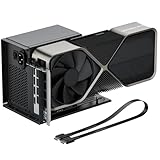
| Product | Best for | Key spec from the title |
|---|---|---|
| BOSGAME eGPU Dock | Mini PC with OCuLink or Thunderbolt | Radeon RX 7600M XT 8GB GDDR6 |
| NIMO Enclosure | USB4 laptops and handhelds | RX 7600M XT, USB4 80Gbps/OCuLink, 240W PSU |
| Khadas Mind Graphics 2 | Thunderbolt 4 laptops | RTX 5060 Ti 16GB GDDR7, PCIe 4.0 x8 |
| PCIe 4.0 x4 OCuLink Dock (SFF-8612) | Reusing a desktop card | 64Gbps, supports ATX power |
| RGEEK OCuLink Dock | Newest OCuLink ports | PCIe 5.0 x4 128Gbps, aluminum |
| OCuLink eGPU Dock (64Gbps) | Straightforward DIY setups | PCIe 4.0 x4, SFF-8611 cable |
| OwlTree OCuLink Dock | Compact mini PC builds | PCIe 4.0 x4, 50cm cable |
How to Choose
Start with the port on your host
Thunderbolt 3 and Thunderbolt 4 laptops suit the Khadas and BOSGAME listings, while the NIMO states USB4 80Gbps or OCuLink. The four bare docks speak OCuLink only, which means your machine needs an OCuLink port or an M.2 adapter that provides one. Check the port before anything else; no other spec on the sheet matters if the connection does not match. Handheld owners should look for a USB4 label in particular, since many handhelds expose USB4 but no OCuLink connector at all.
Understand the bandwidth numbers
Listings quote the link in PCIe lanes and gigabits: PCIe 4.0 x4 at 64Gbps is the common figure, while the RGEEK claims PCIe 5.0 x4 at 128Gbps and says it is backward compatible with 4.0 and 3.0. A higher link number only helps if your host also supplies it, so a PCIe 4.0 machine will not gain from a PCIe 5.0 dock. Treat the bandwidth line as a ceiling and not as a promise of frame rates, because the card and processor still set the pace. The Khadas lists PCIe 4.0 x8, a wider link than the x4 docks.
Decide between a finished unit and a bare dock
The BOSGAME, NIMO, and Khadas ship with a graphics chip, so they are closer to plug in and play. The bare docks need a separate desktop card and a standard ATX power supply, plus space and patience. A bare dock makes sense if you already own a GPU, ideally one whose power connectors and physical length you have already checked; otherwise buying a card, a power supply, and a dock separately can add up to more than a finished unit, and every extra part is another compatibility check.
Watch power and output details
The NIMO lists a 240W power supply with 65W power delivery to charge the laptop, plus HDMI and DisplayPort. The Khadas lists HDMI 2.1b and DP 2.1b outputs. For bare docks, check whether the card’s power connectors line up with your ATX supply, and note that the listed cable lengths run around 50cm, so the dock must sit close to the host. Measure the desk space as well, because a full-size desktop card in an open dock occupies more room than most buyers expect.
The 7 Best Options
BOSGAME eGPU Dock
A finished unit for mini PC and laptop owners who want an AMD card without assembling parts. The title lists a Radeon RX 7600M XT with 8GB of GDDR6 on the RDNA3 architecture.
- M.2 2280 OCuLink connection plus stated support for Thunderbolt 3 and Thunderbolt 4.
- Graphics chip included, so no separate card purchase is needed.
- Trade-off: the title gives few details about outputs and power, so confirm them before ordering.
Skip it if you want an NVIDIA card or plan to swap graphics cards later. The graphics chip is part of the unit, so an upgrade means replacing the whole thing. It also suits buyers who value broad host support above raw memory capacity.
NIMO External Graphics Enclosure
Built for people who want one cable between a laptop, mini PC, or handheld and a stronger GPU. It pairs the RX 7600M XT with both USB4 and OCuLink connectivity.
- USB4 80Gbps or OCuLink options, with a 240W power supply and 65W power delivery.
- 8K HDMI and DisplayPort outputs, with gaming, 3D rendering, and local AI tasks named in the title.
- Trade-off: the AMD chip is the same mobile-class part as the BOSGAME, so extra power comes from design, not a bigger card.
Skip it if your machine has no USB4 or OCuLink port, since a plain Thunderbolt 3 laptop is not what the title targets. Anyone who wants 16GB of video memory should look further down the list.
Khadas Mind Graphics 2
The only listing here with an NVIDIA chip, aimed at Thunderbolt 4 laptop owners who want the largest memory pool. The title names an RTX 5060 Ti with 16GB of GDDR7.
- HDMI 2.1b and DP 2.1b outputs for 4K and 8K displays.
- PCIe 4.0 x8 link and built-in speakers.
- Trade-off: it supports Thunderbolt 4 hosts specifically, so OCuLink-only machines are left out.
Skip it if your laptop lacks Thunderbolt 4, or if you prefer a bare dock for a card you already own. Buyers who only need to play lighter titles on a small screen may find 16GB more than they need.
PCIe 4.0 x4 OCuLink Dock (SFF-8612 8311)
An unbranded bare dock for builders who already own a desktop graphics card. The title describes an enclosure that supports standard ATX power and external graphics cards.
- Stated 64Gbps PCIe 4.0 x4 bandwidth.
- OCuLink SFF-8612 to PCIe x16 slot with an SFF-8611 male cable included.
- Trade-off: it ships without a graphics card, so the real result depends on what you add.
Skip it if you want a self-contained product with a clear brand behind it. Because the title names no maker, expect to rely on the listing photos and Q&A for assembly guidance.
RGEEK OCuLink eGPU Dock
The newest-standard option, claiming PCIe 5.0 x4 at 128Gbps. It suits builders with a host whose OCuLink port supports the faster link.
- Aluminum build and a 50cm SFF-8611 4i cable.
- Backward compatible with PCIe 4.0 and 3.0, so it still works with older hosts.
- Trade-off: the 128Gbps headline only matters with a PCIe 5.0 host and card.
Skip it if your machine tops out at PCIe 4.0, where the extra headroom goes unused. It is also the wrong pick for anyone who cannot confirm the host’s OCuLink generation.
OCuLink eGPU Dock (64Gbps, ATX)
A plain PCIe 4.0 x4 dock for a mini PC or laptop with an OCuLink port. The wording is rough, but the specs mirror the other 64Gbps docks.
- OCuLink SFF-8612 to PCIe x16 with a male SFF-8611 cable.
- Support for ATX power, giving room to run a full-size card.
- Trade-off: no brand name on the title, so documentation may be thin.
Skip it if you want clear branding or a bundled graphics chip. It also offers little to separate it from the other 64Gbps docks, so choose it only when the listing details suit your build.
OwlTree OCuLink Dock
A branded take on the 64Gbps PCIe 4.0 x4 recipe, for small-form-factor builders who want a named maker.
- Cable listed at 50cm, with SFF-8611 and 8311 connectors named.
- Works with laptops and mini PCs and a standard ATX power supply.
- Trade-off: bare dock only, so you must buy and fit the card and power supply yourself.
Skip it if you want a ready-to-run box. The dock is a starting point for a project, and the final outcome depends entirely on the card and supply you add to it.
Which One Fits Your Situation
You own a Thunderbolt 4 ultrabook
The Khadas Mind Graphics 2 is the explicit match, with its Thunderbolt 4 positioning and 16GB of video memory. Its built-in speakers and HDMI 2.1b and DP 2.1b outputs also cut down on desk clutter.
You have a mini PC with an OCuLink port and a spare desktop card
Any of the bare docks will do; the RGEEK adds the newest link standard, while the OwlTree and the 64Gbps generic keep to the common PCIe 4.0 x4 spec.
You game on a USB4 handheld
The NIMO Enclosure lists USB4 at 80Gbps along with a built-in power supply and charging, which cuts the cable count. For a handheld that already struggles to stay cool and charged on a desk, fewer separate bricks is a real convenience, and the HDMI and DisplayPort outputs let you drive a monitor directly from the enclosure.
You want an AMD unit with flexible connection options
The BOSGAME eGPU Dock lists OCuLink as well as Thunderbolt 3 and 4 support, covering the widest range of hosts. That makes it the safer pick if you might change laptops or mini PCs later.
Common Mistakes
- Buying a dock before confirming the host has an OCuLink, Thunderbolt 4, or USB4 port.
- Assuming a PCIe 5.0 dock speeds up a PCIe 4.0 host.
- Forgetting that bare docks need a separate graphics card and a standard ATX power supply.
- Ignoring cable length when planning where the dock will sit.
- Expecting the dock link to match a desktop slot; an x4 link is narrower than x16, so the card never gets its full lane count.
Related guides
- Battery Operated Smoke And Carbon Monoxide Detectors
- Combination Smoke And Carbon Monoxide Detectors
- Aio Liquid Coolers For High Performance Gaming
Frequently Asked Questions
Do bare OCuLink docks include a graphics card?
No. The titles describe an enclosure or dock for external graphics cards, which means you supply the card and an ATX power supply.
What is the difference between OCuLink and Thunderbolt?
OCuLink gives a direct PCIe link through a dedicated port, while Thunderbolt and USB4 carry PCIe over a general-purpose connector. The listings here quote 64Gbps for PCIe 4.0 x4 OCuLink and 80Gbps for USB4.
Can an external card charge my laptop?
The NIMO lists 65W power delivery, so it can supply some charging. Other listings do not mention charging, so assume the laptop keeps its own adapter.
Is more video memory always better?
More memory helps with high-resolution textures and with the local AI workloads the NIMO title mentions. The Khadas lists 16GB, compared with 8GB on the two AMD units, but the link and host still shape what you can do.