OneShot is the top-down puzzle adventure from Future Cat LLC, published by KOMODO and released on 8 December 2016, in which you guide a child named Niko through a fading world on a mission to restore its long-dead sun. The game is built around a premise stated plainly on its store page: the world knows you exist, and it talks back. For Linux players, the interesting question is the shape of the record behind it, because this is a rare game where the native build and the handheld badge point in opposite directions.
The short answer is that the native Linux build is real on every layer Steam publishes, and it has been sitting in the store package for years. The complication is the Steam Deck: Valve’s compatibility record rates OneShot Unsupported, and the test behind that rating examined the Windows build under Proton rather than the Linux build the store delivers. A third source, the community ProtonDB file, could not be read at all this session, and this article says so openly.
As an Amazon Associate, we earn from qualifying purchases.
Quick answer
Yes. OneShot is genuinely native on Linux: Steam flags all three platforms, publishes a Linux requirements tab, and the store package delivers a real Linux depot of about 199 MiB. The catch sits elsewhere: Valve rates the game Unsupported on Steam Deck, from a 2023 test of the Windows build under Proton, and ProtonDB could not be read this session.
What the store page claims
Start with the flags, because here they tell the truth. Steam’s record for app 420530 flags Windows, Mac and Linux all true, and the requirements tabs back the flags up. The Windows minimum asks for Windows Vista or later, 4 GB of RAM and an OpenGL 2.1 compatible graphics card. The Mac minimum names macOS Sierra 10.12 or later with the same memory and graphics lines. The Linux minimum is written in the same style and a noticeably human voice: the operating system line reads “Your favorite Linux distribution”, followed by 4 GB of RAM and OpenGL 2.1 compatible graphics.
The recommended tiers are thinner: on Mac and Linux the recommended block repeats the 4 GB memory line while leaving the operating system and graphics lines blank, an unfinished tier rather than a missing platform. The categories are Single-player, Steam Achievements, Steam Trading Cards, Partial Controller Support, Steam Cloud and Family Sharing. Two gaps are worth stating plainly: the record carries no drm_notice and no ext_user_account_notice, so Steam names no third-party DRM and no external account requirement.
The depot layer settles it
Flags and tabs can lie in this series; depots are harder to fake. SteamDB’s depot table holds five depots: a common depot of 724.63 MiB, Windows 32-bit and 64-bit depots of 9.98 MiB each, a macOS depot of 164.40 MiB, and depot 420534, named OneShot Linux, at 198.89 MiB. That depot is not a shell: its manifest lists 463 files, including 69 shared library files totalling 19.66 MiB alongside the game’s data, the signature of a working native build.
The package layer closes the last loophole. Depot 420534 is granted by sub 85601, the package simply named OneShot, whose billing type reads Store or CD Key: the package a normal purchase delivers includes the Linux depot. The game references the depot in its own configuration, and the record even carries a Linux client icon. The one sign of age is the depot’s clock: its last public update landed in July 2020, while the public branch has since moved to build 15977536 in October 2024. The build is delivered and complete; it is simply no longer the part of the record that changes.
The family sweep: two soundtracks, two bare flags
The game’s DLC array holds exactly two apps, both read individually. The OneShot OST (app 571210, January 2017) and the OneShot Solstice OST (app 620370, June 2017) are music products from Little Cat Feet, and each flags all three platforms true. Read on their own records, those flags are bare: each soundtrack’s Mac and Linux requirements fields are empty lists outright, and its Windows field lists only storage for the audio files. A soundtrack wearing a Linux flag says nothing about a game build, and here it does not need to: the native case rests on the game’s own record.
One separation matters. OneShot: World Machine Edition (app 2915460) is a separate, newer app with its own record, and nothing from its record has been merged into this verdict, which judges the original 2016 app only.
Anti-cheat, in three separate sources
Steam names no anti-cheat on this record: no notices of any kind are attached to the game. SteamDB’s detected technologies are the Ogg, OpenAL, SDL and Vorbis SDKs, audio and engine plumbing rather than enforcement software. Are We Anti-Cheat Yet carries no entry for OneShot in its full 1,167-game dataset, searched by name and by app number. Three sources, kept separate, all negative, which fits a single-player game with no online component.
The ProtonDB file could not be read
This section exists because the gap should be visible rather than papered over. ProtonDB’s summary endpoint returned its page-not-found response on every route tried this session, and the game’s ProtonDB page itself did not load, so no headline tier, no report count and no confidence figure is claimed anywhere in this article. The native-classification heading check could not be completed either, and no agreement or contradiction is alleged in either direction.
What can be said without the file is structural. ProtonDB grades Windows builds running under Proton; for a game whose store package delivers a native Linux build, the community file is a fallback reference for players who choose the compatibility route anyway, not the primary evidence. The Steam record above is complete without it.
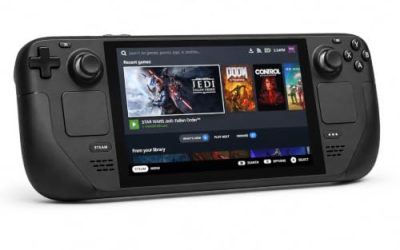
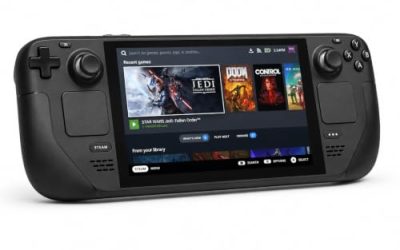
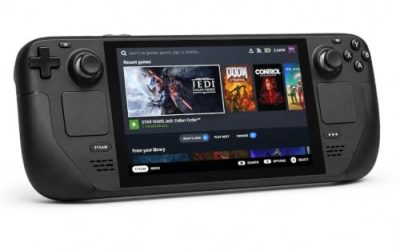
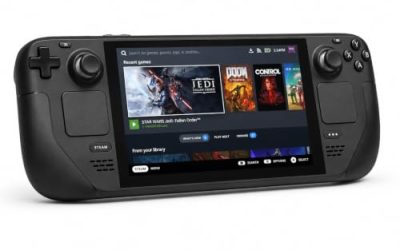
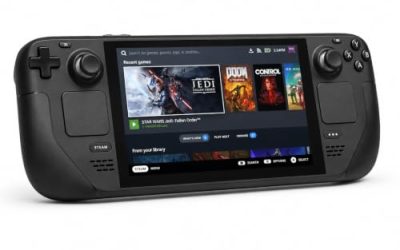
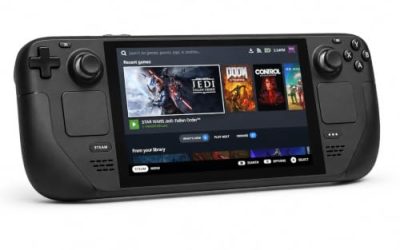
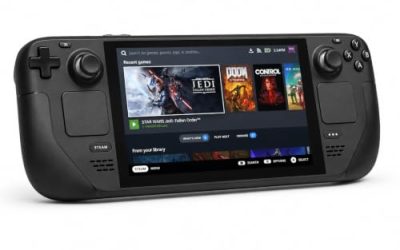
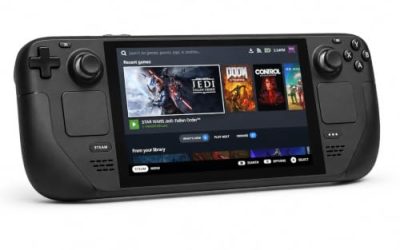
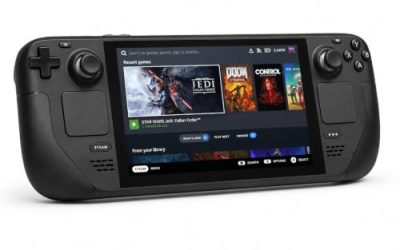
Steam Deck: Unsupported, and the test never touched the Linux build
Valve’s compatibility record, read through SteamDB’s republication of Valve’s data, rates OneShot Unsupported on Steam Deck, with SteamOS rated Unsupported separately. The paperwork is dated 2 March 2023, run on build 10086695, and its configuration names the recommended runtime as proton-stable. That runtime line settles what was examined: Valve’s test ran the Windows build through Proton, not the native Linux build the store package delivers.
The paperwork also predates the current branch, which now stands on build 15977536 from October 2024. So the badge rests on an older build of the Windows version, tested through a compatibility layer, while the platform build this article verifies went unexamined. That does not make the badge wrong on its own terms; it makes it a narrow answer to a different question. Desktop players get the native build directly; Deck owners get no badge to lean on. The gear below is framed for the desk.
Gear that fits a desktop-first record
With the Deck badge reading Unsupported and the verified build living on desktop Linux, the sensible kit is a desk kit: a remappable keyboard, two pads, a mouse, and storage.
Keychron V3

The keyboard pick for desktop sessions: a tenkeyless board with QMK and VIA support lets you remap keys at the keyboard level, across every Linux install you plug it into.
Specs
- Tenkeyless layout with rotary knob
- QMK and VIA remapping support
- Hot-swappable K Pro Brown switches
- Wired USB-C connection
- Maker-rated 1,000 Hz polling
8BitDo Ultimate 2 Bluetooth Controller

Steam lists Partial Controller Support for OneShot, and this pad covers the parts of the game that take a controller, with back buttons for the inputs the game repeats most.
Specs
- Connectivity: Bluetooth wireless and USB-C wired
- Joysticks: TMR electromagnetic, anti-drift design
- Triggers: Hall effect, with mode switching
- Extras: two remappable back buttons, motion control
- In the box: charging dock included
Xbox Wireless Controller, Carbon Black

The safest guest pad in PC gaming: Steam Input support is universal, the glyphs match what most games display, and it pairs over Bluetooth or wireless.
- Connectivity: Xbox Wireless and Bluetooth
- Port: USB-C for wired play
- Controls: hybrid D-pad, dedicated Share button
- Power: AA batteries or optional rechargeable pack
Logitech G502 HERO

OneShot’s puzzles lean on menus, documents and precise small clicks, and a wired mouse with eleven programmable buttons turns repeated confirm and cancel inputs into single presses.
Specs
- HERO optical sensor, up to 25,600 DPI
- 11 programmable buttons
- Adjustable weight system
- Wired USB connection
- On-board memory profiles
Samsung T9 Portable SSD 2TB

For moving a Linux game library between machines or keeping an offline backup, a fast USB-C drive is the simple answer. The headline figure needs a Gen 2×2 host port; on a lesser port the drive runs at that ceiling.
Specs
- Capacity: 2 TB portable SSD
- Interface: USB 3.2 Gen 2×2, USB-C connector
- Maker-rated speeds: up to 2,000 MB per second read, 1,950 MB per second write
- Features: Dynamic Thermal Guard, maker-rated drop resistance
How to choose
Choose the Steam copy of the original app, because it is the record this article verified: the store package delivers the Linux depot with the rest of the game, and no other storefront in this check sells the game at all. On a desktop or laptop, install it and launch the native build; there is no compatibility tool to configure and no Proton version to pick. Reach for the Proton route only if your setup has a specific reason to prefer the Windows build, and treat community tinkering guides as advice about that route, not the native one. For input, start with keyboard and mouse, since the store lists only partial controller support. If a handheld is your only machine, read the Deck section again before buying: the badge says Unsupported.
Who should skip
Skip the Steam Deck plan if the badge decides your purchases: Valve rates the game Unsupported, and the paperwork behind the badge never examined the native build. Skip this app if what you actually want is the World Machine Edition, a separate, newer app with its own record that this article does not grade. Skip the Proton-first guides if you are a desktop Linux player, because they solve a problem the native build does not have. And skip the soundtracks’ platform flags as buying evidence: they are audio products with empty requirement fields.
FAQ
Is OneShot native on Linux?
Yes. Steam flags Linux true, the Linux requirements tab is published with a real minimum specification, and depot 420534, a Linux depot of 198.89 MiB holding native shared libraries, is granted by the store package a purchase delivers.
Why is OneShot Unsupported on Steam Deck if a native build exists?
Because Valve’s compatibility test, dated March 2023, examined the Windows build running under Proton, as its proton-stable runtime line shows. The native build was not the build tested, and the test predates the current branch build, so the badge answers a narrower question than desktop players ask.
Can I buy OneShot on GOG instead?
No. The game’s natural product address on GOG resolves to the store’s general catalogue, GOG’s answer for a title it does not sell, and the World Machine Edition address behaves the same way. No GOG edition of either app exists in this check.
Do the soundtracks’ Linux flags mean anything?
No. Both soundtracks flag all three platforms, but their Mac and Linux requirements fields are empty lists and their files are audio. The native verdict rests on the game’s own record, not on its music.
Final verdict
OneShot is a genuinely native Linux game wearing an Unsupported Deck badge, and both halves of that sentence are documented rather than rumoured. The native half is unusually complete: a true flag, a published requirements tab, and a real Linux depot granted by the store package itself. The badge half is unusually narrow: a 2023 test of the Windows build under Proton, run before the current branch existed, that never touched the build Linux players install. Buy the Steam copy for a desktop or laptop and play the native build. Leave the Deck out of the plan until Valve tests the game again.
Product and ASIN Reference
| Product | ASIN |
|---|---|
| Keychron V3 | B0B2DMMMG2 |
| 8BitDo Ultimate 2 Bluetooth Controller | B0F194QFT2 |
| Xbox Wireless Controller, Carbon Black | B08DF248LD |
| Logitech G502 HERO | B07GBZ4Q68 |
| Samsung T9 Portable SSD 2TB | B0CHFS9K14 |