Sonic Mania is the 2017 side-scrolling platformer built by Christian Whitehead, Headcannon and PagodaWest Games and published by SEGA: reworked classic zones sit beside new ones, played solo or in local two-player modes on one screen. It is the kind of title Linux players ask about constantly: a small, pad-driven 2D game feels like it should have crossed over.
This article rules on the record as it stands today: Steam’s store data, the depot table behind it, the one app in the game’s add-on family, the community compatibility file, Valve’s Deck sheet and the GOG catalogue, each read directly. Where a heading and a delivery record disagree, the delivery record wins — and here one heading disagrees loudly.
As an Amazon Associate, we earn from qualifying purchases.
Quick answer
No. Sonic Mania has no native Linux build: Steam flags Windows only, the Linux requirements field is an empty list, and the store package ships a single Windows depot. Linux play runs through Proton, where 278 reports hold a Platinum tier with strong confidence, and Valve rates the game Steam Deck Verified under Proton.
One depot, one platform
Steam’s platform flags are the bluntest layer: Windows true, Mac false, Linux false. The requirements fields match. The Windows field is genuinely populated at the minimum tier — Windows 7, 8 or 10, a Core 2 Duo, 2 GB of memory, a DirectX 9.0c video card, 400 MB of storage — with no recommended tier published. The Mac and Linux fields are not shells with headings over empty lists; they are empty lists outright, no text at all.
The depot table closes the case. Behind the game sits exactly one content depot, depot 584401, named Sonic Mania Content and configured for Windows, at 201.90 MiB — and the total size on disk equals that depot to the last fraction, so nothing else hides in the delivery. The depot’s own page lists the Sonic Mania store package among its packages, so this Windows build is what buyers receive. There is no Linux or Mac depot in any branch. The public branch stands on build 3617885, built in March 2019, and has not moved since. SteamDB’s copy of the record shows osarch as an empty string and publishes no extended-OS value, so no architecture claim is made. Two paperwork gaps complete the record: no DRM notice and no external account notice appear on the game’s page, stated as gaps rather than filled in from elsewhere.
The family sweep: a short array with nothing to hide
The game’s full add-on array holds exactly one app, read individually: the Encore DLC, app 845640, released in July 2018. It repeats the game’s shape exactly — Windows true, Mac and Linux false, an empty-list Linux field. The family count: zero Linux flags across the two readable records.
That also means the usual trap cannot form here: no soundtrack, art book or bonus-content app exists in this family to carry a stray flag, so nothing flatters the game’s case and the not-native ruling rests on the game alone. One naming note: the expanded edition sold as Sonic Mania Plus is this same app wearing a bigger name, not a separate record — everything here rules on app 584400 and its one add-on, and nothing is drawn from any other Sonic release.
Anti-cheat: an empty file, from every angle checked
Steam names no anti-cheat anywhere on the record, and the game’s shape explains why: every multiplayer category listed is local — shared and split-screen versus and co-op on one machine, with Remote Play Together streaming that local play. There is no online competitive mode on the record for an anti-cheat to guard.
The second source agrees by silence. Are We Anti-Cheat Yet, the community dataset tracking anti-cheat support across 1,167 games, carries no entry for this game — searched by name and by app number, zero hits. No entry, no notice, no online mode: the Linux route carries no anti-cheat question.
The Proton file: Platinum, and one heading that lies
ProtonDB’s summary answered in full: headline tier Platinum, best-reported tier Platinum, trending tier Platinum, across 278 reports, with confidence rated strong at 0.89. Claimed at that size, that is the community’s settled verdict on the Windows build under Proton — a deep, stable file, not a small-sample fluke.
The game’s community page also displays a heading presenting the game as natively supported, above its requirements block. Steam’s record contradicts it on every layer — false flag, empty field, one Windows depot — and every report beneath it names a Proton version, which is not what a native file looks like. This article follows Steam: the heading is stray furniture, not evidence of a port, and the Platinum tiers describe the Proton route.
At report weight, the texture under the tiers is mostly uneventful: recent reports describe the game working out of the box on current Proton builds, Deck included. A minority, on particular hardware, describe a picture that fails to render until Proton Experimental is forced with a WineD3D launch option — individual reports, not the file’s centre of gravity, but worth knowing before assuming a broken install is a broken game.
The Steam Deck sheet: Verified, on the build still served
Valve’s own compatibility record — read from Valve’s endpoint directly this session — rates the game Verified: the default controller configuration is fully functional, the game shows Steam Deck controller icons, interface text is legible, and the default graphics configuration performs well. SteamOS is separately rated Compatible.
The dated paperwork behind the badge comes from the depot database’s republication of Valve’s compatibility data, disclosed here as the source: tested on 11 February 2022, on build 3617885, with the recommended runtime named as proton-stable. Two things follow. First, the badge certifies the Windows build under Proton — there is no native build for it to certify. Second, and unusually, the paperwork is current on the build axis: the tested build is the build the public branch still serves, so the 2022 test describes the exact files a buyer downloads now.
The GOG ruling: no edition to buy
There is no GOG edition of this game. The ruling rests on GOG’s own behaviour rather than its search box: the game’s natural product address resolves to GOG’s general games catalogue — how that store answers an address for a title it does not sell — and its catalogue search returns only unrelated titles. No product record exists there, so there is no DRM-free copy to weigh against the Steam one. Steam under Proton is the only PC route.
Gear that fits the record
The gear below follows the record’s shape: the handheld the badge was written for, two pads for the local two-player modes, a mouse for menu work, and library storage.
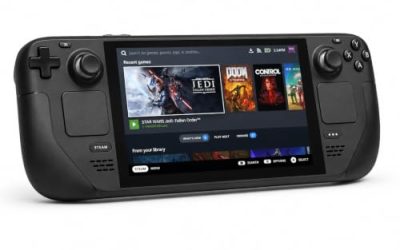
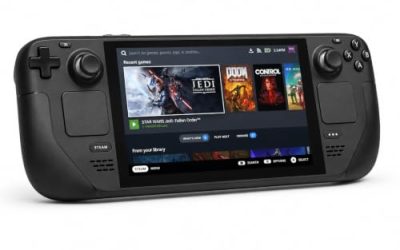
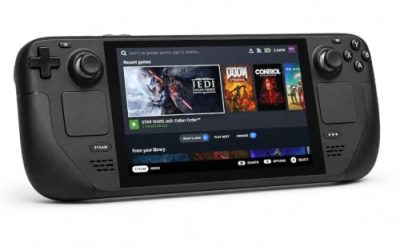
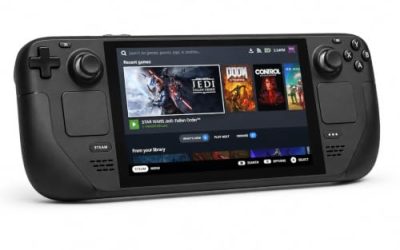
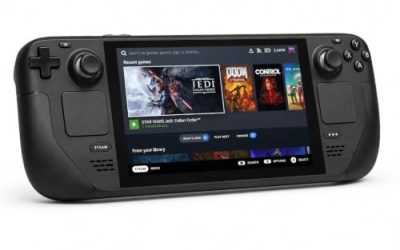
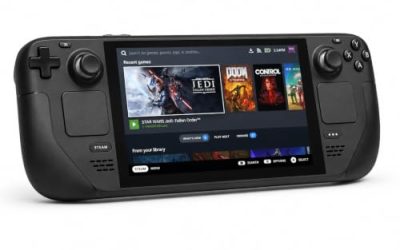
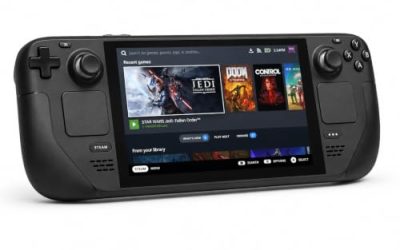
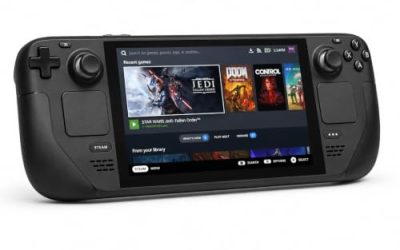
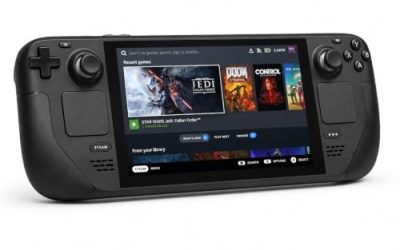
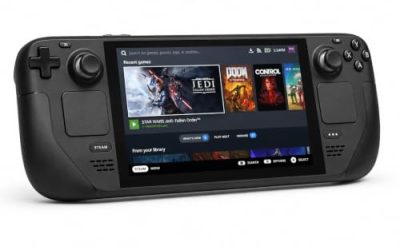
Valve Steam Deck OLED 512GB

The handheld the Verified badge was written for. Valve reviewed this game’s Windows build on the same branch build buyers still download, and its published requirements sit far below the Deck’s APU.
Specs
- Display: 7.4-inch HDR OLED, 1280 by 800, up to 90 Hz
- Processor: AMD Zen 2 and RDNA 2 custom APU
- Memory: 16 GB LPDDR5
- Storage: 512 GB NVMe, plus a microSD slot
- Wireless: Wi-Fi 6E and Bluetooth
- Channel note: Valve sells the Deck mainly through its own store, so Amazon listings are third-party sellers
8BitDo Ultimate 2 Bluetooth Controller

The second-player pad this game’s local modes call for. Steam lists full controller support, and this pad covers split-screen versus and co-op with modern sticks, triggers and back buttons.
Specs
- Connectivity: Bluetooth wireless and USB-C wired
- Joysticks: TMR electromagnetic, anti-drift design
- Triggers: Hall effect, with mode switching
- Extras: two remappable back buttons, motion control
- In the box: charging dock included
Xbox Wireless Controller, Carbon Black

The safest guest pad in PC gaming: Steam Input support is universal, the glyphs match what most games display, and it pairs over Bluetooth or its own wireless standard. On the handheld, the test sheet’s note applies: an external pad may need a manual Quick Access Menu switch before it takes over.
- Connectivity: Xbox Wireless and Bluetooth
- Port: USB-C for wired play
- Controls: hybrid D-pad, dedicated Share button
- Power: AA batteries or optional rechargeable pack
Logitech G502 HERO

A platformer lives on a pad, but desktop sessions still pass through menus and library management, and a precise wired mouse turns those into single clicks. Eleven programmable buttons cover the inputs a long session repeats.
Specs
- HERO optical sensor, up to 25,600 DPI
- 11 programmable buttons
- Adjustable weight system
- Wired USB connection
- On-board memory profiles
Samsung T9 Portable SSD 2TB

For moving a Linux game library between machines, or keeping an offline backup of installers, a fast USB-C drive is the simple answer. The headline figure needs a Gen 2×2 host port; on a lesser port the drive runs at that ceiling.
Specs
- Capacity: 2 TB portable SSD
- Interface: USB 3.2 Gen 2×2, USB-C connector
- Maker-rated speeds: up to 2,000 MB per second read, 1,950 MB per second write
- Features: Dynamic Thermal Guard, maker-rated drop resistance
How to choose
Choose the Steam copy, because it is the only PC edition on sale. On a desktop or laptop, install under Proton and start with the default compatibility tool: a Platinum file across 278 reports says the default route is the settled one. If a machine shows a picture that never renders, the reports point at forcing Proton Experimental with a WineD3D launch option first. On a Steam Deck, the Verified badge means no configuration work is expected — install, launch, and open controller settings only when a second pad joins. A pad is the native shape of this game; the mouse earns its place around it, not inside it.
Who should skip
Skip this route if only a native build will do: no Linux port exists on any record, and nothing suggests one is coming — the branch has not moved since 2019. Skip it if your multiplayer has to be online, because every versus and co-op mode on the record is local, one-screen play. And skip it if you are holding out for a DRM-free edition, because GOG holds no product record for this game.
FAQ
Is Sonic Mania native on Linux?
No. Steam flags Windows only, the Linux requirements field is an empty list, and the store package delivers a single Windows depot of 201.90 MiB. The Encore DLC repeats the same shape. Linux play runs through Proton.
How well does Sonic Mania run under Proton?
ProtonDB’s full summary reads Platinum at headline, best-reported and trending level, across 278 reports with strong confidence. Most reports describe an out-of-the-box run; a minority on particular hardware needed forced Proton Experimental with a WineD3D launch option to get a picture.
What does the Steam Deck Verified badge rest on?
Valve’s record passes all four Verified checks, and the paperwork behind it — tested in February 2022, runtime proton-stable — covers build 3617885, the same build the public branch still serves. The badge certifies the Windows build under Proton, not a native port.
Can I buy Sonic Mania on GOG instead?
No. GOG’s catalogue holds no product record for the game: its natural product address resolves to the general catalogue and its search returns only unrelated titles. Steam is the only PC edition.
Final verdict
Sonic Mania on Linux is a Proton story with unusually clean paperwork. The native case fails at every layer — flag, field and depot — and the one family add-on changes nothing, while the Proton file is Platinum across a deep run of reports and the Deck badge was tested on the build still being served. Buy the Steam copy for what it verifiably is: a Windows platformer Linux plays through a mature compatibility route, handheld badge included, with no native port on any record.
Product and ASIN Reference
| Product | ASIN |
|---|---|
| Valve Steam Deck OLED 512GB | B0CQ3RWQQZ |
| 8BitDo Ultimate 2 Bluetooth Controller | B0F194QFT2 |
| Xbox Wireless Controller, Carbon Black | B08DF248LD |
| Logitech G502 HERO | B07GBZ4Q68 |
| Samsung T9 Portable SSD 2TB | B0CHFS9K14 |