A Story About My Uncle is a first-person adventure built around a grappling device: a young narrator searches for his missing uncle across floating islands, swinging between them with a beam of light. It was developed by Gone North Games, published by Coffee Stain Publishing, and released on 28 May 2014. For Linux players the useful question is narrower than the story: does the store record actually deliver a Linux build, or does the platform flag sit on top of nothing?
Here the record answers cleanly: all three platform flags true, the Linux tab filled in at both tiers, and a dedicated Linux build of real size inside the package buyers receive. This article walks the layers in order — flags and tabs, depots, the family shelf, anti-cheat, the community file, the Deck sheet and the GOG shelf — so the verdict rests on delivery, not on a checkbox.
As an Amazon Associate, we earn from qualifying purchases.
Quick answer
Yes. A Story About My Uncle is genuinely native on Linux. Steam flags all three platforms true, the Linux requirements tab is populated at both tiers with Ubuntu 12.04 LTS, and a dedicated 1.19 GiB Linux depot sits inside the store package. ProtonDB grades the pooled file Platinum, and Valve rates the game Steam Deck Verified.
What the store page promises
Steam’s record for app 278360 flags Windows, Mac and Linux all true, and the paperwork underneath matches the flags. The Linux minimum tier names Ubuntu 12.04 LTS, a 2.0 GHz dual-core processor, 2 GB of RAM, a Shader Model 3.0 graphics card with 256 MB of video memory and 2 GB of storage; the recommended tier raises those to a 2.0 GHz quad-core, 4 GB of memory and 512 MB of video memory. Both tiers add a period note recommending proprietary NVIDIA or AMD drivers, and both oddly list a DirectX 9.0c-compatible sound card — a line carried over from the Windows tab.
The Windows and Mac tabs are populated the same way, so no platform’s paperwork is a shell. Categories are Single-player, Steam Achievements, Full controller support, Steam Trading Cards, Steam Cloud and Family Sharing; genres are Adventure, Casual and Indie. Two gaps are worth naming: the record publishes no DRM notice and no third-party account notice — stated here as found, since neither absence proves anything by itself.
The depot table settles it
Flags and tabs are claims; depots are delivery. SteamDB’s depot table for this app holds three platform depots: a Windows depot of 1.17 GiB, a macOS depot of 1.16 GiB and a dedicated Linux depot, 278363, at 1.19 GiB. The Linux depot’s own page lists the store package — the “Store or CD Key” subscription — among the packages containing it, so the build is what a buyer receives, not a developer-only leftover. Its manifest holds Unreal Engine package files alongside native shared libraries — the expected shape of a real Linux port from this era.
The public branch sits on build 1822049, built in May 2017 and unmoved since, and the Linux depot’s current manifest belongs to that same build — the native build is the current build, not a fossil from launch week. One clerical note: the architecture field reads as an empty string in the records examined, so no architecture value is claimed here; the depot carries the evidence instead.
An empty family shelf
Some verdicts get tangled by relatives — a soundtrack app flagging Linux while the game does not. That trap cannot form here. The game’s record carries no DLC array at all: no soundtrack, art book or expansion app exists under it, and the depot table shows nothing beyond the three platform depots and shared redistributables. The native case rests on the game alone.
Anti-cheat, checked three ways
A single-player game should have nothing to report here, and it does not — but the three sources stay separate. Steam names no anti-cheat, and the categories are single-player only. SteamDB’s detected technologies are the Unreal Engine plus NVIDIA physics and texture SDKs and the Ogg and Vorbis audio libraries: engine, physics and audio plumbing only. The Are We Anti-Cheat Yet dataset, searched by name and app id, carries no entry for this game. Three sources, three negatives.
The community file agrees
ProtonDB’s summary for this app reads Platinum at every level: headline Platinum, best-reported Platinum, trending Platinum, across 21 reports, with confidence rated good. Two qualifications belong with that grade. First, the file pools both routes — some reports were filed under the native runtime, others under named Proton versions — so Platinum grades the combined experience, not one build. Second, ProtonDB’s page classifies the game under its native-support heading, and here the heading agrees with Steam’s record on every layer: the clean-agreement case, not the stray-heading pattern seen on Windows-only games.
The report texture is mostly calm: native runs described as working, Deck reports working out of the box. A minority describe friction on the native build — one switched to Proton Experimental over controller input behaviour, and an older report found its performance weaker than the Windows build’s. Those are reporter findings, kept at that weight; they explain why some players force Proton on a game that never needed it to run.
Steam Deck: Verified, certified through Proton
Valve’s compatibility sheet rates the game Verified, with SteamOS separately rated Compatible. All four Verified items pass: full functionality under the default controller configuration, Deck controller icons, legible interface text and a performant default graphics configuration. One note item applies: external Bluetooth or USB controllers do not default and may need a manual switch through the Quick Access Menu.
The paperwork carries one wrinkle worth stating plainly. The sheet’s recommended runtime reads proton-stable, so the badge as tested certifies the Windows build running under Proton, even though a native Linux build sits in the same depot table. The test itself is dated 11 February 2022 and was run on build 1822049 — the same build the public branch still serves — so the paperwork does not predate the current build; it is current and simply certifies the Proton route. Players who prefer the native build lose nothing: the native depot is part of the same purchase.
No GOG edition
There is no GOG edition of A Story About My Uncle. The game’s natural product address on GOG resolves to the store’s general games catalogue, which is how that store answers an address for a title it does not sell, and no product record exists to read. Steam is the only PC storefront route, which makes the native depot above the whole story for Linux buyers.
Gear that fits this record
The picks below follow the record’s shape: the handheld the badge was written for, two pads, a desktop mouse, and library storage.
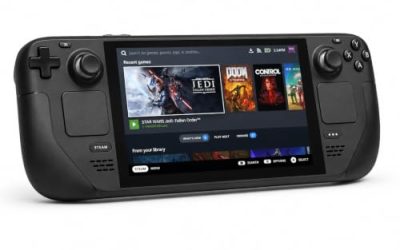
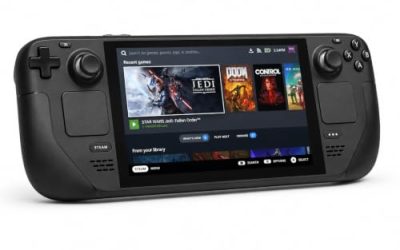
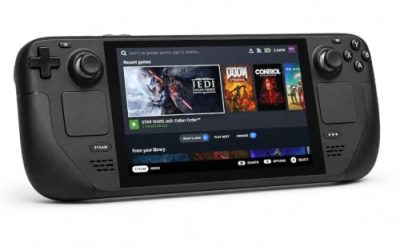
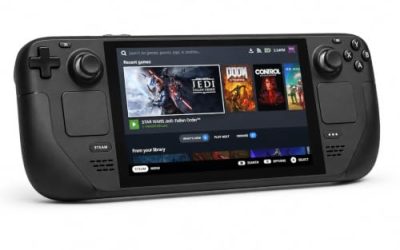
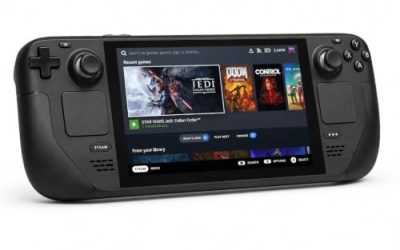
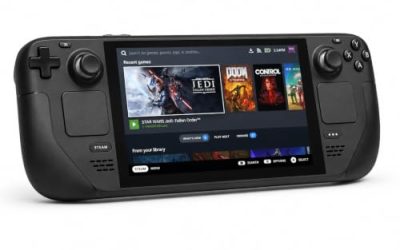
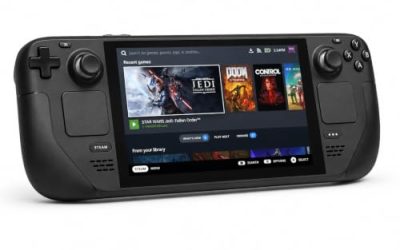
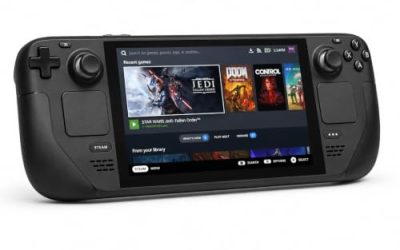
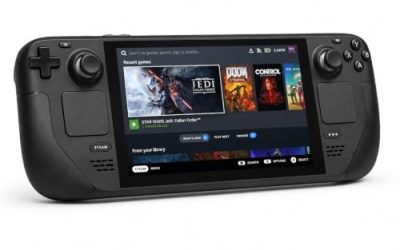
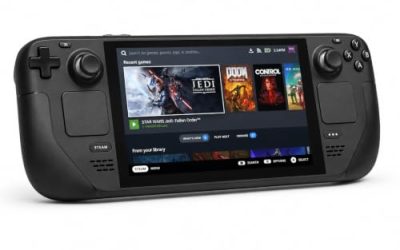
Valve Steam Deck OLED 512GB

The handheld the Verified badge was written for. The game’s requirements are modest next to the Deck’s APU, and Valve’s sheet passes every check, with the external-controller note the only caveat.
Specs
- Display: 7.4-inch HDR OLED, 1280 by 800, up to 90 Hz
- Processor: AMD Zen 2 and RDNA 2 custom APU
- Memory: 16 GB LPDDR5
- Storage: 512 GB NVMe, plus a microSD slot
- Wireless: Wi-Fi 6E and Bluetooth
- Channel note: Valve sells the Deck mainly through its own store, so Amazon listings are third-party sellers
8BitDo Ultimate 2 Bluetooth Controller

The docked and desktop pad pick. Steam lists full controller support, and this pad covers the couch case with modern sticks and triggers plus back buttons for repeated grapple inputs.
Specs
- Connectivity: Bluetooth wireless and USB-C wired
- Joysticks: TMR electromagnetic, anti-drift design
- Triggers: Hall effect, with mode switching
- Extras: two remappable back buttons, motion control
- In the box: charging dock included
Xbox Wireless Controller, Carbon Black

The safest guest pad in PC gaming: Steam Input support is universal, the glyphs match what most games display, and it pairs over Bluetooth or its own wireless standard. On the handheld, the test sheet’s note applies: an external pad may need a manual Quick Access Menu switch before it takes over.
- Connectivity: Xbox Wireless and Bluetooth
- Port: USB-C for wired play
- Controls: hybrid D-pad, dedicated Share button
- Power: AA batteries or optional rechargeable pack
Logitech G502 HERO

The grapple is aimed with the camera, and at a desk a precise wired mouse makes long swings easier to place. Eleven programmable buttons cover the jump, grapple and menu inputs.
Specs
- HERO optical sensor, up to 25,600 DPI
- 11 programmable buttons
- Adjustable weight system
- Wired USB connection
- On-board memory profiles
Samsung T9 Portable SSD 2TB

For moving a Linux game library between machines, or keeping an offline backup, a fast USB-C drive is the simple answer. The headline figure needs a Gen 2×2 host port; on a lesser port the drive runs at that ceiling.
Specs
- Capacity: 2 TB portable SSD
- Interface: USB 3.2 Gen 2×2, USB-C connector
- Maker-rated speeds: up to 2,000 MB per second read, 1,950 MB per second write
- Features: Dynamic Thermal Guard, maker-rated drop resistance
How to choose
Start with the route. The native build is the default and the one the store record supports: install and play, no compatibility tool involved. If a controller behaves oddly on the native build — the one friction the community file repeats — forcing a current Proton version is the documented workaround, and the Deck sheet confirms the Windows build passes under Proton. On Deck, leave the default configuration alone unless an external pad is involved; the Quick Access Menu switch is the only manual step the paperwork names. Storage is a non-issue at under 2 GB either way.
Who should skip
Skip the native-first assumption if controller behaviour matters more to you than avoiding a compatibility layer: a slice of the community file prefers the Proton route for input reasons, and the Deck badge itself was earned that way. Skip the game entirely if a grappling-hook traversal adventure with a narrated search story is not your genre — the Linux record is excellent, but it cannot change what the game is. And skip any GOG hunt: there is no edition there to find.
FAQ
Is A Story About My Uncle native on Linux?
Yes. Steam flags Linux true, the Linux requirements tab is populated at both tiers, and a dedicated 1.19 GiB Linux depot sits inside the store package buyers receive. The native case rests on the game’s own record, with no family apps to confuse it.
How well does it run under Proton?
ProtonDB’s summary is Platinum at headline, best-reported and trending level across 21 reports, with good confidence. The file pools native and Proton reports, and Valve’s Deck testing — done under the proton-stable runtime — passed every Verified check on the current build.
Is A Story About My Uncle Steam Deck Verified?
Yes. Valve rates it Verified and SteamOS Compatible, tested on 11 February 2022 against build 1822049, which is still the build the public branch serves. The one note: external controllers do not default and may need a Quick Access Menu switch.
Can I buy it on GOG instead?
No. GOG carries no edition of this game; its product address resolves to the general catalogue. Steam is the only PC storefront route, and its package includes the native Linux build.
Final verdict
A Story About My Uncle is one of the straightforward records: a true Linux flag, a filled-in requirements tab, a sized Linux depot inside the store package, and a community file whose native classification agrees with the store’s data. The caveats are small: the Deck badge was certified through Proton rather than the native build, a few reporters prefer that route for controller reasons, and there is no GOG edition. For Linux players, the record’s answer is simply yes.
Product and ASIN Reference
| Product | ASIN |
|---|---|
| Valve Steam Deck OLED 512GB | B0CQ3RWQQZ |
| 8BitDo Ultimate 2 Bluetooth Controller | B0F194QFT2 |
| Xbox Wireless Controller, Carbon Black | B08DF248LD |
| Logitech G502 HERO | B07GBZ4Q68 |
| Samsung T9 Portable SSD 2TB | B0CHFS9K14 |