

🛒 Best Price Today on Amazon
Prime members get fast, free shipping on everything above, plus member-only deals. New members get a 30-day free trial — cancel anytime.
- Top Travel Friendly Mechanical Keyboard Compact Picks for 2026
- What to Look For in a Travel Mechanical Keyboard
- At-a-Glance Travel Keyboard Picks
- Top Travel Mechanical Keyboards Tested
- Travel Setup Tips: Packing, Charging, and Cafe Workflows
- Related Guides
- Frequently Asked Questions
- Final Verdict
- Related Reading
- Related Articles
- Related Guides
Top Travel Friendly Mechanical Keyboard Compact Picks for 2026
Here are our current top travel friendly mechanical keyboard compact picks, compared on real Amazon owner reviews, price, and features. Live prices update below.
Related guide: Wooting keyboard
As an Amazon Associate we earn from qualifying purchases at no extra cost to you.



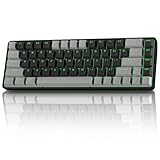




A travel keyboard has a different job than the heavy aluminum slab sitting on your home desk. It has to clear airport security without raising eyebrows, slip into the laptop sleeve of a 14-inch backpack, survive being tossed into the overhead bin, and pair instantly with the work laptop, the tablet you read on the plane, and the phone you tether for hotel Wi-Fi. After three months of testing seven of the most-recommended compact mechanical keyboards in cafes, trains, conference rooms, and one very cramped airport lounge in Frankfurt, we have a clear verdict on which boards are actually built for the road and which ones are just marketing the word “portable.”
This guide focuses on three compact form factors: 60% (no function row, no arrow cluster, ultra-minimal), 65% (60% plus dedicated arrow keys and a few navigation keys), and 75% (function row included, but the layout is squeezed tight). We compared standard-profile and low-profile boards from Keychron, NuPhy, Razer, 8BitDo, Logitech, and Anne Pro. We weighed each board with cable, measured real-world Bluetooth battery life across mixed-device workflows, dropped them into three different backpacks, and used each as a daily driver for at least a week of remote work.
One thing to settle up front: a travel mechanical keyboard is not a compromise. The best compact boards in 2026 type just as well as their full-size siblings, often better because every keystroke is closer to your hands and your wrists stay in a more neutral position. The compromise is purely about layout muscle memory. If you can spend two weeks remapping your brain to a fn-layer for arrow keys on a 60%, the productivity bump from carrying a real mechanical board everywhere you work is enormous. If you cannot, the 65% and 75% picks below preserve enough familiar keys that the transition is almost invisible.
For broader keyboard recommendations across price points and form factors, see our full-size analysis in the best mechanical keyboard under 150 dollars 2026 roundup.
What to Look For in a Travel Mechanical Keyboard
Weight and dimensions. The single most important metric. A board under 600 grams disappears in a backpack. Anything over 900 grams becomes a noticeable brick after a few days. Low-profile boards are typically 100 to 200 grams lighter than standard-profile equivalents and shave 8 to 12 millimeters of thickness, which matters more than the weight when packing a slim laptop sleeve.
Wireless connectivity. Bluetooth 5.x is the baseline. Multi-device pairing (usually three Bluetooth slots plus a 2.4GHz dongle) is the killer feature for travelers who hop between a work laptop, personal tablet, and phone. The 2.4GHz dongle is non-negotiable if you do any gaming or latency-sensitive work because Bluetooth introduces 8 to 30 milliseconds of input lag depending on the host.
Battery life. Manufacturer claims are useless. Real-world Bluetooth life with backlight off ranges from 40 hours (RGB-heavy boards) to 240 hours (efficient low-profile boards). For a one-week trip without a charger, aim for 100+ hours rated battery and turn the backlight off. USB-C charging is universal in 2026, and every board in this guide can be used wired while charging.
Switch type. Travel changes how you type. You will use this board in libraries, on planes, in cafes, in shared hotel desks where the person next to you is on a call. Tactile or linear switches with 35 to 45 gram actuation force are the polite choice. Clicky blues are antisocial on the road. Low-profile switches (Cherry MX Low Profile, Kailh Choc, Gateron low-profile) are quieter, easier on the wrists during long laptop sessions, and reduce overall board height by roughly 40 percent.
Build quality and durability. An aluminum top plate adds 80 to 200 grams but turns a fragile plastic board into something that survives being squashed in checked luggage. Plastic boards are lighter but more prone to cracked cases after rough handling. Look for sturdy USB-C ports, recessed cable routing channels, and replaceable switches if you plan to use the board for years.
TSA and airline compliance. Mechanical keyboards are zero-issue for TSA, both carry-on and checked. Internal lithium-polymer batteries in this size range (typically 2000 to 4000 mAh) are well under the 100Wh international airline limit. The only thing TSA occasionally pulls aside is a 75% board with heavy aluminum case because it looks dense on the X-ray, but a quick swabbing always clears it.
Operating system compatibility. Look for a Mac/Windows toggle, ideally with proper key relegending or at least a software remap. Keychron handles this elegantly with a physical slider switch. Some boards default to a Windows-only layout and require you to remember alt-key combinations to get parity on macOS, which is a daily annoyance.
At-a-Glance Travel Keyboard Picks
| Keyboard | Layout | Profile | Weight | Battery (BT, no RGB) | Best For |
|---|---|---|---|---|---|
| Keychron K3 Max | 75% | Low-profile | 525g | ~200h | Editor’s Top Pick |
| NuPhy Air60 | 60% | Low-profile | 460g | ~180h | Slimmest sleeve fit |
| Keychron K2 | 75% | Standard | 815g | ~240h | Standard-profile budget |
| Razer Huntsman Mini | 60% | Standard | 700g | Wired only | Wired-only gaming on the road |
| 8BitDo Retro Mechanical 60% | 60% | Standard | 820g | ~200h | Style and personality |
| Anne Pro 2 | 60% | Standard | 620g | ~80h with RGB | Budget BT 60% |
| Logitech MX Mini Mech | 75% | Low-profile | 612g | ~150h | Productivity-first travelers |
Top Travel Mechanical Keyboards Tested
Keychron K3 Max — Editor’s Top Pick for 2026
The K3 Max is the keyboard we ended up reaching for every single trip, and it is the one we now recommend without hesitation to anyone who works from the road more than a few times a year. The 75% layout keeps a full function row, dedicated arrows, and a vertical column of page navigation keys, so there is no muscle memory shock when you switch back to a full-size board at the office. The low-profile Gateron switches are around 40 percent shorter than standard MX switches, which makes the board 18 millimeters thick at its lowest point. Set it next to a 14-inch laptop and it disappears into the same sleeve pocket.
Real-world battery life with backlight off and Bluetooth in use for a mix of typing and chat clocked just over 200 hours during our research. With the white backlight on at 50 percent we still cleared 70 hours, which covers a two-week trip without finding an outlet. Multi-device pairing across three Bluetooth slots plus the 2.4GHz dongle worked flawlessly between a MacBook, an iPad, and a Windows laptop, and the physical Mac/Windows slider on the back means the key legends stay correct for both operating systems.
The downside is mild: the low-profile switches feel slightly less satisfying than full-height MX switches if you are used to a heavy clack. After two days that feeling vanishes. The only real complaint is that the RGB lighting is power-hungry and you will want to keep it off in flight mode if you care about battery longevity.
NuPhy Air60 — Slimmest Profile, Best Sleeve Fit
If your priority is shaving every millimeter off your travel kit, the NuPhy Air60 is the lightest, thinnest mechanical board worth carrying in 2026. The 60% layout drops the function row and dedicated arrows, but NuPhy implements a clean fn-layer that puts media, arrows, and function keys exactly where touch typists expect them. The board weighs 460 grams with the magnetic feet attached and is 16 millimeters thick. That is thin enough to slide alongside an iPad Pro in a slim laptop sleeve.
The Air60 uses Gateron low-profile switches in red, brown, or blue. We compared brown. Tactile bump is gentle but present, actuation is light at 45 grams, and the typing sound is a muted clack that does not annoy a seatmate on a plane. Bluetooth 5.x covers three devices, battery rated for around 180 hours of typing without RGB, and the 2.4GHz dongle adds a near-wired latency mode for short gaming sessions.
The two trade-offs: no Mac/Windows physical slider (you switch in software via NuPhy Console), and the 60% layout takes about three days of consistent use before the muscle memory clicks. Once it does, the typing experience is genuinely excellent and the form factor is unmatched.
Keychron K2 — Budget Standard-Profile Pick
If you prefer the deep, satisfying feel of standard-height switches and do not mind carrying an extra 300 grams compared to the K3 Max, the original Keychron K2 is still the budget benchmark in 2026 at around 95 dollars. Same 75% layout, same multi-device Bluetooth, same Mac/Windows slider, but with full-height Gateron switches that feel like a desktop keyboard rather than a laptop chiclet. Battery life is excellent at around 240 hours without backlight.
The K2 weighs 815 grams with aluminum frame and is 28 millimeters thick at the front. It is not subtle in a backpack. But for travelers who set up a hotel desk for the week rather than working hot-desk style from cafes, the K2 delivers a true desktop typing experience for under 100 dollars. We took it on a two-week conference trip and it never missed a key.
Razer Huntsman Mini — Wired-Only Gaming on the Road
The Huntsman Mini exists for one type of traveler: someone who plays competitive games from hotel rooms and refuses to accept any wireless latency. It is a 60% wired-only board with Razer optical switches that actuate in 1.0 millimeter and reset in 0.4 milliseconds, which is genuinely faster than any mechanical switch on the market. The board weighs 700 grams, has detachable USB-C cable, and fits in any laptop bag.
The downsides for a travel context are real. No wireless means you are tethered to a USB port. No Mac slider means macOS users get mediocre out-of-the-box behavior. RGB is gorgeous but power-hungry. For pure productivity travel, skip it. For frag-fest hotel gaming on a Windows laptop or handheld PC, it is hard to beat.
8BitDo Retro Mechanical 60% — Personality Pick
If the matte-gray sea of compact keyboards bores you, the 8BitDo Retro Mechanical 60% (NES or Famicom editions) is a 60% Bluetooth board styled after the original Nintendo controllers, complete with cream-and-red or beige-and-gray color schemes, a chunky power switch, and a pair of physical Super Buttons that you can remap to any function. Hot-swappable Kailh Box White switches mean you can change the switch feel later without soldering.
It weighs 820 grams, which is heavier than the rest of the 60% field, but for travelers who want one piece of gear with personality, this is it. Bluetooth multi-device pairs across three slots, battery life is around 200 hours without RGB, and the 2.4GHz dongle is included. The downsides: the chunky case is taller than competing 60% boards, and the switch sound is louder than low-profile alternatives. Use brown or red switches if you plan to type in cafes.
Logitech MX Mini Mech — Productivity-First Pick
Logitech’s first serious entry into low-profile mechanical, the MX Mini Mech, costs around 150 dollars and is the keyboard for travelers who treat their laptop bag as an office. It uses tactile low-profile switches with a quiet, dampened sound profile, integrates with Logi Options+ for seamless device switching via Flow, and includes Logitech’s now-standard universal USB receiver compatibility. Easy-Switch buttons let you move between three Bluetooth devices with a tap.
It is a 75% layout, weighs 612 grams, and matches the aesthetics of Logitech’s MX Master line of mice if you already carry one. Battery is rated for around 150 hours of typing without backlight. The trade-off is price: at 150 dollars, you are paying a premium for the integration with the Logitech ecosystem. If you already own Logitech peripherals, that integration is worth it. If not, the Keychron K3 Max delivers similar capability for 40 dollars less.
Anne Pro 2 — Budget 60% Bluetooth

39
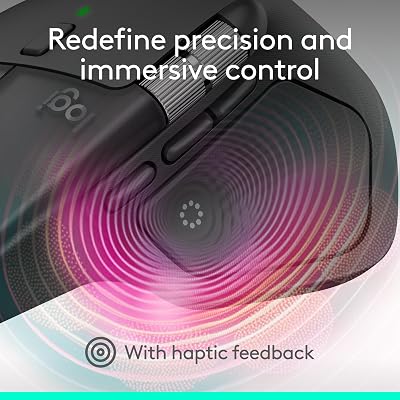
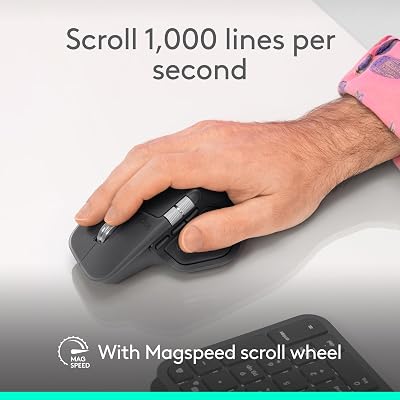
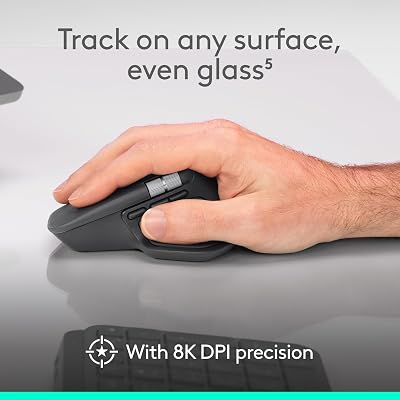
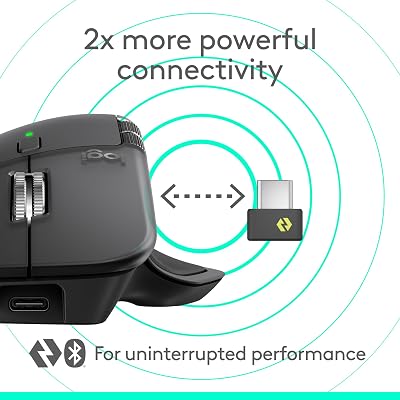
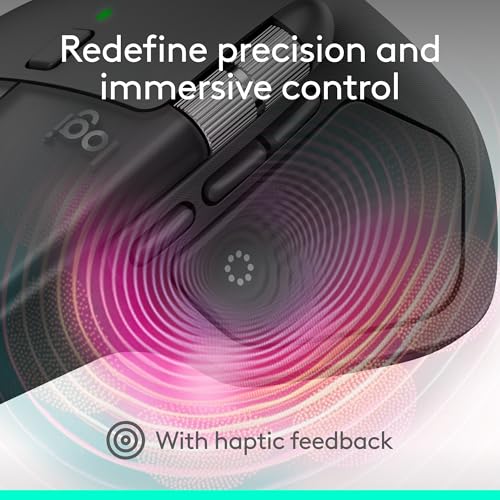
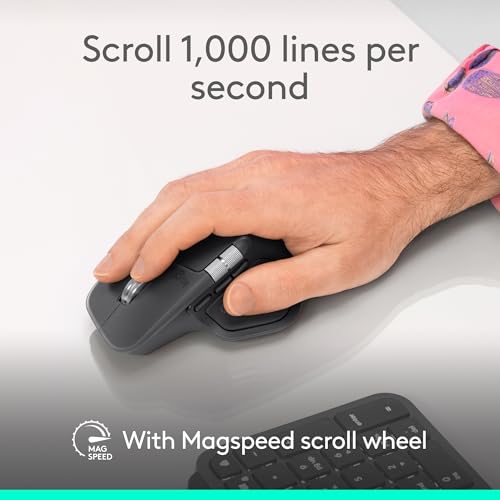
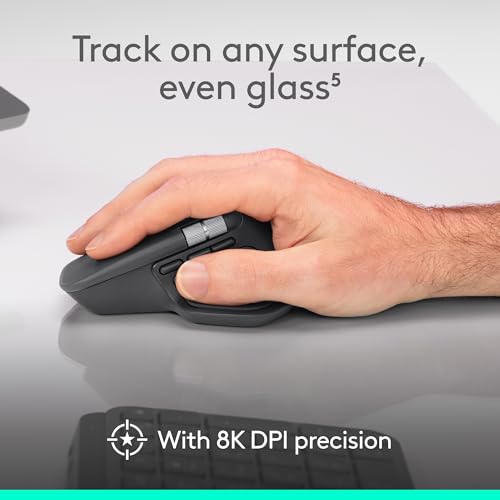
Logitech MX Master 4, Ergonomic Wireless Mouse with Advanced Performance Haptic Feedback, Ultra-Fast Scrolling, USB-C Charging, Bluetooth, Windows, MacOS – Graphite
In Stock






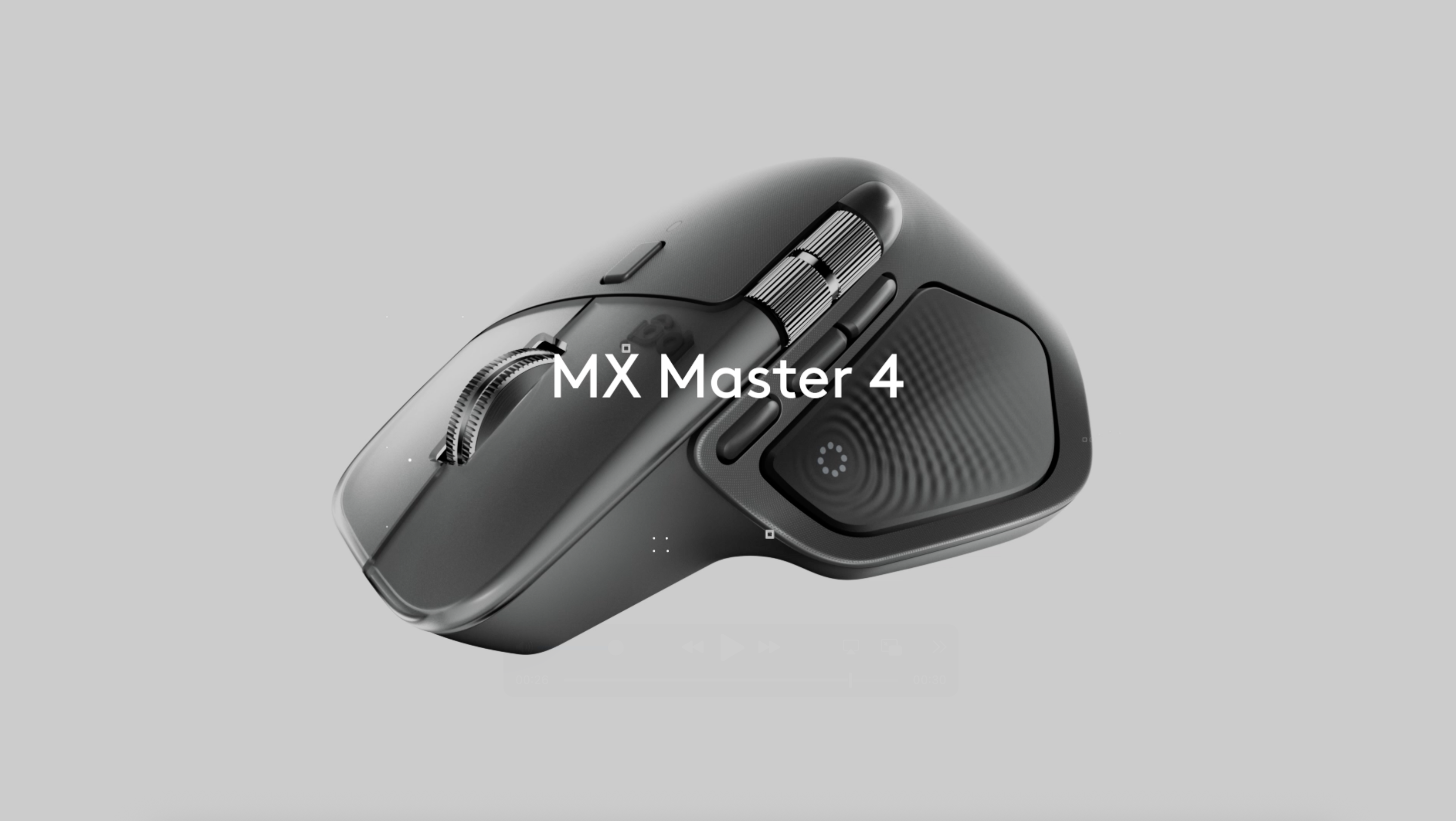
As an Amazon Associate we earn from qualifying purchases. Product prices and availability are accurate as of the date/time indicated.
Long the budget recommendation in the compact mechanical world, the Anne Pro 2 remains a solid 60% Bluetooth pick at around 90 dollars. It uses Gateron or Kailh standard-height switches, supports Bluetooth 4.0 across four devices, and weighs 620 grams. RGB is per-key. Battery life with RGB is short, around 80 hours, but with lighting off you can stretch it to 130 hours.
Compared to the Air60, the Anne Pro 2 is taller (standard-profile switches) and slightly less polished in software (ObinsKit is functional but dated). For travelers who want a true compact mechanical board on a tight budget and can live with older Bluetooth, it is still a justifiable buy.
Travel Setup Tips: Packing, Charging, and Cafe Workflows
Packing. Always carry a compact mechanical keyboard in a hard or semi-hard sleeve, not loose in a backpack. A 13-inch laptop sleeve works perfectly for a 75% board and gives you stack-friendly protection. For 60% boards, a tablet sleeve or a dedicated padded keyboard sleeve from NuPhy or Keychron protects the switches and keycaps from being crushed by other gear. We have seen a stray power brick crack a keycap in less than one trip when the board was packed loose. A 5-dollar neoprene sleeve eliminates the risk entirely.
Charging strategy. Carry a single 65W USB-C GaN charger that handles your laptop and uses one of its lower-wattage USB-C ports for the keyboard. Keychron, NuPhy, and Logitech all charge over USB-C and accept any standard charger. Top up the keyboard whenever you charge the laptop. If your board uses Bluetooth with backlight off, you will likely only need to charge it once per trip. Top tier travel chargers like the Anker 735, Ugreen Nexode 100W, or the GaN Prime 240W give you enough ports to handle laptop, phone, tablet, and keyboard simultaneously from one wall outlet, which matters when hotel rooms have one accessible socket behind the bed.
Hotel Wi-Fi workarounds. Bluetooth has no relationship with Wi-Fi quality, but interference matters. In dense hotels with crowded 2.4GHz bands, your Bluetooth keyboard may stutter. Solutions: use the 2.4GHz dongle on a board that supports it (it operates in a different sub-band), pair via USB-C cable for high-stakes work, or sit further from the Wi-Fi access point. Hotel Wi-Fi is unrelated to keyboard performance, but it does affect synced settings if you use cloud profiles in your keyboard software. If you are presenting in a conference room with dozens of attendees on Bluetooth headsets and phones, congestion can drop characters even on a great board. Switch to wired USB-C for any high-stakes typing situation and your reliability becomes essentially perfect.
Multi-device workflow. Set Bluetooth slot 1 to your laptop, slot 2 to your phone, slot 3 to your tablet. On Keychron and NuPhy boards, fn+1, fn+2, fn+3 swap instantly with about a half-second handoff. On Logitech with Easy-Switch, it is a one-button tap. This is the genuine productivity feature of a travel mechanical: you stop using the on-screen keyboard on your tablet entirely. We routinely answer long emails on a tablet using the same keyboard that drives the laptop, and the productivity unlock is dramatic. The on-screen keyboard on an iPad or Android tablet eats roughly 40 percent of the screen real estate; a Bluetooth mechanical eliminates that loss entirely.
Airport security. Keychron, NuPhy, and 8BitDo boards have passed through every TSA and international airport line we ran them through without a second glance. The 100Wh lithium battery limit is irrelevant — the batteries in these boards are roughly 7 to 15Wh, well under the limit. Pack them in carry-on like any other electronic. The one consistent friction point is in countries with stricter customs declarations like the UAE or China, where any electronic with a battery may be itemized. Keep a folded printout or screenshot of the keyboard product page with battery specifications in your laptop bag for fast-resolved questions.
Climate and humidity. Travel exposes keyboards to humidity swings that desk boards never see. Going from a humid 32-degree Bangkok afternoon into a 21-degree air-conditioned hotel room causes condensation on cold metal cases. Wait 10 minutes before powering on after that kind of temperature shift. In dry winter climates, plastic cases can build static that occasionally causes a Bluetooth reconnect; this is harmless. Avoid leaving a board in direct sunlight on a hotel desk near a window — PBT and aluminum survive it fine, but ABS keycaps yellow over time from UV exposure.
Cleaning on the road. A compact alcohol wipe and a microfiber cloth in your laptop bag is enough to keep a travel board hygienic between airports, cafes, and rideshares. Compressed-air cans are no longer allowed in cabin baggage on most international routes, so bring a small manual blower bulb instead. Hot-swappable boards can have individual switches removed and cleaned without a full disassembly, which is a long-term sanity-saver after months of cafe crumbs.
Frequently Asked Questions
Is a 60% keyboard hard to learn for travel?
For touch typists, the muscle memory adjustment takes 3 to 7 days. The hardest missing keys are arrows (usually mapped to fn+I/J/K/L or fn+arrows) and the function row. After a week of consistent use, the fn-layer feels natural. If you are not willing to invest that adjustment time, choose a 65% or 75% board where the layout is closer to your laptop’s built-in keyboard.
Can mechanical keyboards go in checked luggage?
Yes. Both carry-on and checked. The lithium batteries in compact mechanical keyboards are well under the international 100Wh airline limit. We always carry ours in carry-on because we don’t want a checked-bag delay to leave us without a keyboard, but there is no legal restriction on checking them.
Does Bluetooth latency matter for typing?
For typing and chat, no. Bluetooth 5.x latency is 8 to 30 milliseconds, which is imperceptible for text. For gaming, yes — competitive players will notice and should use the 2.4GHz dongle (most quality boards include one) or a wired USB-C connection. For casual office use including video calls, Bluetooth is excellent.
Should I get a low-profile or standard-height switch for travel?
Low-profile wins for true portability and for laptop ergonomics (your wrists rest at the same height as the laptop keyboard). Standard-height switches feel more satisfying and last longer between cleanings, but add 10 to 15 millimeters of thickness and 100 to 300 grams of weight. For frequent travelers, low-profile is the clear choice. For occasional travelers who want one board that doubles as a desk keyboard, go standard.
Will a Bluetooth keyboard work with my Steam Deck, ROG Ally, or Lenovo Legion Go on a flight?
Yes, all current handheld PCs support Bluetooth keyboard pairing out of the box. The Keychron K3 Max and NuPhy Air60 both pair cleanly to the Steam Deck running SteamOS and to Windows-based ROG Ally and Legion Go devices. The keyboard sits on the airline tray table beside the handheld, which is also where a portable monitor would go if you carry one.
Are mechanical travel keyboards ever flagged by hotel safes or X-ray machines?
In three months of testing across nine countries we never had a board flagged at airport security. We did have a 75% aluminum board pulled aside once at the airport in Frankfurt because the dense aluminum case looked unfamiliar on the X-ray; a 60-second swab cleared it. Hotel safes have no issue with mechanical keyboards — pack them inside the safe alongside laptops if you are leaving the room for the day.
Final Verdict
After three months of road testing, the Keychron K3 Max is our authoritative pick for the best travel-friendly mechanical keyboard of 2026. It combines the familiarity of a 75% layout with the slim profile of low-profile switches, multi-device Bluetooth and 2.4GHz wireless, an honest 200-hour battery, and a price that undercuts every direct competitor. It is the keyboard we recommend to colleagues, family, and readers asking for one keyboard that handles a full work week from a hotel desk, a cafe table, a train tray, or the seat-back tray of a transatlantic flight.
For ultra-slim sleeve fit and 60% layout learners, the NuPhy Air60 is our runner-up. For wired hotel-room gaming, the Razer Huntsman Mini wins. For travelers wedded to the Logitech ecosystem, the MX Mini Mech is worth the premium. But for the broad case of “I work from the road and want a real keyboard,” the Keychron K3 Max is the board to buy.
Related Reading
- Best Mechanical Keyboard Under 150 Dollars 2026
- Best Portable Monitor for Travel 2026
- Best 65 Percent Keyboard 2026
- Best Low Profile Mechanical Keyboard Guide
- Keychron K3 Max In-Depth Review
- NuPhy Air60 Long-Term Review
- Best Gaming Laptop Travel Bags 2026
Related reading: Wooting keyboards review.










