Affiliate disclosure: As an Amazon Associate we earn from qualifying purchases. This post contains affiliate links — if you buy through them we may earn a small commission at no extra cost to you. This never affects our recommendations.


If you’re building or upgrading a gaming PC in 2026, 1440p (QHD) is the sweet spot. You get a massive jump in sharpness and image quality over 1080p without the brutal GPU cost of running 4K at playable framerates. And the best part? You no longer need to spend $400–$500 to get into a quality QHD panel. The $300 ceiling now buys you genuinely excellent monitors — IPS panels with 165Hz to 180Hz refresh rates, solid HDR implementations, and adaptive sync support from both AMD and NVIDIA.
That said, not every monitor in this price band is worth your money. You’ll find compromises: some hit high refresh rates but ship with lackluster out-of-box color accuracy, others nail color but skip USB-C or limit HDR to a bare-minimum HDR400 certification that barely moves the needle over SDR. GPU requirements matter here too — to push 1440p at 144Hz+ consistently in demanding titles, you’ll want at minimum an RTX 4070 or RX 7800 XT. Mid-range cards like the RTX 4060 Ti handle 1440p well at 100–120fps in most games.
This guide cuts through the noise. We’ve picked the five best 1440p gaming monitors under $300 in 2026, covering IPS vs VA trade-offs, real-world HDR performance, adaptive sync ecosystems, and which GPU pairs best with each tier.
In a hurry? See the top-rated 1440p Gaming Monitor Under $300 deals available right now:
🛒 Check 1440P Gaming Monitor Under $300 Prices on Amazon →🛒 Best Price Today on Amazon
Prime members get fast, free shipping on everything above, plus member-only deals. New members get a 30-day free trial — cancel anytime.
Start 30-Day Prime Free Trial →See Today’s Amazon DealsQuick Comparison Table
| Model | Panel | Size | Refresh Rate | Response Time |
|---|---|---|---|---|
| LG 27GP850-B | IPS Nano | 27″ | 165Hz | 1ms GtG |
| MSI G274QPX | IPS | 27″ | 170Hz | 1ms GtG |
| Gigabyte M27Q | IPS | 27″ | 170Hz | 0.5ms MPRT |
| AOC Q27G2S | IPS | 27″ | 165Hz | 1ms GtG |
| ViewSonic Elite XG270QG | IPS | 27″ | 165Hz | 1ms GtG |
Top 5 Best 1440p Gaming Monitors Under $300
1. LG 27GP850-B — Best Overall 1440p Monitor Under $300
The LG 27GP850-B has held its position as the benchmark for budget-to-mid 1440p gaming monitors for good reason. Built around a 27-inch Nano IPS panel running at 1440p / 165Hz, it delivers colors that punch well above its price class — 98% DCI-P3 coverage is exceptional at this tier. The 1ms GtG response time keeps motion sharp even in fast-paced competitive shooters, and the panel’s out-of-box calibration is accurate enough that most gamers won’t need to touch it.
It supports both G-Sync Compatible and AMD FreeSync Premium, making it genuinely platform-agnostic. NVIDIA and AMD GPU owners both get full variable refresh rate support without compromise. HDR support is rated at HDR400 — functional but not transformative. You’ll see better black levels and brightness bursts compared to SDR, but don’t expect OLED-level contrast. The real strength here is color vibrancy and low input lag. If you game across multiple genres — competitive FPS, open-world RPG, action games — this monitor covers all of them exceptionally well.
Pros:
- Outstanding color accuracy for the price (98% DCI-P3)
- True 1ms GtG keeps fast-motion clean
- Compatible with G-Sync and FreeSync — works with any GPU
- Slim bezel design, clean aesthetics
- Proven reliability with strong user community feedback
Cons:
- HDR400 implementation is entry-level
- Stand has limited ergonomic adjustability
- No USB-C connectivity
- Slightly higher price than direct IPS competitors
2. MSI G274QPX — Best for HDR and High Refresh Rate Combo
The MSI G274QPX earns its place on this list by delivering one of the more balanced feature sets at the $269 mark. The 27-inch IPS panel runs at 1440p / 170Hz with a rated 1ms GtG response time, hitting the performance marks you want for competitive gaming without sacrificing daily use image quality.
Where the G274QPX distinguishes itself is build quality and feature completeness. The stand offers full ergonomic adjustments — height, tilt, swivel, and pivot — something cheaper monitors often skip. HDR400 certification is present and the panel’s peak brightness is competitive enough that you’ll notice the difference in highlights during HDR content. Color coverage comes in at around 95% DCI-P3, slightly behind the LG Nano IPS but still excellent for gaming and content consumption. FreeSync Premium is supported and NVIDIA G-Sync Compatible certification means RTX card owners get tear-free gameplay without paying the G-Sync module premium. This is the pick if you want a monitor that does everything competently with no glaring weaknesses.
Pros:
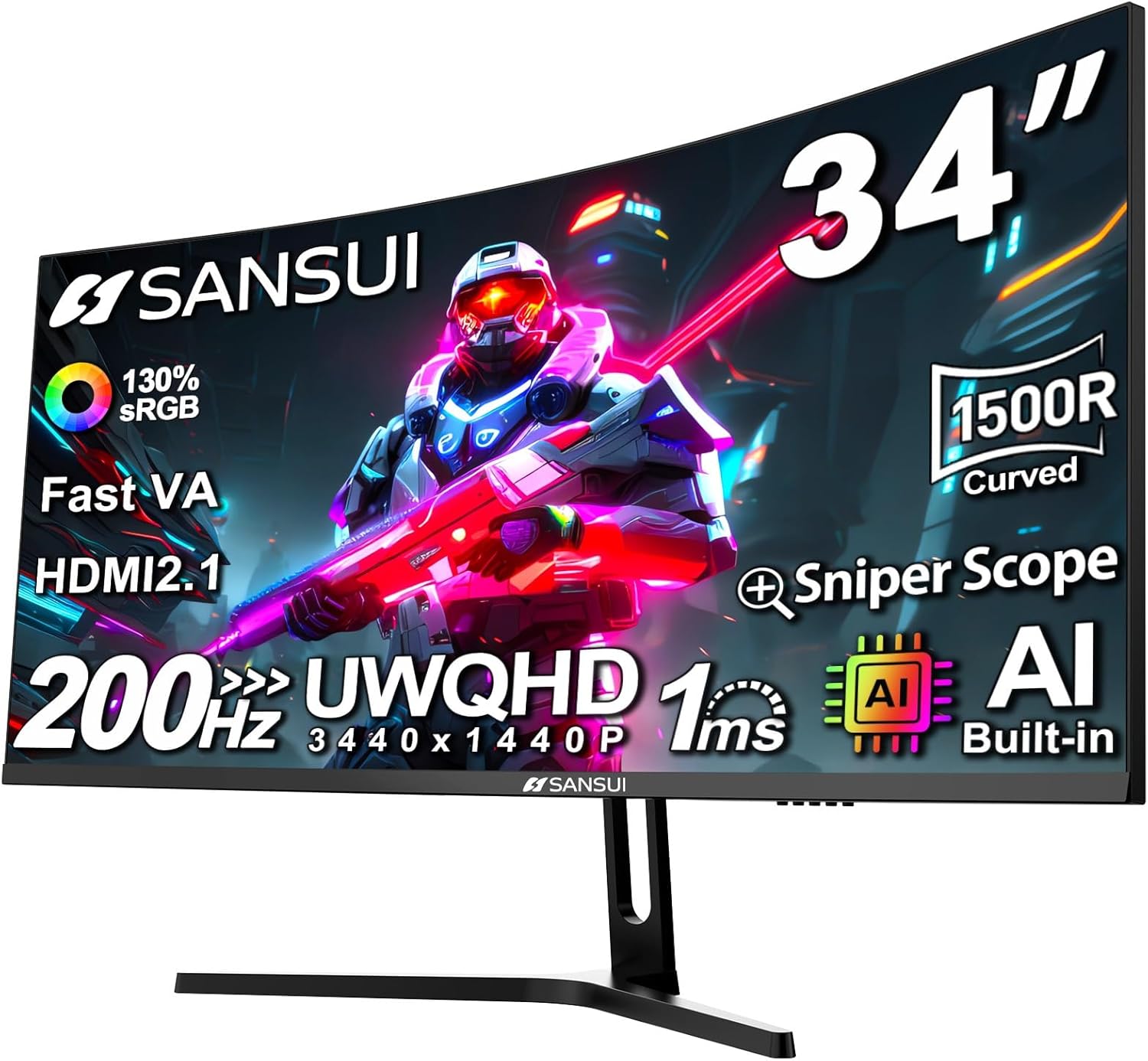
- Full ergonomic stand (height, tilt, swivel, pivot)
- Solid 170Hz refresh at 1440p with clean motion
- Competitive color accuracy for gaming and media
- FreeSync Premium + G-Sync Compatible certified
- Well-built, premium feel at a mid-range price
Cons:
- HDR400 is standard for the price — not a step above peers
- No USB-C or KVM functionality
- OSD navigation could be more intuitive
- Slightly warmer color temperature out of box
3. Gigabyte M27Q — Best Versatile Pick with KVM and USB-C
The Gigabyte M27Q is the most versatile monitor on this list by a significant margin. While it matches peers on core gaming specs — 27-inch IPS, 1440p, 170Hz, 0.5ms MPRT — it adds features that competing monitors at this price omit entirely. The built-in KVM switch lets you control two computers with a single keyboard and mouse setup, and the USB-C port delivers 18W of power delivery, making it genuinely useful for laptop users who want to connect a MacBook or thin-and-light without a separate charger.
Gaming performance is strong. The 0.5ms MPRT (Moving Picture Response Time) rating results in exceptionally crisp motion in fast games, though note that MPRT is measured differently than GtG — the practical difference at 170Hz is minimal for most users. Color reproduction is excellent with 92% DCI-P3 coverage, and the IPS panel maintains wide viewing angles, which matters if you’re in a shared gaming space. FreeSync Premium is supported, with G-Sync Compatible functionality for NVIDIA users. This is the pick for anyone who uses their gaming monitor as a dual-purpose workstation display or runs a multi-device desk setup.
Pros:
- Built-in KVM switch — control two PCs with one peripherals set
- USB-C with 18W power delivery (laptop-friendly)
- 170Hz at 1440p with snappy 0.5ms MPRT response
- Wide 92% DCI-P3 color coverage
- Strong value-to-feature ratio
Cons:
- OSD menu is cluttered and takes time to navigate
- 18W USB-C PD is limited compared to full 65W+ laptop charging standards
- Slight haze on the anti-glare coating in bright rooms
- HDR implementation is entry-level
4. AOC Q27G2S — Best Budget Leader Under $230
If you want the strongest performance-per-dollar in the 1440p space and don’t need USB-C or KVM extras, the AOC Q27G2S is your answer. At approximately $219, it undercuts most 1440p IPS monitors significantly while delivering a 27-inch IPS panel at 1440p / 165Hz with a 1ms GtG response time and FreeSync Premium support.
Out-of-box color accuracy is better than expected for the price — 93% DCI-P3 coverage is competitive with monitors costing $50–$80 more. The panel brightness is adequate for most gaming environments, and black uniformity on IPS is, as always, better than VA but with the expected slight IPS glow in dark-room gaming. The stand offers basic tilt and height adjustment — not as full-featured as the MSI G274QPX, but serviceable for most setups. NVIDIA users will find G-Sync Compatible functionality works correctly. The AOC Q27G2S is the monitor you recommend to a friend building their first QHD gaming rig who needs to stretch the budget on GPU instead of display.
Pros:
- Most affordable 1440p 165Hz IPS on this list (~$219)
- Strong out-of-box color accuracy for its price tier
- FreeSync Premium + G-Sync Compatible
- Solid 1ms GtG for competitive gaming
- Clean, no-frills design
Cons:
- Basic stand ergonomics (tilt and height only, no swivel/pivot)
- No USB-C, no KVM features
- Entry-level HDR that adds minimal benefit over SDR
- Build quality feels slightly more plastic than premium picks
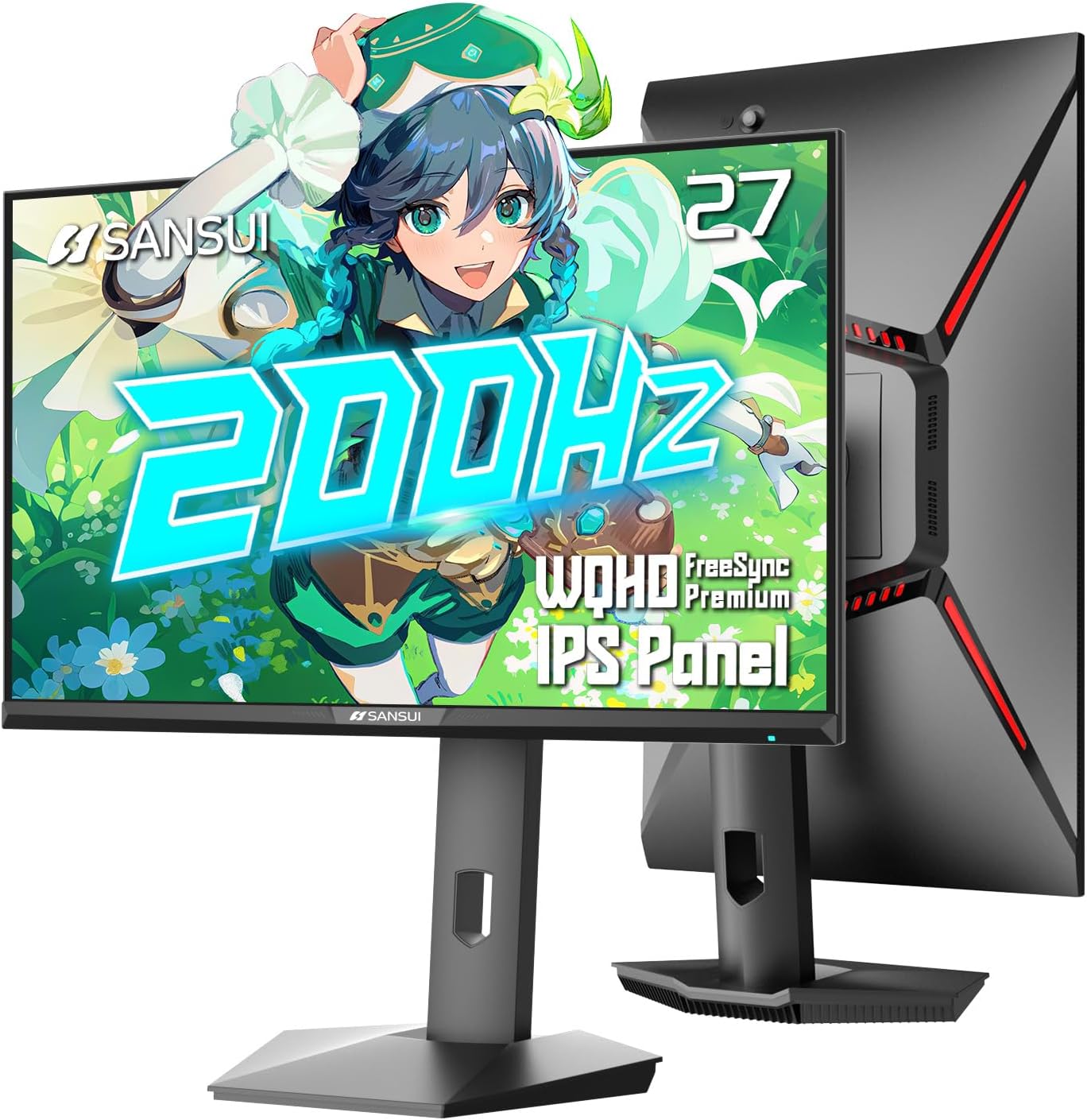
5. ViewSonic Elite XG270QG — Best Premium Budget Pick with Hardware Calibration
The ViewSonic Elite XG270QG is the premium option at the top of our budget ceiling — sitting right at approximately $299 — and it justifies that position with features you don’t find elsewhere in this price range. Most notably, it supports hardware calibration, meaning you can use a colorimeter and ViewSonic’s software to create custom ICC profiles stored directly on the monitor. For gamers who double as content creators or streamers, this is a meaningful upgrade over software-only color management.
The 27-inch IPS panel runs at 1440p / 165Hz with a 1ms GtG response time and full NVIDIA G-Sync support (hardware G-Sync module, not just Compatible certification). That G-Sync module ensures the most consistent and reliable variable refresh rate experience for RTX card owners, though it also means AMD GPU users don’t get native FreeSync. Color coverage reaches 125% sRGB / 95% DCI-P3, and the panel includes an ambient light sensor that adjusts brightness automatically. The ergonomic stand is excellent — full height, tilt, swivel, and pivot adjustment with solid build quality throughout.
Pros:
- Hardware calibration support — exceptional for creators
- Full G-Sync module (not just Compatible) for NVIDIA users
- 125% sRGB color volume for vibrant, accurate color
- Premium ergonomic stand with full range of adjustment
- Ambient light sensor for automatic brightness management
Cons:
- G-Sync hardware module means no native FreeSync for AMD GPU owners
- Highest price on this list (~$299)
- Hardware calibration requires additional colorimeter investment
- Larger bezel profile compared to sleeker competitors
ViewSonic Elite XG270QG Gaming Monitor
How to Choose a 1440p Gaming Monitor Under $300
IPS vs VA at This Price Tier
In 2026, the sub-$300 1440p market is dominated by IPS panels — and for good reason. IPS delivers better color accuracy, wider viewing angles, and faster pixel response times than VA at equivalent price points. VA’s primary advantage is contrast ratio (typically 3000:1 vs IPS’s 1000:1), which translates to deeper blacks in dark gaming environments. However, VA panels at this price often show black smearing in fast motion — a visible artifact in dark scenes during rapid camera movement. For competitive gaming or any genre with fast motion, IPS is the safer choice. If you play predominantly slow-paced RPGs or strategy games in a dark room and want better black levels, a VA panel is worth exploring — but none made our top 5 picks.
Refresh Rate: 144Hz Is the Minimum, 165–180Hz Is the Sweet Spot
144Hz is the floor for 1440p gaming in 2026. Anything below and you’re leaving noticeable performance on the table for a category of monitor priced to attract competitive gamers. The monitors on this list range from 165Hz to 170Hz, which is effectively the sweet spot. The difference between 165Hz and 180Hz is marginal in real-world gameplay — far less impactful than the jump from 60Hz to 144Hz. Focus on panel quality over squeezing extra refresh rate headroom.
HDR400: What to Realistically Expect
Every monitor on this list carries HDR400 certification. Let’s be honest about what that means: HDR400 requires a minimum peak brightness of 400 nits and basic HDR metadata support — it does not require local dimming, wide color gamut hardware, or high contrast zones. The result is HDR that looks noticeably brighter than SDR in highlights but lacks the dramatic impact of HDR600 or higher monitors with local dimming arrays. At this price tier, treat HDR as a bonus, not a primary purchase driver. Focus on refresh rate, color accuracy, and response time first.
G-Sync Compatible vs FreeSync Premium
For AMD GPU owners (RX 7000 series), FreeSync Premium is the native choice — it guarantees tear-free, low-latency variable refresh rate gaming with a certified VRR range. For NVIDIA RTX owners, G-Sync Compatible certification on FreeSync monitors works correctly and delivers essentially the same experience as native G-Sync without the price premium. The only scenario where hardware G-Sync (like the ViewSonic XG270QG) offers a tangible benefit is ultra-high refresh rate gaming where frame pacing consistency becomes perceptible — relevant for competitive esports players, less so for most gamers.
GPU Pairing for 1440p at 144Hz+
To consistently hit 144Hz+ at 1440p in demanding AAA titles, you need a capable GPU:
- Minimum: RTX 4060 Ti or RX 7700 XT — handles 1440p at 80–120fps in most games
- Recommended: RTX 4070 or RX 7800 XT — pushes 1440p at 144fps+ in most titles with quality settings
- Ideal: RTX 4070 Super or RX 7900 GRE — consistent 165fps+ at 1440p across demanding titles
Best GPU to Pair with a 1440p Monitor Under $300
Matching your monitor’s refresh rate ceiling to your GPU’s output is critical for getting full value from a 165–170Hz display.

The RTX 4070 is the most recommended pairing in 2026 — it delivers 1440p at 120–165fps in most AAA titles at high/ultra settings and handles ray tracing competently with DLSS 3 upscaling available as a performance buffer. For AMD users, the RX 7800 XT is the equivalent recommendation — strong native rasterization performance at 1440p, excellent FreeSync Premium compatibility, and competitive pricing.
If budget is tight and you’re pairing a GPU purchase with a new monitor, the RTX 4060 Ti is a respectable entry into 1440p gaming. It won’t always hit 165fps in the most demanding titles, but adaptive sync means every frame between your monitor’s VRR range (typically 48–165Hz) delivers tear-free gameplay. You’ll run some games at 100–120fps with high settings rather than maxed — a reasonable compromise.
Avoid pairing a 165Hz QHD monitor with a GPU that struggles to exceed 80fps at 1440p consistently (RTX 3060 or below for example). You’ll spend most of your time in the lower VRR range, which defeats the purpose of a high-refresh QHD panel. In that scenario, a 1080p 144Hz monitor is a better match until you can upgrade GPU.
Final Verdict
The LG 27GP850-B is our top overall recommendation for most gamers. Its Nano IPS panel delivers class-leading color accuracy, the 1ms GtG keeps motion tight in fast games, and G-Sync Compatible plus FreeSync Premium support means it works flawlessly regardless of whether you’re on Team Red or Team Green. At around $249, it hits the performance and quality marks that defined $400 monitors three years ago.
If you need workspace versatility with KVM and USB-C, the Gigabyte M27Q is the smarter pick. Running a dual-PC setup or connecting a laptop regularly? The M27Q’s feature set justifies the slight trade-off in peak color performance.
For the tightest budgets, the AOC Q27G2S at ~$219 is the best 1440p 165Hz IPS monitor you can buy without spending $250+. It cuts extras but nails the fundamentals.
The MSI G274QPX earns the recommendation if a full ergonomic stand and polished build quality matter as much to you as panel specs — this is the pick for desk setups where you’ve invested in a monitor arm or want long-term positional flexibility without a separate purchase.
And if you’re a content creator who also games, the ViewSonic Elite XG270QG is worth the $299 ceiling for hardware calibration support and full G-Sync module — features that genuinely serve dual-purpose workflows.
Any monitor on this list represents a real, meaningful upgrade over 1080p. At 1440p, games look sharper, text is more readable, and the additional screen real estate changes how you interact with your setup. In 2026, there’s never been a better time to make the jump to QHD on a budget.
Related Articles
Looking for more on this topic? Browse the hand-picked guides below — each one applies the same scoring rubric used in this review.
Frequently Asked Questions
What is the best gaming monitor 1440p in 2026?
The best gaming monitor 1440p depends on your budget and how you plan to use it. The options compared above are our top-rated picks based on real customer ratings, build quality, and overall value — start with the highest-rated model that fits your budget.
How much should I expect to spend on a gaming monitor 1440p?
Prices vary by brand and features. Budget options cover the essentials, while mid-range and premium models add durability, performance, and extra features. Compare the prices in the list above to find the best value for your needs.
What should I look for when buying a gaming monitor 1440p?
Focus on what matters most for your use case — build quality, compatibility, performance, warranty, and verified customer reviews. Every pick above is selected to balance these factors.
Are budget gaming monitor 1440p options worth it?
Yes. For most people a well-reviewed budget or mid-range gaming monitor 1440p delivers excellent value. You only need to spend more if you specifically require premium materials or top-tier performance.
How did we choose these gaming monitor 1440p picks?
We compare current Amazon ratings, review counts, key features, and price to surface the options with the best real-world value. The list is refreshed as ratings and availability change.