

- Top Pick: Apple 2026 MacBook Pro Laptop with Apple M5 Pro chip with 18-core CPU and 20-core GPU: Built for AI, 16.2-inch Liquid Retina XDR Display, 48GB Unified Memory, 1TB SSD, Wi-Fi 7; Space Black
- Best Value: Apple 2025 MacBook Pro Laptop with Apple M5 chip with 10‑core CPU and 10‑core GPU: Built for AI, 14.2-inch Liquid Retina XDR Display, 16GB Unified Memory, 1TB SSD Storage; Space Black
- Premium Choice: Apple 2026 MacBook Pro Laptop with Apple M5 Pro chip with 15-core CPU and 16-core GPU: Built for AI, 14.2-inch Liquid Retina XDR Display, 24GB Unified Memory, 1TB SSD, Wi-Fi 7; Space Black
Before anything else, an honest framing: for serious AI and machine-learning work, the GPU does the heavy lifting. Training and running modern models is overwhelmingly a GPU job, so the single most important thing a CPU does for AI is feed those GPUs efficiently — moving data, handling preprocessing and augmentation, running the operating system and frameworks, and providing the PCIe lanes that connect one or more accelerators. A great AI CPU is one with plenty of cores and threads, generous PCIe lanes, and strong AVX vector support, so the GPU is never left waiting. This guide rounds up the best CPUs for AI in 2026 with that reality front and centre, leading with the highest-core, most-lane platforms.
- Best CPUs for AI at a Glance
- 1. Corsair Vengeance i5200 Gaming PC – Liquid Cooled Intel Core Ultra 9 285K
- 2. Dell Tower Plus EBT2250 – Series 2 Intel Core Ultra 9 285K
- 3. AMD Ryzen 7 5700G 8-Core, 16-Thread Desktop Processor with Radeon Graphics
- 4. AMD RYZEN 7 9800X3D 8-Core, 16-Thread Desktop Processor
- 5. AMD Ryzen 7 7800X3D 8-Core, 16-Thread Desktop Processor
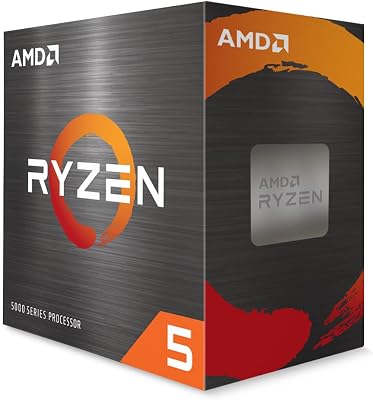
- 6. AMD Ryzen 5 5500 6-Core, 12-Thread Unlocked Desktop Processor
- How to Choose a CPU for AI
- Related Guides
- Frequently Asked Questions
- Related Guides
- Related Articles
Our picks were chosen on what genuinely matters for an AI workstation: core and thread count for parallel data work, PCIe lanes to feed graphics cards, AVX and modern vector extensions for CPU-side math, and value. We have been honest about each chip’s role: a couple of these are eight-core processors tuned primarily for gaming, which makes them only moderate AI workhorses, and one is a six-core budget chip we flag plainly as weak for AI. Two entries are complete high-core systems built around Intel’s Core Ultra 9 285K, which makes them the strongest CPU platforms here for feeding GPUs. Prices span from around $84 for a single budget chip to around $6,400 for a fully built workstation. Below is an at-a-glance comparison, then a closer look at each and a buyer’s guide built around cores, lanes, and AVX — remembering throughout that your GPU, not your CPU, will do the actual model training.
As an Amazon Associate we earn from qualifying purchases at no extra cost to you.



🛒 Best Price Today on Amazon
Prime members get fast, free shipping on everything above, plus member-only deals. New members get a 30-day free trial — cancel anytime.
Best CPUs for AI at a Glance
| CPU / System | Best For | Standout Spec (AI angle) | Approx Price |
|---|---|---|---|
| Corsair Vengeance i5200 (Core Ultra 9 285K) | Turnkey high-core AI workstation | 24-core Ultra 9, liquid cooled, full system | around $6,400 |
| Dell Tower Plus EBT2250 (Core Ultra 9 285K) | Prebuilt high-core AI tower | 24-core Ultra 9, ready-to-run system | around $5,490 |
| AMD Ryzen 7 5700G (8C/16T, iGPU) | Entry AI host with onboard graphics | 8C/16T, Radeon iGPU frees a slot | around $208 |
| AMD Ryzen 7 9800X3D (8C/16T) | Fast cores, gaming-first chip | 8C/16T Zen 5, modern AVX-512 | around $420 |
| AMD Ryzen 7 7800X3D (8C/16T) | Gaming-tuned, moderate for AI | 8C/16T, 3D V-Cache (gaming-focused) | around $375 |
| AMD Ryzen 5 5500 (6C/12T) | Tight-budget host, weak for AI | 6C/12T, no PCIe 4.0 — flagged weak | around $84 |
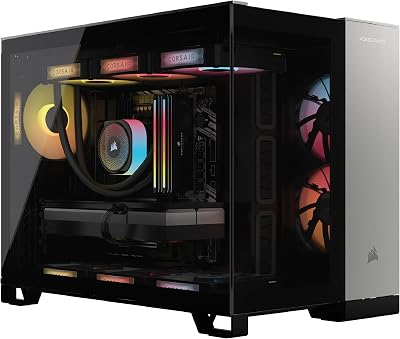
1. Corsair Vengeance i5200 Gaming PC – Liquid Cooled Intel Core Ultra 9 285K
16
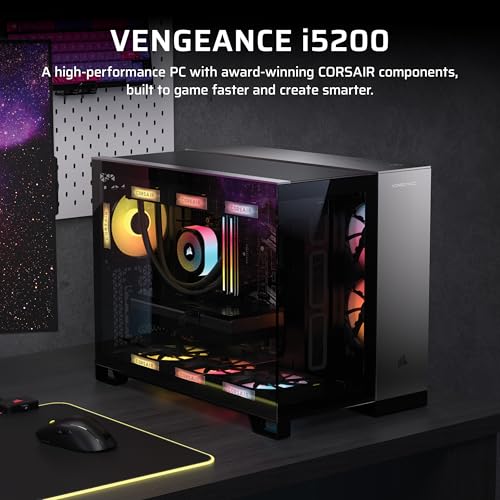
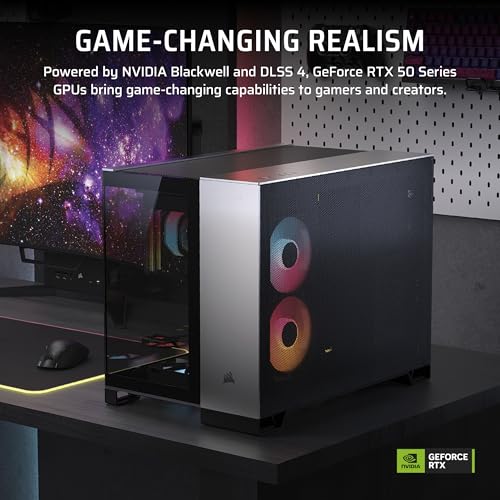
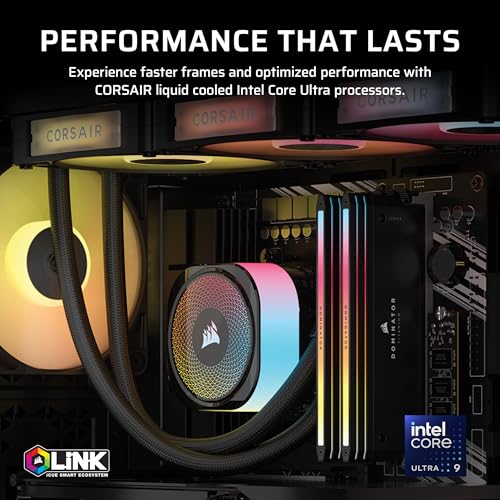
Corsair Vengeance i5200 Gaming PC – Liquid Cooled Intel® Core™ Ultra 9 285K CPU, NVIDIA® GeForce RTX™ 5090 GPU, 64GB Dominator Titanium RGB DDR5 Memory, 2+2TB M.2 SSD – Black/Silver
In Stock



As an Amazon Associate we earn from qualifying purchases. Product prices and availability are accurate as of the date/time indicated.
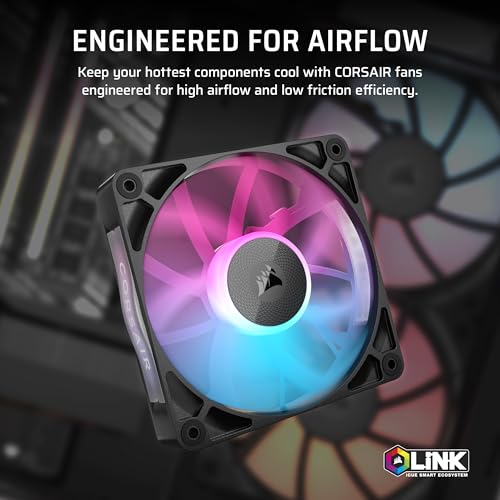
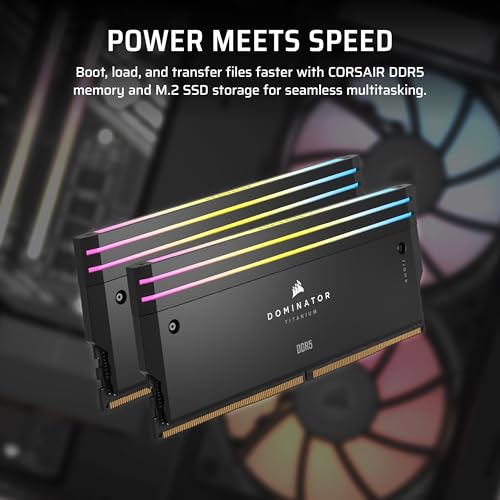
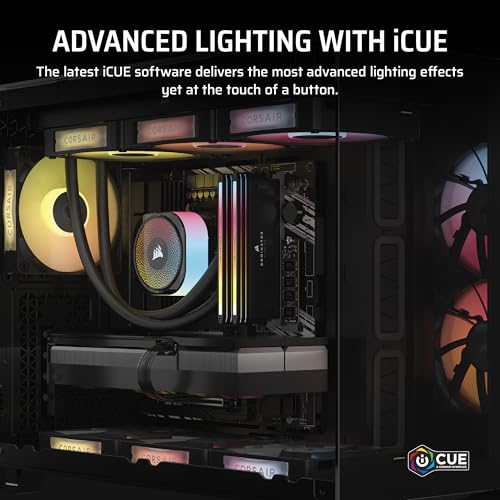
The Corsair Vengeance i5200 leads this guide because it is built around the highest-core CPU here: Intel’s Core Ultra 9 285K, a 24-core processor, inside a complete, liquid-cooled system. For AI, that high core and thread count is exactly what you want on the host side — abundant parallelism for data loading, preprocessing, and augmentation pipelines that keep a powerful GPU fed without becoming the bottleneck. At around $6,400 it is a turnkey workstation rather than a bare chip, and the price reflects the whole build.
This is the pick for someone who wants a ready-to-run AI workstation and values a strong, modern CPU platform with the cores and lanes to drive a serious GPU. The 24-core Ultra 9 285K handles heavy multitasking, CPU-side math, and data-prep comfortably, the liquid cooling keeps it sustained under load, and a prebuilt system removes the assembly and compatibility guesswork. Remember the honest rule, though: the actual model training will run on the graphics card inside, so confirm the GPU configuration matches your AI ambitions — the CPU here is the able host, not the accelerator.
Pros: 24-core Core Ultra 9 285K, complete liquid-cooled build, ample cores/threads to feed a GPU.
Cons: Very high price; it is a whole system, and the GPU (not the CPU) does the ML training.
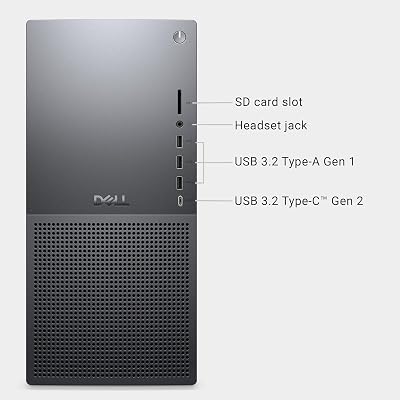
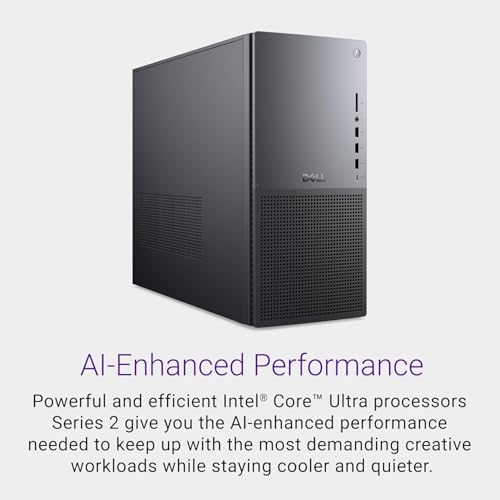
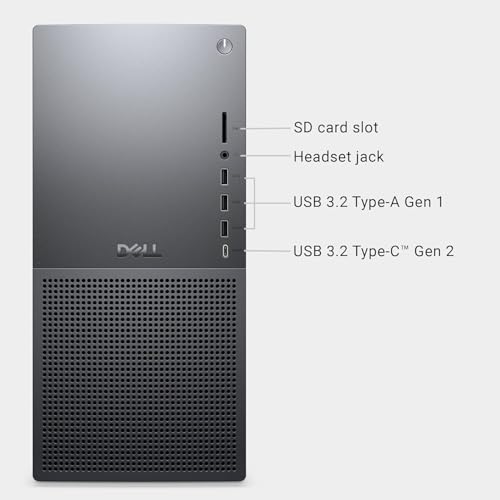
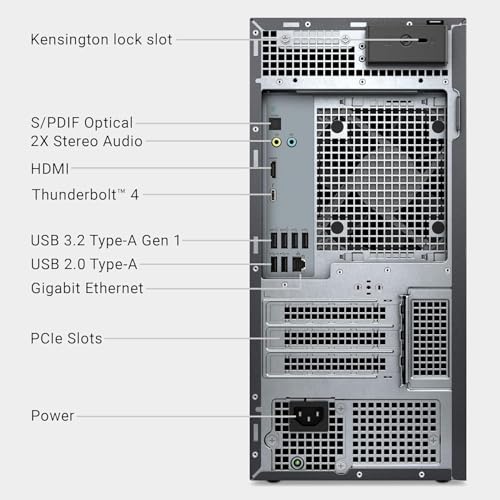
2. Dell Tower Plus EBT2250 – Series 2 Intel Core Ultra 9 285K

13
Dell Tower Plus EBT2250 Desktop Computer – Series 2 Intel Core Ultra 9 285K CPU, 32GB DDR5 RAM, 8TB NVMe SSD + 20TB HDD, NVIDIA GeForce RTX 5070 12GB GDDR7, Windows 11 Pro, Graphite
In Stock







As an Amazon Associate we earn from qualifying purchases. Product prices and availability are accurate as of the date/time indicated.
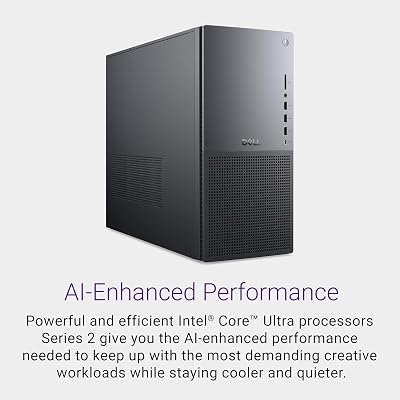
The Dell Tower Plus EBT2250 is the other high-core platform here, again built on the 24-core Intel Core Ultra 9 285K but in a more conventional prebuilt tower. For AI host duties it offers the same core strength: lots of threads to drive data pipelines and preprocessing, plenty of headroom for frameworks and background tasks, and the platform connectivity to host a capable GPU. At around $5,490 it is a complete, supported system from a major vendor.
This is the pick for a buyer who wants a high-core AI host with the reassurance of a mainstream OEM — business support, a tidy chassis, and a system that simply works out of the box. The Ultra 9 285K’s 24 cores make light of CPU-side AI chores, and a tower form factor leaves room to live with the machine long-term. As always, the GPU determines your real training and inference performance, so verify the graphics configuration; the 285K is an excellent feeder CPU, but it is the card alongside it that will crunch the models.
Pros: 24-core Core Ultra 9 285K, supported prebuilt tower, strong host for GPU-driven AI.
Cons: High price for a full system; GPU does the heavy ML lifting, not the CPU itself.
3. AMD Ryzen 7 5700G 8-Core, 16-Thread Desktop Processor with Radeon Graphics

19
AMD Ryzen™ 7 5700G 8-Core, 16-Thread Desktop Processor with Radeon™ Graphics
In Stock





As an Amazon Associate we earn from qualifying purchases. Product prices and availability are accurate as of the date/time indicated.
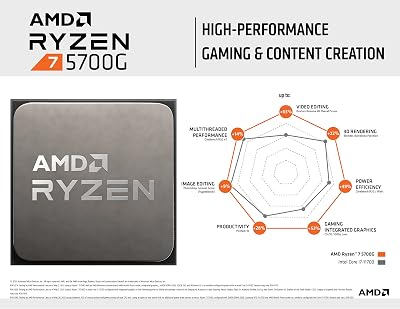
The AMD Ryzen 7 5700G is the most interesting standalone chip here for an entry-level AI host. It is an eight-core, sixteen-thread processor with capable Radeon integrated graphics, which means you can run a system and a display without occupying your PCIe x16 slot — leaving it free for the discrete GPU that will do your AI work. At around $208 it is an affordable, sensible foundation for a first machine-learning build.
This is the pick for someone assembling a budget AI host who wants eight real cores to handle data prep and multitasking, plus the practicality of onboard graphics during setup and troubleshooting. The 5700G gives you a solid thread count to feed an accelerator and the flexibility of an iGPU, though it is worth noting its PCIe lane provision is more modest than higher-end platforms, so it suits a single-GPU build rather than a multi-card rig. As an inexpensive, capable host CPU for getting started with AI, it is a smart, level-headed choice.
Pros: 8C/16T with Radeon iGPU (keeps the x16 slot free for a GPU), affordable, sensible AI host.
Cons: Modest PCIe lane count suits a single-GPU build; the discrete GPU still does the ML work.
4. AMD RYZEN 7 9800X3D 8-Core, 16-Thread Desktop Processor

10



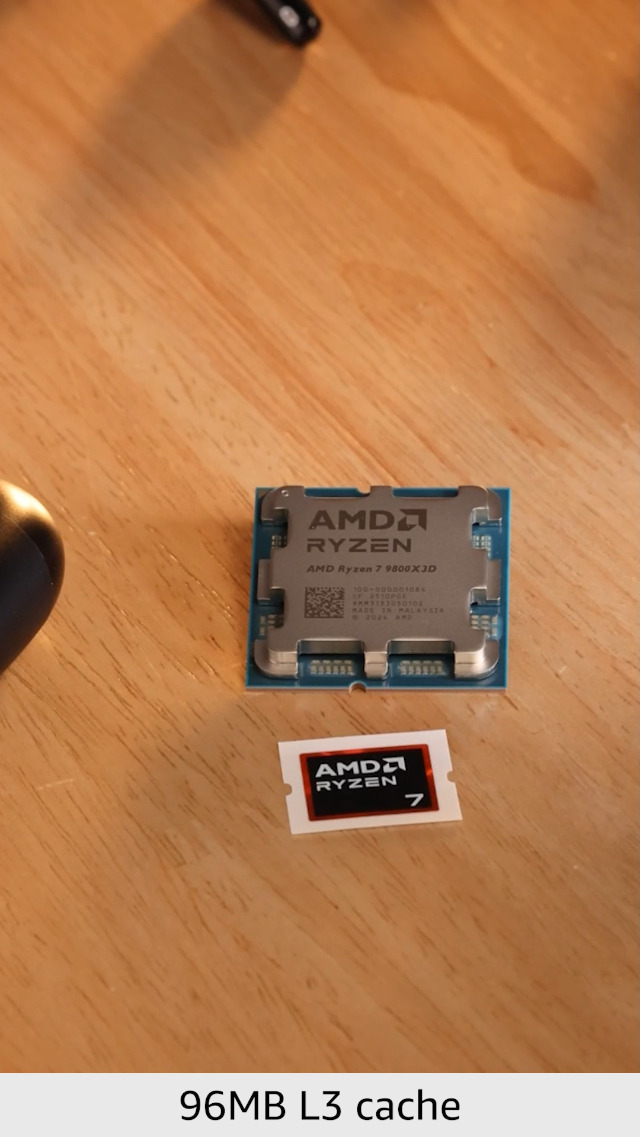
As an Amazon Associate we earn from qualifying purchases. Product prices and availability are accurate as of the date/time indicated.
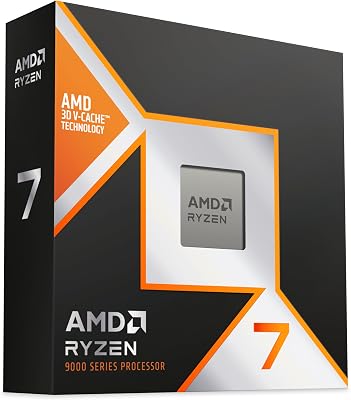
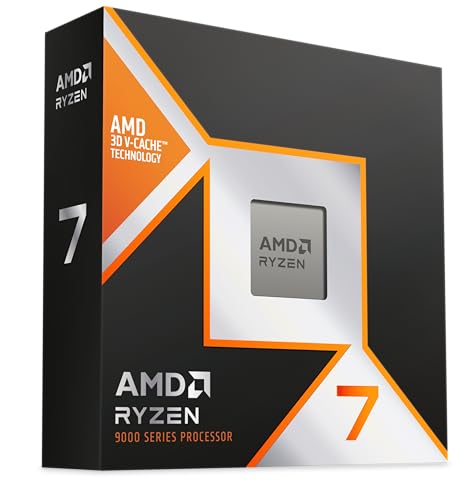
The AMD Ryzen 7 9800X3D is a superb processor — but it is important to be honest about its design intent. It is an eight-core, sixteen-thread Zen 5 chip with 3D V-Cache, engineered first and foremost to be one of the fastest gaming CPUs available. For AI, eight fast cores and modern AVX support make it a perfectly competent host for a single-GPU setup, but its strengths are tuned for games rather than the high core counts heavy AI hosts prefer. At around $420 it is priced as a premium gaming chip.
This is the pick for someone who games seriously and dabbles in AI on the same machine, rather than for a dedicated training rig. The 9800X3D will feed a single graphics card capably, its modern architecture handles CPU-side math well, and you get class-leading gaming as a bonus. But if your priority is maximum AI throughput, the eight-core count and consumer PCIe lane budget are more limiting than the 24-core Ultra 9 platforms above — so choose it for its all-round gaming-plus-AI versatility, not as a pure machine-learning workhorse.
Pros: Eight fast Zen 5 cores, modern AVX, excellent single-GPU host, great if you also game.
Cons: Gaming-first 8-core design; fewer cores/lanes than dedicated AI platforms — moderate for heavy AI.
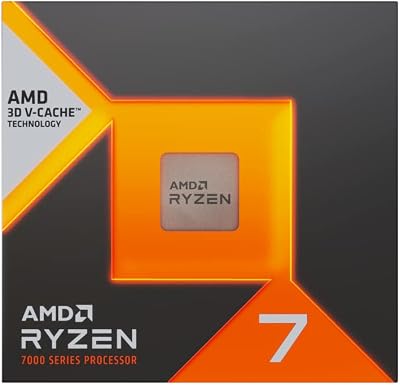
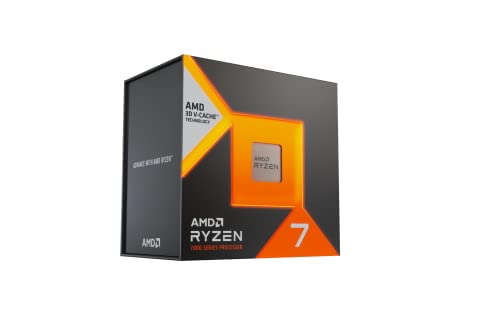
5. AMD Ryzen 7 7800X3D 8-Core, 16-Thread Desktop Processor

13



As an Amazon Associate we earn from qualifying purchases. Product prices and availability are accurate as of the date/time indicated.
The AMD Ryzen 7 7800X3D sits in a similar place to the 9800X3D and warrants the same honest framing. It is an eight-core, sixteen-thread chip famous for its 3D V-Cache and outstanding gaming performance — a gaming-first design rather than an AI-first one. As an AI host it is a capable feeder for a single GPU thanks to eight quick cores and AVX support, but the modest core count and consumer lane budget mean it is only a moderate fit for serious machine-learning work. At around $375 it is priced as a top gaming CPU.
This is the pick for the gamer-builder who occasionally runs AI workloads and wants one chip to do both, leaning toward games. The 7800X3D will keep a single accelerator supplied with data and handle everyday CPU-side tasks smoothly, and its gaming credentials are excellent. For a dedicated AI workstation, though, you would want more cores and more PCIe lanes than this gaming-tuned part offers, so treat it as a strong gaming chip that can moonlight as a single-GPU AI host rather than the centrepiece of a training rig.
Pros: Eight cores with AVX, capable single-GPU host, superb gaming performance for a dual-use PC.
Cons: Gaming-tuned 8-core part; limited cores/lanes make it only a moderate dedicated-AI choice.
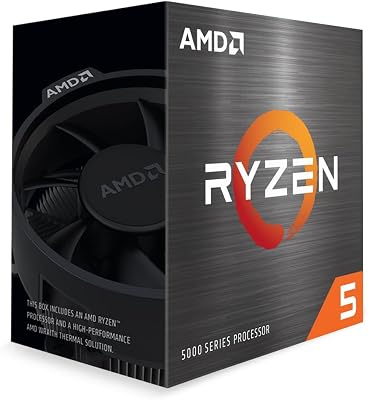
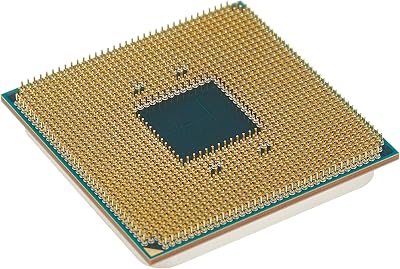
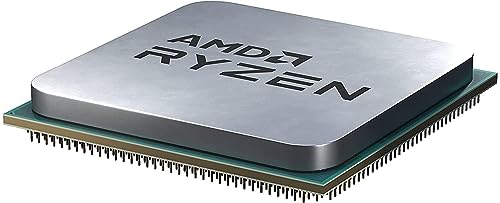
6. AMD Ryzen 5 5500 6-Core, 12-Thread Unlocked Desktop Processor
14
Prime
AMD Ryzen 5 5500 6-Core, 12-Thread Unlocked Desktop Processor with Wraith Stealth Cooler
In Stock





As an Amazon Associate we earn from qualifying purchases. Product prices and availability are accurate as of the date/time indicated.
Rounding out the list is the AMD Ryzen 5 5500, and here the honest verdict is the most pointed: it is a weak choice for AI. It is a six-core, twelve-thread budget processor on the older Zen 3 platform, and notably it lacks PCIe 4.0 support, limiting the bandwidth available to a graphics card. At around $84 it is by far the cheapest option here and a fine entry-level gaming or general chip, but its core count, lane budget, and connectivity all work against a serious AI host role.
This is the pick only for the tightest budget where AI use is light and experimental rather than central — running small models or learning the tools on a hand-me-down build. Six cores limit how much data preprocessing you can parallelise, and the absence of PCIe 4.0 caps the bandwidth to a modern GPU, which can throttle the very accelerator doing your AI work. We include it for completeness and budget transparency, but if AI is your goal, save toward one of the higher-core options above; the 5500 is the chip to outgrow quickly, not to build an AI workstation around.
Pros: Very cheap, fine for entry gaming/general use, 6C/12T for light experimentation.
Cons: Flagged weak for AI: only 6 cores, no PCIe 4.0, narrow GPU bandwidth — not for a real AI host.
How to Choose a CPU for AI
Start by internalising the single most important fact about AI hardware: the GPU does the heavy lifting. Training and running modern machine-learning models happens overwhelmingly on the graphics card, so the CPU’s job is to feed and support it — never to replace it. That reframes every spec below. You are not choosing a chip to crunch the models; you are choosing one to keep a powerful GPU supplied with data and to host the platform around it. Budget accordingly: for serious AI, your money is usually better spent on the GPU than on an ultra-premium CPU.
With that settled, cores and threads come first on the CPU side. Data loading, preprocessing, augmentation, and running multiple framework processes all scale with parallelism, so more cores keep the pipeline flowing and stop the CPU bottlenecking the GPU. This is why the 24-core Core Ultra 9 285K systems lead this guide, why the eight-core 5700G and X3D chips are capable but more limited single-GPU hosts, and why the six-core Ryzen 5 5500 is flagged as weak. Count the cores against how heavy your data work will be.
PCIe lanes and connectivity are the next, often-overlooked, consideration — especially if you plan more than one GPU. Lanes determine how much bandwidth each accelerator gets, and high-end platforms provide far more than mainstream consumer chips. The Ryzen 5 5500’s lack of PCIe 4.0 is a concrete example of how a budget part can throttle a modern GPU, while the Core Ultra 9 platforms offer the connectivity a serious multi-component AI build wants. If a multi-GPU future is on your roadmap, prioritise lanes; for a single card, a mainstream platform is usually fine.
Finally, weigh AVX and vector support, system form, and your real workflow. Modern AVX extensions accelerate CPU-side math and some inference and data operations, so favour chips with current vector support. Decide too between a bare CPU you build around and a turnkey system like the Corsair or Dell towers, which remove integration risk. Above all, match the CPU to its supporting role: pick enough cores and lanes to feed your GPU without waste, lean on a high-core platform for heavy or multi-GPU AI, accept a fast eight-core chip for a single-card dual-use machine, and remember that the accelerator beside the CPU is what will actually do your machine learning.
Frequently Asked Questions
Does the CPU or the GPU do the actual AI work?
For modern machine learning, the GPU does the heavy lifting — training and running models is overwhelmingly a GPU task. The CPU’s role is to feed the GPU: loading and preprocessing data, running the OS and frameworks, and providing PCIe lanes. So while a strong CPU like the Core Ultra 9 285K keeps a powerful card supplied, your AI performance is mainly decided by the graphics card, not the processor.
How many CPU cores do I need for AI?
Enough to keep your GPU fed without bottlenecking it. Data loading, preprocessing, and augmentation scale with cores, so heavier pipelines and multi-GPU rigs benefit from high core counts like the 24-core Ultra 9 285K. An eight-core chip such as the 5700G or 9800X3D is a capable single-GPU host, while a six-core budget part like the Ryzen 5 5500 is limiting and flagged weak for serious AI work.
Why do PCIe lanes matter for an AI CPU?
PCIe lanes set the bandwidth between the CPU and your graphics cards, which is the pipe your data and model weights travel through. More lanes matter most for multi-GPU builds, where each card needs adequate bandwidth. The Ryzen 5 5500’s lack of PCIe 4.0 is a clear example of how limited connectivity can throttle a modern GPU; high-end platforms like the Core Ultra 9 285K provide far more headroom for a serious AI rig.
Is a gaming CPU like the 7800X3D or 9800X3D good for AI?
It is good, with a caveat. The 7800X3D and 9800X3D are gaming-first eight-core chips with modern AVX support, so they make capable hosts for a single-GPU AI setup and are excellent if you also game. But their core counts and consumer PCIe lane budgets are more limited than dedicated high-core platforms, so for a heavy or multi-GPU AI workstation a 24-core option like the Core Ultra 9 285K is the stronger feeder.
Related Guides
- Best CPUs
- Best GPUs for AI and Gaming
- Best Workstation PCs
- Best Motherboards
- Best RAM for Your Build
- Best Power Supplies
Affiliate Disclosure: As an Amazon Associate, we earn from qualifying purchases. If you click a link and make a purchase, we may earn a small commission at no extra cost to you. Prices and availability are accurate as of publication and may change.










