

- Top Pick: Capture Card, 4K HDMI Video Capture Card, Game Capture Card, 1080P 60FPS Video Capture Device, HDMI to USB 3.0 Capture Card for Streaming, Work with Camera/Xbox/PS4/PS5/PC/OBS
- Best Value: Elgato 4K X Capture Card, HDMI 2.1, 4K144 Ultra-Low Latency
- Premium Choice: Capture Card 4K HDMI Video Streaming to USB 3.0 1080P 60FPS Capture Device
🛒 Best Price Today on Amazon
Prime members get fast, free shipping on everything above, plus member-only deals. New members get a 30-day free trial — cancel anytime.
- Top Capture Cards Picks for 2026
- Best 4K Capture Cards at a Glance
- 1. Elgato 4K S External Capture Card for PS5, Xbox, Switch 2
- 2. acer USB 3.0 Video Capture Card with 4K Loop-Out & USB A/C
- 3. XIIXMASK USB 3.0 Audio Video Capture Card, 4K Loop-Out
- 4. 4K HDMI Capture Card USB 3.0 — 1080P 60FPS with HDMI Loop-Out
- 5. Guermok Video Capture Card, 4K USB 3.0 HDMI to USB-C
- 6. 4K HDMI Video Capture Card USB 3.0 (B097DKNS1M)
- How to Choose a 4K Capture Card
- Related Guides
- Frequently Asked Questions
- Related Guides
- Related Articles
- Related Guides
Top Capture Cards Picks for 2026
Here are our current top capture cards picks, compared on real Amazon owner reviews, price, and features. Live prices update below.
As an Amazon Associate we earn from qualifying purchases at no extra cost to you.






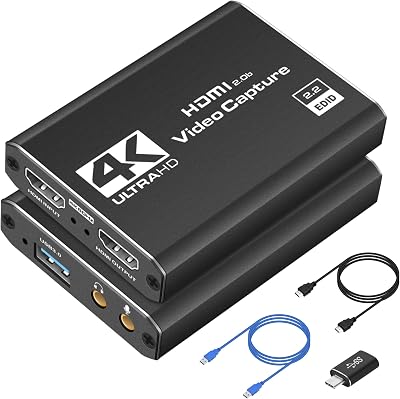
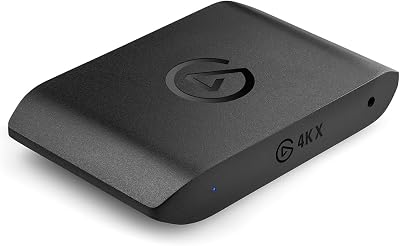


The phrase ‘4K capture card’ covers two very different products, and the difference matters a great deal. At the top of the market, a true 4K capture card like the Elgato 4K S records gameplay at full 4K60 and passes a 4K signal through to your monitor at the same time. At the budget end, a lot of devices marketed as ‘4K capture cards’ really only accept a 4K input for passthrough — the recorded file lands at 1080p60 or 2K30. This guide rounds up the best 4K capture cards in 2026 across both tiers and flags clearly where each one actually records 4K and where 4K is only on the loop-out.
Our picks were chosen on real-world performance, honest spec accuracy, the value of the passthrough versus capture distinction, latency, and price. Prices here range from around $16 for entry-level USB sticks to around $160 for the Elgato 4K S, and we describe each card by what it genuinely does rather than the slogan on the box. Streamers chasing genuine 4K60 recording, console players who just need a 4K passthrough so their TV stays sharp, and creators on a tight budget will all find a fit below. Read the at-a-glance table, then check the per-product notes for an honest read on capture resolution before you buy.
Best 4K Capture Cards at a Glance
| Capture Card | Best For | Standout Spec | Approx Price |
|---|---|---|---|
| Elgato 4K S External Capture Card | True 4K60 recording | 4K60 capture + 1440p120/1080p240 passthrough | around $160 |
| acer USB 3.0 4K Loop-Out Capture | Budget streamer with 4K display | 4K loop-out, 1080p60 record, USB A/C | around $27 |
| XIIXMASK USB 3.0 4K Loop-Out | 1080p record with 4K monitor | 4K passthrough, 1080p60/2K30 record | around $26 |
| 4K HDMI USB 3.0 1080p60 (B0BWT35QW8) | Plug-and-play 1080p recording | 1080p60 record, HDMI loop-out | around $27 |
| Guermok 4K USB 3.0 to USB-C | iPad / Mac quick capture | 4K input, USB-C output, 1080p60 | around $16 |
| Switch 4K HDMI USB 3.0 Capture (B097DKNS1M) | Cheapest 4K-input pick | 4K-in, 1080p60 record, USB 3.0 | around $23 |
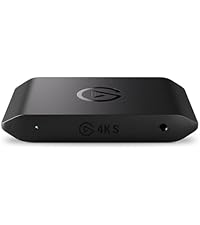
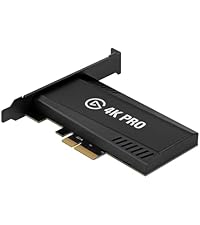
1. Elgato 4K S External Capture Card for PS5, Xbox, Switch 2

30
Prime
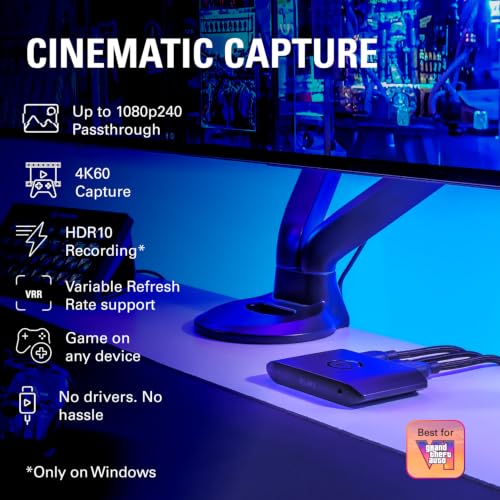
Elgato 4K S Capture Card for PS5, Xbox Series X/S, Switch 2 | 4K60 capture, 1440p120 or 1080p240 passthrough, HDR10 support, Near-zero latency, USB-C, Analog audio input
In Stock










As an Amazon Associate we earn from qualifying purchases. Product prices and availability are accurate as of the date/time indicated.
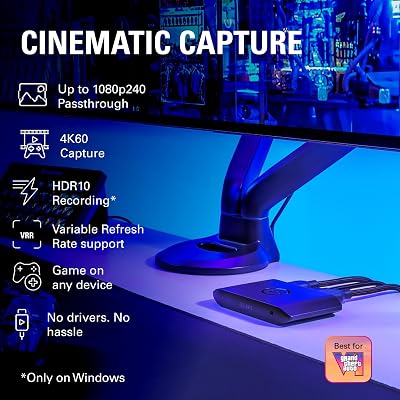
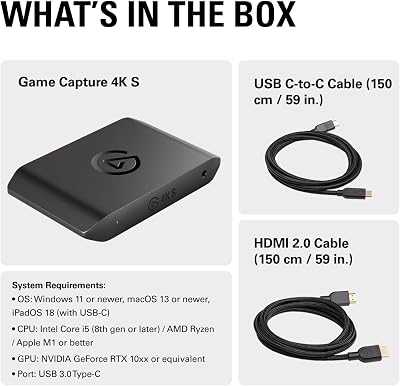
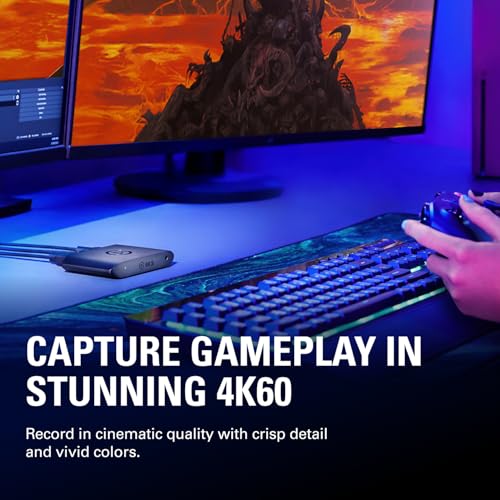
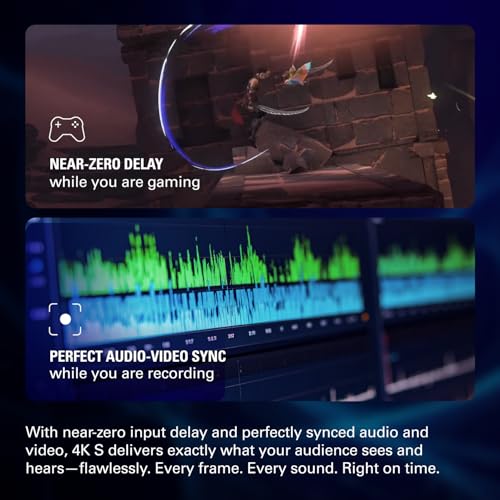
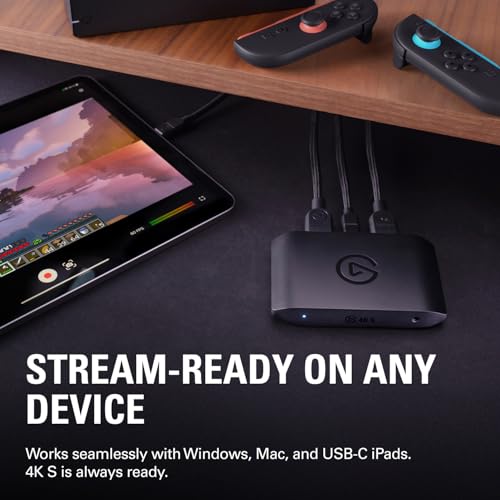
The Elgato 4K S is the headline pick of this guide and the only card here that genuinely deserves the ‘4K capture card’ label without any caveat. It records at full 4K60 while passing the original signal through at 4K60, 1440p120 or 1080p240 so your monitor or TV stays buttery smooth, all over a USB 3.x connection to your PC, Mac or iPad. At around $160 it is the premium choice and the obvious starting point for serious 4K work.
This is the capture card to choose when you want your recorded files to match what players see on a 4K HDR console. The 4K60 capture preserves detail for YouTube uploads and high-quality VODs, the high-refresh passthrough means competitive PS5 Pro and Xbox Series X players are not punished with input lag or downscaling, and the external USB form makes it easy to move between machines. For streamers and creators who need true 4K60 recording rather than a 4K signal that ends up squashed to 1080p, the Elgato 4K S is the unambiguous standout.
Pros: Genuine 4K60 capture, high-refresh 1440p120 and 1080p240 passthrough, broad device support.
Cons: Most expensive option here; requires a capable PC for 4K editing.
2. acer USB 3.0 Video Capture Card with 4K Loop-Out & USB A/C

24
Prime
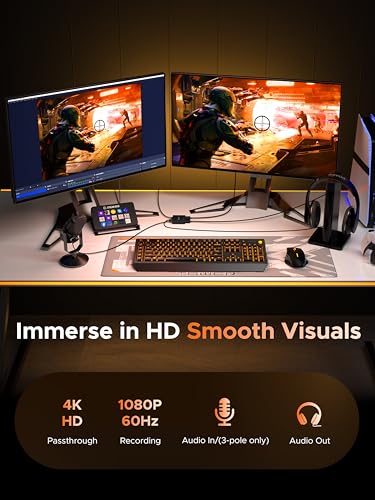
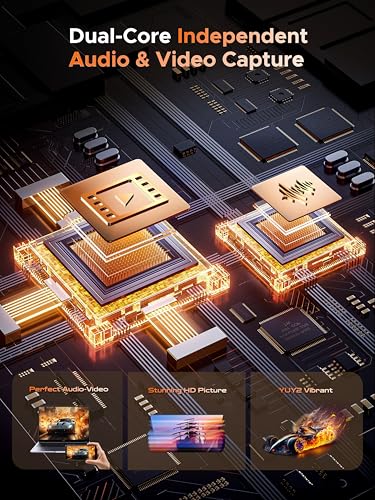
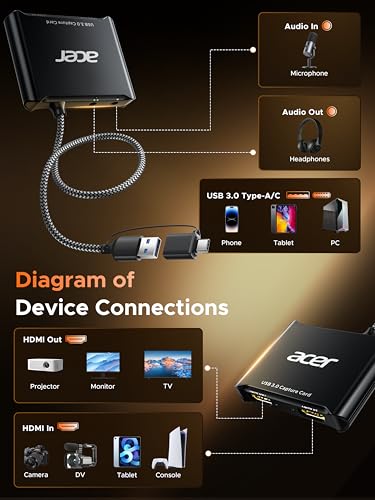
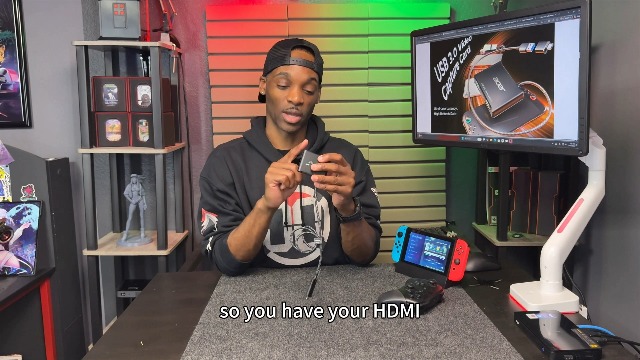
acer USB 3.0 Video Capture Card, HDMI Capture Card for Streaming with 4K Loop-Out & USB A/C | 1080P 60Hz HD | Video Audio Game Capture for PS5/PS4/Switch2/Xbox/Camera/PC/Mac – Black
In Stock


As an Amazon Associate we earn from qualifying purchases. Product prices and availability are accurate as of the date/time indicated.
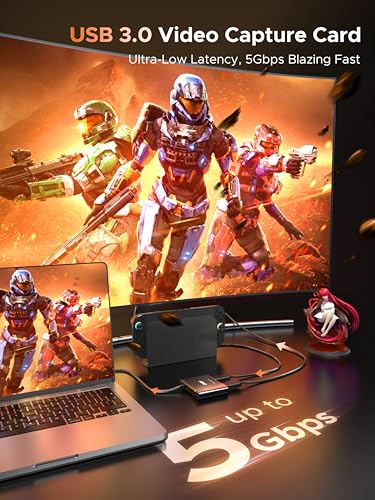
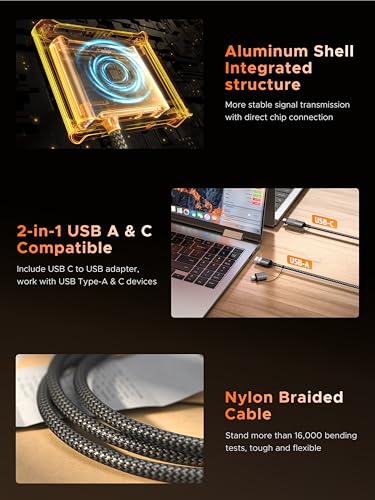
The acer USB 3.0 4K-loop-out card is the budget streamer pick, and it is important to be straight about what it does. It accepts a 4K HDMI signal and passes that 4K through to your display, but the recording itself is capped at 1080p 60Hz over USB 3.0. The included USB-A and USB-C output cables make it easy to use with modern laptops and tablets, and at around $27 it is an affordable way to add a 4K-friendly capture into a setup.
This is the capture card to choose when your console outputs 4K, you want to keep playing on a 4K monitor without downscaling, but you are happy to record your VODs at 1080p60. That covers the majority of casual streamers, and the 4K passthrough genuinely matters here. Just do not buy this card expecting a 4K recorded file — the headline 4K in the listing refers to the loop-out, not the capture. For 1080p60 capture with sharp 4K passthrough, though, it is a sensible value pick.
Pros: True 4K loop-out so your monitor stays sharp, dual USB-A/C output, low price.
Cons: Records at 1080p60 only, not 4K; 4K is on the passthrough loop.
3. XIIXMASK USB 3.0 Audio Video Capture Card, 4K Loop-Out
27
Prime
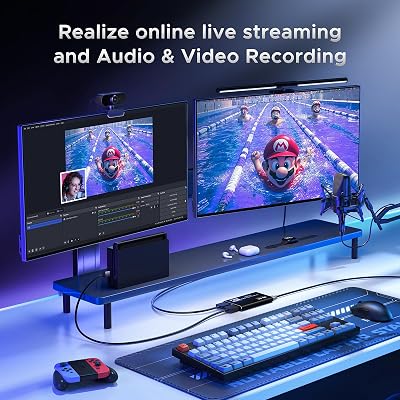
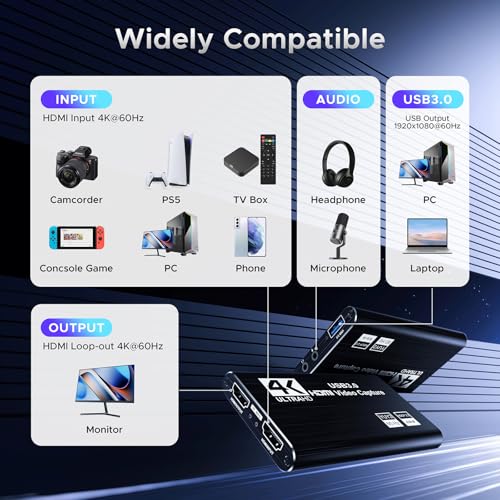
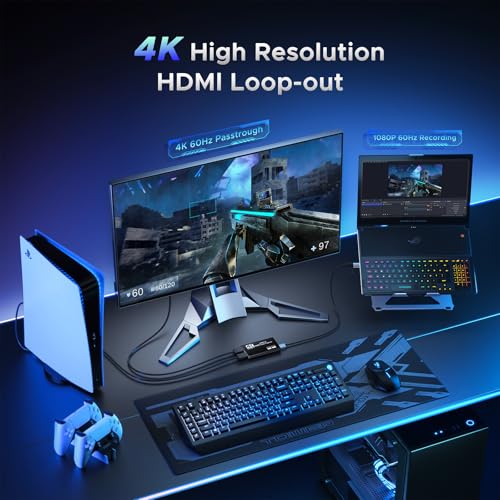
XIIXMASK Video Capture Card, Audio Video Capture Card, USB 3.0 Capture Card 4K HDMI Loop-Out, 1080P 60FPS/2K 30FPS Video Game Capture for Streaming Works for PS5/Switch/Camera/PC/OBS(Black)
In Stock





As an Amazon Associate we earn from qualifying purchases. Product prices and availability are accurate as of the date/time indicated.
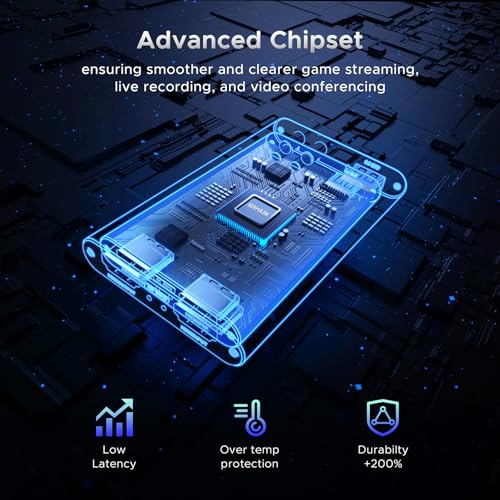
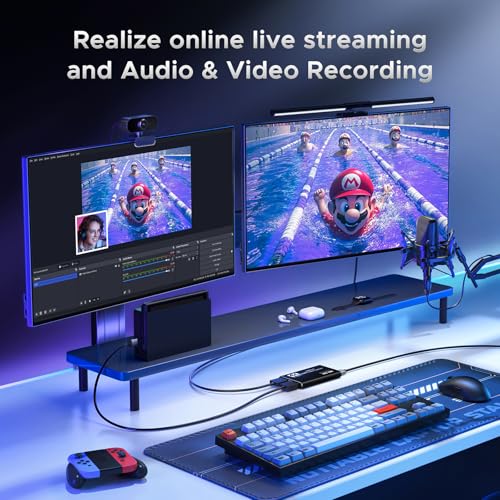
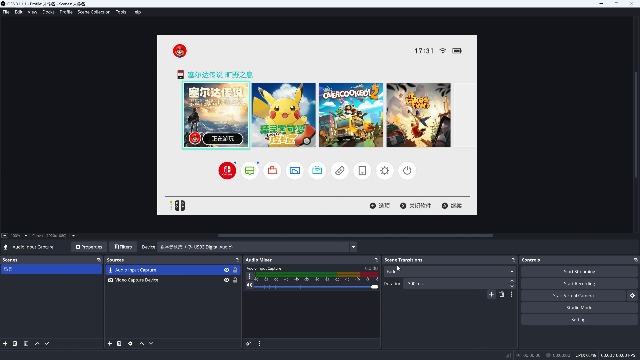
The XIIXMASK 4K-loop-out card sits in the same honest-budget tier as the acer above. It pairs a 4K HDMI input and 4K passthrough with USB 3.0 recording, but the recording itself is 1080p 60FPS or 2K 30FPS — not true 4K — and that is the spec to weigh up before you buy. At around $26 it is a sensible budget pickup for a streamer who needs to keep their console’s 4K signal on the TV.
This is the card to choose when 4K passthrough to your monitor is the non-negotiable, but you can live with 1080p60 (or 2K30) recorded VODs. The USB 3.0 link delivers enough bandwidth for low-latency 1080p capture, the 4K loop-out keeps your TV looking the way the console intended, and the price is hard to beat. As an affordable bridge between a 4K console and a 1080p streaming workflow, the XIIXMASK does the job — just go in knowing the captured file is not 4K.
Pros: 4K HDMI passthrough, USB 3.0 link, supports 1080p60 or 2K30 recording, affordable.
Cons: Captured file is 1080p60 / 2K30, not true 4K; HDR not the focus.
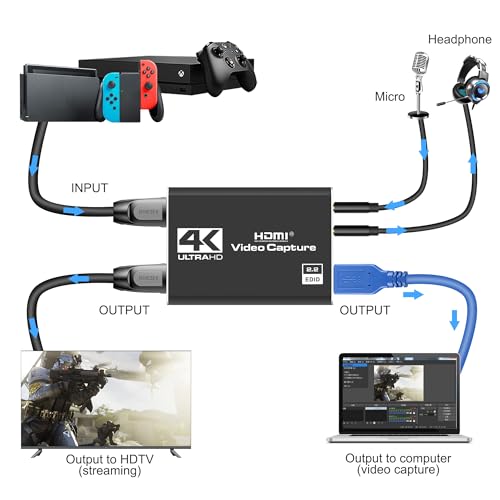
4. 4K HDMI Capture Card USB 3.0 — 1080P 60FPS with HDMI Loop-Out
20
Prime
4K HDMI Capture Card USB 3.0 – 1080P 60FPS Gaming & Streaming Video Capture Card with HDMI Loop-Out, Plug & Play, Low-Latency Recording for PS5/PS4/Xbox/Switch/OBS/PC/Mac
In Stock


As an Amazon Associate we earn from qualifying purchases. Product prices and availability are accurate as of the date/time indicated.
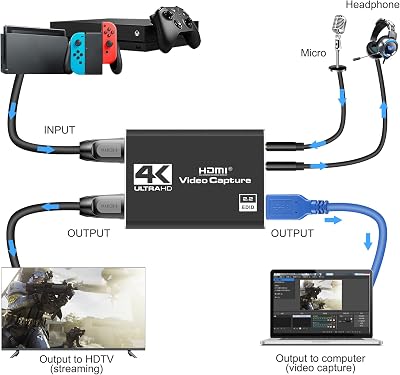
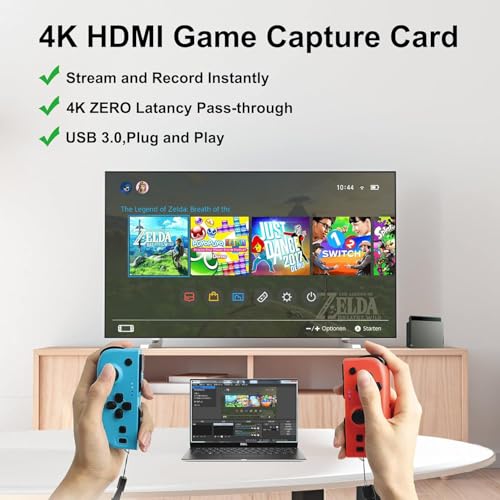
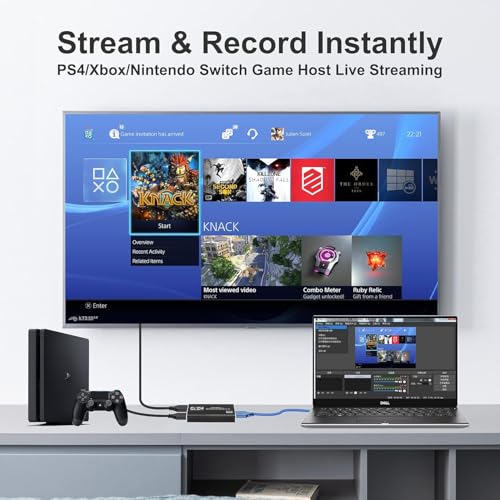
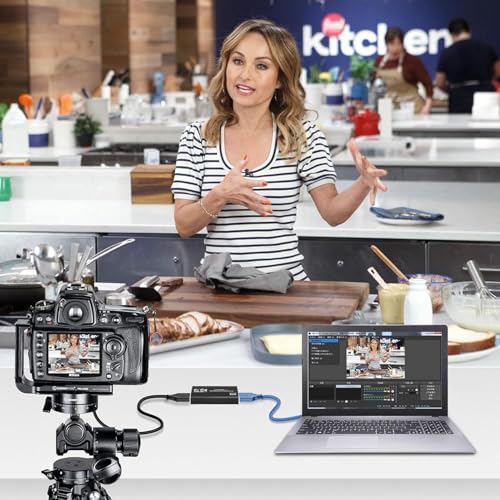
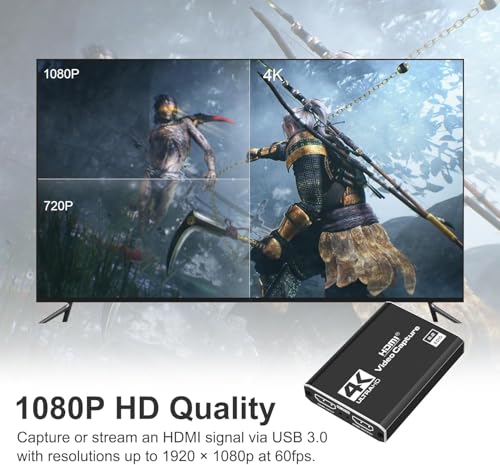
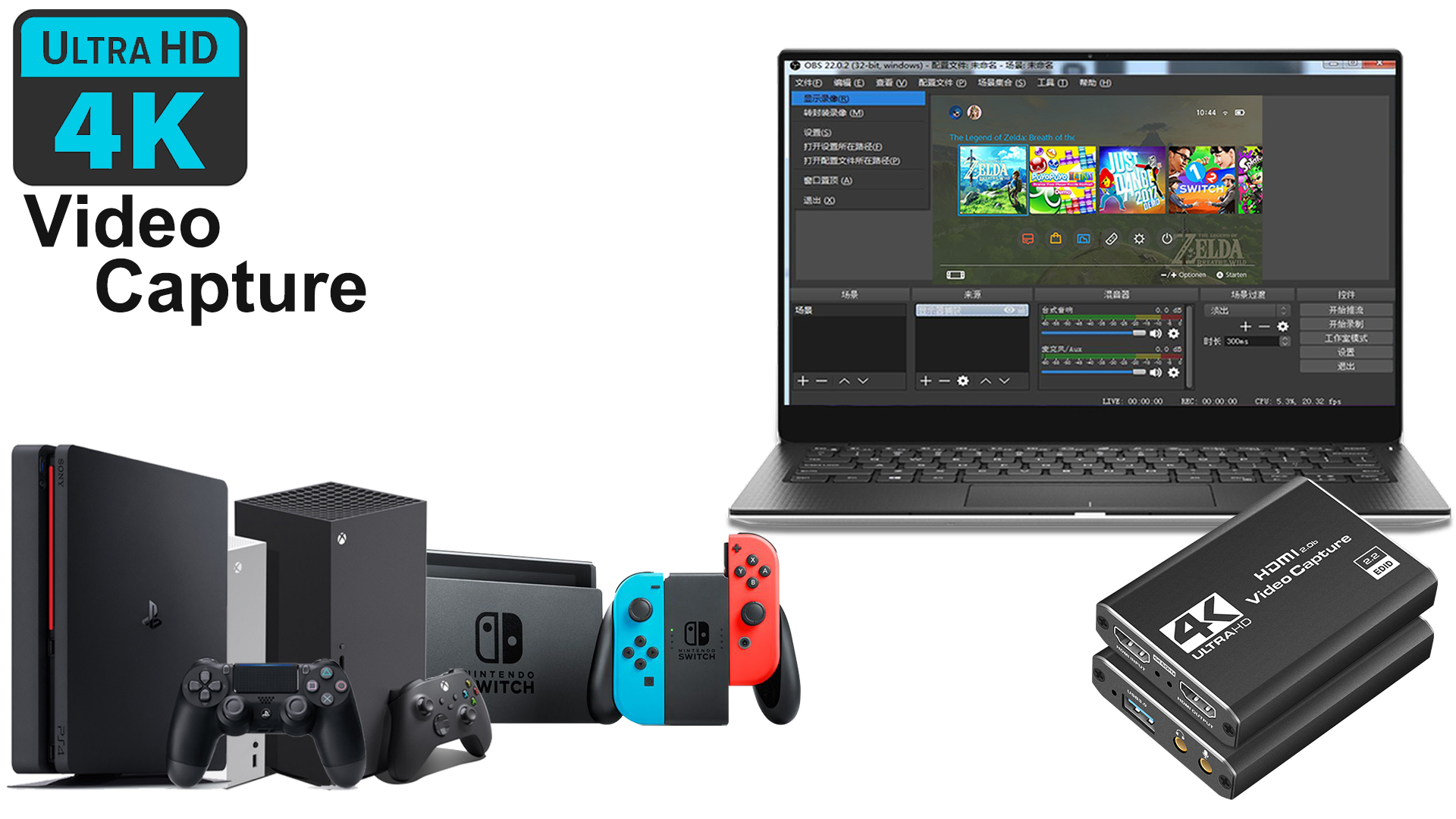
This 4K-input, 1080p60-capture USB 3.0 card is the plug-and-play budget pick. It accepts a 4K HDMI signal, passes it through unchanged to your monitor over HDMI, and records to your PC at 1080p60 via USB 3.0. At around $27 it is one of the most popular shapes of cheap capture card on the market for a reason — it just works for entry-level 1080p streaming.
This is the capture card to choose when you want a simple, no-driver, low-latency capture for a 4K console but are squarely focused on 1080p60 recording. It suits beginner streamers, classroom recording and casual gameplay clips, and the HDMI loop-out preserves the original signal for your screen so there is no downscale on the monitor side. Treat it as a competent 1080p60 capture device with a 4K-friendly passthrough rather than as a true 4K recorder, and it represents solid value.
Pros: Simple plug-and-play setup, 4K passthrough loop-out, 1080p60 USB 3.0 capture.
Cons: Recording is 1080p60, not 4K; very generic build quality.
5. Guermok Video Capture Card, 4K USB 3.0 HDMI to USB-C

14
Prime
Guermok Video Capture Card, 4K USB3.0 HDMI to USB C Capture Card for Streaming, 1080P 60FPS, Compatible with iPad Mac OS Windows, Quest 3, OBS, PS5/4, Switch2/1, Xbox, Camera (Silver)
In Stock





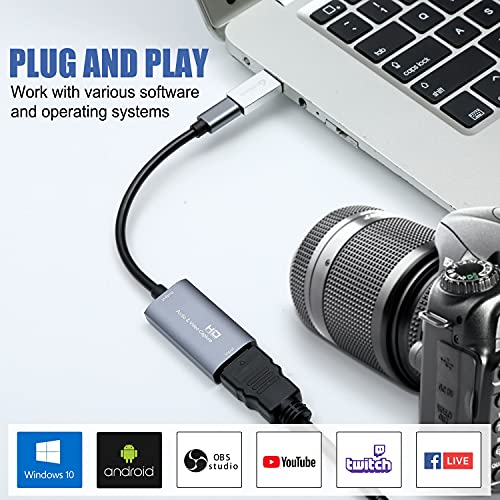
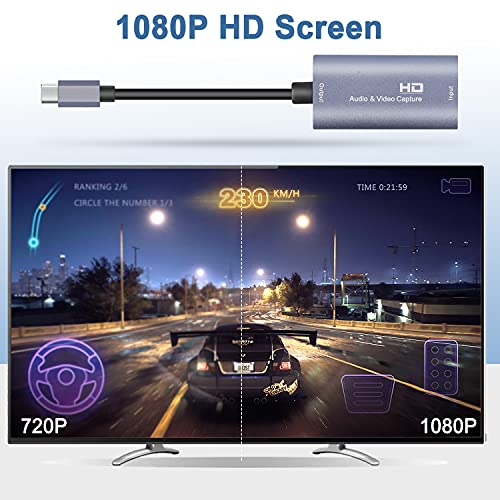
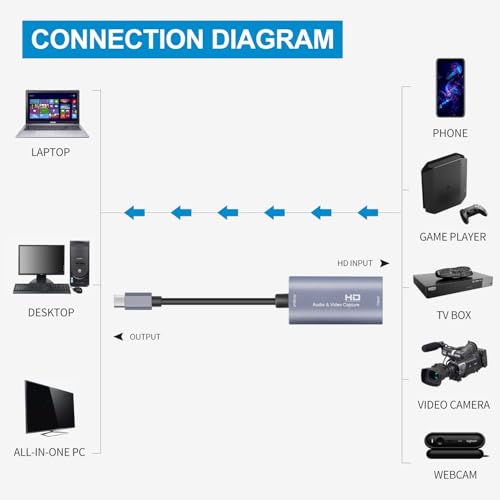
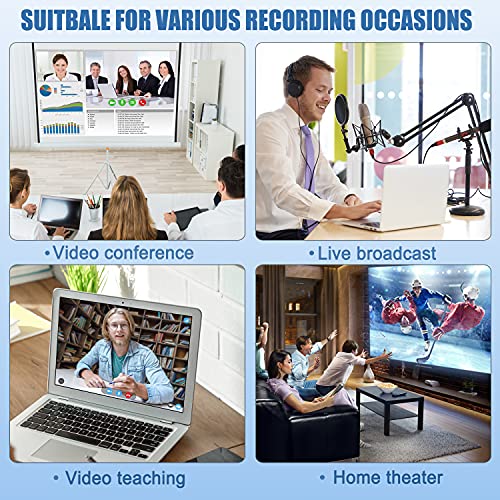

As an Amazon Associate we earn from qualifying purchases. Product prices and availability are accurate as of the date/time indicated.
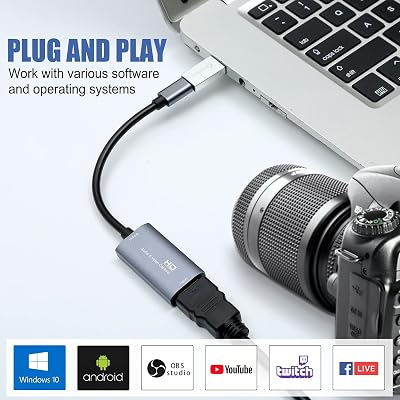
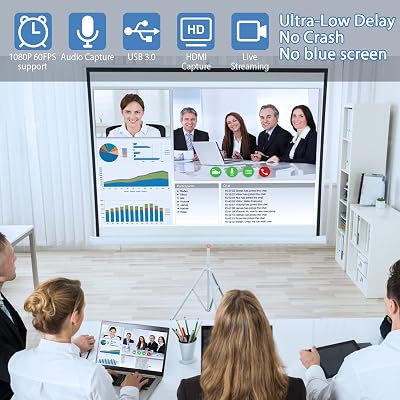
The Guermok 4K USB 3.0 to USB-C is the cheapest pick that still bills itself for 4K input, and the right way to read that spec is ‘accepts 4K, captures at 1080p60’. It feeds out via USB-C, so it is friendly to iPads, Mac laptops and modern PCs without a USB-A port, and at around $16 it is the bargain entry point for anyone who wants 4K-source flexibility on modern hardware.
This is the card to choose when you primarily edit on an iPad or a USB-C-only laptop and want a cheap way to capture from a 4K console for social clips at 1080p60. The compact design travels easily, the USB-C output keeps cabling tidy on modern laptops, and 4K-input compatibility means it will not refuse a 4K HDMI signal even though it records lower. For light, casual capture work with modern USB-C devices, it punches above its tiny price — provided you are not expecting 4K recordings.
Pros: Cheapest 4K-input card here, USB-C output for iPad and Mac, very portable.
Cons: 1080p60 capture only; basic build with no HDR support.
6. 4K HDMI Video Capture Card USB 3.0 (B097DKNS1M)
Prime
Capture Card Nintendo Switch, 4K HDMI Video Capture Card, 1080P 60FPS, HDMI to USB 3.0 Capture Card for Streaming Work with Camera/Xbox/PS4/PS5/PC/OBS
In Stock
As an Amazon Associate we earn from qualifying purchases. Product prices and availability are accurate as of the date/time indicated.
Rounding out the list is one of the most-sold cheap 4K-input USB 3.0 capture cards on Amazon, marketed for Switch, PS5 and PC streaming. It accepts a 4K HDMI input, captures at 1080p 60FPS over USB 3.0, and at around $23 it is a hard-to-beat starter option. Treat it as a 1080p60 capture card with 4K-input tolerance rather than a 4K capture device, and it represents exactly the value its rating suggests.
This is the pick for a budget creator who just needs to get gameplay from an HDMI source onto a laptop without fuss. The 4K-in flexibility means it will accept a modern console’s native output, the USB 3.0 link delivers 1080p60 cleanly, and the price keeps it on impulse-buy territory. As a first capture card for short-form clips and beginner Twitch streams, it covers the basics. Just do not expect either HDR or 4K recordings — that is firmly Elgato 4K S territory.

Pros: Very affordable, 4K-input flexible, 1080p60 capture, USB 3.0 plug and play.
Cons: 1080p60 capture only; no HDR, basic latency and quality.
How to Choose a 4K Capture Card
The most important question with a ‘4K capture card’ is which side of the card the 4K actually lives on. A true 4K capture card, like the Elgato 4K S, records gameplay at 4K60 and also passes a 4K signal through to your monitor or TV. A budget ‘4K capture card’ usually accepts a 4K input, passes the 4K signal through to your screen, but records at 1080p60 or 2K30. Both are useful — and both are sold under the same ‘4K’ label — so identify which one you actually need before spending.
Decide what your recordings need to be. If you stream to YouTube and want the recorded VODs themselves to look like 4K, you need a true 4K recorder such as the Elgato 4K S, and you should budget accordingly. If you stream to Twitch at 1080p or just want clips for social media, a 4K-input 1080p60 card such as the acer, XIIXMASK, Guermok or generic USB 3.0 picks is plenty, and the savings are significant. Match the recording spec to your output target rather than to a marketing claim.
Passthrough specs deserve close attention if you play competitively. The Elgato 4K S supports 4K60, 1440p120 and 1080p240 passthrough, so a PS5 Pro or Xbox Series X player keeps high-refresh smoothness on their monitor while recording. Budget cards typically support 4K60 passthrough at standard refresh, which is fine for casual play but will not show you the 120Hz or 240Hz modes a fast monitor can run. If you have a high-refresh screen, prioritise a card that genuinely supports it on the loop-out.
Finally, weigh connections, latency and value. USB 3.0 is the minimum for smooth 1080p60 capture; USB-C output is convenient on modern laptops and iPads, as on the Guermok and acer cards. Cheap capture devices generally have some perceptible latency through the device itself, which is why competitive players watch the monitor over the loop-out rather than the captured preview. Pick the card that matches the resolution you actually record, the passthrough your screen actually uses, and the connection your laptop or PC actually has, and you will get the right tool for your kit.
Frequently Asked Questions
What does ‘4K capture card’ really mean?
It depends on the product. A true 4K capture card like the Elgato 4K S records the gameplay itself at 4K60. Many budget ‘4K capture cards’ only accept a 4K HDMI input and pass it through to your monitor at 4K, but record the file at 1080p60 or 2K30. Read the recording resolution rather than the headline ‘4K’ to know what you are actually buying.
Is a 4K capture card worth it if I stream at 1080p?
Probably not for the recording side. If your final output is 1080p Twitch, a 4K-input 1080p60 card such as the acer USB 3.0 or XIIXMASK does the job for a fraction of the cost. A true 4K capture card pays off when you want your local VODs and YouTube uploads to keep 4K detail — otherwise the money is better spent elsewhere in the stack.
Will a 4K capture card work with PS5 Pro and Xbox Series X?
Yes — every card on this list accepts a 4K HDMI signal. For competitive play on PS5 Pro and Xbox Series X, look for passthrough that supports the refresh rate your monitor uses, as on the Elgato 4K S with 1440p120 and 1080p240 passthrough. Budget cards generally support 4K60 on the loop-out, which is fine if you do not need higher refresh rates.
Do I need USB-C or is USB 3.0 enough?
USB 3.0 (USB-A) is enough for 1080p60 capture from any 4K-input card on this list. USB-C is a convenience, not a necessity — it is useful if you edit on an iPad or a modern laptop without USB-A, as the Guermok and acer cards are aimed at. Match the connector to the device you actually plug into rather than picking by label.
Related Guides
- Best PCs for Streaming
- Best Webcams for Streaming
- Best Microphones for Streaming
- Best Monitors for Streaming
- Best 4K Monitors
- Best Gaming PCs
Affiliate Disclosure: As an Amazon Associate, we earn from qualifying purchases. If you click a link and make a purchase, we may earn a small commission at no extra cost to you. Prices and availability are accurate as of publication and may change.










