

- Top Pick: Guermok Video Capture Card, 4K USB3.0 HDMI to USB C, 1080P 60FPS & 2K 30FPS
- Best Value: Video Capture Card, 4K USB3.0 HDMI to USB C, 1080P60FPS HDMI Capture Card for Streaming, Gaming, Video Recording Compatible with Switch, Xbox, PS4/5, OBS,iPad Mac OS Windows,Camera, Zoom(Silver)
- Premium Choice: 4K Capture Card HDMI to USB A/C Video Capture Recording Device
🛒 Best Price Today on Amazon
Prime members get fast, free shipping on everything above, plus member-only deals. New members get a 30-day free trial — cancel anytime.
- Top Usb Capture Cards Picks for 2026
- Best USB-C Capture Cards at a Glance
- 1. Magewell USB Capture HDMI 4K Plus Professional Capture Device
- 2. UGREEN 4K Video Capture Card USB-C 3.0 with Low Latency
- 3. Fifine AmpliGame Video Capture Card USB-C HDMI 1080p60
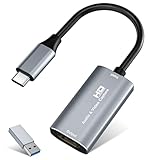
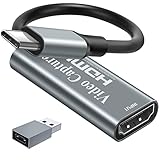
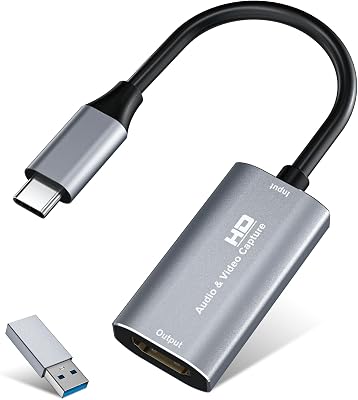
- 4. Guermok HDMI Capture Card 4K@60FPS, 2K@144FPS USB 3.0 USB-C/A
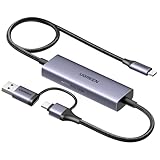
- 5. UGREEN 2K@30Hz / 1080P 60FPS Video Capture Card USB-A and USB-C
- 6. acer USB 3.0 Capture Card with Type-C and Type-A Output
- How to Choose a USB-C Capture Card
- Related Guides
- Frequently Asked Questions
- Related Guides
- Related Articles
- Related Guides
Top Usb Capture Cards Picks for 2026
Here are our current top usb capture cards picks, compared on real Amazon owner reviews, price, and features. Live prices update below.
As an Amazon Associate we earn from qualifying purchases at no extra cost to you.





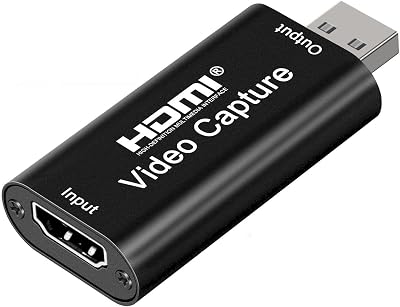


USB-C is now the default port on iPads, MacBooks and most modern laptops, and it has reshaped what a ‘small’ capture card looks like. A USB-C capture card carries video and (with the right device) low-latency audio over a single cable, which makes for an exceptionally tidy mobile or desk setup. But ‘USB-C’ covers a huge range — from $20 plug-and-play sticks aimed at iPad creators all the way up to a $545 broadcast-tier Magewell. This guide rounds up the best USB-C capture cards in 2026 across all of that range and flags clearly where each card fits.
Our picks were chosen on USB-C compatibility, real-world capture resolution, latency, HDMI passthrough and value. Prices range from around $17 for the most affordable USB-C dongles to around $545 for the Magewell professional model, and we describe each card honestly so you do not overpay or under-buy. Mobile creators capturing on an iPad, Mac and modern laptop streamers, broadcasters who need a guaranteed professional pipeline, and gamers who want one cable instead of two will all find a fit below. Read the at-a-glance table, then study the per-product notes — the spec differences here are very real.
Best USB-C Capture Cards at a Glance
| Capture Card | Best For | Standout Spec | Approx Price |
|---|---|---|---|
| Magewell USB Capture HDMI 4K Plus | Professional / broadcast use | USB 3.1 4K capture, broadcast-grade | around $545 |
| UGREEN 4K Video Capture Card (B0CM9C91MK) | Reliable mainstream USB-C | USB-C 3.0, 1080p60 / 2K30 capture | around $45 |
| Fifine AmpliGame USB-C Capture | Streamer-friendly USB-C | 1080p60 HDMI to USB-C, low latency | around $53 |
| Guermok 4K@60FPS USB-C/A Capture | 2K@144 capture for fast monitors | USB 3.0, 2K@144FPS / 4K@60 input | around $26 |
| UGREEN 2K@30 USB-C/A Capture (B0DT9DY312) | Budget tidy USB-C setup | Dual USB-A/C output, low latency | around $20 |
| acer USB 3.0 USB-C/A Capture (B0GX5TXKGL) | Cheap iPad and laptop pick | Dual USB-A/C output, 1080p60 | around $17 |
1. Magewell USB Capture HDMI 4K Plus Professional Capture Device

16
Prime
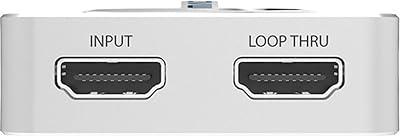
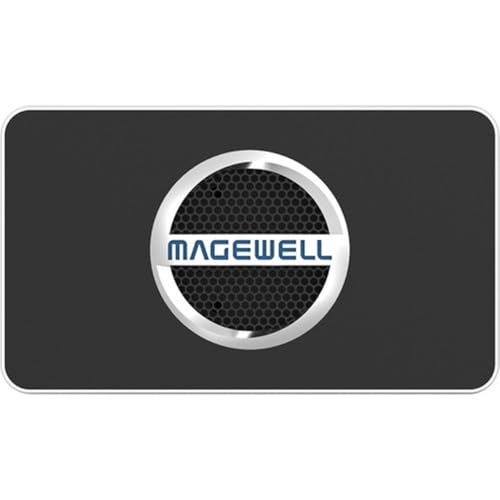
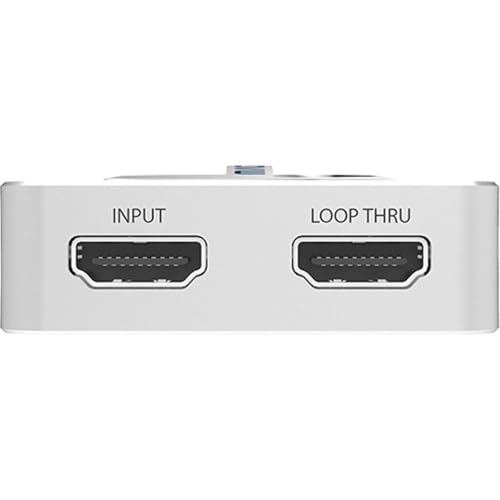
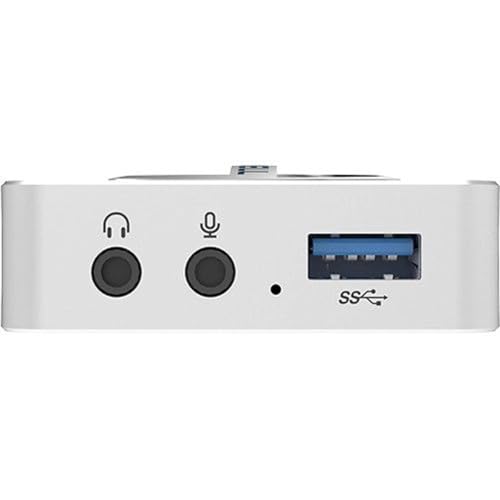
Magewell USB Capture HDMI 4K Plus – 1-Channel HDMI to USB 3.1 Video/Audio Capture Device with Loop-Through, Analog Audio in/Out, Up to 4K60 Input, Up to 4K30 Capture (32090)
In Stock



As an Amazon Associate we earn from qualifying purchases. Product prices and availability are accurate as of the date/time indicated.
The Magewell USB Capture HDMI 4K Plus is the professional pick on this list and sits in a category of its own. It is a 1-channel HDMI to USB 3.1 broadcast-grade capture device with loop-through, analog audio support and the driver maturity demanded by serious production environments. At around $545 it is by far the most expensive product here and not a gaming capture card in the conventional sense — it is broadcast hardware.
This is the card to choose when you are building a small studio, a lecture-capture rig, a video-conferencing system or a broadcast pipeline where reliability and color fidelity are worth a premium. The Magewell’s drivers are recognised by virtually all professional software, the audio and video handling is broadcast-grade, and the build quality reflects its intended audience. For a casual streamer the price is impossible to justify, but for a professional who needs guaranteed performance over a USB-C-compatible USB 3.1 link, the Magewell is the standout pick.
Pros: Broadcast-grade build, professional driver maturity, USB 3.1 4K capture with loop-through.
Cons: Far more expensive than any other card here; overkill for casual gaming.
2. UGREEN 4K Video Capture Card USB-C 3.0 with Low Latency

15
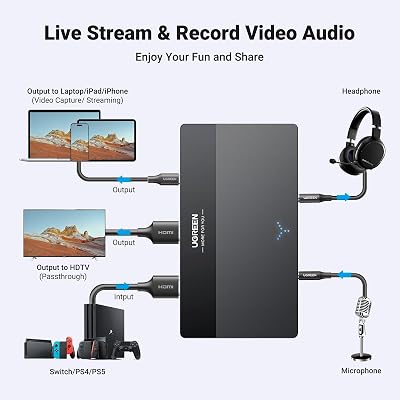
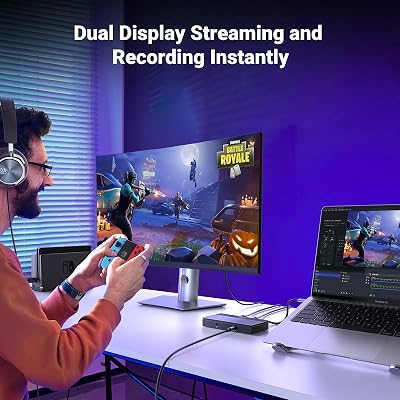
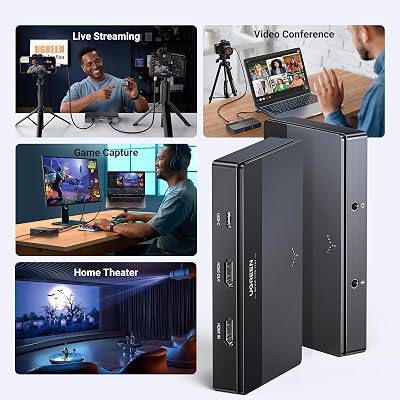
UGREEN 4K Video Capture Card, Full HD 2K 30Hz 1080P 60FPS USB C 3.0 HDMI Video Capture Device with Low Latency for Streaming, Gaming, and Conferencing Compatible with Switch, PS4/5, PC and Mac
In Stock





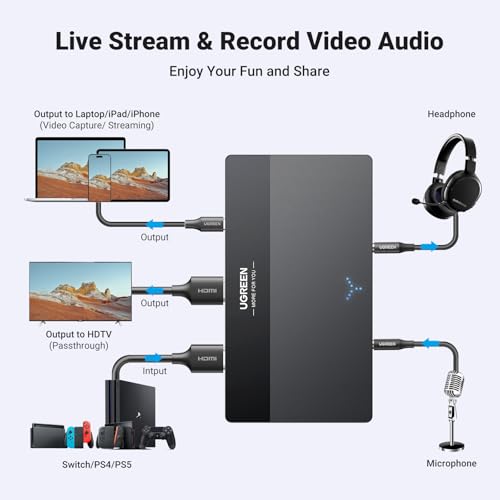
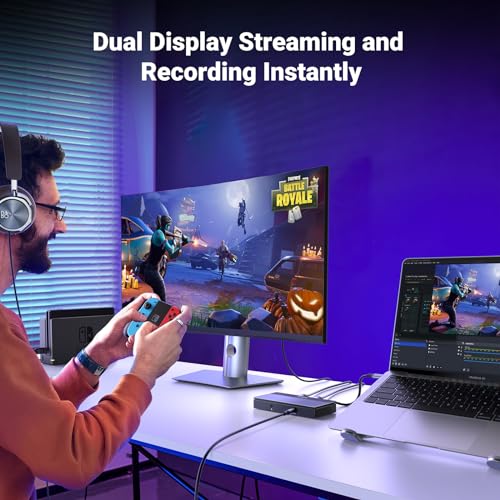
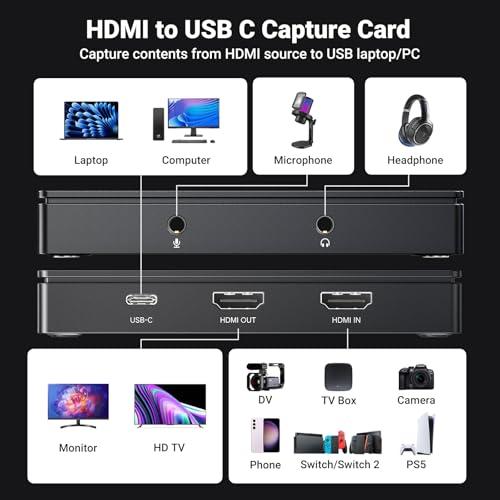
As an Amazon Associate we earn from qualifying purchases. Product prices and availability are accurate as of the date/time indicated.
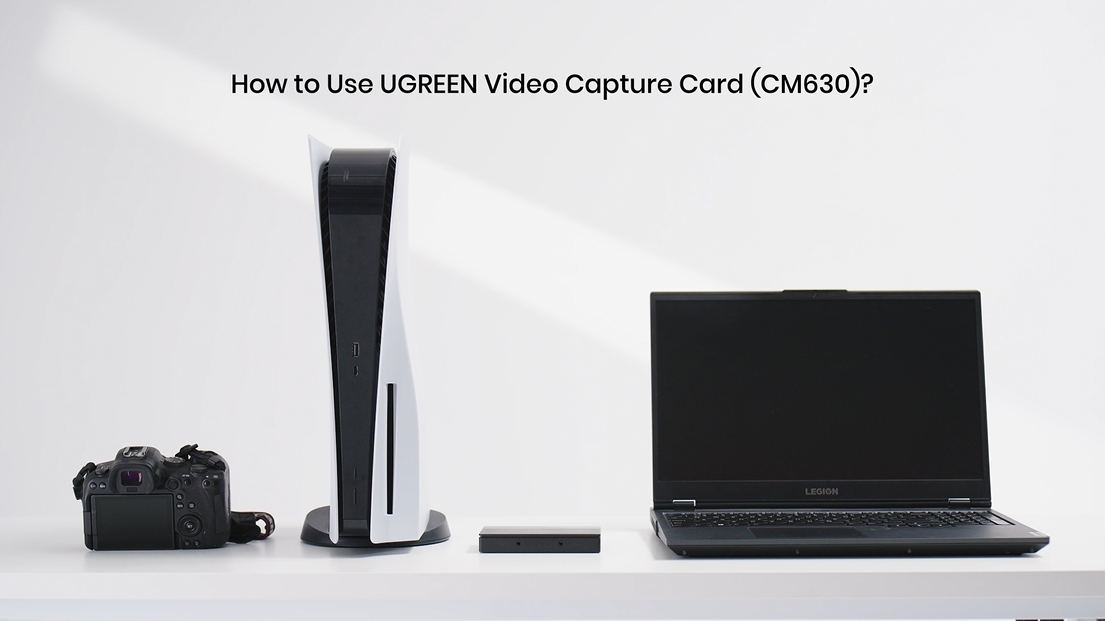
The UGREEN 4K Video Capture Card is the reliable mainstream USB-C pick. It accepts a 4K HDMI input and captures via USB-C 3.0 at full HD 1080p 60FPS or 2K 30Hz, with the low-latency tuning that streamers actually need. At around $45 it sits in the value sweet spot for streamers who use a modern laptop or PC with a USB-C connection.
This is the capture card to choose when you want a brand-name USB-C device, sensible specifications and a price that does not require a second thought. The 1080p60 capture suits Twitch and YouTube streams, the low latency keeps audio in sync, and UGREEN’s broader accessory ecosystem (docks, hubs, cables) gives confidence the device will be supported. For the streamer or content creator who simply wants a dependable USB-C capture card that just works, the UGREEN 4K is the easy recommendation.

Pros: Reliable USB-C 3.0 link, 1080p60 / 2K30 capture, low latency, trusted UGREEN brand.
Cons: Captures at 1080p60 / 2K30, not 4K; 4K is on the input only.
3. Fifine AmpliGame Video Capture Card USB-C HDMI 1080p60
32
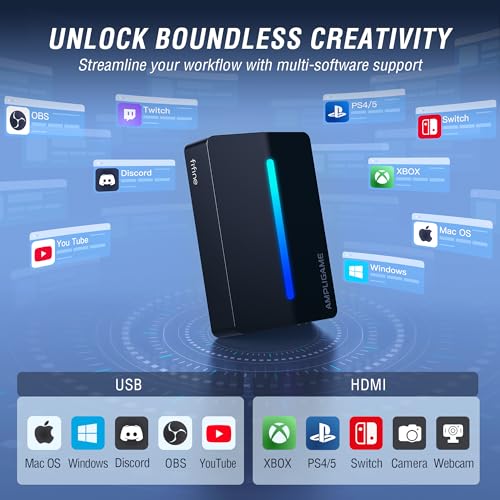
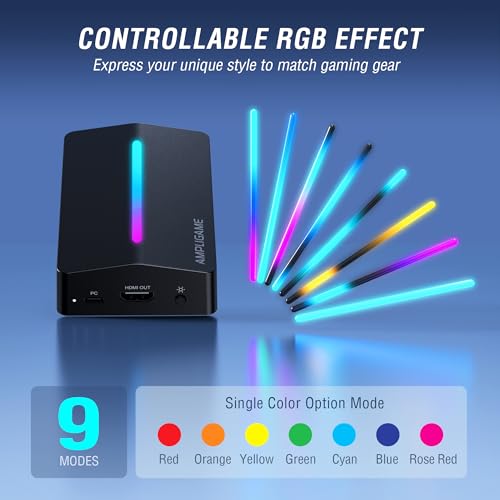
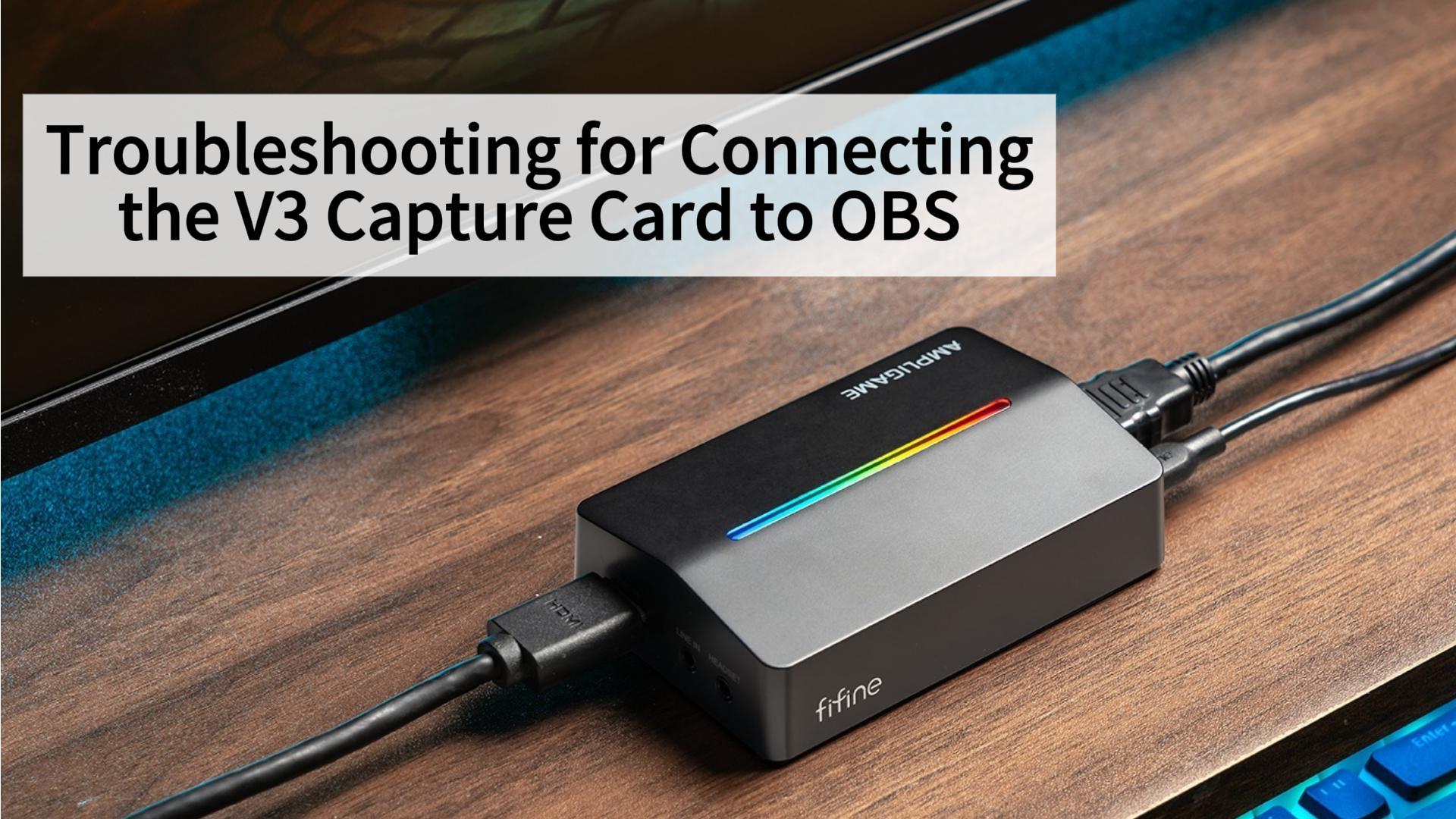
Fifine AmpliGame Video Capture Card, HD 1080 60fps for Audio Video, Gaming, Live Streaming, 4K HDMI to USB Capture Card Compatible with PS4/Windows/Mac OS/Switch/Xbox-V3
In Stock



As an Amazon Associate we earn from qualifying purchases. Product prices and availability are accurate as of the date/time indicated.
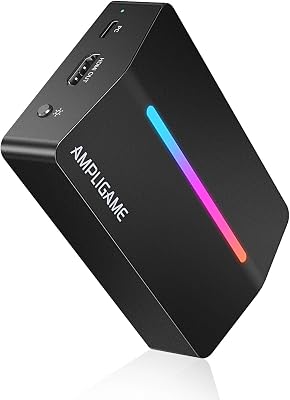
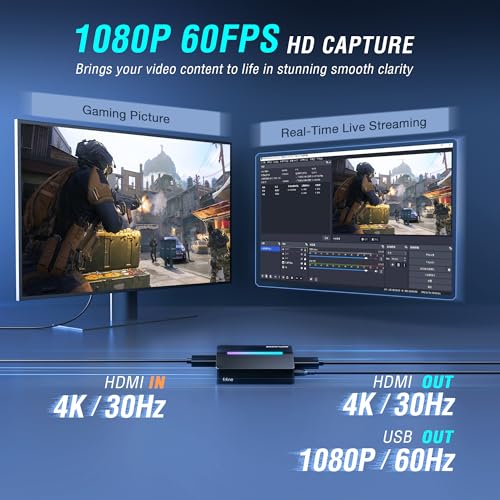
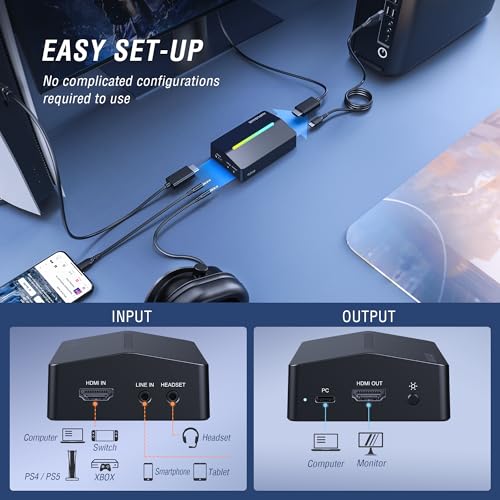
The Fifine AmpliGame is the streamer-friendly USB-C pick. It is a 1080p 60fps HDMI to USB-C capture card built for live streaming, audio capture and gaming, with a low-latency design that suits the OBS workflow. At around $53 it positions itself between the budget UGREEN and the professional Magewell as a ‘made for streamers’ middle ground.
This is the pick for the streamer who likes the Fifine brand (familiar from their popular AmpliGame microphones) and wants a single visual ecosystem on the desk. The 1080p60 capture is well-targeted for Twitch and YouTube live streaming, the USB-C connection keeps the streaming PC tidy, and the headline 4K input compatibility means it will accept a modern console’s native HDMI output even though the recording itself is 1080p60. As a streamer-tuned USB-C capture device, it is a sensible pick.
Pros: Streamer-focused 1080p60 capture, USB-C connection, audio and video friendly.
Cons: Captures at 1080p60, not 4K; positioning is mid-tier rather than premium.
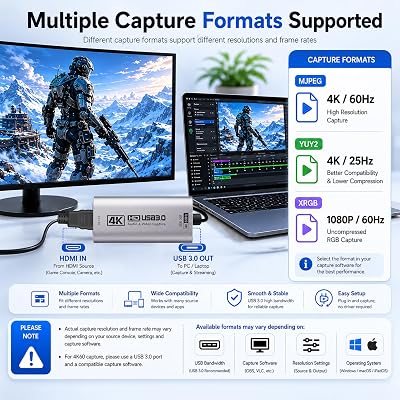
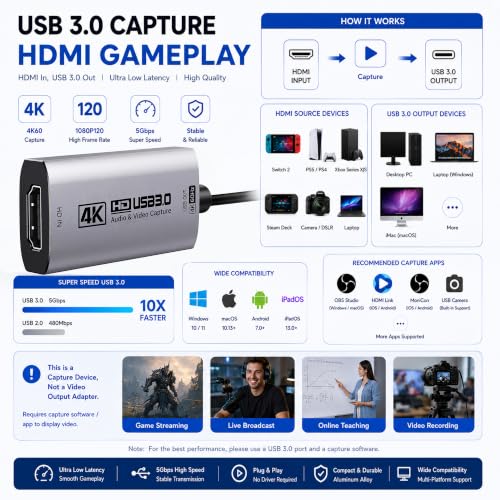
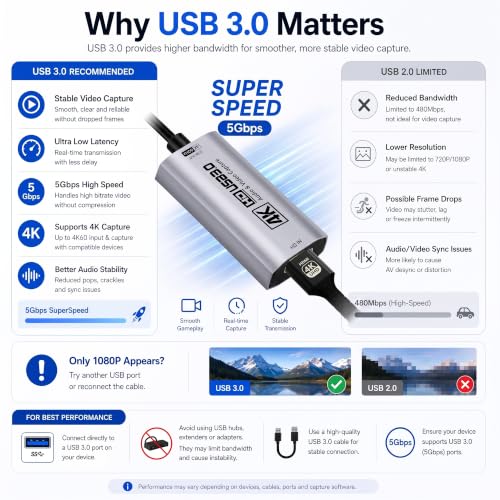
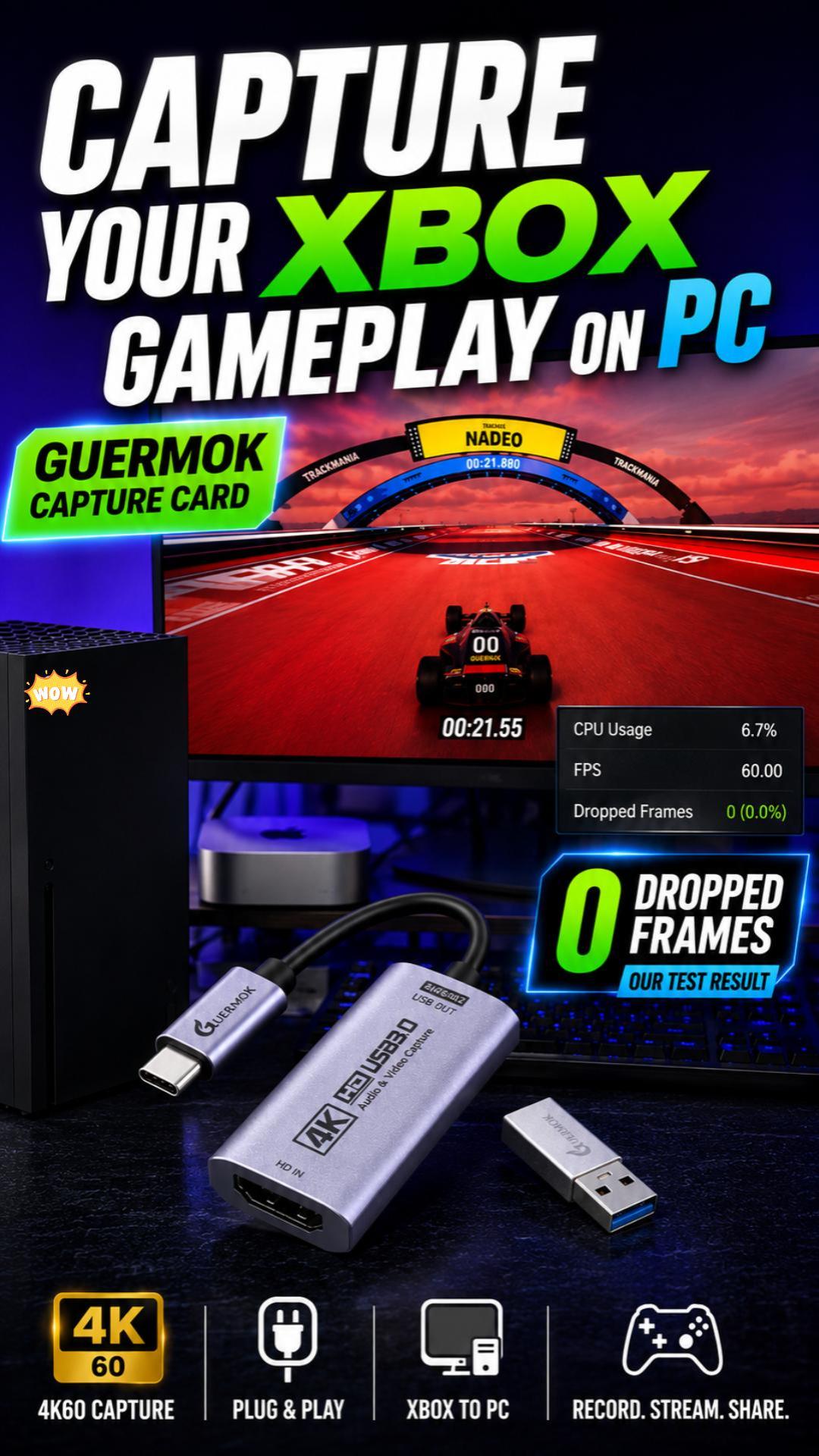
4. Guermok HDMI Capture Card 4K@60FPS, 2K@144FPS USB 3.0 USB-C/A

58
Prime
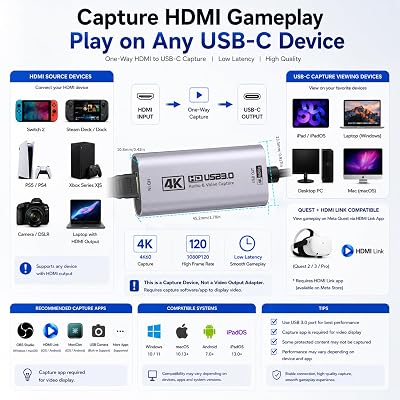
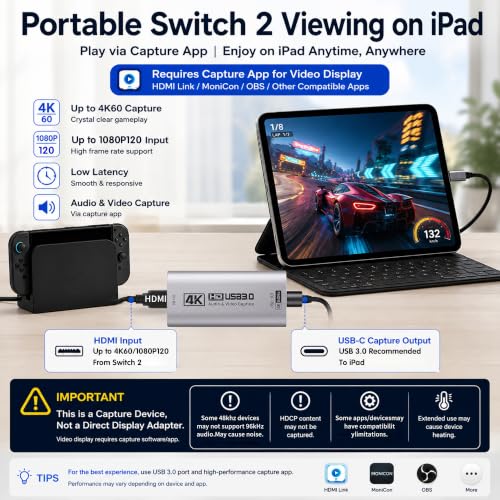
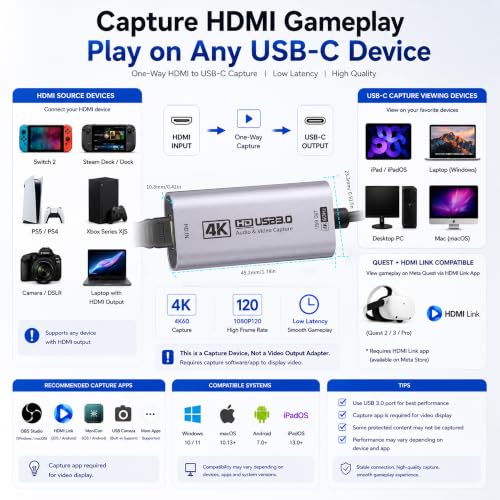
Guermok HDMI Capture Card 4K@60FPS, 2K@144FPS USB 3.0 HDMI to USB C/A Video Capture Card for Streaming, Works with iPad, Switch 2/1, PS5/4, Xbox, Quest 3, Mac OS, Windows, Zoom, OBS, Camera
In Stock



As an Amazon Associate we earn from qualifying purchases. Product prices and availability are accurate as of the date/time indicated.
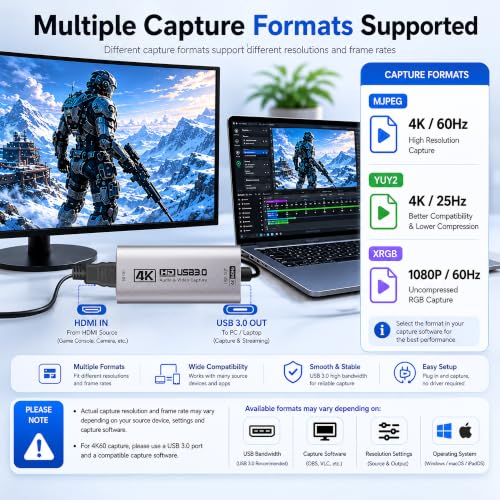
The Guermok 4K@60FPS / 2K@144FPS USB-C card is the value pick for owners of high-refresh monitors. It is a USB 3.0 HDMI to USB-C/A capture card that accepts a 4K@60 input and reports up to 2K@144FPS capture, with a single cable that supports both USB-C and USB-A laptops via included tips. At around $26 it is a tidy budget option for anyone who wants high refresh handling on a low budget.
This is the card to choose when you have a 1440p/144Hz monitor and want capture that can keep up with it on a USB-C laptop or iPad. The dual-tip USB-C and USB-A output covers most modern and older laptops alike, the 4K input compatibility means it will accept any console’s HDMI signal, and the 2K@144 spec is rare at this price. Treat the headline 2K@144 carefully — real-world USB 3.0 bandwidth will sometimes clip below the ad spec on long takes — but as a budget USB-C capture card for fast monitor users, it offers serious bang for the buck.
Pros: USB-C and USB-A in one device, 4K input, claimed 2K@144FPS capture, very cheap.
Cons: USB 3.0 bandwidth limits real-world 2K@144 performance; budget build.
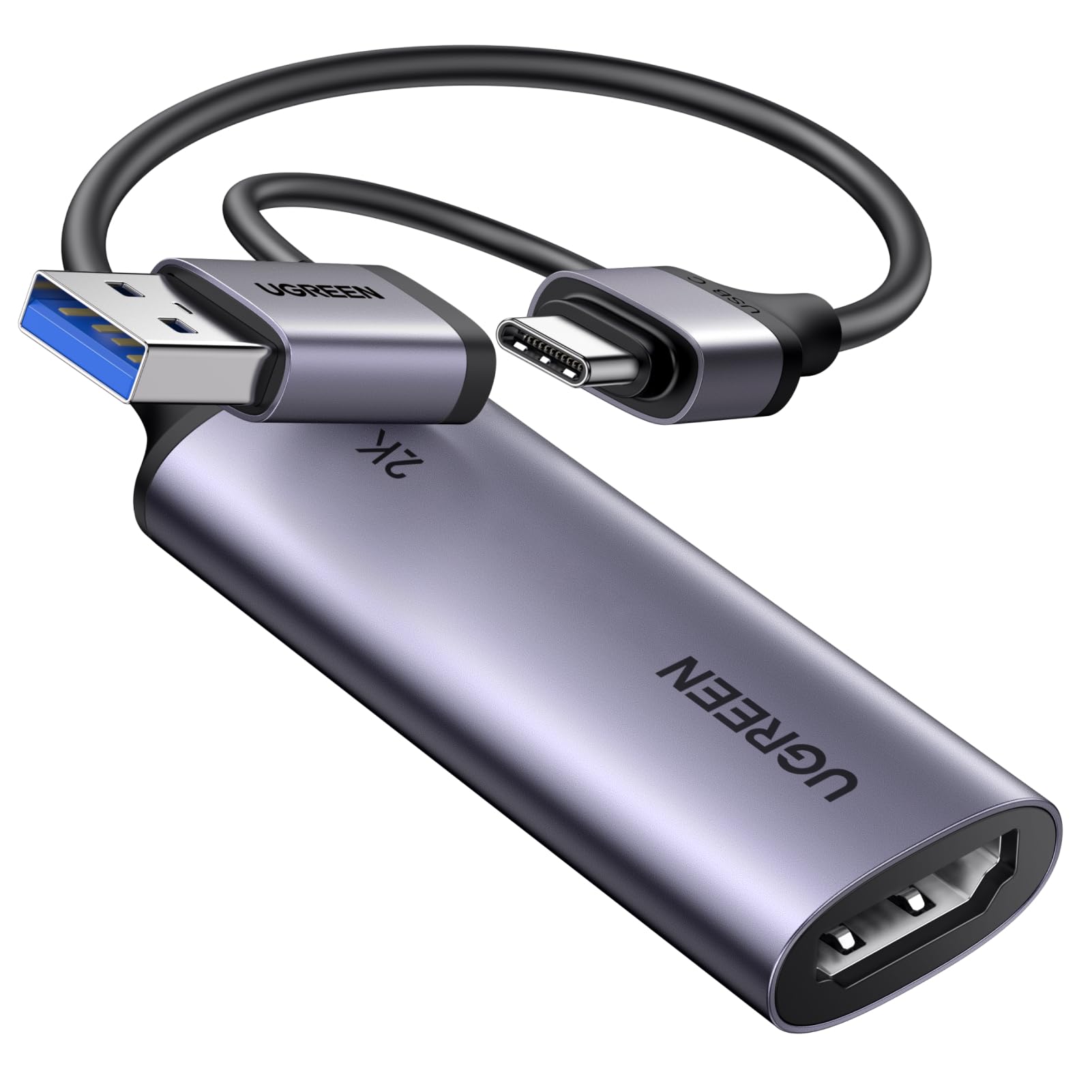
5. UGREEN 2K@30Hz / 1080P 60FPS Video Capture Card USB-A and USB-C
Prime
UGREEN 2K@30Hz 1080P 60FPS Video Capture Card 4K Input HDMI to USB 3.0 A and USB C Capture, Low Latency Capture Card for Streaming Game Recording Compatible with Switch 2/Xbox/PS4/PS5/PC/Camera
In Stock
As an Amazon Associate we earn from qualifying purchases. Product prices and availability are accurate as of the date/time indicated.
The UGREEN 2K@30Hz / 1080P 60FPS capture card is the budget tidy-setup pick. It carries the UGREEN brand and ecosystem strengths, accepts a 4K HDMI input, and outputs over USB 3.0 to either USB-A or USB-C connectors with a low-latency capture profile. At around $20 it is a hard-to-beat starter USB-C capture card with the reassurance of a well-known brand.
This is the pick when you want a name-brand USB-C capture device but do not want to spend $50. The dual USB-A and USB-C output keeps it useful across older and newer laptops, the 1080p60 capture is plenty for casual streaming and clipping, and the 4K-input flexibility means it accepts a modern console’s native output without issue. For a clean, dependable budget USB-C capture setup on a tight wallet, the UGREEN 2K@30 / 1080p60 model is a sensible buy.
Pros: Trusted UGREEN brand, dual USB-A and USB-C output, 1080p60 capture, very affordable.
Cons: Captures at 2K30 / 1080p60 only, not 4K; design is minimal.
6. acer USB 3.0 Capture Card with Type-C and Type-A Output
23
Prime
acer Video Capture Card, HDMI to USB 3.0 Capture Card for Streaming, 1080P 60FPS HDMI Capture Card with Type-C/A, Compatible for Switch2, PS5/4, Quest3, Camera, OBS, Xbox
In Stock






As an Amazon Associate we earn from qualifying purchases. Product prices and availability are accurate as of the date/time indicated.
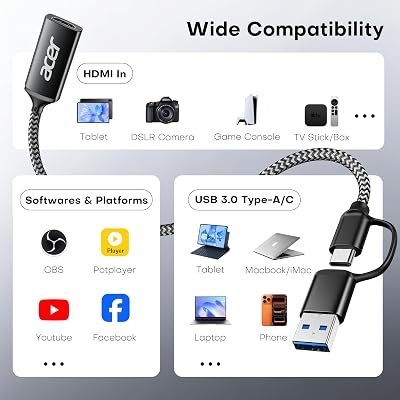
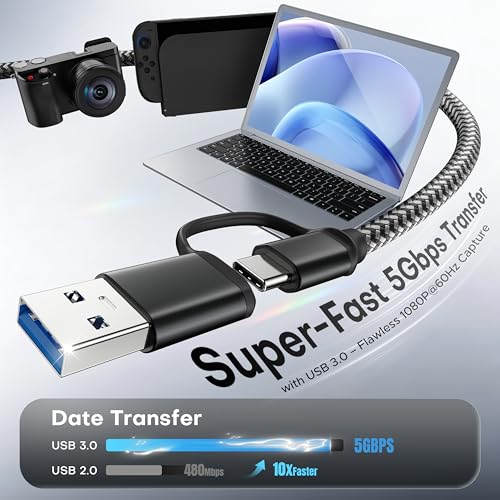
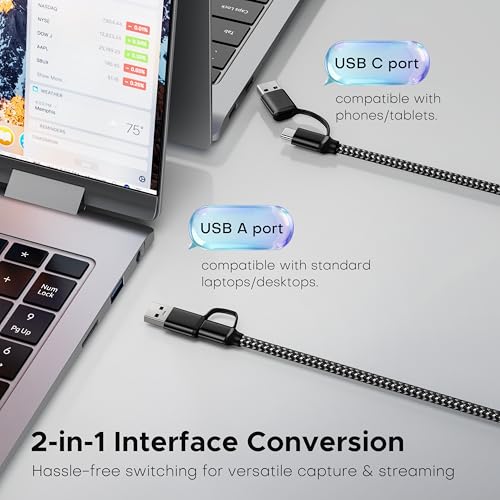
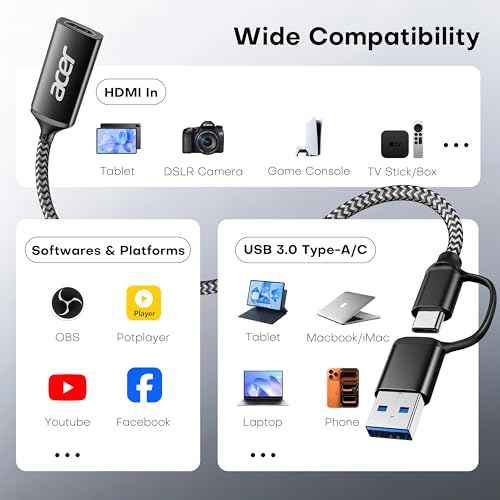
Rounding out the list is the acer USB 3.0 USB-C / USB-A capture card, the cheapest USB-C pick on this guide. It is a small HDMI to USB 3.0 capture device that ships with both USB-A and USB-C connectors for compatibility with virtually any modern device, and captures at 1080p 60FPS. At around $17 it is the cheapest USB-C device here and a sensible impulse-buy starter capture card.
This is the pick for the iPad or modern laptop owner who wants the simplest possible way to capture HDMI on a USB-C device for short clips and casual streams. The dual USB-A / USB-C output works across any of the common modern devices, the 1080p60 capture is enough for social media and Twitch, and the price keeps it firmly in the ‘try it’ tier. As an entry-level USB-C capture card with surprisingly broad compatibility, the acer USB 3.0 punches above its tiny price.
Pros: Cheapest USB-C pick, dual USB-A / USB-C tips, 1080p60 capture, very portable.
Cons: Captures at 1080p60 only; generic build quality at this price.
How to Choose a USB-C Capture Card
The first thing to confirm is what ‘USB-C’ actually means on the device you are buying. Most USB-C capture cards on this list (acer, UGREEN 2K@30, Guermok) ship with both USB-A and USB-C connectors so they work across modern and older laptops alike, which is the right call if your devices are mixed. The dedicated USB-C cards (UGREEN 4K, Fifine AmpliGame, Magewell) lean fully into the modern USB-C ecosystem, which keeps cabling tidy on a recent MacBook or USB-C laptop. Match the connector strategy to your devices.
Capture resolution is where the most confusion lives. Apart from the Magewell professional pick, every USB-C capture card here records at 1080p60 — even when the listing trumpets 4K input. The 4K refers to the input the card accepts and (in most cases) the HDMI loop-out, not the file it writes. If your target output is 1080p streaming on Twitch or YouTube, this is genuinely fine and saves you a lot of money. If you want 4K recordings, you must step up to a true 4K capture card (typically not USB-C), or a broadcast Magewell.
Latency matters more on USB-C than on PCIe internal cards because there is bus overhead. The well-regarded UGREEN 4K, Fifine AmpliGame and Magewell are explicitly tuned for low-latency live capture, which keeps audio in sync and OBS scenes responsive. Cheaper devices like the acer or Guermok will still work, but expect a hair more lag through the device itself. Use the HDMI loop-out to watch on a monitor when latency matters competitively rather than watching the laptop preview.
Finally, weigh use case against budget. A casual creator who wants to clip gameplay onto an iPad or MacBook can be perfectly happy with a $17 acer or $20 UGREEN. A streamer building a clean USB-C-only desk setup is well-served by the $45 UGREEN 4K or the $53 Fifine AmpliGame. A professional running a small studio or broadcast rig has only one pick here: the Magewell USB Capture HDMI 4K Plus at $545. Be honest about which tier you actually fit in and pick accordingly.
Frequently Asked Questions
Is a USB-C capture card the same as USB-A or HDMI capture?
Functionally, yes — it accepts HDMI in and writes a video signal out — but the output cable is USB-C rather than USB-A or PCIe. Cards like the acer USB 3.0 and UGREEN 2K@30 ship with both USB-A and USB-C connectors for maximum compatibility. The choice mostly comes down to which port your laptop, iPad or PC actually has free.
Will a USB-C capture card work with my iPad?
Most USB-C capture cards on this list will work as a UVC video source on a USB-C iPad with a supported recording app. The UGREEN 4K, Fifine AmpliGame, acer USB 3.0 and Guermok are commonly used by iPad creators for this reason. Check the app you intend to use for confirmation, since iPad video-source support varies by app rather than by the capture device itself.
Why is the Magewell USB Capture HDMI 4K Plus so much more expensive?
Because it is a professional broadcast device, not a consumer gaming card. The Magewell at around $545 ships with broadcast-grade drivers, wider software compatibility, robust audio handling, USB 3.1 capture and the reliability needed for live production environments. For casual gaming, the value picks on this list make far more sense — Magewell is the answer when failure is not an option.
Do USB-C capture cards record at 4K?
Almost all USB-C capture cards in this price range — including the UGREEN 4K, Fifine AmpliGame, Guermok, acer and UGREEN 2K@30 — accept a 4K HDMI input and pass it through to a monitor at 4K, but record at 1080p60. That is plenty for Twitch and YouTube streaming. For genuine 4K recording, you need a true 4K capture card such as the Elgato 4K S, which is generally larger and not USB-C-only.
Related Guides
- Best PCs for Streaming
- Best Monitors for Streaming
- Best Microphones for Streaming
- Best Webcams for Streaming
- Best Portable Monitors
- Best Laptops for Streaming
Affiliate Disclosure: As an Amazon Associate, we earn from qualifying purchases. If you click a link and make a purchase, we may earn a small commission at no extra cost to you. Prices and availability are accurate as of publication and may change.










