

🛒 Best Price Today on Amazon
Prime members get fast, free shipping on everything above, plus member-only deals. New members get a 30-day free trial — cancel anytime.
- Top Inch Monitors Picks for 2026
- Best 32 Inch 4K Monitors at a Glance
- 1. LG 32UR500K-B Ultrafine 32-inch 4K UHD Monitor
- 2. Samsung 32″ UJ59 Series 4K UHD Computer Monitor
- 3. ViewSonic VX3276-4K-MHD 32-inch 4K UHD IPS Monitor
- 4. 32 Inch 4K UHD IPS Monitor (3840×2160) with 120% sRGB and FreeSync
- 5. Sceptre 32-inch 4K UHD Monitor with Dual DisplayPort (U325W)
- 6. LG 32UR550K-B Ultrafine 32-inch 4K UHD Monitor with Ergonomic Stand
- How to Choose the Right 32-inch 4K Monitor
- Related Guides
- Frequently Asked Questions
- Related Guides
- Related Articles
Top Inch Monitors Picks for 2026
Here are our current top inch monitors picks, compared on real Amazon owner reviews, price, and features. Live prices update below.
As an Amazon Associate we earn from qualifying purchases at no extra cost to you.


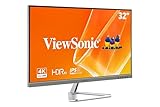


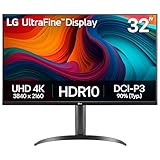


A 32-inch 4K monitor is one of the best general-purpose displays you can buy. The 32-inch size gives you genuinely spacious desktop real estate, and the 4K UHD (3840×2160) resolution keeps text and interface elements crisp at standard viewing distance — far sharper than a 32-inch QHD panel of the same size. For productivity, creative work, video playback and even casual gaming, a 32-inch 4K display strikes a balance between screen area and pixel density that smaller 4K panels and lower-resolution 32-inch panels cannot.
An honest note before you shop: every pick on this list is a confirmed 32-inch panel running at native 4K UHD (3840×2160), but the category here is primarily productivity and content-consumption focused. Most of these monitors are 60Hz panels, which is fine for desktop work, video editing, spreadsheets and casual gaming, but is not a high-refresh gaming display. If your priority is fast-paced competitive gaming at high frame rates, a smaller QHD 144Hz or 240Hz gaming monitor — or a dedicated 4K gaming OLED — is the better fit. The picks below are honest 32-inch 4K productivity-and-content panels, with the buyer’s guide and FAQ explaining where they fit and where they do not.
Best 32 Inch 4K Monitors at a Glance
| Monitor | Best For | Standout Spec | Approx Price |
|---|---|---|---|
| LG 32UR500K-B Ultrafine 32″ 4K | Mainstream 4K UHD productivity | 32″ UHD, HDR10, built-in speakers, 60Hz | around $250 |
| Samsung 32″ UJ59 4K UHD | Value VA 4K UHD with PIP/PBP | 32″ UHD, VA panel, FreeSync, 60Hz | around $289 |
| ViewSonic VX3276-4K-MHD 32″ 4K | IPS 4K UHD with HDR10 | 32″ UHD, IPS, HDR10, 60Hz | around $260 |
| 32″ 4K UHD IPS 120% sRGB FreeSync | Budget colour-accurate 4K | 32″ UHD, IPS, 120% sRGB, 60Hz, FreeSync | around $180 |
| Sceptre U325W 32″ 4K UHD | Affordable 4K with dual DP | 32″ UHD, 99% sRGB, dual DP, 60Hz | around $188 |
| LG 32UR550K-B Ultrafine 32″ 4K | Ergonomic 4K UHD with tilt/pivot | 32″ UHD, HDR10, tilt/height/pivot, 60Hz | around $340 |
1. LG 32UR500K-B Ultrafine 32-inch 4K UHD Monitor

29
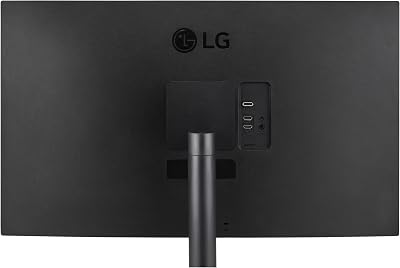
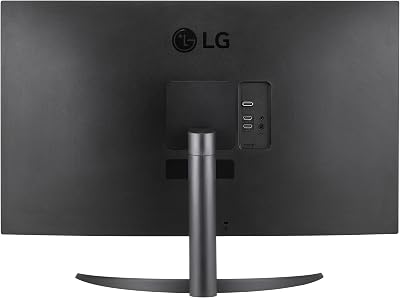
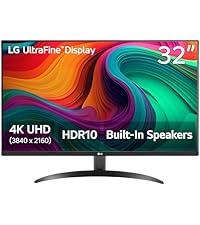
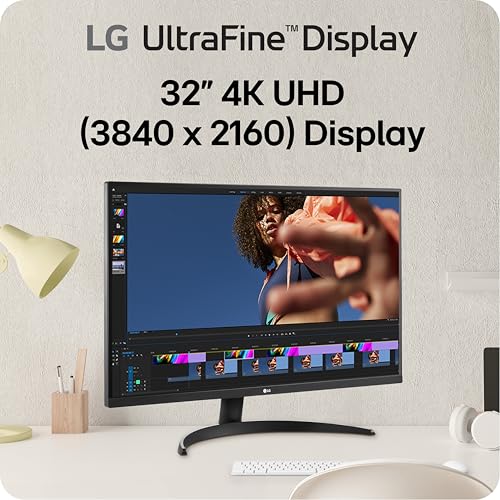
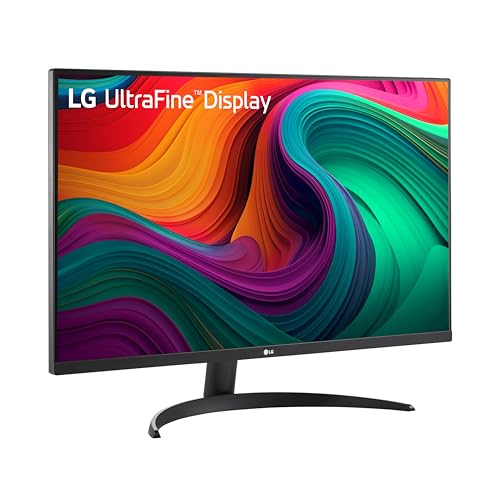
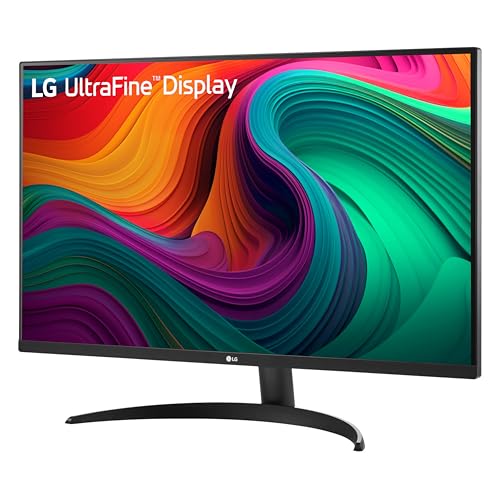
LG 32UR500K-B Ultrafine 32-inch 4K UHD (3840×2160) Computer Monitor HDR10 Built-in Speaker x2 OnScreen Control Reader Mode Flicker Safe Borderless Design HDMIx2 DisplayPort Black
In Stock






As an Amazon Associate we earn from qualifying purchases. Product prices and availability are accurate as of the date/time indicated.
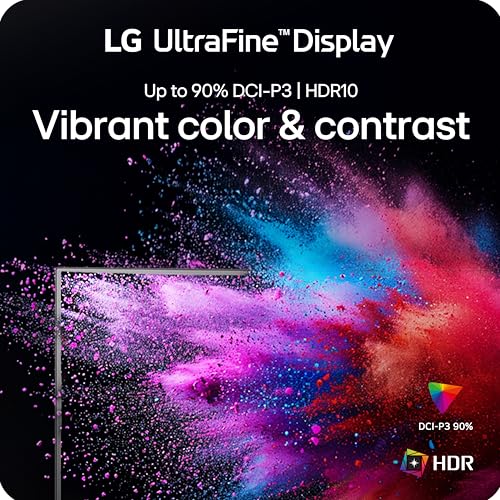
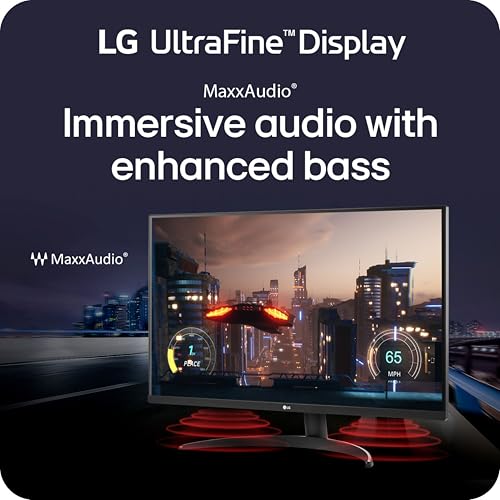
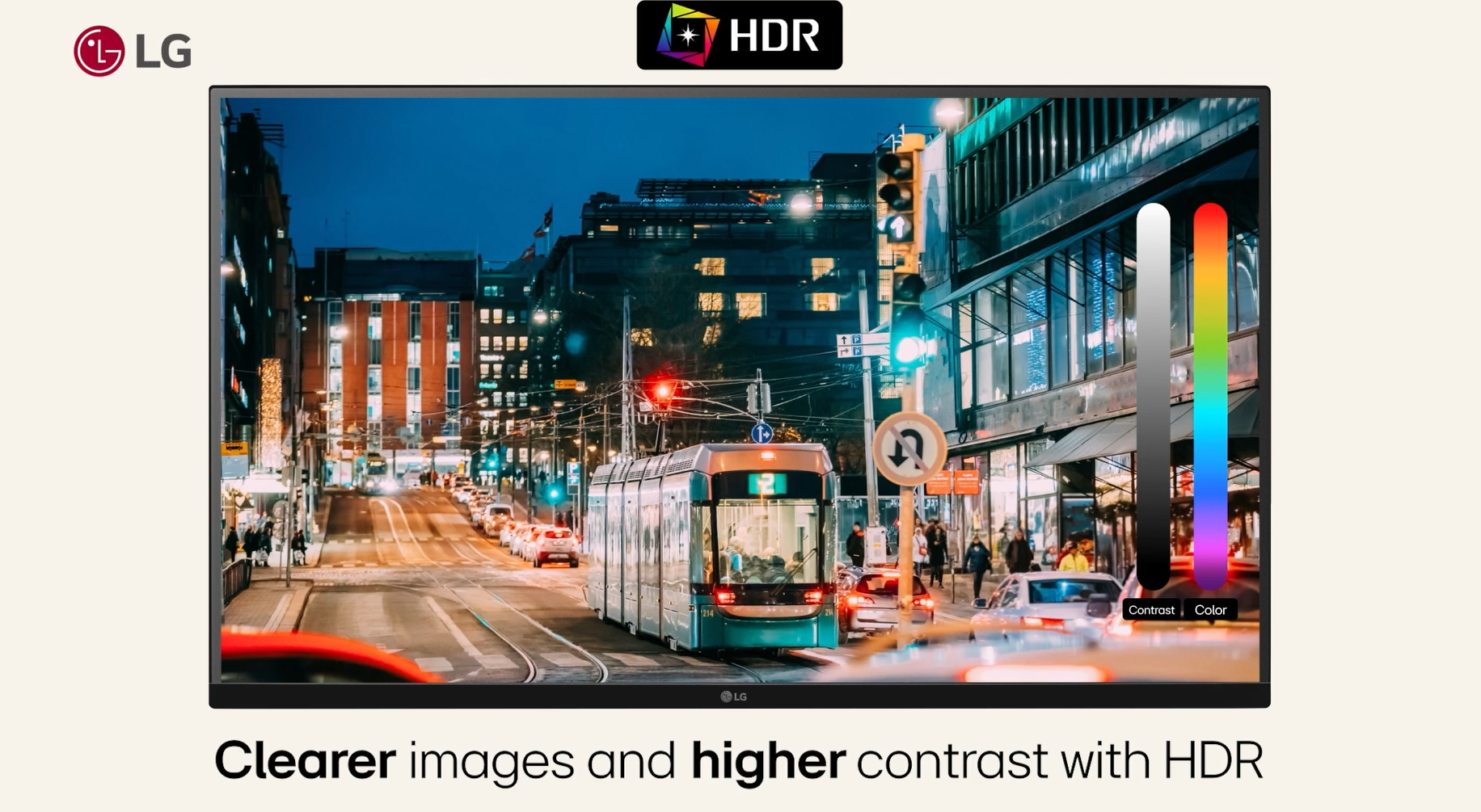
The LG 32UR500K-B is the mainstream 4K UHD productivity pick of this list. It is a 32-inch UHD (3840×2160) display with HDR10 support, dual built-in speakers, OnScreen Control for window arrangement and LG’s familiar Reader Mode for long sessions. At around $250 it sits in the heart of the mainstream 32-inch 4K segment and delivers solid, reliable specifications.
For everyday productivity, this is the easy recommendation. The 32-inch 4K panel gives you huge desktop real estate with the sharp text rendering of UHD resolution, HDR10 covers basic content compatibility, the built-in speakers remove the need for desk speakers and OnScreen Control is genuinely useful for arranging multiple windows. It is a 60Hz panel rather than a high-refresh gaming display — if you are primarily a productivity user with casual gaming on the side, that is exactly what you want. As a mainstream 32-inch 4K all-rounder, the 32UR500K-B is a sensible default.
Pros: 32-inch native 4K UHD, HDR10, dual built-in speakers, OnScreen Control, Reader Mode.
Cons: 60Hz refresh — not for fast-paced competitive gaming.
2. Samsung 32″ UJ59 Series 4K UHD Computer Monitor

29
Prime
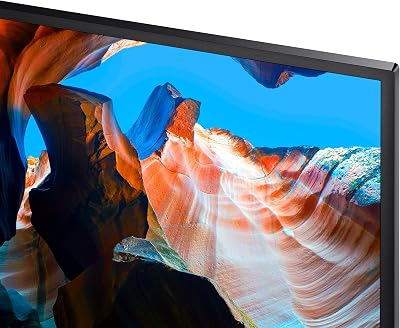
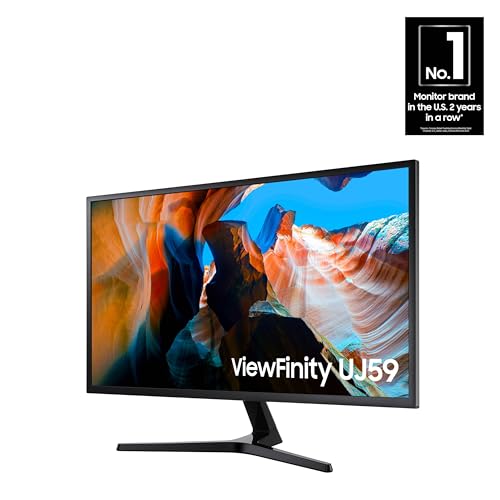
SAMSUNG 32" UJ59 Series 4K UHD (3840×2160) Computer Monitor,VA Panel, HDMI, Display Port, Eye Saver/Flicker Free Mode, FreeSync, LU32J590UQNXZA, Black
In Stock







As an Amazon Associate we earn from qualifying purchases. Product prices and availability are accurate as of the date/time indicated.
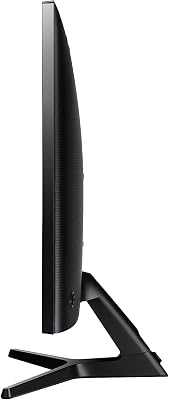
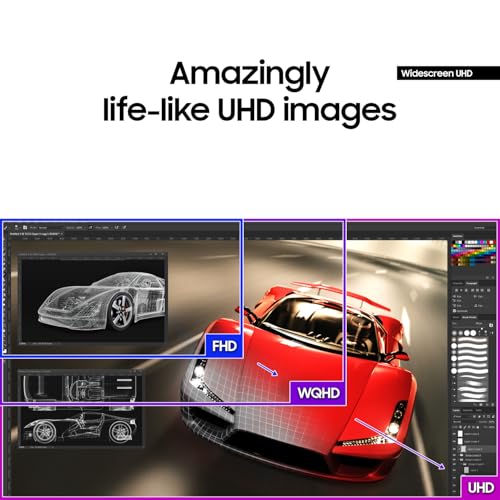
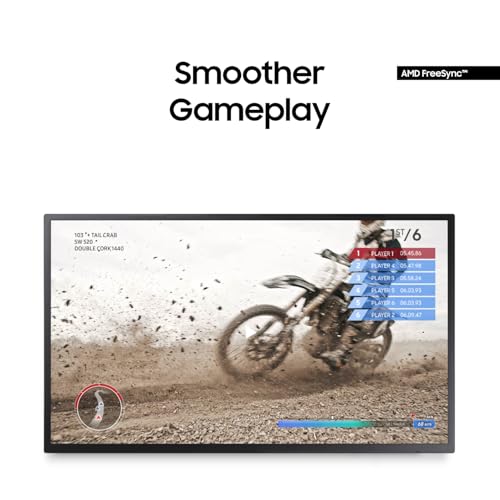
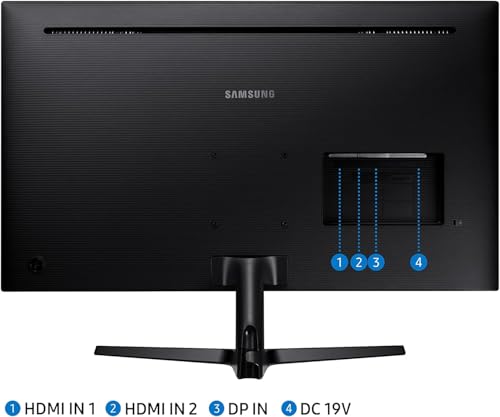
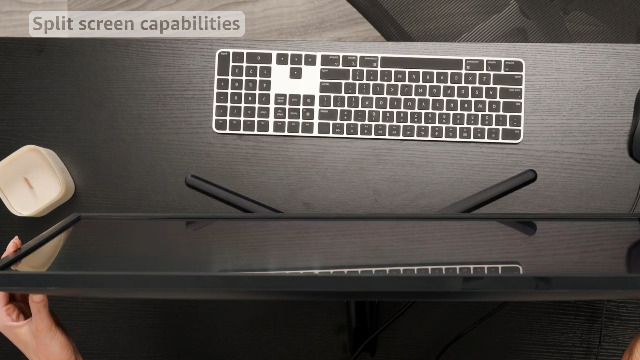
The Samsung UJ59 is the value VA 4K UHD pick of the list. It is a 32-inch UHD (3840×2160) VA panel with HDMI and DisplayPort inputs, AMD FreeSync, PIP/PBP for two-source viewing and Samsung’s Eye Saver and Flicker-Free modes. At around $289 it offers a slightly different image character to the IPS picks on the list, with deeper blacks and stronger native contrast.
For users who watch a lot of video or work in dimmer rooms, the UJ59’s VA panel is the standout characteristic. VA panels typically have better contrast than IPS — blacks look deeper and night-time content has more pop — while sacrificing some off-axis viewing consistency. FreeSync is a useful addition for casual gaming, PIP/PBP lets you split the screen between two sources and Samsung’s Eye Saver mode reduces blue light for long sessions. As a value VA 4K UHD productivity-and-media monitor, the UJ59 is a strong pick at this price.
Pros: 32-inch native 4K UHD, VA panel for strong contrast, FreeSync, PIP/PBP, Eye Saver mode.
Cons: 60Hz refresh; VA off-axis viewing is less consistent than IPS.
3. ViewSonic VX3276-4K-MHD 32-inch 4K UHD IPS Monitor
21
Prime
ViewSonic VX3276-4K-MHD 32 Inch 4K Monitor, IPS Display with HDR10 and Eye Care Technology for Ultimate Home and Office Entertainment, Ultra-Thin Bezels, DisplayPort, and HDMI Inputs
In Stock




As an Amazon Associate we earn from qualifying purchases. Product prices and availability are accurate as of the date/time indicated.
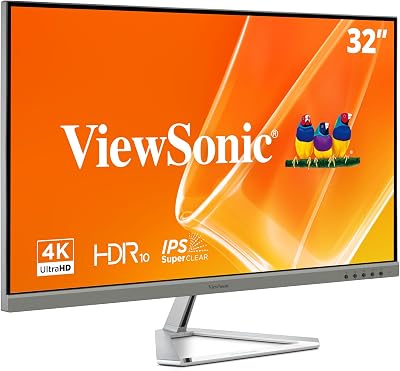
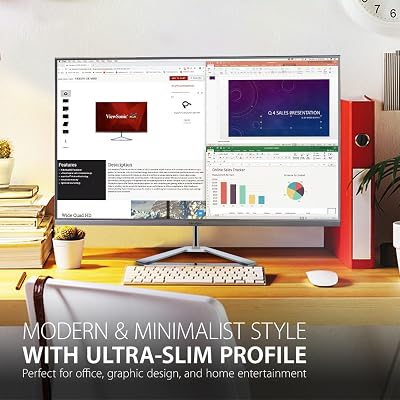
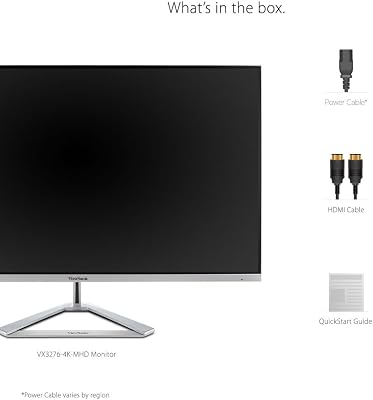
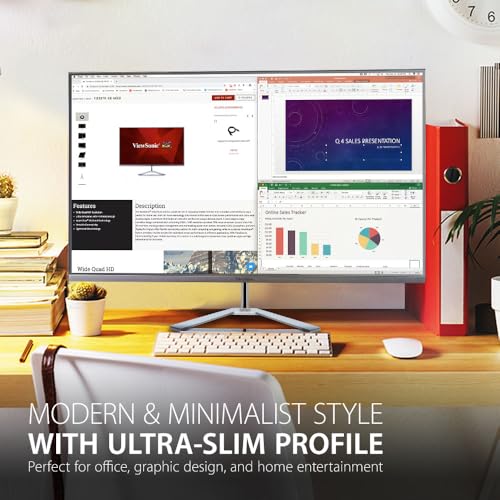
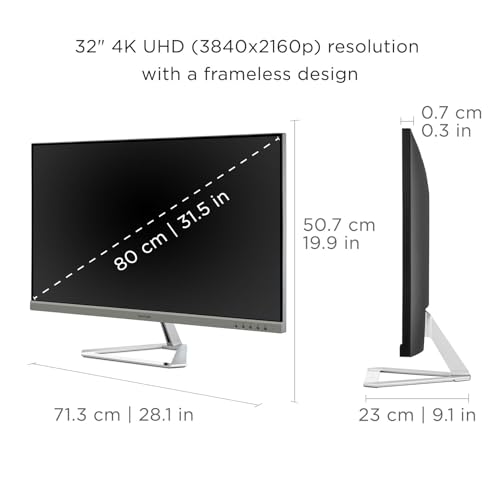
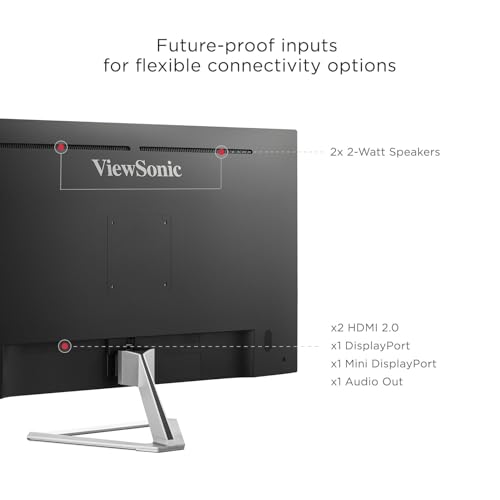
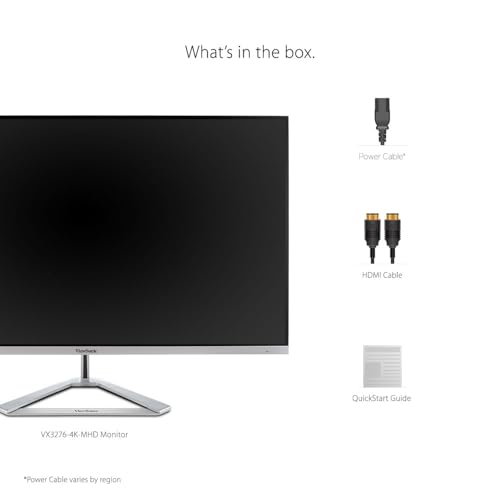
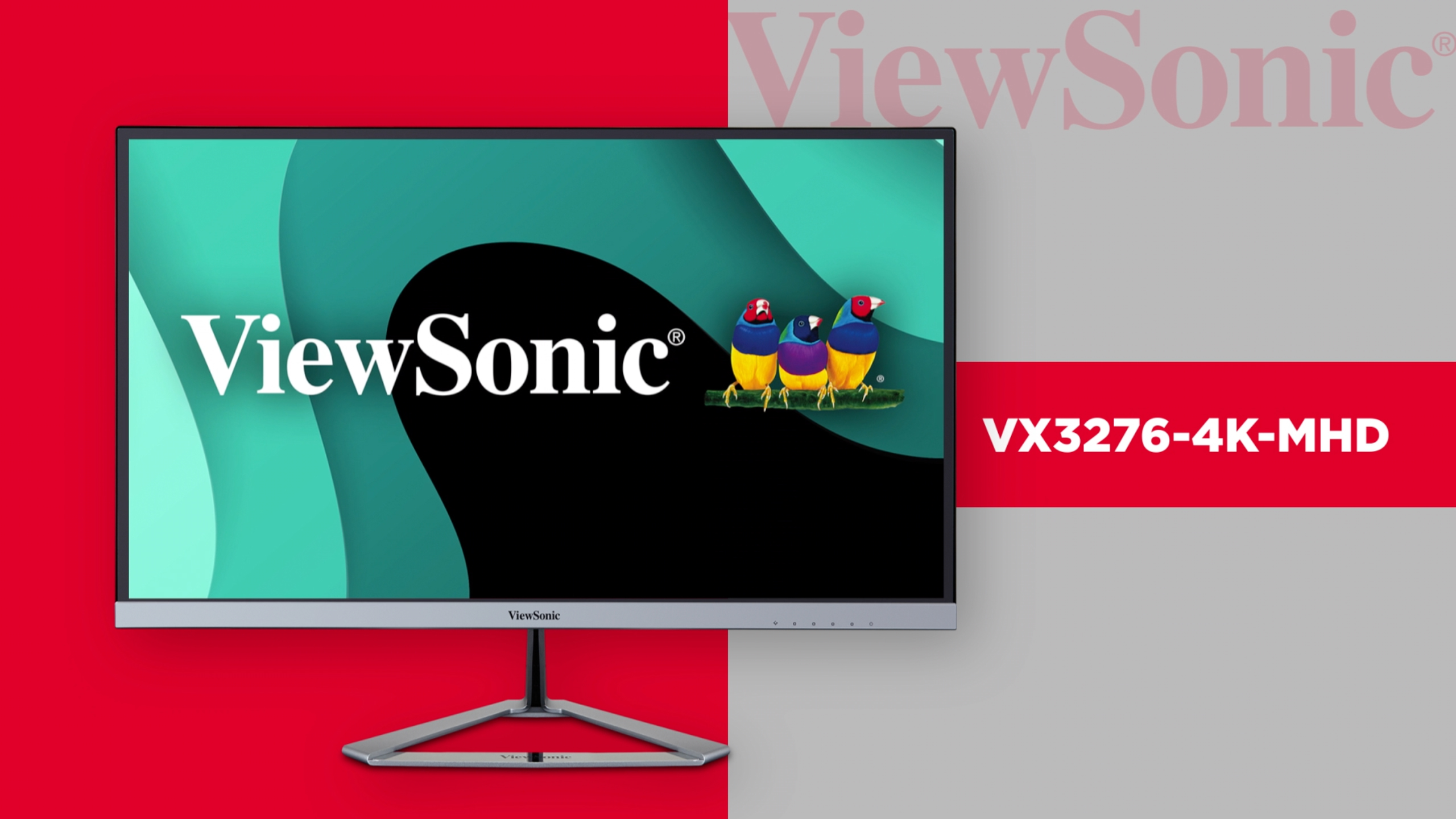
The ViewSonic VX3276-4K-MHD is the IPS-with-HDR pick of this list. It is a 32-inch UHD (3840×2160) IPS panel with HDR10 support, eye-care technology and a clean, slim styling suited to home and office use. At around $260 it delivers IPS colour consistency and viewing angles at a fair mainstream price.
For users who want predictable, accurate IPS colour for everyday and creative work, the VX3276-4K-MHD is a sensible choice. The IPS panel keeps colour consistent across wide viewing angles — important for multi-user setups and off-axis viewing — while HDR10 handles compatible content and ViewSonic’s eye-care features are a useful addition for long sessions. As a 60Hz panel it is a productivity-and-content display rather than a high-refresh gaming monitor, but for the broad mainstream use case at this price it is hard to fault.
Pros: 32-inch native 4K UHD, IPS panel for wide viewing angles, HDR10, eye-care features.
Cons: 60Hz refresh; not a high-refresh gaming display.
4. 32 Inch 4K UHD IPS Monitor (3840×2160) with 120% sRGB and FreeSync
20
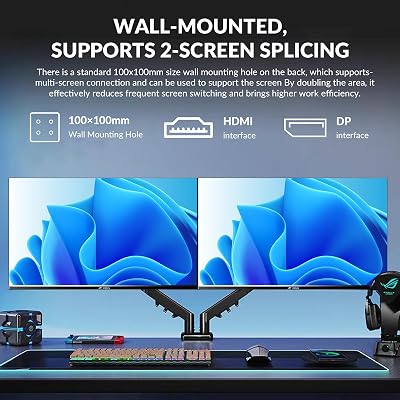
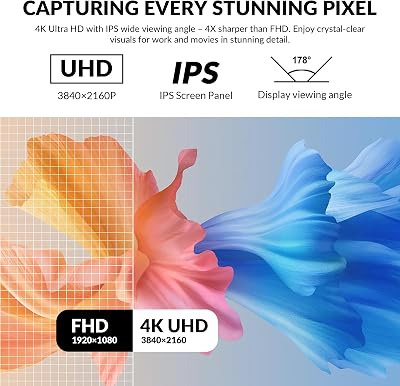
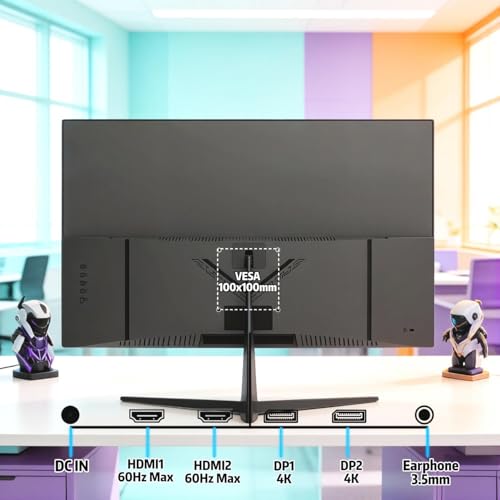
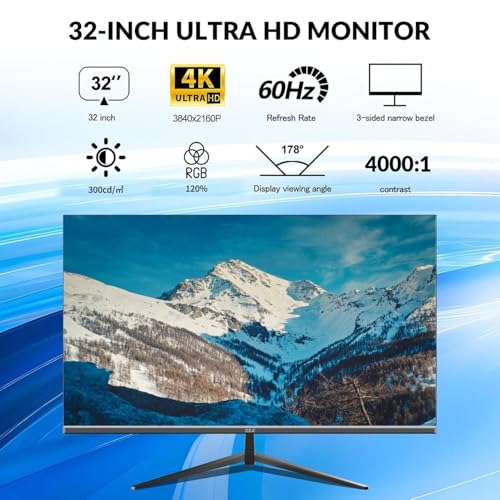
32 Inch 4K UHD Monitor (3840×2160), IPS,60Hz Refresh Rate, 120% sRGB, AMD FreeSync, 178° Viewing Angle, HDMI/DisplayPort, VESA 100x100mm Mount Compatible, Tilt Adjustable – Black
In Stock




As an Amazon Associate we earn from qualifying purchases. Product prices and availability are accurate as of the date/time indicated.
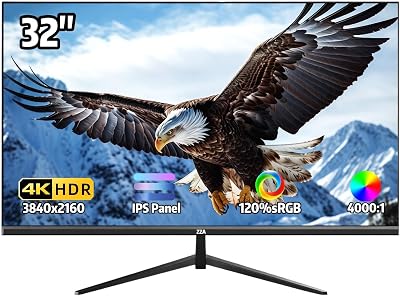
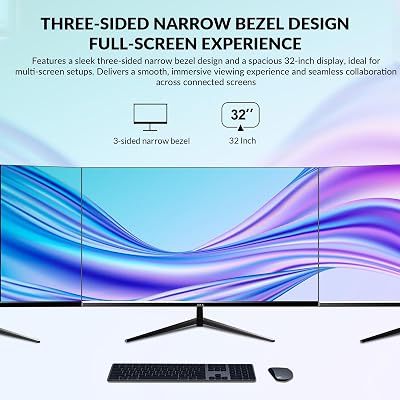
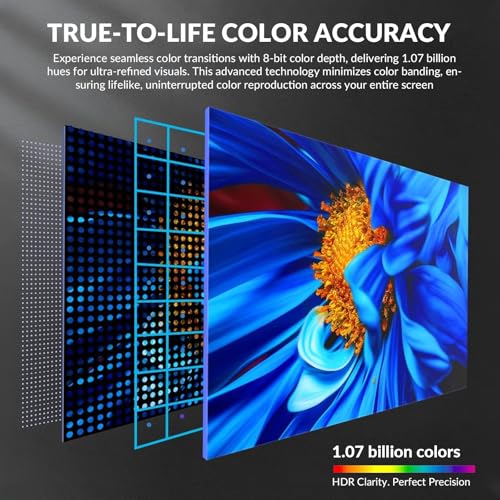
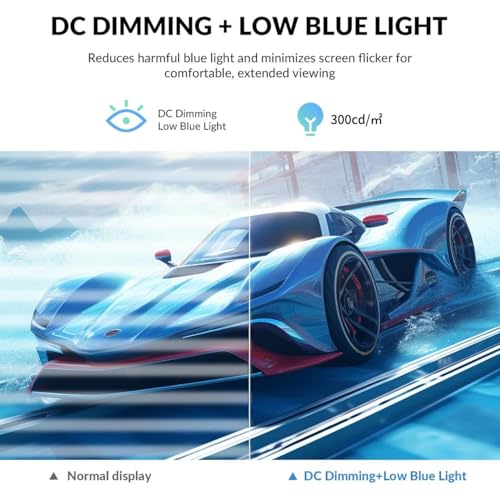
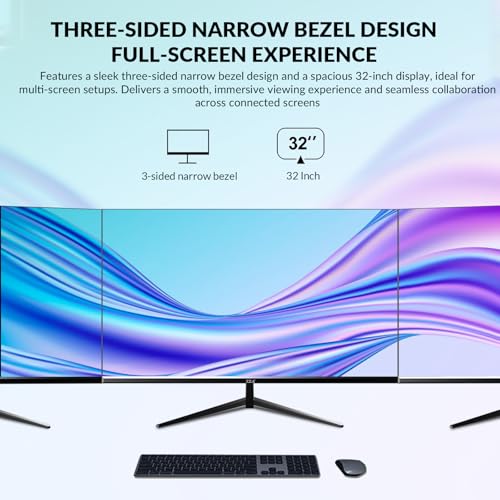
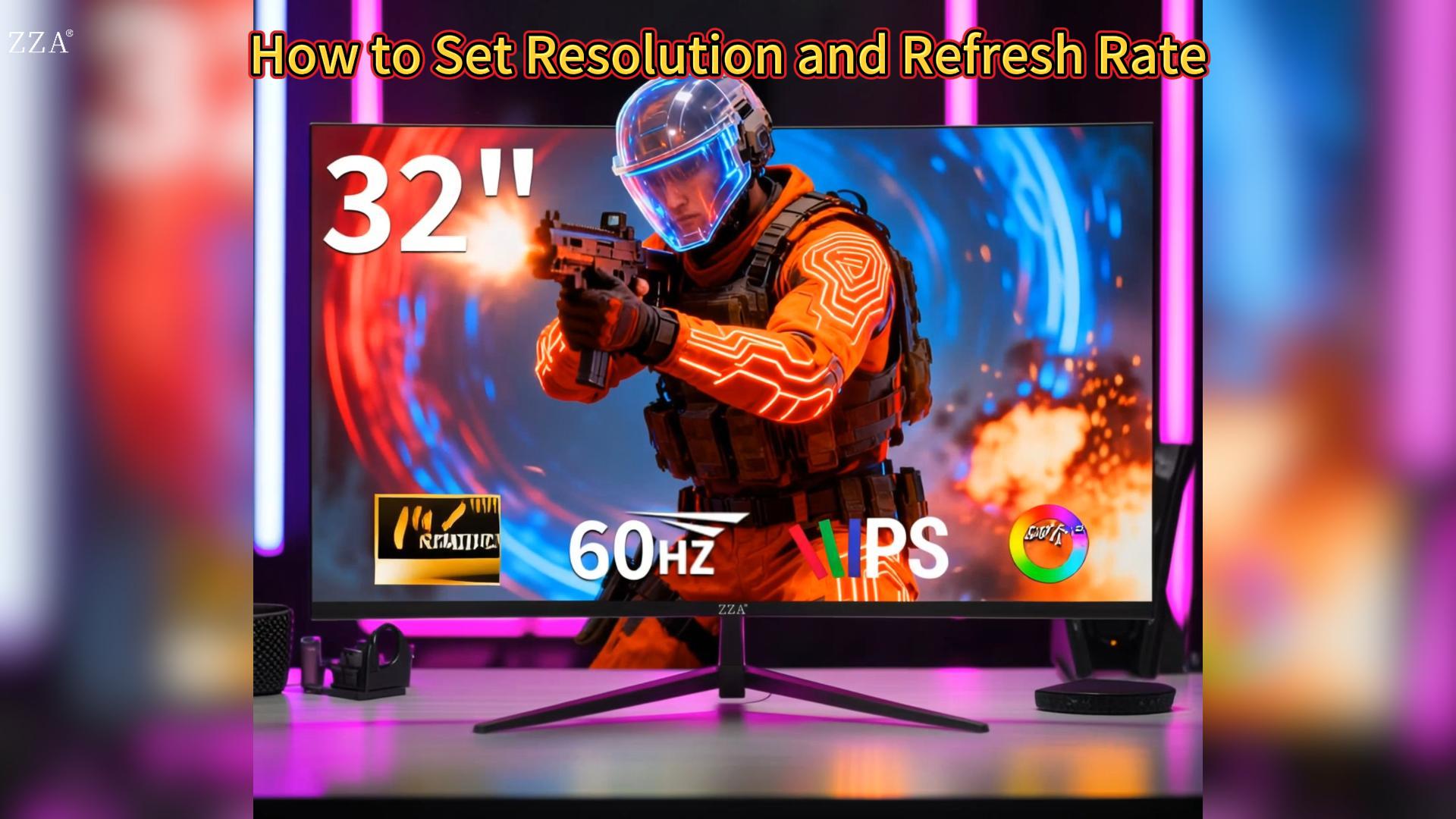
This 32-inch 4K UHD IPS monitor is the budget colour-accurate pick of the list. It is a 32-inch UHD IPS panel with 60Hz refresh, 120% sRGB colour coverage, AMD FreeSync, a 178-degree viewing angle and HDMI/DisplayPort inputs. At around $180 it is one of the most affordable 32-inch 4K monitors available, while still claiming wide colour coverage.
For budget-conscious buyers who care about colour, the headline 120% sRGB specification is the standout feature here. Wider colour coverage matters for content viewing, photo work and any task where colour fidelity counts, and FreeSync keeps casual gaming tear-free on AMD and modern NVIDIA cards. It is a 60Hz panel, so this is not the monitor for competitive gaming, but for affordable 4K UHD productivity and content work with sensible colour claims, it represents real value.
Pros: 32-inch native 4K UHD, IPS, 120% sRGB coverage, FreeSync, HDMI and DisplayPort.
Cons: 60Hz refresh — for productivity and casual gaming only.
5. Sceptre 32-inch 4K UHD Monitor with Dual DisplayPort (U325W)

19
Sceptre 32-inch 4K UHD 3840 x 2160 Monitor DisplayPort x2 HDMI x2 99% sRGB Build-in Speakers, Machine Black 2026 (U325W-UPT Series)
In Stock




As an Amazon Associate we earn from qualifying purchases. Product prices and availability are accurate as of the date/time indicated.
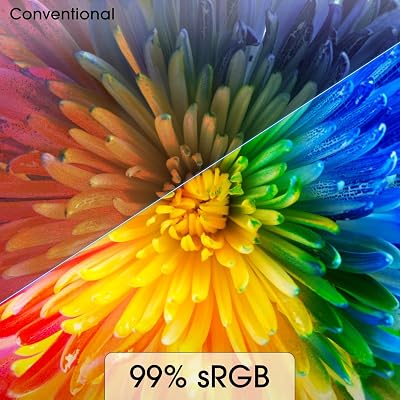
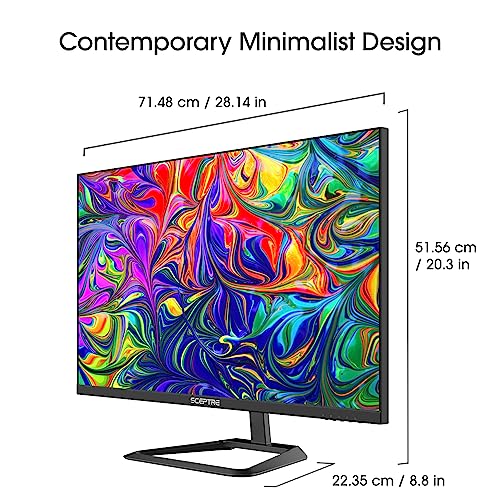
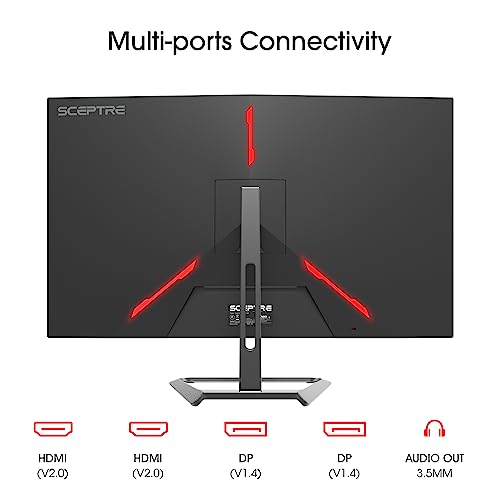
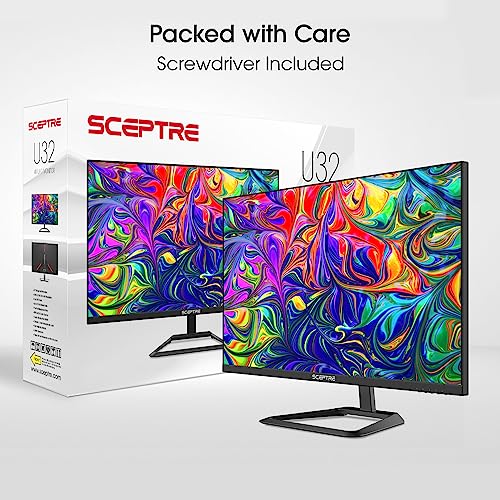
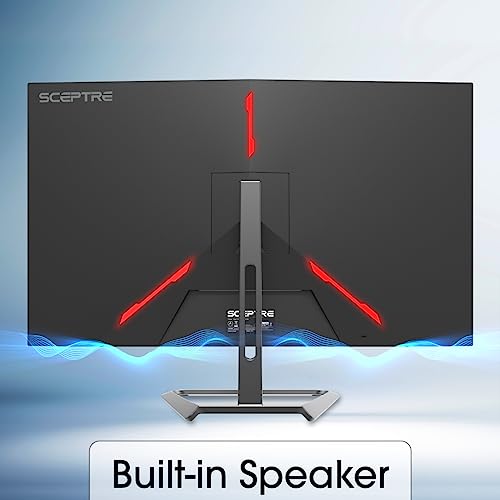
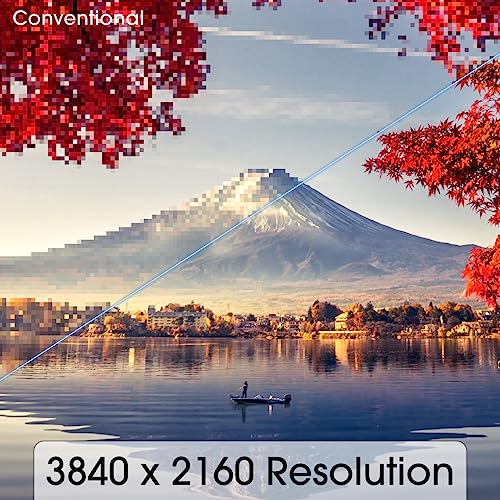
The Sceptre U325W is the affordable 4K UHD pick with strong I/O. It is a 32-inch UHD (3840×2160) monitor with two DisplayPort inputs, two HDMI inputs, 99% sRGB colour coverage and built-in speakers. At around $188 it is one of the most affordable 32-inch 4K monitors on the list and offers more DisplayPort connectivity than most.
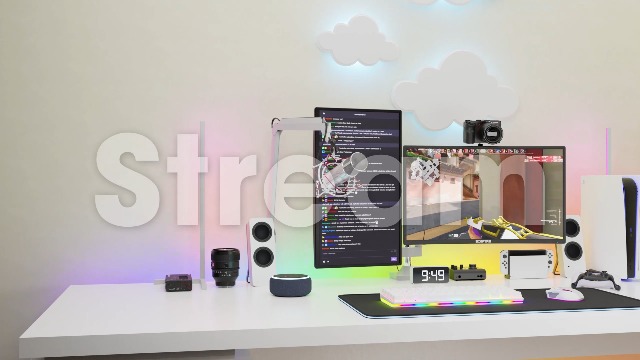
For users who run multiple PCs or game consoles into a single 4K display, the dual-DP plus dual-HDMI layout is a genuine practical advantage — most monitors at this price offer one DP and one HDMI at best. 99% sRGB coverage is solid for everyday content viewing, and the built-in speakers cover basic audio without adding a desk-speaker. It is a 60Hz panel — strictly a productivity, console-casual and content display — but for the price and I/O it offers, the U325W is a sensible budget pick.
Pros: 32-inch native 4K UHD, dual DisplayPort and dual HDMI, 99% sRGB, built-in speakers.
Cons: 60Hz refresh and basic panel tier — not a gaming-focused monitor.
6. LG 32UR550K-B Ultrafine 32-inch 4K UHD Monitor with Ergonomic Stand

30
LG 32UR550K-B 32-inch Ultrafine 4K UHD (3840 x 2160) Computer Monitor, HDR10, 60Hz, HDMI, DisplayPort, Tilt/Height/Pivot Adjustable Stand, Black
In Stock




As an Amazon Associate we earn from qualifying purchases. Product prices and availability are accurate as of the date/time indicated.
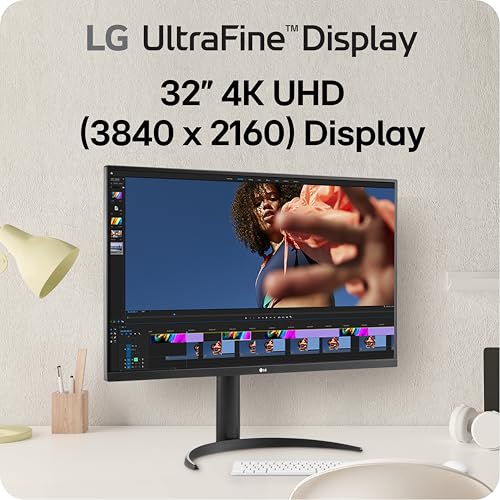
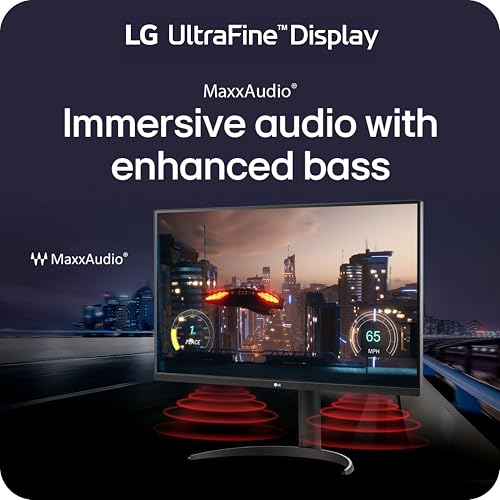
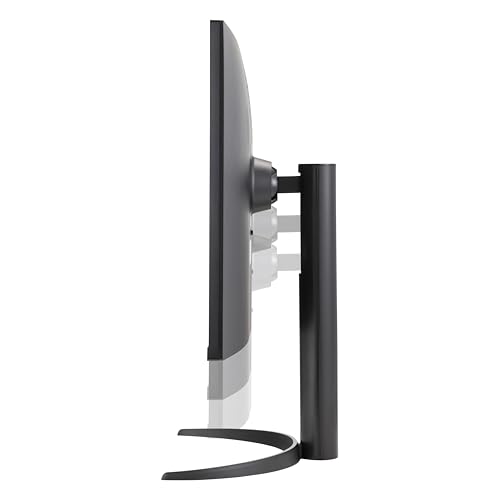
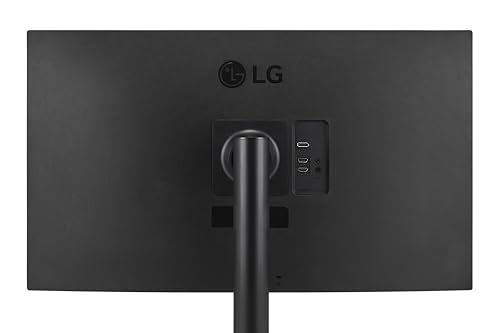
The LG 32UR550K-B rounds out the list as the ergonomic-stand 4K UHD pick. It is a 32-inch UHD (3840×2160) panel with HDR10, 60Hz refresh, HDMI and DisplayPort connectivity and — uniquely on this list — a full ergonomic stand with tilt, height adjustment and pivot. At around $340 it is the most expensive monitor on the list, with the premium going into ergonomics rather than refresh.
For users who care about long-day comfort, the ergonomic stand is the decisive feature. Height adjustment lets you set the panel exactly at eye-line, tilt and pivot give you flexibility for multi-monitor setups or portrait-oriented document work, and the 4K UHD panel underneath delivers the same productivity-grade resolution as the 32UR500K-B. It is a 60Hz productivity display rather than a gaming monitor, but if you spend long days at the desk and value ergonomic flexibility, the 32UR550K-B earns its premium.

Pros: 32-inch native 4K UHD, HDR10, ergonomic tilt/height/pivot stand, comfortable for long workdays.
Cons: 60Hz refresh; premium price is for the stand rather than the panel tier.
How to Choose the Right 32-inch 4K Monitor
Start by being honest about your primary use case, because that is where the biggest mistake gets made with 32-inch 4K monitors. Every pick on this list is a 60Hz panel, which is excellent for productivity, video, web browsing, creative content viewing and casual gaming, but is not a competitive-gaming display. If you need 144Hz+ refresh and per-pixel response for fast-paced multiplayer, a smaller 27-inch QHD gaming monitor — or a dedicated 4K gaming OLED — is the right buy instead. The picks here are honest productivity-and-content 4K UHD displays.
Panel type shapes the day-to-day experience. IPS panels — the LG Ultrafines, ViewSonic VX3276-4K-MHD, the 120% sRGB IPS and (effectively) the Sceptre — give you consistent, accurate colour and wide viewing angles, which suits creative work and multi-user setups. The Samsung UJ59 is a VA panel — stronger native contrast and deeper blacks, but viewing angles are less consistent off-axis. If you watch a lot of dark-scene video or work in a dimmer room, VA’s contrast advantage is appealing; if you do colour-critical work or share the screen across viewing positions, IPS is the safer pick.
Connectivity, ergonomics and extras separate panels that look similar on paper. The Sceptre U325W offers dual DisplayPort and dual HDMI for multi-source setups. The Samsung UJ59 includes PIP/PBP for two-source viewing on one screen. The LG 32UR550K-B is the only pick with a full ergonomic stand (tilt, height, pivot) — a meaningful comfort upgrade for long working days. Decide whether you need built-in speakers, USB-C connectivity for laptops or a flexible stand, and weight your pick accordingly.
Finally, set realistic expectations for HDR and colour. All of these monitors mention HDR10 or HDR-compatible content support, but none of them are genuine HDR performance panels in the way that DisplayHDR 600/1000 OLEDs are. Treat HDR as a compatibility tick-box, not a feature. Colour coverage claims like 99% or 120% sRGB are useful for general work and content; if you do professional colour-critical work, look for a panel with documented DCI-P3 or Adobe RGB coverage and a calibration report instead. The best 32-inch 4K monitor in 2026 is the one that matches your actual use case — productivity-first, with realistic gaming expectations — and fits your budget and desk.
Frequently Asked Questions
Is 60Hz okay for a 32-inch 4K monitor?
Yes, for productivity, video, creative work and casual gaming, 60Hz on a 4K UHD panel is fine — many users sit at this combination for years and never feel limited. Where 60Hz falls short is fast-paced competitive gaming, where 144Hz+ delivers a noticeably smoother and more responsive feel. If you are primarily a desktop user with casual gaming on the side, 60Hz 4K at 32 inches is a genuinely excellent combination.
Are these monitors good for gaming?
They are good for casual and single-player gaming where 60fps is plenty — story-driven RPGs, strategy games, simulation, indie titles and console gaming all look excellent on a 4K UHD 60Hz 32-inch panel. They are not the right pick for competitive shooters or any title where you want 144Hz+ refresh and ultra-low response, where a dedicated 27-inch QHD high-refresh gaming monitor or a 4K OLED is the better tool.
Do I need a powerful GPU for 4K?
Yes for gaming, less so for productivity. Driving the Windows desktop, video and creative apps at 4K is comfortable on any modern integrated or entry-level GPU. Gaming at 4K 60Hz is more demanding — a modern mid-range GPU typically handles it well in most titles at high settings, while AAA titles may require an upper-mid-range or high-end GPU to keep frame rates stable.
IPS or VA for a 32-inch 4K monitor?
IPS gives you the most consistent, accurate colour and wide viewing angles — ideal for creative work, multi-user setups and general productivity. VA (like the Samsung UJ59) gives you noticeably deeper blacks and stronger native contrast, which is appealing for video and dark-room use. Both are valid choices; IPS is the safer mainstream pick, VA wins for contrast-first viewing.
Related Guides
- Best 4K Gaming Monitors
- Best Gaming Monitors
- Best OLED Gaming Monitors
- Best Curved Gaming Monitors
- Best Ultrawide Gaming Monitors
- Best Gaming PC
- Best GPU for Gaming
Affiliate Disclosure: As an Amazon Associate, we earn from qualifying purchases. If you click a link and make a purchase, we may earn a small commission at no extra cost to you. Prices and availability are accurate as of publication and may change.
Ready to decide? Our #1 pick for 2026 is the LG 32UR500K-B Ultrafine 32″ 4K.
Live price & availability on Amazon.


