

- Top Pick: Samsung 34' Odyssey G5 Ultra-Wide Gaming Monitor with 1000R Curved Screen
- Best Value: Sceptre 34-Inch Curved Ultrawide WQHD Monitor (3440 × 1440), R1500, up to 180Hz/165Hz, DisplayPort x2, 99% sRGB, 1ms, Built-in Speakers, Machine Black, 2025 (C345B-QUT168)
- Premium Choice: Alienware 34 Curved Gaming Monitor – AW3425DWM – 34-inch WQHD 180Hz 1ms Display, 1500R, AMD FreeSync Premium, VESA AdaptiveSync.
🛒 Best Price Today on Amazon
Prime members get fast, free shipping on everything above, plus member-only deals. New members get a 30-day free trial — cancel anytime.
- Top Ultrawide Gaming Monitors Picks for 2026
- Best Ultrawide Gaming Monitors at a Glance
- 1. Samsung 49-inch Odyssey G9 (G91F) Curved 32:9 Gaming Monitor
- 2. Samsung 49″ Odyssey G9 (G95C) 1000R Curved 32:9 Gaming Monitor
- 3. Samsung 49-inch Business Curved Ultrawide DQHD Monitor (USB-C)
- 4. INNOCN 49″ Curved 5K2K 32:9 Ultrawide Gaming Monitor
- 5. INNOCN 49″ 144Hz WDFHD 32:9 Curved Gaming Monitor
- 6. Dell 34 Plus USB-C Curved Monitor (S3425DW) — 21:9 Ultrawide
- How to Choose the Right Ultrawide Gaming Monitor
- Related Guides
- Frequently Asked Questions
- Related Guides
- Related Articles
Top Ultrawide Gaming Monitors Picks for 2026
Here are our current top ultrawide gaming monitors picks, compared on real Amazon owner reviews, price, and features. Live prices update below.
As an Amazon Associate we earn from qualifying purchases at no extra cost to you.


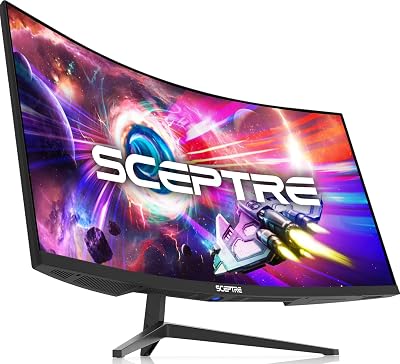


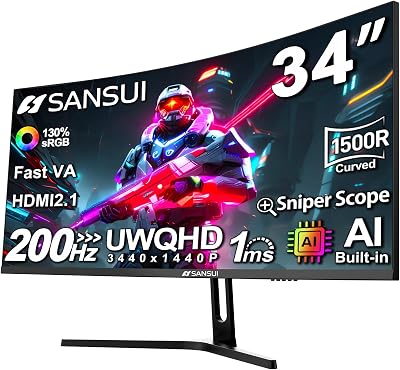


An ultrawide monitor is the fastest way to make a gaming setup feel cinematic. Where a standard 16:9 panel boxes the action into a window in front of you, an ultrawide stretches the image into your peripheral vision, which is genuinely transformative for racing sims, flight sims, open-world RPGs and any title with native ultrawide support. In 2026 the ultrawide category covers a wide range — from the relatively desk-friendly 34-inch 21:9 displays to the truly enormous 49-inch 32:9 super-ultrawides — and prices have come down enough that an ultrawide is now a sensible mainstream upgrade.
An honest note on aspect ratios so you can shop confidently: every pick on this list is technically an ultrawide, but the format varies considerably. The 49-inch Samsung Odyssey G9 G91F, G95C and the INNOCN 49-inch monitors are 32:9 super-ultrawides — essentially two QHD displays side-by-side without a bezel. The Samsung 49-inch business curved is also 32:9 (Dual QHD). The Dell 34 Plus S3425DW is a 21:9 ultrawide — a single wider-than-16:9 display, roughly the equivalent of a 27-inch QHD with extra width. 32:9 is the most immersive but needs a wide desk and demanding GPU; 21:9 is the easier fit for most rooms and most GPUs. Below is the at-a-glance comparison, then a closer look at each and a buyer’s guide to help you pick the right format.
Best Ultrawide Gaming Monitors at a Glance
| Monitor | Best For | Standout Spec | Approx Price |
|---|---|---|---|
| Samsung 49″ Odyssey G9 (G91F) | 32:9 super-ultrawide value | 32:9 DQHD, 144Hz, DisplayHDR 600 | around $900 |
| Samsung 49″ Odyssey G9 (G95C) 1000R | Aggressive 1000R 240Hz immersion | 32:9 DQHD, 240Hz, 1000R, DisplayHDR 1000 | around $850 |
| Samsung 49″ Business Curved DQHD | Ultrawide for hybrid work + play | 32:9 DQHD, 120Hz, USB-C, DisplayHDR 400 | around $850 |
| INNOCN 49″ 5K2K 120Hz Curved | 5K2K colour-accurate 32:9 | 32:9 5120×1440, 120Hz, 99% sRGB | around $540 |
| INNOCN 49″ 144Hz WDFHD Curved | Budget 32:9 gaming | 32:9 3840×1080, 144Hz, USB-C | around $500 |
| Dell 34 Plus S3425DW USB-C | 21:9 ultrawide entry point | 21:9 WQHD, 120Hz, VA panel, FreeSync | around $380 |
1. Samsung 49-inch Odyssey G9 (G91F) Curved 32:9 Gaming Monitor
36
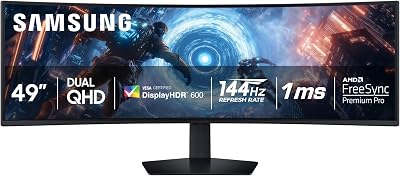
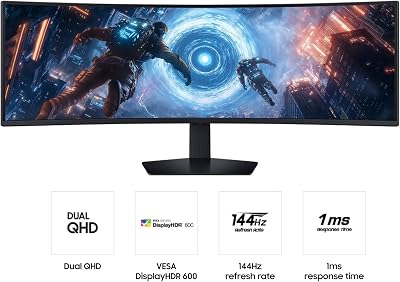
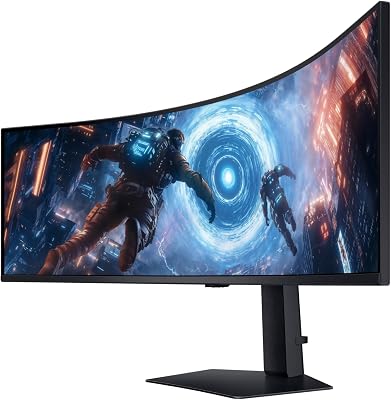
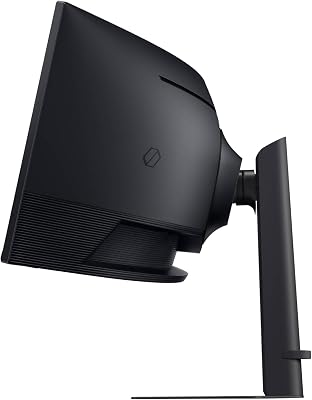
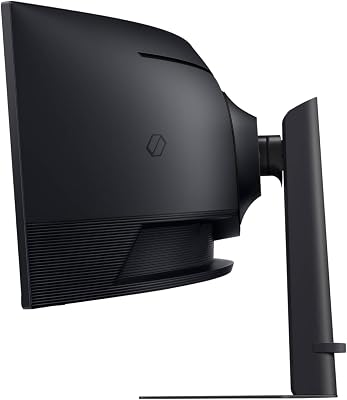
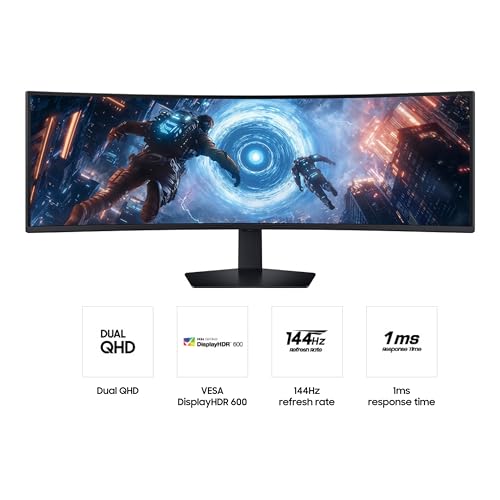
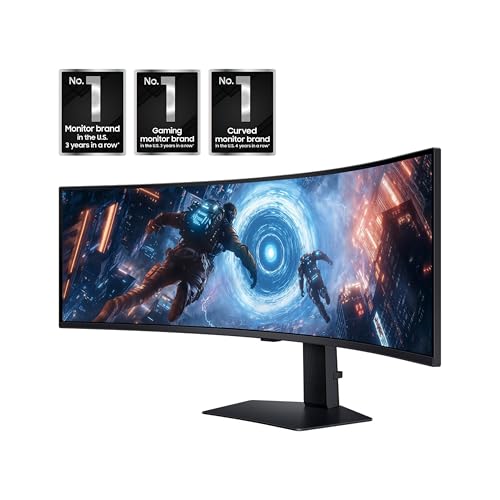
SAMSUNG 49-inch Odyssey G9 (G91F) DQHD, 144Hz, Curved Gaming Monitor, Ultra-Wide 32:9 Screen, DisplayHDR 600, AMD FreeSync™ Premium Pro, Ergonomic Stand, LS49FG910ENXZA, 2025
In Stock
$999.99
Save $250.00
Updated: May 27, 2026







As an Amazon Associate we earn from qualifying purchases. Product prices and availability are accurate as of the date/time indicated.
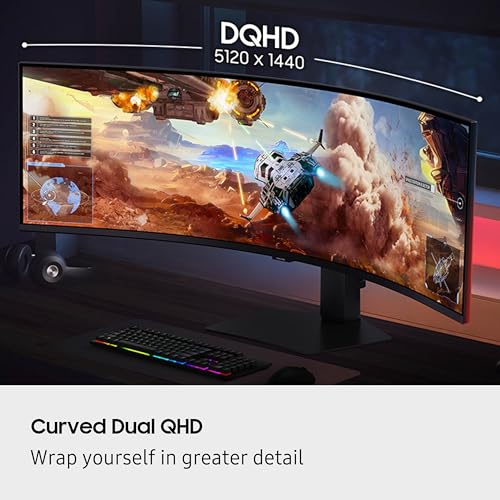
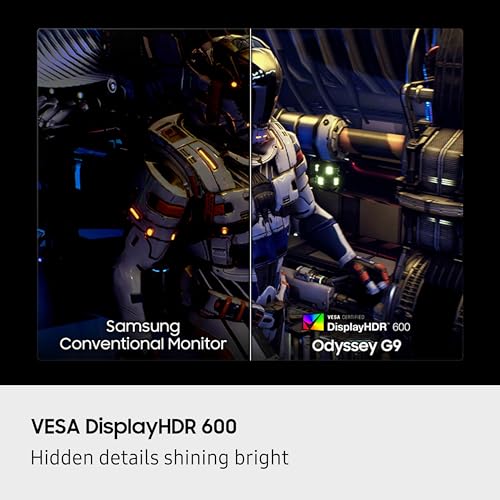
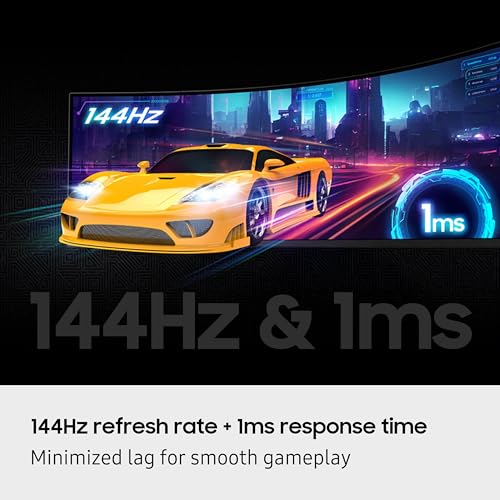
The Samsung Odyssey G9 G91F is the flagship 32:9 super-ultrawide pick of this list, and it is the format-defining display. It is a 49-inch curved monitor in a 32:9 aspect ratio with Dual QHD (5120×1440) resolution at 144Hz refresh, DisplayHDR 600 certification and AMD FreeSync. At around $900 it is one of the most affordable ways into the genuinely transformative 32:9 super-ultrawide format from a top-tier brand.
For sim racing, flight sims and any title with peripheral-vision benefits, the 32:9 aspect ratio is essentially two QHD screens fused together — the field of view is enormous, and the curved panel wraps that view around you. 144Hz keeps the experience smooth for fast-paced multiplayer and the Odyssey curve plus DisplayHDR 600 delivers good contrast and brightness for the money. As the entry into Samsung’s flagship super-ultrawide line, the G91F is an obvious starting point.
Pros: 32:9 super-ultrawide, DQHD 144Hz, DisplayHDR 600, FreeSync, curved Samsung Odyssey.
Cons: 32:9 needs a wide desk, a strong GPU and games that support the aspect ratio.
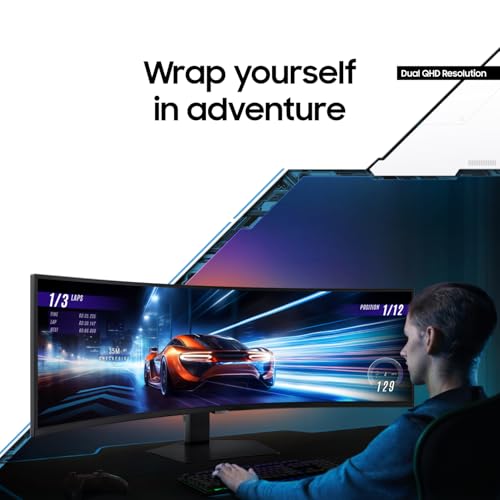
2. Samsung 49″ Odyssey G9 (G95C) 1000R Curved 32:9 Gaming Monitor
40
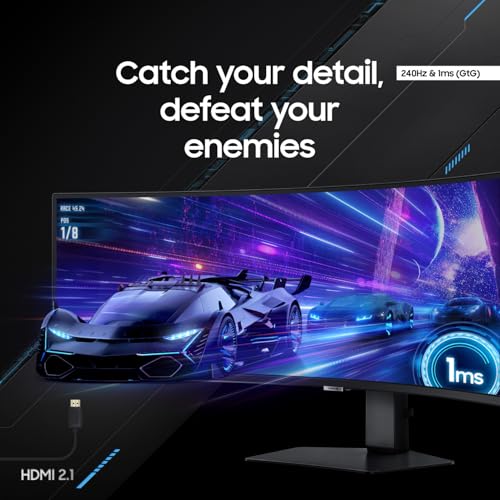
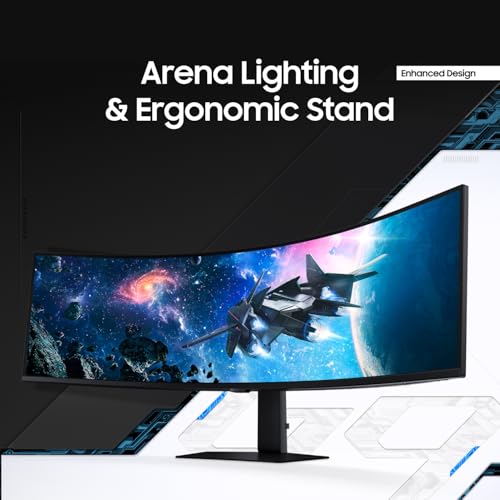
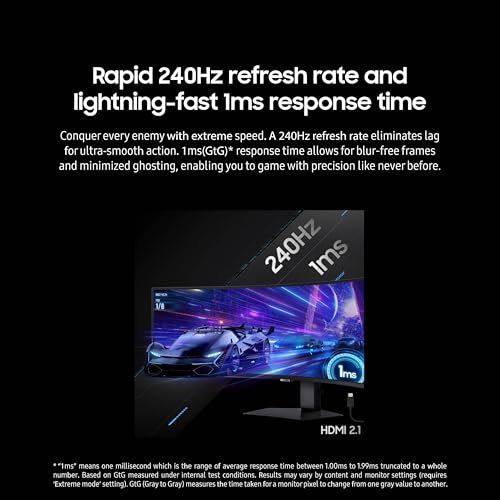
SAMSUNG 49" Odyssey G9 (G95C) Series DQHD 1000R Curved Gaming Monitor, 240Hz, 1ms(GtG), DisplayHDR 1000, AMD FreeSync Premium Pro, Eye Saver Mode, Auto Source Switch+, LS49CG950ENXZA, 2024
In Stock
$999.99
Save $300.00
Updated: May 27, 2026







As an Amazon Associate we earn from qualifying purchases. Product prices and availability are accurate as of the date/time indicated.
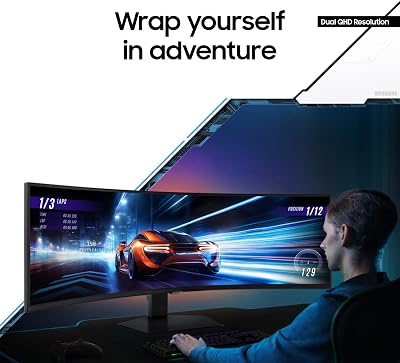
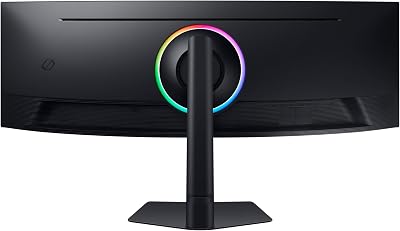
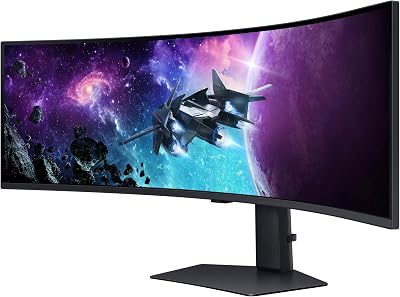
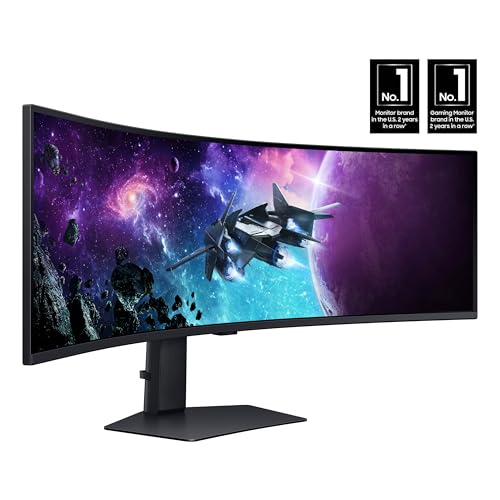
The Samsung Odyssey G9 G95C is the high-refresh, deep-curve 32:9 pick of the list. It is a 49-inch DQHD super-ultrawide with an aggressive 1000R curvature — matching the curve of the human eye — a 240Hz refresh, DisplayHDR 1000 and AMD FreeSync Premium Pro. At around $850 it offers a more immersive curve and a faster refresh than the G91F, while staying in the same price ballpark.
If you want the most immersive 32:9 gaming experience without crossing into QD-OLED territory, this is the G9 to target. The 1000R curve is tighter than the typical 1800R found elsewhere — the screen genuinely wraps around your field of view at desk distance — and DisplayHDR 1000 delivers strong peak brightness for HDR content. 240Hz keeps fast-paced multiplayer crisp, while FreeSync Premium Pro covers tear-free play. As the high-refresh, deep-curve 32:9 LCD pick, the G95C is hard to beat.
Pros: 32:9 DQHD, 240Hz, 1000R deep curve, DisplayHDR 1000, FreeSync Premium Pro.
Cons: 1000R curve is intense at first; 32:9 still asks for a capable GPU.
3. Samsung 49-inch Business Curved Ultrawide DQHD Monitor (USB-C)

30
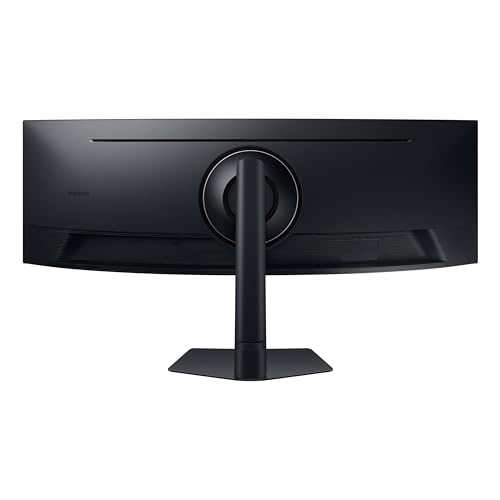
Samsung 49” Business Curved Ultrawide Dual QHD Computer Monitor, USB-C, DisplayPort, HDMI, 120Hz, VESA DisplayHDR 400, Built-in Speakers, Height Adjustable Stand, Eye Care, LS49C954UANXZA, 2024
In Stock
$1,199.99
Save $350.00
Updated: May 27, 2026







As an Amazon Associate we earn from qualifying purchases. Product prices and availability are accurate as of the date/time indicated.
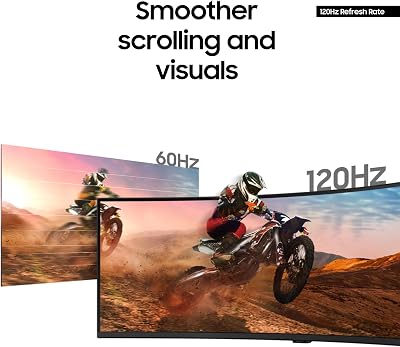
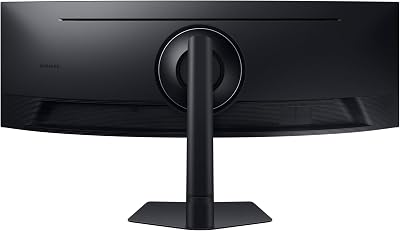
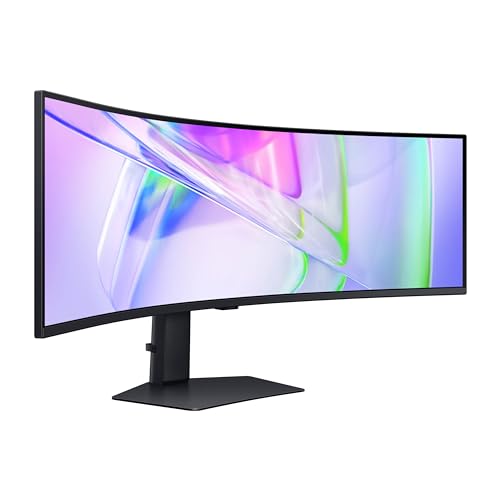
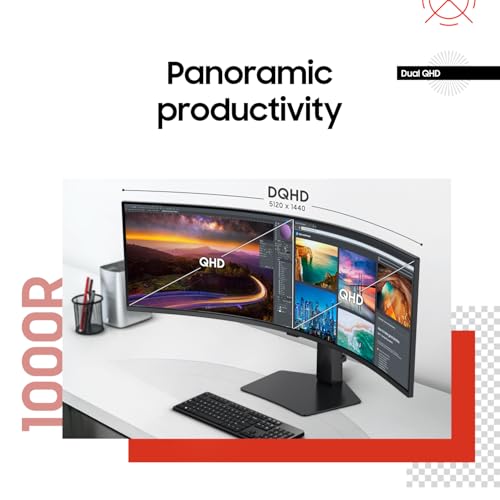
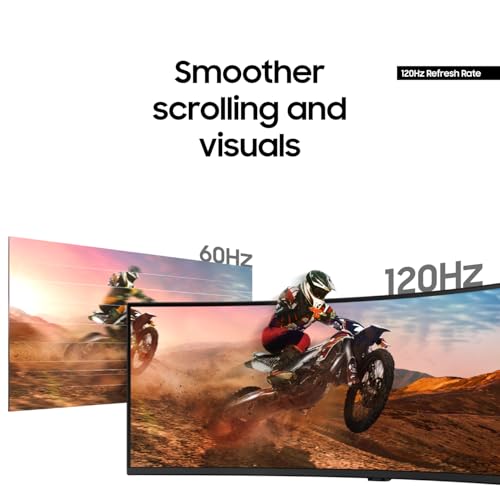
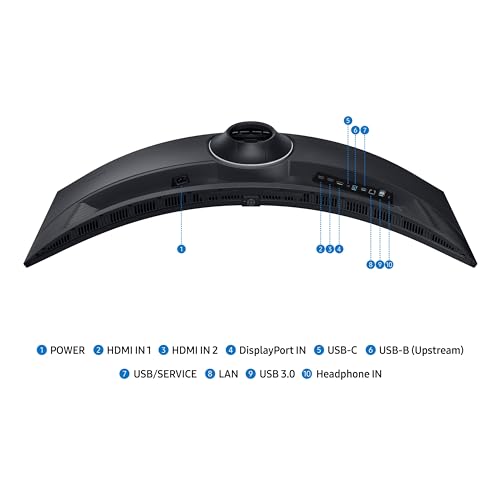
The Samsung 49-inch business curved ultrawide is the hybrid work-and-play pick of the list. It is a 32:9 DQHD curved monitor with a 120Hz refresh, USB-C, DisplayPort and HDMI, plus DisplayHDR 400 and built-in productivity features. At around $850 it sits between the consumer Odyssey G9s and the INNOCN value picks, with extra USB-C functionality for working from home.
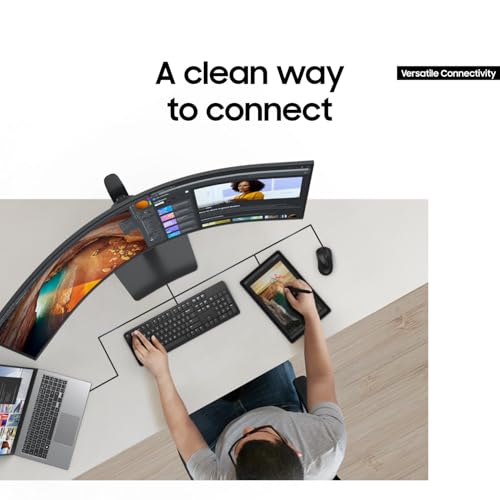
This is the 32:9 to choose if you split your time between productivity and gaming. The 120Hz refresh is plenty for casual and even moderately fast gameplay while keeping the panel suited to long productivity sessions, USB-C lets you connect a laptop with a single cable and the DQHD resolution gives you essentially two QHD workspaces side-by-side. If your priorities lean toward work-from-home with serious gaming on the side, this Samsung business curved is a strong specific fit.
Pros: 32:9 DQHD, 120Hz, USB-C, DisplayPort, HDMI, DisplayHDR 400, hybrid work/play feature set.
Cons: 120Hz lower than gaming-first picks; business styling rather than gamer aesthetics.
4. INNOCN 49″ Curved 5K2K 32:9 Ultrawide Gaming Monitor

17
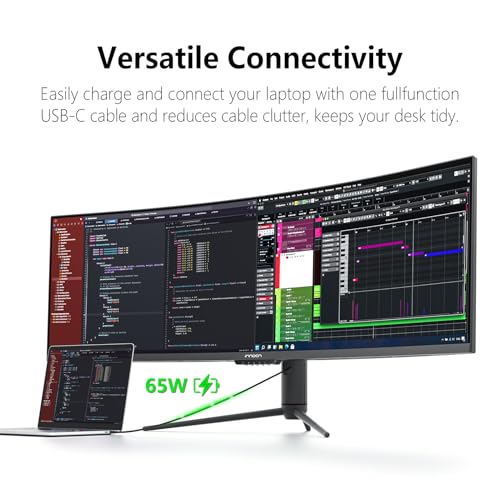
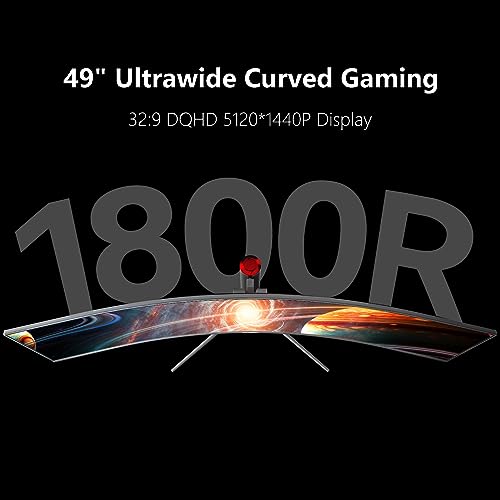
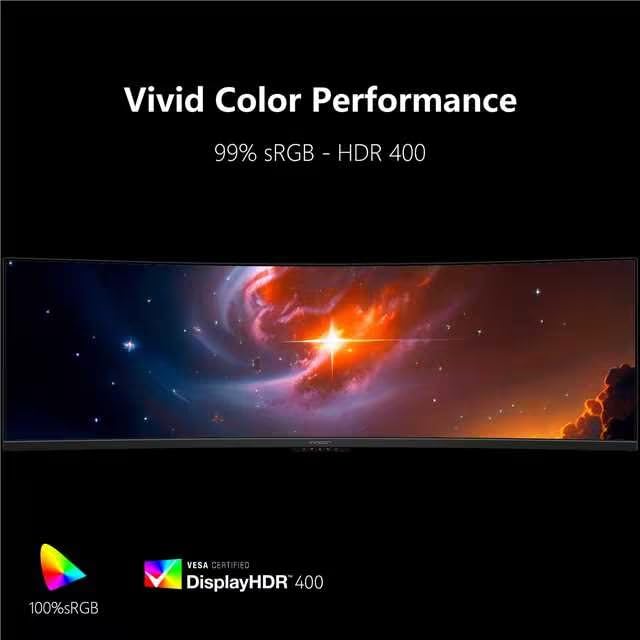
INNOCN 49" Curved Monitor Ultrawide Gaming 5K2K 120Hz 32:9 QHD 5120 x 1440P Computer Monitor, R1800, 99% sRGB, HDR400, USB Type C, DisplayPort, HDMI, Built-in Speakers, Height/Tilt Adjustable – 49C1R
In Stock
$794.98
Save $255.02
Updated: July 24, 2026


As an Amazon Associate we earn from qualifying purchases. Product prices and availability are accurate as of the date/time indicated.
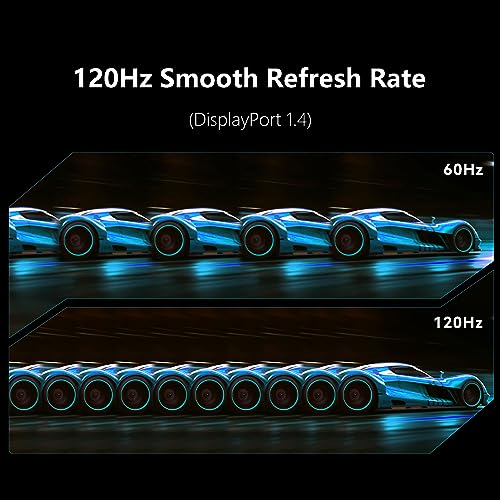
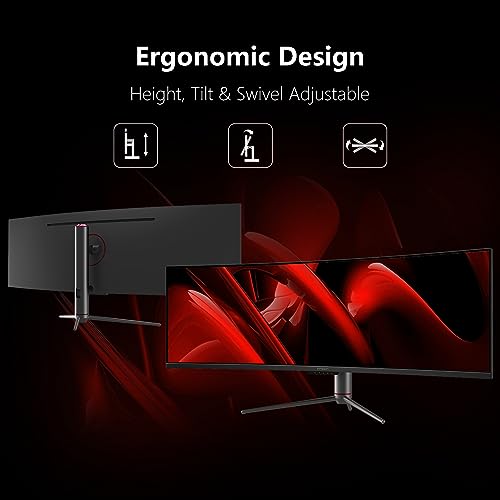
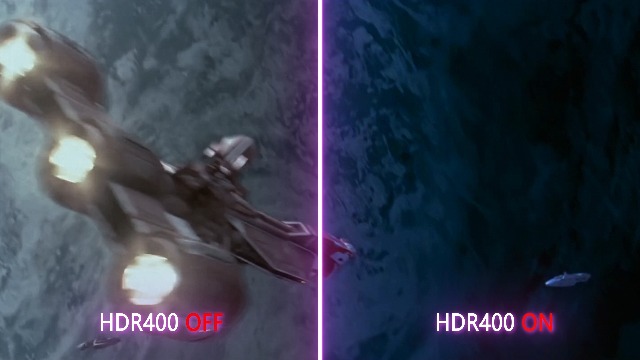
The INNOCN 49-inch 5K2K curved monitor is the colour-accurate value 32:9 pick. It is a 49-inch super-ultrawide with a 5120×1440 (5K2K) resolution at 120Hz, an 1800R curve, 99% sRGB coverage, HDR400 and USB-C connectivity. At around $540 it is dramatically more affordable than the equivalent Samsung G9, while delivering the same Dual QHD resolution.
For colour-conscious creators who also game, this is the standout value pick. 99% sRGB coverage matters for content work, the 5K2K (DQHD) resolution is sharp across the 49-inch screen and USB-C makes hooking up a creative laptop simple. 120Hz refresh is slower than Samsung’s 144Hz and 240Hz panels but still smooth for the majority of single-player gaming. If you want a 32:9 super-ultrawide for blended creative-and-gaming use without paying flagship money, this INNOCN is the clear pick.
Pros: 32:9 5K2K (5120×1440), 120Hz, 99% sRGB, 1800R curve, USB-C, HDR400, value pricing.
Cons: 120Hz refresh and HDR400 are lower than premium Samsung picks.
5. INNOCN 49″ 144Hz WDFHD 32:9 Curved Gaming Monitor
17
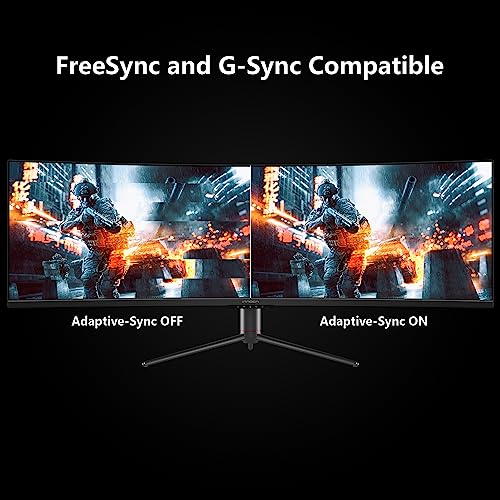
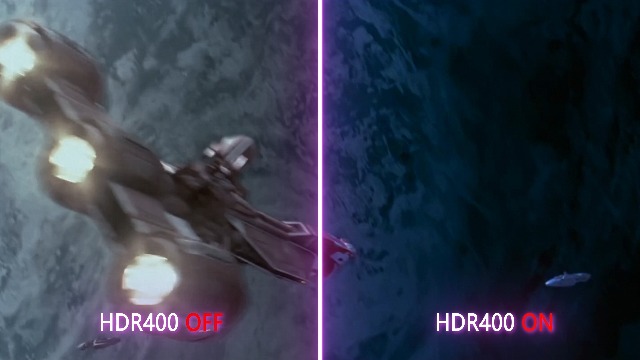
INNOCN 49" Curved Gaming Monitor 144Hz Ultrawide 32:9 WDFHD 3840 x 1080P, R1800, 99% sRGB, HDR400, USB Type C, DisplayPort, HDMI, Built-in Speakers, Height/Tilt Adjustable – 49C1G
In Stock
$699.99
Save $200.03
Updated: July 24, 2026


As an Amazon Associate we earn from qualifying purchases. Product prices and availability are accurate as of the date/time indicated.
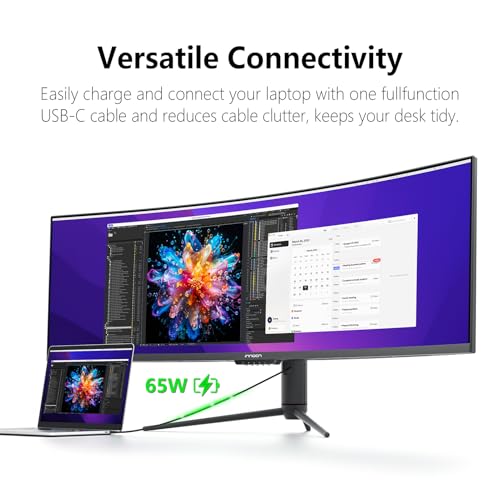
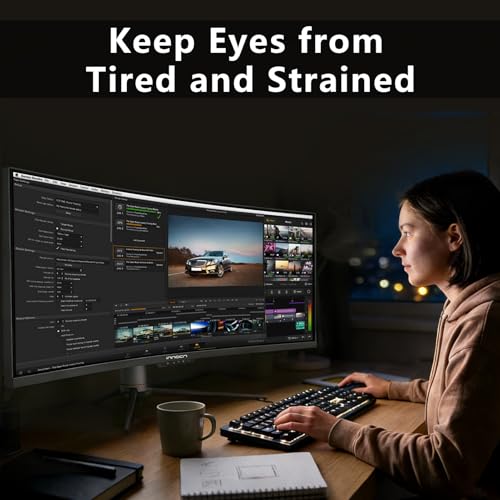
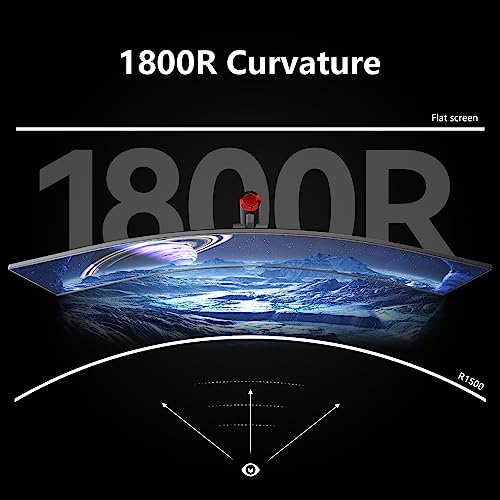
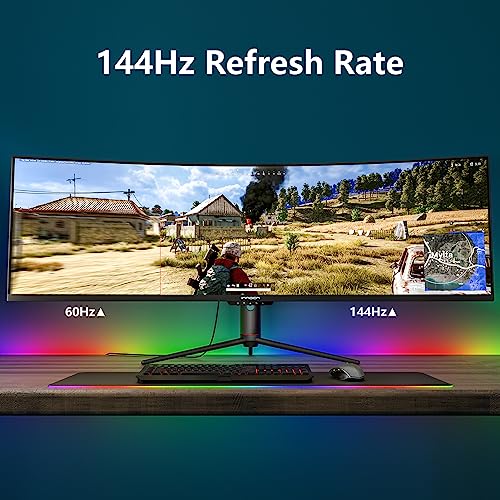
The INNOCN 49-inch 144Hz WDFHD model is the budget 32:9 gaming pick of the list. It is a 49-inch curved super-ultrawide with a 3840×1080 (WDFHD) resolution at 144Hz, an 1800R curve, 99% sRGB, HDR400 and USB-C connectivity. At around $500 it is the most affordable 32:9 panel on the list — the trade-off being the FHD vertical resolution rather than DQHD’s QHD vertical.
This is the 32:9 to choose when you want the format’s immersive aspect ratio and high refresh on the tightest budget. 144Hz is more than enough for fast-paced multiplayer, the WDFHD resolution is easier to drive on mid-range GPUs than DQHD (which doubles the vertical pixel count), and the 1800R curve adds real immersion. The clear trade-off is text and image sharpness at the 49-inch size — DQHD picks will look noticeably crisper — but if you want 32:9 immersion at high refresh on a budget, the WDFHD INNOCN delivers it.
Pros: 32:9 WDFHD (3840×1080), 144Hz, 1800R curve, 99% sRGB, USB-C, budget price.
Cons: FHD vertical resolution looks softer than DQHD at 49 inches.
6. Dell 34 Plus USB-C Curved Monitor (S3425DW) — 21:9 Ultrawide
33
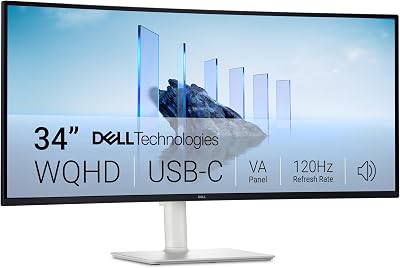
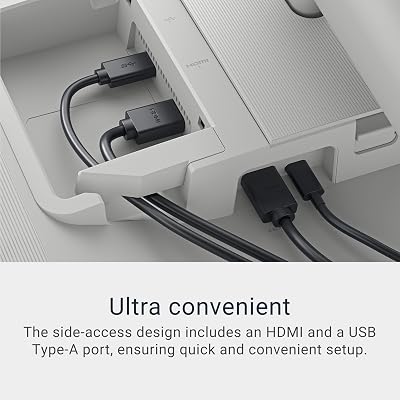
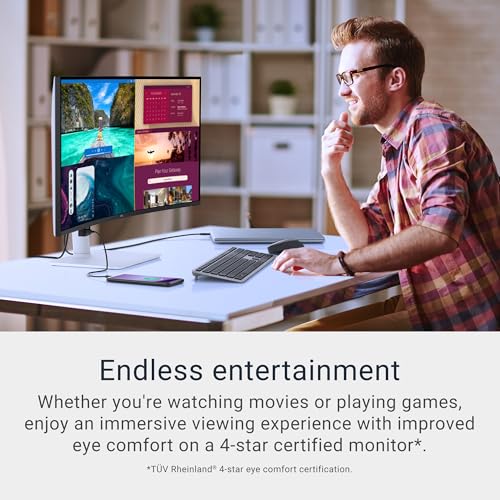
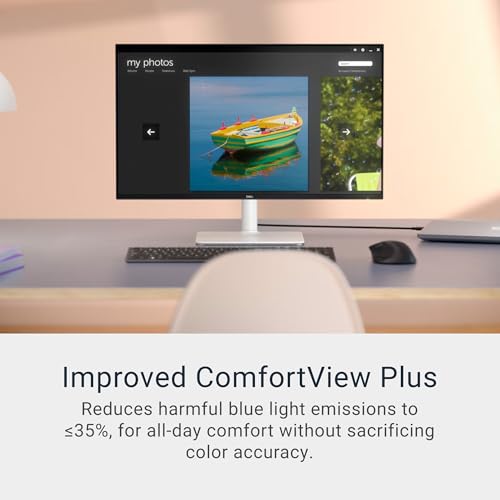
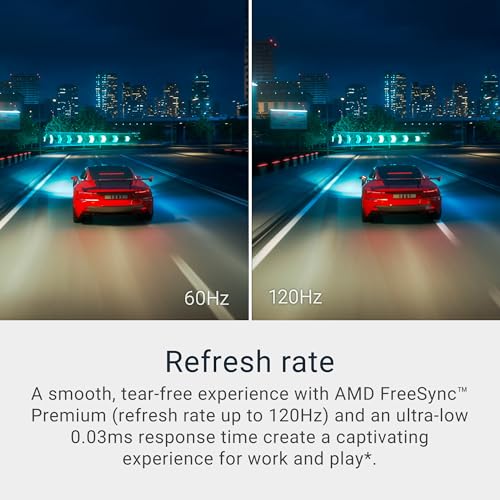
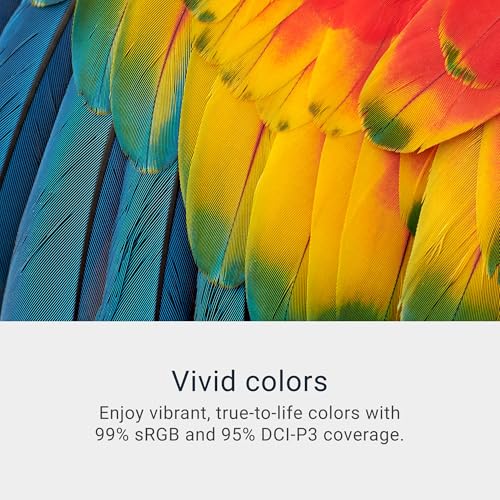
Dell 34 Plus USB-C Curved Monitor – S3425DW – 34-inch (3440 x 1440) up to 120 Hz 21:9 Display, VA Panel, AMD FreeSync Premium, 99% sRGB, 95% DCI-P3, Integrated Speakers, 3000:1 Contrast Ratio
In Stock
$419.99
Save $40.00
Updated: May 27, 2026






As an Amazon Associate we earn from qualifying purchases. Product prices and availability are accurate as of the date/time indicated.
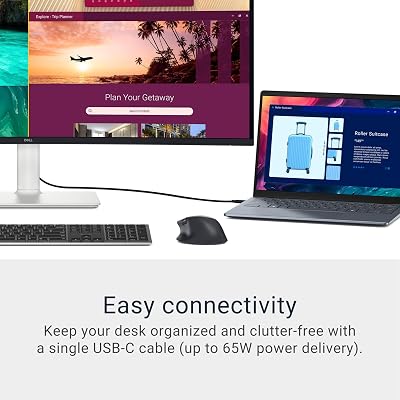
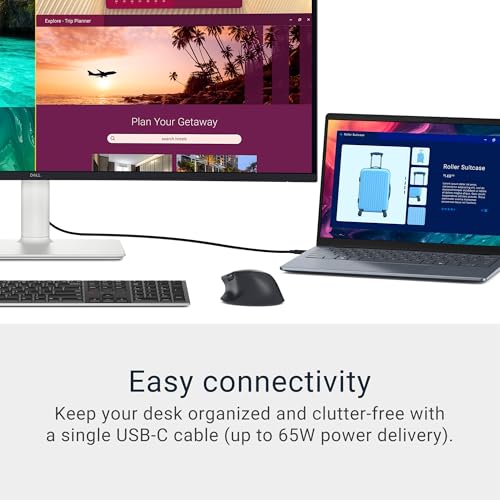
The Dell 34 Plus S3425DW is the 21:9 ultrawide entry point of this list — and a different aspect ratio from the 32:9 super-ultrawides above. It is a 34-inch curved VA panel with WQHD (3440×1440) resolution at up to 120Hz, AMD FreeSync Premium support and USB-C connectivity. At around $380 it is the most affordable monitor on the list and the easiest fit for most desks.
If you want the cinematic ultrawide feel without committing to 32:9 super-ultrawide pricing, GPU demand or desk space, the Dell 34 Plus is the natural starting point. 21:9 is universally supported by modern games, 34 inches is a comfortable size at typical desk distance and the VA panel with 120Hz FreeSync covers everyday gaming smoothly. USB-C lets you connect a laptop with a single cable for hybrid work-and-play. As the 21:9 entry on this list, it is a sensible and friendly recommendation.
Pros: 21:9 ultrawide, 34-inch WQHD, 120Hz VA panel, FreeSync Premium, USB-C, friendliest price.
Cons: 21:9 is far less immersive than 32:9; VA panel rather than IPS or OLED.
How to Choose the Right Ultrawide Gaming Monitor
The first decision with any ultrawide is the aspect ratio, and the difference is more dramatic than the marketing implies. 21:9 — like the Dell 34 Plus S3425DW — is a single screen that is wider than 16:9, typically 34 inches. 32:9 super-ultrawide — the Samsung Odyssey G9 G91F and G95C, the Samsung business curved and both INNOCN 49-inch models — is essentially two QHD displays fused side-by-side, typically 49 inches. 32:9 is far more immersive but needs a wide desk to physically fit and a more capable GPU to drive. 21:9 is the easier mainstream fit and works with every modern title.
Resolution and refresh together set how demanding the panel is. The 32:9 DQHD picks (Samsung G91F, G95C, business curved, INNOCN 5K2K) run at 5120×1440 — twice the pixels of a single QHD screen — which is genuinely demanding to drive at high refresh. The INNOCN WDFHD model runs at 3840×1080 instead, which is far easier on mid-range GPUs but noticeably softer at 49 inches. 21:9 WQHD (3440×1440) on the Dell sits between QHD and 4K in GPU demand. Match resolution to your GPU and the refresh rate you want to maintain.
Curvature is the next consideration. Most curved ultrawides use an 1800R curve — gentle, comfortable, suited to mixed work and play (the INNOCNs and Alienware ultrawides). The Samsung Odyssey G9 G95C steps up to a 1000R curve, which matches the human eye’s curvature and produces the most immersive wrap-around experience. Tighter R values feel more cinematic for solo gaming but can feel a touch odd for spreadsheet work. Match the curve to your primary use case rather than chasing the most extreme number.
Finally, plan for the practical side. A 49-inch super-ultrawide needs a desk at least 130cm wide and a GPU that can drive DQHD comfortably at the refresh rate you want. A 34-inch 21:9 fits on most desks and is comfortable for both work and play. Decide whether USB-C connectivity matters (it makes hooking up a laptop trivial), what refresh rate your games actually need and whether HDR performance is a priority. The best ultrawide gaming monitor is the one whose aspect ratio, resolution and feature set fit your real desk, your real GPU and the games you actually play.
Frequently Asked Questions
What is the difference between 21:9 and 32:9?
21:9 is a single ultrawide display, typically 34 inches, that is roughly the equivalent of a QHD screen with extra horizontal space. 32:9 — sometimes called super-ultrawide — is essentially two QHD displays fused side-by-side without a bezel, typically 49 inches with a 5120×1440 (DQHD) resolution. 32:9 is far more immersive and productive but requires a wider desk and a more capable GPU.
Do most games support 32:9 super-ultrawide?
Most modern AAA titles support 21:9 natively, and a growing number support 32:9 as well — particularly racing sims, flight sims, open-world games and anything built on modern engines. Some competitive shooters limit field of view to discourage 32:9 advantages, so it is worth checking the games you play if 32:9 support matters to you.
Is a 1000R curve too aggressive for desktop work?
It is more dramatic than the standard 1800R but not impractical. The 1000R Samsung Odyssey G9 G95C feels intensely immersive for gaming and surprisingly natural for productivity once you adjust, because 1000R matches the human eye’s natural curvature. If you do extensive precision-line work like CAD or graphic design that needs straight references, a flatter 1800R or even a flat ultrawide may be a better fit.
Will my GPU drive a 32:9 super-ultrawide?
It depends on the resolution. The INNOCN WDFHD (3840×1080) at 144Hz is comfortable on a mid-range modern GPU. The DQHD (5120×1440) Samsung G9 options need more headroom — a strong upper-mid-range or high-end GPU is ideal to drive DQHD at 144Hz or 240Hz consistently. Check the typical frame rates of your games at this resolution before committing.
Related Guides
- Best Curved Gaming Monitors
- Best Gaming Monitors
- Best 4K Gaming Monitors
- Best QD-OLED Monitors
- Best OLED Gaming Monitors
- Best Gaming PC
- Best GPU for Gaming
Affiliate Disclosure: As an Amazon Associate, we earn from qualifying purchases. If you click a link and make a purchase, we may earn a small commission at no extra cost to you. Prices and availability are accurate as of publication and may change.
Ready to decide? Our #1 pick for 2026 is the Samsung 49″ Odyssey G9 (G91F).
Live price & availability on Amazon.


