

- Top Pick: AOC 27" Gaming Monitor QHD 240Hz QD OLED NVIDIA G-SYNC Compatible Q27GAZD
- Best Value: Alienware 34 240Hz QD-OLED Curved Gaming Monitor – AW3425DW – 34.2-inch WQHD (3440 x 1440) 0.03ms Display, 1800R Curve, AMD FreeSync Premium Pro, VESA AdaptiveSync, DisplayHDR TrueBlack 400
- Premium Choice: AOC Agon Pro 27 Inch Gaming Monitor QD OLED 240Hz 0.03ms, AG276QZD2
🛒 Best Price Today on Amazon
Prime members get fast, free shipping on everything above, plus member-only deals. New members get a 30-day free trial — cancel anytime.
- Top Oled Monitors Picks for 2026
- Best QD-OLED Monitors at a Glance
- 1. ASUS ROG Swift 27″ 4K QD-OLED Gaming Monitor (PG27UCDM)
- 2. Samsung 49″ Odyssey OLED G9 (G91SD) Curved QD-OLED Monitor
- 3. Alienware 34 240Hz QD-OLED Curved Gaming Monitor (AW3425DW)
- 4. ASUS ROG Strix 26.5″ 1440P QD-OLED Gaming Monitor (XG27ACDNG)
- 5. Samsung 27″ Odyssey OLED G6 (G61SD) QHD QD-OLED Gaming Monitor
- 6. Samsung 27″ Odyssey OLED G6 (G61SH) QD-OLED Monitor
- How to Choose the Right QD-OLED Monitor
- Related Guides
- Frequently Asked Questions
- Related Guides
- Related Articles
- Related Guides
Top Oled Monitors Picks for 2026
Here are our current top oled monitors picks, compared on real Amazon owner reviews, price, and features. Live prices update below.
As an Amazon Associate we earn from qualifying purchases at no extra cost to you.


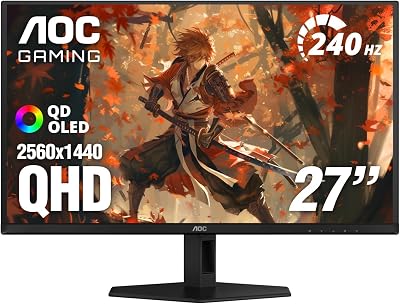


QD-OLED is the second great OLED gaming architecture, and in 2026 it has become the panel of choice for buyers who care most about colour. Built by Samsung Display, QD-OLED combines a self-emissive blue OLED layer with quantum dots that convert blue light into pure red and green — no white sub-pixel, no colour filter — which delivers exceptionally bright, saturated colour volume and the per-pixel contrast that defines OLED. For gamers who prioritise vivid HDR, punchy in-game palettes and the deepest blacks money can buy, a QD-OLED is the monitor to look at first.
An honest note up front so you can shop confidently: every pick here is a QD-OLED panel and is genuinely different from WOLED (LG Display’s white-OLED architecture used in ASUS ROG Swift WOLED and LG Ultragear OLED monitors). QD-OLED’s strength is colour vibrancy and HDR brightness; its known trade-off is that some users notice mild coloured text fringing on white backgrounds due to QD-OLED’s triangular sub-pixel layout. Modern firmware and font rendering have improved this considerably, and many users see no issue at normal viewing distance. If text crispness matters more than colour punch, our WOLED OLED roundup is the better fit; if you want QD-OLED’s signature look and feel, the six picks below are the ones to compare.
Best QD-OLED Monitors at a Glance
| Monitor | Best For | Standout Spec | Approx Price |
|---|---|---|---|
| ASUS ROG Swift 27″ 4K QD-OLED PG27UCDM | 27-inch 4K QD-OLED gaming | QD-OLED, 4K 240Hz, custom heatsink | around $963 |
| Samsung Odyssey OLED G9 49″ G91SD | Super-ultrawide QD-OLED immersion | QD-OLED, DQHD 32:9, 144Hz G-Sync | around $950 |
| Alienware AW3425DW 34″ QD-OLED | Premium 21:9 ultrawide QD-OLED | QD-OLED, WQHD 240Hz, 1800R curve | around $750 |
| ASUS ROG Strix 26.5″ QD-OLED XG27ACDNG | Value QHD QD-OLED at high refresh | QD-OLED, QHD 360Hz, custom heatsink | around $599 |
| Samsung Odyssey OLED G6 27″ G61SD | QHD 240Hz QD-OLED for HDR | QD-OLED, QHD 240Hz, FreeSync Premium Pro | around $579 |
| Samsung Odyssey OLED G6 27″ G61SH | Entry QD-OLED with Pantone validation | QD-OLED, QHD 240Hz, glare-free | around $480 |
1. ASUS ROG Swift 27″ 4K QD-OLED Gaming Monitor (PG27UCDM)

15




As an Amazon Associate we earn from qualifying purchases. Product prices and availability are accurate as of the date/time indicated.
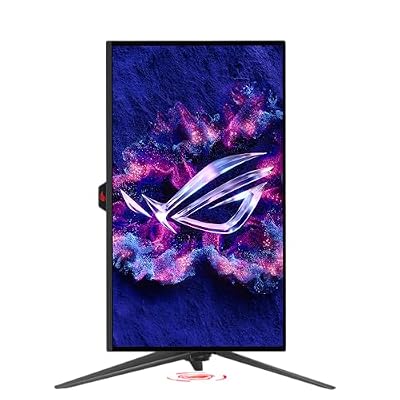
The ASUS ROG Swift PG27UCDM is the flagship 4K QD-OLED of this list and one of the most impressive small-format OLEDs you can buy in 2026. It pairs a 27-inch QD-OLED panel — Samsung Display’s quantum-dot OLED architecture — with a true 4K resolution at 240Hz, a 0.03ms response and G-SYNC Compatible adaptive sync. ASUS adds a custom heatsink and a Neo Proximity Sensor to help with panel longevity, and at around $963 it sits at the top of this list.
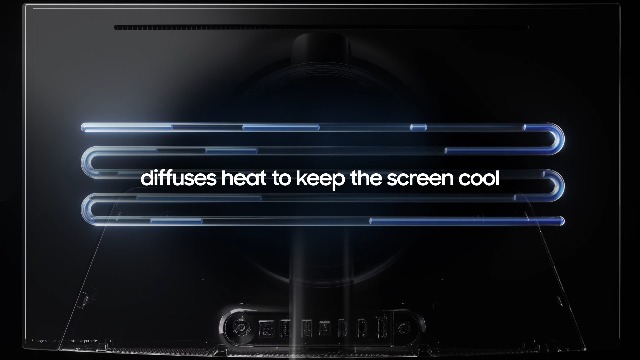
For colour-critical gaming on a smaller, denser desk this is the QD-OLED to chase. The 27-inch 4K combination delivers exceptional pixel density that makes textures, characters and HDR scenes look genuinely jewel-like, while the 240Hz refresh and per-pixel response keep motion ultra-clear. QD-OLED’s signature wide colour volume is what you are paying for here — saturated reds, vivid greens and bright HDR highlights — and the custom heatsink design helps the panel stay cool under sustained load. If you want a small, premium 4K QD-OLED gaming monitor, this is the standout.
Pros: QD-OLED, 27-inch 4K 240Hz, custom heatsink, Neo Proximity Sensor, G-SYNC Compatible.
Cons: QD-OLED’s triangular sub-pixel can show mild text fringing on some content.
2. Samsung 49″ Odyssey OLED G9 (G91SD) Curved QD-OLED Monitor

42
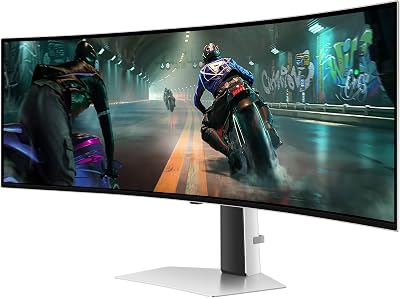
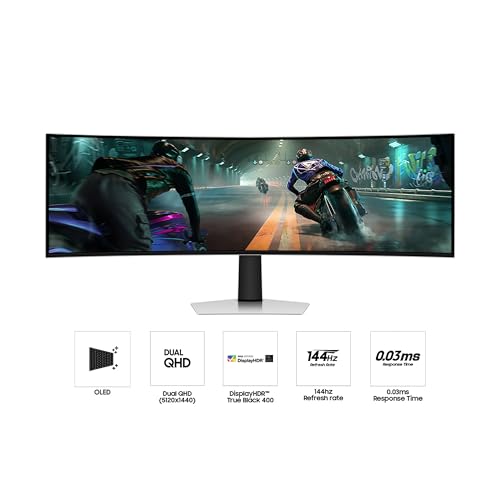
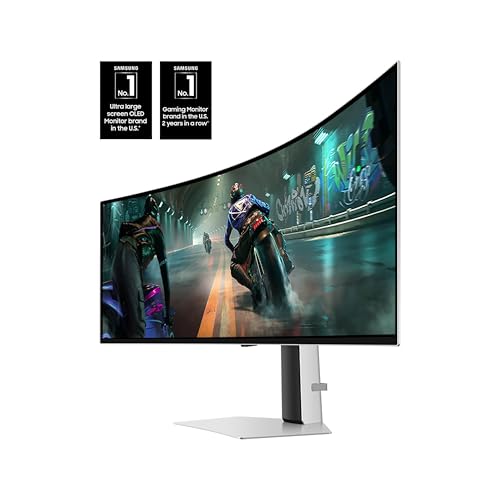
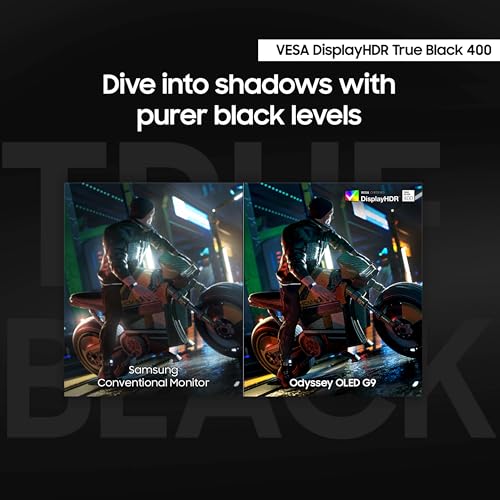
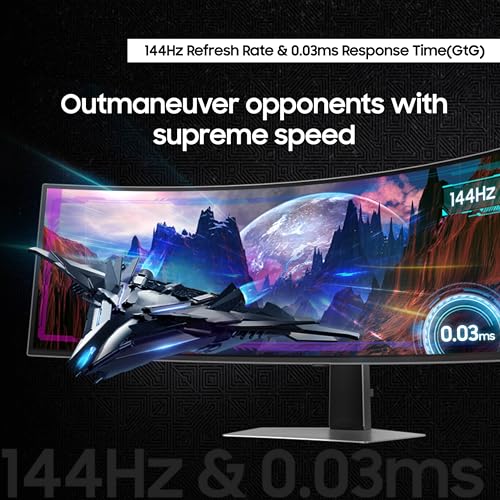
Samsung 49" Odyssey OLED G9 (G91SD) Dual QHD QD-OLED G-Sync Compatible Curved Gaming Monitor, 144Hz, 0.03ms, AMD FreeSync Premium Pro, Ergonomic Stand, 3 Year Warranty, LS49DG910SNXZA
In Stock






As an Amazon Associate we earn from qualifying purchases. Product prices and availability are accurate as of the date/time indicated.
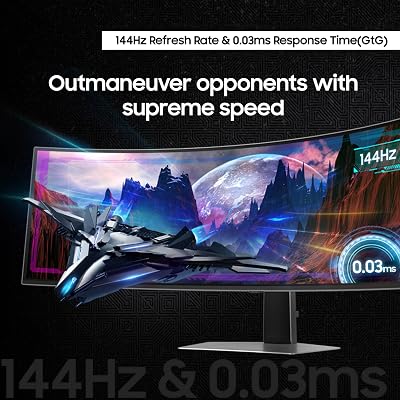
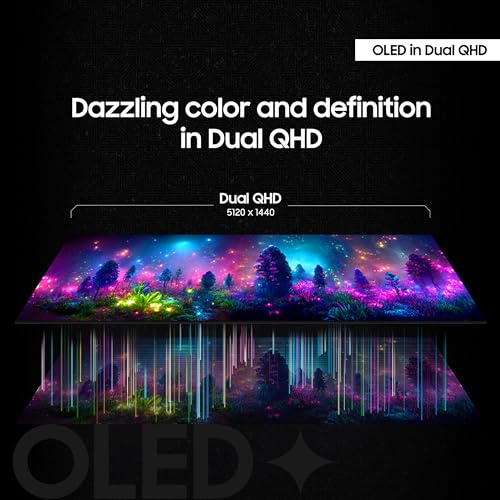
The Samsung Odyssey OLED G9 G91SD is the super-ultrawide pick and arguably the most spectacular monitor on this list. It is a 49-inch QD-OLED in a 32:9 aspect ratio with Dual QHD (5120×1440) resolution, 144Hz refresh, 0.03ms response, AMD FreeSync Premium Pro and G-Sync Compatible certification. As Samsung Display’s own QD-OLED implementation at this size, at around $950 it is exceptional value for a super-ultrawide QD-OLED.
For immersion and productivity this monitor is in a class of its own. The 32:9 aspect ratio gives you essentially two QHD displays side-by-side without a bezel, which is transformative for sim racing, flight sims, open-world games and multitasking workflows. QD-OLED’s colour volume and HDR performance make cinematic content look genuinely incredible across the curved expanse. If you have the desk space and want the most immersive QD-OLED experience available, the Odyssey OLED G9 G91SD is the obvious choice.
Pros: QD-OLED, 49-inch 32:9 super-ultrawide, Dual QHD 144Hz, FreeSync Premium Pro, G-Sync Compatible.
Cons: 32:9 needs a wide desk and demanding GPU; 144Hz rather than 240Hz.
3. Alienware 34 240Hz QD-OLED Curved Gaming Monitor (AW3425DW)

27
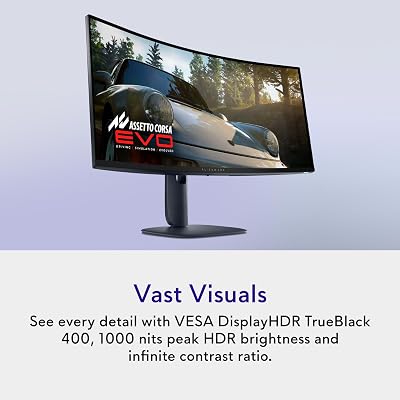
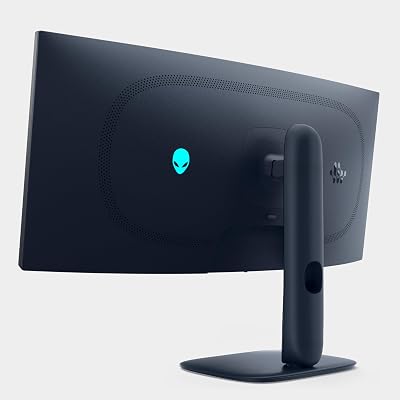
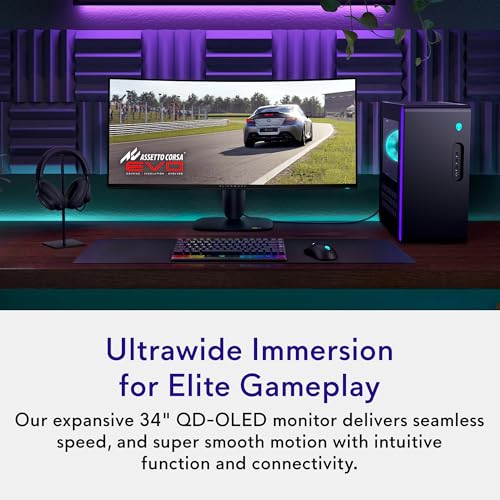
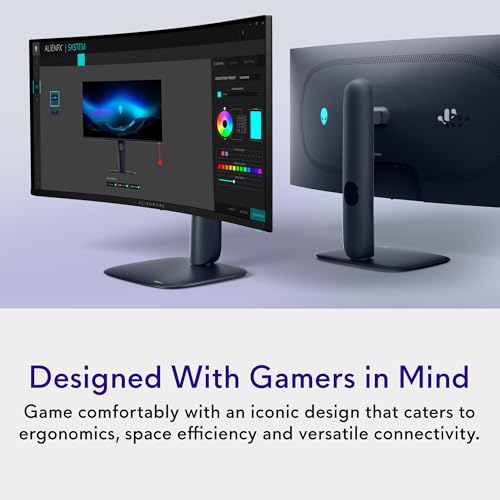
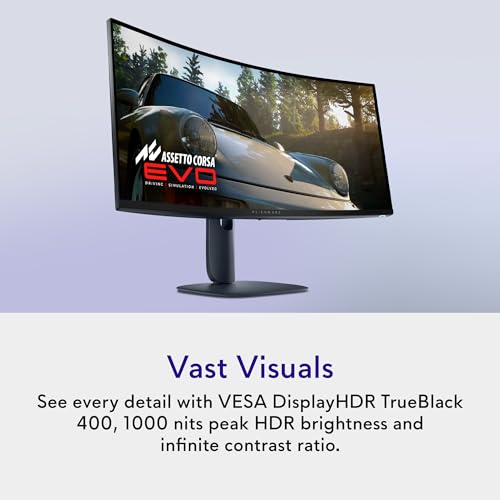
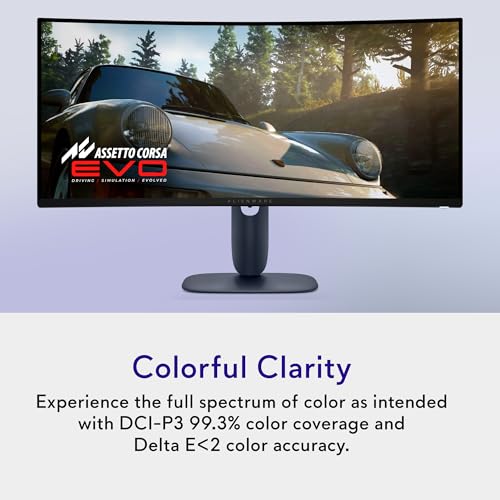
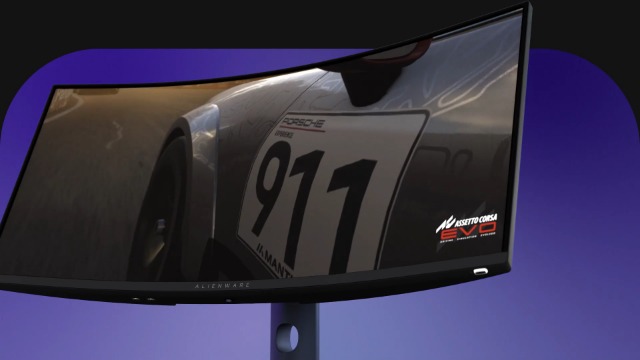
Alienware 34 240Hz QD-OLED Curved Gaming Monitor – AW3425DW – 34.2-inch WQHD (3440 x 1440) 0.03ms Display, 1800R Curve, AMD FreeSync Premium Pro, VESA AdaptiveSync, DisplayHDR TrueBlack 400
In Stock








As an Amazon Associate we earn from qualifying purchases. Product prices and availability are accurate as of the date/time indicated.
The Alienware AW3425DW is the premium 21:9 ultrawide QD-OLED of this list. It is a 34.2-inch curved QD-OLED panel with WQHD (3440×1440) resolution, 240Hz refresh, 0.03ms response and an 1800R curve. Alienware pairs the QD-OLED panel with its signature angular industrial design, and at around $750 it delivers a premium ultrawide QD-OLED experience without crossing into flagship pricing.
For ultrawide cinematic gaming this is the QD-OLED to look at. The 1800R curve wraps the screen gently around your field of view at desk distance, the 21:9 aspect ratio is the most game-friendly ultrawide format (almost every modern title supports it natively), and QD-OLED’s per-pixel emission delivers the kind of contrast that ultrawide IPS panels simply cannot match. With 240Hz QD-OLED motion clarity in WQHD, the AW3425DW is a strong all-rounder for single-player immersion and fast-paced multiplayer alike.
Pros: QD-OLED, 34-inch WQHD 21:9 ultrawide, 240Hz, 1800R curve, 0.03ms response.
Cons: QD-OLED can show mild text fringing; 21:9 needs wider desk than 16:9.
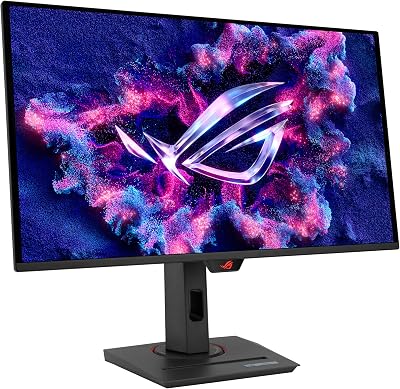
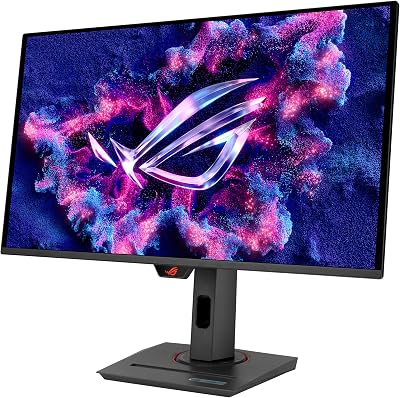
4. ASUS ROG Strix 26.5″ 1440P QD-OLED Gaming Monitor (XG27ACDNG)

32
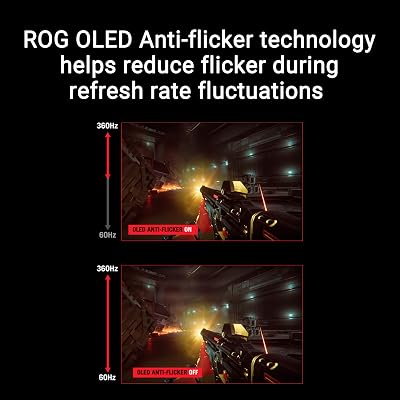
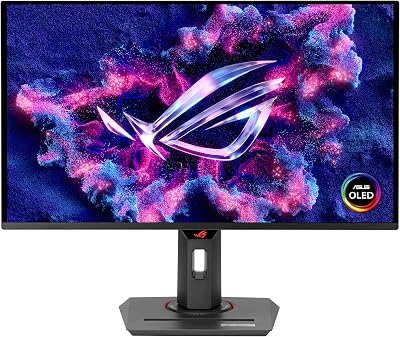
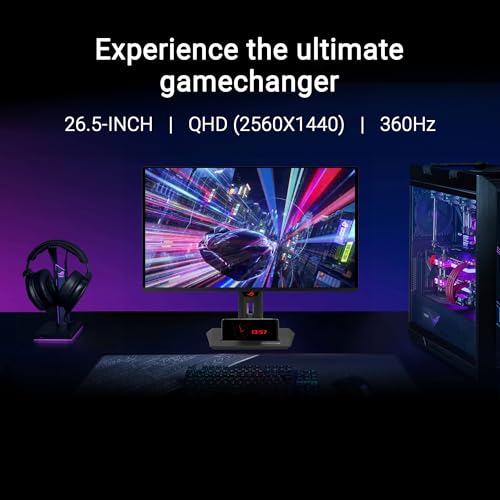
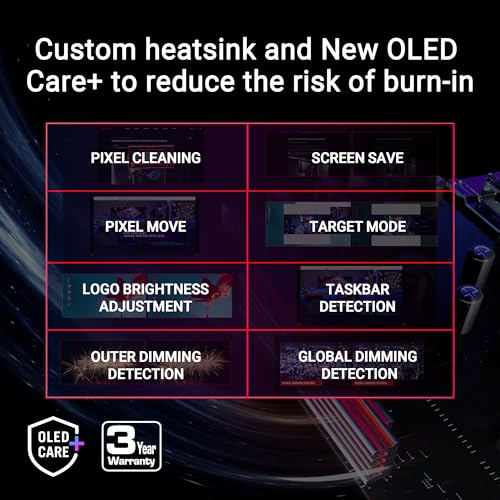
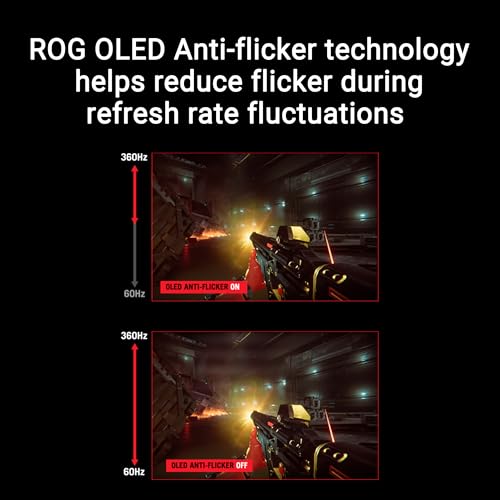
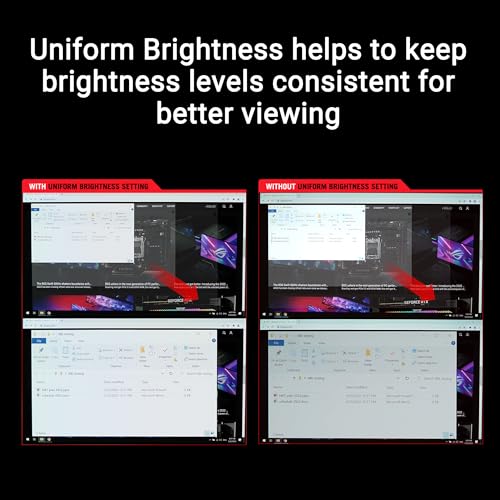
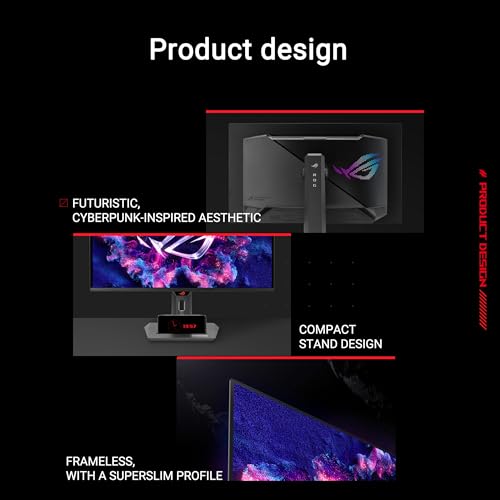
ASUS ROG Strix 26.5” 1440P QD-OLED Gaming Monitor (XG27ACDNG) -QHD (2560×1440), 360Hz, 0.03ms, Custom Heatsink, OLED Care+, G-SYNC Compatible, 99% DCI-P3, DisplayWidget, AI Gaming, 3yr Warranty
In Stock







As an Amazon Associate we earn from qualifying purchases. Product prices and availability are accurate as of the date/time indicated.
The ASUS ROG Strix XG27ACDNG is the high-refresh QHD QD-OLED value pick of this list. It uses a 26.5-inch QD-OLED panel running at QHD (2560×1440) at a blazing 360Hz refresh, with 0.03ms response, OLED Care features and ASUS’s custom heatsink for thermal stability. At around $599 it is one of the most affordable ways to get a serious high-refresh QD-OLED gaming monitor.
For competitive players who want QD-OLED’s colour volume alongside esports-grade refresh, this Strix is a smart compromise. QHD at 360Hz is more demanding than QHD at 240Hz but well within the reach of modern mid-to-high GPUs, and the QD-OLED panel keeps motion crisp at any refresh rate thanks to the 0.03ms response. The custom heatsink helps prolong panel life under sustained gaming, making this a focused pick for high-refresh QD-OLED play.
Pros: QD-OLED, QHD 360Hz, 0.03ms, custom heatsink for thermals, OLED Care features.
Cons: 26.5-inch is slightly smaller than 27-inch listing; QD-OLED text fringing possible.
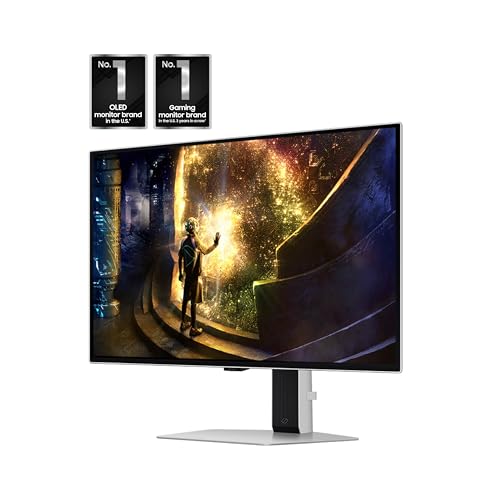
5. Samsung 27″ Odyssey OLED G6 (G61SD) QHD QD-OLED Gaming Monitor

50
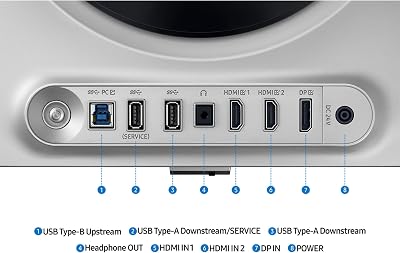
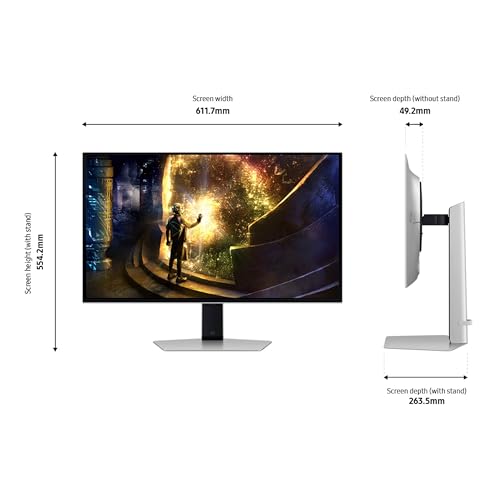
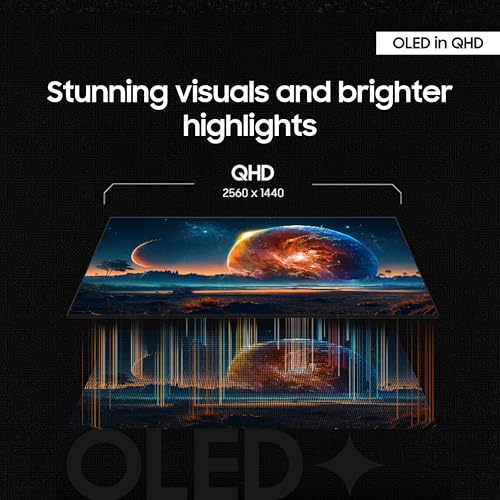
Samsung 27” Odyssey OLED G6 (G61SD) QHD & QD-OLED 240Hz 0.03ms FreeSync Premium Pro Gaming Monitor with Sleek Metal Design, 3 Year Warranty, US, LS27DG610SNXZA
In Stock




As an Amazon Associate we earn from qualifying purchases. Product prices and availability are accurate as of the date/time indicated.
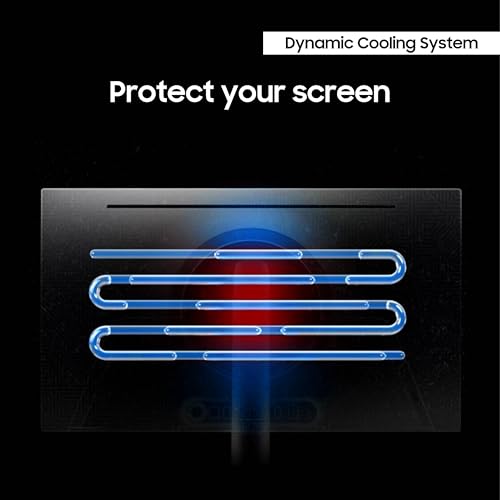
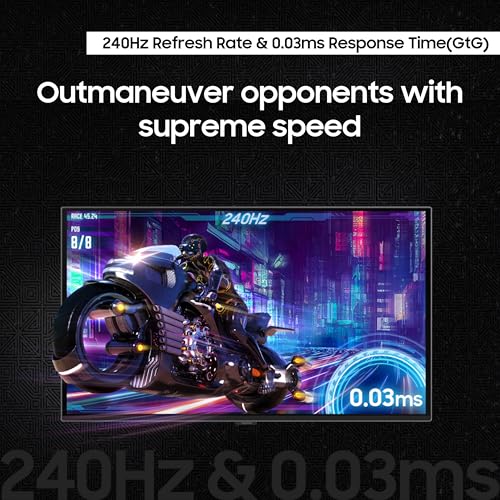
The Samsung Odyssey OLED G6 G61SD is a 27-inch QHD QD-OLED with a 240Hz refresh, 0.03ms response and AMD FreeSync Premium Pro, wrapped in Samsung’s sleek metal Odyssey design. Coming directly from Samsung Display — the company that makes the QD-OLED panel — at around $579 it is a clean, premium-feeling first-party QD-OLED gaming monitor.
For QHD gaming with vivid colour and HDR this is a strong middle-of-the-list pick. The QD-OLED panel delivers the wide colour gamut and per-pixel contrast that the architecture is known for, the 240Hz refresh is plenty for the majority of competitive titles, and FreeSync Premium Pro guarantees tear-free play on AMD and modern NVIDIA GPUs. As a first-party QD-OLED with Samsung’s tuning and design, the G61SD is an easy recommendation for HDR-focused gamers.
Pros: QD-OLED, QHD 240Hz, FreeSync Premium Pro, sleek metal Odyssey design.
Cons: QD-OLED triangular sub-pixel can show mild text fringing on white backgrounds.
6. Samsung 27″ Odyssey OLED G6 (G61SH) QD-OLED Monitor

34
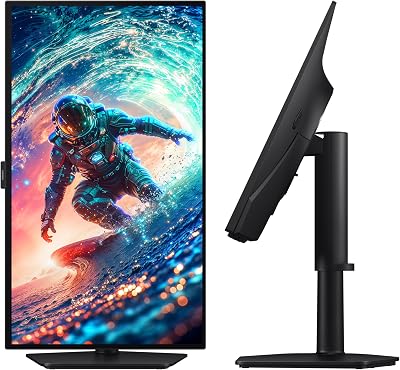
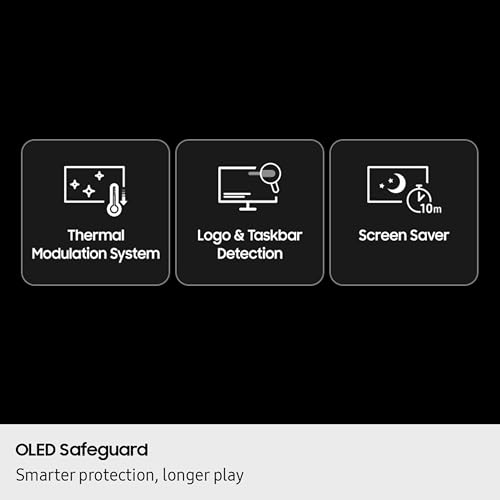
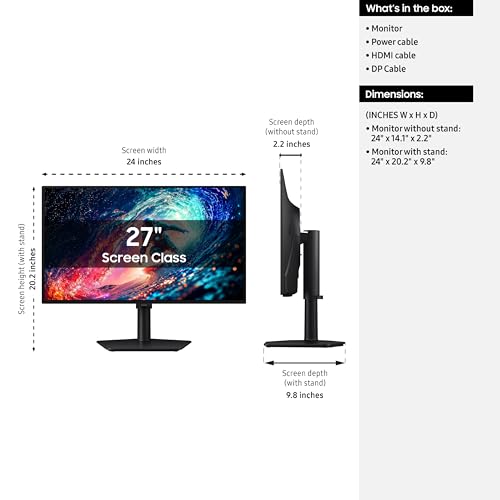
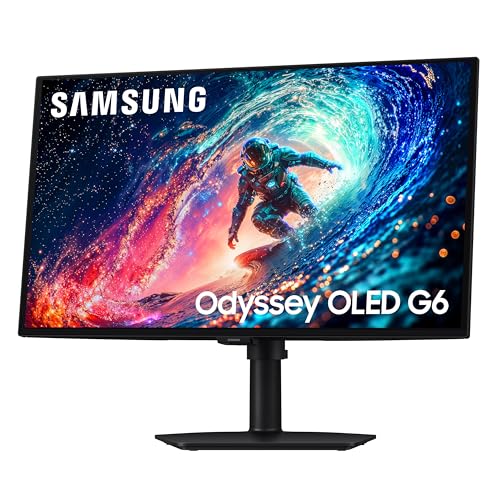
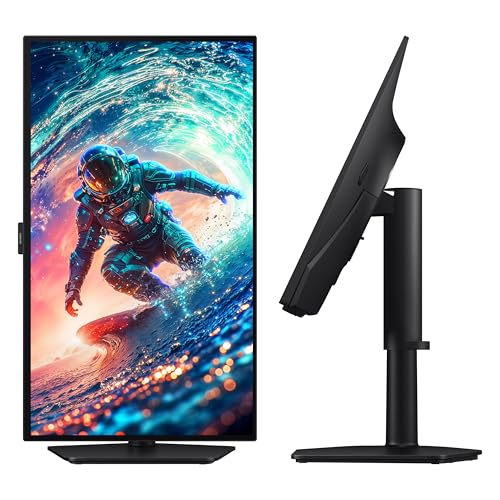
Samsung 27" Odyssey OLED G6 (G61SH) Gaming Monitor – QD-OLED, QHD (1440P), 240Hz, 0.03ms, Glare-Free, Pantone Validated, HDR10, Height-adjustable stand, OLED Safeguard, 3 Year Warranty, LS27HG612SNXZA
In Stock




As an Amazon Associate we earn from qualifying purchases. Product prices and availability are accurate as of the date/time indicated.
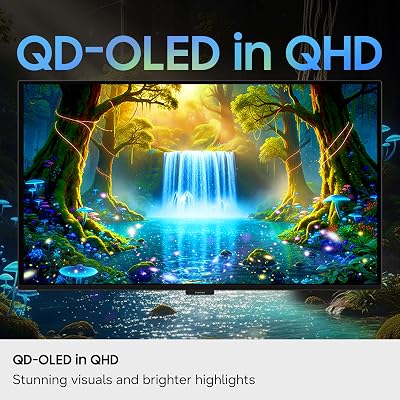
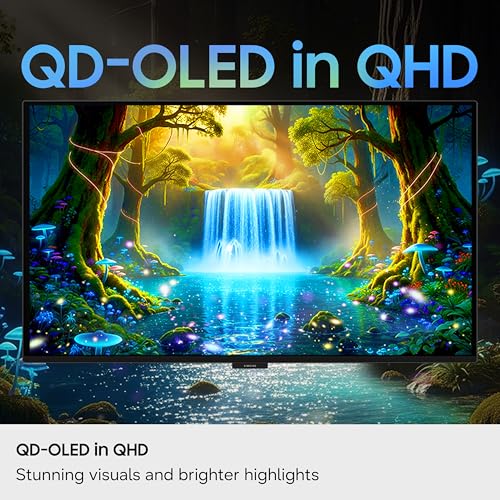
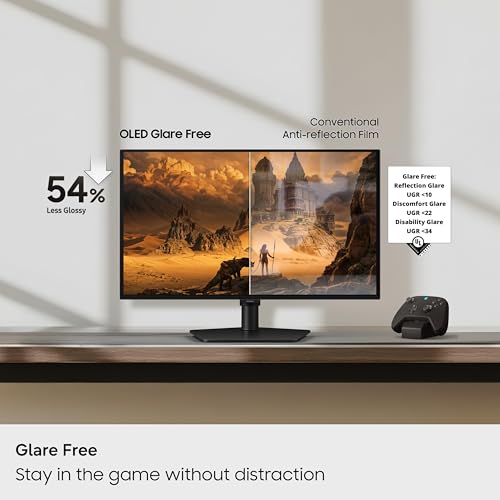
The Samsung Odyssey OLED G6 G61SH is the entry-level QD-OLED pick of this list. It is a 27-inch QD-OLED panel at QHD resolution and 240Hz refresh, with 0.03ms response, Pantone Validated colour accuracy and a glare-free coating. At around $480 it is the most affordable QD-OLED on the list and a sensible starting point for anyone moving from IPS or VA into the QD-OLED ecosystem.
The glare-free coating sets the G61SH apart in its segment — most QD-OLEDs use a glossy finish that reflects in bright rooms, while the G61SH’s coating is friendlier in mixed lighting. You still get the wide QD-OLED colour gamut, the per-pixel emission and the 240Hz refresh that defines the format, plus Pantone Validated tuning for content creators who care about colour accuracy. As the entry-level QD-OLED here, it is an easy recommendation for a first QD-OLED with sensible defaults.
Pros: QD-OLED, QHD 240Hz, Pantone Validated colour, glare-free coating, lowest price here.
Cons: Entry-tier feature set compared with flagship 4K and ultrawide QD-OLEDs.
How to Choose the Right QD-OLED Monitor
The first question with any QD-OLED purchase is whether QD-OLED is actually the right panel for you. QD-OLED (Quantum Dot OLED) is built by Samsung Display and uses a self-emissive blue OLED layer plus quantum dots to produce vibrant, pure red and green — no white sub-pixel and no colour filter. The result is exceptional colour volume and HDR brightness, but the triangular sub-pixel layout means some users notice mild coloured text fringing on white backgrounds. If that worries you, look at WOLED gaming monitors instead. If you primarily game and want maximum colour pop, the six picks here are the ones to compare.
Format and aspect ratio shape the QD-OLED experience more than the panel does. A standard 27-inch 16:9 QD-OLED — the G61SD, G61SH or Strix XG27ACDNG — is the easiest fit on most desks and works with every game and every workflow. A 21:9 ultrawide QD-OLED — the Alienware AW3425DW — adds peripheral immersion for cinematic single-player and is supported by virtually every modern title. A 32:9 super-ultrawide QD-OLED — the Samsung Odyssey OLED G9 G91SD — is essentially two QHDs side-by-side and transformative for sim racing and multitasking, but needs both a wide desk and a strong GPU.
Resolution and refresh together set how demanding the panel is. 4K QD-OLED (the ROG Swift PG27UCDM) gives the densest, sharpest image at 27 inches but asks the most of your GPU to drive at 240Hz. WQHD ultrawide (the AW3425DW) sits comfortably between QHD and 4K in GPU demand. QHD QD-OLED (the G61SD, G61SH, Strix XG27ACDNG) is the most GPU-friendly modern QD-OLED format, with the XG27ACDNG pushing to 360Hz for esports players. Match resolution to your GPU’s comfort zone for the most consistent experience.
Finally, plan for QD-OLED longevity. All modern QD-OLED gaming monitors include burn-in mitigation — pixel shift, logo dimming and scheduled panel refresh — and ASUS’s custom heatsink design on its QD-OLED panels helps with thermal stability. Vary your content, run the panel refresh routines when prompted, and accept the small text-fringing trade-off in exchange for QD-OLED’s signature colour and HDR performance. The best QD-OLED is the one whose format, resolution and refresh actually fit your games, your desk and your GPU.
Frequently Asked Questions
How is QD-OLED different from WOLED?
QD-OLED uses a self-emissive blue OLED layer combined with quantum dots that produce pure red and green — there is no white sub-pixel. WOLED, made by LG Display, adds a white sub-pixel to the RGB layout to boost brightness. The practical differences are that QD-OLED tends to produce more saturated colour and brighter highlights, while WOLED is known for sharper text rendering. Both are excellent gaming panels but they serve slightly different priorities.
Does QD-OLED really show text fringing?
Some users notice mild coloured fringing on white text backgrounds due to QD-OLED’s triangular sub-pixel arrangement, which differs from the standard RGB stripe used in most LCD panels. In gaming and HDR media it is not an issue. For mixed desktop work, modern ClearType and macOS font-rendering tuning has reduced the effect considerably; many users see no problem at normal viewing distance.
Is a 32:9 super-ultrawide QD-OLED practical?
It depends on your desk and your GPU. The Samsung Odyssey OLED G9 G91SD is stunning for sim racing, flight sims and multitasking, but requires a wide desk to fit and a capable GPU to drive 5120×1440 at 144Hz consistently. If you have the space and the hardware, it is one of the most immersive gaming experiences available.
Will my GPU drive these QD-OLED monitors?
A modern upper-mid-range GPU comfortably drives QHD 240Hz QD-OLED in most titles. The Samsung G91SD (DQHD 144Hz) and the ROG Swift PG27UCDM (4K 240Hz) ask more of your GPU and are best paired with high-end cards. The Strix XG27ACDNG pushes QHD 360Hz, which esports titles can hit easily but AAA single-player games may run at lower frame rates.
Related Guides
- Best OLED Gaming Monitors (WOLED)
- Best Gaming Monitors
- Best 4K Gaming Monitors
- Best Ultrawide Gaming Monitors
- Best Curved Gaming Monitors
- Best Gaming PC
- Best GPU for Gaming
Affiliate Disclosure: As an Amazon Associate, we earn from qualifying purchases. If you click a link and make a purchase, we may earn a small commission at no extra cost to you. Prices and availability are accurate as of publication and may change.
Ready to decide? Our #1 pick for 2026 is the ASUS ROG Swift 27″ 4K QD-OLED PG27UCDM.
Live price & availability on Amazon.


