
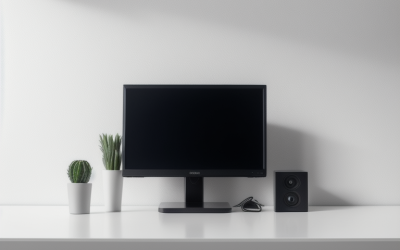
9 Best Borderless Monitors (November 2026)
A borderless monitor looks like a small cosmetic choice until you put two of them side by side.
We research everything we recommend. When you buy through our links, we may earn a commission. As an Amazon Associate we earn from qualifying purchases. Learn more ›
The best gaming monitors for every setup — 1080p, 1440p and 4K panels with high refresh rates, plus OLED, IPS and ultrawide options. Compare refresh rate, response time and value in our monitor guides.
A borderless monitor looks like a small cosmetic choice until you put two of them side by side.
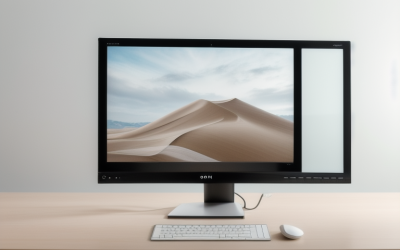
A 23 inch monitor is the choice you make when the desk, not the budget, sets the limit. The footprint is narrow enough for a shelf-style desk.
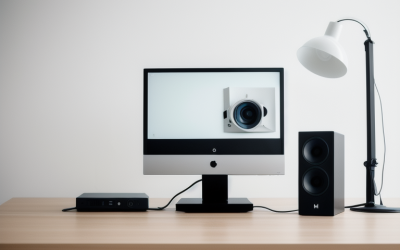
Shopping for a 1ms monitor sounds simple until you notice that nearly every gaming panel claims it.
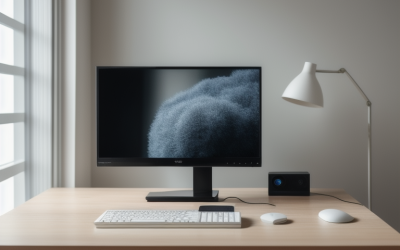
Searching for monitors under 50 dollars means accepting a handful of firm trade-offs up front.
A monitor that runs all day behind a counter or on a wall has little in common with the one on your desk.
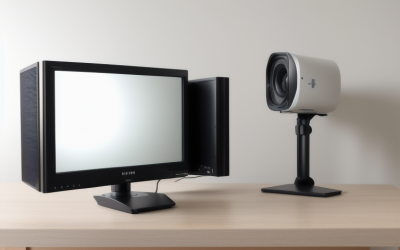
A true 30-inch monitor is a rare size. Most panels jump from 27 to 32 inches.
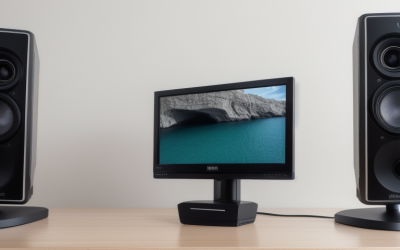
A 21-inch monitor is a deliberate choice. Most buyers who search for this size are not chasing a big canvas.
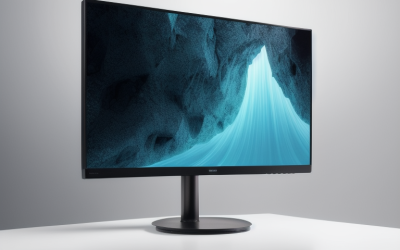
A 144Hz panel is the entry ticket to smooth competitive play, and a cap of under 300 dollars forces a real decision: do you chase the biggest screen.
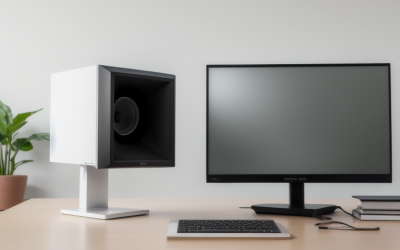
A student monitor has a different job from a gaming or design display. It sits in a dorm room, a shared bedroom, or a corner of the library.
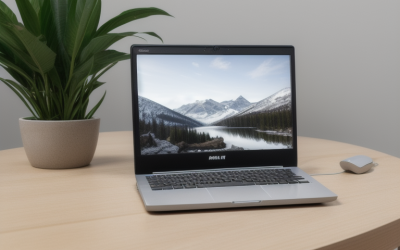
A laptop screen is a fine place to start and a frustrating place to stay. The moment you need a spreadsheet beside an email thread.
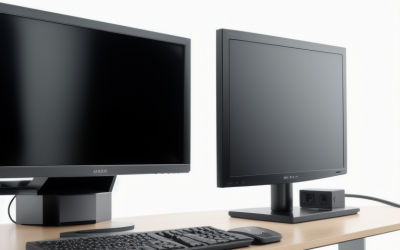
Programming punishes a monitor in ways that games and movies do not. You read dense text for hours, so sharpness, matte glare control.

After a full day of spreadsheets, code, or late-night editing, a monitor can feel like part of the problem.





