

🛒 Best Price Today on Amazon
Prime members get fast, free shipping on everything above, plus member-only deals. New members get a 30-day free trial — cancel anytime.
- Top Cases Usb Picks for 2026
- Best PC Cases with USB-C at a Glance
- 1. NZXT H6 Flow Compact Dual-Chamber Mid-Tower (front USB-C)
- 2. CORSAIR 4000D RS ARGB Frame Modular Mid-Tower (front USB-C 10Gbps)
- 3. MSI MPG GUNGNIR 110R Premium Mid-Tower (front USB-C 20Gbps)
- 4. CORSAIR iCUE Link 3500X RGB Mid-Tower, Panoramic Glass (front USB-C)
- 5. CORSAIR 7000D Airflow Full-Tower ATX/E-ATX Case (front USB-C 3.1)
- 6. Cooler Master MasterBox Q300L Micro-ATX (original — NO front USB-C)
- How to Choose a PC Case with USB-C
- Related Guides
- Frequently Asked Questions
- Related Guides
- Related Articles
Top Cases Usb Picks for 2026
Here are our current top cases usb picks, compared on real Amazon owner reviews, price, and features. Live prices update below.
As an Amazon Associate we earn from qualifying purchases at no extra cost to you.


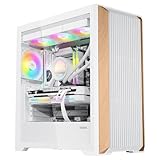




A front-panel USB-C port has quietly become one of the most useful features on a modern PC case. It is the connector your phone, fast external SSD, VR headset and newest peripherals increasingly use, and having it on the front of the case — rather than reaching around the back — makes daily life far easier. But here is the catch many shoppers miss: not every case includes one, and some older or budget chassis still ship with USB Type-A ports only. This guide rounds up the best PC cases with USB-C in 2026, and we verify the front I/O on each so you know exactly what you are getting.
Because a confirmed front USB-C port is the whole point, we lead with the cases that genuinely have one — and we are upfront about the one shortlisted case that does not. The cases here span compact dual-chamber and Micro-ATX designs, popular mid-towers, and a spacious full-tower, with front USB-C speeds ranging from 5Gbps up to a rapid 20Gbps. Prices run from around $40 to around $270. Below is an at-a-glance comparison that calls out each case’s front USB-C status, then a closer look at every chassis, and a buyer’s guide to choosing a case with the right modern connectivity for you.
Best PC Cases with USB-C at a Glance
| PC Case | USB-C Status / Best For | Standout Spec | Approx Price |
|---|---|---|---|
| NZXT H6 Flow | Front USB-C — compact airflow | Dual-chamber, front USB-C | around $90 |
| CORSAIR 4000D RS ARGB Frame | Front USB-C 10Gbps — modular | USB-C Gen2, modular, ARGB | around $100 |
| MSI MPG GUNGNIR 110R | Front USB-C 20Gbps — RGB tower | USB-C Gen2x2, 4x ARGB fans | around $153 |
| CORSAIR iCUE Link 3500X RGB | Front USB-C — panoramic glass | USB-C, panoramic TG, iCUE Link | around $160 |
| CORSAIR 7000D Airflow | Front USB-C — full-tower space | USB-C 3.1, E-ATX full tower | around $270 |
| Cooler Master Q300L (original) | NO front USB-C (Type-A only) | mATX — USB 3.0 Type-A only | around $40 |
1. NZXT H6 Flow Compact Dual-Chamber Mid-Tower (front USB-C)

21
NZXT H6 Flow | CC-H61FB-01 | Compact Dual-Chamber Mid-Tower Airflow Case | Panoramic Glass Panels | High-Performance Airflow Panels | Includes 3 x 120mm Fans | Cable Management | Black
In Stock


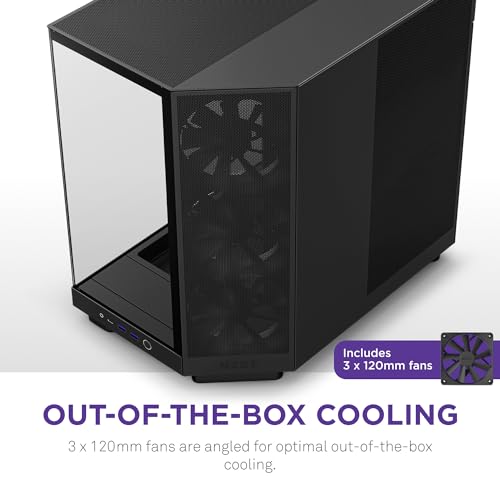
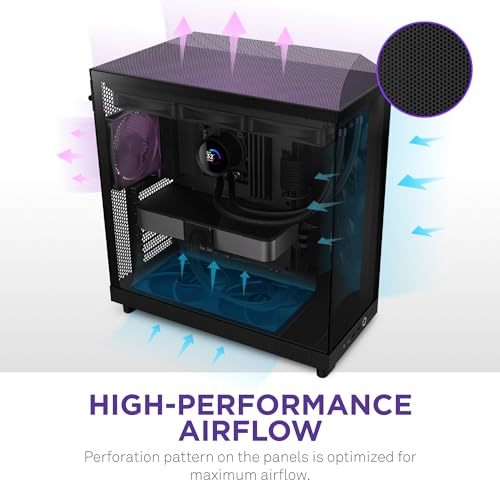
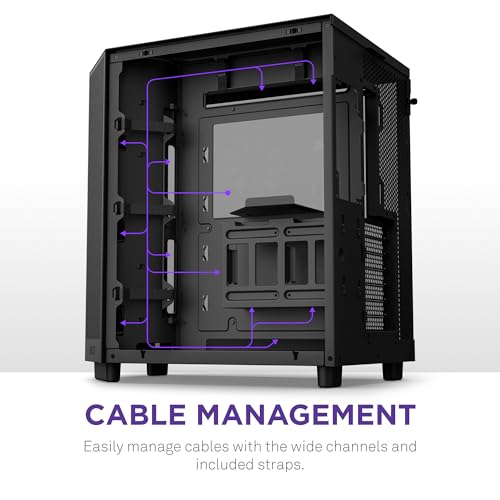
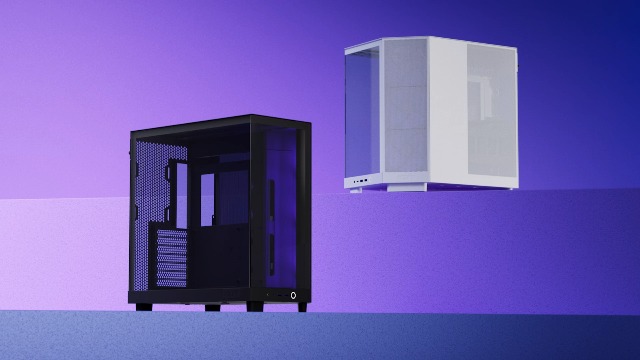
As an Amazon Associate we earn from qualifying purchases. Product prices and availability are accurate as of the date/time indicated.
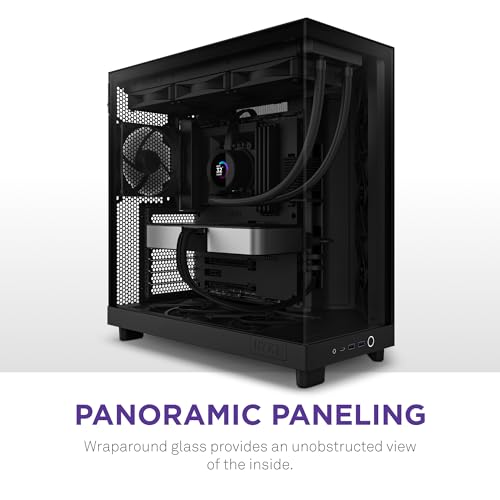
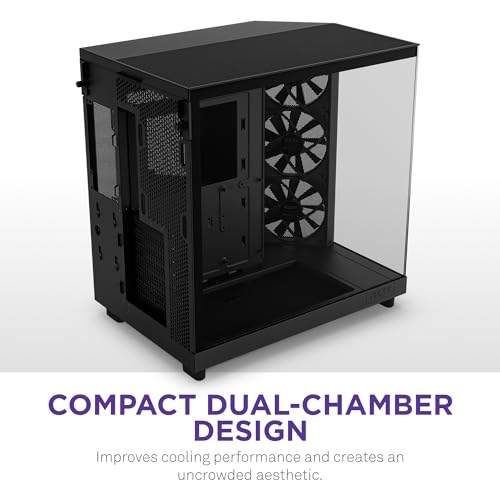
The NZXT H6 Flow is our top pick for a case with USB-C, combining a confirmed front-panel USB Type-C port with one of the most stylish compact dual-chamber designs around. Its panoramic glass corner and dual-chamber layout separate the components for clean airflow and a tidy look, and the front I/O includes the modern USB-C connector along with USB Type-A. At around $90 it pairs current connectivity with genuinely good airflow and looks.
This is the case to choose if you want modern front USB-C in a compact, great-looking mid-tower that breathes well. The dual-chamber design keeps cabling out of sight and air moving over your components, the panoramic glass shows off the system, and the front USB-C handles fast external drives and modern devices without reaching behind the case. For a balance of style, airflow and confirmed USB-C connectivity, the H6 Flow is the standout pick here.
Pros: Confirmed front USB-C, attractive dual-chamber airflow design, panoramic glass.
Cons: Dual-chamber layout suits airflow over maximum drive bays; mid-tower size.
2. CORSAIR 4000D RS ARGB Frame Modular Mid-Tower (front USB-C 10Gbps)

30
CORSAIR 4000D RS ARGB Frame Modular Mid-Tower ATX PC Case, High Airflow, 3X Pre-Installed RS Fans, InfiniRail™ Mounting System, ASUS BTF, MSI Zero, Gigabyte Stealth, Black
In Stock





As an Amazon Associate we earn from qualifying purchases. Product prices and availability are accurate as of the date/time indicated.
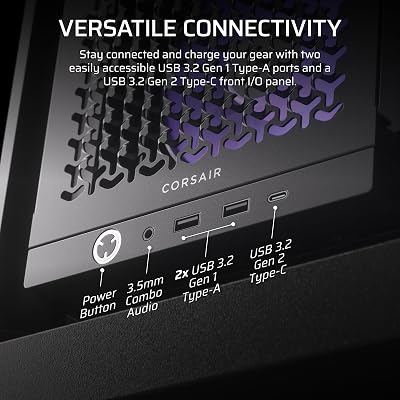
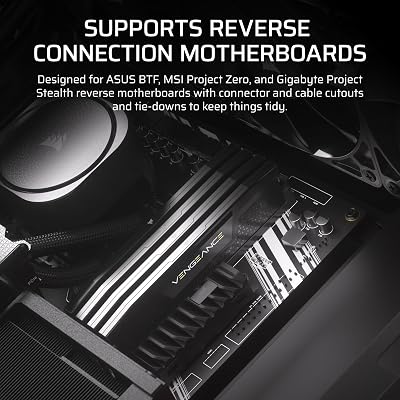
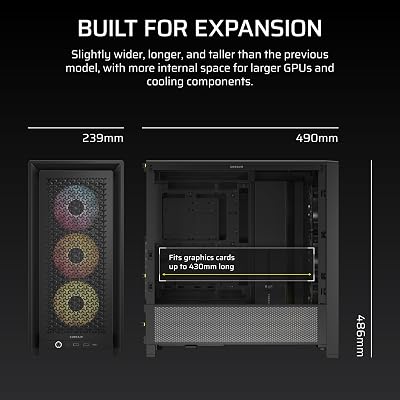
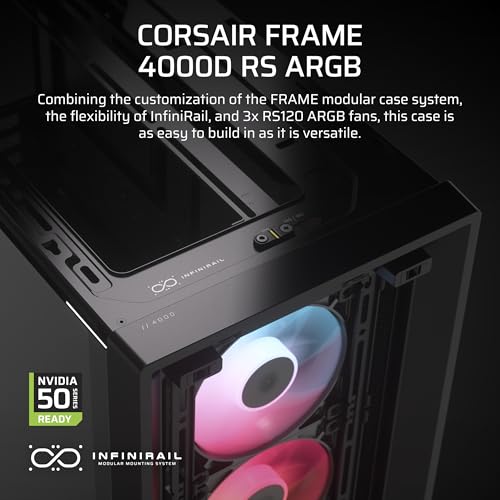
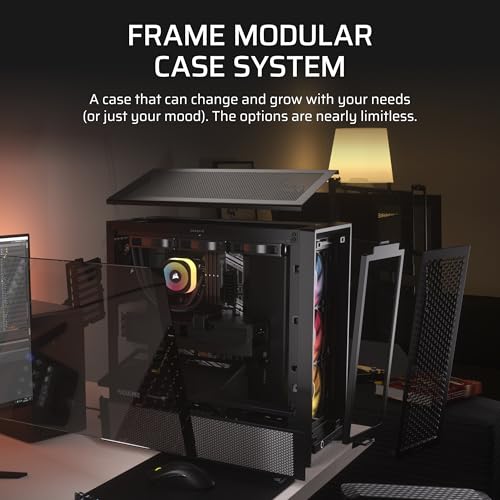
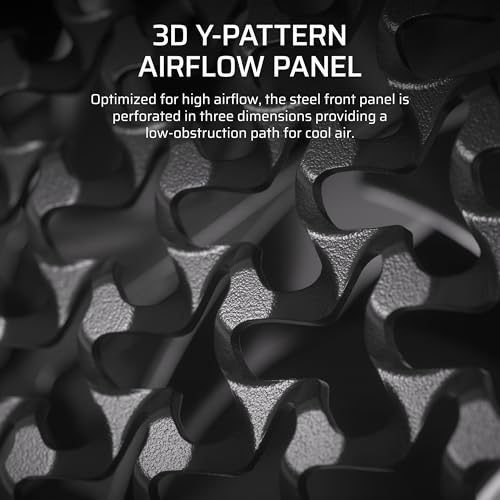
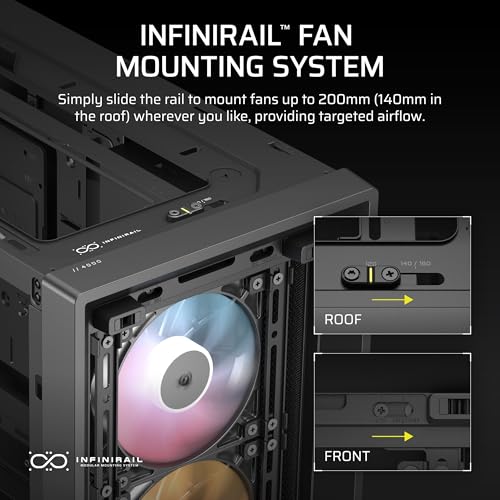
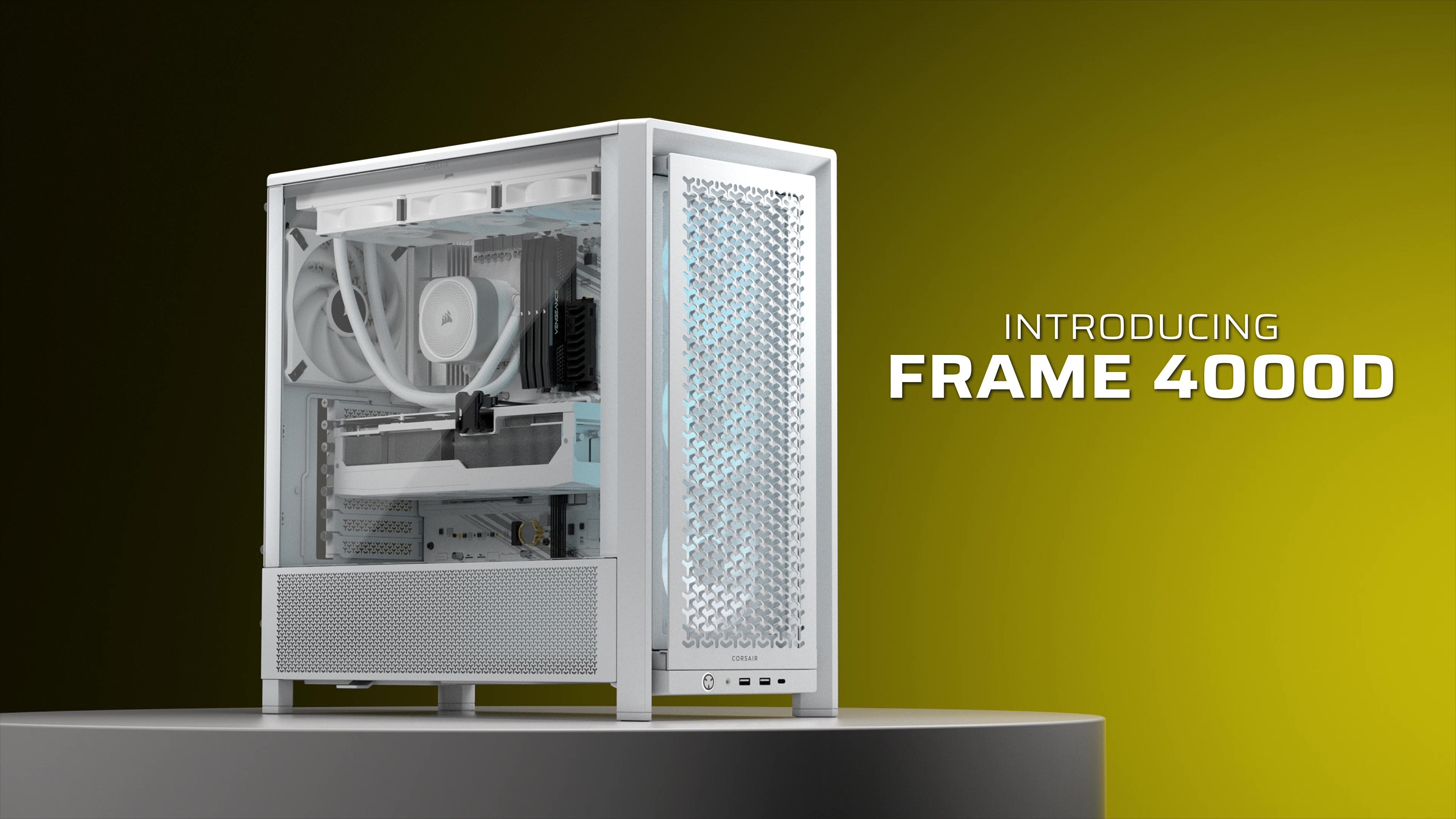
The CORSAIR 4000D RS ARGB Frame is the modular pick, and it carries a confirmed front USB-C 3.2 Gen 2 port rated at a fast 10Gbps. Built on CORSAIR’s modular FRAME platform with the InfiniRail mounting system and support for reverse-connector motherboards (ASUS BTF, MSI Zero, Gigabyte Stealth), it ships with three ARGB fans for strong airflow and lighting. At around $100 it is a flexible, future-minded mid-tower.
This is the case for the system that wants fast front USB-C plus modern internal flexibility. The 10Gbps front USB-C speeds up external SSD transfers, the modular FRAME design and InfiniRail system ease component mounting and cable routing, and the reverse-connector motherboard support keeps the front view clean. With three ARGB fans included, it is well equipped out of the box. For confirmed fast USB-C in an adaptable, airflow-focused mid-tower, the 4000D RS ARGB Frame is an excellent choice.
Pros: Confirmed front USB-C at 10Gbps, modular FRAME design, 3 ARGB fans, BTF support.
Cons: Newer modular ecosystem; some features shine most with matching parts.
3. MSI MPG GUNGNIR 110R Premium Mid-Tower (front USB-C 20Gbps)
11



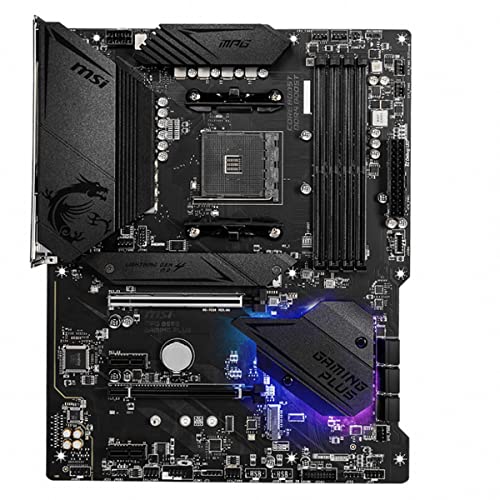
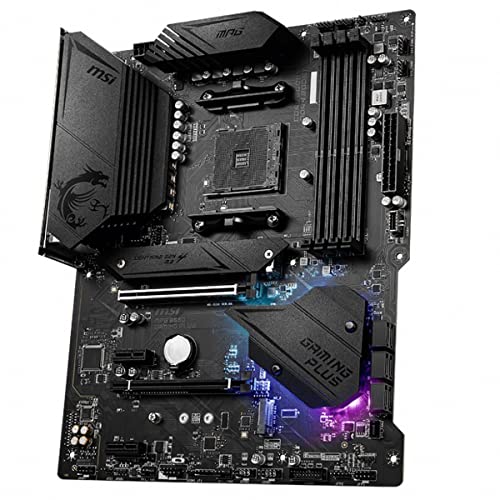
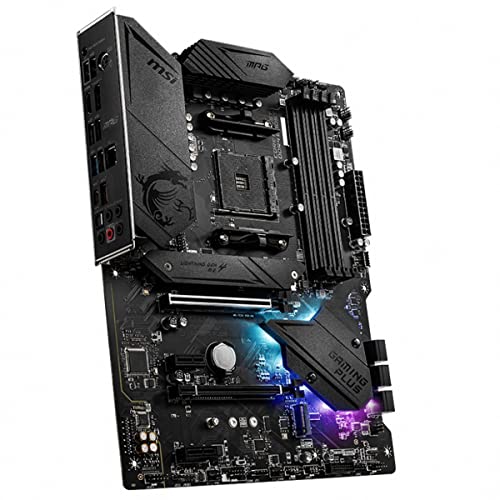
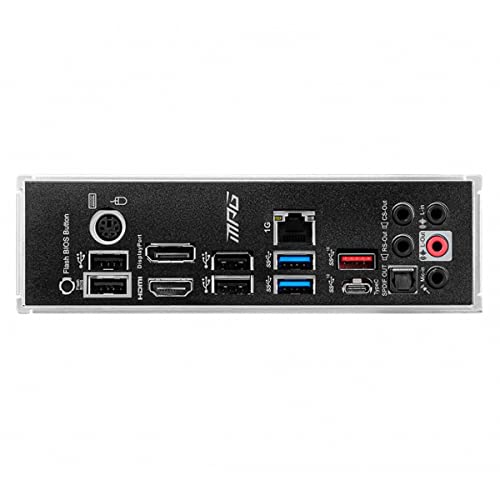
As an Amazon Associate we earn from qualifying purchases. Product prices and availability are accurate as of the date/time indicated.
The MSI MPG GUNGNIR 110R brings the fastest front connectivity on this list: a confirmed USB 3.2 Gen 2×2 Type-C port rated at a rapid 20Gbps, alongside two USB 3.2 Gen 1 Type-A ports. This premium mid-tower also includes four 120mm ARGB fans with a hub controller, a tempered-glass side panel, and Mystic Light sync support. At around $153 it is a feature-rich, RGB-forward chassis.
This is the case for the user who wants the quickest front USB-C for high-speed external storage and a vivid RGB showpiece in one package. The 20Gbps USB-C port halves transfer times versus a 10Gbps connector with compatible drives, the four bundled ARGB fans deliver strong airflow and lighting straight away, and the hub controller simplifies fan and RGB management. For the fastest confirmed front USB-C and a ready-to-glow build, the GUNGNIR 110R is a compelling pick.
Pros: Fastest front USB-C here (20Gbps Gen2x2), 4 ARGB fans with hub, tempered glass.
Cons: RGB-heavy styling; mid-tower footprint larger than compact cases.
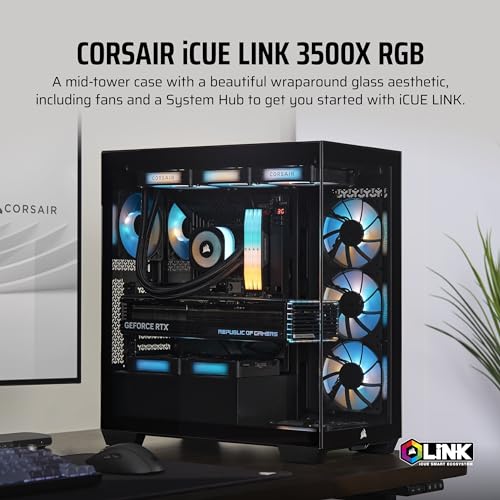
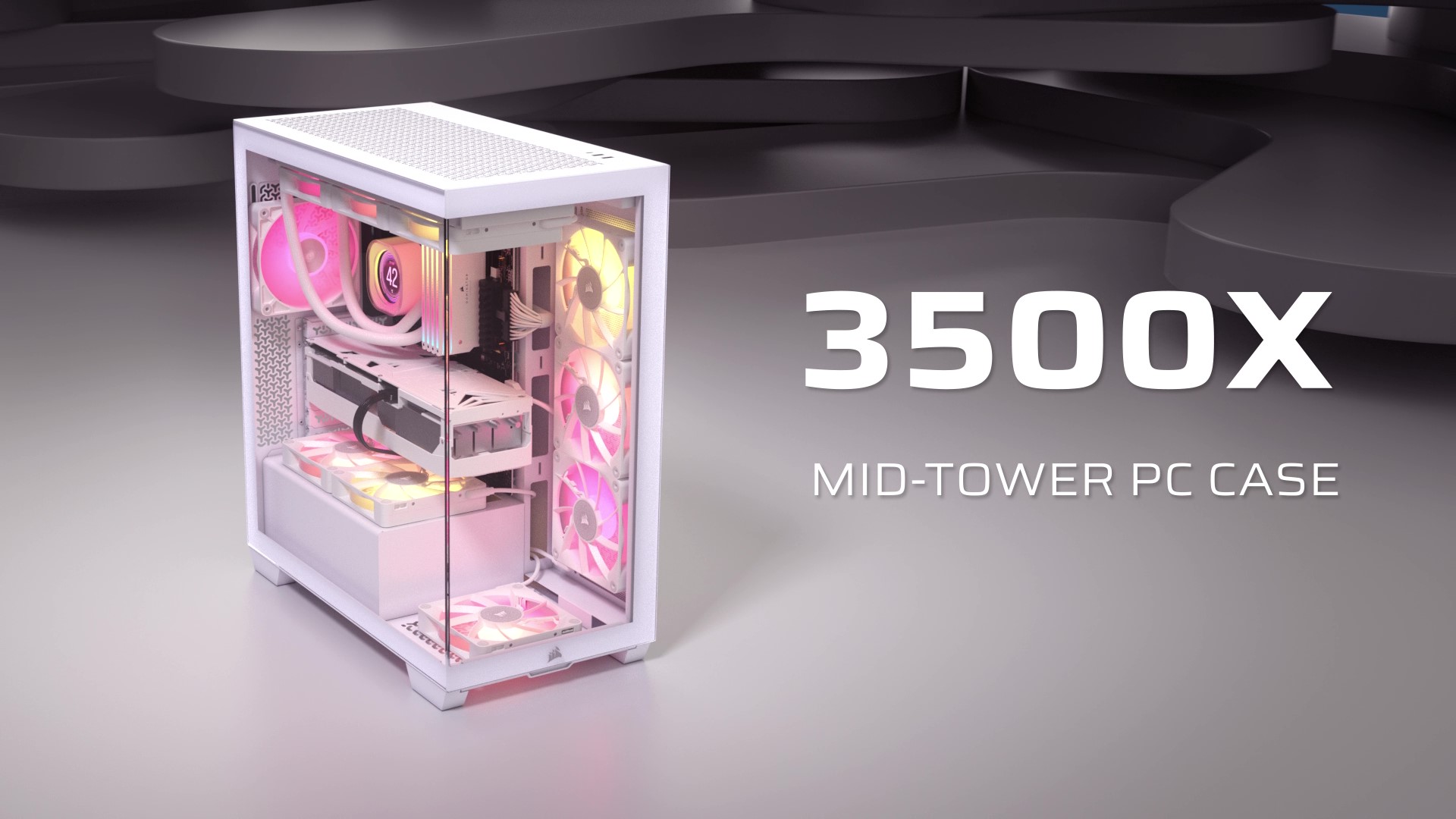
4. CORSAIR iCUE Link 3500X RGB Mid-Tower, Panoramic Glass (front USB-C)

27
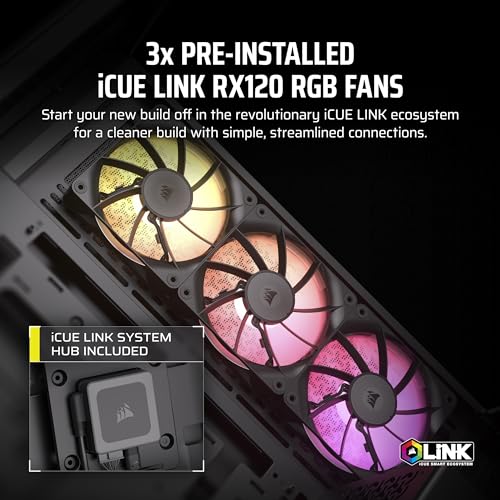
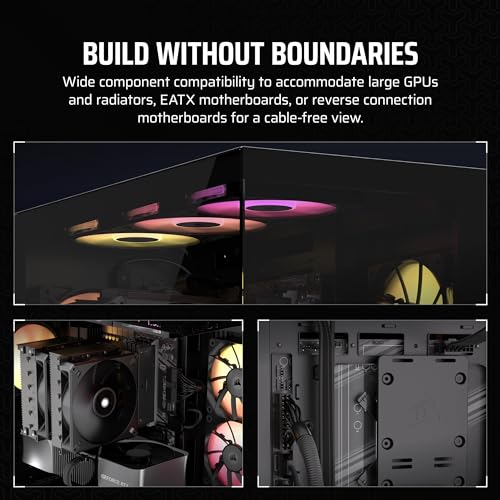
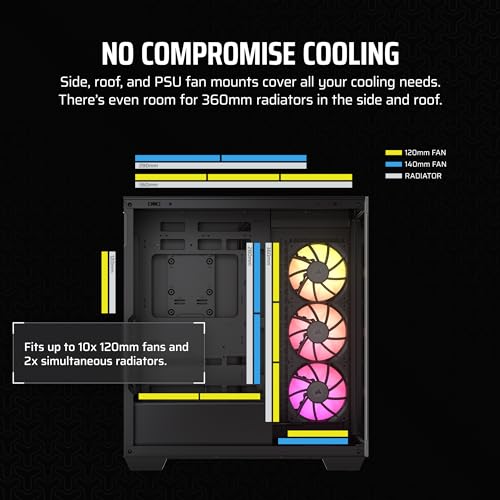
CORSAIR iCUE Link 3500X RGB Mid-Tower ATX PC Case – Panoramic Tempered Glass – Reverse Connection Motherboard Compatible – 3X CORSAIR iCUE Link RX120 RGB Fans Included – Black
In Stock


As an Amazon Associate we earn from qualifying purchases. Product prices and availability are accurate as of the date/time indicated.
The CORSAIR iCUE Link 3500X RGB is the panoramic-glass pick, and it includes a confirmed front-panel USB Type-C port. Its standout feature is the wraparound panoramic tempered glass that spans the front and side for an unobstructed view of the components, paired with CORSAIR’s iCUE Link ecosystem for simplified cabling of compatible fans and coolers. At around $160 it is a showpiece chassis with modern connectivity.
This is the case for the user who wants a stunning display system with front USB-C and the convenience of CORSAIR’s iCUE Link single-cable accessory system. The panoramic glass makes the most of RGB components and a tidy layout, the front USB-C covers fast modern devices, and iCUE Link dramatically reduces fan and cooler cable clutter when paired with compatible parts. For a glass-forward showcase build with confirmed USB-C and streamlined cabling, the 3500X is a strong option.
Pros: Confirmed front USB-C, striking panoramic tempered glass, iCUE Link cable simplicity.
Cons: iCUE Link benefits need compatible accessories; premium price.
5. CORSAIR 7000D Airflow Full-Tower ATX/E-ATX Case (front USB-C 3.1)

35
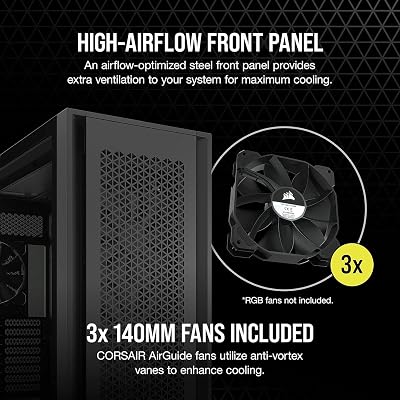
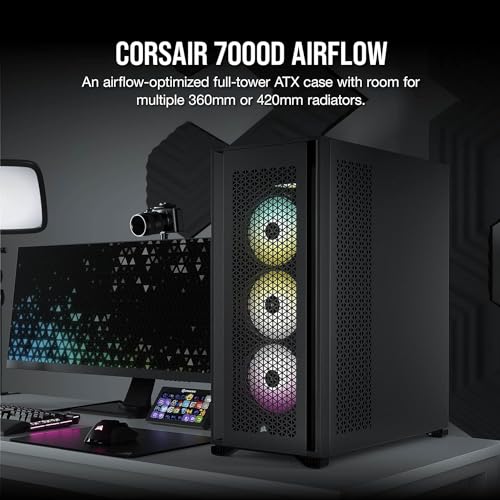
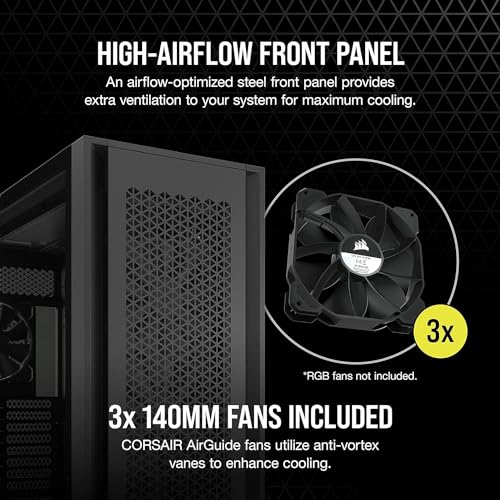
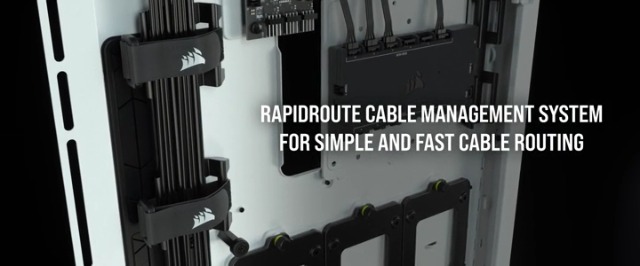
CORSAIR 7000D Airflow Full-Tower ATX PC Case – High-Airflow Front Panel – Spacious Interior – Easy Cable Management – 3X 140mm AirGuide Fans with PWM Repeater Included – Black
In Stock






As an Amazon Associate we earn from qualifying purchases. Product prices and availability are accurate as of the date/time indicated.
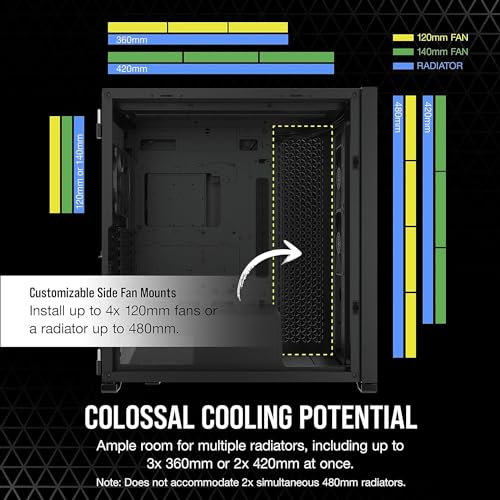
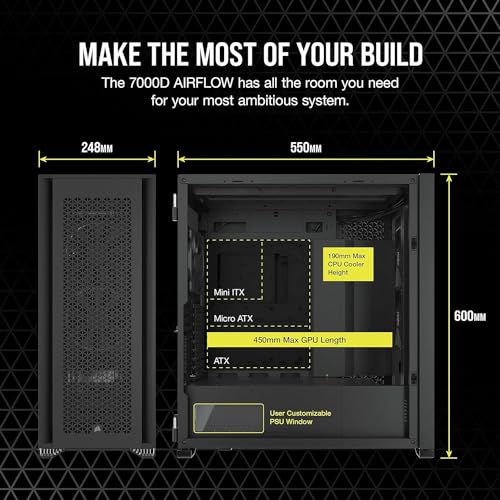
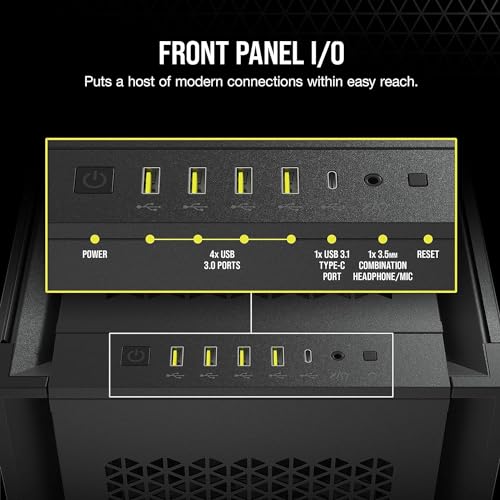
The CORSAIR 7000D Airflow is the spacious full-tower pick, and it carries a confirmed front USB 3.1 Gen 1 Type-C port plus four USB Type-A ports — among the most front connectivity here. This is a large, high-airflow chassis with room for E-ATX motherboards, multiple radiators, long GPUs and extensive storage. At around $270 it is the premium, no-compromise option for a big system.
This is the case for the enthusiast who wants maximum internal space, top-tier airflow and modern front USB-C all at once. The full-tower interior swallows the largest components and cooling setups with ease, the high-airflow front panel keeps everything cool, and the front USB-C plus four Type-A ports give you plenty of accessible connectivity. It is far from compact — quite the opposite — but if you want a roomy, future-proof flagship case that includes front USB-C, the 7000D Airflow delivers.
Pros: Confirmed front USB-C plus 4x USB-A, huge E-ATX airflow interior, flagship build.
Cons: Very large full-tower; overkill and pricey if you want a compact case.
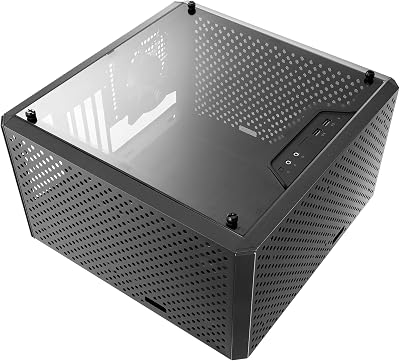
6. Cooler Master MasterBox Q300L Micro-ATX (original — NO front USB-C)

40
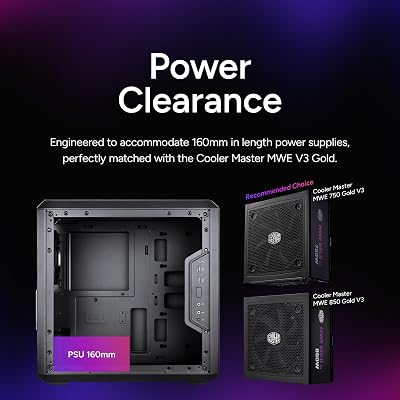
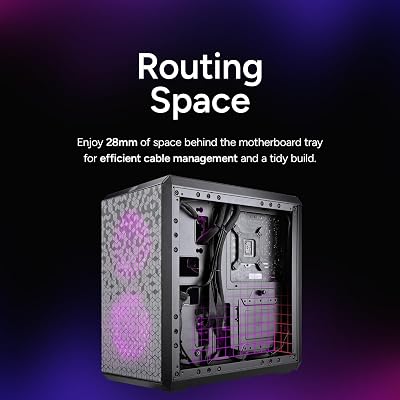
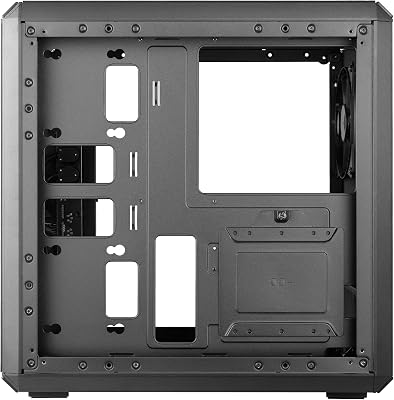
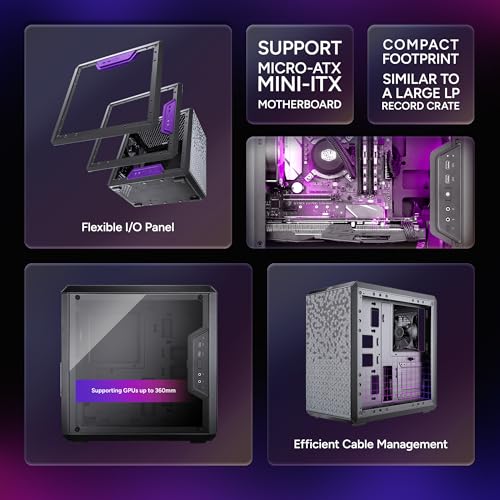
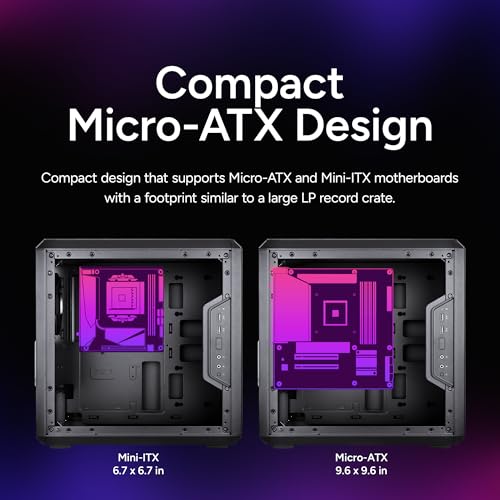
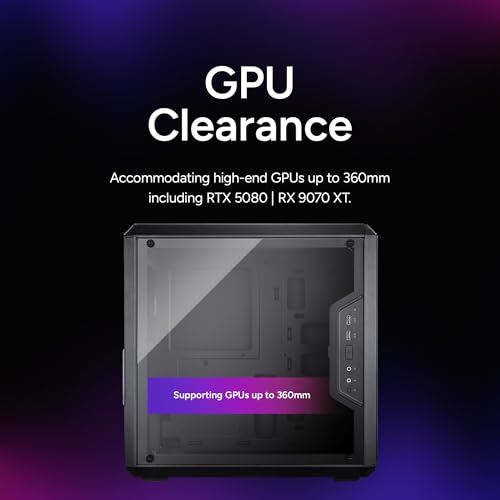
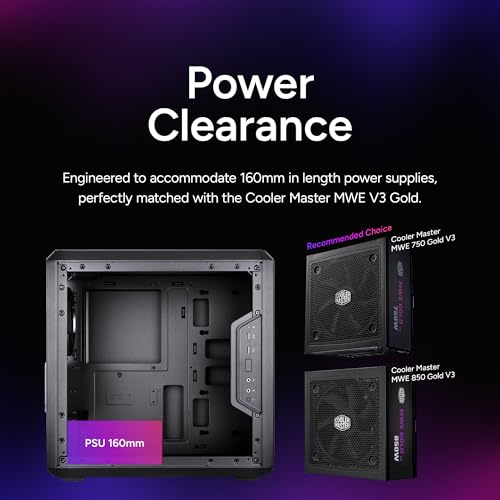
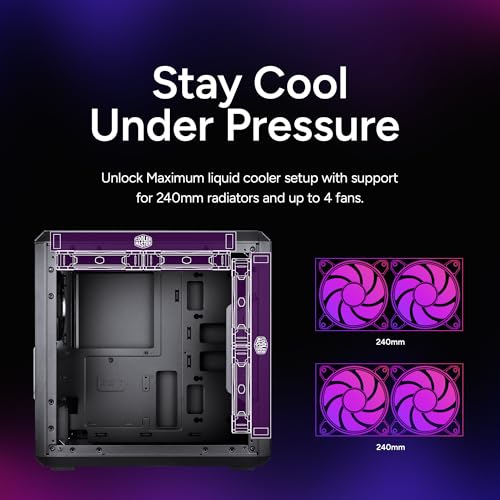
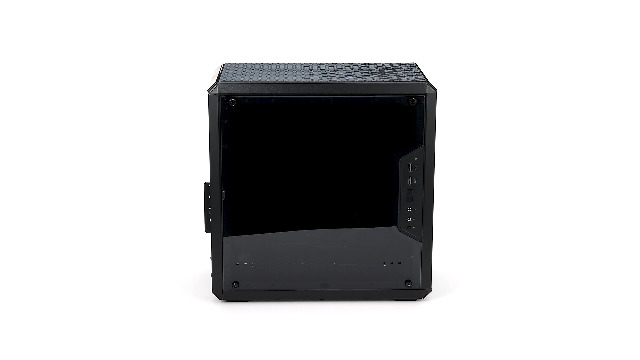
Cooler Master MasterBox Q300L Micro-ATX PC Case – Compact mATX Computer Case with Magnetic Dust Filters, Modular Adjustable I/O Panel, Perforated Airflow Design, 1 x 120mm Pre-Installed Fan, Black
In Stock








As an Amazon Associate we earn from qualifying purchases. Product prices and availability are accurate as of the date/time indicated.
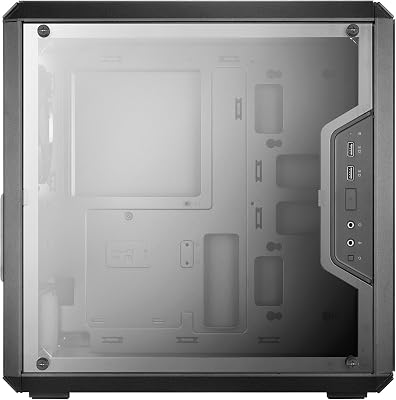
We have to flag this one clearly: the original Cooler Master MasterBox Q300L at this ASIN does NOT have a front USB-C port. Its front I/O panel offers two USB 3.0 Type-A ports only, with no Type-C connector. It is a compact, well-ventilated Micro-ATX case with a clever adjustable I/O panel and magnetic dust filters, and at around $40 it is great value — but on this guide’s core requirement, a front USB-C port, it simply does not qualify.
Worth knowing: Cooler Master later released a Q300L V2 that does add a front USB-C port, but that is a different product from the original Q300L listed here. Taken honestly for what this version is, the Q300L is a fine budget mATX case with good airflow and a flexible front panel — just not a USB-C case. If front USB-C is a must-have for you, choose one of the five confirmed USB-C cases above; consider the original Q300L only if you are happy with USB Type-A front ports and want to save money. We include it expressly to flag the missing USB-C rather than let you assume it is there.
Pros: Honest note: original Q300L has NO front USB-C (USB 3.0 Type-A only); good budget mATX airflow otherwise.
Cons: Fails this guide’s requirement — no front USB-C port; the separate Q300L V2 adds one.
How to Choose a PC Case with USB-C
The first and most important step is to confirm the case actually has a front-panel USB-C port, because — as the original Cooler Master Q300L on this list shows — plenty of cases still ship with USB Type-A only. Read the front I/O specification carefully, and watch for revisions: a ‘V2’ or updated model may add USB-C that the original lacked, so make sure the exact version you are buying lists a Type-C port. If front USB-C is non-negotiable for you, treat its presence as a pass/fail filter before you even look at anything else.
Once you have confirmed USB-C is present, check its speed, because not all front USB-C ports are equal. The cases here range from USB 3.1 / 3.2 Gen 1 Type-C at 5Gbps, through Gen 2 at 10Gbps (the CORSAIR 4000D RS), up to Gen 2×2 at a rapid 20Gbps (the MSI GUNGNIR 110R). If you regularly move large files to and from a fast external SSD, a 10Gbps or 20Gbps port noticeably shortens transfers; for occasional phone charging and light use, 5Gbps is perfectly adequate. Match the port speed to how you will actually use it.
Size and form-factor support come next, and they shape everything from where the case fits to what you can put inside. The chassis here span compact dual-chamber and Micro-ATX designs through standard mid-towers to a large E-ATX full-tower. Decide how much desk or floor space you have and how big your motherboard, cooler and graphics card are, then choose a case that fits both your space and your components. A roomy 7000D suits a maximal system; an H6 Flow or compact case suits a tidy, space-conscious one.
Finally, weigh airflow, looks and budget together. Good ventilation keeps components cool and quiet, included fans save you buying extras, and tempered glass or panoramic panels show off an RGB system if that appeals — features the NZXT, MSI and CORSAIR cases here lean into. Set your budget (these run from around $40 to around $270), make front USB-C and its speed your first filters, then pick the case on this list that best matches your size, airflow and style needs. And remember: if a case does not confirm a front Type-C port, it does not belong on your shortlist for a USB-C system.
Frequently Asked Questions
How do I know if a PC case really has a front USB-C port?
Check the front I/O specification for the exact model you are buying, and look for ‘USB Type-C’ or ‘USB 3.2 Gen 2 Type-C’ listed among the front ports. Be careful with revisions: the original Cooler Master Q300L on this list has only USB Type-A front ports, while a later Q300L V2 adds USB-C. The five other cases here — the NZXT H6 Flow, CORSAIR 4000D RS, MSI GUNGNIR 110R, CORSAIR 3500X and 7000D — all confirm a front USB-C port.
Does the speed of the front USB-C port matter?
Yes, if you move large files. Front USB-C ports here range from 5Gbps (USB 3.1 / 3.2 Gen 1) up to 10Gbps (CORSAIR 4000D RS) and 20Gbps (MSI GUNGNIR 110R, Gen 2×2). Faster ports noticeably shorten transfers to and from a compatible external SSD. For phone charging and light peripheral use, 5Gbps is plenty. Match the port speed to whether you do heavy external storage work or just occasional connections.
Can I add a front USB-C port to a case that does not have one?
Not easily. The front USB-C port is built into the case’s front I/O and wires to a USB-C header on the motherboard, so you cannot simply add a front port to a case that lacks the connector and internal cabling. If front USB-C matters to you, buy a case that already includes it — like five of the six here — rather than the original Q300L, which offers only front USB Type-A.
Which USB-C case should I choose for a compact system?
For a compact system that still wants confirmed front USB-C, the NZXT H6 Flow is the standout here — a compact dual-chamber mid-tower with good airflow, panoramic glass and a front Type-C port. The CORSAIR 4000D RS and MSI GUNGNIR 110R are also reasonably sized mid-towers with front USB-C, while the 7000D full-tower is the opposite of compact. Avoid the original Q300L if USB-C is required, since it lacks a front Type-C port.
Related Guides
- Best PC Cases
- Best Compact PC Cases
- Best Airflow PC Cases
- Best Motherboards for Small Spaces
- Best PSUs for Compact Cases
- Best Pre-Built Gaming PCs
Affiliate Disclosure: As an Amazon Associate, we earn from qualifying purchases. If you click a link and make a purchase, we may earn a small commission at no extra cost to you. Prices and availability are accurate as of publication and may change.










