

🛒 Best Price Today on Amazon
Prime members get fast, free shipping on everything above, plus member-only deals. New members get a 30-day free trial — cancel anytime.
- Top High Static Pressure Fans Picks for 2026
- Best High Static Pressure Fans at a Glance
- 1. ASUS ROG Strix XF120 Whisper-Quiet 4-pin PWM Fan for Radiators and CPU Cooling
- 2. Lian Li V100 ATX Mid-Tower PC Case (with 4 x 120mm ARGB PWM HSP Fans Pre-Installed)
- 3. CORSAIR 3500X RS ARGB Panoramic Mid-Tower PC Case (3 ARGB Fans Pre-Installed)
- 4. Thermalright TL-M12Q X3 120mm PWM ARGB Daisy-Chain Radiator Fan, 3-Pack
- 5. 120mm ARGB Fans 4-PIN PWM 1600 RPM 3-Pack Hydraulic Bearing
- 6. upHere 120mm RGB Case Fan, Quiet Edition High Airflow LED, 3-Pack
- How to Choose High Static Pressure Fans
- Related Guides
- Frequently Asked Questions
- Related Guides
- Related Articles
Top High Static Pressure Fans Picks for 2026
Here are our current top high static pressure fans picks, compared on real Amazon owner reviews, price, and features. Live prices update below.
As an Amazon Associate we earn from qualifying purchases at no extra cost to you.







Static pressure is the part of a fan’s spec sheet that matters when air has to push through something restrictive — a radiator’s fins, a dense dust filter, or a tight, baffled front panel. Where airflow (CFM) describes how much air a fan moves in open space, static pressure describes how hard it can keep pushing once that air is resisted. For AIO radiators, mesh-front intake stacks and any cooling job where the air has to fight its way through, high-static-pressure fans are the right tool. This guide rounds up the best high static pressure fans in 2026 across the genuinely pressure-optimised picks in our pool.
We need to be straight with you up front. Two items in this list are not fans at all — they are full PC cases that ship with high-static-pressure ARGB fans pre-installed (the Lian Li V100 and the Corsair 3500X RS). They qualify here only because the bundled fans are pressure-tuned, and we include them honestly for readers who might prefer to buy a complete case with good fans already mounted. If you only want fans, look at the ASUS ROG Strix XF120, the Thermalright TL-M12Q X3, the 4-pin ARGB triple pack and the upHere RGB123 trio. With that said, here is the at-a-glance comparison, followed by each pick in detail and a buyer’s guide to choosing static pressure honestly.
Best High Static Pressure Fans at a Glance
| Pick | Best For | Standout Spec | Approx Price |
|---|---|---|---|
| ASUS ROG Strix XF120 | Premium standalone HSP fan | PWM 120mm, long-life 400,000-hour | around $12 |
| Lian Li V100 ATX Case (4 x 120mm ARGB pre-installed) | Whole case with HSP fans (not a fan) | PC case with 4 HSP ARGB fans included | around $75 |
| CORSAIR 3500X RS ARGB Case (3 fans pre-installed) | Panoramic case with HSP fans (not a fan) | PC case with 3 HSP ARGB fans included | around $80 |
| Thermalright TL-M12Q X3 ARGB Daisy-Chain | ARGB radiator 3-pack | 2000 RPM ARGB triple, daisy-chain | around $25 |
| 120mm ARGB Fans 4-PIN 1600 RPM 3-Pack | Budget radiator triple | 3 x 120mm PWM ARGB hydraulic | around $10 |
| upHere RGB123 120mm 3-Pack | Affordable RGB radiator trio | 3-pack RGB, quiet edition, high airflow | around $20 |
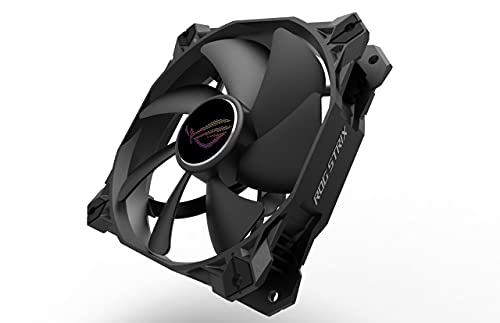
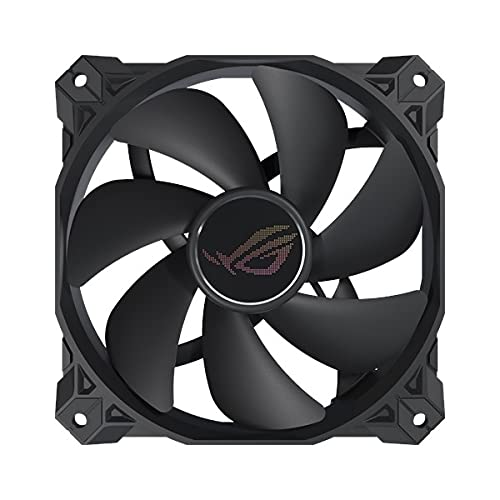
1. ASUS ROG Strix XF120 Whisper-Quiet 4-pin PWM Fan for Radiators and CPU Cooling

15
Prime
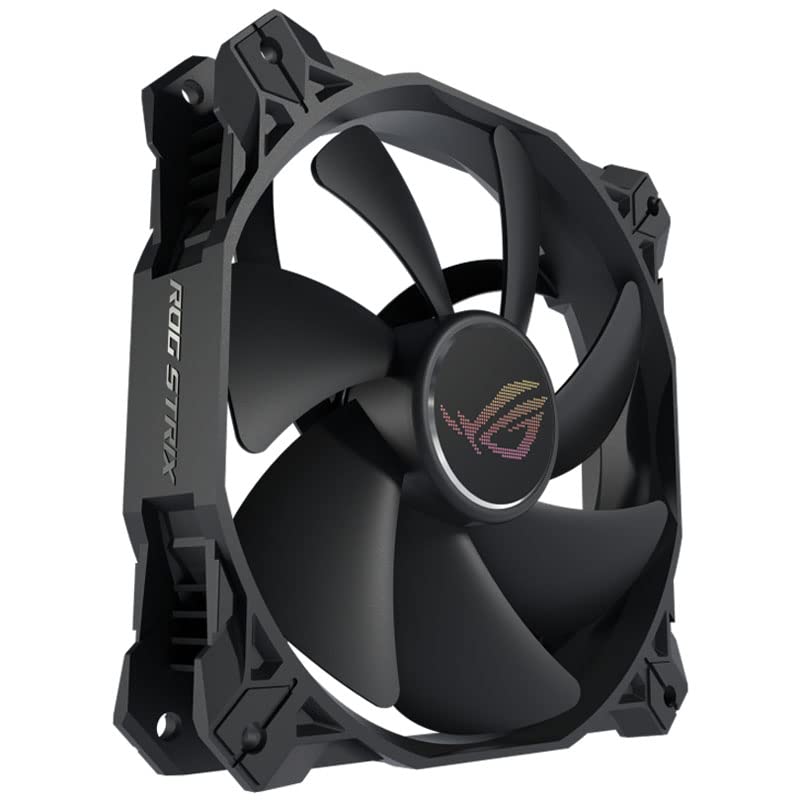
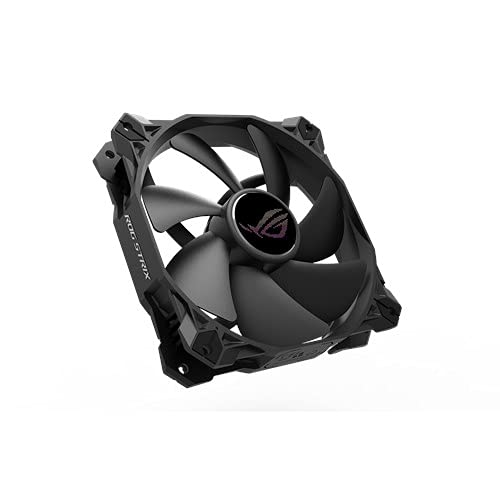
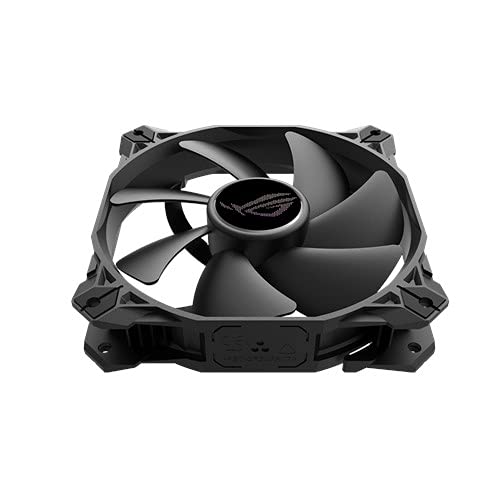
ASUS ROG Strix XF120 Whisper-Quiet, 4-pin PWM Fan for PC Cases, Radiators or CPU Cooling (120mm, up to 400,000 Hours lifespan, Magnetic-Levitation, 1800RPM)
In Stock



As an Amazon Associate we earn from qualifying purchases. Product prices and availability are accurate as of the date/time indicated.
The ASUS ROG Strix XF120 is the standalone premium pick of this list and the most clearly radiator-targeted fan in the pool. It is a 4-pin PWM 120mm fan engineered for high static pressure, with a long-life specification and the ‘whisper quiet’ acoustic tuning ASUS uses across the ROG Strix fan line. At around $12 it is sensibly priced for a quality HSP fan.
This is the pick for the builder who wants a properly pressure-optimised 120mm fan to mount on an AIO radiator, a hot CPU air cooler that ships without a fan, or a dense filter-and-mesh intake stack. The PWM control ramps it sensibly under load, the durability rating speaks to long service life, and the ROG Strix engineering targets radiator duty specifically. As a single high-static-pressure fan you actually pick yourself — rather than one that comes pre-installed in a case — this is the standout.
Pros: Pressure-optimised PWM 120mm, long-life build, quiet for an HSP design, sensible price.
Cons: Single fan; not RGB if you want lighting.
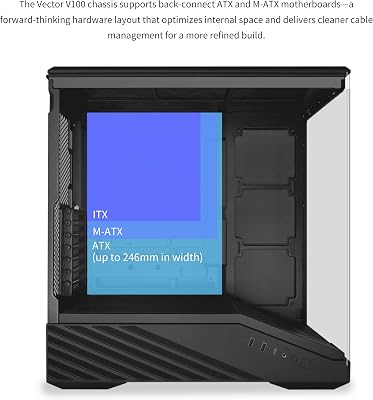
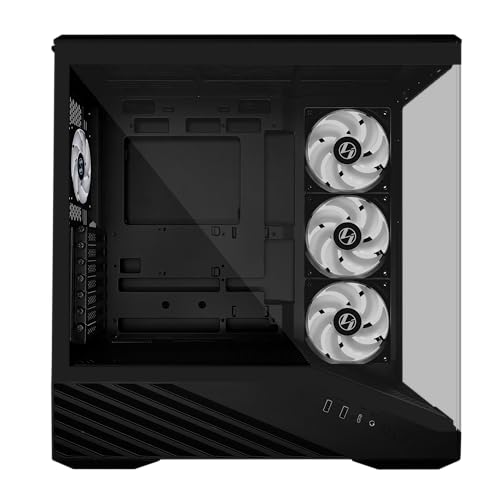
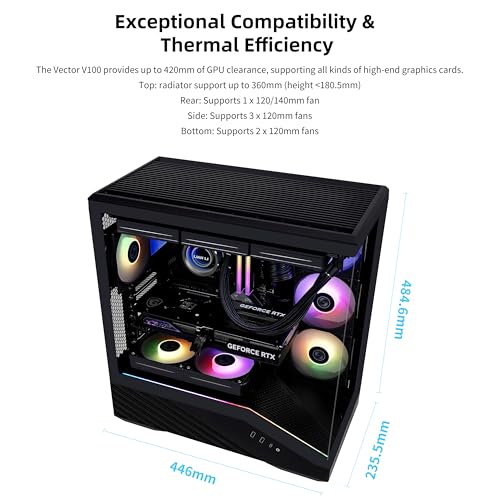
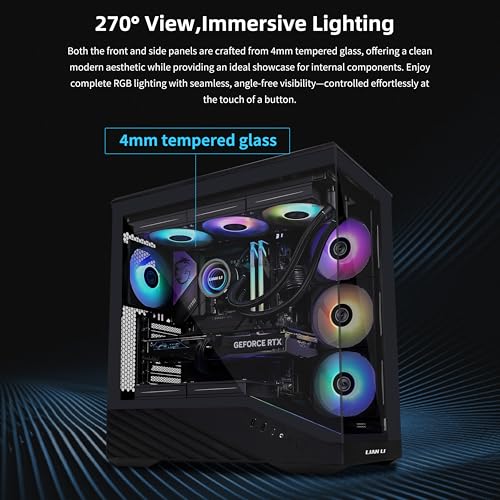
2. Lian Li V100 ATX Mid-Tower PC Case (with 4 x 120mm ARGB PWM HSP Fans Pre-Installed)

34
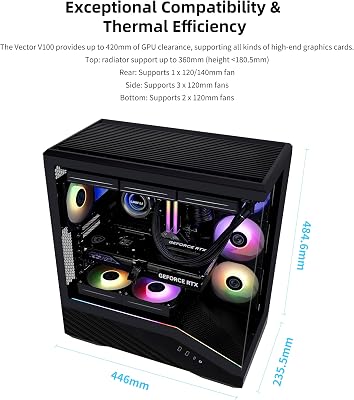
Lian Li Vector V100 ATX Mid-Tower PC Case with 4 ARGB PWM Fans, Black | Side I/O USB-C | Dust Filiter | Support 420mm GPUs & 360mm Radiator | Included GPU Bracket | LED & Display Platform (V100RX)
In Stock







As an Amazon Associate we earn from qualifying purchases. Product prices and availability are accurate as of the date/time indicated.
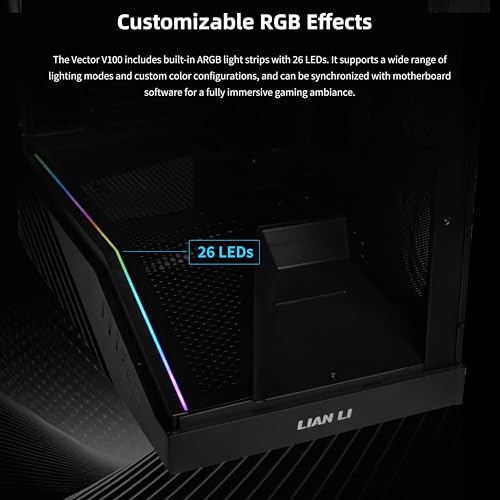
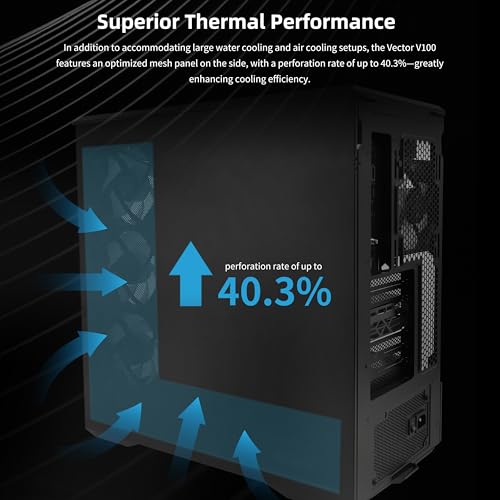
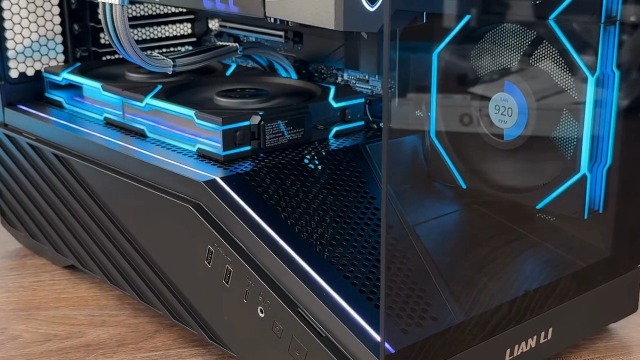
Honest note up front: the Lian Li V100 is a full ATX mid-tower PC case, not a standalone fan. It is listed in our pool because it ships with four 120mm ARGB PWM fans pre-installed, all tuned for high static pressure to feed the case’s mesh airflow. At around $75 it is one of the cheapest ways to buy a complete chassis with four HSP fans already mounted and wired.
This is the pick for the builder who has not yet bought a case and would rather have four HSP ARGB fans included than buy them separately. The pre-installed fans handle the front intake and top exhaust positions, the LED RGB strip and display platform add the showcase look, and Lian Li’s tempered-glass design rounds out a modern build. Just remember: you are buying a case, not fans on their own. If you already have a case, skip this and pick a real standalone fan like the ASUS ROG Strix XF120.
Pros: Full ATX case with 4 HSP ARGB PWM fans pre-installed, ARGB strip, tempered glass.
Cons: It’s a PC case, not a fan; only buy if you need a chassis as well.
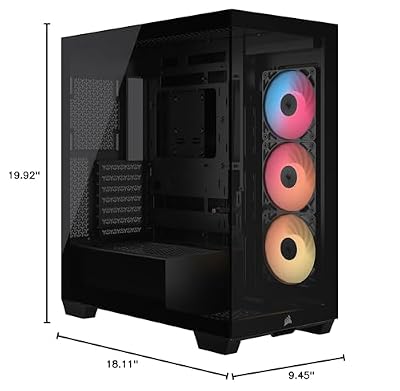
3. CORSAIR 3500X RS ARGB Panoramic Mid-Tower PC Case (3 ARGB Fans Pre-Installed)

9
CORSAIR 3500X RS ARGB Panoramic Mid-Tower PC Case – 3X Pre-Installed Fans, High Airflow, Spacious Interior, GPU Anti-Sag, Reverse Connection Motherboard Compatible – Black
In Stock




As an Amazon Associate we earn from qualifying purchases. Product prices and availability are accurate as of the date/time indicated.
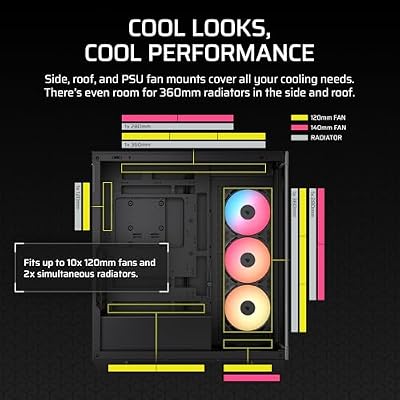
Same honest disclosure: the CORSAIR 3500X RS ARGB is a complete panoramic mid-tower PC case, not a fan. It earns inclusion here because it ships with three high-static-pressure ARGB fans pre-installed and Corsair’s broader RS-series airflow tuning. At around $80 it is a slightly more expensive case-plus-fans bundle than the Lian Li V100 and offers a different design language.
This is the pick for the builder who wants a panoramic dual-glass showpiece chassis with HSP ARGB fans already installed and a spacious interior with GPU anti-sag support. The included fans cover intake duty, the panoramic glass shows them off, and the Corsair iCUE ecosystem ties the lighting together. As with the Lian Li, the value is in the case, not in the fans alone — if you only want fans, this is the wrong product. If you want a stunning RS-series case with good HSP fans included, it is compelling.
Pros: Panoramic Corsair case, 3 HSP ARGB fans pre-installed, spacious interior, GPU anti-sag.
Cons: It’s a PC case, not a fan; highest price here because it includes the chassis.
4. Thermalright TL-M12Q X3 120mm PWM ARGB Daisy-Chain Radiator Fan, 3-Pack

20
Prime
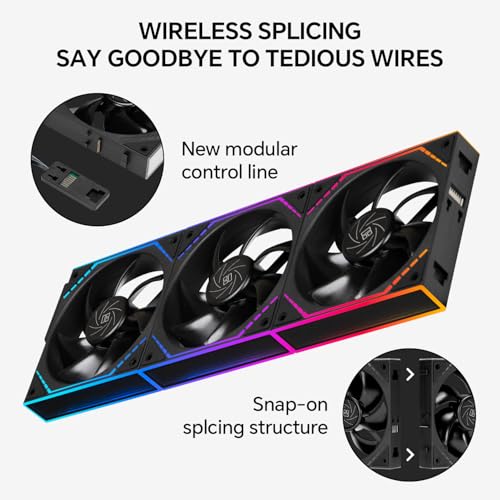
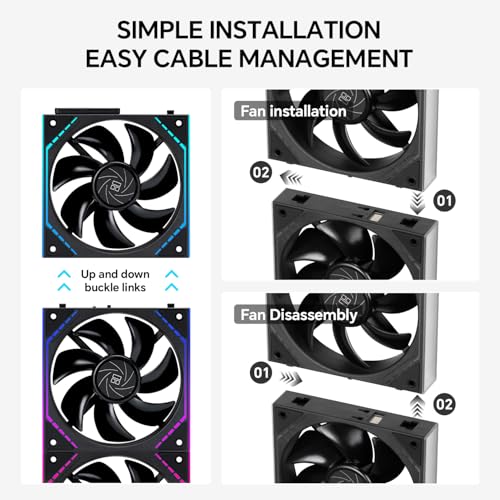
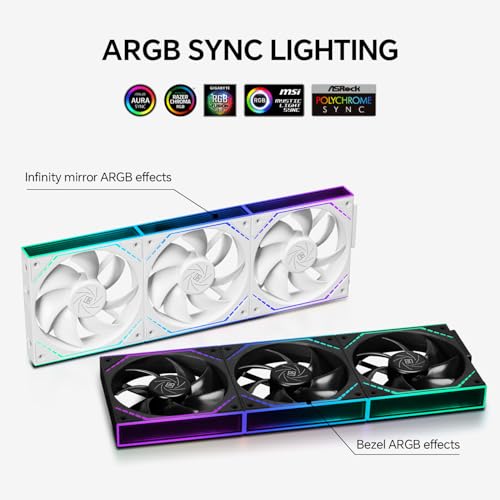
Thermalright TL-M12Q X3 120mm PC Case Fans, PWM ARGB Fans, 2000RPM High Airflow, Daisy-Chain, Infinity Mirror Lighting, 3-Pack
In Stock



As an Amazon Associate we earn from qualifying purchases. Product prices and availability are accurate as of the date/time indicated.
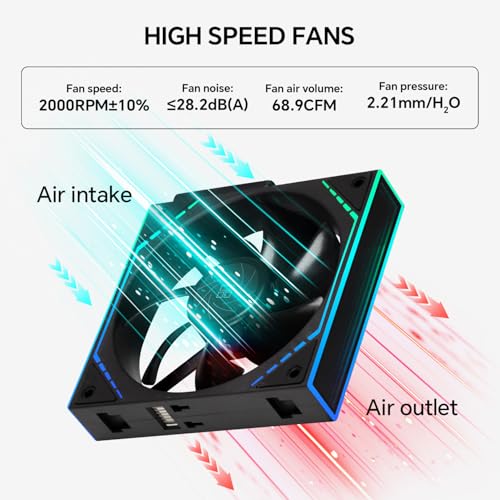
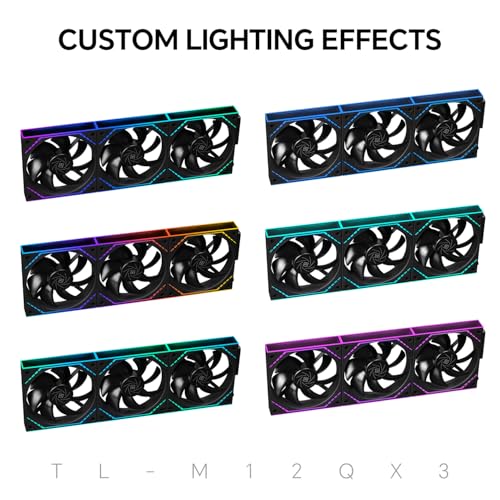
The Thermalright TL-M12Q X3 is the ARGB radiator triple-pack pick. It is a set of three 120mm PWM fans rated to around 2000 RPM with daisy-chain wiring, infinity-mirror ARGB lighting, and tuning aimed at static pressure for radiator and dense-filter duty. At around $25 it is a strong value triple for an AIO radiator install.
This is the pick for the builder mounting an ARGB triple on a 360mm AIO or a 360mm radiator stack and who wants real pressure tuning underneath the lighting. The 2000 RPM ceiling gives genuine headroom when the loop needs to dump heat, the daisy-chain wiring keeps a triple-fan install tidy, and the infinity-mirror look matches the showcase build aesthetic. As a complete radiator-fan triple at a sensible price, this Thermalright pack is hard to beat.
Pros: Three pressure-tuned ARGB PWM fans, 2000 RPM ceiling, daisy-chain wiring, value triple.
Cons: Higher RPM can be louder if pinned; bearing is good but not Noctua-class.
5. 120mm ARGB Fans 4-PIN PWM 1600 RPM 3-Pack Hydraulic Bearing

21
Prime
120mm ARGB Fans 4PIN PWM Computer Case Cooler Up to 1600 RPM CPU Quiet Hydraulic Bearing Gaming PC Fans 3 Pack Ventiladores PC for Computer Case & Radiator
In Stock






As an Amazon Associate we earn from qualifying purchases. Product prices and availability are accurate as of the date/time indicated.
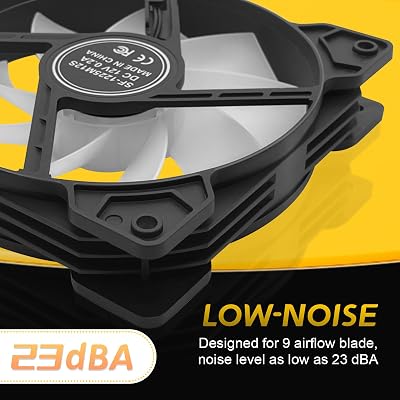
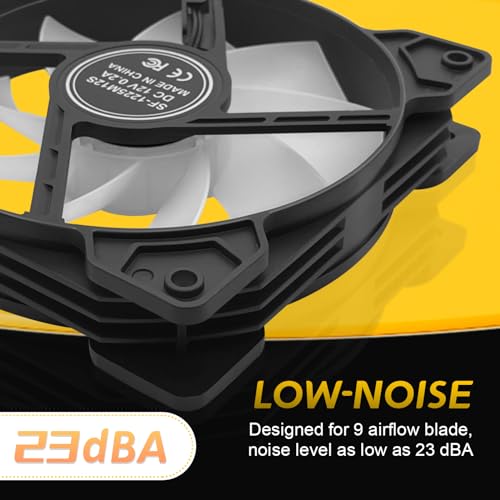
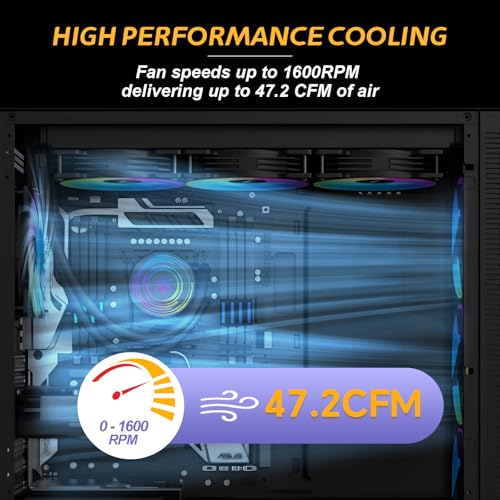
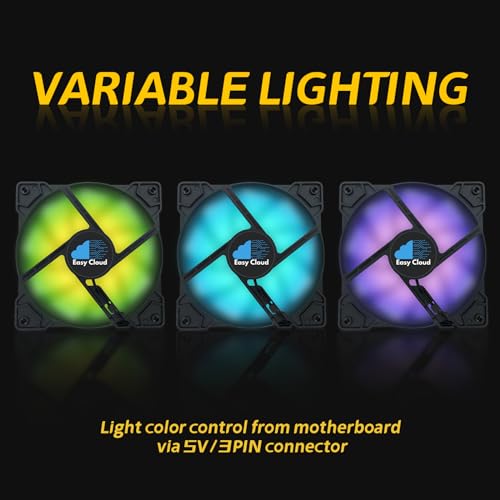
The generic 120mm ARGB 4-PIN PWM 3-pack is the budget radiator triple pick. It bundles three 120mm PWM ARGB fans rated to 1600 RPM with a hydraulic bearing for quieter operation. At around $10 for three fans it is the cheapest entry on this list and a credible budget option for a radiator or an AIO that ships fanless.
This is the pick for the builder pulling together a radiator setup on a tight budget who still wants ARGB. The 1600 RPM PWM range is appropriate for casual radiator duty, the hydraulic bearing keeps noise in check, and the ARGB lighting suits a modern lit build. Build quality and longevity are naturally not at premium-brand levels at this price, but for an inexpensive radiator-friendly triple to get a project running, it is a sensible, honest pick.
Pros: Three ARGB PWM fans for very little money, 1600 RPM range, hydraulic bearing.
Cons: Unbranded; long-term durability less proven than premium picks.
6. upHere 120mm RGB Case Fan, Quiet Edition High Airflow LED, 3-Pack

28
Prime
upHere 120mm RGB Case Fan Fan,Quiet Edition High Airflow LED Case Fan for PC Cases-3 Pack,RGB123-3
In Stock



As an Amazon Associate we earn from qualifying purchases. Product prices and availability are accurate as of the date/time indicated.
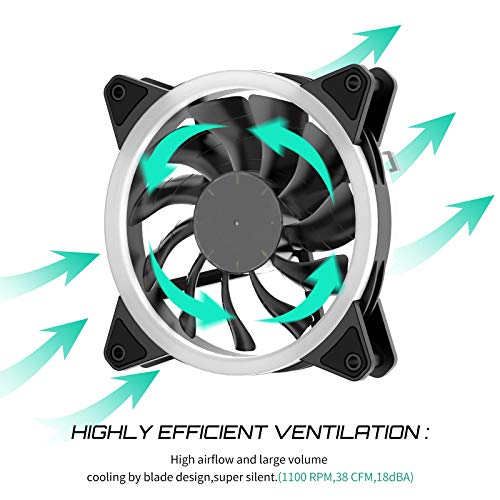
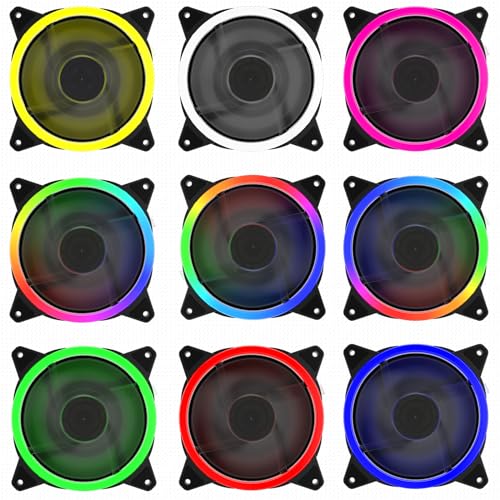
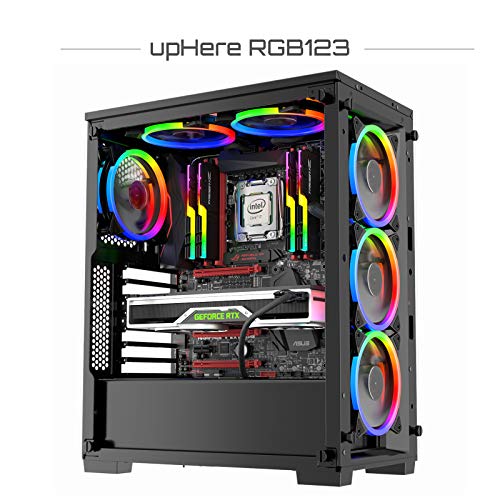
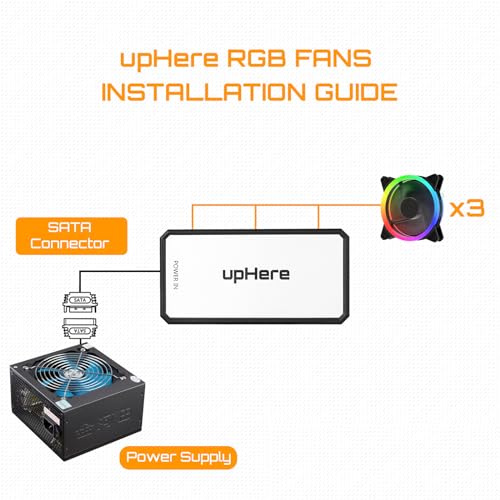
Rounding out the list is the upHere RGB123, a 3-pack of 120mm RGB fans in a ‘quiet edition’ aimed at high airflow with reasonable static pressure. At around $20 it sits between the bargain triple above and the Thermalright TL-M12Q X3, offering an affordable lit triple from a long-running budget RGB fan brand.
This is the pick for the builder who wants a lit triple-pack with a more established brand than a generic listing, but does not want to step up to the Thermalright tier. The quiet edition tuning keeps the acoustics calmer than older RGB fan ranges, the airflow-and-pressure balance suits radiator and mesh-intake duty for moderate loads, and the trio gives a cohesive lit look. Note this is older-style RGB rather than infinity-mirror ARGB — tasteful and clean rather than dramatic — but well-priced for the spec.
Pros: Three-pack RGB fans, quiet edition tuning, balanced airflow and pressure, sensible price.
Cons: Older RGB style rather than addressable infinity mirror; less premium build.
How to Choose High Static Pressure Fans
High static pressure matters whenever air has to push through resistance. The classic example is an AIO or custom-loop radiator: dense fins, tight spacing, and you need a fan that keeps pushing air through them rather than stalling at the surface. The same is true for mesh-front airflow cases with dust filters and for compact builds where the air’s path is restricted. For those jobs, a pressure-optimised fan like the ASUS ROG Strix XF120 or the Thermalright TL-M12Q X3 is exactly the right tool.
Be honest with yourself about whether you actually need a high-static-pressure fan, or whether airflow-optimised would serve you better. Open intakes and unrestricted rear exhausts reward airflow-tuned blades, while radiators and dense filters reward pressure tuning. Some modern fans like the Thermalright TL-M12Q X3 are tuned as balanced-pressure-and-airflow designs that handle both jobs respectably. For 90% of cases, a balanced pressure-friendly PWM fan is a safer pick than a specialist that excels at one job and is weak at another.
Two of the products here, the Lian Li V100 and the Corsair 3500X RS ARGB, are PC cases with HSP fans pre-installed rather than standalone fans. They are valid choices if you have not yet bought a chassis — but only then. If you already own a case, ignore those two entirely and buy standalone fans. We have flagged this clearly in each listing because honesty about what you are buying is more important than padding a list with cross-category items.
Finally, weigh price, RPM ceiling and lighting. A premium standalone HSP fan like the ROG Strix XF120 is the best single buy for serious radiator duty, while a value ARGB triple like the Thermalright TL-M12Q X3 covers a full 360mm install. The budget triple at around $10 will do an honest job for moderate use but won’t match the longevity of the premium picks. Match the spec and the price to the work the fans actually have to do — and skip the cases unless you need a case.
Frequently Asked Questions
What does ‘static pressure’ actually mean on a fan?
Static pressure measures how hard a fan can keep pushing air against resistance — radiator fins, dust filters, mesh panels — rather than into open space. A high-static-pressure fan like the ASUS ROG Strix XF120 keeps moving air even when it has to fight its way through. Standard airflow fans peak in open space; pressure fans peak when restricted. Use the right tool for the mount.
Wait — two of these aren’t fans, they’re PC cases. Why are they in here?
Honest answer: they are in the pool because they ship with four (Lian Li V100) and three (Corsair 3500X RS ARGB) high-static-pressure ARGB fans pre-installed, and a reader shopping for HSP fans might genuinely prefer a complete case with good fans already mounted. We have flagged both clearly as cases rather than standalone fans. If you only want fans, skip those two and pick the ROG Strix XF120 or the Thermalright TL-M12Q X3.
Do I need high static pressure fans for normal case airflow?
Usually no. Open intakes and rear exhausts in a typical mesh case do not need a specialist pressure fan — a balanced PWM design is fine. Static pressure earns its keep on radiators, dense dust filters, and confined intake paths. If your build doesn’t include any of those, a good general-purpose airflow fan or a balanced design like the Thermalright TL-M12Q X3 will serve perfectly well.
Are pressure-optimised fans louder than airflow-optimised ones?
They can be, because pressure-tuned blades work harder per RPM and pressure jobs (radiators, dense filters) tend to demand higher RPMs. The ASUS ROG Strix XF120 mitigates this with its whisper-quiet tuning, and modern designs like the Thermalright TL-M12Q X3 balance the acoustics thoughtfully. Use PWM control to keep them quiet at idle and only ramp them up when temperatures actually demand it.
Related Guides
- Best PC Case Fans
- Best 140mm PC Fans
- Best ARGB PC Fans
- Best Quiet PC Case Fans
- Best PC Fan 3 Pack Bundles
- Best AIO Coolers for Radiator Setups
- Best PC Cases for Airflow
- Best CPU Air Coolers
Affiliate Disclosure: As an Amazon Associate, we earn from qualifying purchases. If you click a link and make a purchase, we may earn a small commission at no extra cost to you. Prices and availability are accurate as of publication and may change.
Ready to decide? Our #1 pick for 2026 is the ASUS ROG Strix XF120.
Live price & availability on Amazon.


