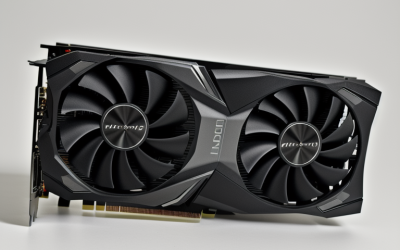
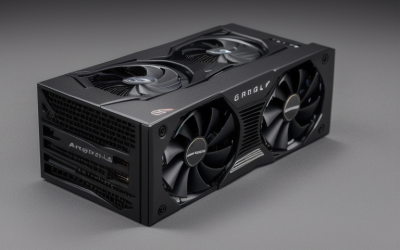
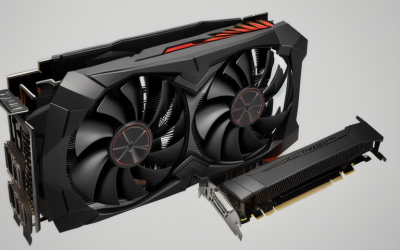
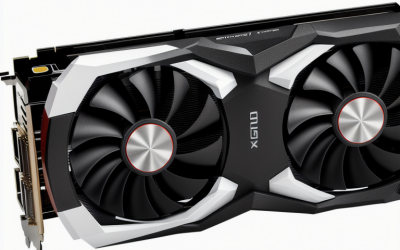
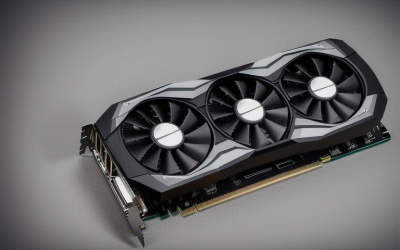
- Top Pick: ASUS Dual Radeon RX 9060 XT 16GB GDDR6 Gaming Graphics Card | PCIe 5.0, HDMI 2.1b, DisplayPort 2.1a, 2.5-slot design, Axial-tech Fans, 0dB Technology
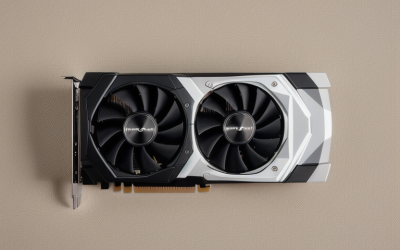
- Best Value: GIGABYTE GeForce RTX 3050 WINDFORCE OC V2 6G Graphics Card, 2X WINDFORCE Fans, 6GB GDDR6 96-bit GDDR6, GV-N3050WF2OCV2-6GD Graphics Card
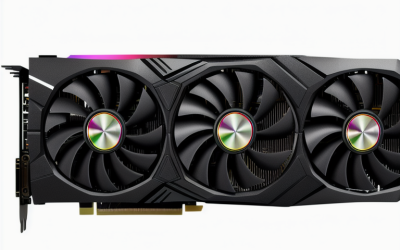
- Premium Choice: GIGABYTE GeForce RTX 3060 Gaming OC 12G (REV2.0) Graphics Card, 3X WINDFORCE Fans, 12GB 192-bit GDDR6, GV-N3060 Video Card
Flight simulators punish a graphics card in ways that shooters and esports titles never do. Scenery streams in as you fly, clouds and terrain fill the frame, cockpit glass stacks reflections, and a high-resolution monitor or VR headset multiplies every pixel. Video memory fills quickly in that kind of scene, so the usual advice to buy by frame rate alone misses the point. This guide asks a narrower question: which listed cards give a flight sim rig enough memory and output support to be worth considering?
The six cards below span the range from a low profile board for a compact case to a flagship with 24GB of memory. Everything is judged from the listing titles, not from measured results, so treat the notes as a shortlist to verify rather than a performance ranking. Where a title is silent on a spec, the review says so instead of filling the gap. Two entry-level GT 730 cards from the same search are left out, because their listings point toward video walls and basic display output instead of simulation. This 2026 guide helps you decide how much memory, how many slots and which outputs your cockpit setup really needs.
Quick Picks
As an Amazon Associate we earn from qualifying purchases at no extra cost to you.




| Product | Best for | Key spec from the title |
|---|---|---|
| ASUS Dual Radeon RX 9060 XT 16GB | Modern mid-range build | 16GB GDDR6, PCIe 5.0, DisplayPort 2.1a |
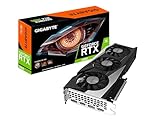
| GIGABYTE RTX 3050 WINDFORCE OC V2 | Entry-level desktop | 6GB GDDR6, 96-bit, 2 fans |
| GIGABYTE RTX 3060 Gaming OC 12G | Balanced memory | 12GB GDDR6, 192-bit, 3 fans |
| ASUS TUF RTX 4090 OG OC | Top-end, multi-screen or VR | 24GB GDDR6X, DLSS 3, 3 year warranty |
| maxsun RTX 3050 Low Profile | Small form factor cases | 6GB GDDR6, slim low profile design |
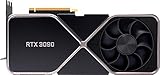
| NVIDIA RTX 3090 Founders Edition (Renewed) | Used flagship hunters | Founders Edition, renewed unit |
How to Choose
Start with video memory, then resolution
Flight sims lean hard on memory because of detailed terrain and textures. As a rough guide, 6GB is a tight entry point for 1080p, 12GB is more comfortable for 1440p, and 16GB or more is the safer target for 4K or VR. The memory bus width listed in the title, such as 96-bit versus 192-bit, also hints at how much data the card can move.
Check outputs and standards
Cockpit builders often run several monitors, so count the display ports. HDMI 2.1 and DisplayPort 2.1a or 1.4a determine which refresh rates and resolutions are available. If you plan to use a headset, confirm the connector the headset needs on the maker’s page, because titles rarely list it.
Mind the card size and slot count
A 2.5-slot design needs room beside the graphics slot, and three-fan boards are longer than two-fan boards. Low profile cards exist for slim cases, but they usually give up cooling headroom. Measure the case clearance, and check the power supply connectors before ordering a flagship. Cable runs behind a cockpit-style desk are also worth planning, since a wide card can block side ports on a tight motherboard layout.
What to ignore, and where budget cards cut corners
Ignore boost-clock marketing and fan counts as performance proof, and do not assume that an OC label means a meaningful jump. Budget-tier cards cut corners on memory size and bus width, which hurts in scenery-heavy sims. Premium cards add memory and cooling, but a strong graphics card cannot fix a weak processor, and flight sims are famously CPU-hungry as well.
One last filter: decide your target resolution and headset plans before you compare anything else. A pilot flying a single 1080p display and a pilot flying three screens are shopping for different cards, even if both type the same search. Write down the resolution, the number of displays and the case width, then match those three facts against the six listings below.
The 6 Best Options
ASUS Dual Radeon RX 9060 XT 16GB
This card suits builders who want a current-generation board with generous memory for textures and scenery. The title lists 16GB of GDDR6, a PCIe 5.0 interface, HDMI 2.1b, DisplayPort 2.1a, a 2.5-slot design, Axial-tech fans and 0dB technology. That memory figure is the most useful number for a sim that streams detailed terrain, and the 0dB wording suggests the fans can stop under light loads such as sitting on the ramp. The PCIe 5.0 listing also leaves headroom if the motherboard supports it, though the slot generation is unlikely to be the bottleneck. Skip it if your case has limited width for a 2.5-slot board, or if you rely on features tied to another vendor.
- Strength: 16GB of memory gives room for high-resolution textures.
- Strength: DisplayPort 2.1a and HDMI 2.1b support modern monitors.
- Trade-off: the 2.5-slot cooler needs space in the case.
GIGABYTE GeForce RTX 3050 WINDFORCE OC V2
A fit for first-time sim builders who want to get airborne with a modest setup. The listing shows 6GB of GDDR6 on a 96-bit interface, two WINDFORCE fans and an overclocked edition. It is the kind of board that makes sense with a 1080p display and moderate settings, perhaps while you learn the aircraft systems before upgrading anything else. Overclocked editions in this tier are meant for a gentle step up, not a leap in capability. Skip it if you plan on 4K or VR, because 6GB leaves little headroom for dense scenery.
- Strength: a two-fan design in a standard-size layout.
- Strength: an approachable tier for lower-resolution flying.
- Trade-off: 6GB and a 96-bit bus limit headroom.
GIGABYTE GeForce RTX 3060 Gaming OC 12G (REV2.0)
This is the middle-of-the-road pick for pilots on a 1440p monitor. The title lists 12GB of GDDR6, a 192-bit interface and three WINDFORCE fans. Twice the memory of the smaller GIGABYTE card is the headline feature, and the wider bus is a sign of more bandwidth. The REV2.0 tag in the title is worth checking against the seller’s page so you know which revision ships. Sim pilots who also stream or edit video may like the extra memory for other work. Skip it if you want a newer architecture or a DisplayPort revision beyond what the title mentions.
- Strength: 12GB of memory sits in a sensible middle ground.
- Strength: a 192-bit bus and three fans for the cooling.
- Trade-off: the title does not list output standards.
ASUS TUF Gaming GeForce RTX 4090 OG OC Edition
Meant for enthusiasts building around triple monitors or VR, where 24GB of GDDR6X is easy to justify. The title also lists PCIe 4.0, DLSS 3, HDMI 2.1, DisplayPort 1.4a and a three-year warranty. It is clearly the premium tier of this group, and the title’s DLSS 3 mention means supported titles can use frame generation features. Skip it if your power supply or case cannot handle a flagship board, or if the rest of your system is modest. A processor, memory kit and monitor of matching class matter more here than on any other card in the list.
- Strength: 24GB of GDDR6X is the largest memory listed here.
- Strength: a three-year warranty is stated in the title.
- Trade-off: it demands a capable power supply and a roomy case.
maxsun GeForce RTX 3050 6GB Low Profile
For compact builders, this board is the practical option. The title describes a slim, low profile design for mini small form factor PCs, with 6GB of GDDR6, PCIe 4.0, HDMI 2.1 and DisplayPort 1.4a. It lets a tiny desktop run a sim at modest settings, which suits someone building a bedroom or desk-corner flight rig. Skip it if your case is full height, as larger boards usually offer more cooling headroom for the same silicon. Small cases also limit airflow, so pair it with realistic expectations.
- Strength: it fits slim cases where full-size cards do not.
- Strength: HDMI 2.1 and DisplayPort 1.4a outputs are listed.
- Trade-off: 6GB of memory limits scenery detail.
NVIDIA GeForce RTX 3090 Founders Edition (Renewed)
This one appeals to shoppers hunting a former flagship through the renewed market. The title names only the Founders Edition and the renewed condition, so memory, ports and cooler details need to be confirmed on the product page. Pilots comfortable with used hardware may like the Founders Edition styling, but nothing here substitutes for reading the seller’s condition notes. Skip it if you want a full manufacturer warranty or a titled spec sheet to compare, since the listing gives neither.
- Strength: a high-end product line name.
- Strength: a Founders Edition cooler design from NVIDIA directly.
- Trade-off: the title lacks specs, and renewed units carry condition uncertainty.
Which One Fits Your Situation
You fly at 4K or in VR
The ASUS TUF RTX 4090 OG OC offers the highest memory in the set, and the ASUS Dual RX 9060 XT 16GB is the more modest way to reach 16GB.
You game on a 1440p monitor
The GIGABYTE RTX 3060 Gaming OC 12G has the balanced 12GB figure that suits this resolution.
Your case is small
The maxsun RTX 3050 Low Profile is the only board here described as slim and low profile, so start there for a compact desktop. Verify that your case uses the low profile bracket style before ordering.
You are on a tight budget at 1080p
The GIGABYTE RTX 3050 WINDFORCE OC V2 provides an entry route, with the caveat that its 6GB limits how high you can push texture settings. Anyone upgrading later can move the rest of the PC over unchanged.
Common Mistakes
- Choosing a card on boost clocks alone and ignoring memory size.
- Pairing a flagship graphics card with an old processor that holds the sim back.
- Forgetting to measure case clearance for a 2.5-slot cooler.
- Buying a renewed card without confirming the memory, ports and return terms.
- Selecting a GT 730-class board because it lists many video outputs, when output count says nothing about simulation ability.
Related guides
- Aio Liquid Coolers For High Performance Gaming
- How To Lower Input Delay In Competitive Shooters
- External Hard Drives For Music Production
Frequently Asked Questions
How much video memory does a flight simulator need?
More is safer, because scenery data lives in video memory. Six gigabytes is tight even at 1080p, twelve gigabytes suits 1440p, and sixteen or more is a better target for 4K or VR.
Does the processor matter as much as the graphics card?
Often it matters just as much. Flight simulators load large amounts of scenery and run complex aircraft logic, so a weak processor can hold back a strong card. If your frame rate drops over big cities while the graphics card sits underused, the processor is the likelier limit, so budget for both parts together.
Is a low profile card good enough?
It can work for modest settings in a small case. Expect less cooling headroom than a full-size board with larger fans, and confirm the bracket height your case needs.
Should I buy a renewed card?
It can make sense if the listing details the memory, ports and warranty clearly. When the title gives almost nothing, verify those on the product page first, and keep the return terms handy in case the unit differs from the description.