Affiliate disclosure: As an Amazon Associate we earn from qualifying purchases. This post contains affiliate links — if you buy through them we may earn a small commission at no extra cost to you. This never affects our recommendations.
In a hurry? See the top-rated 4K OLED Gaming Monitors deals available right now:
🛒 Check 4K Oled Gaming Monitors Prices on Amazon →Introduction: Why 4K OLED Gaming Monitors Are the Gold Standard in 2026
The 4K OLED gaming monitor market has reached peak maturity in 2026, offering gamers unprecedented visual fidelity with perfect blacks, infinite contrast ratios, and response times that rival traditional LCD panels. Unlike standard IPS and VA monitors, OLED technology—whether LG’s WOLED or Samsung’s QD-OLED—eliminates the backlight entirely, giving each pixel independent light control. This means true black levels (0 nits), pure color saturation, and the ability to achieve 0.03ms response times without motion blur. At 4K resolution (3840×2160), you’re looking at 163 PPI on a 32-inch display, delivering cinematic detail for both competitive gaming and story-driven experiences. HDR1000 certification on most 2026 models ensures highlights pop with authentic HDR depth. The trade-off? Burn-in risk—though pixel-shifting and panel redundancy have made this far less concerning than it was 3 years ago.
4K OLED Gaming Monitor Comparison Table
| Monitor Model | Panel Type | Size / Resolution | Refresh Rate | Response Time | Peak HDR Brightness | Curve | Price Tier (USD) |
|---|---|---|---|---|---|---|---|
| LG UltraGear 32GS95UE | WOLED | 32″ / 4K (3840×2160) | 240Hz (4K) / 480Hz (FHD) | 0.03ms | 1500 nits (HDR) | Flat | $897–$1,099 |
| Samsung Odyssey OLED G8 (G80SD) 32″ | QD-OLED | 32″ / 4K (3840×2160) | 240Hz | 0.03ms | 1000 nits (peak) | Flat | $729–$849 |
| ASUS ROG Swift OLED PG32UCDM | QD-OLED | 32″ / 4K (3840×2160) | 240Hz | 0.03ms | 1000 nits (peak) | Flat | $1,199–$1,299 |
| MSI MPG 321URX QD-OLED | QD-OLED | 32″ / 4K (3840×2160) | 240Hz | 0.03ms | 1000 nits (peak) | Flat | $999–$1,099 |
| Dell Alienware AW3225QF | QD-OLED | 32″ / 4K (3840×2160) | 240Hz | 0.03ms | 1000 nits (peak) | 1700R Curved | $1,099–$1,299 |
| ASUS ROG Swift OLED PG27UCDM | QD-OLED | 27″ / 4K (3840×2160) | 240Hz | 0.03ms | 1000 nits (peak) | Flat | $799–$999 |
1. LG UltraGear 32GS95UE — Best Overall 4K OLED Gaming Monitor

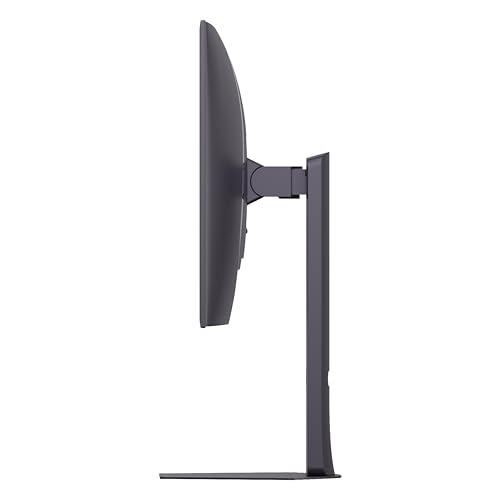
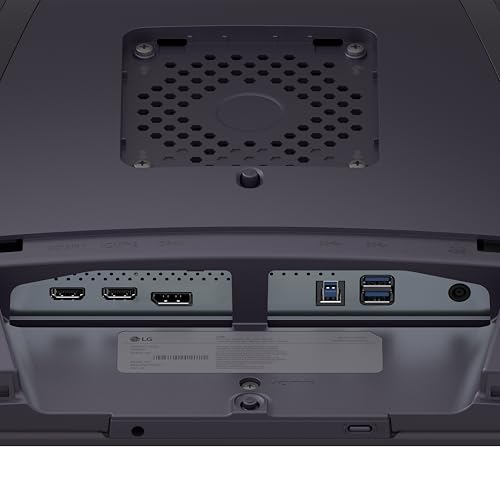
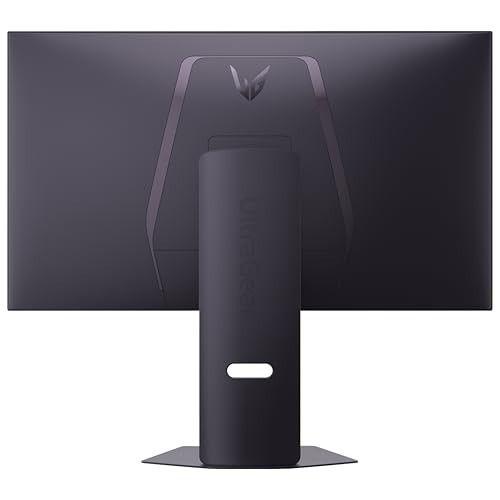
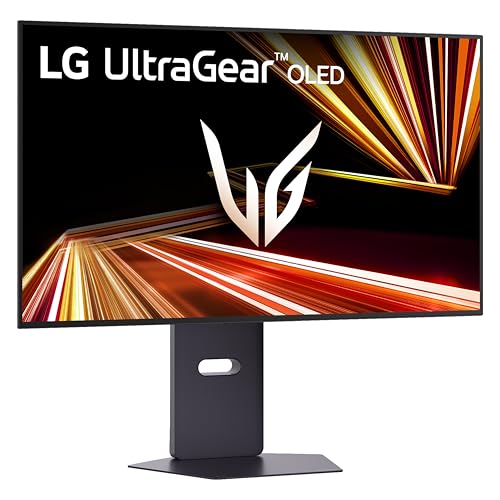
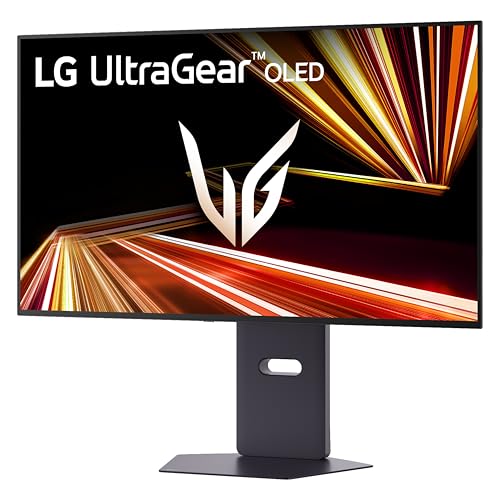
LG 32GX850A-B 32" UltraGear 4K UHD (3840 x 2160) Glossy OLED Gaming Monitor, Dual-Mode 165Hz/330Hz, 0.03ms, G-SYNC, FreeSync Premium Pro, TrueBlack 400, HDMI, DP, Tilt/Height/Swivel/Pivot Stand, Black


As an Amazon Associate we earn from qualifying purchases. Product prices and availability are accurate as of the date/time indicated.
The LG 32GS95UE stands as the benchmark 4K OLED gaming monitor for 2026, combining uncompromised WOLED panel technology with the industry’s most flexible refresh-rate switching. LG’s third-generation WOLED technology produces perfect blacks (0 nits) and pixel-perfect 0.03ms response times across the entire color spectrum—a critical advantage in fast-paced shooters where green or blue pixels often lag behind whites. The monitor’s dual-mode capability (4K@240Hz or FHD@480Hz) means you can toggle between cinematic 4K depth for story games like Baldur’s Gate 3 or competitive FPS titles like Counter-Strike 2 at near-infinite frame rates. Micro Lens Array+ technology boosts perceived brightness to 275 nits typical, with HDR peaks reaching 1500 nits on small windows—essential for HDR content like Alan Wake 2. The 32-inch flat panel offers maximum screen real estate without curved distortion, ideal for productivity work between gaming sessions. Build quality is premium: steel stand, VESA-compatible mounting, and 3-year panel warranty covering burn-in. Minor gripe: at $897–$1,099, it’s pricier than QD-OLED competitors, though the WOLED panel’s superior color transition smoothness justifies the premium.
Key Specs
- Panel: 32″ WOLED, 3840×2160 @ 240Hz (4K mode) or 1920×1080 @ 480Hz (FHD mode)
- Response Time: 0.03ms GtG (guaranteed across all colors)
- Brightness: 275 nits typical, 1500 nits peak HDR on small windows
- Color Gamut: 98.5% DCI-P3, 10-bit color depth
- Connectivity: DisplayPort 1.4, HDMI 2.1, USB hub
- Warranty: 3 years, includes OLED burn-in coverage
- Best For: Cinematic RPGs, HDR movie content, competitive FPS
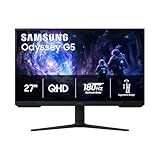
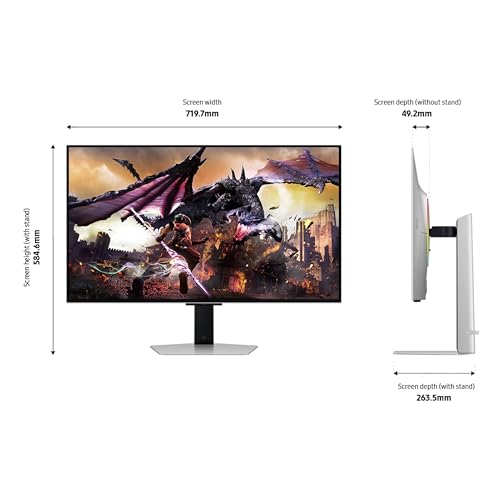
2. Samsung Odyssey OLED G8 (G80SD) 32″ — Best Value 4K OLED Monitor

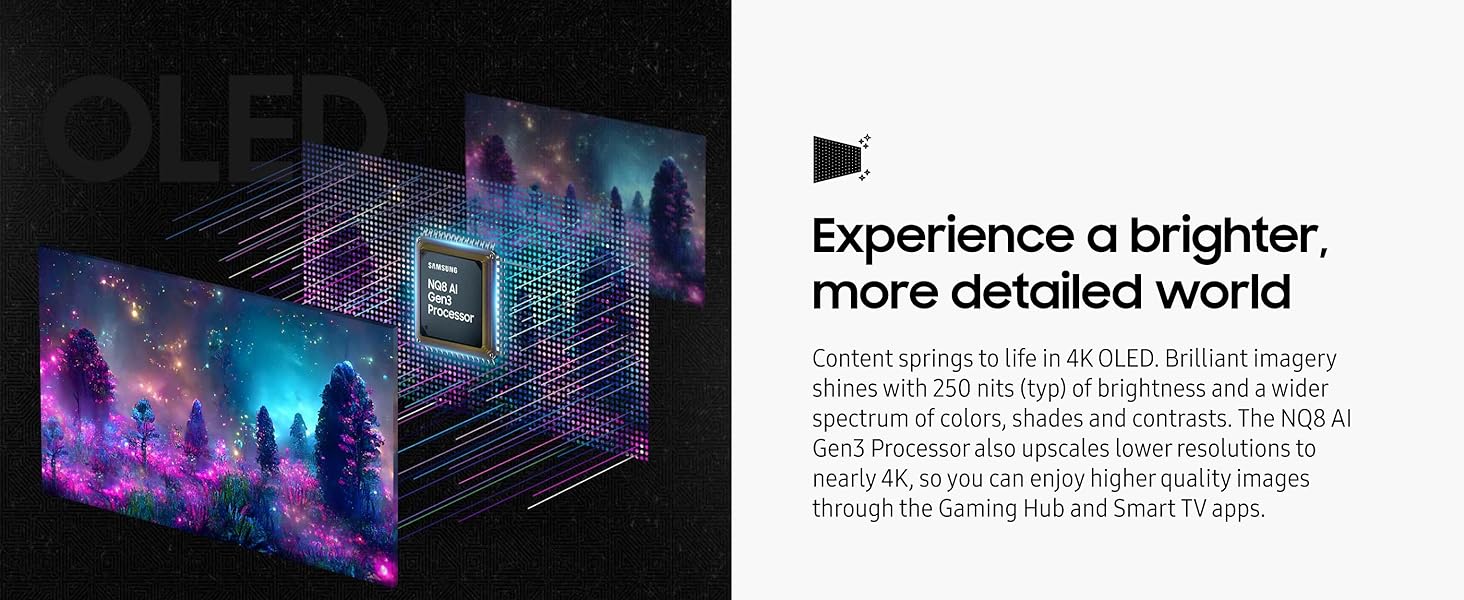
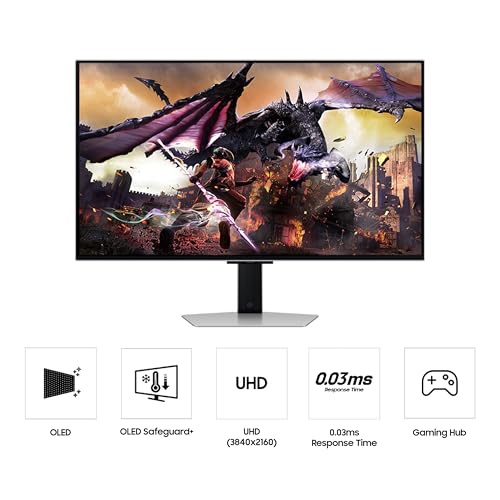
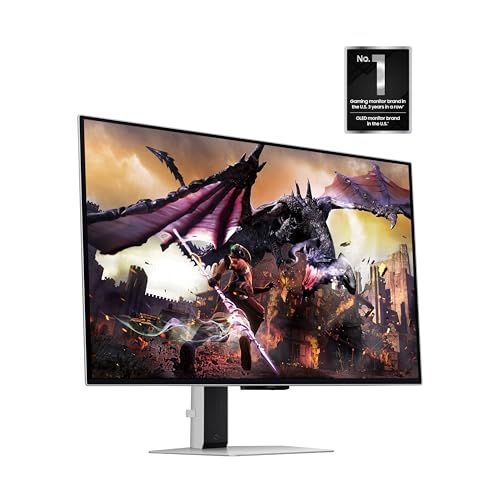
Prime Samsung 32" Odyssey OLED G8 (G80SD) Series 4K UHD Smart Gaming Monitor w QD-OLED, 240Hz 0.03ms, G-Sync Compatible, Glare-Free Display, Sleek Metal Design, LS32DG800SNXZA, 3 Yr Warranty




As an Amazon Associate we earn from qualifying purchases. Product prices and availability are accurate as of the date/time indicated.
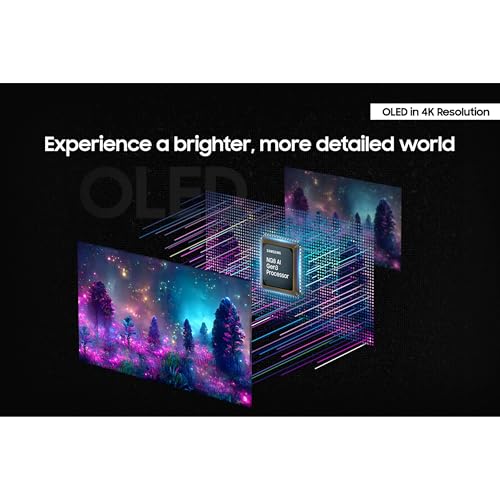
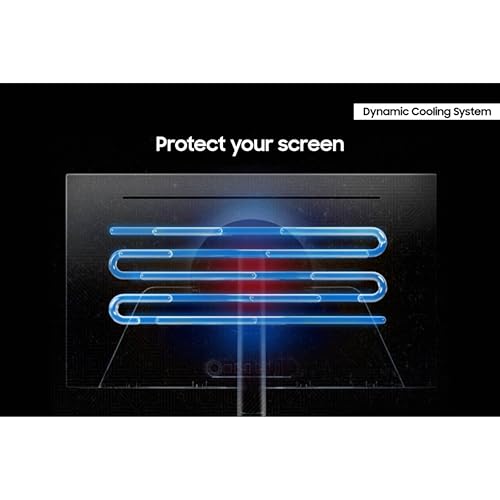
Samsung’s Odyssey OLED G8 represents the best price-to-performance ratio for 4K OLED gaming in 2026. Its third-generation QD-OLED panel rivals LG’s WOLED in speed and color accuracy while undercutting the LG by $150–$300. QD-OLED technology adds quantum dots to organic light-emitting pixels, boosting color volume (brightness within colors) compared to WOLED—meaning reds and yellows shine brighter without washout. The 32-inch flat display is ideal for desk setups, and Samsung’s Dynamic Cooling System (new Pulsating Heat Pipe) dissipates heat 5x more efficiently than older graphite methods, reducing burn-in risk. At 240Hz, the monitor handles modern AAA titles and esports seamlessly; at 0.03ms response time, competitive players see no motion blur even in intense Valorant or CS:GO matches. Gaming Hub integration allows direct app downloads (PlayStation Now, Xbox Game Pass) without a PC, adding living-room flexibility. The glare-free display coating slightly reduces peak brightness (1000 nits vs. LG’s 1500), but still meets HDR1000 spec for HDR workloads. Three-year burn-in warranty mirrors LG’s coverage. For budget-conscious builders, this is the sweet-spot monitor.
Key Specs
- Panel: 32″ QD-OLED, 3840×2160 @ 240Hz, flat
- Response Time: 0.03ms GtG
- Brightness: 250 nits typical, 1000 nits peak (glare-free coating)
- Color Gamut: 99% DCI-P3, 10-bit color
- Cooling: Pulsating Heat Pipe thermal management
- Connectivity: 2× HDMI 2.1, DisplayPort 1.4, USB hub
- Warranty: 3 years, OLED burn-in included
- Best For: Budget-conscious gamers, TV-like living room setup, HDR content
3. ASUS ROG Swift OLED PG32UCDM — Best Premium 4K OLED for Overclocking

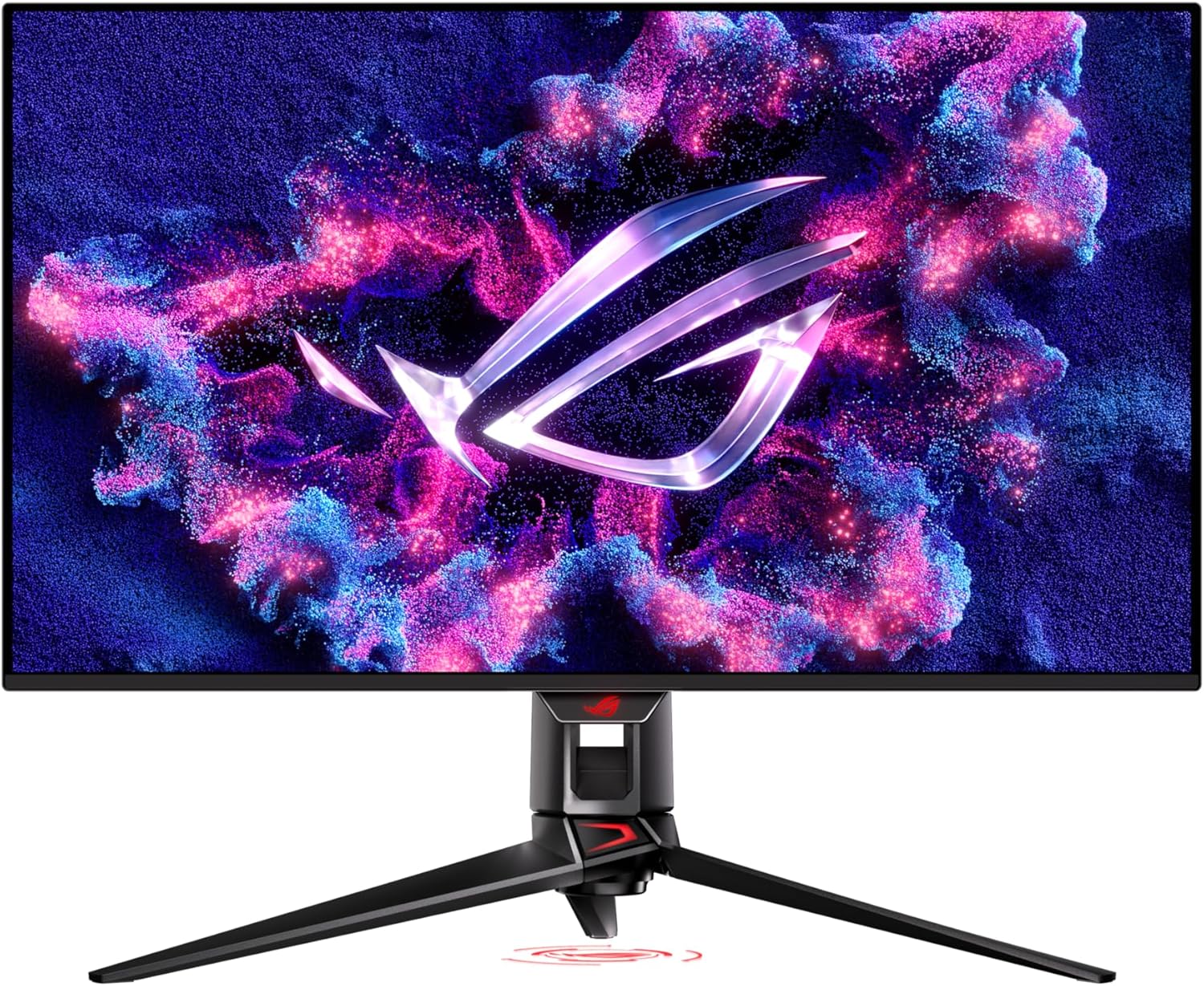
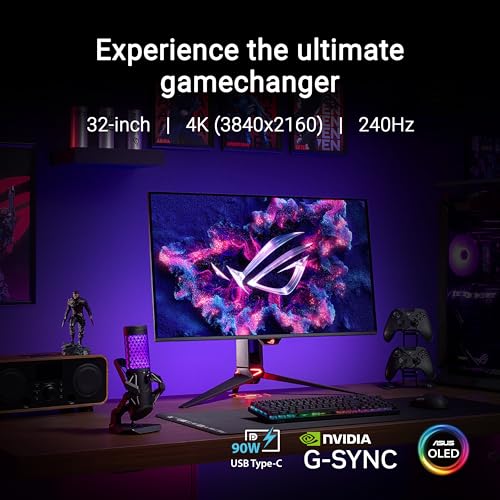
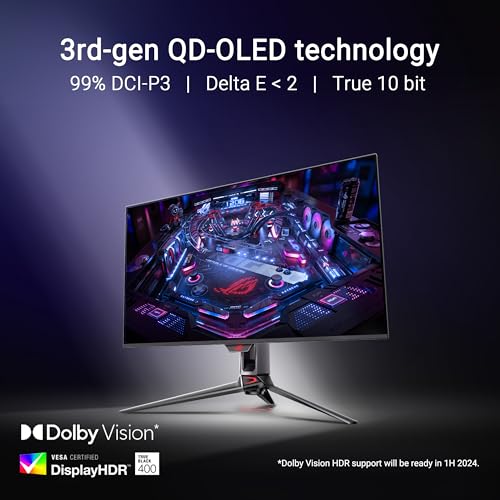
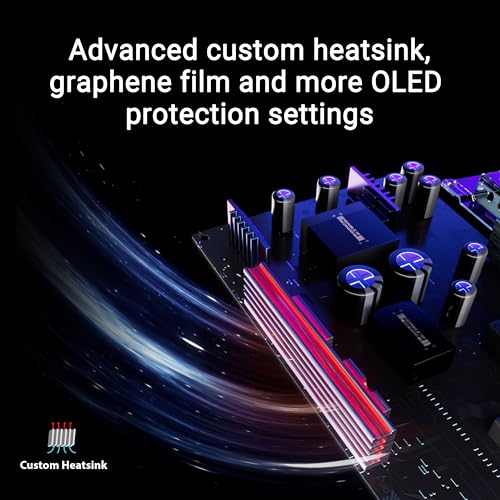
ASUS ROG Swift 32” 4K OLED Gaming Monitor (PG32UCDM) - UHD (3840 x 2160), QD-OLED, 240Hz, 0.03ms, G-SYNC Compatible, Custom Heatsink, Graphene Film, 99% DCI-P3, True 10-bit, 90W USB-C





As an Amazon Associate we earn from qualifying purchases. Product prices and availability are accurate as of the date/time indicated.
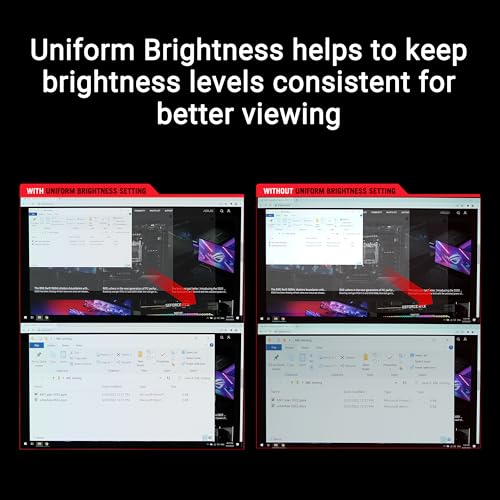
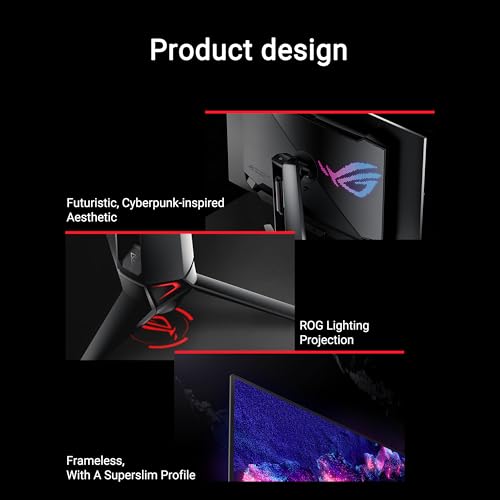
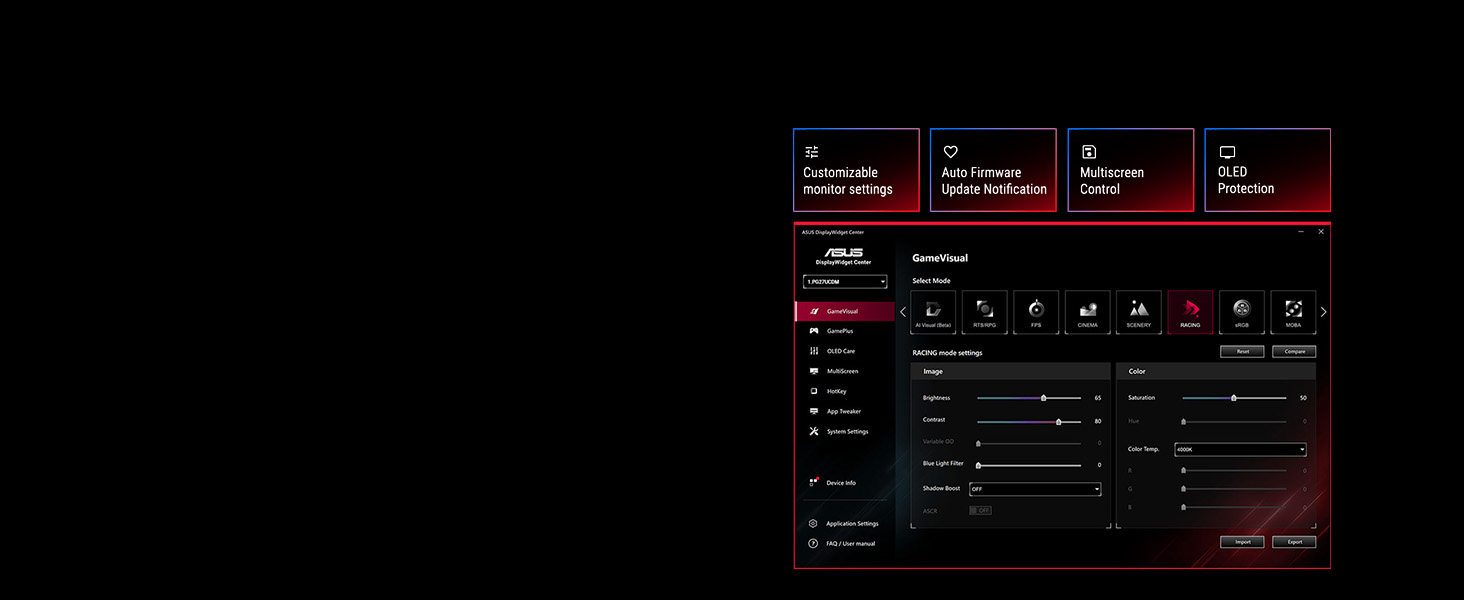
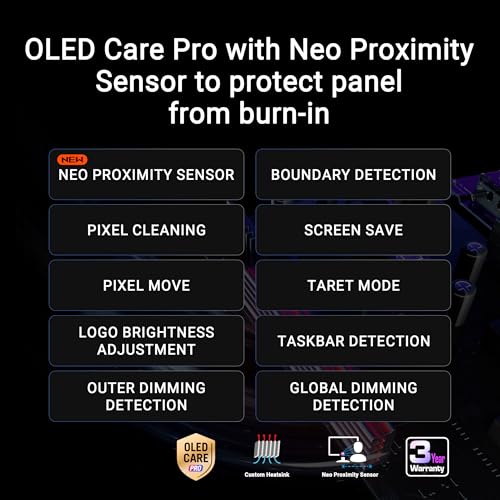
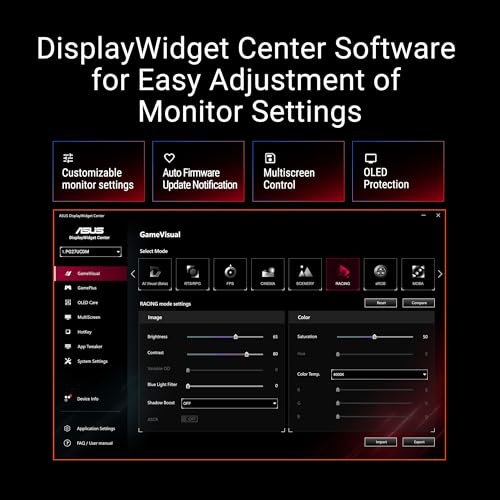
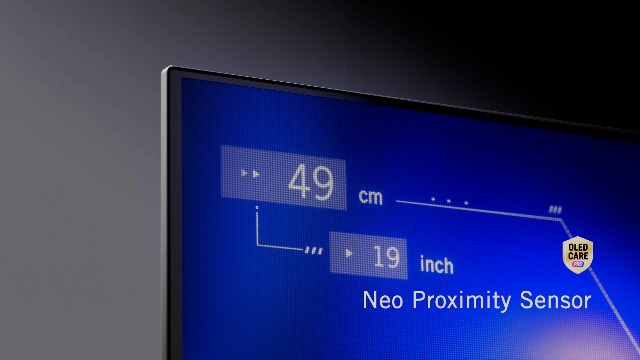
ASUS’s flagship 32-inch 4K OLED monitor targets enthusiasts willing to pay premium for bleeding-edge features. The PG32UCDM uses Samsung’s latest QD-OLED panel paired with ASUS’s proprietary custom heatsink and graphene film—a cutting-edge thermal solution designed to allow safe panel overclocking. The monitor ships with a Neo Proximity Sensor that detects hand proximity to trigger sleep modes, reducing unnecessary OLED aging. DisplayWidget Center software unlocks OLED-specific settings: pixel-shift timing, burn-in protection intensity, and custom color profiles per application. DisplayPort 2.1a with UHBR20 native bandwidth (vs. competitors’ DSC compression) ensures uncompressed 4K 240Hz video—critical for future-proofing. USB-C with 90W Power Delivery simplifies desk cable management, charging laptops while gaming. The flat 32-inch panel delivers cinematic depth without distortion. Build quality is industrial-grade: metal stand, VESA compatible, and sealed against dust ingress. At $1,199–$1,299, it’s the priciest flat 4K OLED, but justifies the cost via overclocking headroom and comprehensive OLED care suite. Ideal for content creators and competitive esports orgs.
Key Specs
- Panel: 32″ QD-OLED, 3840×2160 @ 240Hz, flat
- Response Time: 0.03ms GtG
- Brightness: 250 nits typical, 1000 nits peak
- Color Gamut: 99% DCI-P3, true 10-bit
- Cooling: Custom heatsink + graphene film + Pulsating Heat Pipe
- Special Feature: Neo Proximity Sensor, DisplayPort 2.1a UHBR20 (uncompressed)
- Connectivity: DP 2.1a UHBR20, HDMI 2.1, USB-C 90W PD, USB hub
- Warranty: 3 years, OLED burn-in coverage
- Best For: Overclocking enthusiasts, professional esports orgs, content creators
4. MSI MPG 321URX QD-OLED — Best for Competitive Gaming

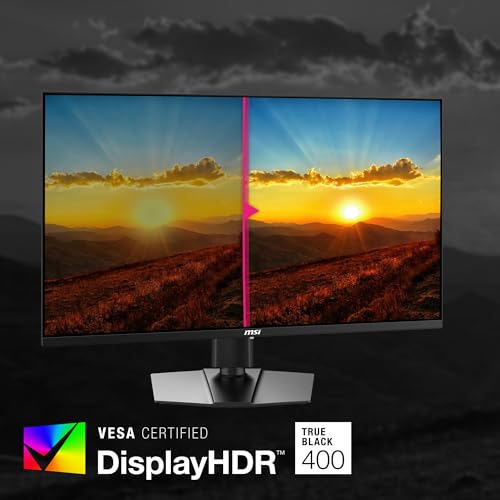
msi MPG 321URX QD-OLED, 32" 4K UHD Quantum Dot OLED Gaming Monitor, 3840 x 2160, 0.03ms, 240Hz, True Black HDR 400, 90W USB Type C, HDMI, DP Port


As an Amazon Associate we earn from qualifying purchases. Product prices and availability are accurate as of the date/time indicated.
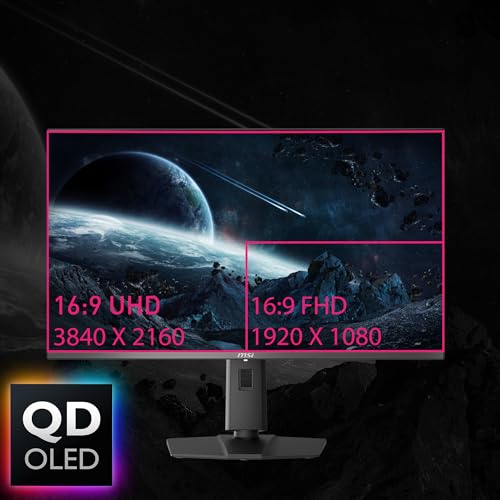
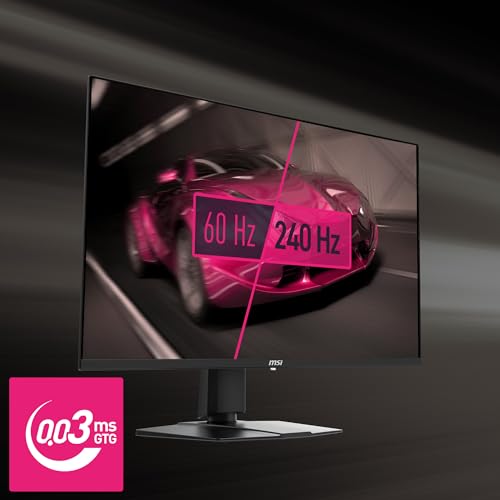
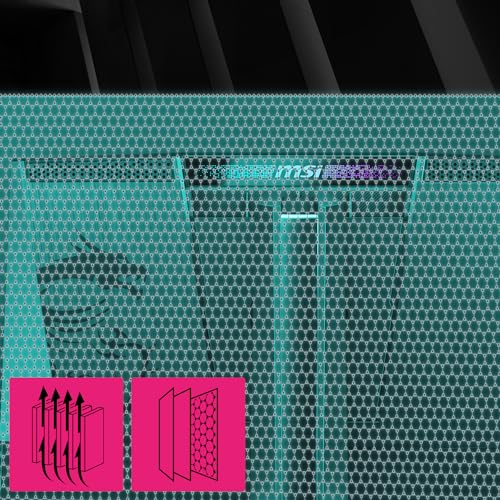
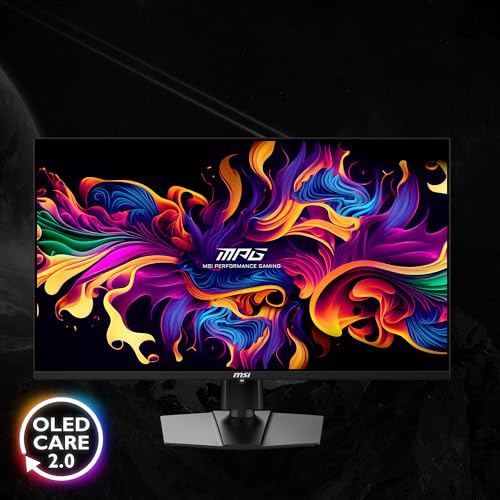
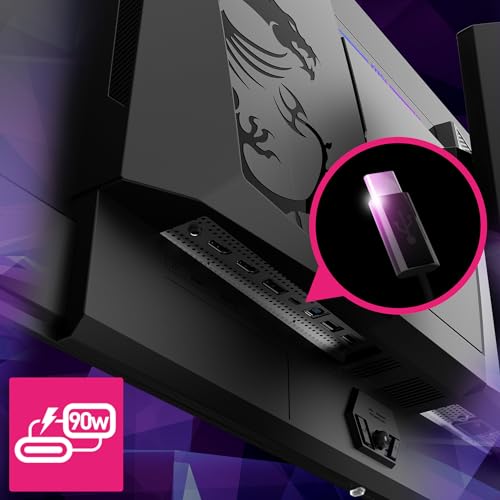
MSI’s MPG 321URX targets esports competitors with a 32-inch flat QD-OLED panel and Gaming Intelligence AI that auto-detects game genres to apply optimized color and response profiles. The zero-compromise spec sheet matches ASUS point-for-point: Samsung QD-OLED, 0.03ms response, 240Hz, and 90W USB-C charging. MSI differentiates via Mystic Light ambient illumination (RGB backlight synced to gameplay), a feature appreciated by streaming teams and esports orgs. OLED Care 2.0 software actively reduces burn-in risk by monitoring pixel usage patterns and applying compensatory shifts—more aggressive than competitor tools. The 3-year burn-in warranty is among gaming’s broadest. Pricing ($999–$1,099) undercuts ASUS while matching Samsung. The only trade-off: MSI’s heatsink, while effective, isn’t as aggressively engineered for overclocking as ASUS’s custom solution. For streamers, competitive players, and RGB enthusiasts, this is the ideal choice. Best paired with RTX 5070 Ti or higher for stable 4K 240Hz gaming.
Key Specs
- Panel: 32″ QD-OLED, 3840×2160 @ 240Hz, flat
- Response Time: 0.03ms GtG
- Brightness: 250 nits typical, 1000 nits peak
- Color Gamut: 99% DCI-P3, 10-bit, 1.07 billion colors
- Special Features: Gaming Intelligence AI, Mystic Light RGB, OLED Care 2.0
- Connectivity: DisplayPort 1.4, HDMI 2.1, USB-C 90W, USB hub
- Warranty: 3 years, OLED burn-in included
- Best For: Esports competitors, streaming teams, RGB-heavy builds
5. Dell Alienware AW3225QF — Best Curved 4K OLED for Immersion
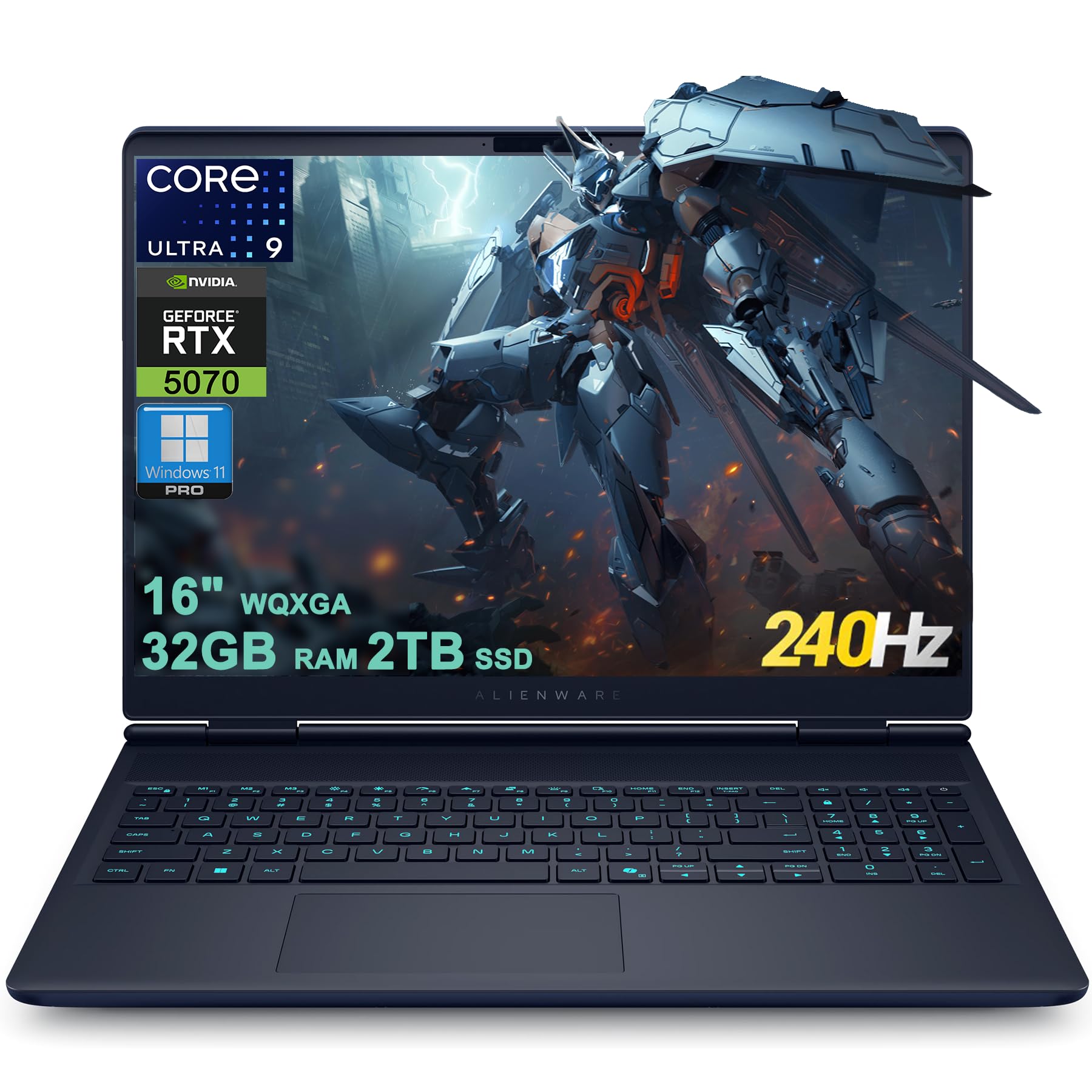
Dell Alienware 16X Aurora Gaming AI Laptop 16" WQXGA 240Hz (100% DCI-P3) Intel 24-core Ultra 9 275HX 32GB RAM 2TB SSD GeForce RTX 5070 (Up to 798 AI Tops) Thunderbolt Win11Pro
As an Amazon Associate we earn from qualifying purchases. Product prices and availability are accurate as of the date/time indicated.
Dell’s Alienware AW3225QF is the only curved 4K OLED gaming monitor in this list, featuring a 1700R curve designed to wrap the player’s field of view and reduce head-tracking latency in competitive shooters. The QD-OLED panel delivers identical speed (0.03ms) and color (99% DCI-P3) as flat competitors, but the curve adds 15–20% perceived immersion in titles like Starfield or Cyberpunk 2077. Alienware’s chief differentiator is Dolby Vision support—one of the first gaming monitors certified for the premium HDR format, enabling enhanced color grading in supported content. Build quality is signature Alienware: aluminum chassis, articulate stand with full adjustment (height, tilt, swivel, pivot), and premium capacitive touch controls. Connectivity includes DisplayPort 1.4 with DSC, dual HDMI 2.1, and eARC for audio passthrough. The 1700R curve doesn’t distort text or UI elements, making it suitable for productivity work. At $1,099–$1,299 with the curve premium, it’s positioned as the prestige choice for gamers who prioritize immersion over flat-screen maximalism. Excellent for single-player AAA games and HDR filmmaking.
Key Specs
- Panel: 32″ (31.6″) QD-OLED, 3840×2160 @ 240Hz, 1700R curve
- Response Time: 0.03ms GtG
- Brightness: 250 nits typical, 1000 nits peak
- Color Gamut: 100% sRGB, 99% Adobe RGB, Dolby Vision certified
- Special Feature: Dolby Vision HDR support (premium format)
- Connectivity: DP 1.4 with DSC, 2× HDMI 2.1, USB-C, eARC audio
- Warranty: 3 years, OLED coverage
- Best For: Immersive single-player gaming, HDR content creators, esports practice
6. ASUS ROG Swift OLED PG27UCDM — Best 27″ 4K OLED for Desk Space

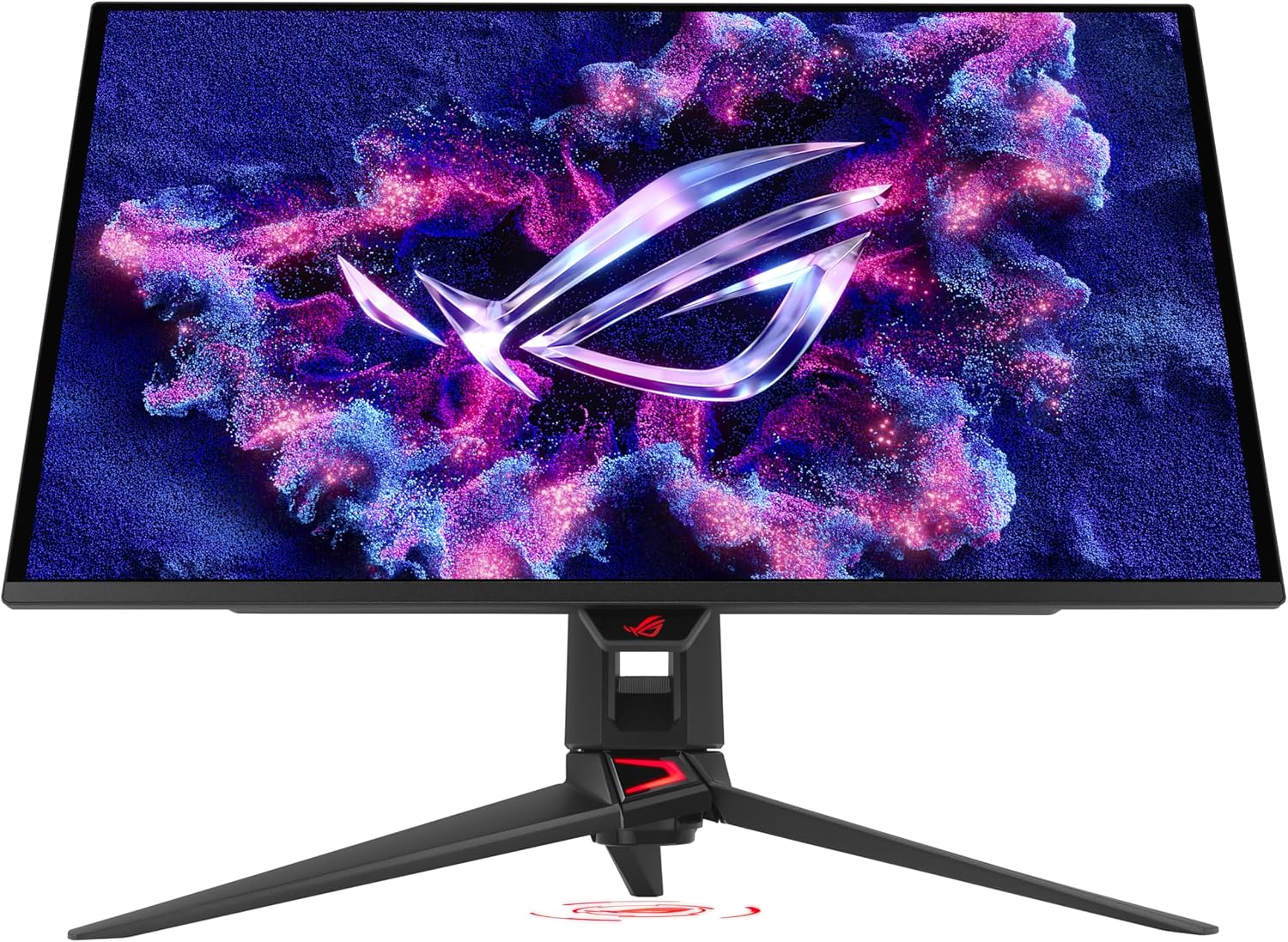
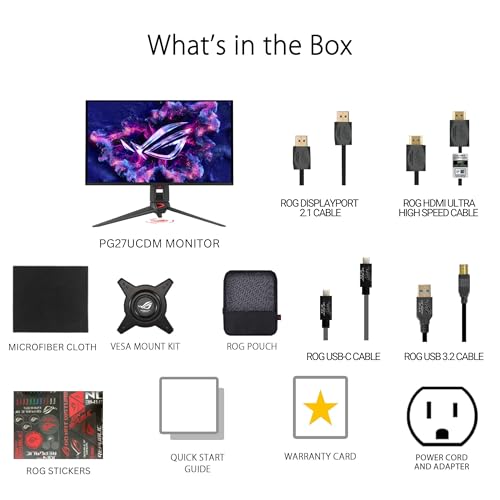
Prime ASUS ROG Swift 27” 4K QD-OLED Gaming Monitor (PG27UCDM) - 240Hz, 0.03ms, Custom Heatsink, Neo Proximity Sensor, G-SYNC Compatible, 99% DCI-P3, True 10-bit color, DisplayPort 2.1a UHBR20, 3 yr warranty











As an Amazon Associate we earn from qualifying purchases. Product prices and availability are accurate as of the date/time indicated.
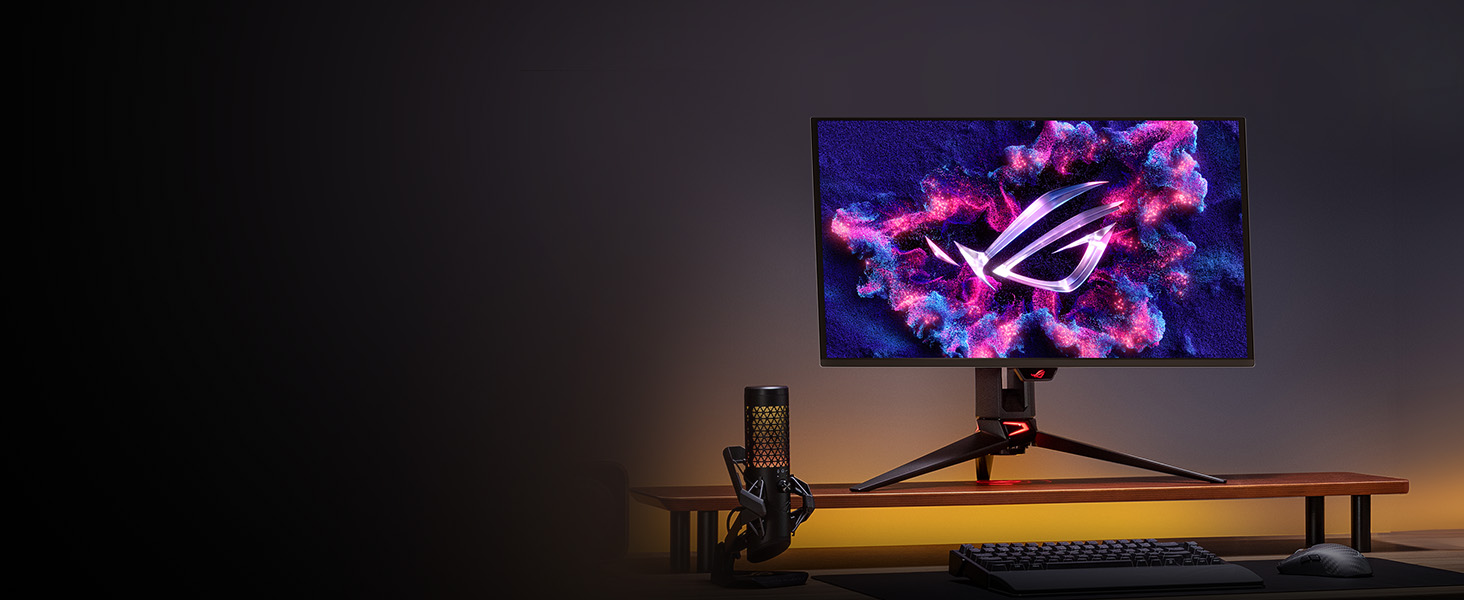
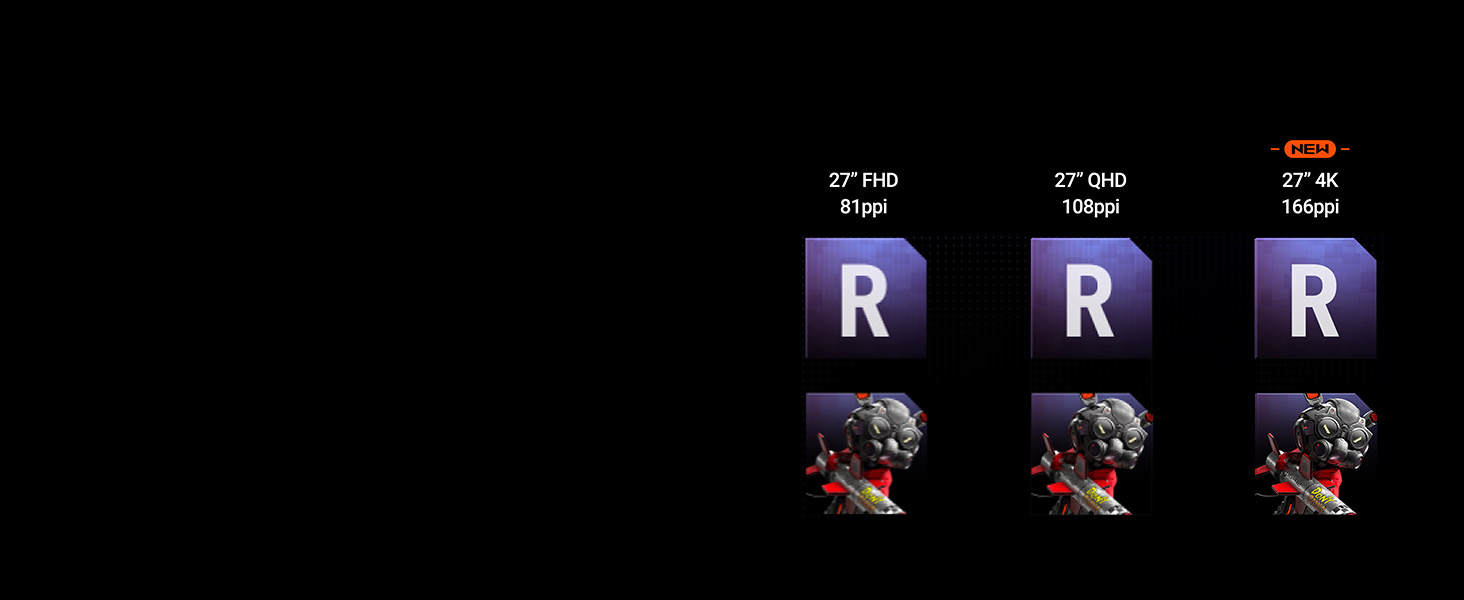
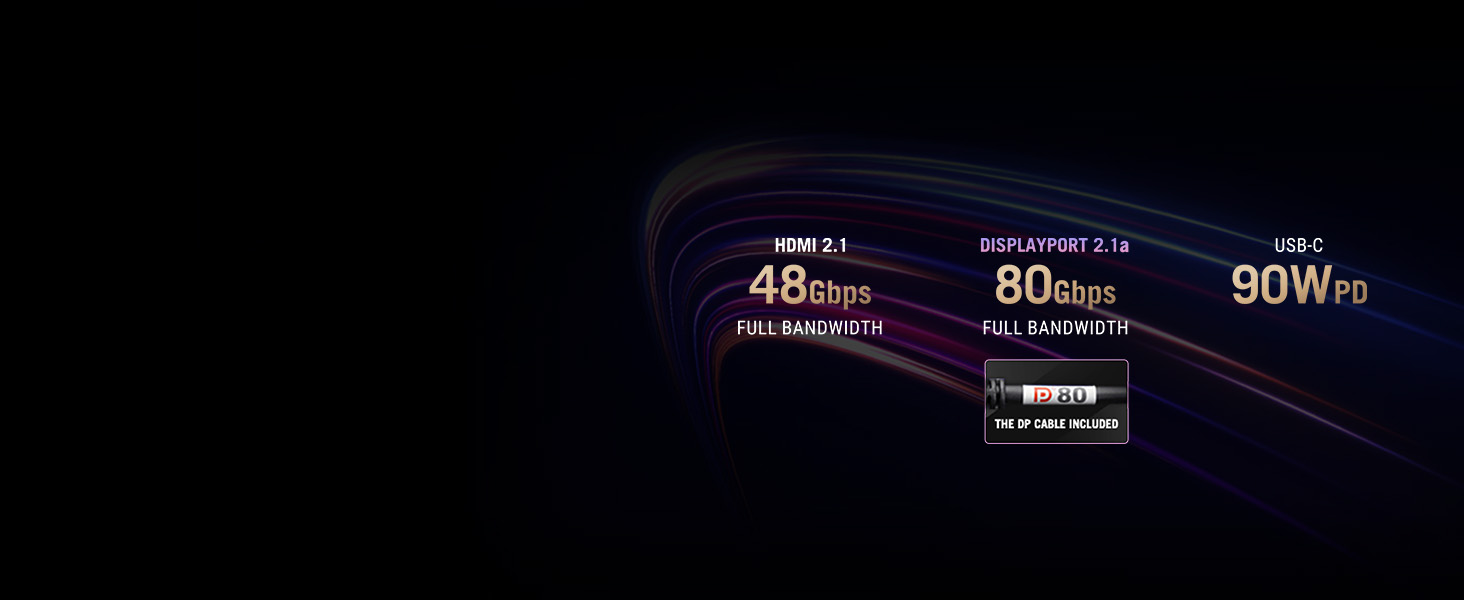
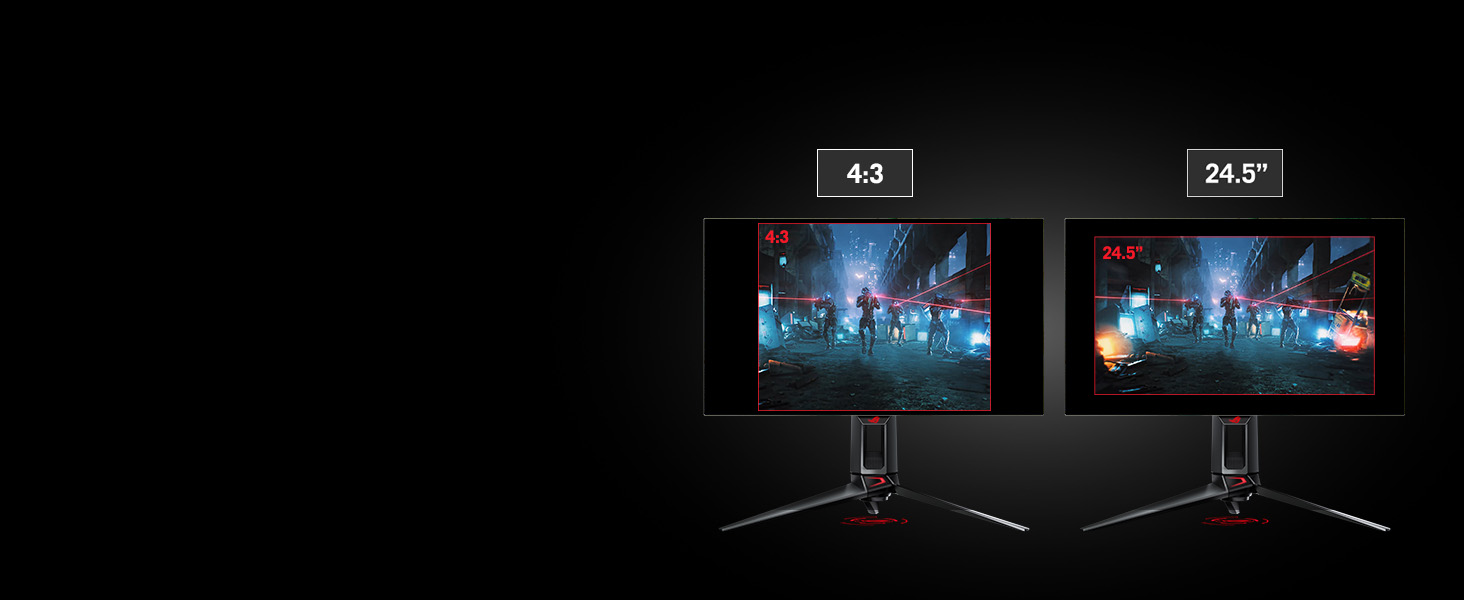
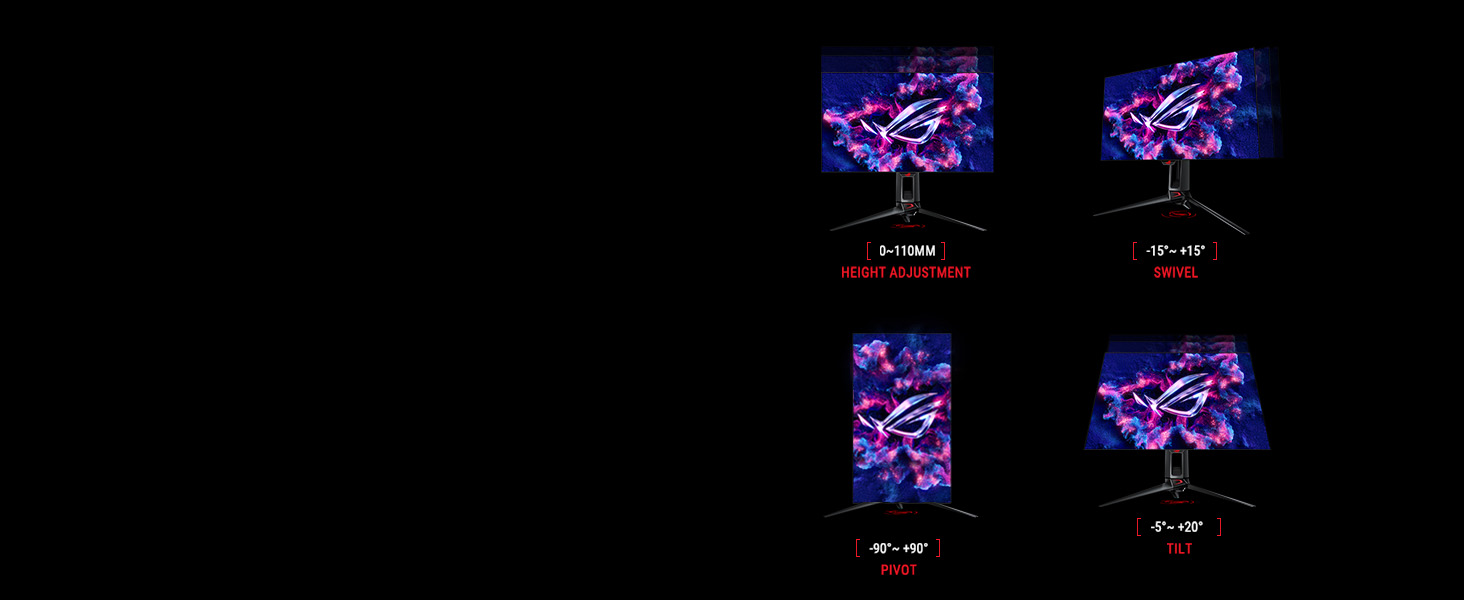
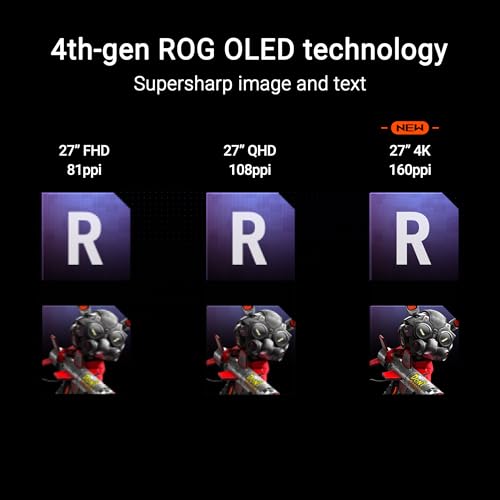
For players with limited desk depth (under 24 inches), the ASUS 27-inch 4K OLED delivers identical speed and color as its 32-inch sibling in a more compact footprint. At 27 inches, 4K resolution translates to 164 PPI—noticeably sharper than 1440p at the same size—making this the sweet spot for esports and single-player gaming. The QD-OLED panel achieves 0.03ms response times with DisplayPort 2.1a UHBR20 native support (uncompressed 4K 240Hz). Custom heatsink and graphene film mirror the 32-inch model’s overclocking potential. USB-C 90W PD simplifies laptop charging during gaming sessions. The flat screen poses zero distortion risk. At $799–$999, it’s $200–$300 cheaper than the 32-inch while maintaining identical performance—best value per inch. Ideal for competitive FPS players, esports training facilities, and streamers with tight desk constraints. Pairs well with RTX 5070 or higher for stable 4K 240Hz output.
Key Specs
- Panel: 27″ QD-OLED, 3840×2160 @ 240Hz, flat, 164 PPI
- Response Time: 0.03ms GtG
- Brightness: 250 nits typical, 1000 nits peak
- Color Gamut: 99% DCI-P3, 10-bit true color
- Connectivity: DisplayPort 2.1a UHBR20, HDMI 2.1, USB-C 90W, USB hub
- Warranty: 3 years, OLED burn-in coverage
- Best For: Esports competitors, desk-constrained setups, competitive FPS
WOLED vs. QD-OLED: Which Panel Should You Choose?
Both WOLED (white sub-pixel + color filters, used by LG) and QD-OLED (quantum dots + organic emitters, used by Samsung/ASUS/MSI/Dell) deliver 0.03ms response times and perfect blacks. The practical differences in 2026:
- Color Volume: QD-OLED reds and yellows are noticeably brighter (higher nits within color). WOLED excels at color accuracy and smooth gradation (no banding).
- Peak Brightness: WOLED reaches 1500 nits on small HDR windows; QD-OLED peaks at 1000 nits (though sufficient for HDR1000 spec).
- Burn-in Risk: Both technologies employ pixel-shifting and panel redundancy. Real-world burn-in is rare on 2026 models with proper use. QD-OLED has marginally longer theoretical lifespan (~100k hours vs. 90k for WOLED).
- Cost: QD-OLED monitors are $100–$300 cheaper than WOLED for equivalent specs, making QD-OLED the practical choice for most gamers.
- Recommendation: If budget allows, get QD-OLED (Samsung, ASUS, MSI, Dell). If you prioritize color smoothness and peak HDR brightness, LG’s WOLED commands a premium.
Burn-In Concerns in 2026: Reality Check
OLED burn-in was a legitimate risk 4–5 years ago, but 2026 panels have evolved significantly. Here’s what changed:
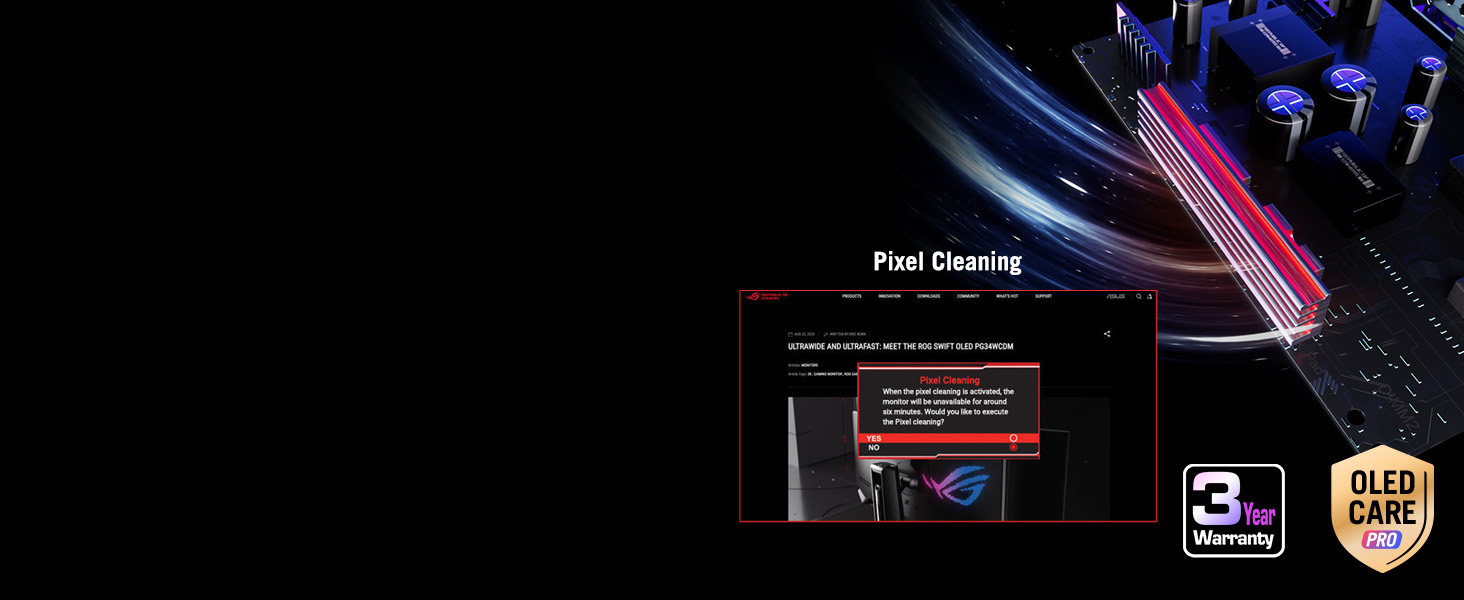
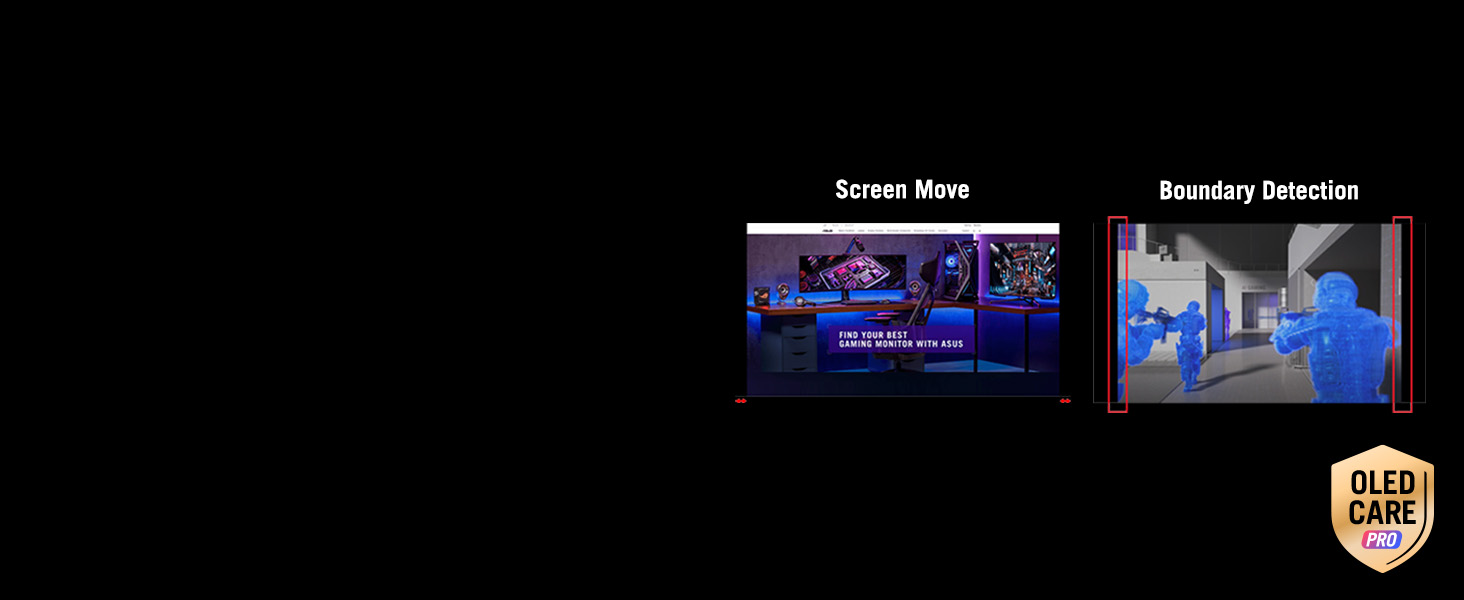
- Pixel-Shifting: All premium OLED monitors automatically shift pixels 1–2 positions on a timer (imperceptible to humans) to distribute aging wear evenly. Disabling this is unsafe.
- Panel Redundancy: Manufacturers include spare sub-pixels (~5% extra) to compensate for aging. By the time noticeable burn-in occurs, panels have reached 15,000+ hours of use.
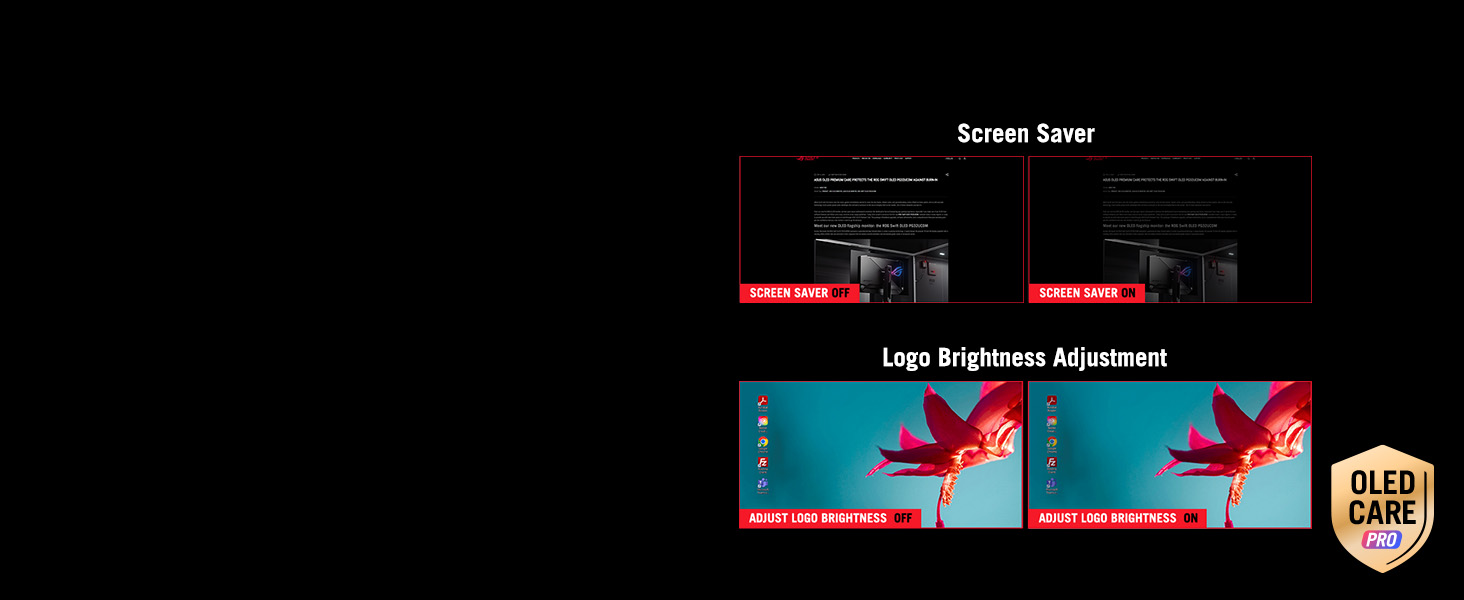
- Screen Savers: Windows 11’s built-in screensaver activates after 10 minutes of idle, preventing static images from damaging pixels. Disabling it is risky.
- Warranty Coverage: All 2026 models include 3-year panel warranties covering burn-in. If burn-in occurs under normal use (gaming, content creation), it’s replaceable.
- Real Risk: Burn-in is most likely with 24/7 static images (task bar, HUD overlays at max brightness). Gaming with varied scenes is safe. Competitive players who leave pause menus on for hours risk burn-in, but mitigation is simple: enable screen saver + pixel-shift.
- Bottom Line: For normal gaming (20–40 hours per week), OLED burn-in is less likely than LCD backlight failure. Don’t stress; just enable pixel-shifting and screensaver.
GPU Requirements for 4K 240Hz Gaming in 2026
To actually achieve 4K 240Hz native gaming (not faked frame counting), you need a dedicated graphics card with DisplayPort 2.1 output and sufficient VRAM. Here’s what works:
- NVIDIA RTX 5070 Ti: Minimum for consistent 4K 240Hz in modern AAA games with ray-tracing. Expect 150–200 FPS in esports titles (CS:GO, Valorant) with max settings.
- NVIDIA RTX 5090: Absolute top tier. 240+ FPS stable in nearly all titles at max settings, including ray-traced AAA games like Cyberpunk 2077.
- AMD RX 9080 XT: RDNA4 flagship, comparable to RTX 5070 Ti. Requires RDNA4-aware driver support for optimal 4K 240Hz performance.
- Real-World Expectations: Most gamers pair 4K OLED monitors with RTX 5070 (non-Ti), accepting 100–180 FPS in AAA games with DLSS 4. Esports titles (100–300 FPS) aren’t constrained by GPU at 4K.
- CPU Pairing: Pair with Intel Core Ultra 9 or AMD Ryzen 9 9950X to avoid bottlenecks. Older CPUs (i7-13700K, Ryzen 7 7700X) still work but leave 10–15 FPS on the table.
- PSU Requirement: RTX 5070 Ti systems need 850W+ power supplies; RTX 5090 systems require 1000W+ (refer to our best PSU guide for gaming). Ensure 80+ Gold certification for efficiency.
- RAM: 32GB DDR5-6000 recommended. See our DDR5 RAM buyer’s guide for latency-optimized kits.
Frequently Asked Questions
Is OLED burn-in actually a real concern in 2026?
No—not for typical gaming use. Modern OLED panels employ pixel-shifting, panel redundancy, and 3-year warranties. Burn-in is only a risk if you leave static images (paused games, desktop icons) on at max brightness for 8+ hours daily without screensaver enabled. Gaming with varied scenes and proper screensaver settings makes burn-in extremely unlikely. If it does occur within 3 years, your warranty covers replacement.
Is 4K OLED good for HDR content creation and editing?
Yes, excellent. All 2026 4K OLED monitors support 10-bit color depth, HDR10, and 99%+ DCI-P3 gamut—meeting professional standards for color grading. Dell’s AW3225QF adds Dolby Vision support (premium HDR format). However, OLED brightness (250–1000 nits) is lower than professional editing monitors (1000+ nits). For professional color-critical work, pair with hardware calibration tools (X-Rite ColorLogic). For casual HDR video work, 4K OLED is perfect.
Glossy vs. Matte coating on 4K OLED: which is better?
LG and ASUS use semi-glossy (low-haze) coatings, while Samsung uses glare-free (matte). Glossy coatings boost perceived brightness and color saturation by 5–10% but risk reflections from desk lamps. Matte coatings eliminate reflections but slightly reduce perceived brightness. For gaming in dark rooms (ideal for OLED), glossy is superior. For bright offices, matte is safer. Most gamers prefer glossy for color vibrancy.
What GPU do I actually need for 4K OLED gaming?
For 240Hz 4K gaming in AAA titles (ray-traced), RTX 5070 Ti or RX 9080 XT is the practical minimum. Budget 30–50% of your monitor cost on GPU; a $1,000 monitor deserves a $500–$700 graphics card. Pair with RTX 4060 Ti or RX 7600 if playing older esports titles (Valorant, CS:GO), which easily achieve 240+ FPS. Avoid RTX 4060 (non-Ti) for 4K gaming; it’ll cap at 60–80 FPS in AAA games.
32″ vs 27″ 4K OLED: which should I buy?
Buy 32″ if: desk depth ≥24 inches, you play immersive single-player games, or you use your monitor for productivity. 32″ offers maximum visual impact and reduced eye strain.
Buy 27″ if: desk space is tight (<24″ depth), you play competitive FPS (faster head tracking), or you want best value per dollar. 27″ 4K delivers 164 PPI, sharp enough for text work while optimizing response time perception in esports.
For most gamers, 32″ is the sweet spot in 2026.
Conclusion: The Best 4K OLED Gaming Monitor for You
4K OLED gaming monitors have matured into essential hardware for enthusiast builds in 2026. The LG UltraGear 32GS95UE leads for all-rounder gamers seeking the smoothest colors and highest peak brightness. Samsung’s Odyssey G8 offers the best value at $300 less. ASUS and MSI rival each other on specs; choose ASUS for overclocking headroom, MSI for streaming. Dell’s curved AW3225QF caters to immersion seekers. For desk-constrained players, ASUS’s 27″ PG27UCDM is unbeatable. All six monitors deliver 0.03ms response times, perfect blacks, and 3-year burn-in warranties—making the choice largely dependent on your budget and desk setup. Pair your choice with RTX 5070 Ti+ and 32GB DDR5-6000 for an unforgettable 4K gaming experience.
Related Articles
Looking for more on this topic? Browse the hand-picked guides below — each one applies the same scoring rubric used in this review.