Tinykin is a 3D collectathon platformer from Splashteam, published by tinyBuild and released on 30 August 2022. The player guides a shrunken explorer through an oversized house, recruiting the tiny creatures of the title to carry objects and build ladders. Linux players meet this game through compatibility listings that look friendlier than the underlying record, so the useful question is narrow: what does Steam actually ship?
The answer sits in three places: the platform flags on the store record, the requirements fields under them, and the depot table that decides what an install downloads. For Tinykin those layers point the same way, while two nearby signals — a soundtrack listing and a community database heading — point the other way. This article reads each layer separately.
As an Amazon Associate, we earn from qualifying purchases.
Quick answer
No. Tinykin has no native Linux build on Steam. The store record flags Windows only, the Linux requirements field is an empty list, and the depot table holds a single Windows content depot, so Linux players run the Windows build through Proton. That route is well documented: ProtonDB rates it Platinum across 32 reports, and Valve rates it Deck Verified.
What the store record actually ships
Steam’s appdetails record for app 1599020 names the game Tinykin, developer Splashteam, publisher tinyBuild, released 30 August 2022. Its platform flags read windows true, mac false, linux false. Categories include Single-player and Full controller support, across the Action, Adventure and Indie genres. The Windows requirements field is populated at its minimum tier: a 64-bit copy of Windows 7, 8 or 10, 2 GB of RAM, 2 GB of storage and a DirectX-compatible sound card; no recommended tier is published.
Against that, the Linux requirements field is an empty list outright — no headings, no values. The Mac field is empty in the same way, under a false flag. SteamDB’s osarch and osextended lines are both empty strings, so no architecture value is claimed.
The depot table settles what the paperwork leaves open. It holds exactly one game content depot, 1599021, named Tinykin Content and sized 4.33 GiB; SteamDB’s filtered total for Windows, English, with no DLC depots is the same 4.33 GiB, so the Windows build is the whole delivery. The only other depot attached is the art book’s. No Linux or macOS depot exists in any branch. The public branch sits on build 10185644, dated 20 December 2022. Two gaps belong on the record as gaps: the store record publishes no DRM notice and no external account notice, so this article claims neither.
The family sweep: the flag lives on the soundtrack
The game’s DLC array holds exactly two apps, each read on its own record. The Tinykin Soundtrack (2110850, type music, released the same day as the game) flags all three platforms true — Windows, Mac and Linux — while its Linux requirements field is an empty list outright. A bare flag on an audio product, with no requirements text and no game build behind it, is the classic soundtrack trap: it says the music files can be sold to anyone, not that the game runs anywhere. It is named here so nobody leans on it, and the not-native case never touches it.
The second app, the Tinykin Artbook (2110960), flags Windows only, Mac and Linux both false; its depot, 83.66 MiB, is the one extra depot in the game’s table. So the family count is one Linux flag in two records, and it belongs to the soundtrack. The game’s own record — false flag, empty field, one Windows depot — carries the verdict alone.
Anti-cheat, from three separate sources
Tinykin is single-player, so anti-cheat is a short check, but it was run three ways with the sources kept separate. Steam’s record names no anti-cheat and carries no notices. SteamDB’s detected technologies are the Unity Engine, the Game Development Kit SDK, the Mono SDK, SteamworksNET, UnityURP, the Wwise SDK and the cURL SDK — engine, audio and networking plumbing, nothing that polices players. Are We Anti-Cheat Yet, checked across its full 1,167-game dataset by name and app id, carries no entry for this game. Three sources, three negatives.
The Proton file: Platinum, under a heading that overreaches
ProtonDB’s summary API answered in full this session. Headline, best-reported and trending tiers are all Platinum, across 32 reports, with confidence rated strong at 0.8. That is the grade for the Windows build under Proton, claimed here at exactly that size.
The game’s ProtonDB page, however, displays a Natively Supports heading above its requirements block. Steam’s record contradicts that heading on every layer: a false Linux flag, an empty Linux field and no Linux depot in any branch. Every report beneath the heading names a Proton version, which is what a Proton file for a Windows build looks like. This article follows Steam; the heading is a stray classification, not evidence of a port.
The report texture matches the grade. Recent reports on Proton 9 and 10 describe out-of-the-box play, including full completions and long Deck sessions. The recurring blemish belongs to the Proton 7 era, where several reporters found cutscenes failing on stock builds and fixed them with a community GE-Proton build; that complaint fades from the newer reports.
Steam Deck: Verified, on paperwork from an earlier build
Valve’s own compatibility endpoint answered directly this session. It resolves Tinykin to category 3, Verified, with all four checks passing: full functionality under the default controller configuration, matching controller glyphs, legible interface text, and a default graphics configuration that performs well. SteamOS resolves separately to Compatible.
The dated paperwork behind the badge, read from SteamDB’s republication of Valve’s compatibility data, was tested on 20 September 2022 against build 9446399, with a recommended runtime of proton-stable. That runtime line matters: the badge certifies the Windows build under Proton, not a native build. The paperwork also predates the current branch build — the public branch now serves build 10185644 from December 2022 — so the test sheet describes an earlier build than the one an install downloads today.
The GOG shelf: an edition exists, and it is Windows-only
GOG sells Tinykin. The ruling rests on GOG’s own records, not on its search endpoints, which returned nothing for the name: the live product page carries the same description text as Steam’s record, and GOG’s product API record (product 1129992472, slug tinykin) states its compatibility as Windows true, Mac false, Linux false. The page’s works-on line names Windows alone. So the GOG edition mirrors Steam’s: a real second storefront, the same Windows-only build.
Hardware that suits a Proton platformer
The picks below follow the record’s shape: a Verified handheld, two pads, a desk mouse, and fast library storage.
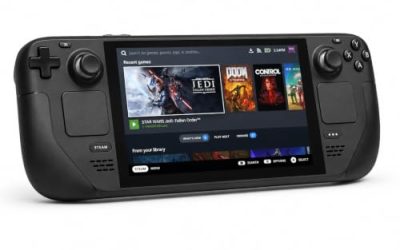
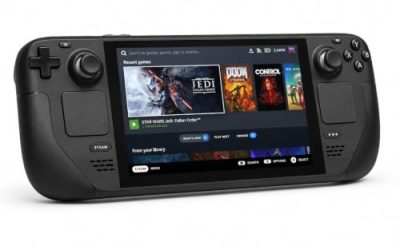
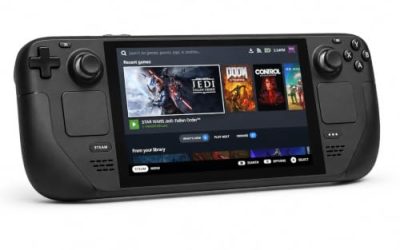
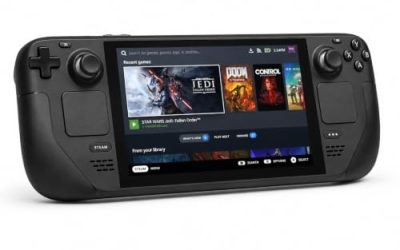
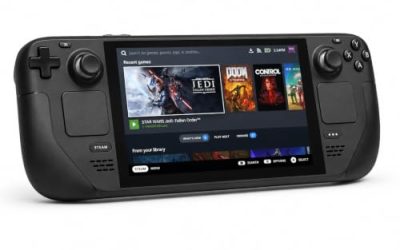
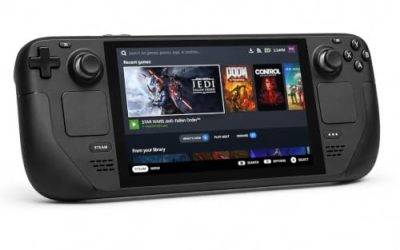
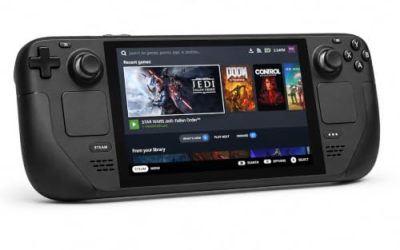
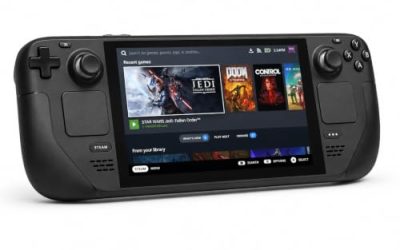
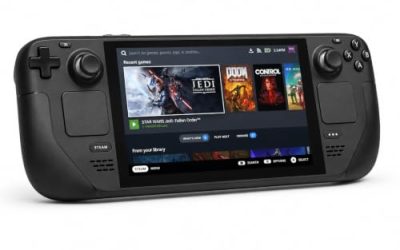
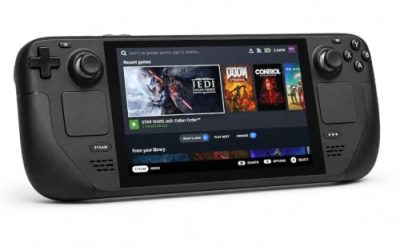
Valve Steam Deck OLED 512GB

The handheld this game’s badge was written for. Tinykin is Verified with every check passing, its Windows requirements are light next to the Deck’s APU, and the community file is thick with clean Deck reports.
Specs
- Display: 7.4-inch HDR OLED, 1280 by 800, up to 90 Hz
- Processor: AMD Zen 2 and RDNA 2 custom APU
- Memory: 16 GB LPDDR5
- Storage: 512 GB NVMe, plus a microSD slot
- Wireless: Wi-Fi 6E and Bluetooth
- Channel note: Valve sells the Deck mainly through its own store, so Amazon listings are third-party sellers
8BitDo Ultimate 2 Bluetooth Controller

The docked and desktop pad pick. Steam lists full controller support for Tinykin, and this pad covers the couch case with modern sticks and triggers plus back buttons for menu shortcuts.
Specs
- Connectivity: Bluetooth wireless and USB-C wired
- Joysticks: TMR electromagnetic, anti-drift design
- Triggers: Hall effect, with mode switching
- Extras: two remappable back buttons, motion control
- In the box: charging dock included
Xbox Wireless Controller, Carbon Black

The safest guest pad in PC gaming: Steam Input support is universal, the glyphs match what most games display, and it pairs over Bluetooth or its own wireless standard.
- Connectivity: Xbox Wireless and Bluetooth
- Port: USB-C for wired play
- Controls: hybrid D-pad, dedicated Share button
- Power: AA batteries or optional rechargeable pack
Logitech G502 HERO

A 3D platformer lives on a pad, but desktop players get precise camera nudges and fast menu clicks from a wired mouse. Eleven programmable buttons cover the confirm, cancel and camera inputs a long session repeats.
Specs
- HERO optical sensor, up to 25,600 DPI
- 11 programmable buttons
- Adjustable weight system
- Wired USB connection
- On-board memory profiles
Samsung T9 Portable SSD 2TB

For moving a Linux game library between machines, or keeping an offline backup of installers, a fast USB-C drive is the simple answer. The headline figure needs a Gen 2×2 host port; on a lesser port the drive runs at that ceiling instead.
Specs
- Capacity: 2 TB portable SSD
- Interface: USB 3.2 Gen 2×2, USB-C connector
- Maker-rated speeds: up to 2,000 MB per second read, 1,950 MB per second write
- Features: Dynamic Thermal Guard, maker-rated drop resistance
How to choose
Choose either storefront on the terms each publishes: Steam and GOG sell the same Windows-only build, so the choice is library preference, not Linux support. On a Linux desktop, install through Steam and leave Proton at its default first; the Platinum file says current builds handle the game without tinkering. If an older Proton version resurfaces the cutscene fault the early reports describe, a community GE-Proton build is the fix those reporters used. On the Deck, install and launch: Verified means the default configuration is the tested one, and a gamepad is the intended input on every route.
Who should skip
Skip this purchase if a native Linux binary is a condition rather than a preference: none exists on either storefront, and neither record hints at one. Skip it if the soundtrack’s three-platform flag or the community page’s heading convinced you a port exists — those are the two traps disarmed above, and buying on their strength means buying a misunderstanding. Mac players should skip as well; both storefronts flag Mac false. And if your Deck rule is paperwork written against the current build, note the test sheet predates the December 2022 branch build.
FAQ
Is Tinykin native on Linux?
No. Steam flags Linux false, the Linux requirements field is an empty list, and the depot table holds a single Windows content depot of 4.33 GiB. The only Linux flag in the family sits on the soundtrack, an audio product with empty fields, which proves nothing about the game.
How well does Tinykin run under Proton?
ProtonDB’s summary rates it Platinum as headline, best-reported and trending tier, across 32 reports with strong confidence. Recent reports describe out-of-the-box play on Proton 9 and 10; the cutscene failures in older reports were tied to Proton 7-era builds, with a community GE-Proton build as the reported fix.
Is Tinykin Steam Deck Verified?
Yes. Valve’s endpoint resolves the game to Verified, all four checks passing, and SteamOS separately to Compatible. The paperwork was tested in September 2022 against build 9446399 with proton-stable recommended, and predates the current branch build from December 2022.
Can I buy Tinykin on GOG for Linux instead?
No. GOG sells the game, and its own product record lists compatibility as Windows only, Mac and Linux both false. The GOG edition is the same Windows build: it changes the storefront, not the platform answer.
Final verdict
Tinykin’s Linux status is a clean negative with a comfortable workaround. The store record, the requirements fields and the depot table agree that only a Windows build exists; the soundtrack’s flag and ProtonDB’s stray heading are paperwork, not ports. What Linux players get instead is unusually well certified: a Platinum Proton file on strong confidence and a Verified Deck badge. Buy it for the Proton route with eyes open — the record says that route is the tested one.
Product and ASIN Reference
| Product | ASIN |
|---|---|
| Valve Steam Deck OLED 512GB | B0CQ3RWQQZ |
| 8BitDo Ultimate 2 Bluetooth Controller | B0F194QFT2 |
| Xbox Wireless Controller, Carbon Black | B08DF248LD |
| Logitech G502 HERO | B07GBZ4Q68 |
| Samsung T9 Portable SSD 2TB | B0CHFS9K14 |