KONAMI’s eFootball, the free-to-play football game that replaced the Pro Evolution Soccer line on PC, has never shipped a Linux build. Steam’s record for app 1665460 flags exactly one platform, and the delivery data underneath agrees at every layer this series checks: the depots, the requirements fields, the icon registry and the store notices.
That makes this a Proton question, and for an always-online competitive title the Proton question is really an anti-cheat question. The store record itself names nothing; the anti-cheat is named one layer down, by SteamDB’s record field, and the practical evidence sits in a large community file.
As an Amazon Associate, we earn from qualifying purchases.
Quick answer
eFootball is not native on Linux: Steam’s record flags Windows alone, the Linux requirements field is an empty shell, and every depot is a Windows build. The working route is Proton: ProtonDB settles at Gold across 168 reports, Valve rates the game Playable on Steam Deck, and the copy is free to play on Steam.
What Steam’s record actually sells
The appdetails record for eFootball (app 1665460) names KONAMI as both developer and publisher, gives a release date of 29 September 2021, and marks the game free to play. That matters for reading the rest of the record: there is no price overview and no package groups, which for a paid game would be a delisting shape. Here it is simply the free-to-play shape, confirmed by the record’s own is_free flag, and the game remains live.
The platform flags read Windows true, Mac false, Linux false. The Windows requirements are genuinely populated at both tiers: a minimum of Windows 11 64-bit, a Core i5-2300 or FX-4350, 8 GB of memory, a GeForce GTX 660 Ti or Radeon HD 7790 and 70 GB of storage, rising to a Core i5-7600 or Ryzen 5 1600 with a GTX 1060 or RX 590 recommended. The Linux requirements field, by contrast, is the empty-shell shape: Minimum and Recommended headings over empty lists. The Mac field is the same shell.
The depot census closes the question. Every content depot is configured for Windows 64-bit: the main content depot at roughly 47 GB, a row of per-language Windows depots beside it, and only Windows redistributables underneath. No depot is configured for Linux or macOS. Two depots belong to a legacy companion app from the game’s PES 2022 era; that app has no store-readable record and no platform flags, so it is a depot-table observation, not a family member with a vote. The icon registry holds the standard client icon set and no Linux client icon, and the record’s extended-OS field is an empty string. One layer could not be read this session: the launch-entry list did not surface, so this article makes no claim about launch entries and rests the ruling on the flags, requirements, depots and icons.
The record’s controller field rates support as partial; its categories add a gamepad recommendation plus named DualShock and DualSense support. It carries no account notice.
The anti-cheat layers, named precisely
For an online competitive game, the anti-cheat decides whether Proton is a route or a wall, so it is worth stating exactly which layer says what. The store record itself is silent: there is no DRM notice and no third-party account notice on app 1665460, so anyone reading only the Steam page would find no anti-cheat named at all. That silence is a gap in the paperwork, not evidence of absence.
One layer down, SteamDB’s record field names it: its anti-cheat entry for this app reads Denuvo, with the note that it requires manual removal after the game is uninstalled, first seen on the record in June 2021, before the September launch. That is the anti-cheat for this title as the public records present it: Denuvo’s anti-cheat component, named by SteamDB’s field rather than by any notice on the store page.
The community tracker AreWeAntiCheatYet holds no entry linked to this Steam app by store ID, so it contributes no verdict here. A name-matched entry filed under a seasonal title exists in its data with an empty store-ID field; an unlinked entry like that is a dataset artefact, not a ruling on this app, and this article does not import it. The practical corroboration comes from the Proton file instead: a Gold settlement across 168 reports does not happen behind a hard anti-cheat wall. The anti-cheat is real, is named by exactly one public layer, and has not kept the Windows build from running under Proton.
The ProtonDB file
ProtonDB’s summary for this app was read in full. The settled tier is Gold, the best-reported tier is Platinum, the trending tier is Gold, and the file holds 168 reports with strong confidence. That is a substantial, settled record: the typical filing describes the Windows build running under Proton with at most routine tinkering, and the Gold-to-Platinum split is the ordinary shape of a game that runs well without running perfectly.
One check this series always runs came back clean in the negative: the game’s ProtonDB page carries no stray heading claiming native support. Pages for many Windows-only games display such a heading, generated from empty-shell requirements fields like this one’s; here there is none.
What Valve’s Deck sheet graded
Valve rates eFootball Playable on Steam Deck, with SteamOS separately marked Compatible. One evidence note: the verdict and its paperwork were read through SteamDB’s republication of Valve’s record for this app, the fallback route this project uses when Valve’s own endpoint is uncooperative.
The passing checks are the input and readability set: the default controller configuration is fully functional, the game shows Steam Deck controller icons, and in-game text is legible. The deductions are three: the game requires manual configuration of graphics settings to perform well; singleplayer gameplay requires an active internet connection, a structural note for a game whose modes are server-driven; and the game does not default to external controllers on Deck, so a paired pad may need a manual switch through the Quick Access Menu.
The test paperwork dates the check to 31 July 2026, against build 23445887, with a beta Proton 11 build as the recommended runtime. The current public build is 25359256, built in September 2026, so the badge grades a superseded build rather than today’s code.
The storefront ruling
There is no second PC storefront to weigh. GOG’s catalogue, queried directly, returns football titles from other publishers and no eFootball product, and the natural product address redirects to the general games catalogue. No GOG edition exists, so the free Steam copy is the only PC edition and the ruling.
Gear that fits the record
The gear below follows the record’s shape: the tested handheld, two pads, a mouse for menu work, and fast library storage.
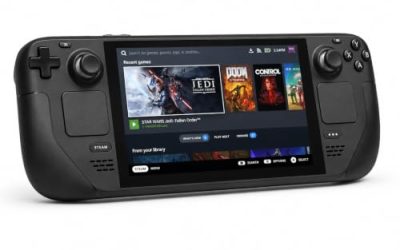
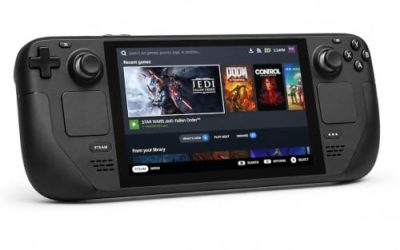
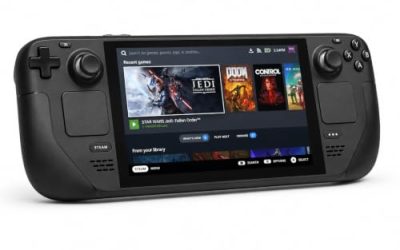
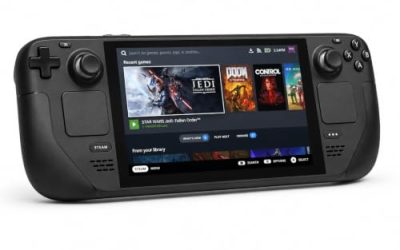
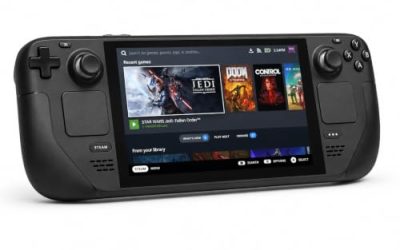
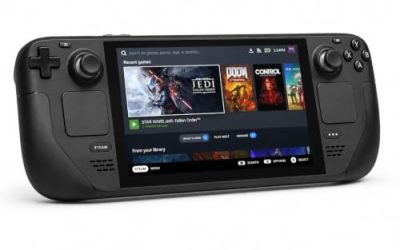
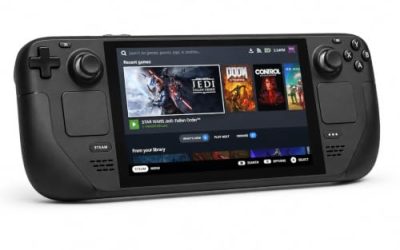
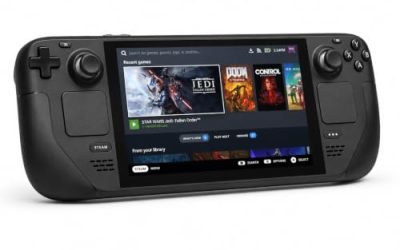
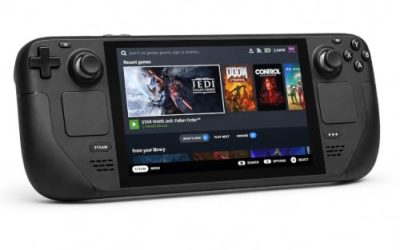
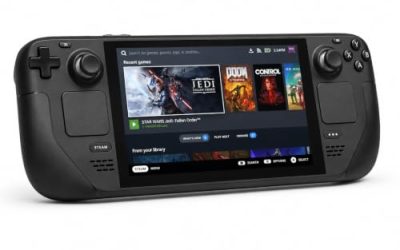
Valve Steam Deck OLED 512GB

The handheld the Playable badge was written for. The published Windows requirements sit comfortably inside the Deck’s APU, and Valve’s sheet confirms the default controller configuration works as shipped.
Specs
- Display: 7.4-inch HDR OLED, 1280 by 800, up to 90 Hz
- Processor: AMD Zen 2 and RDNA 2 custom APU
- Memory: 16 GB LPDDR5
- Storage: 512 GB NVMe, plus a microSD slot
- Wireless: Wi-Fi 6E and Bluetooth
- Channel note: Valve sells the Deck mainly through its own store, so Amazon listings are third-party sellers
8BitDo Ultimate 2 Bluetooth Controller
The docked and desktop pad pick. The record rates controller support partial and recommends a gamepad outright, and this pad covers the couch case with modern sticks, triggers and back buttons.
Specs
- Connectivity: Bluetooth wireless and USB-C wired
- Joysticks: TMR electromagnetic, anti-drift design
- Triggers: Hall effect, with mode switching
- Extras: two remappable back buttons, motion control
- In the box: charging dock included
Xbox Wireless Controller, Carbon Black
The safest guest pad in PC gaming: Steam Input support is universal, the glyphs match what most games display, and it pairs over Bluetooth or its own wireless standard. On the handheld, the test sheet’s note applies: an external pad may need a manual Quick Access Menu switch.
- Connectivity: Xbox Wireless and Bluetooth
- Port: USB-C for wired play
- Controls: hybrid D-pad, dedicated Share button
- Power: AA batteries or optional rechargeable pack
Logitech G502 HERO
Squad and menu screens are pointer-shaped, and at a desk a precise wired mouse turns long menu sessions into single clicks.
Specs
- HERO optical sensor, up to 25,600 DPI
- 11 programmable buttons
- Adjustable weight system
- Wired USB connection
- On-board memory profiles
Samsung T9 Portable SSD 2TB
The full install runs to roughly 79 GB on disk with every language depot counted, so library space is a real consideration. For moving a Linux game library between machines, a fast USB-C drive is the simple answer; the headline figure needs a Gen 2×2 host port, and on a lesser port it runs at that ceiling.
Specs
- Capacity: 2 TB portable SSD
- Interface: USB 3.2 Gen 2×2, USB-C connector
- Maker-rated speeds: up to 2,000 MB per second read, 1,950 MB per second write
- Features: Dynamic Thermal Guard, maker-rated drop resistance
How to choose
Choose the Steam copy, because it is the only PC edition and it is free to claim. On a desktop or laptop, install it under Proton and start from the default compatibility tool; the Gold settlement across 168 reports says the file runs the game well, and the Platinum best-reported tier says a good share of systems run it flawlessly. On Steam Deck, expect the Playable shape the sheet describes: working controls and legible text, with one manual graphics pass to reach good performance, and remember that even singleplayer needs a live connection. For input, follow the record: a gamepad is the recommended shape, and controller support is rated partial rather than full.
Who should skip
Skip this one if you are shopping for a native Linux football game: this record has no Linux build at any layer. Skip it if you need offline play, because Valve’s sheet states that even singleplayer requires an active internet connection. Skip it if you want a DRM-free installer, because no GOG edition exists. Skip the Deck plan if manual graphics configuration is a deal-breaker, since the Playable grade depends on it. And skip it if an anti-cheat that requires manual removal after uninstall is a line you do not cross on principle.
FAQ
No. Steam’s record flags Windows alone, the Linux requirements field is an empty shell, every depot is a Windows build, and no Linux client icon is registered. The Linux route is Proton, where ProtonDB settles at Gold.
Does the anti-cheat stop eFootball working under Proton?
The anti-cheat is Denuvo’s component, named by SteamDB’s record field; the Steam page prints no notice about it. The practical record says it is not a wall: ProtonDB holds 168 reports settling at Gold, and Valve’s Deck test ran the game under Proton.
Is eFootball really free on Steam?
Yes. The record marks the game free to play, with no price overview and no package groups, the normal shape of a free-to-play listing rather than a delisting. It remains live and downloadable, with in-app purchases listed among its categories.
Can I play eFootball offline on Steam Deck?
No. Valve’s test sheet carries the explicit note that singleplayer gameplay requires an active internet connection, on Deck and SteamOS alike. The modes are server-driven, so a connection is part of the game’s structure, not a setup step.
Final verdict
eFootball on Linux is a Proton story with unusually complete paperwork. The native answer is no at every layer: one platform flag, empty-shell Linux requirements, an all-Windows depot table and no Linux client icon. The compatibility answer is genuinely good: a Gold ProtonDB settlement on a large file, a Playable Deck badge with legible text and working default controls, and a free price of entry. The caveats are equally concrete: the anti-cheat is named only by SteamDB’s field, the Deck badge grades a superseded July 2026 build, and nothing in the game works offline.
Product and ASIN Reference
| Product | ASIN |
|---|---|
| Valve Steam Deck OLED 512GB | B0CQ3RWQQZ |
| 8BitDo Ultimate 2 Bluetooth Controller | B0F194QFT2 |
| Xbox Wireless Controller, Carbon Black | B08DF248LD |
| Logitech G502 HERO | B07GBZ4Q68 |
| Samsung T9 Portable SSD 2TB | B0CHFS9K14 |