

🛒 Best Price Today on Amazon
Prime members get fast, free shipping on everything above, plus member-only deals. New members get a 30-day free trial — cancel anytime.
- Top Webcams Large Rooms Picks for 2026
- Best Webcams for Large Rooms at a Glance
- 1. NexiGo Meeting 360 Ultra (Gen 3), All-in-One Conference Camera System
- 2. NexiGo N60 Pro 4K Webcam, 4K UHD Sony Sensor, Autofocus
- 3. NexiGo N660P Pro 4K Webcam with Distortion-Free Lens, 1080p 60fps
- 4. Logitech 4K Webcam, 4K UHD with HDR and RightLight
- 5. Logitech HD Pro Webcam C920, 1080p
- 6. Logitech C920x HD Pro PC Webcam, 1080p with HD Light Correction
- How to Choose a Webcam for a Large Room
- Related Guides
- Frequently Asked Questions
- Related Guides
- Related Articles
Top Webcams Large Rooms Picks for 2026
Here are our current top webcams large rooms picks, compared on real Amazon owner reviews, price, and features. Live prices update below.
As an Amazon Associate we earn from qualifying purchases at no extra cost to you.
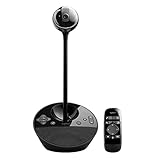

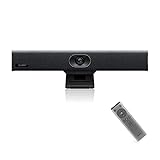

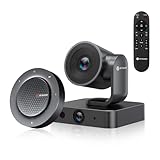
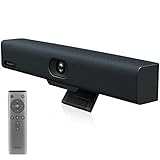
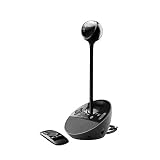

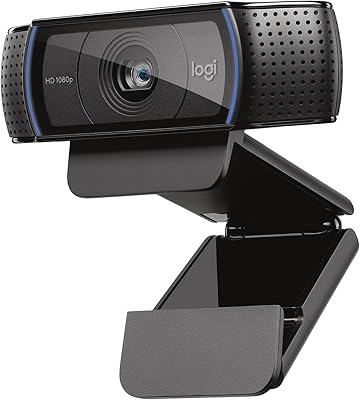


A webcam that looks great clipped to a monitor for a solo call can be the wrong tool entirely in a large room. The moment several people sit around a table, or the camera has to cover a wide space from a distance, field of view, automatic framing and low-light performance start to matter far more than raw megapixels. A narrow-FOV webcam designed for close-up head-and-shoulders shots simply cannot capture a group or a big room well. This guide rounds up the best webcams for large rooms in 2026, ordered by how well each suits that specific job — and we are upfront where a popular webcam is really a close-range personal camera rather than a large-room solution.
Our picks were chosen on what genuinely matters when the room is big: a wide field of view to take in more of the space, automatic framing to keep people centred, good low-light handling for rooms that are not brightly lit, and useful audio reach. We have included a deliberate spread — from sub-$70 4K webcams up to a near-$900 all-in-one conference camera system — because a small huddle space and a genuine conference room have very different needs. We do not invent resolution or coverage numbers; instead we explain where each camera fits and, just as importantly, where it does not. Below is an at-a-glance comparison, then a closer look at each and a buyer’s guide built around field of view, framing and low-light performance.
Best Webcams for Large Rooms at a Glance
| Webcam | Best For | Standout Spec | Approx Price |
|---|---|---|---|
| NexiGo Meeting 360 Ultra (Gen 3) | True conference rooms | All-in-one 360 camera/audio system | around $900 |
| NexiGo N60 Pro 4K | Wider 4K for medium rooms | 4K Sony sensor, autofocus | around $70 |
| NexiGo N660P Pro 4K | Distortion-free wider shots | Distortion-free lens, 1080p60 | around $70 |
| Logitech 4K Webcam (Brio-class) | 4K detail with HDR low-light | 4K UHD, HDR, RightLight | around $118 |
| Logitech C920 HD Pro | Close-range personal use | 1080p30, narrower FOV | around $68 |
| Logitech C920x HD Pro | Close-range with HD light fix | 1080p30, HD Light correction | around $91 |
1. NexiGo Meeting 360 Ultra (Gen 3), All-in-One Conference Camera System

32
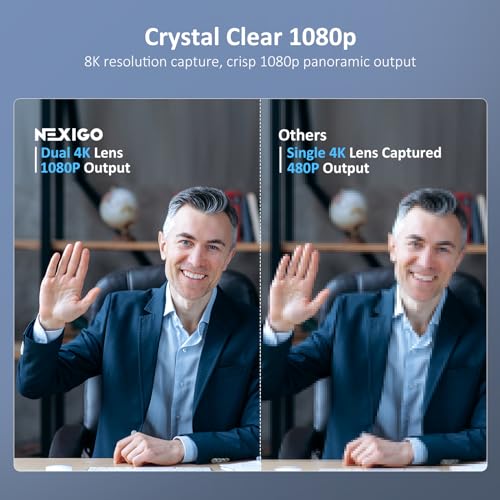
NexiGo Meeting 360 Ultra (Gen 3), Enhanced All-in-One Conference Camera System, Multi-Camera Setup, 8K Capture, AI-Powered Framing and Auto Tracking, for Medium to Large Meeting Rooms
In Stock
View on Amazon.com


As an Amazon Associate we earn from qualifying purchases. Product prices and availability are accurate as of the date/time indicated.
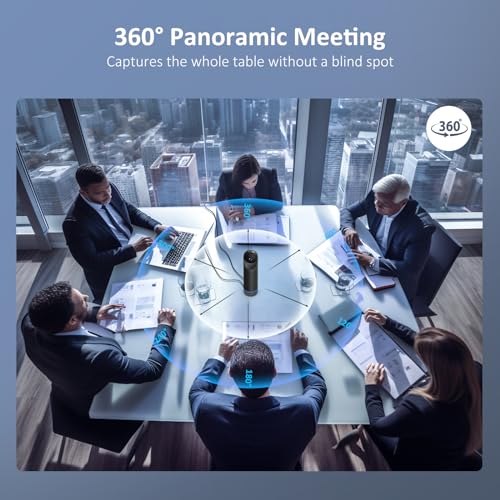
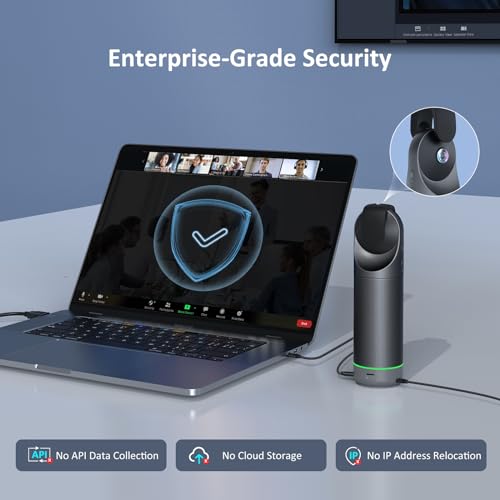
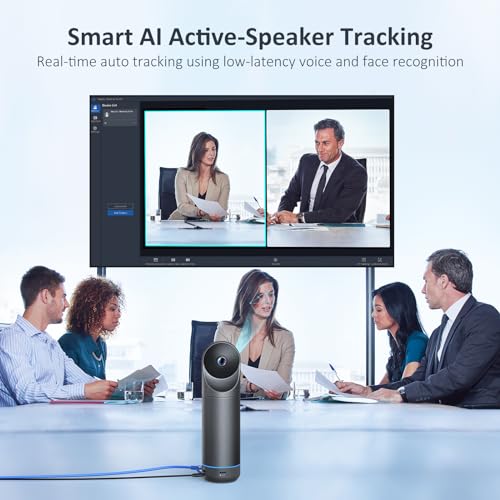
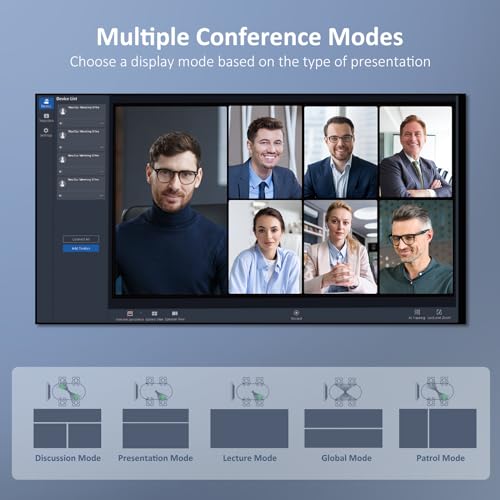
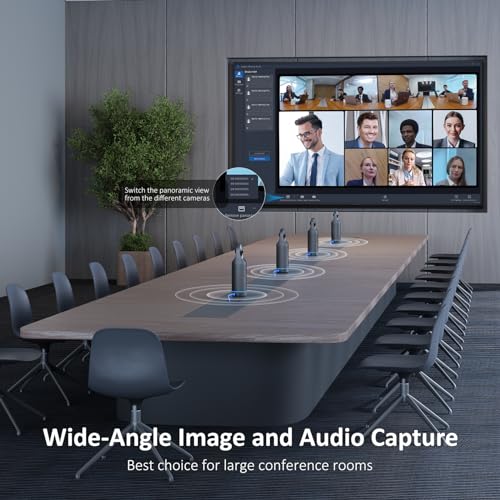
The NexiGo Meeting 360 Ultra leads this list because it is the only pick purpose-built for the job: it is an all-in-one conference camera and audio system designed to sit on a table and cover an entire room. Rather than a single forward-facing lens, it is engineered for 360-degree or wide group capture with integrated microphones and speakers, so a large meeting space is exactly its intended environment. At around $900 it is by far the priciest option here, and that reflects its role as room hardware rather than a personal webcam.
For a genuine conference room or large boardroom, this is the right category of device. Its strength is taking in everyone around a table, picking up voices across the space, and presenting a coherent group view to remote participants — things a clip-on webcam cannot do. The trade-off is cost and scale: this is overkill for a home office or a one-person desk, and it is an investment aimed at organisations equipping a shared room. If your problem is genuinely covering a large room full of people, this all-in-one system is the standout choice on the list.
Pros: Built for whole-room coverage, integrated room mics and audio, ideal for true conference rooms.
Cons: Very expensive; overkill for home offices or single-user desks.
2. NexiGo N60 Pro 4K Webcam, 4K UHD Sony Sensor, Autofocus

38
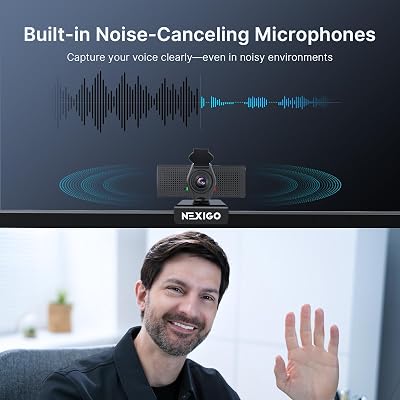
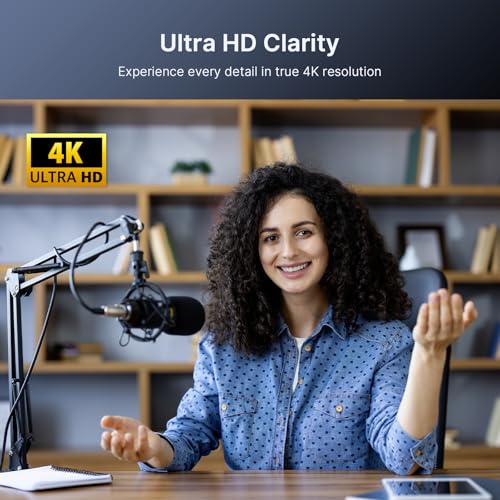
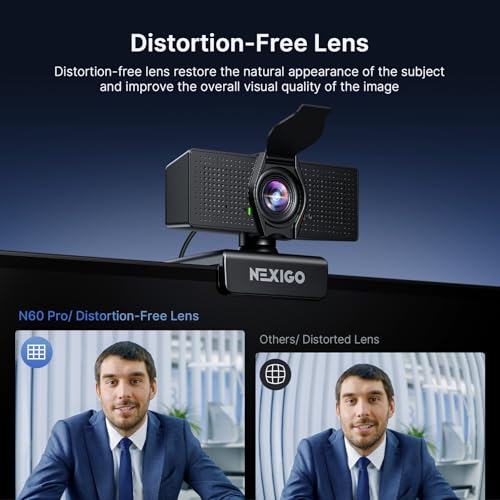
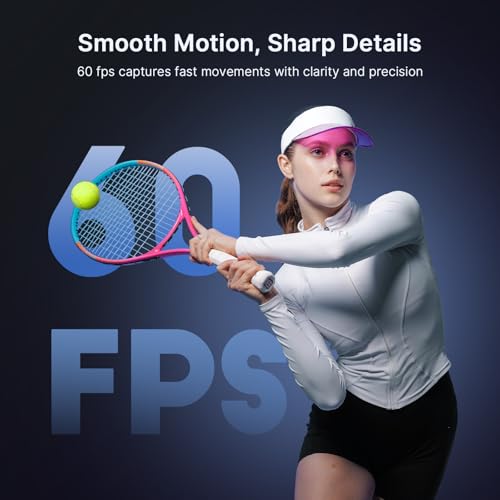
NexiGo N60 Pro 4K Webcam for PC, 4K UHD Sony Sensor, Autofocus, 1080p 60 fps, Noise-Canceling Mics, Privacy Cover, Distortion-Free Lens, 4X Digital Zoom, Works with Switch 2/Zoom/Teams/Google Meet
In Stock





As an Amazon Associate we earn from qualifying purchases. Product prices and availability are accurate as of the date/time indicated.
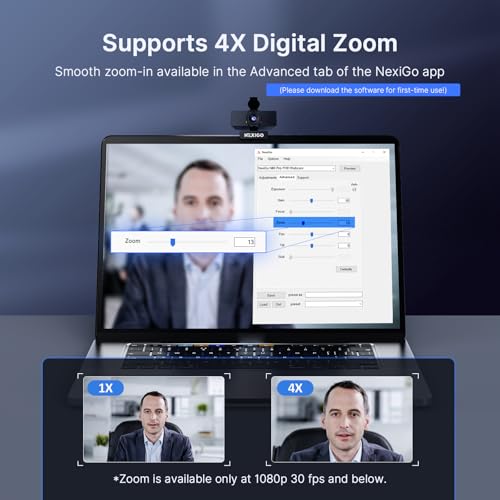
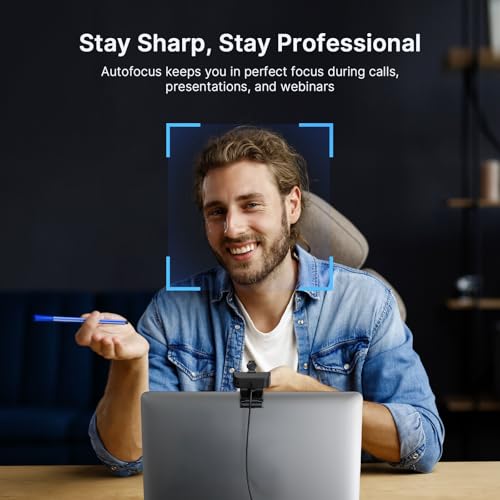
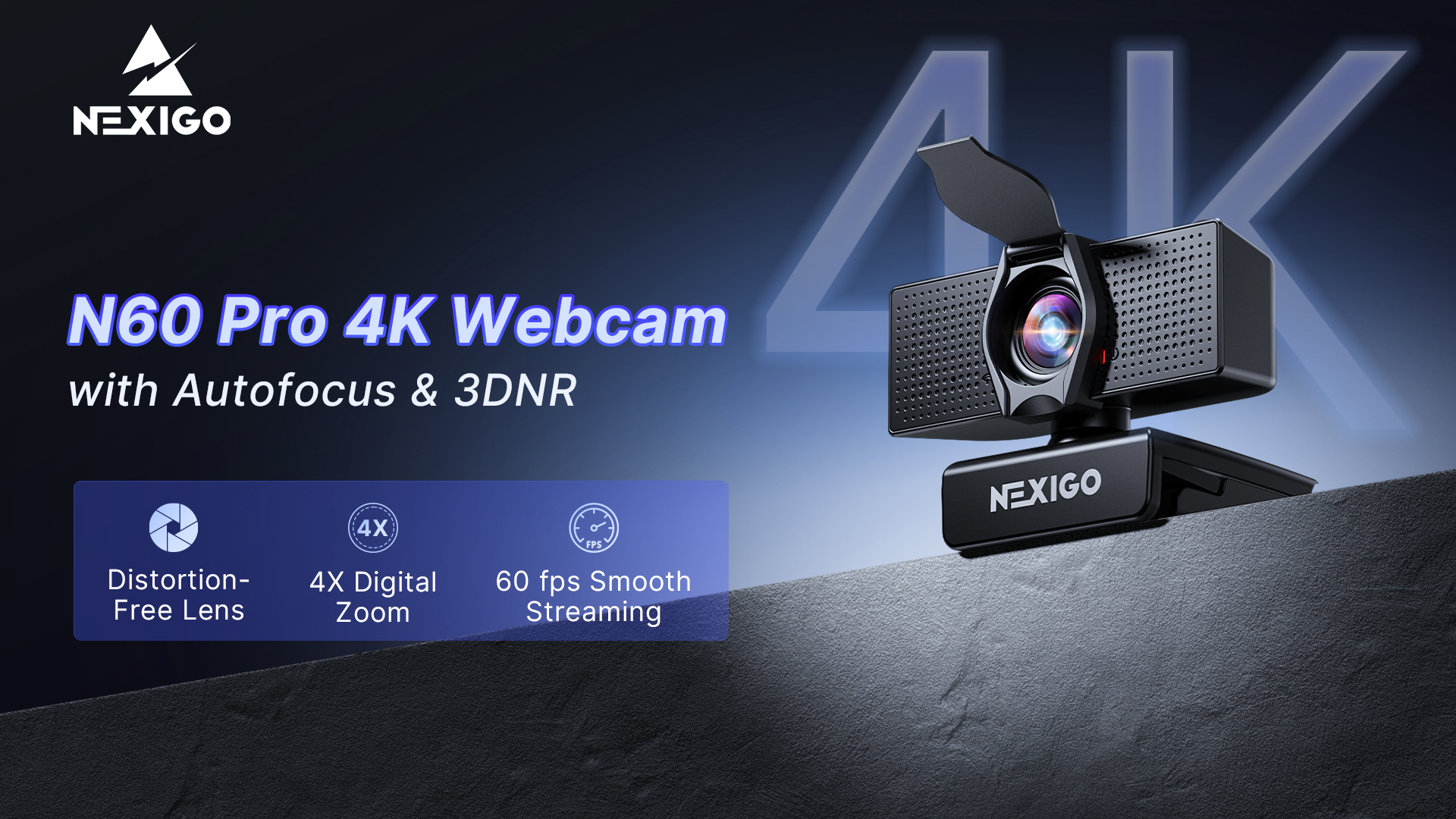
The NexiGo N60 Pro 4K is the strongest single-camera pick for a medium-to-large room on a sensible budget. It pairs a 4K UHD Sony sensor with autofocus and 1080p 60fps capture, and the extra resolution is genuinely useful here: a 4K sensor lets the image hold detail even when you are sitting back from the camera or covering a wider area. At around $70 it punches well above its price for room use.
For a large room, the appeal is that 4K detail and a wide capture give you more usable image to work with than a basic 1080p webcam, so faces stay clearer at a distance and a group is easier to make out. The autofocus keeps subjects sharp as they move, and the high resolution leaves room to crop without falling apart. It is not a dedicated room system like the Meeting 360, and it will not frame a table automatically, but as an affordable single webcam for a medium or larger space, the N60 Pro is the smart value pick and earns its high placement.
Pros: 4K detail holds up at a distance, wide capture, autofocus, excellent value for room use.
Cons: No automatic room framing; a fixed single-camera view, not a 360 system.
3. NexiGo N660P Pro 4K Webcam with Distortion-Free Lens, 1080p 60fps
38
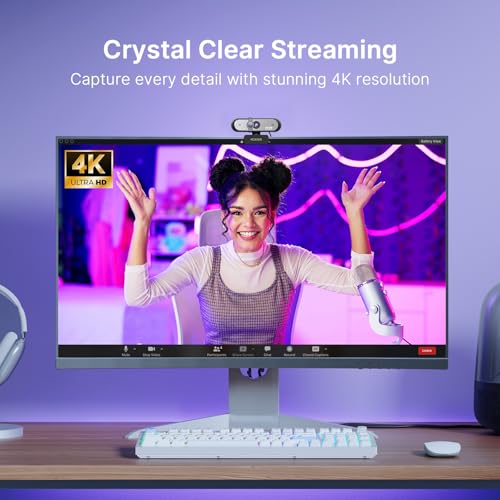
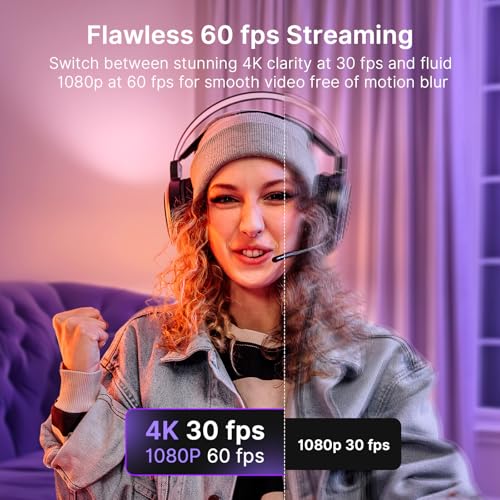
NexiGo N660P Pro 4K Webcam with Distortion-Free Lens, 1080p 60 fps Autofocus USB Streaming Camera, 3DNR, Noise-Canceling Mics & Privacy Cover, Web Cam for Gaming/Live Streaming/PC/Mac/Switch 2, Black
In Stock




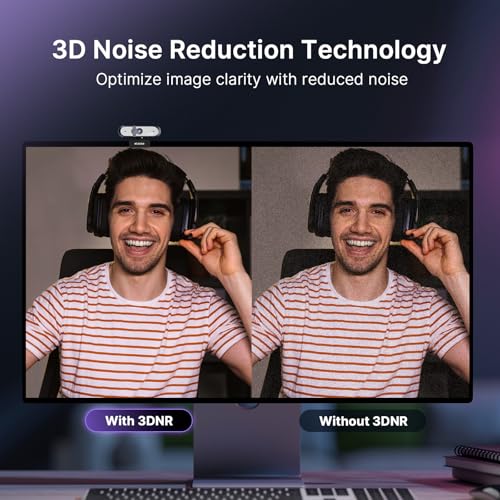
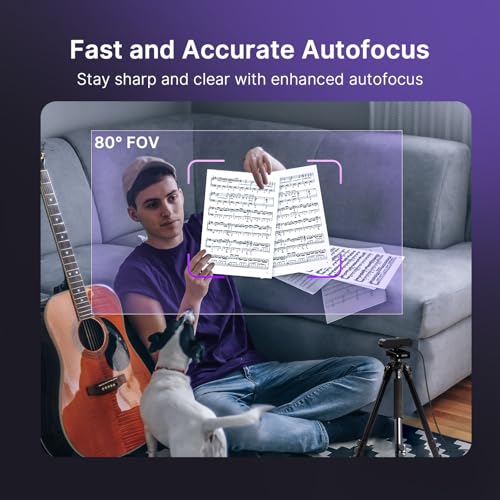
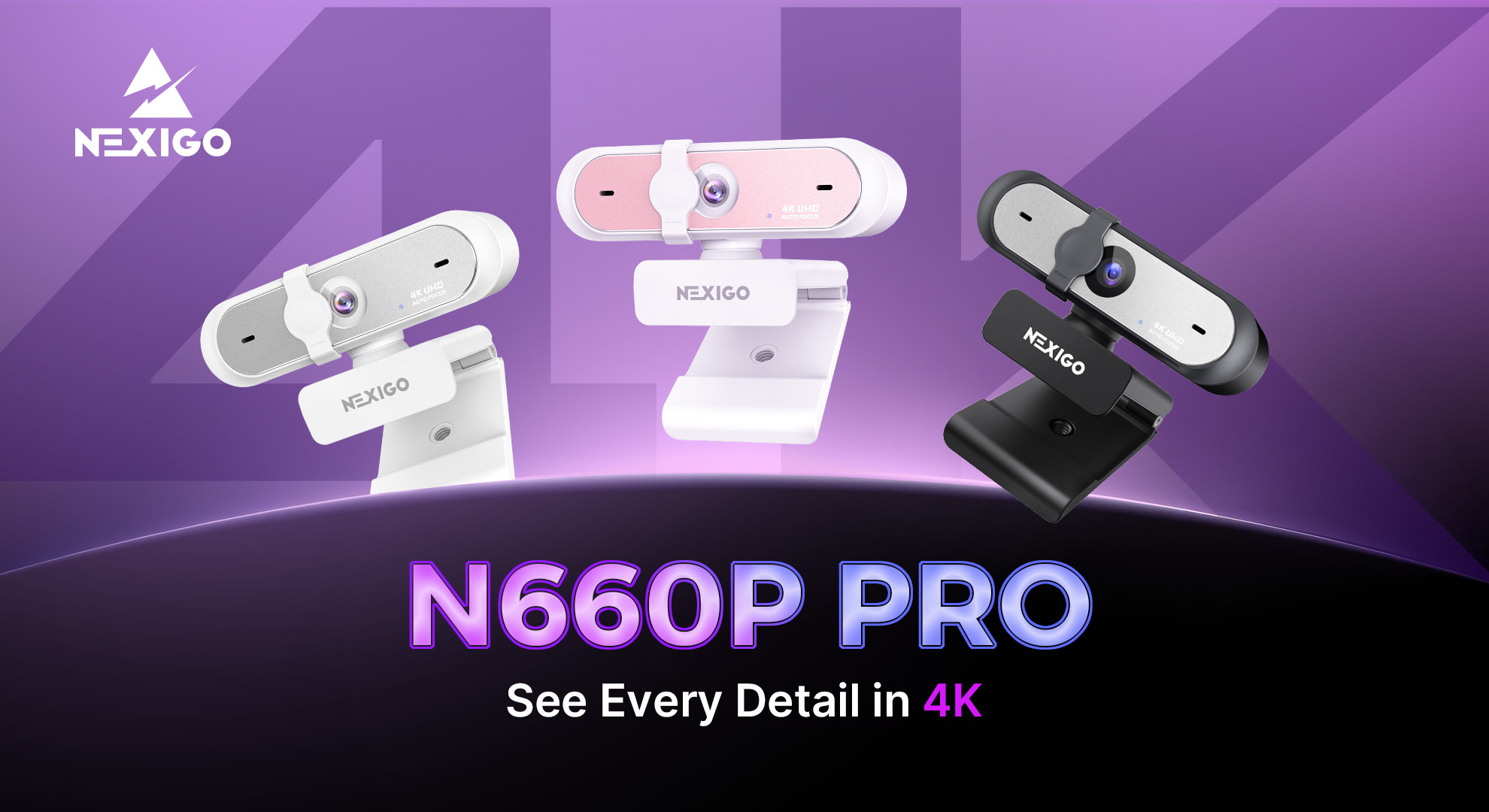
As an Amazon Associate we earn from qualifying purchases. Product prices and availability are accurate as of the date/time indicated.
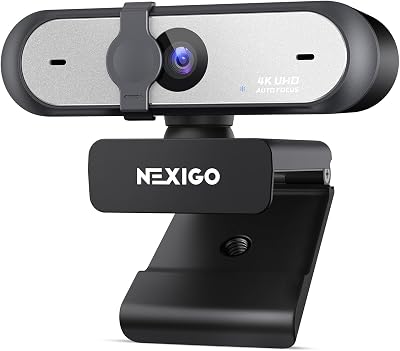
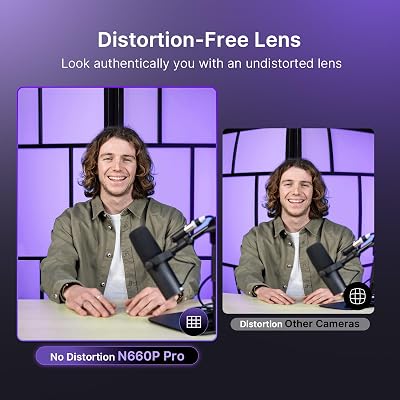
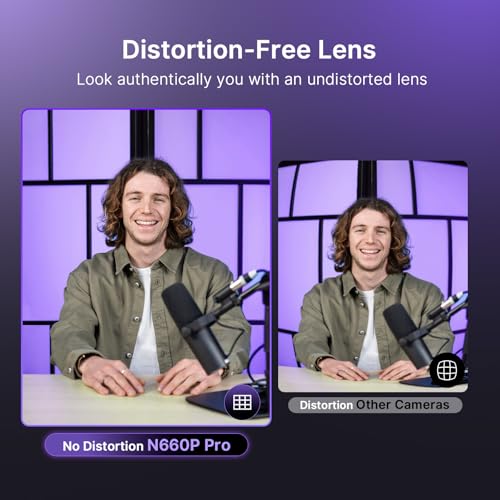
The NexiGo N660P Pro is the distortion-free pick, and that lens design is exactly why it suits wider room shots. It is a 4K-capable webcam with autofocus and 1080p 60fps that uses a distortion-free lens to keep straight lines and faces looking natural toward the edges of the frame — a real benefit when you are capturing more of a room and people sit off to the sides. At around $70 it is priced identically to the N60 Pro and targets a slightly different preference.
For a large room, a distortion-free wider view means people seated at the edges of the frame look natural rather than stretched, which matters more as the area you cover grows. The high resolution preserves detail at a distance, and autofocus keeps moving subjects sharp. Like the N60 Pro it is a single fixed camera rather than an auto-framing room system, so it will not track or centre a group on its own. But if your priority is a clean, natural-looking wide shot of a room without edge distortion, the N660P Pro is the one to pick.
Pros: Distortion-free lens keeps wide shots natural, 4K detail, autofocus, strong value.
Cons: Still a single fixed camera; no auto-framing or 360 group tracking.
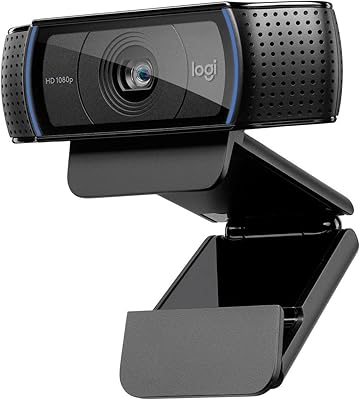
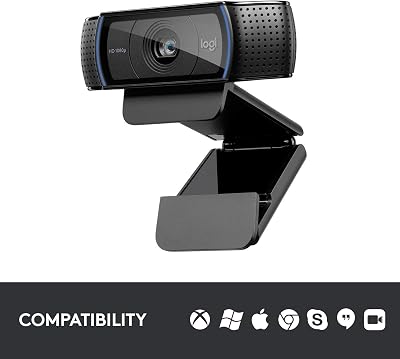
4. Logitech 4K Webcam, 4K UHD with HDR and RightLight
16
Logitech HD Pro Webcam C920, Widescreen Video Calling and Recording, 1080p Camera, Desktop or Laptop Webcam
In Stock






As an Amazon Associate we earn from qualifying purchases. Product prices and availability are accurate as of the date/time indicated.
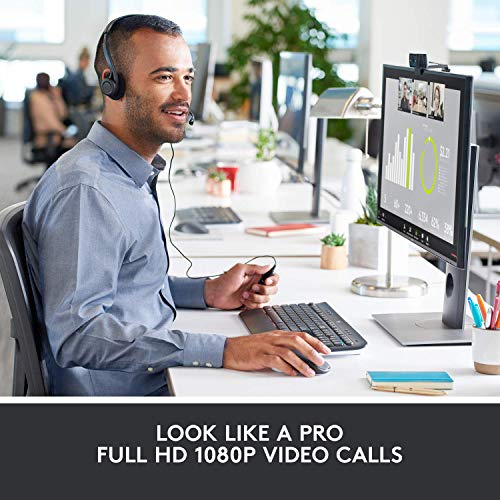
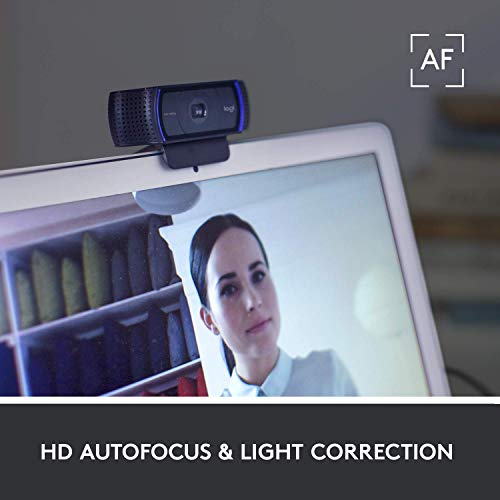
The Logitech 4K Webcam — a Brio-class camera — is the premium single-webcam pick, and its low-light handling is what makes it relevant to large rooms. It captures 4K UHD with HDR and Logitech’s RightLight technology, which adapts to challenging lighting to keep faces properly exposed. At around $118 it is the most expensive of the conventional webcams here, and the image quality reflects Logitech’s pedigree.
Large rooms are often lit unevenly, with bright windows on one side and dim corners on the other, and this is where the Logitech 4K earns its place: HDR and RightLight help it balance exposure so faces do not vanish into shadow or blow out against a window. The 4K sensor holds detail at a distance the way the NexiGo 4K cameras do, making it a strong single-camera choice for a medium or larger space with tricky light. As with the other clip-on cameras, it is a fixed view rather than an auto-framing room system, but for low-light room quality it is the best of the standalone webcams.
Pros: 4K detail plus HDR and RightLight for uneven room lighting, strong single-camera image quality.
Cons: Pricier than the NexiGo 4K cameras; fixed view, no auto-framing.
5. Logitech HD Pro Webcam C920, 1080p
16
Logitech HD Pro Webcam C920, Widescreen Video Calling and Recording, 1080p Camera, Desktop or Laptop Webcam
In Stock
As an Amazon Associate we earn from qualifying purchases. Product prices and availability are accurate as of the date/time indicated.
The Logitech C920 is one of the most popular webcams ever made, but honesty matters for this list: it is a close-range personal webcam, not a large-room solution. It captures sharp 1080p video with reliable autofocus and good built-in mics, and it is superb for a solo head-and-shoulders shot at a desk. At around $68 it is excellent value for personal calls — just not for covering a big space.
In a large room, the C920’s limitations show. Its field of view is tuned for one person sitting close, so it cannot take in a group around a table or a wide area the way a 4K wide camera or a dedicated room system can, and as a 1080p 30fps camera it has less resolution to spare when subjects sit farther back. We include it because so many people already own or consider one, and to be clear about its fit: it is a fantastic personal webcam for a single user up close, but for genuinely covering a large room it is the least suitable pick here. Choose it for a desk, not a boardroom.
Pros: Excellent sharp 1080p for close personal use, reliable autofocus, great value at a desk.
Cons: Narrow close-range FOV and 1080p30 make it poorly suited to covering a large room.
6. Logitech C920x HD Pro PC Webcam, 1080p with HD Light Correction
27
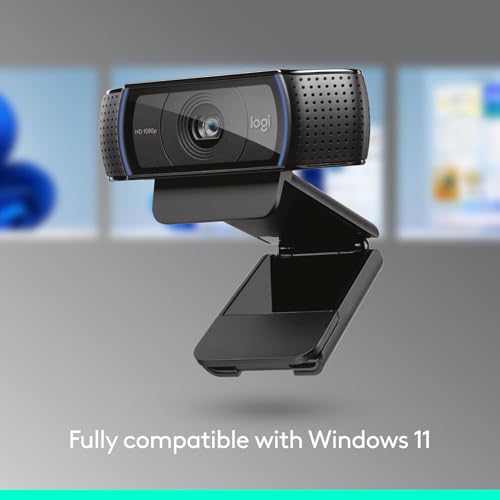
Logitech C920x HD Pro PC Webcam, Full HD 1080p/30fps Video, Clear Audio, Light Correction, Works with Microsoft Teams, Google Meet, Zoom, Nintendo Switch 2’s New GameChat Mode, Mac/Tablet- Black
In Stock



As an Amazon Associate we earn from qualifying purchases. Product prices and availability are accurate as of the date/time indicated.
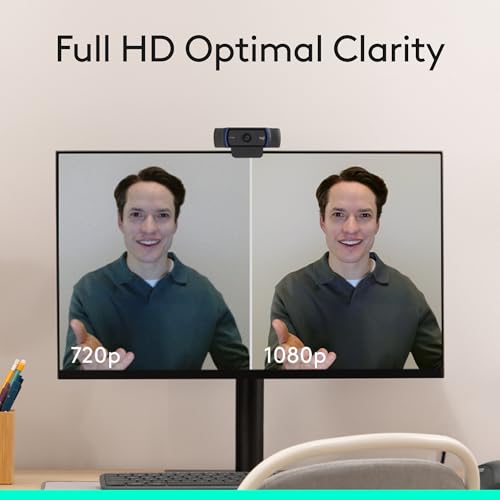
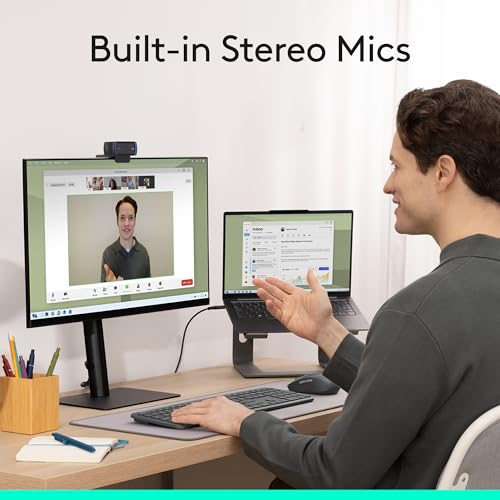
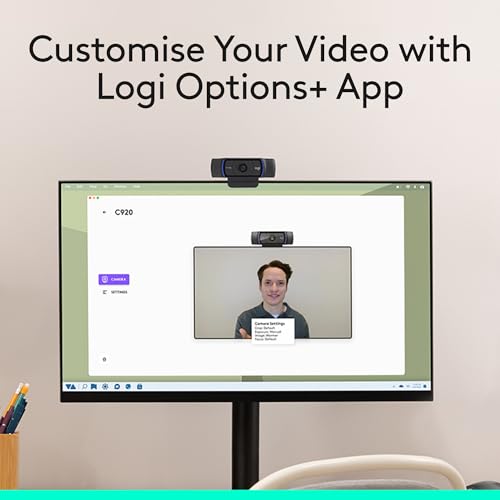
Rounding out the list is the Logitech C920x, essentially a C920 variant with HD Light correction, and the same honest caveat applies: it is a close-range personal webcam rather than a large-room camera. It shoots clean 1080p 30fps video with clear audio and adds automatic light correction to improve exposure in suboptimal lighting. At around $91 it is a polished personal webcam with a useful lighting tweak.
For large-room use, the C920x shares the C920’s core limitation: a field of view built for one person sitting close, which cannot capture a group or a wide space the way a 4K wide camera or the Meeting 360 system can. Its HD Light correction is a genuine plus for handling a poorly lit desk, so if your real need is a better-exposed solo image it is a fine choice. But on this large-room list it ranks near the bottom by design — it is an upgraded personal webcam, best for an individual up close, not a tool for filling a big room with people.
Pros: Clean 1080p with HD Light correction for tricky lighting, clear audio, solid personal webcam.
Cons: Like the C920, narrow close-range FOV makes it a poor fit for large-room coverage.
How to Choose a Webcam for a Large Room
For a large room, field of view is the first thing to scrutinise — it decides how much of the space and how many people the camera can actually capture. A narrow FOV tuned for one person sitting close, like the Logitech C920 and C920x, will leave a group cropped out at the edges of a table, while a wider lens or a dedicated room system takes in far more. If your job is covering a big space, treat a wide field of view as a requirement, not a nice-to-have, and be wary of personal webcams sold on image sharpness alone.
Automatic framing is the feature that separates true room cameras from clip-on webcams. A dedicated conference system like the NexiGo Meeting 360 is designed to detect and centre people across a room, so remote participants always see a sensible group view, whereas every standalone webcam here — including the 4K models — gives a fixed frame you have to position yourself. If people move around or the group changes, auto-framing is worth paying for; if everyone stays seated in view of a fixed camera, a well-placed wide webcam can be enough.
Low-light performance and resolution work together to keep distant faces clear. Large rooms are often unevenly lit, so features like HDR and Logitech’s RightLight on the Logitech 4K help balance exposure between bright windows and dim corners, while a 4K sensor — as on the NexiGo N60 Pro, N660P Pro and the Logitech 4K — preserves detail when subjects sit back from the camera and gives you room to crop. For a big space, prioritise a camera that both gathers light well and has resolution to spare at a distance.
Finally, weigh audio reach and budget against the size of your room. A genuine conference room benefits from integrated room microphones like those in the Meeting 360, because a personal webcam’s mics will not reliably pick up voices across a large table; a smaller huddle space can often get by with a wide 4K webcam and a separate speakerphone. Set your budget to match the scale: a near-$900 room system is right for an organisation equipping a boardroom, while a $70 4K wide webcam suits a medium room. Match field of view, framing, low-light and audio to how big your room really is, and pick the camera on this list that fits — not the most popular webcam regardless of its FOV.
Frequently Asked Questions
What field of view do I need for a large room?
As wide as you can sensibly get. Field of view determines how much of the room and how many people the camera captures, so a narrow close-range webcam like the Logitech C920 will crop out a group, while a wide 4K camera or a dedicated room system takes in far more. For a large space, prioritise a wide FOV — or an auto-framing conference camera — over headline resolution from a personal webcam.
Are the Logitech C920 and C920x good for large rooms?
Not really — they are excellent close-range personal webcams, not large-room cameras. Their field of view is tuned for one person sitting close, so they cannot capture a group around a table or a wide space well, and at 1080p30 they have less detail to spare at a distance. They are a great choice for a solo desk, but for covering a large room a wide 4K camera or the Meeting 360 system is far better suited.
Do I need a 4K webcam, or is 1080p enough for a big room?
4K helps in a large room because the extra resolution keeps faces clearer when people sit back from the camera and lets you crop without the image falling apart. The NexiGo N60 Pro, N660P Pro and Logitech 4K all use it to good effect. 1080p can work in a smaller space or up close, but across a genuinely large room the additional detail of 4K is a real, practical advantage.
What about audio — will a webcam’s microphone cover a large room?
A personal webcam’s built-in mics are designed for someone sitting close and will struggle to pick up voices clearly across a large table. For a true conference room, an all-in-one system with integrated room microphones like the NexiGo Meeting 360 is the reliable answer. In a smaller space you can pair a wide 4K webcam with a dedicated speakerphone to cover the audio side adequately.
Related Guides
- Best Webcams
- Best 4K Webcams
- Best Webcams for Streaming
- Best USB Microphones
- Best Ring Lights for Video Calls
- Best Monitors for Your Setup
Affiliate Disclosure: As an Amazon Associate, we earn from qualifying purchases. If you click a link and make a purchase, we may earn a small commission at no extra cost to you. Prices and availability are accurate as of publication and may change.










