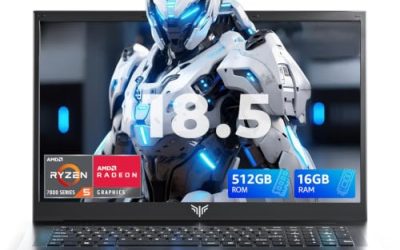
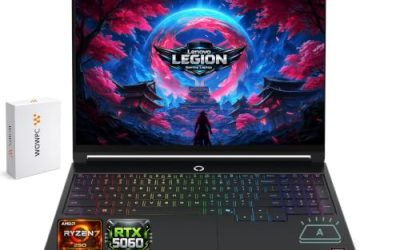
Cyberpunk 2077 remains one of the most demanding ray tracing benchmarks on PC, and Night City’s full path tracing mode will bring even an RTX 5090 to its knees without DLSS. We pulled 10 real gaming laptop configurations currently sold on Amazon across two searches, spanning from a budget RTX 4050 machine (ray tracing at low settings only) up through an RTX 5090 flagship that can run full path tracing with DLSS frame generation.
Compare at a Glance
| Model | Price | GPU | RT Tier |
|---|---|---|---|
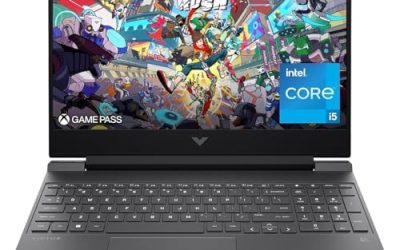
| HP Victus 15 | RTX 4050 | Low-settings RT only | |
| Alienware 16 Aurora (RTX 5050) | RTX 5050 | Medium RT | |
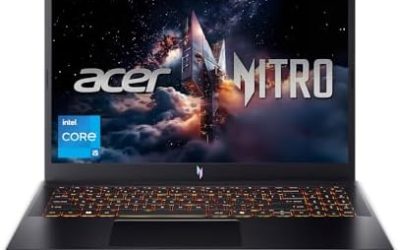
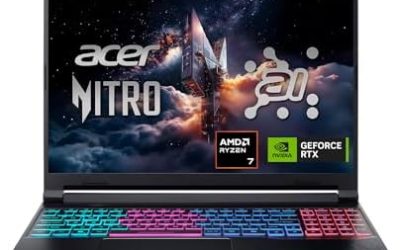
| Acer Nitro V (RTX 5050) | RTX 5050 | Medium RT | |
| Acer Nitro V 16S AI (RTX 5060) | RTX 5060 | Medium-High RT | |
| Alienware 16 Aurora (RTX 5060) | RTX 5060 | Medium-High RT | |
| Lenovo Legion 5a (OLED) | RTX 5060 | Medium-High RT | |
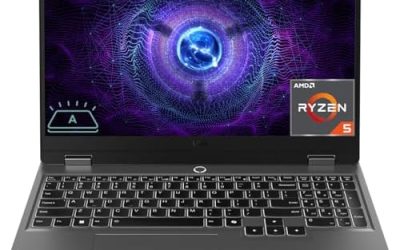
| Lenovo LOQ | RTX 5060 | Medium-High RT | |
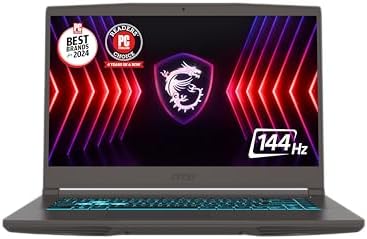
| msi Katana 15 HX | RTX 5070 | High RT | |
| Dell Alienware 18 Area-51 | RTX 5090 | Full Path Tracing | |
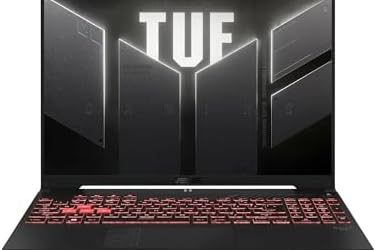
| ASUS ROG Strix SCAR 18 | RTX 5090 | Full Path Tracing |
Quick List
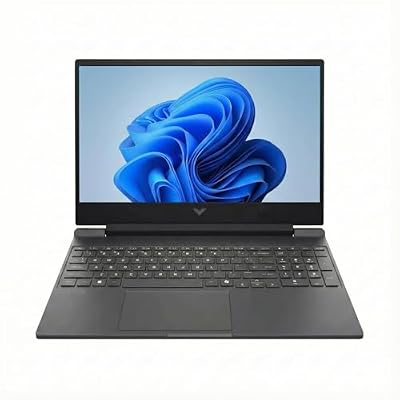
- HP Victus 15 (the current listed price) — Best Budget Pick — ray tracing works at low settings, not a flagship RT experience.
- Acer Nitro V 16S AI (the current listed price) — Best Value — RTX 5060 handles medium-high RT settings comfortably.
- ASUS ROG Strix SCAR 18 (the current listed price) — Best Overall — RTX 5090 at the best price-per-performance among the flagship tier.
- Dell Alienware 18 Area-51 (the current listed price) — Best for Max Path Tracing — top RAM/storage config for the heaviest RT workloads.
See All Picks




What GPU Tier Do You Actually Need for Cyberpunk 2077?
Cyberpunk 2077’s ray tracing has several tiers of its own — Ray Tracing (medium), Ray Tracing Ultra, and the much heavier Path Tracing (Overdrive) mode. RTX 5050/5060 laptops here handle the standard Ray Tracing modes well with DLSS enabled, but Path Tracing is realistically an RTX 5070-and-above feature if you want playable frame rates even with DLSS Frame Generation. The two RTX 5090 flagships on this list are the only configs that can run full Path Tracing comfortably at native laptop display resolutions.
Is the Budget RTX 4050 Pick Worth It for This Game Specifically?
Only if you’re willing to turn ray tracing off or down to its lowest setting — the RTX 4050 can run Cyberpunk 2077 well at 1080p with ray tracing disabled or at its lightest setting, but it will struggle with Ray Tracing Ultra or Path Tracing even with DLSS.
Technical Comparison Table
| Model | CPU | Display |
|---|---|---|
| HP Victus 15 | AMD Ryzen 7 7445HS | 15.6″ FHD 144Hz |
| Alienware 16 Aurora (5050) | Intel Core 7 240H | 16″ WQXGA 120Hz |
| Acer Nitro V (5050) | Intel Core 5 210H | 16″ WUXGA 165Hz |
| Acer Nitro V 16S AI (5060) | AMD Ryzen 7 260 | 16″ WUXGA 180Hz |
| Alienware 16 Aurora (5060) | Intel Core 7 240H | 16″ 2560×1600 120Hz |
| Lenovo Legion 5a | AMD Ryzen 7 250 | 15.3″ 2.5K OLED 165Hz |
| Lenovo LOQ | AMD Ryzen 7 250 | 15.6″ FHD 144Hz G-Sync |
| msi Katana 15 HX | Intel Core i9-14900HX | 15.6″ QHD+ 165Hz |
| Dell Alienware 18 | Intel Ultra 9 275HX | 18″ 2.5K WQXGA |
| ASUS ROG Strix SCAR 18 | Intel Ultra 9 275HX | 18″ 2.5K 240Hz |
How We Chose These
We ran a broader ray-tracing-focused search across all brands to go beyond our original 5-config list, which added 5 distinct configurations spanning budget to flagship. We explicitly excluded 3 results from that broader search: two laptops with integrated AMD graphics only (no discrete GPU, so no hardware ray tracing support at all) and one older RTX 3050 laptop whose ray tracing hardware is weak enough that including it in a ray-tracing-focused guide would be misleading.
Why Trust GamingPCGuru
Every configuration here is a live Amazon listing via our own product data pipeline. We specifically filtered out laptops without real ray tracing hardware rather than including every “gaming laptop” result the search returned, since this guide is about ray tracing capability specifically.
Questions
Do I need an RTX 5090 to enjoy Cyberpunk 2077’s ray tracing?
No — RTX 5060 and 5070 laptops handle the standard Ray Tracing and Ray Tracing Ultra presets well with DLSS. The RTX 5090 is only necessary if you specifically want the full Path Tracing (Overdrive) mode at strong frame rates.
Why are two RTX 5090 laptops at such different prices?
RAM, storage capacity, and display panel differences drive most of the price gap between flagship configs even with the same GPU — check the specific specs rather than assuming the pricier one is always the better choice for your needs.
Update History
Published October 2026, expanded from an initial 5-config pass to 10 via a broader ray-tracing-focused search.
Sources and Verification
Product specifications, pricing and availability sourced directly from live Amazon product listings as of October 2026 via this site’s own product data pipeline.