

- Top Pick: MSI Radix AXE6600 WiFi 6E Tri-Band Gaming Router, AI QoS, RGB, 1.8GHz Quad-Core Processor, MU-MIMO, Tri Band Gigabit Wireless, 8-Stream, High Speed Long Range Gaming Router
- Best Value: ASUS RT-AX82U AX5400 Dual-Band WiFi 6 Gaming Router, Game Acceleration, Mesh Support, Dedicated Port, Mobile Boost, MU-MIMO, Aura RGB (Renewed)
- Premium Choice: TP-Link Dual-Band BE6500 WiFi 7 Gaming Router 6.5 Gbps (Archer GE400)
🛒 Best Price Today on Amazon
Prime members get fast, free shipping on everything above, plus member-only deals. New members get a 30-day free trial — cancel anytime.
- Top Rgb Routers Picks for 2026
- Best RGB Routers at a Glance (RGB status flagged honestly)
- 1. ASUS RT-AX82U (AX5400) Dual Band WiFi 6 Gaming Router with Aura RGB
- 2. ASUS RT-AC86U (AC2900) Dual Band Gigabit WiFi Gaming Router
- 3. TP-Link AXE5400 Tri-Band WiFi 6E Router (Archer AXE75)
- 4. TP-Link Deco XE75 (AXE5400) Tri-Band WiFi 6E Mesh System
- 5. TP-Link Deco X55 (AX3000) WiFi 6 Mesh System
- 6. TP-Link AX1800 WiFi 6 Router (Archer AX21 V5) Dual Band
- How to Choose an RGB (or Just Fast) Router
- Related Guides
- Frequently Asked Questions
- Related Guides
- Related Articles
Top Rgb Routers Picks for 2026
Here are our current top rgb routers picks, compared on real Amazon owner reviews, price, and features. Live prices update below.
As an Amazon Associate we earn from qualifying purchases at no extra cost to you.







Searching for an ‘RGB router’ surfaces an awkward truth: almost no Wi-Fi routers actually have RGB lighting. The vast majority — including most of the popular gaming routers people assume are lit up — have plain status LEDs or no lighting at all. So this guide does something different: it tells you honestly which router on the list genuinely has customizable RGB, then evaluates the rest as the fast, capable (but non-RGB) routers they really are, because performance still matters far more than glow.
We lead with the one pick here that offers genuine, customizable RGB lighting — the ASUS RT-AX82U — and we flag every other router plainly as non-RGB so you are never misled. Beyond lighting, our picks were chosen on the things that actually define a good router: Wi-Fi standard and speed, coverage, gaming features like QoS, and value, with prices from around $52 to around $113. If RGB is non-negotiable, your shortlist is short and the ASUS leads it. If you care more about a fast, reliable network, the non-RGB picks here are excellent. Below is an at-a-glance comparison that states each router’s true RGB status, then a closer look at each and a buyer’s guide.
Best RGB Routers at a Glance (RGB status flagged honestly)
| Router | Best For | Has RGB? | Approx Price |
|---|---|---|---|
| ASUS RT-AX82U (AX5400) Gaming Router | Genuine RGB gaming router | Yes — Aura RGB lighting | around $100 |
| ASUS RT-AC86U (AC2900) Gaming Router | Gaming features, no RGB | No — gamer styling, plain LEDs | around $113 |
| TP-Link Archer AXE75 (AXE5400) WiFi 6E | Fast tri-band, no RGB | No — status LEDs only | around $100 |
| TP-Link Deco XE75 (AXE5400) Mesh 6E | Whole-home 6E mesh, no RGB | No — minimalist, no RGB | around $100 |
| TP-Link Deco X55 (AX3000) Mesh WiFi 6 | Coverage on a budget, no RGB | No — minimalist, no RGB | around $70 |
| TP-Link Archer AX21 (AX1800) WiFi 6 | Cheapest WiFi 6, no RGB | No — plain status LEDs | around $52 |
1. ASUS RT-AX82U (AX5400) Dual Band WiFi 6 Gaming Router with Aura RGB

28
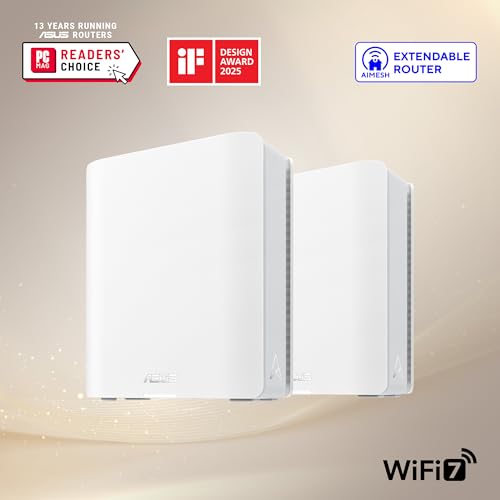
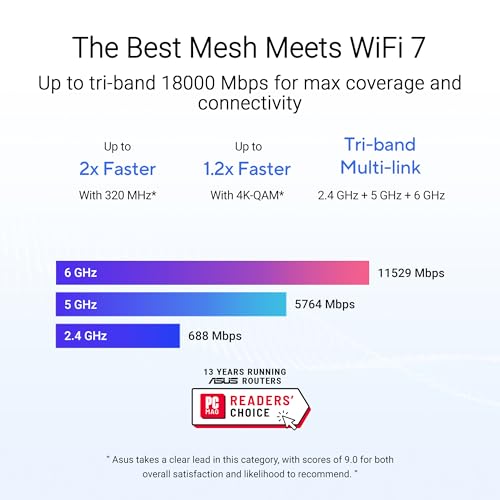
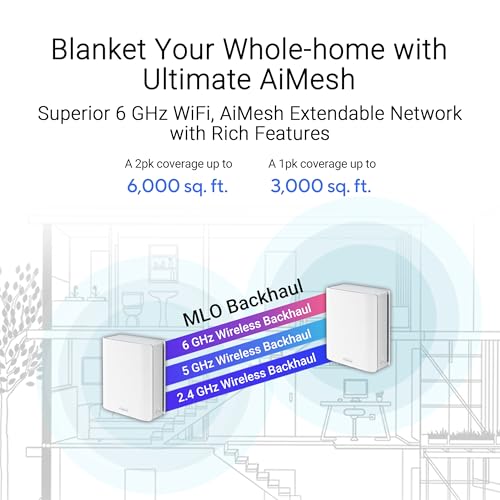
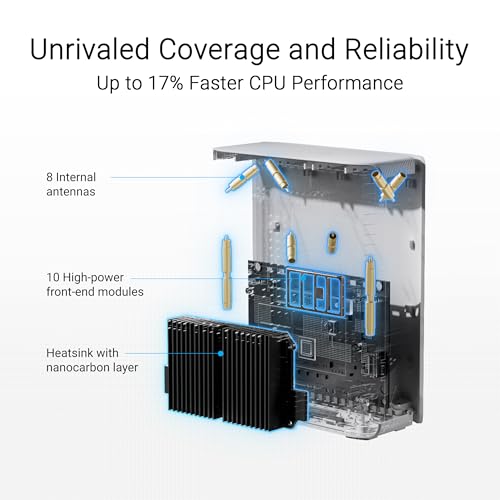
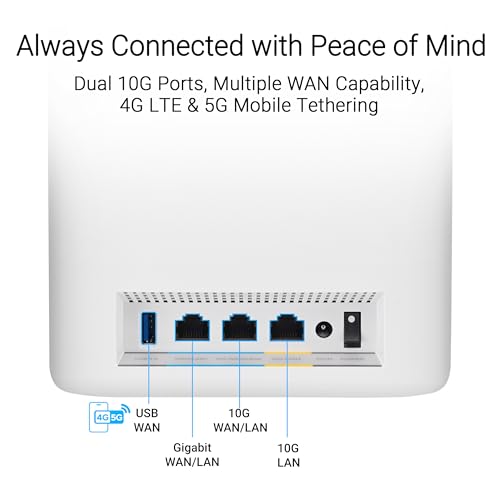
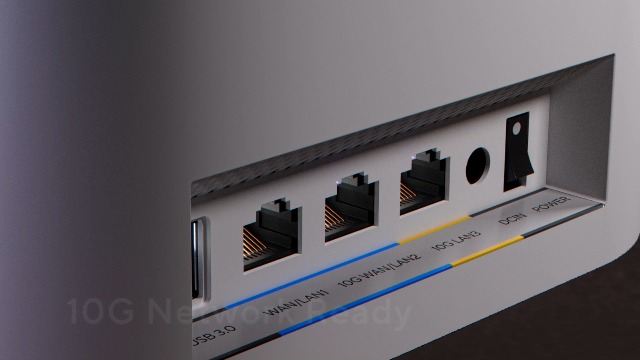
ASUS ZenWiFi BT10 Tri-Band WiFi 7 Mesh, 18 Gbps, 6000 sq.ft (2pk), Dual 10G Ports, Security and Parental Controls Included, Smart Home Master SSIDs, 4G & 5G Mobile Tethering
In Stock











As an Amazon Associate we earn from qualifying purchases. Product prices and availability are accurate as of the date/time indicated.
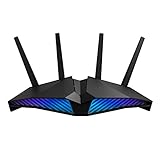
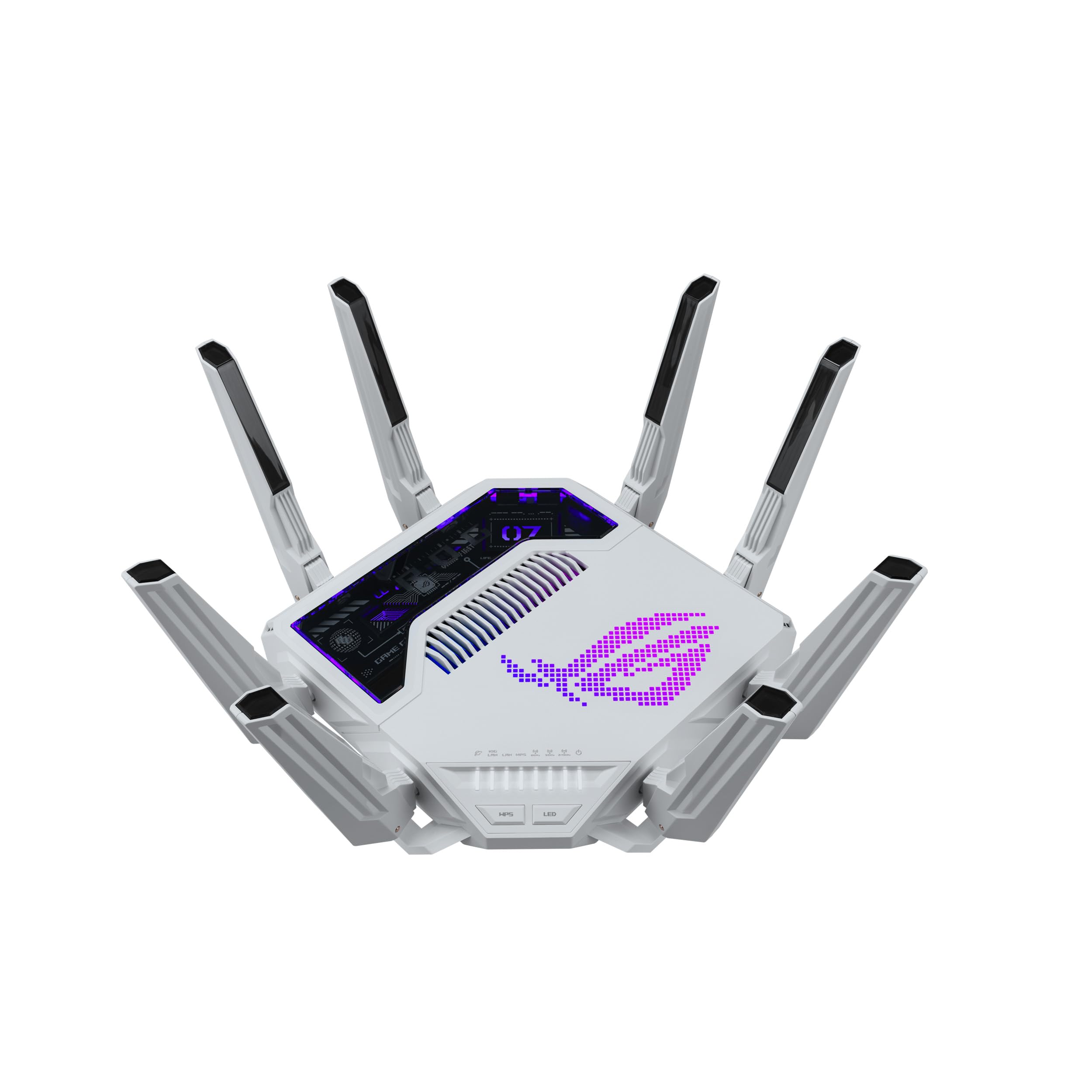
The ASUS RT-AX82U is the one router on this list that genuinely delivers what the category promises: real, customizable RGB lighting. It features ASUS Aura RGB on its chassis, which you can color-match and sync with a compatible ASUS gaming setup, on top of a capable AX5400 dual-band Wi-Fi 6 platform with a dedicated gaming port and Mobile Game Mode. At around $100 it is the clear pick if RGB is what you actually want.
This is the router for the gamer building a coordinated, lit-up battlestation who refuses to settle for plain black boxes. The Aura RGB is genuine customizable lighting, not a single status LED, so it ties into the rest of an ASUS Aura ecosystem; meanwhile the Wi-Fi 6 performance, gaming port for prioritised wired play, and adaptive QoS make it a properly fast router in its own right. If you came here specifically for an RGB router, the RT-AX82U is effectively the answer — and happily it is a strong gaming router too.
Pros: Genuine customizable Aura RGB lighting, fast AX5400 WiFi 6, gaming port, adaptive QoS.
Cons: RGB adds cost over plain routers; dual-band rather than tri-band.
2. ASUS RT-AC86U (AC2900) Dual Band Gigabit WiFi Gaming Router
ASUS GT-BE19000AI Tri-Band WiFi 7 (802.11be) AI Gaming Router, 320MHz Bandwidth & 4096-QAM, MLO, Dual 10G Ports, AI Game Boost, Gaming Network, Aura RGB, AiMesh Support, Guest Network Pro
In Stock
As an Amazon Associate we earn from qualifying purchases. Product prices and availability are accurate as of the date/time indicated.
Honesty check: the ASUS RT-AC86U looks every bit the gaming router, with aggressive angular styling, but it does not have RGB lighting — only standard status LEDs. We include it because it is widely cross-shopped as a ‘gaming router,’ and it remains a strong performer, but if you want glow you will not find it here. It is an AC2900 dual-band router with robust gaming features, priced around $113.
This is the router to choose if the gaming styling and the features behind it matter more to you than actual lighting. It brings a powerful dual-core processor, AiProtection security, and adaptive QoS that prioritises game traffic, all of which make for a responsive connection. Just go in clear-eyed: the look is gamer, the lighting is not RGB. If RGB is the goal, the RT-AX82U above is the pick; if you want proven gaming performance and do not care about lighting, the RT-AC86U earns its place.

Pros: Strong gaming features, capable dual-core CPU, AiProtection, adaptive QoS for game traffic.
Cons: NO RGB — gamer styling but only plain status LEDs; older Wi-Fi 5 (AC) standard.
3. TP-Link AXE5400 Tri-Band WiFi 6E Router (Archer AXE75)

28
Prime
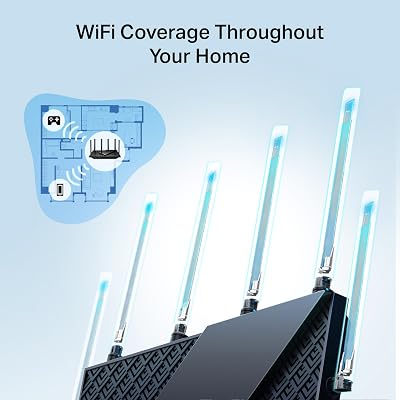
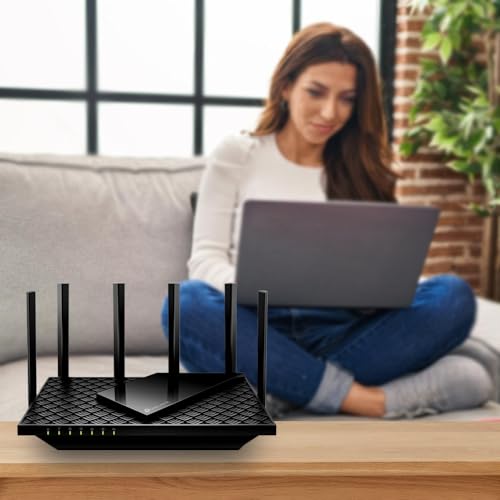
TP-Link AXE5400 Tri-Band WiFi 6E Router (Archer AXE75), 2025 PCMag Editors' Choice, 2.5Gbps WAN Port for Gaming & Streaming, 6GHz Band, 160MHz, OneMesh, Dual-Core CPU, VPN & WPA3 Security
In Stock






As an Amazon Associate we earn from qualifying purchases. Product prices and availability are accurate as of the date/time indicated.
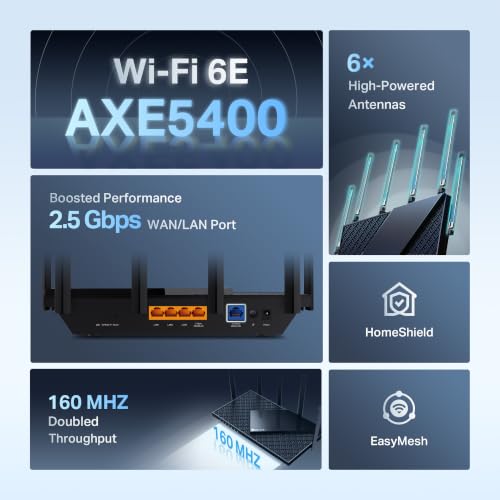
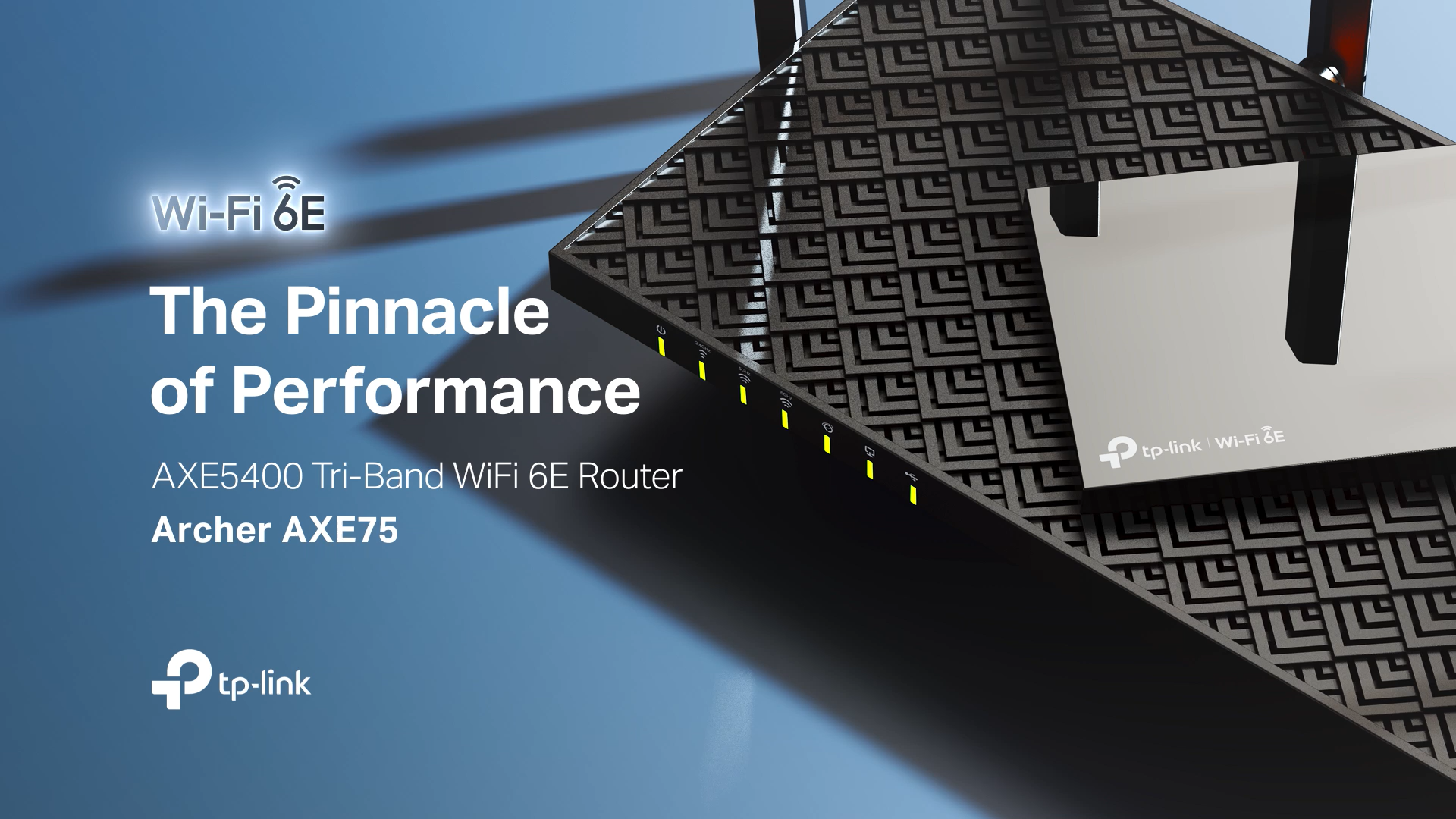
Honesty check: the TP-Link Archer AXE75 has no RGB lighting — just standard status LEDs — but it is one of the best pure-performance routers on this list. It is a tri-band Wi-Fi 6E router (an Editors’ Choice elsewhere) that adds the 6GHz band for less congestion and fast, modern throughput. At around $100 it is a superb router for anyone who values speed over lighting.
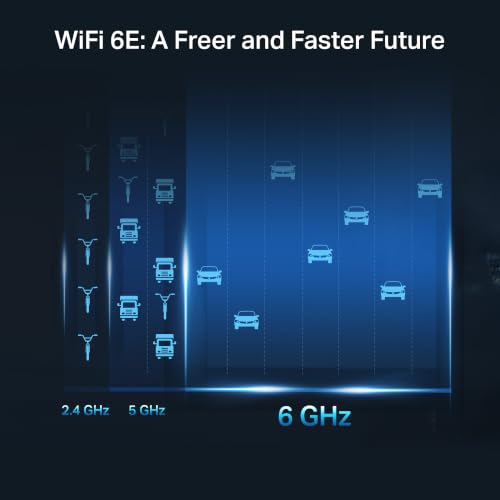
This is the router to choose when what you really want is a fast, future-ready network and the ‘RGB’ search just led you here. The 6GHz band of Wi-Fi 6E gives compatible devices a clear, high-speed lane away from crowded 2.4 and 5GHz traffic, the tri-band design handles many devices at once, and TP-Link’s QoS helps prioritise gaming. There is no RGB whatsoever, so cross it off if lighting is essential — but as a high-performance 6E router for the money, the Archer AXE75 is excellent.
Pros: Fast tri-band WiFi 6E with clear 6GHz band, great throughput, strong value performer.
Cons: NO RGB — status LEDs only; the 6GHz band needs 6E-capable devices to use.
4. TP-Link Deco XE75 (AXE5400) Tri-Band WiFi 6E Mesh System
15
TP-Link Deco XE75 AXE5400 Tri-Band WiFi 6E Mesh System – Covers up to 2900 Sq.Ft, Replaces WiFi Router and Extender, AI-Driven Mesh, New 6GHz Band, 1-Pack
In Stock






As an Amazon Associate we earn from qualifying purchases. Product prices and availability are accurate as of the date/time indicated.
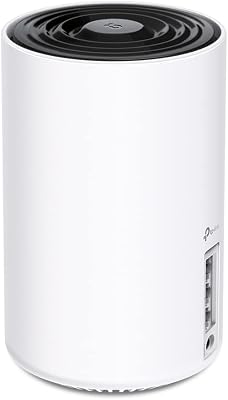
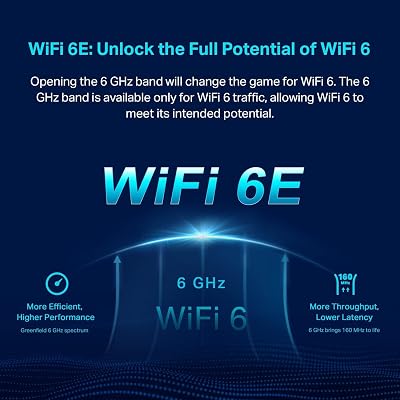
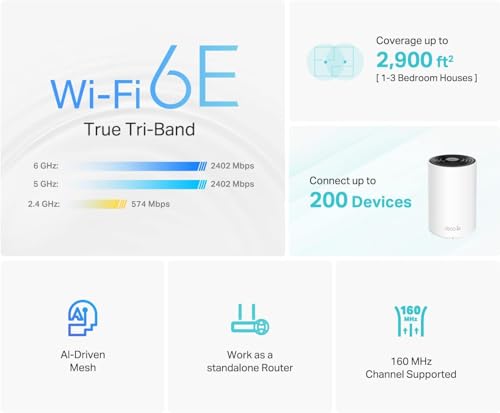
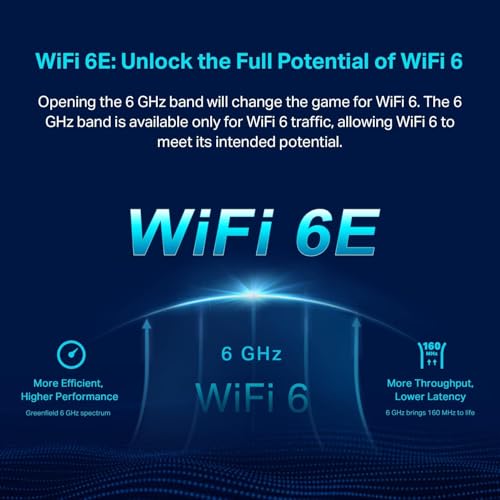
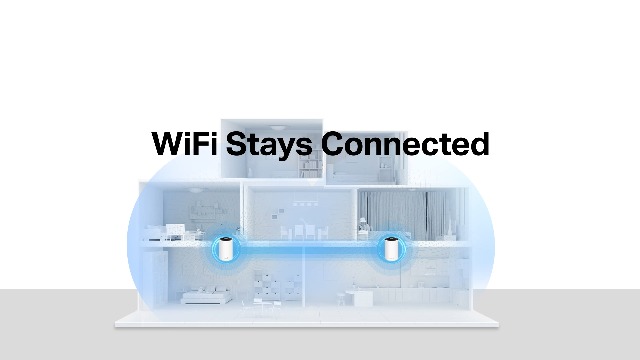
Honesty check: the TP-Link Deco XE75 has no RGB — Deco units are deliberately minimalist with discreet status lights — but it is a top whole-home pick. It is a tri-band Wi-Fi 6E mesh system covering up to around 2,900 sq ft, adding the 6GHz band as a fast backhaul and device lane. At around $100 it is an excellent mesh choice for blanketing a larger home in fast Wi-Fi.
This is the system to choose if your real problem is dead zones across a big house rather than a glowing router on a shelf. The mesh design spreads coverage evenly so you roam seamlessly between nodes, the 6E 6GHz band keeps the mesh backhaul and capable devices fast, and setup through the Deco app is beginner-friendly. It is the opposite of an RGB showpiece — it is meant to disappear into your decor — so skip it if lighting matters, but for whole-home 6E performance it is a standout.

Pros: Whole-home tri-band 6E mesh, ~2,900 sq ft coverage, seamless roaming, easy app setup.
Cons: NO RGB — intentionally minimalist design; 6GHz benefits need 6E devices.
5. TP-Link Deco X55 (AX3000) WiFi 6 Mesh System

29
Prime
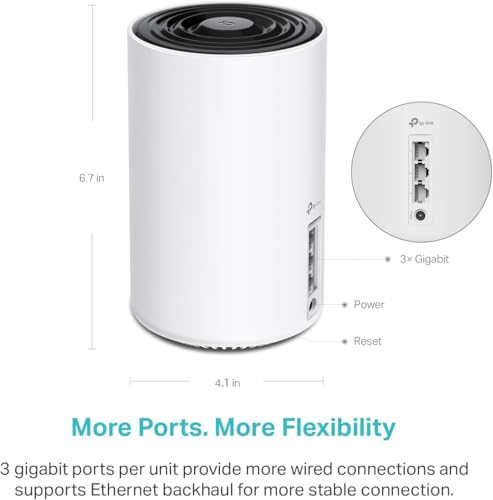
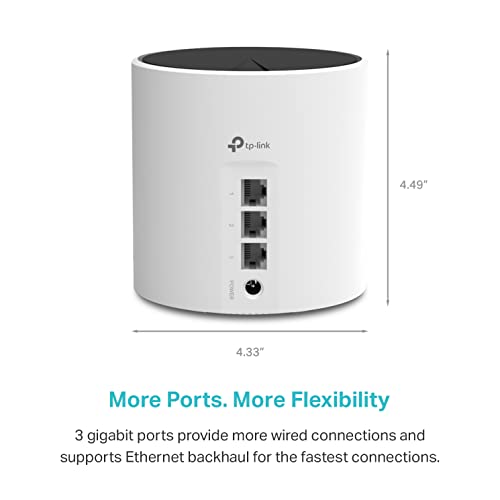
TP-Link Deco X55 AX3000 WiFi 6 Mesh System – Covers up to 2500 Sq.Ft., Replaces Wireless Router and Extender, 3 Gigabit Ports, Supports Ethernet Backhaul, Deco X55(1-Pack)
In Stock








As an Amazon Associate we earn from qualifying purchases. Product prices and availability are accurate as of the date/time indicated.
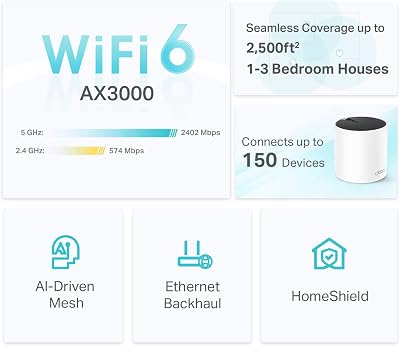
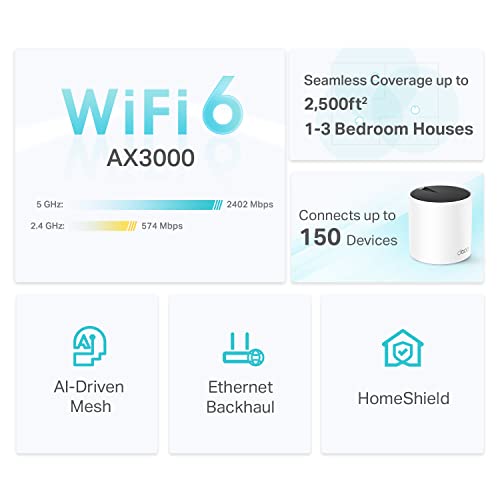
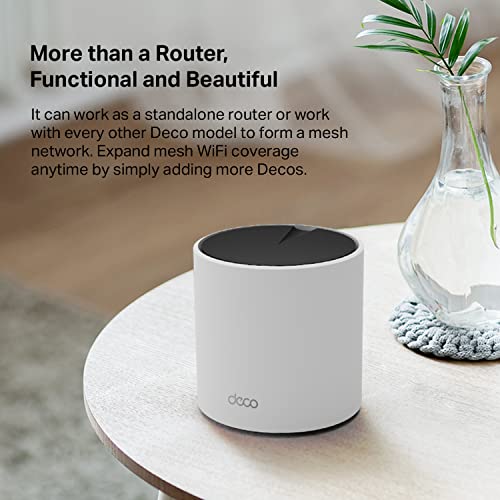
Honesty check: the TP-Link Deco X55 has no RGB lighting — like all Deco units it is clean and minimalist — but it is the value mesh pick of this list. It is an AX3000 dual-band Wi-Fi 6 mesh system covering up to around 2,500 sq ft, designed to replace a single router and eliminate dead spots affordably. At around $70 it is a budget-friendly way to cover a whole home.
This is the system for someone whose priority is reliable coverage everywhere at a sensible price, not lighting. The dual-band Wi-Fi 6 mesh spreads a steady signal across multiple rooms and floors, seamless roaming hands you off between nodes as you move, and the Deco app makes setup painless for non-technical users. There is no RGB here at all — these nodes are made to blend in — so it is the wrong pick for a lit setup, but as an affordable whole-home mesh it is a smart, dependable buy.
Pros: Affordable whole-home WiFi 6 mesh, ~2,500 sq ft coverage, seamless roaming, easy setup.
Cons: NO RGB — minimalist nodes by design; dual-band rather than tri-band.
6. TP-Link AX1800 WiFi 6 Router (Archer AX21 V5) Dual Band
Rounding out the list is the TP-Link Archer AX21, and the honesty flag stands: it has no RGB, only plain status LEDs. It is the most affordable router here — a dual-band AX1800 Wi-Fi 6 router that upgrades a home to the Wi-Fi 6 standard without spending much. At around $52 it is the budget entry point, valued for reliability and price rather than any lighting.
This is the router to choose when you want a dependable, modern Wi-Fi 6 connection on a tight budget and have no interest in lighting. The AX1800 platform brings Wi-Fi 6 efficiency for a busy home of phones, laptops and smart devices, the dual bands cover everyday browsing and streaming well, and TP-Link supports it with a mature, easy app. It is emphatically not an RGB router — there is nothing to light up — so look to the ASUS RT-AX82U for that. As an affordable, reliable Wi-Fi 6 upgrade, the Archer AX21 is a perennial favorite.
Pros: Cheapest pick here, modern WiFi 6 efficiency, reliable for a busy home, easy app setup.
Cons: NO RGB — plain status LEDs only; entry-level AX1800 speed and dual-band.
How to Choose an RGB (or Just Fast) Router
Set expectations first: genuine RGB routers are rare. If customizable lighting is truly essential to your build, your realistic shortlist is tiny, and on this list the ASUS RT-AX82U with its Aura RGB is effectively the answer. Be wary of ‘gaming routers’ that look aggressive but have only plain status LEDs — the ASUS RT-AC86U here is a perfect example of gamer styling without actual RGB. Always confirm a router specifically advertises customizable RGB lighting before buying it for that reason; styling alone does not mean glow.
Once lighting is settled, focus on the Wi-Fi standard, because that determines real-world speed and longevity. Wi-Fi 6 (as on the Archer AX21 and Deco X55) is the modern baseline, while Wi-Fi 6E (the Archer AXE75 and Deco XE75) adds a 6GHz band that gives compatible devices a fast, congestion-free lane. The RT-AC86U, by contrast, is older Wi-Fi 5 (AC). For a future-ready network, prioritise Wi-Fi 6 or 6E — the performance difference matters far more than whether the box lights up.
Next, decide between a single router and a mesh system based on your space. A standalone router like the RT-AX82U or Archer AXE75 is ideal for an apartment or smaller home and concentrates performance (and, in the ASUS’s case, the RGB) in one unit. A mesh system like the Deco X55 or Deco XE75 spreads multiple nodes to eliminate dead zones across a larger or multi-floor home — but note mesh nodes are deliberately minimalist, so none of them offer RGB. Match the topology to your coverage problem.
Finally, weigh gaming features and budget. If responsiveness in games is a priority, look for QoS or game-traffic prioritisation and ideally a dedicated gaming port — both the ASUS RT-AX82U and RT-AC86U deliver this. Then set your budget honestly: you can spend around $52 for solid Wi-Fi 6 (Archer AX21) or step up for tri-band 6E or genuine RGB. The key is to separate what you want (lighting) from what you need (speed and coverage): if RGB is the goal, the RT-AX82U is your pick; otherwise, choose the fast, non-RGB router that best fits your home and price.
Frequently Asked Questions
Do most routers actually have RGB lighting?
No — and this is the key honest takeaway. The overwhelming majority of routers, including most gaming-branded models, have only plain status LEDs or no lighting at all. On this list, the ASUS RT-AX82U is the single pick with genuine customizable Aura RGB; every other router, including the gamer-styled ASUS RT-AC86U, is non-RGB. If lighting is essential, confirm a model specifically advertises customizable RGB before buying.
Which router here is the real RGB pick?
The ASUS RT-AX82U is the genuine RGB router on this list. It features ASUS Aura RGB lighting that you can customize and sync with a compatible ASUS setup, alongside fast AX5400 Wi-Fi 6, a gaming port and adaptive QoS. If your goal is a lit-up router for a coordinated battlestation, it is effectively the only true option here — and conveniently it is a strong gaming router as well.
Is a gaming router the same as an RGB router?
Not necessarily. ‘Gaming router’ refers to features like QoS, game-traffic prioritisation and gaming ports — not lighting. Many gaming routers, such as the ASUS RT-AC86U here, have aggressive styling but no RGB whatsoever. Some, like the RT-AX82U, do include RGB. So a router can be a gaming router without any RGB, and you should check the lighting spec separately from the gaming features.
Should I prioritise RGB or Wi-Fi performance in a router?
Performance, almost always. A router’s job is fast, reliable coverage, and Wi-Fi standard, speed and range affect your experience far more than lighting ever will. RGB is purely cosmetic. If you can get genuine RGB and strong performance together — as with the RT-AX82U — great; but if you must choose, pick the router that gives you the best Wi-Fi for your home and treat lighting as a bonus.
Related Guides
- Best Gaming Routers
- Best Wi-Fi 6 Routers
- Best Mesh Wi-Fi Systems
- Best RGB Mouse for Your Setup
- Best Network Switches
- Best Budget Gaming Setup
Affiliate Disclosure: As an Amazon Associate, we earn from qualifying purchases. If you click a link and make a purchase, we may earn a small commission at no extra cost to you. Prices and availability are accurate as of publication and may change.










