

🛒 Best Price Today on Amazon
Prime members get fast, free shipping on everything above, plus member-only deals. New members get a 30-day free trial — cancel anytime.
- Top Webcams Zoom Meetings Picks for 2026
- Best Webcams for Zoom Meetings at a Glance
- 1. Zoom Certified NexiGo N950P (Gen 2) 4K Zoomable Webcam, RF Remote
- 2. Logitech C920x HD Pro Webcam, Full HD 1080p/30fps, Dual Mic
- 3. NexiGo N60 Pro 4K Webcam, Sony Sensor, Autofocus
- 4. NexiGo HelloCam Pro, 1080P 60FPS Autofocus, Windows Hello, Privacy Cover
- 5. Logitech HD Pro Webcam C920, 1080p with Stereo Microphones
- 6. EMEET 1080P Webcam C960 with Dual Noise-Reducing Microphones
- How to Choose a Webcam for Zoom Meetings
- Related Guides
- Frequently Asked Questions
- Related Guides
- Related Articles
Top Webcams Zoom Meetings Picks for 2026
Here are our current top webcams zoom meetings picks, compared on real Amazon owner reviews, price, and features. Live prices update below.
As an Amazon Associate we earn from qualifying purchases at no extra cost to you.


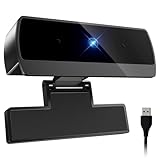

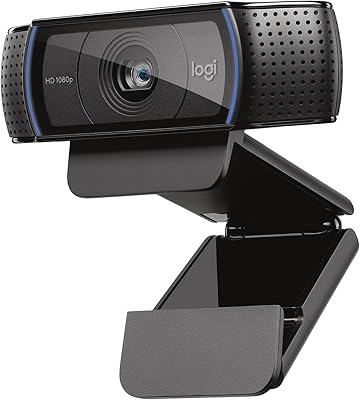
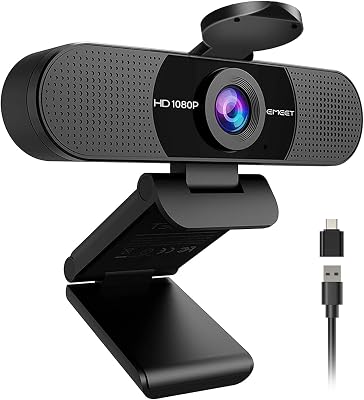
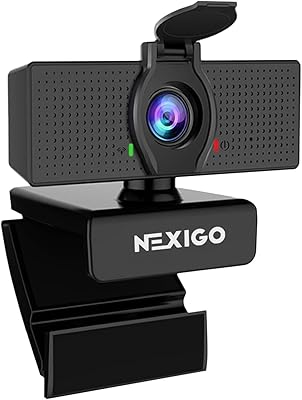


A great Zoom meeting starts with a webcam that makes you look sharp, sound clear, and stay perfectly in frame — not the soft, washed-out built-in camera most laptops ship with. For video calls, the priorities are specific: crisp 1080p (or better) resolution, reliable autofocus that keeps your face sharp when you lean in or shift, a usable built-in microphone, and consistent framing in ordinary room lighting. This guide rounds up the best webcams for Zoom meetings in 2026, judged on those meeting-first qualities rather than on streaming flair or gaming features.
Our picks were chosen on what genuinely improves a video call: image clarity, autofocus reliability, microphone quality, light handling, and value. We have included a deliberate spread — from a budget 1080p camera around $38 up to a Zoom-certified 4K model around $120 — because the best webcam for meetings is the one that fits your room, your laptop and your budget. We lead with the camera that is literally certified for the platform, then work through 4K, 1080p and privacy-focused options. Below you will find an at-a-glance comparison, then a closer look at each webcam and a buyer’s guide covering resolution, autofocus, microphones and lighting for calls.
Best Webcams for Zoom Meetings at a Glance
| Webcam | Best For | Standout Spec | Approx Price |
|---|---|---|---|
| NexiGo N950P (Gen 2) 4K | Certified Zoom calls | Zoom Certified, 4K, RF remote zoom | around $120 |
| Logitech C920x HD Pro | Reliable all-round meetings | 1080p/30, autofocus, dual mic | around $91 |
| NexiGo N60 Pro 4K | Sharp budget-4K framing | 4K Sony sensor, autofocus | around $70 |
| NexiGo HelloCam Pro | Sign-in plus privacy | 1080p/60 autofocus, Windows Hello | around $90 |
| Logitech HD Pro C920 | Proven 1080p value | 1080p, autofocus, stereo mics | around $68 |
| EMEET C960 1080P | Cheapest clear 1080p | 1080p, dual noise-reducing mics | around $38 |
1. Zoom Certified NexiGo N950P (Gen 2) 4K Zoomable Webcam, RF Remote

31
Zoom Certified, NexiGo N950P (Gen 2) 4K Zoomable Webcam, RF Remote, Sony_Starvis Sensor, 5X Digital Zoom, Pro Web Camera with Dual Stereo Mics
In Stock




As an Amazon Associate we earn from qualifying purchases. Product prices and availability are accurate as of the date/time indicated.
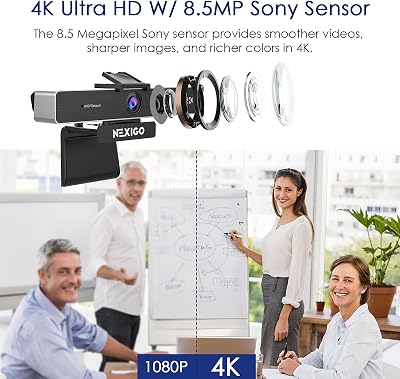
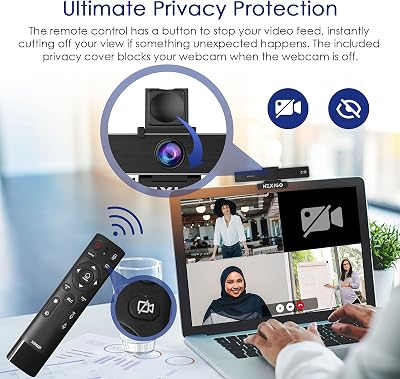
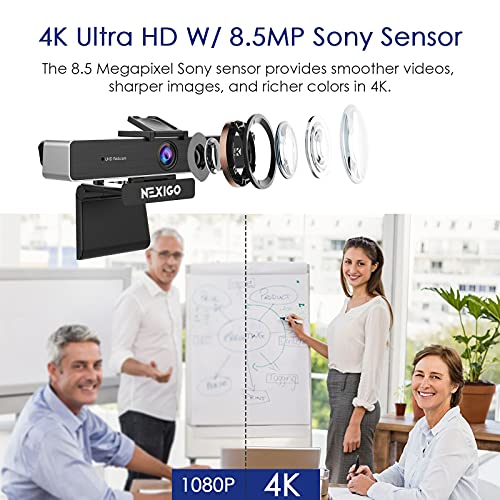
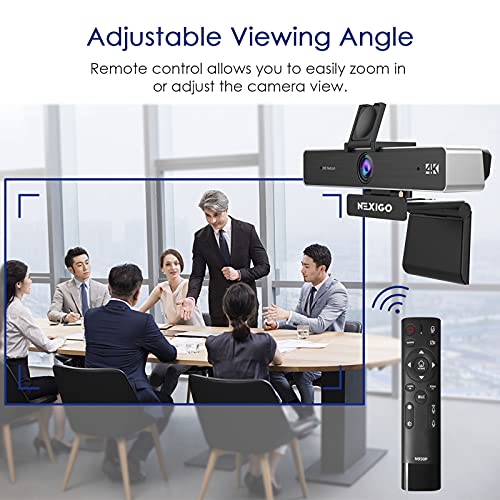
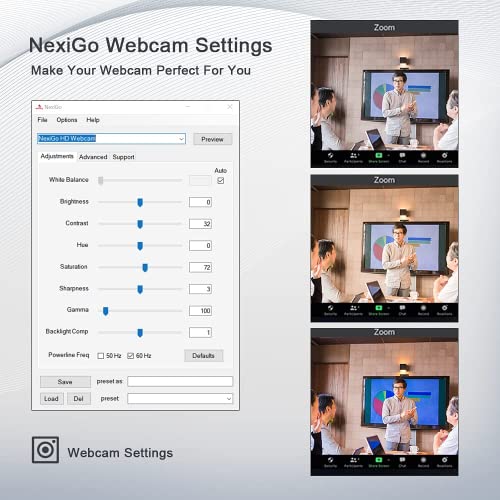
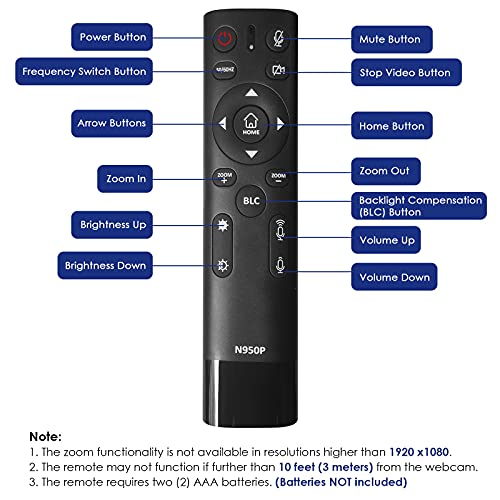
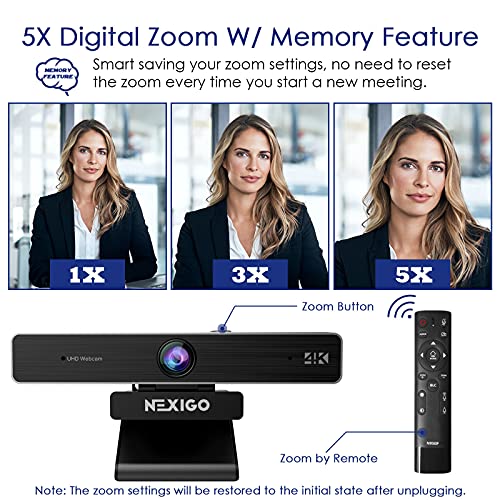
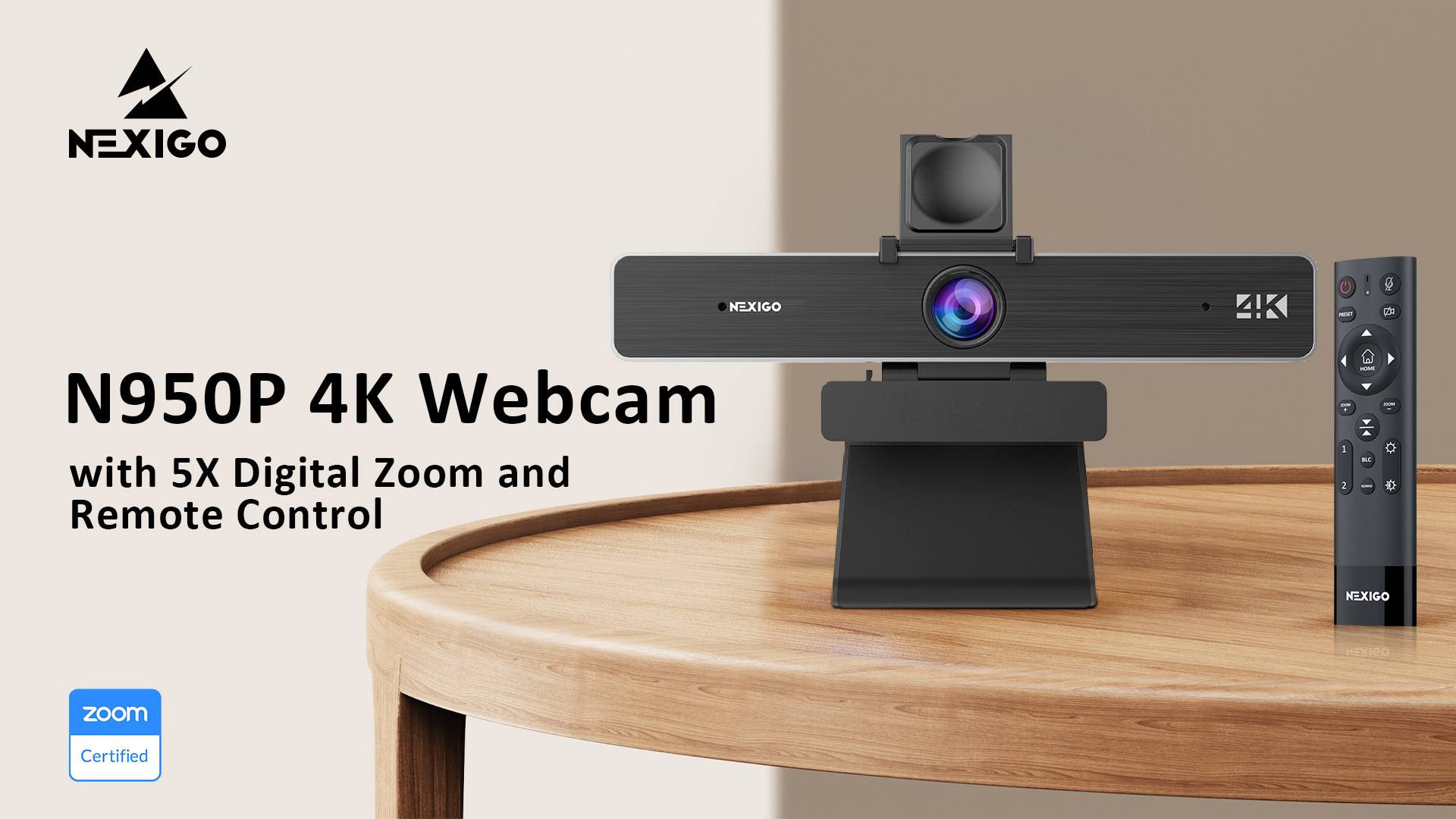
The NexiGo N950P (Gen 2) is the obvious lead for a guide about Zoom meetings for one simple reason: it is Zoom Certified, meaning it has been validated to work cleanly with the platform. It pairs a 4K-capable Sony STARVIS sensor with an RF remote that lets you zoom and reframe without touching the camera, plus autofocus and a built-in microphone. At around $120 it is the premium pick here, and the certification and remote framing are why.
For serious or frequent video callers, this is the camera that removes the guesswork. The Zoom certification means it behaves predictably in the app, the 4K sensor gives you a sharp, detailed image even when the meeting downscales to 1080p, and the RF remote is genuinely useful for reframing yourself or zooming in on a whiteboard mid-call. Autofocus keeps your face crisp as you move, and the integrated mic captures clear speech. If you live in Zoom and want the most reliable, best-framed picture on this list, the N950P is the standout.
Pros: Zoom Certified, sharp 4K Sony sensor, RF remote zoom and reframing, dependable autofocus.
Cons: Highest price here; 4K is downscaled by most meeting calls.
2. Logitech C920x HD Pro Webcam, Full HD 1080p/30fps, Dual Mic
27
Logitech C920x HD Pro PC Webcam, Full HD 1080p/30fps Video, Clear Audio, Light Correction, Works with Microsoft Teams, Google Meet, Zoom, Nintendo Switch 2’s New GameChat Mode, Mac/Tablet- Black
In Stock



As an Amazon Associate we earn from qualifying purchases. Product prices and availability are accurate as of the date/time indicated.
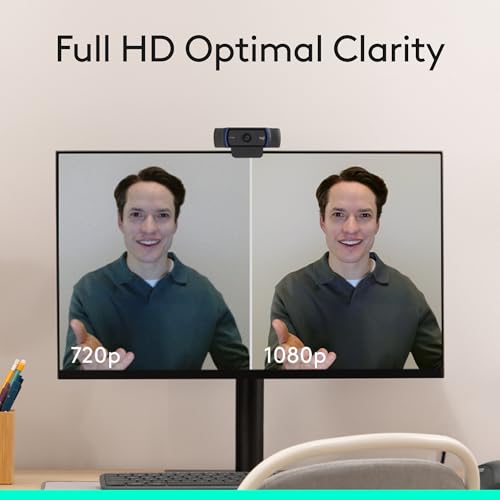
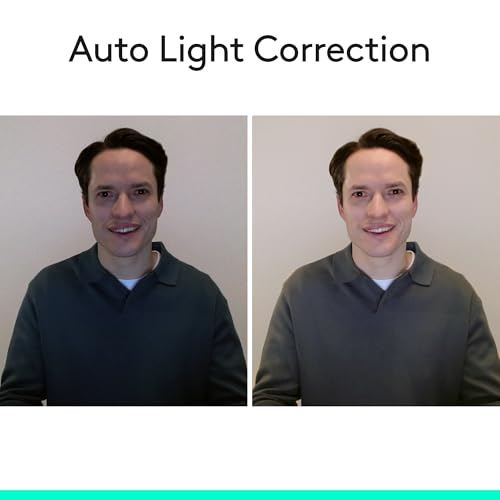
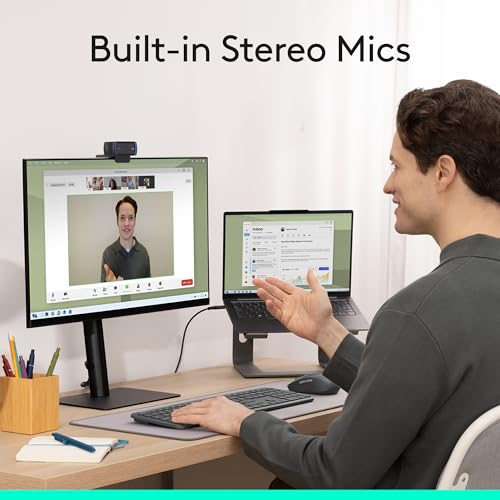
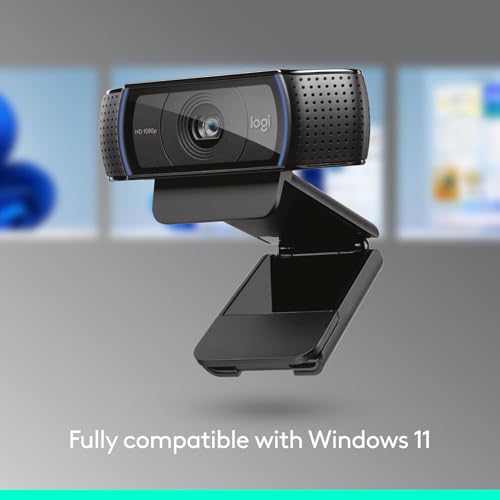
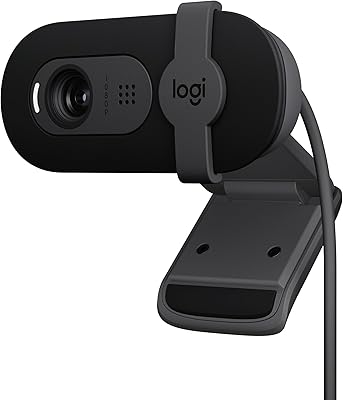
The Logitech C920x is the reliable all-rounder for meetings and the safest default on this list. It delivers a sharp Full HD 1080p/30fps image with dependable autofocus, automatic light correction, and a dual built-in microphone that captures clear, natural speech. At around $91 it is a proven, no-drama camera trusted in home offices everywhere.
This is the webcam to choose if you simply want every Zoom call to look and sound good without fiddling. The 1080p resolution is the sweet spot for video meetings — sharp, smooth and exactly what the platform sends — while the autofocus keeps you crisp as you shift in your chair and the light correction salvages a backlit window or a dim room. The stereo mics are good enough to skip a headset for most calls. For dependable, great-looking meetings with minimal setup, the C920x is the easy recommendation.
Pros: Sharp 1080p with reliable autofocus, light correction, clear dual mics, proven reliability.
Cons: 1080p rather than 4K; fixed clip suits monitors more than laptops.
3. NexiGo N60 Pro 4K Webcam, Sony Sensor, Autofocus

38
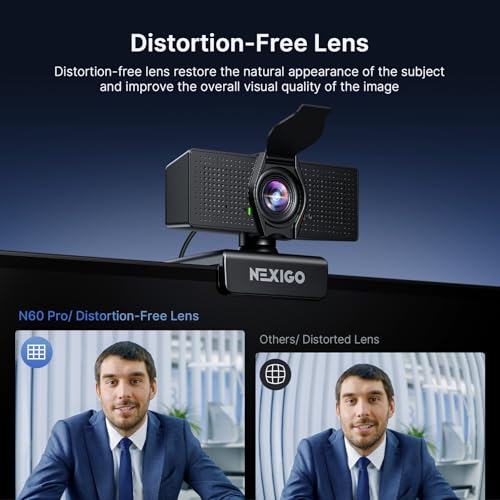
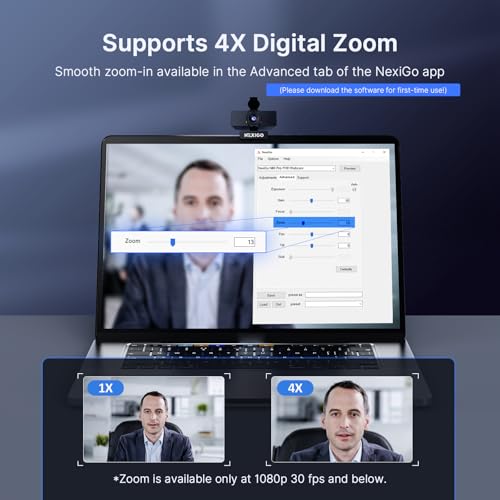
NexiGo N60 Pro 4K Webcam for PC, 4K UHD Sony Sensor, Autofocus, 1080p 60 fps, Noise-Canceling Mics, Privacy Cover, Distortion-Free Lens, 4X Digital Zoom, Works with Switch 2/Zoom/Teams/Google Meet
In Stock




As an Amazon Associate we earn from qualifying purchases. Product prices and availability are accurate as of the date/time indicated.
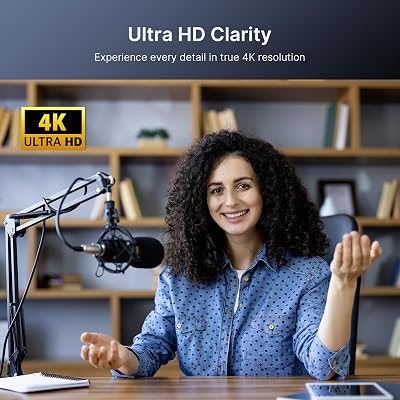
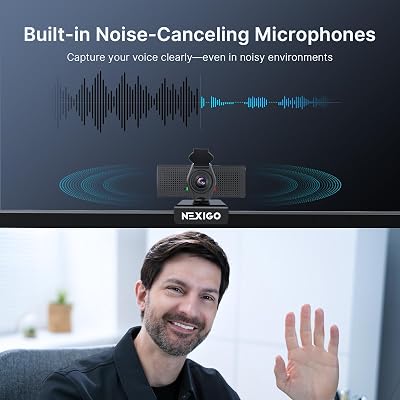
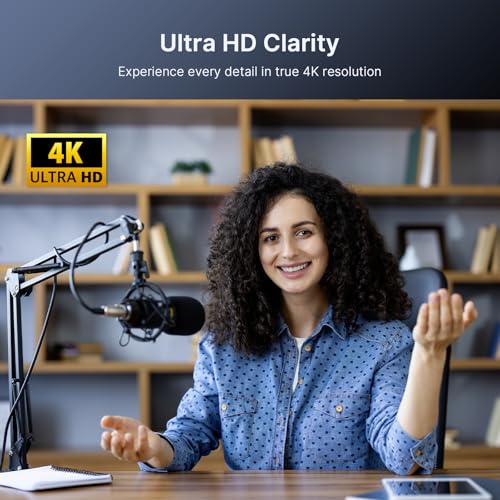
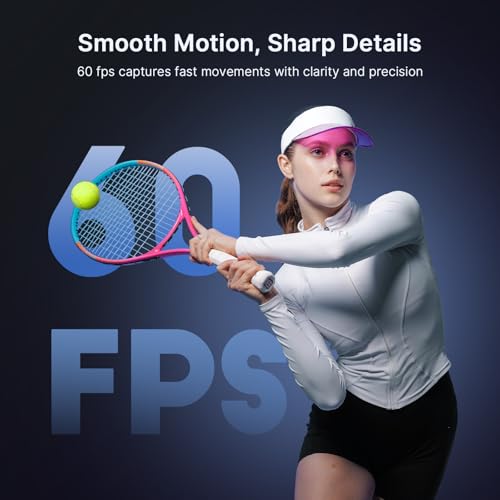
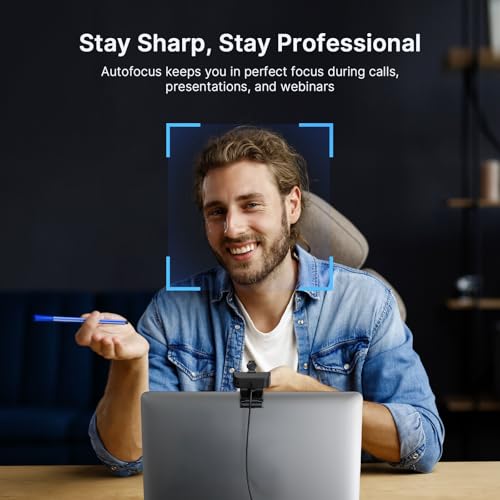
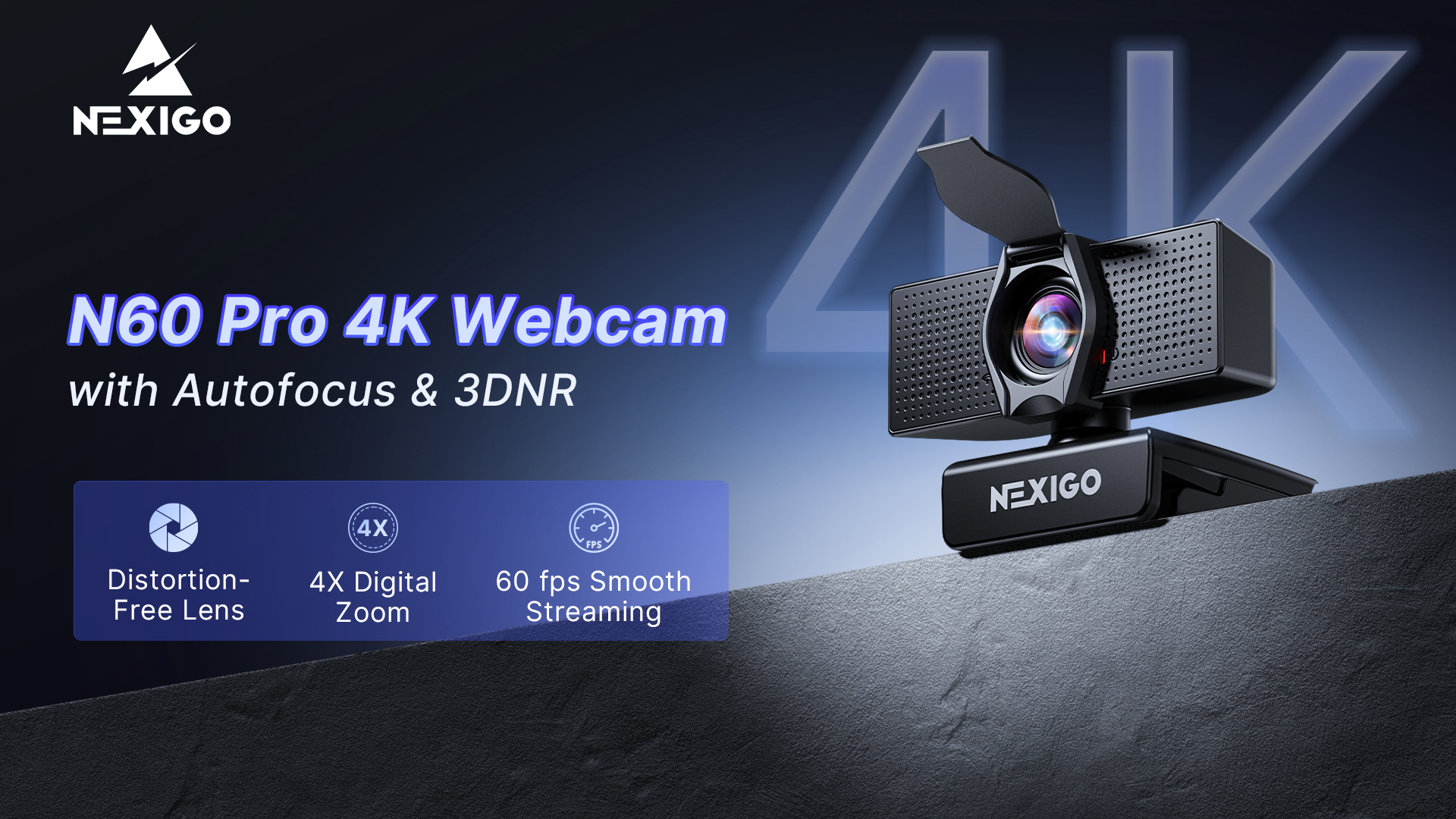
The NexiGo N60 Pro is the sharp budget-4K pick. It packs a 4K UHD Sony sensor with autofocus and 1080p/60fps capability into an affordable body, giving you a notably detailed image and smooth framing for the money. At around $70 it punches above its price for callers who want more clarity than a typical 1080p webcam delivers.
This is the camera for the value-minded meeting host who still wants a crisp, well-defined picture. The 4K Sony sensor resolves fine detail and gives the image a clean, professional look on Zoom, autofocus keeps your face sharp as you move, and the higher 1080p/60 mode means smooth motion if your call or recording supports it. The built-in mic handles speech for casual calls, though heavy talkers may add a headset. For sharp framing on a sensible budget, the N60 Pro is a strong choice.
Pros: 4K Sony sensor for a detailed image, autofocus, smooth 1080p/60, strong value.
Cons: Built-in mic is basic; 4K is overkill for the call’s final resolution.
4. NexiGo HelloCam Pro, 1080P 60FPS Autofocus, Windows Hello, Privacy Cover

27
Prime
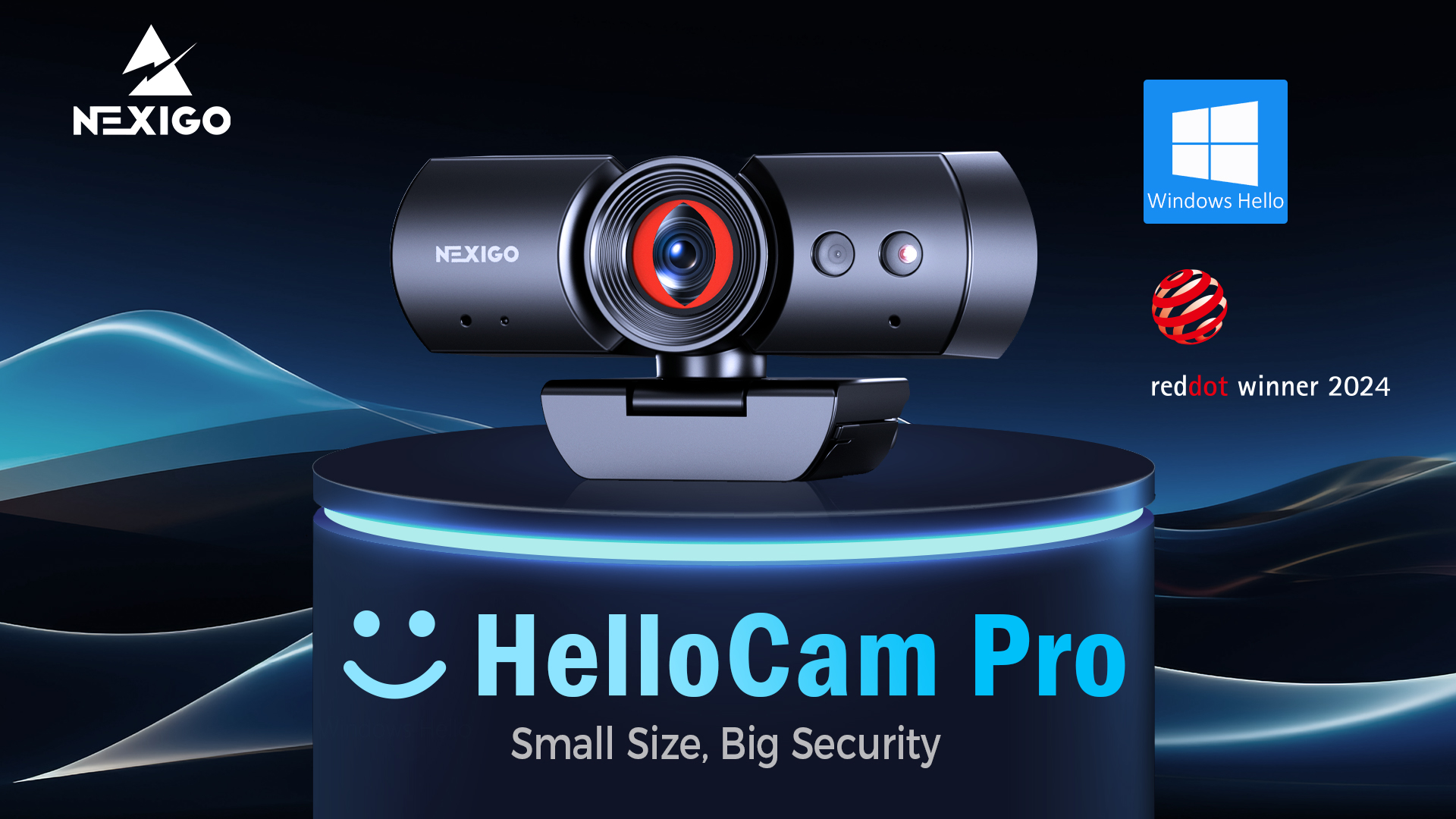
NexiGo HelloCam Pro, Webcam with Windows Hello, 1080P 60FPS Autofocus, True Privacy, Automatic Electronic Shutter, Computer Camera, Microphone, Facial Enhancement, HD USB Web Cam
In Stock





As an Amazon Associate we earn from qualifying purchases. Product prices and availability are accurate as of the date/time indicated.
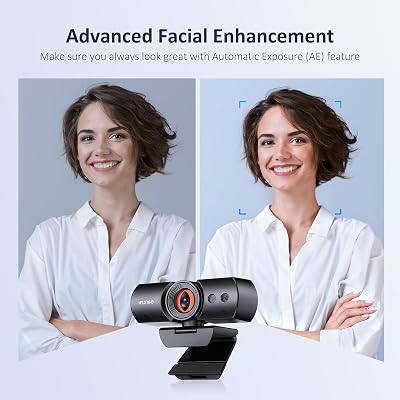
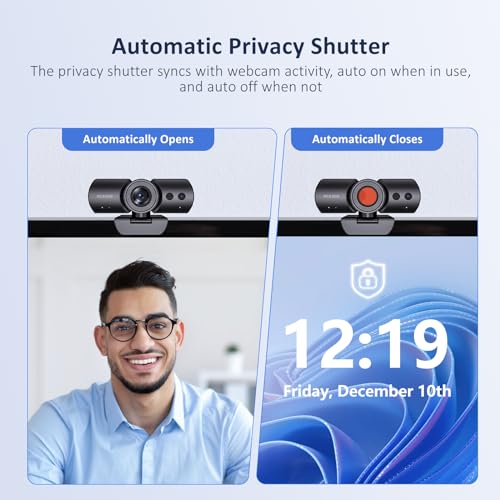
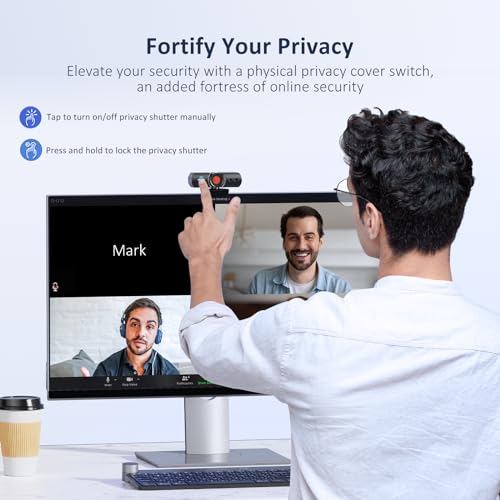
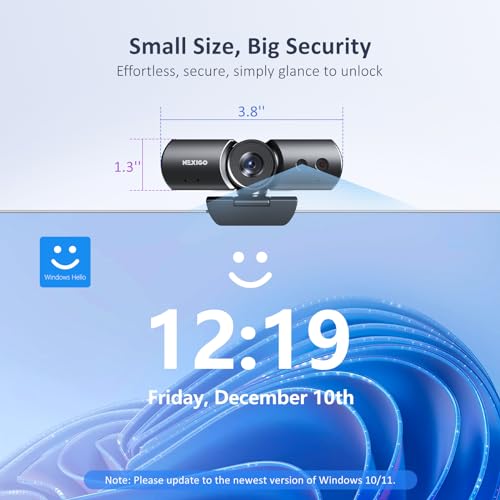
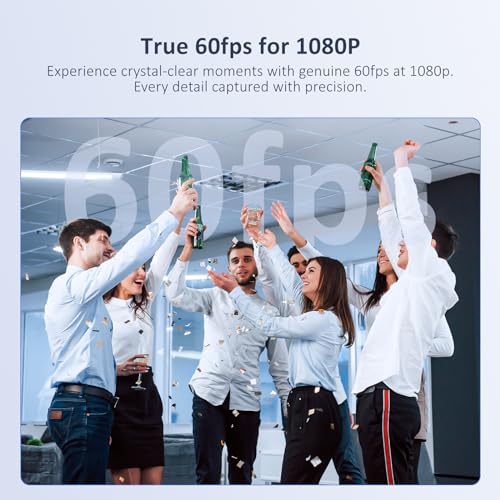
The NexiGo HelloCam Pro is the sign-in-plus-privacy pick. It is a 1080p/60fps autofocus webcam that also supports Windows Hello facial recognition for password-free login, and it includes a true privacy cover so you can physically block the lens when you are off camera. At around $90 it bundles meeting-ready video with login convenience and peace of mind.
This is the camera for the home worker who wants one device to handle both clear video calls and secure, hands-free Windows sign-in. The 1080p/60 sensor with autofocus keeps you sharp and smooth on Zoom, the Windows Hello support logs you in by face so you skip typing a password, and the physical privacy shutter is reassuring when meetings end. If you value security and privacy alongside solid call quality, the HelloCam Pro covers all three in one tidy package.
Pros: Sharp 1080p/60 autofocus, Windows Hello sign-in, physical privacy cover for peace of mind.
Cons: Windows Hello needs a compatible PC; mic is functional rather than premium.
5. Logitech HD Pro Webcam C920, 1080p with Stereo Microphones
16
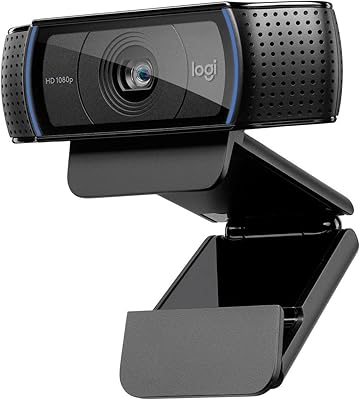
Logitech HD Pro Webcam C920, Widescreen Video Calling and Recording, 1080p Camera, Desktop or Laptop Webcam
In Stock







As an Amazon Associate we earn from qualifying purchases. Product prices and availability are accurate as of the date/time indicated.
The Logitech HD Pro C920 is the proven 1080p value pick and one of the most popular webcams ever made. It delivers a sharp Full HD 1080p image with autofocus and a pair of built-in stereo microphones, all in the dependable, widely compatible design that built Logitech’s reputation. At around $68 it is a lower-cost sibling to the C920x and still an excellent meeting camera.
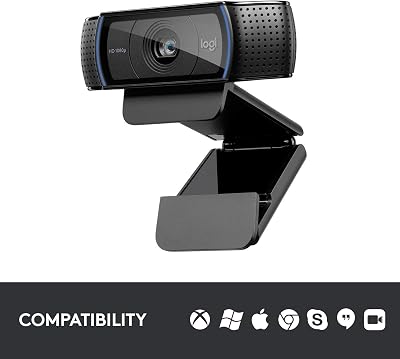
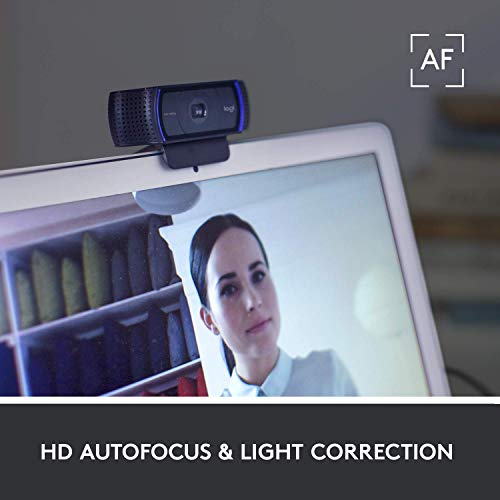
This is the webcam to choose when you want trusted, no-fuss 1080p quality at a friendly price. The Full HD resolution is exactly what Zoom calls use, the autofocus keeps you crisp when you move, and the stereo mics pick up clear speech so you can skip a headset for most meetings. It works plug-and-play across Windows and macOS without drivers. For a reliable, affordable camera that simply makes you look and sound good on calls, the classic C920 remains a smart buy.
Pros: Trusted 1080p image, autofocus, clear stereo mics, broad plug-and-play compatibility, great value.
Cons: Older model than the C920x; lighting handling is good but not 4K-sharp.
6. EMEET 1080P Webcam C960 with Dual Noise-Reducing Microphones
32
Prime
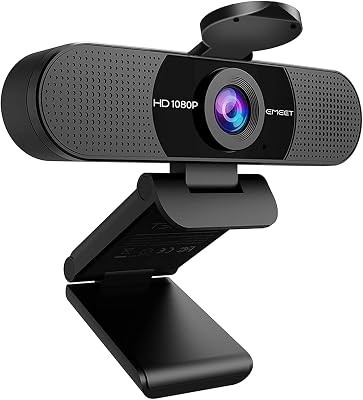
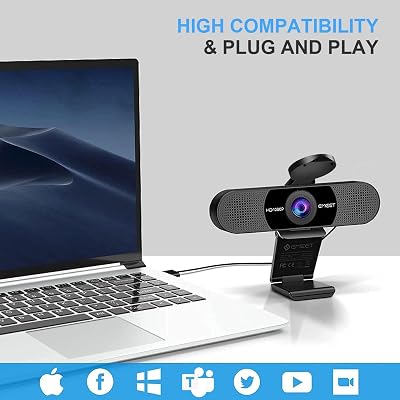
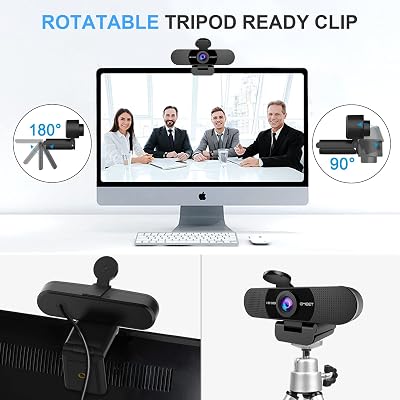
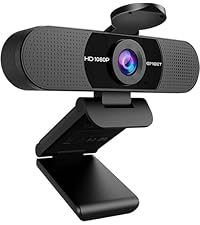
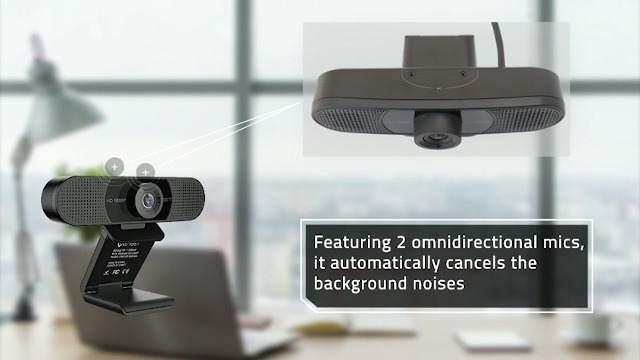
EMEET 1080P Webcam with Microphone, C960 Web Camera, 2 Mics Streaming Webcam, 90°FOV Computer Camera, Plug and Play USB Web Cam for Online Calling/Conferencing, Zoom/Teams/Facetime/YouTube, Laptop/PC
In Stock








As an Amazon Associate we earn from qualifying purchases. Product prices and availability are accurate as of the date/time indicated.
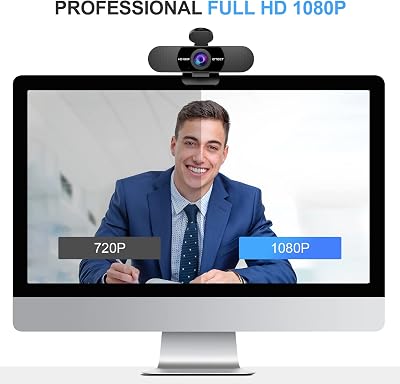
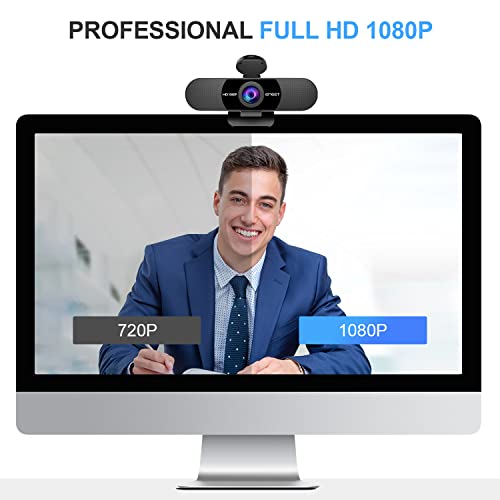
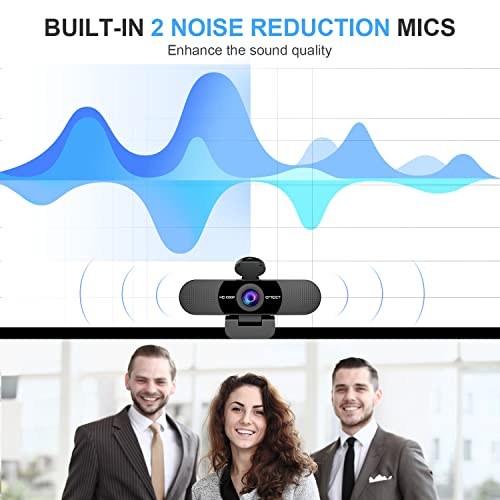
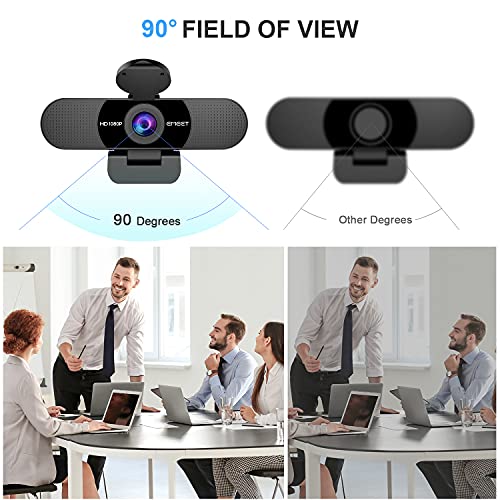
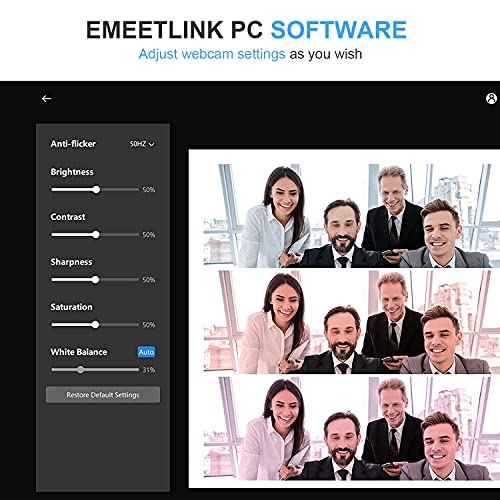
Rounding out the list is the EMEET C960, the cheapest clear-1080p pick. It is a Full HD 1080p webcam with a wide field of view and, notably, two built-in noise-reducing microphones tuned to capture your voice while suppressing background hum. At around $38 it is by far the most affordable camera here and an easy upgrade over any laptop’s built-in webcam.
This is the camera for the budget-conscious caller who wants a clear picture and good voice pickup without spending much. The 1080p sensor delivers a sharp, meeting-ready image, the dual noise-reducing mics make speech easy to understand on Zoom even in a slightly noisy room, and the wide field of view fits one or two people comfortably. It uses fixed focus rather than autofocus, which is fine for a static desk setup. For the most clarity per dollar, the C960 is the value champion.
Pros: Very affordable, clear 1080p, dual noise-reducing mics, wide field of view for desk calls.
Cons: Fixed focus rather than autofocus; best when you stay at a set distance.
How to Choose a Webcam for Zoom Meetings
For Zoom meetings, start with resolution — but with realistic expectations. Full HD 1080p is the practical sweet spot: it is sharp, smooth, and is exactly what most video calls actually transmit. A 4K camera like the Zoom-certified N950P or the N60 Pro gives you a more detailed sensor and a cleaner image even after the call downscales, which is a real benefit, but it is not essential. Avoid anything below 1080p for meetings; that is the floor that separates a professional look from a soft, dated one.
Autofocus and framing are the next priority, because a meeting camera has to keep your face sharp as you move. Autofocus models like both Logitech C920 cameras, the HelloCam Pro and the NexiGo 4K pair stay crisp when you lean in or shift in your chair, whereas a fixed-focus camera like the EMEET C960 is sharp only at a set distance — fine for a static desk, less so if you move around. The Zoom-certified N950P goes further with a remote that lets you zoom and reframe mid-call, which is genuinely handy for presentations.
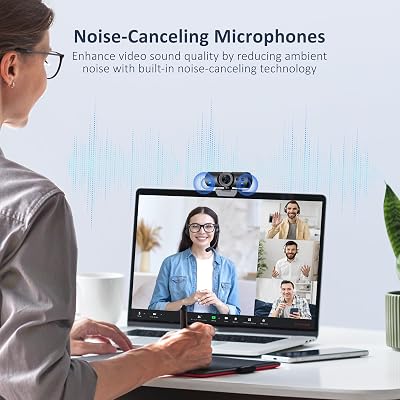
Sound matters as much as picture, so weigh the microphone honestly. Every camera here has a built-in mic, but they are not equal: the Logitech models and the EMEET’s dual noise-reducing mics capture clear, natural speech that is good enough to skip a headset for most calls, while budget built-in mics are merely adequate. If you talk a lot, present often, or sit in a noisy room, prioritise a camera with strong dual mics — or plan to pair any webcam with a dedicated headset or microphone.
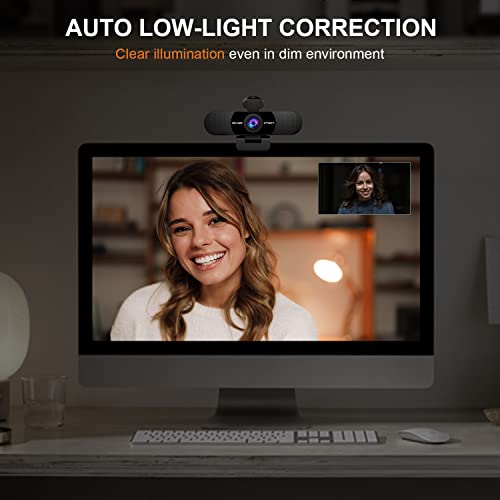
Finally, think about lighting, privacy and platform fit. Light correction, as on the Logitech cameras, rescues a backlit window or a dim home office, so favour it if your room lighting is imperfect. If security matters, the HelloCam Pro adds Windows Hello sign-in and a physical privacy shutter. And if you live in Zoom specifically, a Zoom-certified model like the N950P is validated to behave predictably in the app. Set your budget, decide whether you need 4K or 1080p, prioritise reliable autofocus and a usable mic, and pick the webcam on this list that fits how you meet.
Frequently Asked Questions
Is 1080p or 4K better for Zoom meetings?
For Zoom specifically, 1080p is the practical sweet spot — it is sharp, smooth and is what most calls actually transmit. A 4K webcam like the N950P or N60 Pro uses a higher-quality sensor that still looks cleaner after the call downscales, which is a nice bonus, but it is not necessary. Avoid anything below 1080p; that is the line between a professional and a dated look on video calls.
Do I need a webcam with autofocus for video calls?
Autofocus is well worth having if you move during meetings — leaning toward the screen, gesturing, or shifting in your chair keeps your face sharp on cameras like the Logitech C920 pair, the HelloCam Pro and the NexiGo 4K models. A fixed-focus camera such as the EMEET C960 is sharp only at a set distance, which is fine for a static desk setup but less forgiving if you tend to move around on calls.
Are built-in webcam microphones good enough for meetings?
For most calls, yes. The dual microphones on the Logitech cameras and the EMEET C960’s noise-reducing mics capture clear, intelligible speech that is good enough to skip a separate headset. If you present frequently, talk for long stretches, or work in a noisy room, a dedicated headset or USB microphone will still sound better — but a quality webcam mic handles everyday Zoom meetings well.
What is a Zoom Certified webcam and does it matter?
A Zoom Certified webcam, like the NexiGo N950P here, has been validated by Zoom to work reliably with the platform, so it behaves predictably in the app with fewer compatibility surprises. It is not strictly required — plenty of uncertified cameras work perfectly well on Zoom — but if you live in the platform and want the most dependable, well-supported experience, certification is a genuine reassurance.
Related Guides
- Best Webcams
- Best Microphones for Calls and Streaming
- Best Gaming Headsets
- Best Monitors for Work and Play
- Best CPUs for the Home Office
- Best Budget Gaming Setup
Affiliate Disclosure: As an Amazon Associate, we earn from qualifying purchases. If you click a link and make a purchase, we may earn a small commission at no extra cost to you. Prices and availability are accurate as of publication and may change.










