

- Top Pick: Silicon Power 1TB – NVMe M.2 PCIe Gen3x4 2280 SSD (SP001TBP34A60M28)
- Best Value: Kingston NV3 1TB M.2 2280 NVMe SSD | PCIe 4.0 Gen 4×4 | Up to 6000 MB/s | SNV3S/1000G
- Premium Choice: SIX NVME M.2 SSD PCIe 4.0-1TB m.2 2280 ssd, Read UP to 7350MB/s 1TB for Gaming PS5 Memory Storage Expansion with Heatsink, Internal Solid State Hard Drive PCIe gen 4×4 Nvme for Laptop Desktop pc
🛒 Best Price Today on Amazon
Prime members get fast, free shipping on everything above, plus member-only deals. New members get a 30-day free trial — cancel anytime.
Top Budget Nvme Ssds Picks for 2026
Here are our current top budget nvme ssds picks, compared on real Amazon owner reviews, price, and features. Live prices update below.
As an Amazon Associate we earn from qualifying purchases at no extra cost to you.





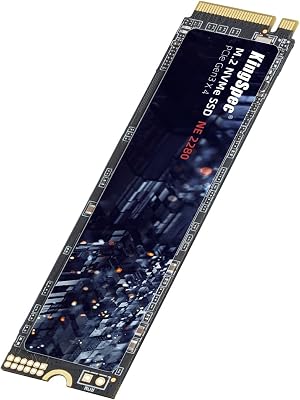

Not every build needs flagship NVMe performance, and not every budget stretches to the latest Gen4 or Gen5 drives. Budget NVMe SSDs — the category of drives priced from around $30 to $70 — are the right pick for upgrading older systems off mechanical hard drives or aging SATA SSDs, for adding secondary storage in a build where the boot drive is faster, or for cost-constrained builds and laptop upgrades. This guide rounds up the best budget NVMe SSDs in 2026, with a clear-eyed view of what you do and do not get at this price point.
Our picks were chosen on the realities of the budget NVMe market: genuine NVMe interface (PCIe Gen3 x4 for almost all picks at this price), confirmed prices under $70, M.2 2280 form factor for broad compatibility, and acceptable real-world performance for the price. Honest disclosure up front: most truly budget NVMe drives at this price point are 128GB or 256GB. ‘Budget’ here means low absolute price, not low cost-per-gigabyte — if you want the most storage for the money, a larger Gen4 drive like the Silicon Power UD90 4TB on our 4TB guide almost always wins on $/GB. Below is an at-a-glance comparison, then a closer look at each drive and a buyer’s guide on when budget NVMe is the right call and what to watch for.
Best Budget NVMe SSDs at a Glance
| SSD | Best For | Standout Spec | Approx Price |
|---|---|---|---|
| Silicon Power 256GB Gen3 NVMe | Trusted budget brand 256GB | 256GB Gen3, M.2 2280 | around $68 |
| KingSpec 256GB Gen3 NVMe | Cheap reliable 256GB | 256GB, up to 2,400 MB/s, 3D NAND | around $57 |
| OEM Hyn PVC10 256GB 2230 | Steam Deck or mini-PC 2230 budget | 256GB Gen4 2230 (smaller form factor) | around $55 |
| fanxiang S500 Pro 256GB Gen3 | 256GB with SLC cache | 256GB Gen3, SLC cache, 3D TLC NAND | around $54 |
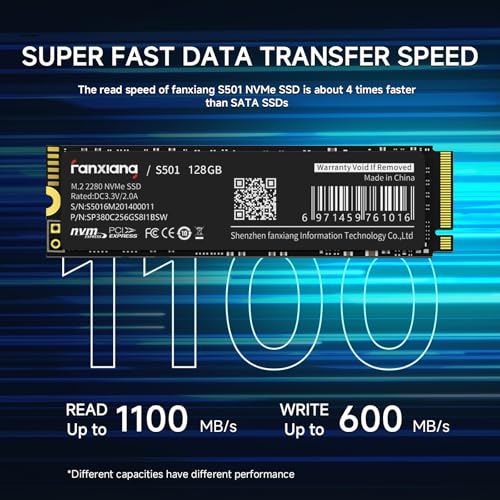
| fanxiang S501 128GB Gen3 | Cheapest decent 128GB NVMe | 128GB, up to 1,100 MB/s, M.2 2280 | around $40 |
| Ediloca EN605 128GB Gen3 | Absolute cheapest pick | 128GB, up to 1,130/400 MB/s | around $37 |
1. Silicon Power 256GB NVMe M.2 PCIe Gen3 x4 SSD

11
Prime
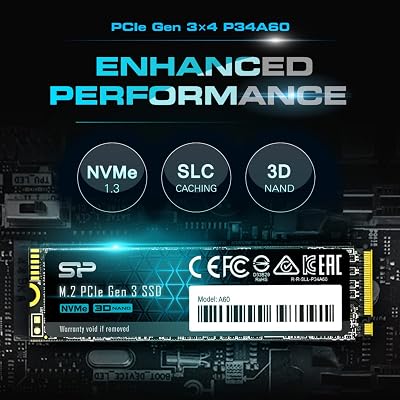
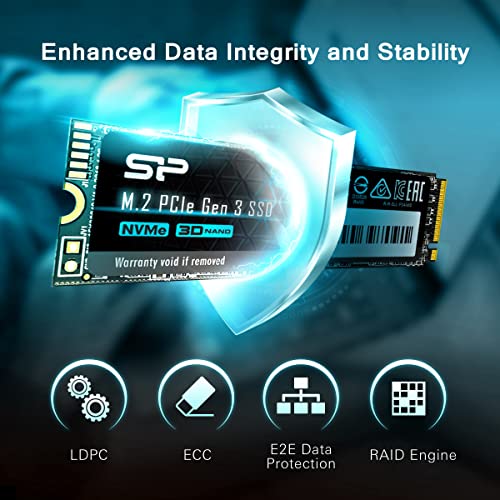
Silicon Power 256GB NVMe M.2 PCIe Gen3x4 2280 SSD (SP256GBP34A60M28)
In Stock



As an Amazon Associate we earn from qualifying purchases. Product prices and availability are accurate as of the date/time indicated.
The Silicon Power 256GB Gen3 is our top budget NVMe pick — the right balance of trusted brand, reasonable capacity, and a real-world price that fits inside the under-$70 ceiling. It is a confirmed M.2 2280 PCIe Gen3 x4 NVMe drive at 256GB, sitting at around $68. Silicon Power is one of the better-known value-tier NVMe brands, with decent firmware support and a long track record in the budget space.
This is the drive to choose for upgrading an older laptop or desktop from a SATA SSD or HDD where genuine NVMe speed matters but the budget is tight. 256GB is enough to hold Windows and your most-used applications, the Gen3 NVMe interface is meaningfully faster than any SATA SSD, and the Silicon Power brand gives more peace of mind than the truly generic options. For a no-frills, sub-$70 NVMe upgrade from a brand you can trust, this is the standard recommendation.
Pros: Trusted Silicon Power brand at 256GB Gen3 NVMe, sub-$70 price, M.2 2280.
Cons: 256GB is small for modern installs; Gen3 speeds well below modern Gen4.
2. KingSpec SSD 256GB M.2 NVMe Gen3 x4 2280, 3D NAND
26
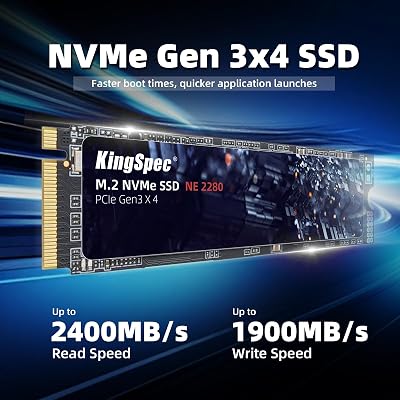
KingSpec SSD 256GB, M.2 NVMe Gen3x4 SSD 2280 – Up to 2400MB/s, Internal Solid State Drive with 3D NAND Flash, Compatible with Desktop and Laptop
In Stock


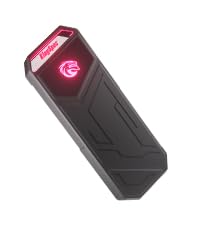
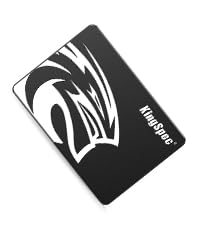
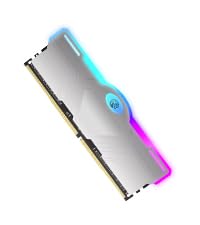


As an Amazon Associate we earn from qualifying purchases. Product prices and availability are accurate as of the date/time indicated.
The KingSpec 256GB Gen3 is the cheap-and-reliable budget pick. It is a confirmed M.2 2280 PCIe Gen3 x4 NVMe drive at 256GB, with sequential reads up to 2,400 MB/s and 3D NAND flash for better endurance than older 2D NAND designs. At around $57 it undercuts the Silicon Power 256GB by about $10, making it the choice for the most cost-conscious 256GB NVMe upgraders.
This is the drive for users who want NVMe-tier upgrade pricing as low as it sensibly goes while still having a recognizable brand on the label. The 2,400 MB/s sequential read figure is roughly four to five times what a SATA SSD can do, the 3D NAND helps with longevity over time, and KingSpec is a familiar enough name in the value NVMe space to be a reasonable choice. For sub-$60 NVMe at 256GB, this is the obvious pick.
Pros: Sub-$60 at 256GB, Gen3 2,400 MB/s, 3D NAND for endurance, recognized value brand.
Cons: Capacity tight for serious use; Gen3 speeds limit boot-drive ambitions.
3. OEM Hyn PVC10 256GB M.2 PCIe Gen4 x4 NVMe 2230 SSD

5
Prime
OEM Hyn PVC10 256GB M.2 PCI-e GEN 4X4 NVME SSD Internal Solid State Drive 30mm 2230 Form Factor M Key Steam Deck
In Stock


As an Amazon Associate we earn from qualifying purchases. Product prices and availability are accurate as of the date/time indicated.
The OEM Hyn PVC10 256GB is the niche pick — the only Gen4 drive on the budget list, and the only one in the smaller M.2 2230 form factor. It is described as a Gen4 x4 NVMe drive at 256GB in the 30mm 2230 size, specifically aimed at Steam Deck and similar handheld upgrades. At around $55 it is one of the cheapest ways to get any kind of 2230 drive — making it relevant for users with 2230-only handhelds rather than standard desktop M.2 2280 slots.
This is the drive to choose if your target system requires the smaller M.2 2230 form factor (Steam Deck, ROG Ally, Legion Go, some mini PCs and ultrabooks) and you have a tight budget. The Gen4 x4 interface and 256GB capacity put it in a different category from the 2280-format Gen3 picks here, and as a cheap 2230 starter it serves. Note: with OEM-style listings, always verify the physical 2230 (30mm) form factor matches your slot before installing — confirm in the product photos before buying.
Pros: Cheapest 2230 form factor NVMe, Gen4 x4 interface, 256GB for handhelds.
Cons: OEM listing — verify physical 2230 dimensions; only useful for 2230 slots.
4. fanxiang S500 Pro 256GB Gen3 NVMe M.2 2280 with SLC Cache
22
fanxiang S500 Pro 256GB NVMe SSD M.2 PCIe 3.0, Gen 3×4 2280 Internal Solid State Drive, SLC Cache 3D NAND TLC, Up to 3000MB/s, Compatible with Laptop and PC Desktops(Black)
In Stock

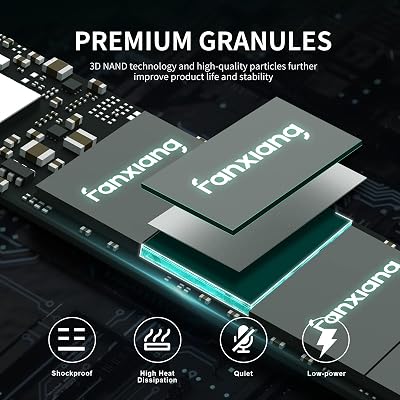


As an Amazon Associate we earn from qualifying purchases. Product prices and availability are accurate as of the date/time indicated.
The fanxiang S500 Pro 256GB is the SLC-cache-equipped budget pick. It is an M.2 2280 PCIe Gen3 x4 NVMe drive at 256GB with sequential read performance up to around 3,000 MB/s and notably includes SLC cache alongside the 3D TLC NAND. At around $54 it is one of the most feature-rich drives on this budget list.
This is the pick for the budget upgrader who wants a small boost in burst performance from the SLC caching design without leaving the under-$60 tier. SLC cache absorbs short write bursts at near-native speed, which makes the drive feel snappier in everyday use, the 3D TLC NAND provides reasonable endurance, and fanxiang has built a growing reputation in the budget NVMe space. For a cheap 256GB drive with a feature you usually only get at higher prices, the S500 Pro stands out among the value picks.
Pros: 256GB at sub-$55, Gen3 with SLC cache, 3D TLC NAND for endurance.
Cons: Less-storied brand; Gen3 ceiling still below modern Gen4 drives.
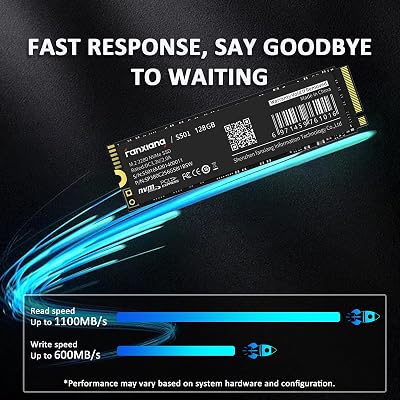
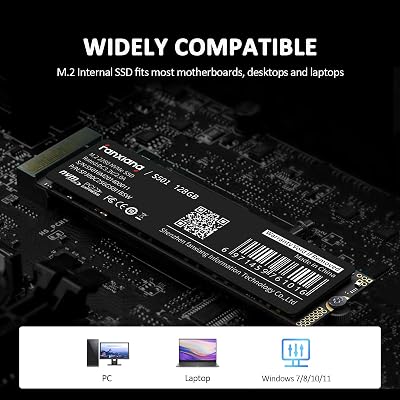
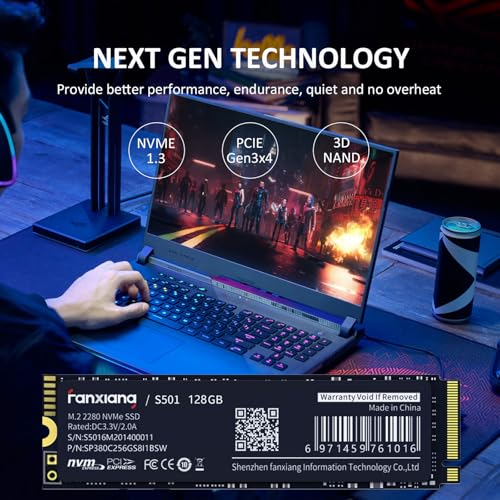
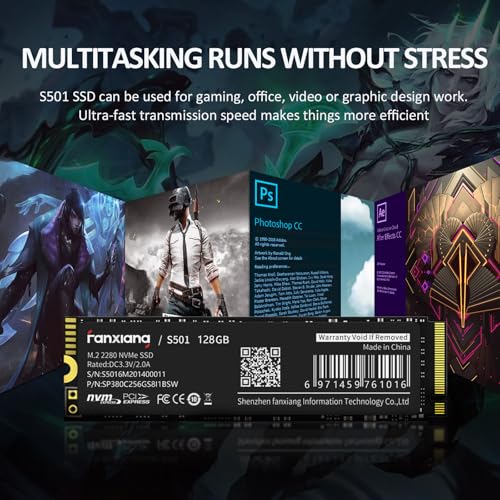
5. fanxiang S501 128GB NVMe Gen3 x4 SSD, M.2 2280

12
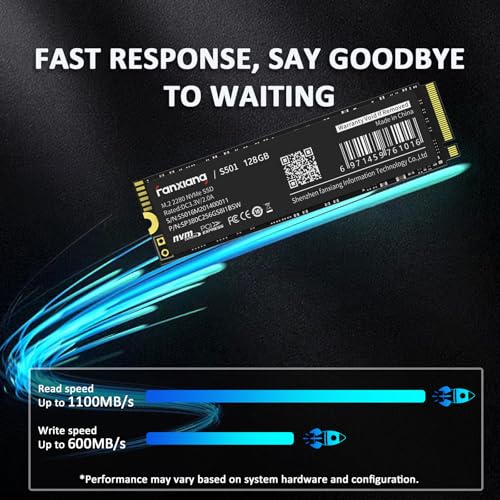
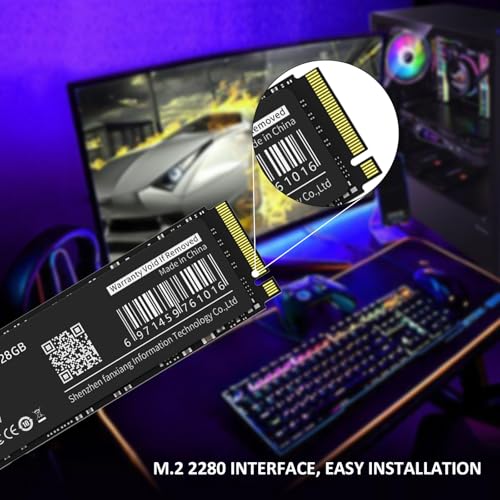
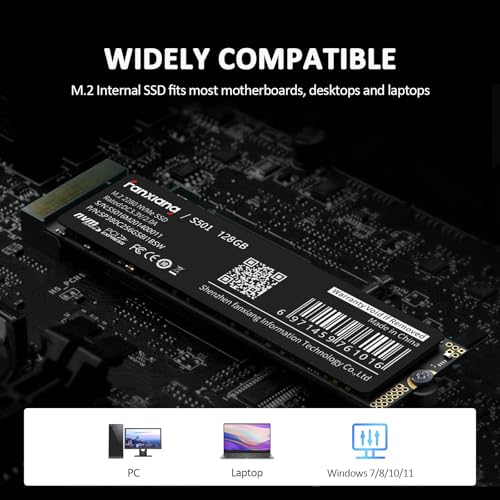
fanxiang S501 128GB NVMe SSD 3D NAND1.3 PCIe Gen3x4 M.2 2280 Internal Solid State Drive (Read Speed up to 1,100 MB/s) Compatible with Laptop & PC Desktop
In Stock



As an Amazon Associate we earn from qualifying purchases. Product prices and availability are accurate as of the date/time indicated.
The fanxiang S501 128GB is the cheap-128GB pick. It is a confirmed M.2 2280 PCIe Gen3 x4 NVMe drive at 128GB, with sequential reads up to 1,100 MB/s. At around $40 it is among the cheapest NVMe drives that still meets the bar of being a real NVMe drive (not SATA or eMMC), making it the right pick when 128GB of fast boot storage is enough.
This is the drive for the absolute bare-minimum NVMe upgrade scenario — an older laptop or desktop where you simply want Windows to boot fast and you have other storage elsewhere for files. 128GB is enough for a clean Windows install plus essential apps, the 1,100 MB/s sequential reads are dramatically faster than a SATA SSD, and the rock-bottom price keeps the upgrade affordable. For a no-frills, boot-drive-only NVMe replacement, the S501 128GB does its job.
Pros: Sub-$40 128GB NVMe Gen3, real M.2 2280 NVMe, decent 1,100 MB/s reads.
Cons: 128GB is tiny for modern use; only suitable as a dedicated boot drive.
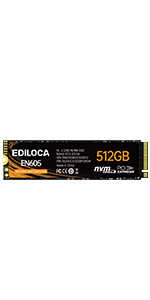
6. Ediloca EN605 128GB M.2 NVMe Gen3 x4 SSD, M.2 2280

29
Prime
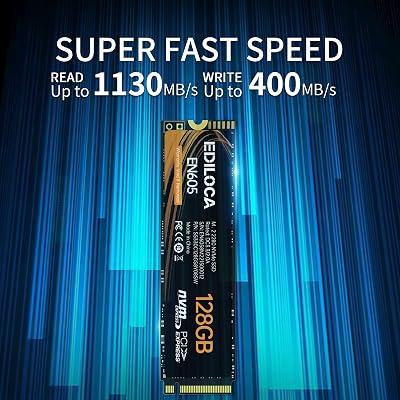
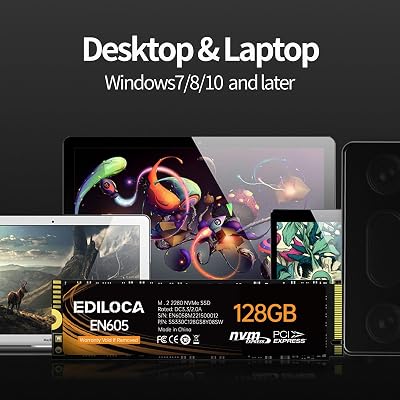
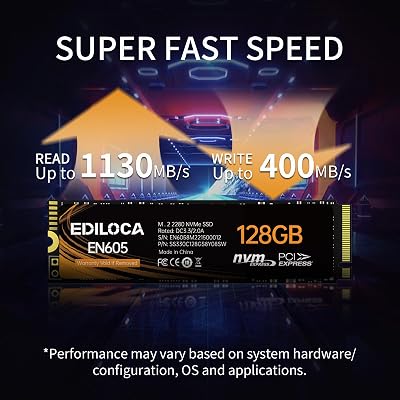
Ediloca EN605 128GB M.2 SSD, NVMe1.3 PCIe Gen3 x4 SSD Internal Hard Drive, M.2 2280 – Read/Write Speed up to 1130/400 MB/s – Internal SSD Compatible with Laptop & PC Desktop
In Stock






As an Amazon Associate we earn from qualifying purchases. Product prices and availability are accurate as of the date/time indicated.
Rounding out the list is the Ediloca EN605 128GB, the cheapest pick here at around $37. It is a confirmed M.2 2280 PCIe Gen3 x4 NVMe SSD at 128GB with sequential reads up to 1,130 MB/s and writes up to 400 MB/s. The write speed is honestly modest — well below the headline of more expensive drives — but the read figure remains usable for boot and application loads.
This is the pick for the user who simply needs to put any NVMe drive into an old system as cheaply as possible. The 128GB capacity is enough for Windows and a few applications, the read speed will make the system boot meaningfully faster than a SATA SSD or HDD ever did, and the absolute price floor of around $37 means even tight upgrade budgets can include an NVMe step. For the cheapest sensible NVMe drive, this is it — just understand the write speeds will be the limiting factor for any heavy file work.
Pros: Cheapest NVMe on the list, 128GB Gen3, 1,130 MB/s reads, M.2 2280 standard.
Cons: Slow 400 MB/s writes; 128GB is minimal; basic brand and warranty support.
How to Choose a Budget NVMe SSD
The first thing to be honest about with budget NVMe is what you are really buying. At the $30-$70 price ceiling, capacities are typically 128GB to 256GB — small by modern standards. ‘Budget’ here means low absolute price, not low cost-per-gigabyte. If your real goal is maximum storage for the money, a larger Gen4 drive like a 2TB or 4TB SSD almost always wins on $/GB. Budget NVMe drives are the right pick when your use case genuinely fits a smaller capacity, or when you simply cannot stretch to a larger drive right now.
Once you have accepted the capacity reality, the right use cases for budget NVMe are clear. Replacing an aging SATA SSD or HDD in an older system to get a real speed bump from genuine NVMe — picks like the Silicon Power 256GB and KingSpec 256GB are perfect for this. Adding a secondary M.2 drive to a build for the OS while a faster Gen4 drive holds games. Or filling an unused M.2 slot in an older laptop with a cheap boot drive. None of these scenarios needs Gen4 or Gen5 performance — Gen3 NVMe is dramatically faster than SATA already.
Form factor matters as much at the budget tier as it does elsewhere. Every drive here except the OEM Hyn PVC10 is M.2 2280, the standard desktop and laptop NVMe size. The Hyn PVC10 is M.2 2230 — only useful if you have a Steam Deck, ROG Ally, Legion Go, or similar 2230-only slot. Confirm your system’s M.2 slot type before buying; a 2230 drive will not fit a 2280 slot securely and vice versa. With OEM-branded listings, double-check the listed dimensions against your slot.
Finally, set realistic expectations. Budget NVMe drives will not match the sequential or random performance of mid-range Gen4 SSDs, and the differences are easy to see in benchmarks. In real-world use, particularly Windows boot times, application launches, and general system responsiveness, you will not feel the gap between a budget Gen3 NVMe and a top-tier Gen4 NVMe — both are dramatically faster than what they replace. Buy for the scenario, not for the benchmark numbers, and the right budget NVMe is the one that fits your slot and your wallet.
Frequently Asked Questions
Is a budget NVMe SSD worth it over a SATA SSD?
Yes, in most cases. Even the slowest budget NVMe like the Ediloca EN605 128GB hits over 1,000 MB/s sequential reads, which is roughly double the ceiling of any SATA SSD. The price difference between budget NVMe and SATA at the same capacity is typically small, so if your motherboard or laptop has an M.2 NVMe slot, choosing NVMe over SATA is almost always the right call.
Why are budget NVMe drives so small in capacity?
The NVMe controller and NAND flash cost more per gigabyte than older SATA components, and budget drives lean on smaller capacity to keep the absolute price low. At around $30-$70, you mostly find 128GB to 256GB drives. If you want larger capacity at low cost-per-gigabyte, a 1TB or 2TB mid-range NVMe is usually a better value — budget NVMe is for low absolute price, not for maximum GB per dollar.
Will a Gen3 NVMe SSD feel slow compared to Gen4?
Not in everyday use. Windows boot times, application launches, and general responsiveness are essentially indistinguishable between Gen3 NVMe drives like the Silicon Power 256GB and Gen4 flagships. Benchmarks show clear differences in sequential transfer, but real-world use depends mostly on random IO and system responsiveness, where the gap is much smaller. For typical use, a budget Gen3 NVMe is plenty fast.
Can I use a budget NVMe SSD as my main boot drive?
Yes, with capacity caveats. A 256GB drive like the Silicon Power or KingSpec is enough for Windows plus essential apps. A 128GB drive like the Ediloca or fanxiang S501 works as a boot-only drive but fills quickly once you add a few applications. For a comfortable modern Windows install with room for everyday apps, aim for 256GB minimum; for a larger primary drive plus games, step up to a larger mid-range NVMe instead.
Related Guides
- Best NVMe SSDs
- Best 2TB NVMe SSDs
- Best Budget SSDs
- Best 2230 SSDs for Steam Deck
- Best Budget Gaming PCs
- Best Budget Gaming Setup
- Best Gaming Laptops Under $500
Affiliate Disclosure: As an Amazon Associate, we earn from qualifying purchases. If you click a link and make a purchase, we may earn a small commission at no extra cost to you. Prices and availability are accurate as of publication and may change.













