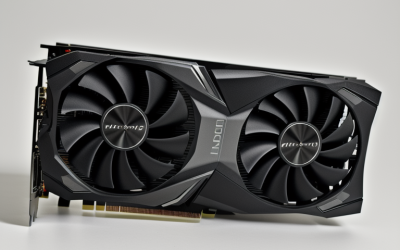
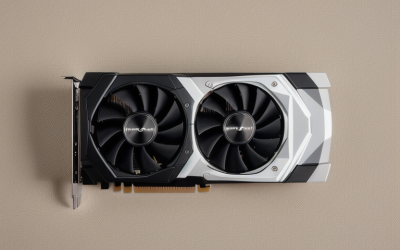
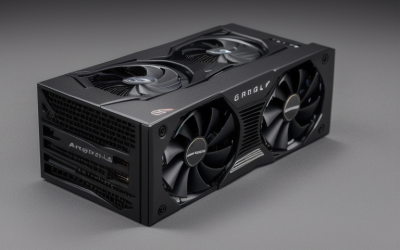
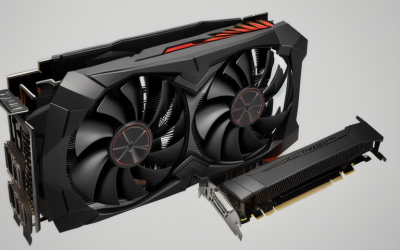
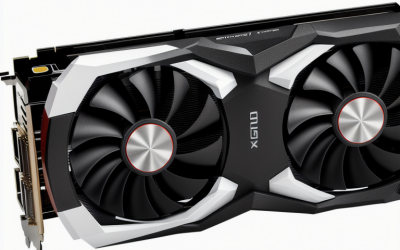
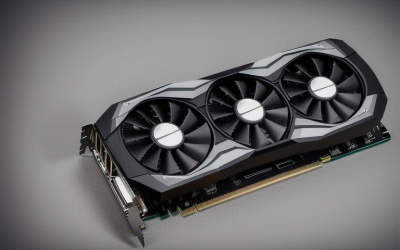
- Top Pick: MOUGOL AMD Radeon RX 580 8GB GDDR5 Gaming Graphics Card, HDMI/DP/DVI White | 256-Bit 2048SP PCIe X16 3.0 GPU, HDMI/DP/DVI Triple Output, Dual Fan Cooling Video Card, for Windows 11/10/7 Desktop PC
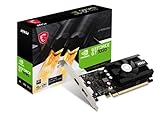
- Best Value: msi Gaming GeForce GT 1030 4GB DDR4 64-bit HDCP Support DirectX 12 DP/HDMI Single Fan OC Graphics Card (GT 1030 4GD4 LP OC)
- Premium Choice: msi Gaming GeForce RTX 3060 Ventus 2X 12G OC V1 Graphics Card – 15 Gbps GDRR6 Boost Clock: 1807 MHz 192-Bit HDMI/DP PCIe 4 Torx Twin Fan Ampere
A hard ceiling of under 150 dollars changes the graphics card question completely. At that line you are no longer comparing flagship features; you are deciding whether to buy a modest new card that mostly gets a display working, or reach for an older-generation design with more memory and more raw shader hardware. Both paths are legitimate, and which one is right depends on what is sitting in your case today: a spare office tower, a first-time build, or a gaming PC whose old card has quit.
This guide is written for budget builders, parents upgrading a family computer, and anyone reviving an aging desktop in 2026. It looks at six listed cards, from a 2GB entry board to two 12GB RTX 3060 models, and judges them only from what each product title states. Because the cap is the first filter, confirm that any card you like actually fits under it at the moment you buy; the heavier boards are the likeliest to sit above the line. Also keep in mind that two cards with the same memory figure can behave very differently, so the specs below matter more than the headline number.
Quick Picks
As an Amazon Associate we earn from qualifying purchases at no extra cost to you.



| Product | Best for | Key spec from the title |
|---|---|---|
| MOUGOL Radeon RX 580 8GB | Memory-hungry games on a tight cap | 8GB GDDR5, 256-bit, dual fan |
| MSI GeForce GT 1030 4GB | Small cases and light duty | 4GB DDR4, 64-bit, low-profile model |
| MSI RTX 3060 Ventus 2X 12G OC | Best raw capability if it fits the cap | 12GB GDDR6, 192-bit, PCIe 4 |
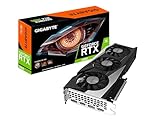
| GIGABYTE RTX 3060 Gaming OC 12G | Cooler-focused RTX 3060 option | 12GB GDDR6, 3X WINDFORCE fans |
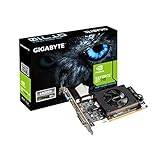
| GIGABYTE 2GB DDR3 (GV-N710D3-2GL) | Display output on a very small cap | 2GB DDR3 memory |
| GIGABYTE RTX 3050 WINDFORCE OC V2 6G | Newer-generation entry card | 6GB GDDR6, 96-bit, two fans |
How to Choose
Video memory is the first number to read
For current games at 1080p, 6GB is a floor and 8GB to 12GB gives breathing room for high-resolution textures. A card with 2GB or 4GB will run older titles and esports games but struggles when a new release asks for more memory. Remember that memory type matters as much as size: GDDR6 moves data far faster than DDR3 or DDR4, which is why a 4GB DDR4 board and a 4GB GDDR6 board are very different cards. Treat 2GB as display-only territory, 4GB as light gaming, 6GB as the practical entry point, and 8GB or 12GB as the range where texture settings stop being a constant compromise.
Look at the memory bus width
A 64-bit bus limits bandwidth sharply, a 96-bit or 128-bit bus is moderate, and 192-bit or 256-bit is where mainstream gaming cards live. Budget-tier cards often cut the bus width to hit a lower tier while keeping an eye-catching memory number on the box, so always read the bit width, not only the gigabytes.
Match the card to your case and power supply
Measure the free length in your case and look for the number of fans: twin-fan boards are shorter, while triple-fan models are longer. Look for a low-profile bracket if the case is slim. Confirm your power supply has the connector the card needs; entry cards often draw from the slot alone, while larger ones need an additional connector, and a weak supply is the most common reason a new card fails to behave. If your computer came from an office-PC maker, the supply may be a proprietary shape or a low-wattage unit, which can rule out the larger boards entirely.
What to ignore, and where corners get cut
Ignore the word “gaming” on a box and the factory “OC” label, since an overclock of a few percent will not change what a card can do. Be careful with unfamiliar brands and with titles that list outputs like VGA or DVI but give no clear chip family. Also confirm the card’s PCIe slot compatibility and the display ports your monitor needs, because HDMI, DisplayPort, and DVI are not interchangeable without adapters.
The 6 Best Options
MOUGOL Radeon RX 580 8GB
This card pairs 8GB of GDDR5 with a 256-bit bus, a combination that is rare at a small cap and good for texture-heavy 1080p games. It offers HDMI, DisplayPort, and DVI outputs, and a dual-fan cooler. It suits a builder on a tight limit who wants the most memory and bus width available, and who is comfortable with a lesser-known brand. Windows 11, 10, and 7 are all named in the title, which helps with older machines.
- Strength: 8GB and 256-bit give more headroom than most boards at this tier.
- Strength: three video outputs cover older and newer monitors.
- Trade-off: the 2048SP wording signals a trimmed shader count versus the original RX 580, and the brand is little known.
Skip it if you want a familiar manufacturer or modern upscaling features.
MSI GeForce GT 1030 4GB
The title lists 4GB of DDR4 on a 64-bit bus, with DisplayPort and HDMI and a single fan. The “LP” in the model name points to a low-profile design, which makes it useful for compact office towers where nothing larger will fit. Think of it as a step up from integrated video for browsing, media, and older titles rather than a gaming card.
- Strength: low-profile model name suits small cases.
- Strength: a recognized brand with HDMI and DisplayPort output.
- Trade-off: DDR4 on a 64-bit bus is a bandwidth bottleneck for anything beyond light games.
Skip it if you want to play recent titles at decent settings.
MSI RTX 3060 Ventus 2X 12G OC
This is the most capable card here on paper. The title lists 12GB of 15 Gbps GDDR6 on a 192-bit bus, a 1807 MHz boost clock, a twin-fan cooler, and PCIe 4. It belongs to the Ampere generation, so it suits a buyer who wants longevity from a single purchase and plans to keep the card through a future platform upgrade. The Ventus name refers to MSI’s twin-fan line, and the V1 tag marks the board revision.
- Strength: 12GB with a 192-bit bus is generous for 1080p and beyond.
- Strength: twin-fan layout keeps the card shorter than a triple-fan design.
- Trade-off: it is the card most likely to exceed a tight cap.
Skip it if your cap leaves no room above entry-level hardware.
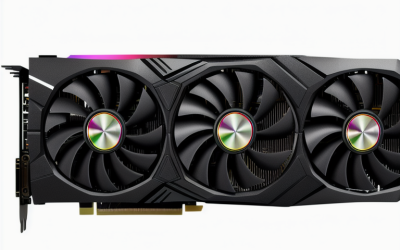
GIGABYTE RTX 3060 Gaming OC 12G
The same GPU family and memory size, wrapped in a triple-fan WINDFORCE cooler. The title notes 12GB of GDDR6 on a 192-bit bus and a REV2.0 board revision. More fans usually mean a quieter, cooler card at the expense of length. It fits a roomy mid-tower and a buyer who plans long sessions, where steady cooling and low fan noise matter more than a compact frame.
- Strength: three fans give extra cooling surface for sustained play.
- Strength: same 12GB capacity as the other RTX 3060.
- Trade-off: a longer card that may not fit smaller cases.
Skip it if your case is compact, if you prefer the shorter twin-fan layout, or if the limit is strict.
GIGABYTE 2GB DDR3 (GV-N710D3-2GL)
The title gives only 2GB of DDR3 memory and a model code, with no chip family or output list. That makes this a basic card for getting a monitor lit or driving an extra display, and it fits an office desktop that lacks integrated video, a spare family computer, or a media box that only needs to drive a screen reliably.
- Strength: a major manufacturer and a very small cap footprint.
- Strength: 2GB is enough for desktop use and video playback.
- Trade-off: DDR3 memory and 2GB leave no real gaming capability.
Skip it if you play anything newer than very old or lightweight games.
GIGABYTE RTX 3050 WINDFORCE OC V2 6G
This board offers 6GB of GDDR6 on a 96-bit bus with two WINDFORCE fans. It sits between the entry cards and the RTX 3060 models and brings the newer architecture to a smaller footprint, a decent fit for an esports-focused build or a family PC that mixes homework, streaming, and the occasional match. The V2 tag in the name marks a revised board.
- Strength: GDDR6 memory and a modern GPU family.
- Strength: two fans suit mid-size cases.
- Trade-off: the 96-bit bus restricts bandwidth compared with the 192-bit RTX 3060.
Skip it if you want long-term headroom for demanding releases.
Which One Fits Your Situation
You are building a first gaming PC on a strict limit
The MOUGOL Radeon RX 580 8GB gives the most memory and bus width in the group, so it is the logical starting point if the cap is firm. Confirm your motherboard has a PCIe x16 slot and your power supply can feed it before you commit.
You have a small office tower
The MSI GeForce GT 1030 4GB, with its low-profile model, is the one that has a realistic chance of fitting. Pair it with modest expectations: browsing, video, and older games.
You can stretch toward the cap
If the listing fits under your limit, The MSI RTX 3060 Ventus 2X 12G OC offers the strongest specifications on a compact twin-fan frame; the GIGABYTE RTX 3060 Gaming OC 12G is the pick if a quieter triple-fan cooler matters more than length.
You only need a display output
The GIGABYTE 2GB DDR3 is enough to light a monitor, while the GIGABYTE RTX 3050 WINDFORCE OC V2 6G is the step up for light esports.
Common Mistakes
- Buying on memory size alone and ignoring the 64-bit bus or DDR3 type.
- Forgetting to measure the case length and clearance before ordering a triple-fan card.
- Pairing a mid-range card with a weak power supply that lacks the right connector, or one that is simply too low in wattage for the new load.
- Assuming the factory OC label changes real-world capability.
- Skipping a look at monitor inputs and discovering the card has no matching port.
Related guides
- Aio Liquid Coolers For High Performance Gaming
- How To Lower Input Delay In Competitive Shooters
- External Hard Drives For Music Production
Frequently Asked Questions
Is 4GB of video memory enough for gaming?
For older and esports titles at 1080p, yes. Newer releases often want 6GB or more, so a 4GB card will force lower texture settings, and a 4GB board with a 64-bit DDR4 setup will feel slower still. If you play recent releases, aim higher in the lineup.
Does GDDR6 matter that much?
Yes. GDDR6 offers far more bandwidth than DDR3 or DDR4 at the same capacity, which shows up directly in frame rates. It is one reason the RTX 3050 and RTX 3060 boards sit in a different class from the older entry cards.
Will an RTX 3060 fit in a small case?
The twin-fan version is shorter, but you should still measure the space between the back panel and the nearest drive cage. Triple-fan models are longer and can clash with drive cages or small cases.
Do I need a new power supply?
Not for the smallest cards, which often draw power from the slot. Larger boards need an extra connector, so read the card’s requirements and your supply’s wattage label first, and leave some margin for the rest of the system.