Skull and Bones, Ubisoft Singapore’s live-service pirate game, reached Steam on 22 August 2024. It is an always-connected game of ship combat, smuggling contracts and co-op fleets, and its Steam record is explicit about platforms: Windows is the only operating system flagged, and nothing in the record pretends otherwise.
The more interesting question is whether the Windows build travels. Most live-service games die on Linux at the anti-cheat gate, so this one deserves a careful read: the anti-cheat is switched on for Proton, Valve has tested the game on Steam Deck and awarded its top badge, and the community file, while small, is positive. This piece reads each record separately: the flags, the add-on family, the anti-cheat sources, the Proton file, the Deck sheet and the storefront ruling.
As an Amazon Associate, we earn from qualifying purchases.
Quick answer
Skull and Bones is not native on Linux: Steam flags the game Windows only and its Linux requirements tab is an empty shell. The route is Proton, and the usual blocker is missing: BattlEye is enabled for Proton, ProtonDB files the game at Gold with Platinum best reports, and Valve rates it Verified on Steam Deck.
The status at a glance
| Question | Answer from the record |
|---|---|
| Native Linux build | No — Steam flags read Windows only |
| Linux requirements tab | Empty shell — headings over empty lists |
| Add-on apps | Six DLC apps, every one Windows only |
| Anti-cheat | BattlEye, listed as Running for Proton |
| ProtonDB record | Gold headline, Platinum best and trending, 25 reports |
| Steam Deck verdict | Verified, tested 28 May 2026 |
| GOG edition | None |
What Steam’s own record says
Steam’s appdetails record for Skull and Bones (app 2853730, established from Steam’s own store search) lists the platforms as Windows true, Mac false, Linux false. Ubisoft Singapore is the developer and Ubisoft the publisher.
The Linux requirements field takes the empty-shell shape: Minimum and Recommended headings printed over two empty lists, so nothing inside it can be quoted as support. The published Windows minimum is the only real requirements list: Windows 10 in 64-bit form, an Intel i3 4150 or AMD FX 4300, 8 GB of RAM, a GeForce GTX 950 or Radeon R9 270X 2 GB, DirectX 11, a broadband internet connection, 90 GB of storage, SSD required. The broadband line matters: this is an online game by design, with single-player, multi-player, PvP, online PvP, co-op and online co-op all in the category list, alongside full controller support and in-app purchases.
Two sidebar lines complete the record. The external account notice reads, verbatim, “Ubisoft Account (Supports Linking to Steam Account)”, so a Ubisoft sign-in sits between buyer and game. SteamDB adds that the publisher has marked the game ineligible for Steam Family Sharing.
The add-on sweep: six DLC apps, no soundtrack trap
The game’s own record lists four add-on apps, and Steam’s store search surfaces two more seasonal apps from the game’s first year. All six were read individually — the Starter Pack (4464730), Seasonal Boatload (4936090), Seasonal Box (4936110) and Legendary Kingpin Boost Pack (4982800) from the record, plus the earlier Seasonal Box (3653540) and Seasonal Boatload (3653560). Every one is type dlc, names app 2853730 as its full game, and flags Windows only.
No demo app and no music-type app exists in the family — the recurring soundtrack trap in this series cannot fire, because no soundtrack listing exists to misread. The Linux-flag count across the game and all six add-ons is exactly zero.
BattlEye, read three ways
Anti-cheat decides most live-service games on Linux, so the three records are kept separate here.
Steam’s own record names the anti-cheat in its DRM notice field, which reads, verbatim, “BattlEye” — a single word, with no second DRM product named and no activation limit stated.
SteamDB’s detection agrees and adds the decisive detail: its detected technologies include BattlEye AntiCheat and the Ubisoft Launcher, and its dependency table maps the BattlEye runtime (app 1161040) from Windows to Linux, labelled “BE runtime” — the depot shipped when a developer enables BattlEye’s Proton support. A title whose BattlEye blocks Proton does not carry it.
Are We Anti-Cheat Yet, the community tracker, lists Skull and Bones with BattlEye and the status “Running”, its entry dated 1 September 2024. Running is the tracker’s working category: the anti-cheat functions under Proton rather than refusing it.
The Deck sheet points the same way: Valve’s record carries no anti-cheat deduction. Desktop and Deck agree: BattlEye is present, named on the record, and enabled rather than blocking. One boundary stays in place: tools that try to bypass an anti-cheat are terms violations carrying ban risk, never a route — and here they are unnecessary, which is the point of the record.
The ProtonDB file
ProtonDB’s summary record for the game reads Gold on the headline tier, Platinum on the best-reported tier and Platinum on the trending tier, across 25 reports with strong confidence — the full split, claimed from the summary feed itself.
Two qualifications belong beside those tiers. First, 25 reports is a modest pool for a live-service title. Second, the headline tier sits one step below the best-reported and trending tiers, the normal shape of a file whose earliest reports predate later fixes. The split contains no native classification: ProtonDB agrees with Steam that the build under discussion is the Windows one running through Proton.
Steam Deck: Verified
Valve’s own compatibility endpoint returned no readable record this session, so the Deck sheet was read from SteamDB’s republication of Valve’s compatibility data, a path disclosed here rather than hidden. On that record, the category is Verified, Valve’s top badge, with all four checks passing: all functionality accessible with the default controller configuration, Steam Deck controller icons shown, in-game interface text legible, and the default graphics configuration performing well on the device.
The test date is published and is claimed: tested 28 May 2026, on build 23318526, with a Proton 11.0 beta build named as the recommended runtime. The configuration notes are clean, with no manual keyboard invocation, no non-controller launcher navigation and no small-text flag. SteamOS is separately recorded as Compatible.
Gear for a Deck Verified pirate game
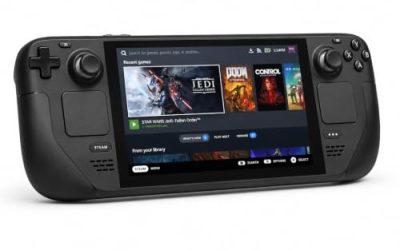
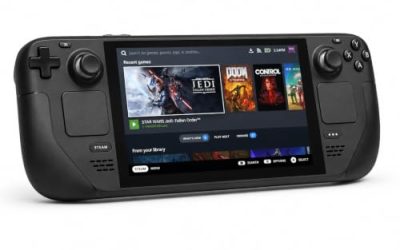
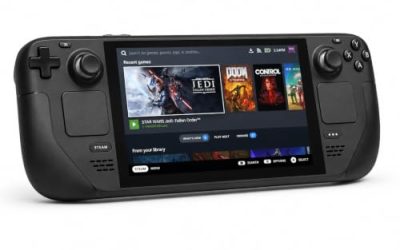
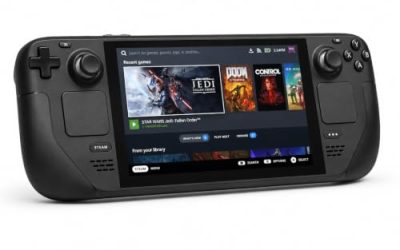
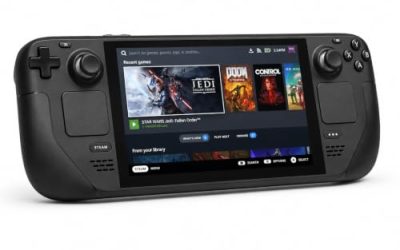
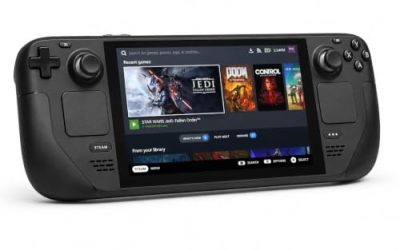
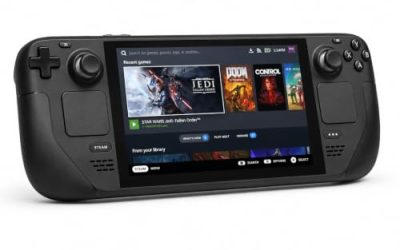
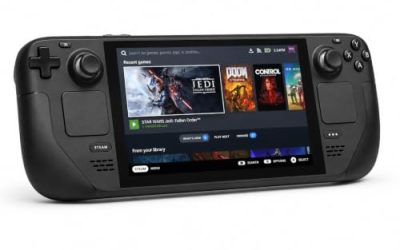
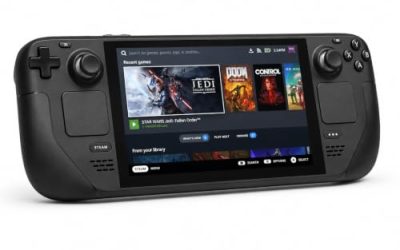
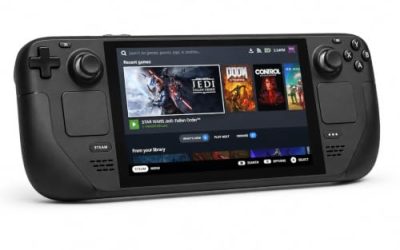
Valve Steam Deck OLED 512GB

The handheld the Verified badge was written for: Valve’s test sheet gives the Windows build a clean pass on this hardware, and the game is built around a controller-first layout.
Specs
- Display: 7.4-inch HDR OLED, 1280 by 800, up to 90 Hz
- Processor: AMD Zen 2 and RDNA 2 custom APU
- Memory: 16 GB LPDDR5
- Storage: 512 GB NVMe, plus a microSD slot
- Wireless: Wi-Fi 6E and Bluetooth
- Channel note: Valve sells the Deck mainly through its own store, so Amazon listings are third-party sellers
8BitDo Ultimate 2 Bluetooth Controller

The docked and desktop pad pick. Steam lists full controller support for the game, and this pad covers long co-op sessions with modern sticks and triggers plus back buttons for repeated inputs.
Specs
- Connectivity: Bluetooth wireless and USB-C wired
- Joysticks: TMR electromagnetic, anti-drift design
- Triggers: Hall effect, with mode switching
- Extras: two remappable back buttons, motion control
- In the box: charging dock included
Xbox Wireless Controller, Carbon Black

The safest guest pad in PC gaming: Steam Input support is universal, the glyphs match what most games display, and it pairs over Bluetooth or its own wireless standard.
Specs
- Connectivity: Xbox Wireless and Bluetooth
- Port: USB-C for wired play
- Controls: hybrid D-pad, dedicated Share button
- Power: AA batteries or optional rechargeable pack
Logitech G502 HERO

Ship combat is pad work, but the port screens, inventories and contract boards are dense menus, and at a desk a precise wired mouse turns those into single clicks. Eleven programmable buttons cover the repeated menu inputs.
Specs
- HERO optical sensor, up to 25,600 DPI
- 11 programmable buttons
- Adjustable weight system
- Wired USB connection
- On-board memory profiles
Samsung T9 Portable SSD 2TB

The published minimum demands 90 GB and an SSD, and live-service titles only grow, so a fast USB-C drive earns its place moving a Linux library between machines. The headline figure needs a Gen 2×2 host port; on a lesser port the drive runs at that ceiling.
Specs
- Capacity: 2 TB portable SSD
- Interface: USB 3.2 Gen 2×2, USB-C connector
- Maker-rated speeds: up to 2,000 MB per second read, 1,950 MB per second write
- Features: Dynamic Thermal Guard, maker-rated drop resistance
How to choose
Choose the Steam copy, because it is the only PC edition on sale and the exact build every record above describes. On desktop or laptop, install under Proton and leave the compatibility tool at its default first; the enabled BattlEye runtime and the Gold headline say the default path is the intended one. On Steam Deck, the Verified badge means no configuration work is expected: install, sign in to the Ubisoft account the record names, and launch. A pad is the native shape of this game on every platform; a mouse earns its place for the menu-heavy port screens. For storage, respect the published minimum: 90 GB on an SSD, so plan the install location before downloading.
Who should skip
Skip this one if you are shopping for a native Linux game: Skull and Bones is not one, and its empty-shell Linux tab should not be read as a port in waiting. Skip it if you want to play offline, because the published minimum requires a broadband connection and the game is an always-connected live service — no claim is made here about server availability, only about what the records state. Skip it if you refuse third-party accounts, since the Ubisoft Account notice is printed on the record. Skip it if you want a DRM-free installer, because no GOG edition exists. And skip it if a 25-report community file is too thin for you.
FAQ
Is Skull and Bones native on Linux?
No. Steam’s record for app 2853730 flags Windows only, and the Linux requirements field is an empty shell of Minimum and Recommended headings over empty lists. The six add-on apps agree, every one Windows only, and no soundtrack app exists to muddy the count.
Does BattlEye block Skull and Bones on Linux?
No, and the records say so three ways. Steam’s DRM notice names BattlEye; SteamDB detects the anti-cheat and records its runtime depot mapped for Linux, the depot a developer ships to enable BattlEye under Proton; and Are We Anti-Cheat Yet lists the game as Running. Valve’s Deck sheet carries no anti-cheat deduction.
How well does Skull and Bones run under Proton?
ProtonDB’s summary record reads Gold on the headline tier and Platinum on both the best-reported and trending tiers, across 25 reports with strong confidence. The pool is modest, so treat it as a positive small sample, not a settled consensus.
Is Skull and Bones Steam Deck Verified?
Yes. Valve’s record, read through SteamDB’s republication after Valve’s endpoint returned no readable sheet this session, gives the game the Verified category with all four checks passing, tested 28 May 2026. SteamOS is separately recorded as Compatible.
Final verdict
Skull and Bones is a Windows-only live-service game whose Linux story is decided by one unusual fact: the anti-cheat that ends most such stories has been switched on for Proton. Steam’s flags deny a native build and its Linux tab is an empty shell, but the BattlEye notice comes with a Linux-mapped runtime depot, the tracker lists the game as Running, ProtonDB files it Gold with Platinum best and trending tiers, and Valve has stamped it Verified on Steam Deck. Add the printed caveats — a Ubisoft account, a broadband connection, no GOG edition, a modest 25-report file — and the ruling is simple: buy the Steam copy, play it under Proton, and expect the sign-in, not the anti-cheat, to be the step that slows you down.
Product and ASIN Reference
| Product | ASIN |
|---|---|
| Valve Steam Deck OLED 512GB | B0CQ3RWQQZ |
| 8BitDo Ultimate 2 Bluetooth Controller | B0F194QFT2 |
| Xbox Wireless Controller, Carbon Black | B08DF248LD |
| Logitech G502 HERO | B07GBZ4Q68 |
| Samsung T9 Portable SSD 2TB | B0CHFS9K14 |