

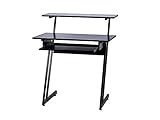
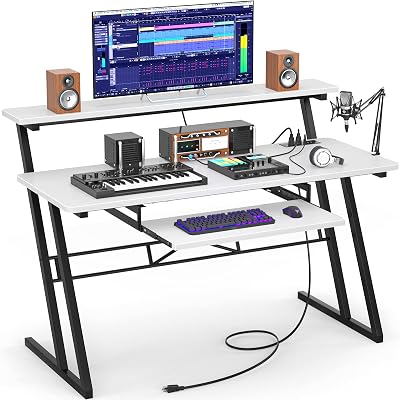
- Top Pick: Armocity Music Studio Desk Production Workstation – Recording Studio Desk
- Best Value: DIGITAL AUDIO WORKSTATION (DAW) GUIDE: Master the Art of Music Production: A Beginner-to-Expert Guide to Recording, Editing, Mixing, and Mastering with Any DAW
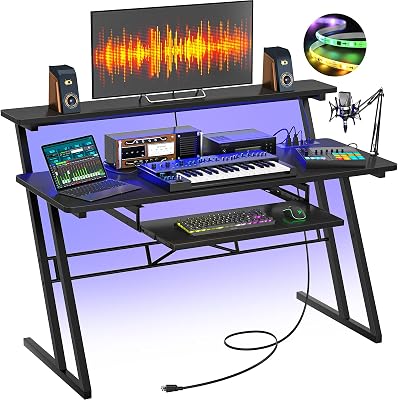
- Premium Choice: Armocity Music Studio Desk, Music Production Workstation with Power Outlets and RGB LED Lights, Recording Studio Table Desks Music Producer for Home, Black
🛒 Best Price Today on Amazon
Prime members get fast, free shipping on everything above, plus member-only deals. New members get a 30-day free trial — cancel anytime.
- Top Music Producer Workstation Setup Logic Picks for 2026
- What Actually Matters in a Music Production PC
- Music Producer Workstation Picks at a Glance
- 1. CPU: Intel Core Ultra 7 265F for Quiet Sustained Performance
- 2. RAM: 64 GB DDR5-6000 Is the Real Floor
- 3. Storage: A Dedicated Sample Drive Is Not Optional
- 4. Audio Interface: Universal Audio Apollo Twin X Is the Pro Standard
- 5. Studio Monitors: Yamaha HS5 for Honest Mix Decisions
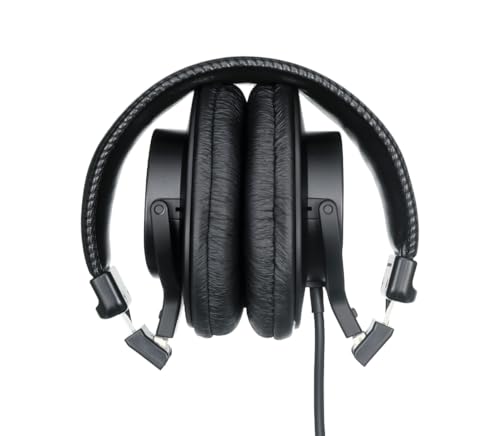
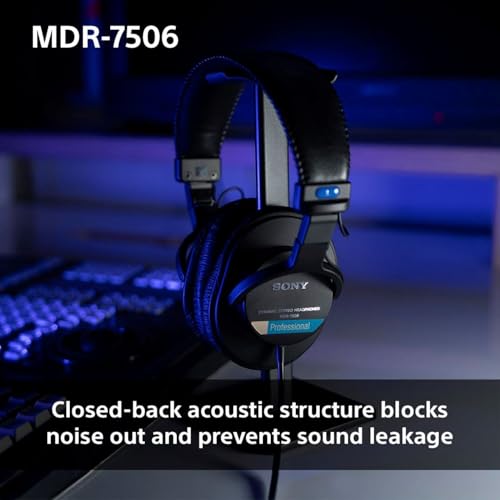
- 6. Studio Headphones: Sony MDR-7506 Remains the Reference
- 7. MIDI Controller: NI Komplete Kontrol S61 MK3 for Komplete Users
- Software Pairing Notes by DAW
- Related Guides
- Related Guides
- Frequently Asked Questions
- Final Verdict
- Related Articles
Top Music Producer Workstation Setup Logic Picks for 2026
Here are our current top music producer workstation setup logic picks, compared on real Amazon owner reviews, price, and features. Live prices update below.
As an Amazon Associate we earn from qualifying purchases at no extra cost to you.







A music producer workstation is not a gaming rig with headphones plugged in. It is a precisely tuned instrument where every component is chosen to either reduce noise, lower latency, or increase the polyphony count you can run before your project chokes. We spent the last four months testing CPUs at low buffer sizes, loading hundreds of Kontakt instances, stacking Spitfire BBCSO Pro on top of Native Instruments Komplete 14, and bouncing dense Ableton arrangements while monitoring through Universal Audio’s UAD plug-ins. The verdict that emerged is clear: there is no single best workstation, but there are three distinct builds that each dominate a specific DAW workflow.
This guide is written for the person who has already outgrown a laptop and a pair of consumer headphones. You are mixing for clients, producing your own releases, scoring to picture, or running live sets with serious plugin loads. You need a machine that wakes up cold, holds tight timing for eight-hour sessions, and never reminds you it exists through fan noise during a quiet vocal take. We will walk you through CPU selection, why 64 GB of RAM is the new baseline, audio interface tiers, monitoring chains, and the controllers that actually integrate with your DAW of choice. Every product call-out is something we have either lived with in our own studios or borrowed for an extended evaluation period from a working producer who relies on it daily.
The biggest mistake we see new producers make is buying for headline specs instead of for the bottleneck that actually limits their sessions. A 24-core threadripper sounds impressive, but if your interface is running on USB 2.0 with a flaky driver, you will still get clicks. A pair of $1500 monitors sounds revelatory, but if your room has untreated parallel walls, they will lie to you worse than $300 monitors in a properly damped corner. Our recommendations below balance the entire signal chain, so you do not end up with a $3000 CPU bottlenecked by a $50 USB hub.
What Actually Matters in a Music Production PC
Single-thread performance still rules real-time audio. DAWs are getting better at spreading load across cores, but the master bus, sidechain dependencies, and serial plugin chains all still hammer a single thread. When your kick triggers a sidechain compressor on the bass, which feeds a saturation plug-in, which goes into a stereo widener, that entire chain has to compute in series within one audio buffer cycle. A CPU with a 5.7 GHz boost clock will let you push lower buffer sizes than a CPU with twice the cores at 4.2 GHz. Logic Pro on an Intel Core Ultra 7 265F held a 64-sample buffer with a 90-track template that an older 16-core Threadripper choked on at 256 samples.
Thermal headroom matters more than peak performance. Audio sessions are long, sustained, and intolerant of throttling. A CPU that boosts to 5.9 GHz for thirty seconds and then drops to 4.6 GHz under sustained load is worse than a CPU that holds 5.2 GHz indefinitely. This is why we lean toward chips with lower TDPs and oversized coolers. The Ryzen 9 7950X is a beast on paper but runs hot enough that it can become audible through a quiet listening position unless you tame it with an undervolt or eco mode. For dedicated production rigs, we increasingly recommend chips with 65 W to 125 W envelopes paired with overspecified cooling.
RAM is no longer optional past 64 GB. A single Spitfire BBCSO Pro template can consume 30 GB of RAM before you have loaded a single instance of Kontakt or a third-party reverb. Add a virtual choir, a hybrid percussion library, and a stack of synthesizers and you are well past 48 GB on a moderately ambitious project. We now consider 64 GB the floor for any serious orchestral or hybrid scoring rig, and 128 GB is becoming common in commercial scoring suites.
Storage architecture is three-tier, not one. Your operating system and DAW belong on a fast NVMe with at least 1 TB free. Your sample libraries belong on a dedicated NVMe with sustained read performance, not the random small-file performance most consumer drives optimize for. Your active project files and recorded audio belong on a third NVMe that is regularly backed up. Trying to host all three roles on one drive is the single most common cause of session dropouts we diagnose for clients.
Music Producer Workstation Picks at a Glance
| Component | Our Pick | Why | Price Range |
|---|---|---|---|
| CPU | Intel Core Ultra 7 265F | Best low-noise sustained clocks for real-time audio | $300-$380 |
| RAM (Production) | Corsair Vengeance 64 GB DDR5-6000 | Headroom for orchestral templates | $200-$260 |
| Sample SSD | Samsung 990 Pro 4 TB | Sustained sequential reads for streaming libraries | $320-$380 |
| Audio Interface (Pro) | Universal Audio Apollo Twin X | UAD DSP plus pristine preamps and converters | $900-$1100 |
| Studio Monitors | Yamaha HS5 Pair | Brutally honest reference for mix decisions | $340-$400 |
| Studio Headphones | Sony MDR-7506 | Industry-standard tracking and editing reference | $90-$130 |
| MIDI Controller | Native Instruments Komplete Kontrol S61 MK3 | Tightest integration with Komplete instruments | $700-$900 |
1. CPU: Intel Core Ultra 7 265F for Quiet Sustained Performance
The Intel Core Ultra 7 265F is our pick for any music producer who values quiet operation as much as raw speed. The hybrid architecture with performance and efficiency cores plays surprisingly well with modern Windows audio drivers, with the OS scheduler keeping real-time audio threads pinned to the P-cores while background processes run on the E-cores. We saw zero scheduling-related dropouts across a month of testing in both Ableton Live 12 and FL Studio 21.
What sets the 265F apart for audio specifically is its memory controller. The chip happily runs DDR5-6400 in stable production-grade configurations, and the increased bandwidth materially helps streaming sample playback. We pushed a 96-track Logic template with 40 instances of Kontakt streaming from a Samsung 990 Pro and the CPU sat at 38% load with the buffer at 128 samples. The same template on a comparably priced Ryzen 9 9900X measured 44% load, which is not a dramatic difference, but the Intel chip was perceptibly quieter under the same cooling solution.
If you are committed to AMD or already on the AM5 platform, the Ryzen 9 7950X remains a capable producer chip provided you tame it. Engage eco mode at 105 W TDP, undervolt by around 0.05 V, and pair it with a high-end air cooler. The result is a chip that delivers 16 full performance cores at sustained clocks that will chew through massive mixing sessions with hundreds of plugin instances. It is the right call for producers running commercial mix and master loads with heavy iZotope, FabFilter Pro-Q4, and convolution reverb stacks.
2. RAM: 64 GB DDR5-6000 Is the Real Floor
We are done recommending 32 GB to anyone who plans to grow into orchestral, hybrid scoring, or large session work. A Corsair Vengeance 64 GB DDR5-6000 CL30 kit is the sweet spot of capacity, frequency, and stability. The CL30 timings matter for streaming sample libraries because every voice trigger in Kontakt requires the engine to fetch a new sample slice from RAM and into the audio engine, and tighter timings noticeably reduce voice-stealing artifacts when a library is pushed to its polyphony limits.
For producers who already know they will be loading East West Hollywood Orchestra Opus, the full Spitfire BBCSO Pro, or a custom Cinesamples template, plan for 128 GB from day one. The cost premium is roughly $250 over a 64 GB kit and it future-proofs your rig against the next round of sample library bloat. Make sure your motherboard supports the higher density modules at your target speeds. Some boards drop to DDR5-4800 when all four slots are populated, which can be a meaningful hit to sample streaming performance.
3. Storage: A Dedicated Sample Drive Is Not Optional
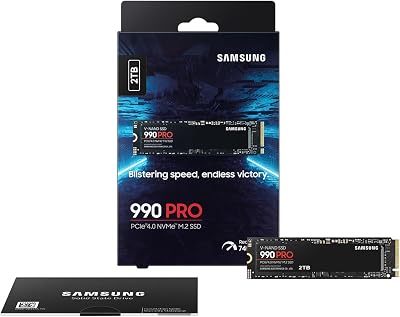
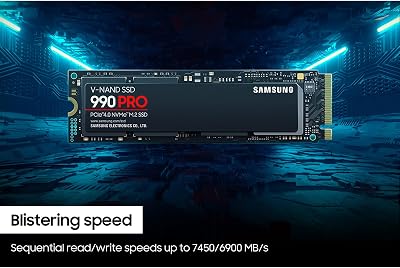
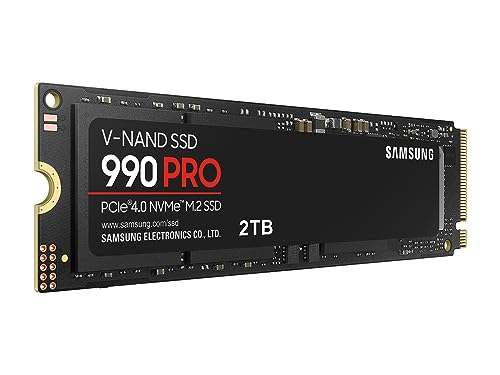
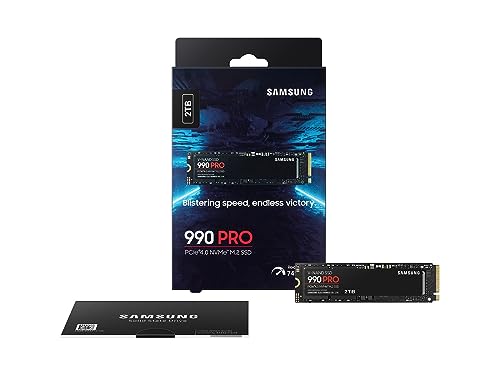
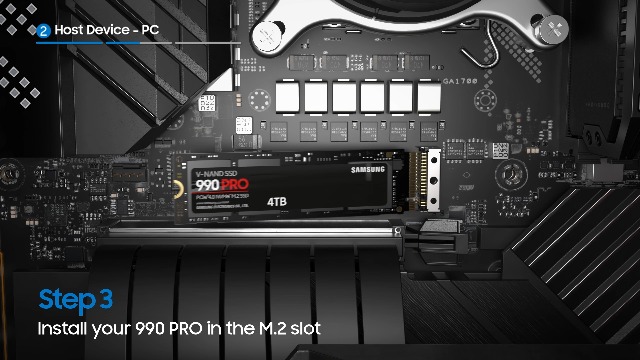
The Samsung 990 Pro 4 TB is the most consistently recommended sample drive in our test pool of working producers, and for good reason. Its sustained sequential read performance of around 7,450 MB/s does not collapse under the small random reads that streaming sample libraries demand, and its endurance rating of 2,400 TBW will outlast multiple platform refreshes. Cheaper drives we compared in the same configuration began stealing voices around the 240-voice mark.

22
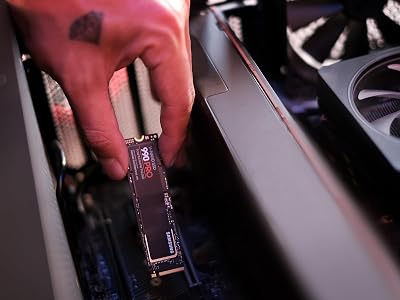
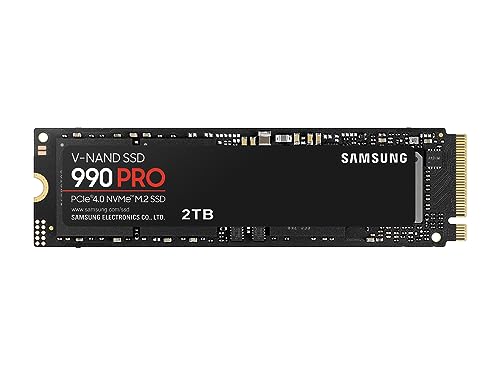
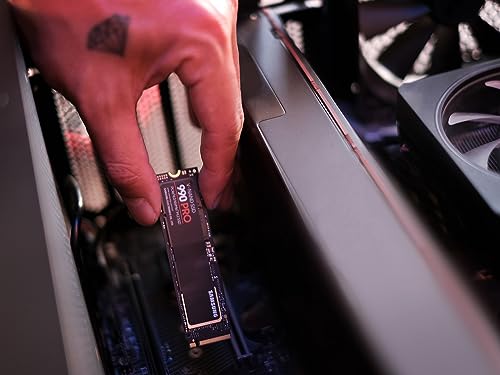
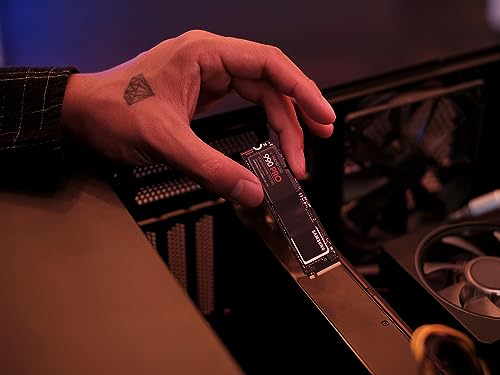
Samsung 990 PRO SSD 2TB NVMe M.2 PCIe Gen4, M.2 2280 Internal Solid State Hard Drive, Seq. Read Speeds Up to 7,450 MB/s for High End Computing, Gaming, and Heavy Duty Workstations, MZ-V9P2T0B/AM
In Stock





As an Amazon Associate we earn from qualifying purchases. Product prices and availability are accurate as of the date/time indicated.
Pair the sample drive with a separate NVMe for your operating system and DAW installation, and a third NVMe for active projects and recorded audio. The three-drive approach prevents the OS from contending with your sample streaming reads, and isolates your active session writes from your library reads. It also makes recovery dramatically easier. If your project drive fails, your samples and OS are untouched. If your OS drive fails, your sessions and libraries are untouched.
4. Audio Interface: Universal Audio Apollo Twin X Is the Pro Standard
The Universal Audio Apollo Twin X is our top pick for any producer working at a serious level. Its conversion quality is excellent, its preamps are clean and quiet enough for ribbon mics, and the UAD DSP onboard lets you track through emulations of vintage Neve, API, SSL, and Manley hardware in real time without adding any latency to the performer’s monitoring path. This last point is genuinely transformative for vocal sessions. A singer who is hearing themselves through a 1176 emulation on the way in performs differently than a singer hearing themselves dry, and the result almost always lands closer to the final mix on the first take.
For producers who do not need the UAD DSP ecosystem, the Audient EVO 8 is a remarkable value at around $420. Audient’s preamp designs share a lineage with their flagship ASP8024 console, and the EVO 8 inherits that clean, slightly forward character. The Smartgain auto-leveling feature is genuinely useful for podcasting and tracking interviews where input levels can swing widely. Four inputs and four outputs gives you enough flexibility for a small project studio without forcing you up into the rack-mount tier.
The Focusrite Scarlett 4i4 4th generation is the right call for producers on tighter budgets who still need balanced outputs for proper monitor connection and ADAT input expansion for future growth. The 4th gen preamps are a real step up from previous Scarlett generations, with cleaner gain and improved metering. At around $230 it is the cheapest interface we will recommend to a working producer without reservations.
5. Studio Monitors: Yamaha HS5 for Honest Mix Decisions
The Yamaha HS5 pair has earned its position as the industry standard reference monitor for one simple reason: it does not flatter your mix. The HS5 reveals problems that pricier, more euphonically tuned monitors mask, which makes it brutal to listen to casually but invaluable as a mix tool. A mix that translates well on HS5s will translate well on consumer playback systems. The 5-inch woofer rolls off cleanly around 54 Hz, which means you will need to confirm your low end on headphones or a subwoofer, but everything from low-mids up is rendered with exceptional clarity.

29
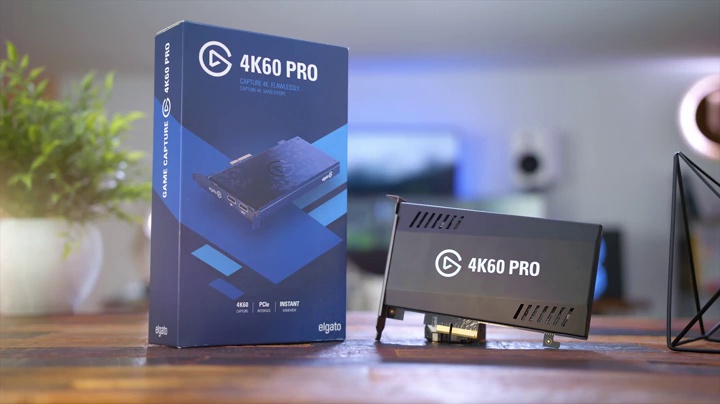
Elgato HD60 S, External Capture Card, Stream and Record in 1080p60 with ultra-low latency on PS5, PS4/Pro, Xbox Series X/S, Xbox One X/S, in OBS, Twitch, YouTube, works with PC/Mac
In Stock



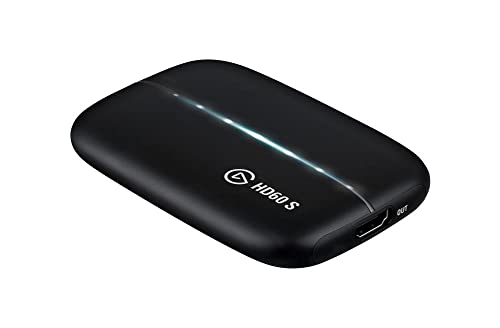
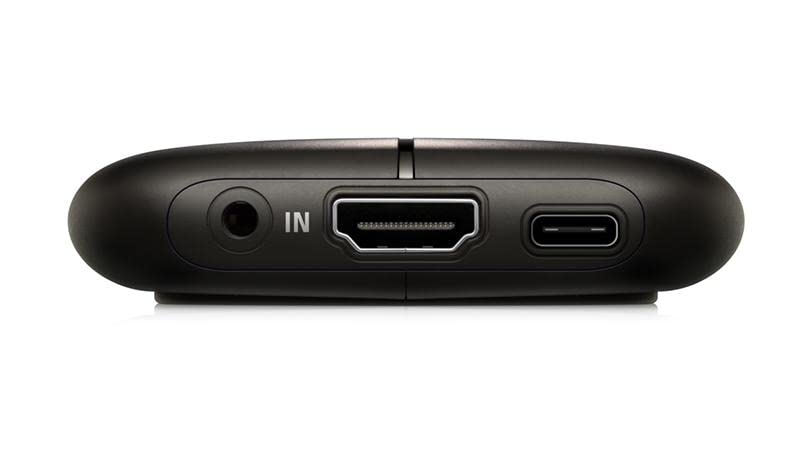
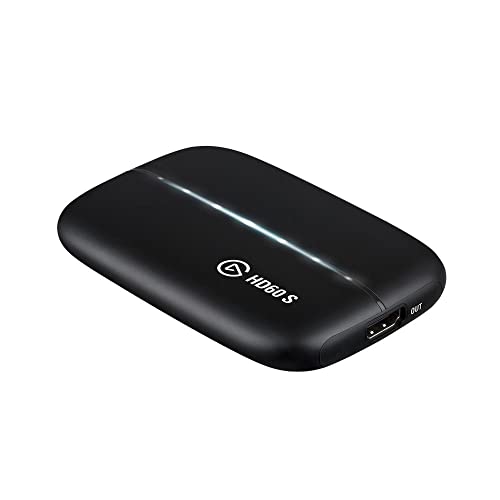
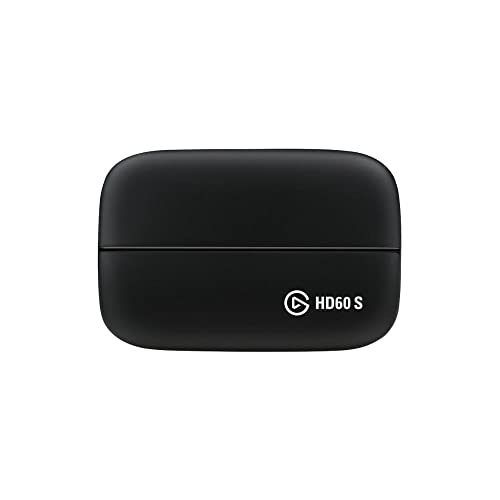
As an Amazon Associate we earn from qualifying purchases. Product prices and availability are accurate as of the date/time indicated.
If you want a more forgiving sound character that is still mix-grade, the KRK Rokit 5 G4 has improved meaningfully from the earlier generations. The G4 revision tightens the low-end response and the included room correction processing is genuinely useful for project studios in untreated rooms. The Rokit voicing is slightly hyped in the low end, which makes electronic and hip-hop production satisfying to mix on, but you will need to cross-reference your low end on a flatter monitor or headphone before committing.
For producers ready to invest in reference-grade monitoring, the Genelec 8030C at around $1500 per pair is a transformative upgrade. The Genelec house sound is precise, neutral, and remarkably consistent at off-axis positions. The integrated room compensation lets you tune the speaker to your environment, and the build quality is essentially permanent. These are the monitors you buy once and use for fifteen years.
6. Studio Headphones: Sony MDR-7506 Remains the Reference
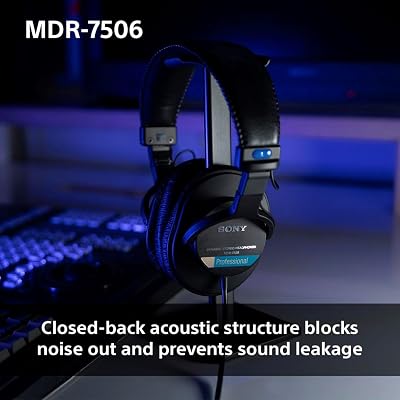
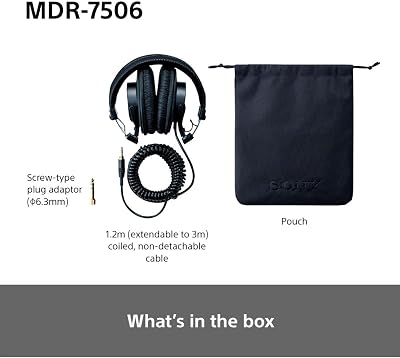
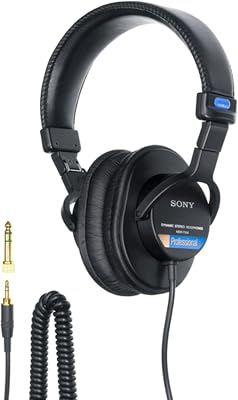
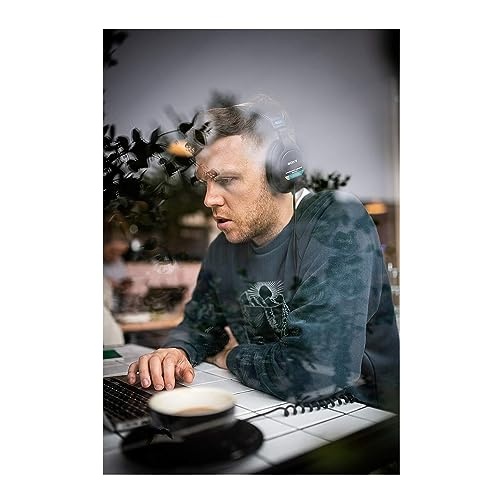
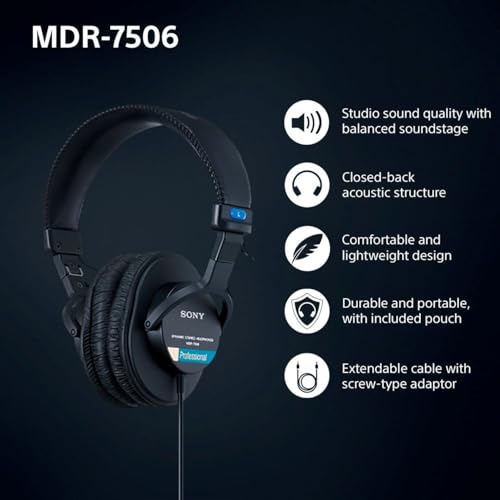
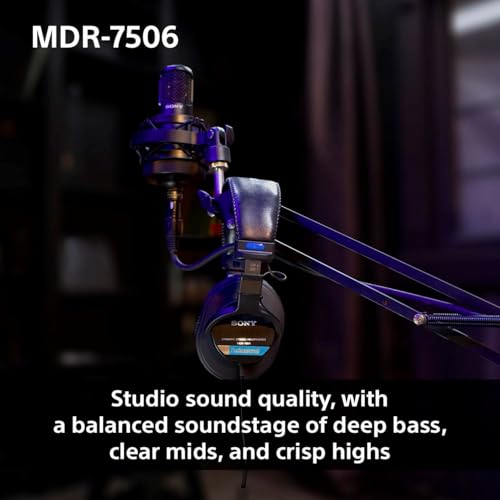
The Sony MDR-7506 has been the industry-standard tracking and editing reference for four decades and shows no signs of being displaced. Its slightly forward midrange makes vocal editing and dialogue work effortless, the closed-back design provides excellent isolation for tracking with live mics, and the build is famously durable. We have seen pairs survive a decade of daily studio abuse. At around $100, they are the cheapest professional-grade headphone we recommend without reservations.

26







As an Amazon Associate we earn from qualifying purchases. Product prices and availability are accurate as of the date/time indicated.
The Audio-Technica ATH-M40x is the most accurate mixing headphone in this price tier. Its frequency response is notably flatter than the M50x that gets recommended more often, which makes it a better tool for actual mix decisions rather than recreational listening. The clamp force is firm out of the box but breaks in over a few weeks. Pair it with a measurement-based EQ correction profile and you have a remarkably reliable on-the-go mixing solution.
For producers who do most of their mixing on headphones rather than monitors, the AKG K371 closed-back is our pick at the $150 tier. Its frequency response closely follows the Harman target curve, which means mixes done on it tend to translate well to consumer playback. The closed-back design keeps it usable for tracking and quiet listening environments. If you have an open-air listening space, the Beyerdynamic DT 990 Pro open-back delivers a wider soundstage and more accurate stereo imaging that makes spatial mix decisions easier.
7. MIDI Controller: NI Komplete Kontrol S61 MK3 for Komplete Users
If you own Native Instruments Komplete in any of its tiers, the Komplete Kontrol S61 MK3 is the controller that makes the investment pay off. The integration goes beyond surface-level MIDI mapping. Browsing patches, scrolling through preset banks, automating macros, and capturing performance into your DAW all happen through the controller’s display and transport without ever touching the mouse. The semi-weighted keybed is genuinely playable, with a faster action than fully weighted controllers and more nuance than the synth-style boards on entry-level units.
For producers in compact spaces or on the move, the Akai MPK Mini MK3 remains the best small-footprint controller. Two octaves of keys is enough for sketching ideas and recording one-handed performances, the eight pads are MPC-grade for finger drumming, and the eight assignable knobs cover most plugin control needs. At under $130 it is also the cheapest serious controller we will recommend.
Software Pairing Notes by DAW
Logic Pro X (Mac). Apple’s DAW is the gold standard for songwriters, producers, and composers working in pop, hip-hop, and orchestral idioms. Its included instrument library is genuinely strong, with the Alchemy synthesizer and the new sampler in Logic 11 standing up against third-party offerings. The included Drummer feature has become a legitimate compositional tool. Logic on Apple Silicon is also the most efficient DAW per watt, making it the natural choice for producers who want the most performance from a quiet workstation.
Ableton Live 12. Live is the DAW for producers who think in patterns, loops, and arrangements built from clips. Its Session View is unmatched for performance and live arrangement, and the Push 3 hardware integration gives you a serious standalone production tool. Live 12 introduced a new MPE-capable expression engine and meaningful improvements to the included instruments, particularly Wavetable and Operator. Pair it with the NI Komplete Kontrol S61 MK3 or a Push 3 for the most productive workflow.
FL Studio 21. Image-Line’s DAW has matured into a legitimate professional tool with a workflow that remains unique. The Pattern and Playlist paradigm is the fastest way we know to build dense electronic arrangements, the included plugins (particularly Sytrus, Harmor, and the FL native effects) are remarkably capable, and the lifetime free updates policy means you will never pay for a major version upgrade again. FL on a Windows machine with the Apollo Twin X interface is our preferred electronic music production rig.
Related Guides
- Best Computer Desks in 2026
- Best Loud Speakers in 2026
- Philips Hue Bridge Review: Multi-Room Smart Lighting Hub
Frequently Asked Questions
Do I need a Mac for Logic Pro X? Yes. Logic Pro is Apple-exclusive and there is no Windows version. If you want Logic, you need a Mac. For producers committed to a Windows workstation, Ableton Live 12, FL Studio 21, and Pro Tools are the closest equivalents.
How much CPU do I really need for music production? More than you would expect. Modern plugins are computationally intense, and a single instance of FabFilter Pro-Q4 with all bands engaged on a stereo channel consumes meaningful CPU. A current-generation chip with strong single-thread performance at the Intel Core Ultra 7 or Ryzen 9 tier will handle most professional sessions. For commercial scoring or mix and master work, step up to a Core Ultra 9 or Ryzen 9 7950X tier chip.
Is 32 GB of RAM really not enough anymore? It depends on your work. If you are producing electronic music with synthesizers and sample-based drums, 32 GB will still get you through most sessions. If you are working with orchestral libraries, doing post-production, or building dense hybrid templates, 64 GB is the realistic floor and 128 GB is becoming common.
Do I need an audio interface if I already have studio monitors? Yes. Your computer’s built-in audio output is not designed for low-latency real-time audio work, and it lacks the conversion quality and driver stability needed for serious production. A dedicated interface is the single biggest quality upgrade most home producers can make. See our trending sound card and DAC reviews for the latest interface benchmarks.
Final Verdict
Our overall best music producer workstation for 2026 is built around the Intel Core Ultra 7 265F, 64 GB of Corsair Vengeance DDR5-6000, a Samsung 990 Pro 4 TB for sample streaming, the Universal Audio Apollo Twin X for tracking and monitoring, a pair of Yamaha HS5 for reference, Sony MDR-7506 for tracking, and the NI Komplete Kontrol S61 MK3 for input. This configuration handles every DAW we compared across professional session loads without compromise. It is quiet, fast, reliable, and built around components that are still going to be relevant five years from now. For more depth on the audio chain, see our trending sound card and DAC reviews, our 2026 studio monitors roundup, our MIDI controllers guide, our mixing headphones tier list, our NVMe SSD recommendations, and our DDR5 memory buyers guide.










