

- Top Pick: NBPOWER 1080P 60FPS Streaming Camera Webcam with Microphone and Fill RGB Light,Autofocus,Work with Laptop/Desktop Computer/Winsdows/Mac OS/PC Computer for Camera
- Best Value: EMEET C60E Dual-Camera 4K Webcam for Streaming, Wide-Angle & Telephoto
- Premium Choice: 1080P Webcam with Microphone, Full HD Web Camera with RGB Light for Pc, Light Correction and Noise Cancellation Streaming Webcam, USB Computer Camera with Privacy Cover ,Plug and Play PC Web Cam
🛒 Best Price Today on Amazon
Prime members get fast, free shipping on everything above, plus member-only deals. New members get a 30-day free trial — cancel anytime.
- Top Rgb Webcams Picks for 2026
- Best Webcams for an RGB Setup at a Glance (note: none have built-in RGB)
- 1. NexiGo N660P Pro 4K Webcam, Distortion-Free Lens, 1080p 60fps Autofocus
- 2. Logitech HD Pro Webcam C920, 1080p Camera, Widescreen Video Calling
- 3. EMEET C960 1080P Webcam with Microphone, 2 Mics, 90 Wide Angle
- 4. Logitech C920x HD Pro PC Webcam, Full HD 1080p/30fps, Clear Audio
- 5. Logitech C922x HD Pro PC Webcam, 1080p/30fps or 720p/60fps, HD Light Correction
- 6. Anker PowerConf C200 2K Webcam for PC/Laptop/Mac, Low-Light Correction
- How to Choose a Webcam for an RGB Setup (and How to Get Real RGB)
- Related Guides
- Frequently Asked Questions
- Related Guides
- Related Articles
Top Rgb Webcams Picks for 2026
Here are our current top rgb webcams picks, compared on real Amazon owner reviews, price, and features. Live prices update below.
As an Amazon Associate we earn from qualifying purchases at no extra cost to you.



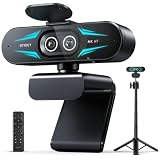
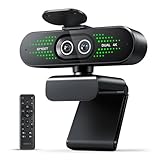



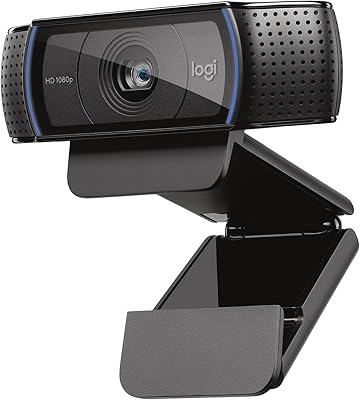

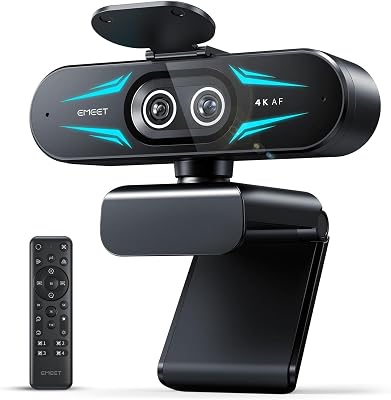


Let us be upfront about something the keyword glosses over: webcams almost never have built-in RGB lighting. ‘RGB webcam’ is a popular search, but RGB — the colourful LED glow that lights up keyboards, fans and cases — is a feature of lighting accessories and peripherals, not of cameras. A webcam’s job is to capture you clearly, and not one of the six well-regarded webcams in this guide has its own RGB lighting ring or strip. So rather than misrepresent ordinary cameras as RGB devices, this guide does two honest things: it gathers the best webcams for an RGB-themed streaming setup and judges them on the spec that genuinely matters — image quality — and it explains how to actually get that RGB glow on camera with a separate light.
Our picks were chosen on what makes a webcam good for streaming and calls: resolution and frame rate, low-light performance, autofocus and lens quality, microphones, and value. Every one of them is a standard webcam with no RGB lighting of its own — we flag that plainly in each entry, in the table and in the buyer’s guide so there is no confusion. We pay particular attention to low-light capability, because the dim, colourful lighting an RGB battlestation tends to have is exactly where a camera that handles low light well lets your RGB scene look good on stream. Prices run from around $38 to around $105. Below is an at-a-glance comparison of all six, then a closer look at each and a buyer’s guide that includes how to add real RGB lighting to your setup.
Best Webcams for an RGB Setup at a Glance (note: none have built-in RGB)
| Webcam | Best For | RGB Lighting? | Approx Price |
|---|---|---|---|
| NexiGo N660P Pro 4K | Best image quality for RGB scenes | No built-in RGB (standard webcam) | around $70 |
| Logitech HD Pro C920 | Proven budget classic | No built-in RGB (standard webcam) | around $68 |
| EMEET C960 1080P | Cheapest dual-mic pick | No built-in RGB (standard webcam) | around $38 |
| Logitech C920x HD Pro | Reliable 1080p all-rounder | No built-in RGB (standard webcam) | around $91 |
| Logitech C922x HD Pro | Streaming-focused 60fps option | No built-in RGB (standard webcam) | around $105 |
| Anker PowerConf C200 2K | Best low-light for dim RGB rooms | No built-in RGB (standard webcam) | around $60 |
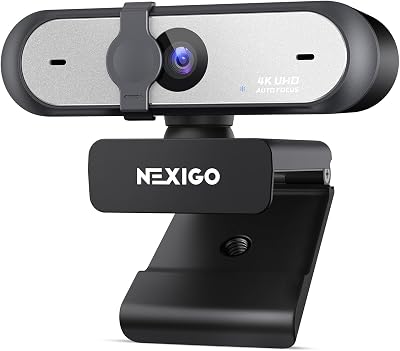
1. NexiGo N660P Pro 4K Webcam, Distortion-Free Lens, 1080p 60fps Autofocus
38
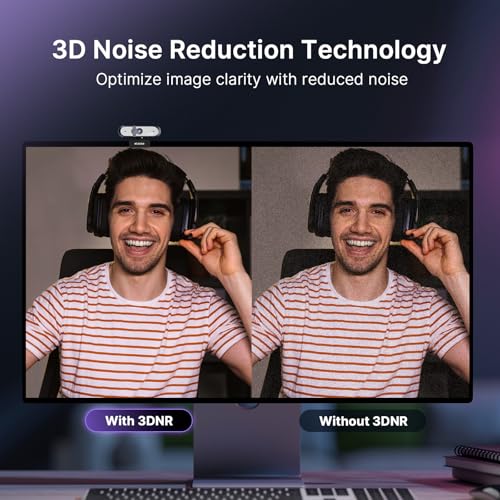
NexiGo N660P Pro 4K Webcam with Distortion-Free Lens, 1080p 60 fps Autofocus USB Streaming Camera, 3DNR, Noise-Canceling Mics & Privacy Cover, Web Cam for Gaming/Live Streaming/PC/Mac/Switch 2, Black
In Stock





As an Amazon Associate we earn from qualifying purchases. Product prices and availability are accurate as of the date/time indicated.
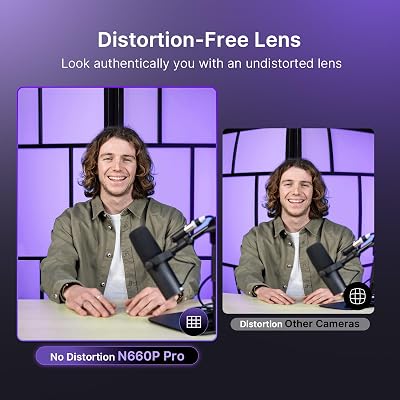
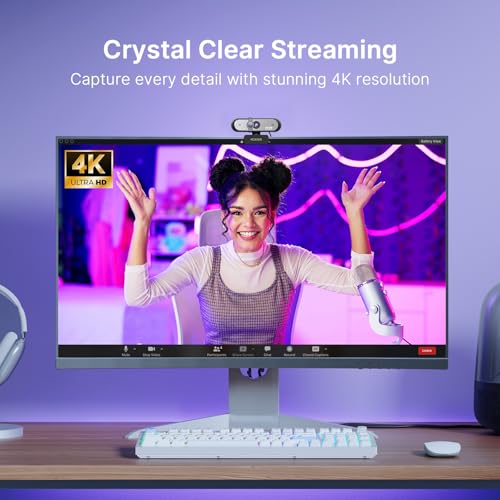
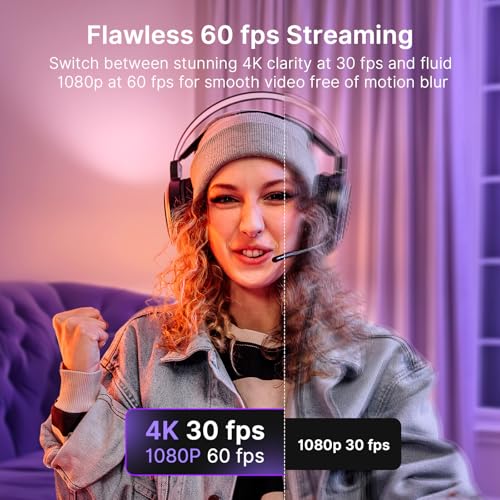
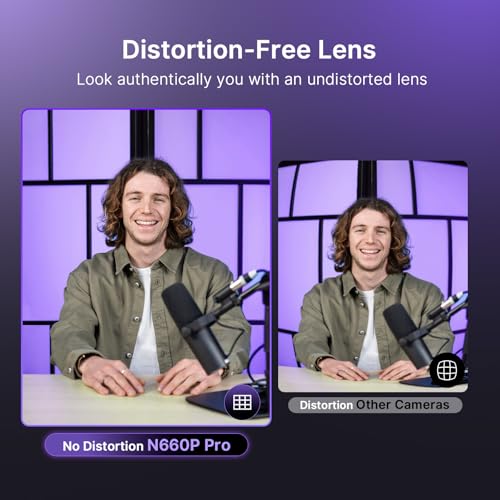
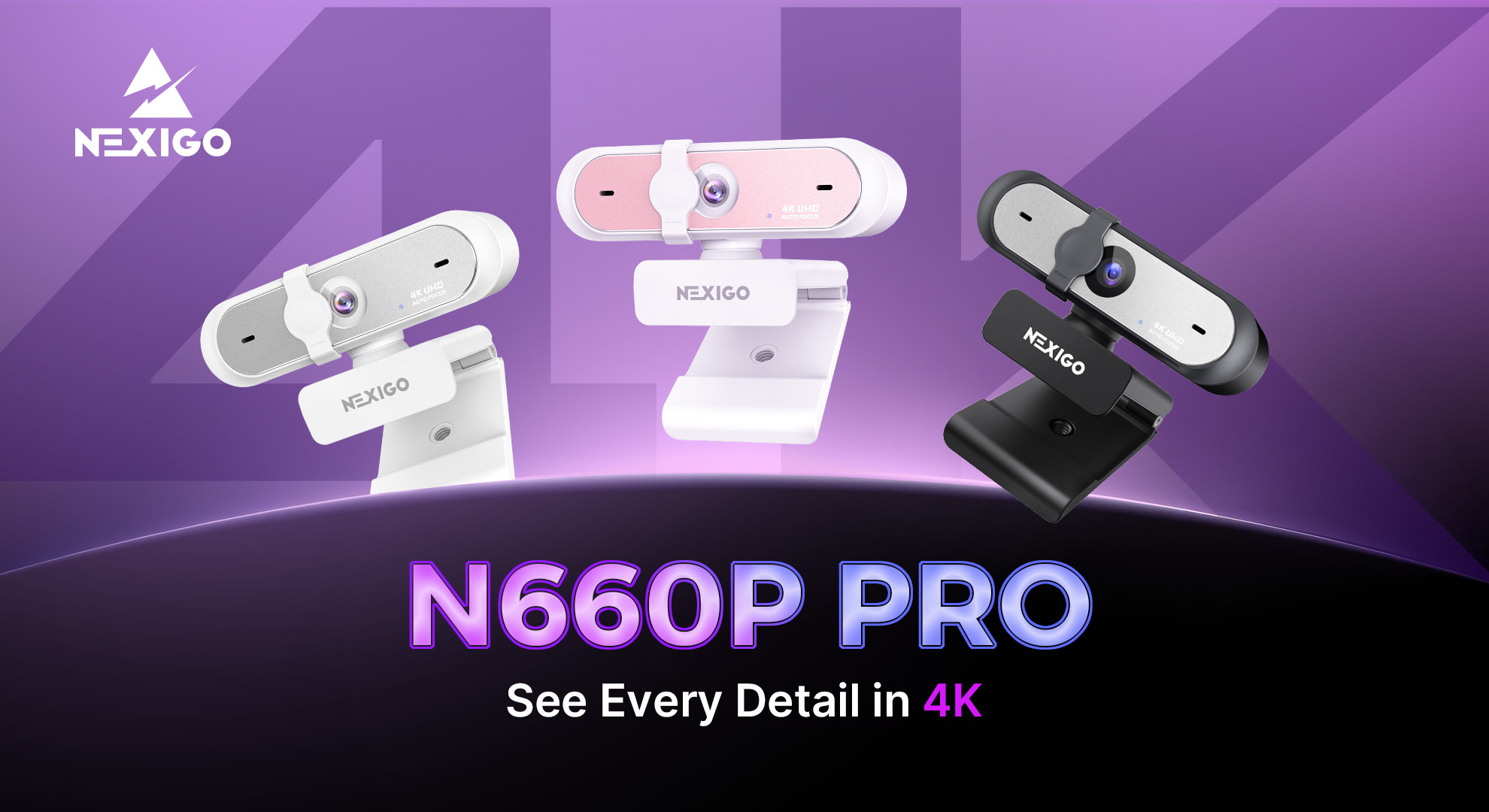
The NexiGo N660P Pro captures the best image of this group — and to be clear right away, it has no built-in RGB lighting; it is a standard webcam. What it does offer is a 4K-capable sensor with a distortion-free lens and smooth 1080p 60fps autofocus over USB, which is exactly the kind of sharp, high-resolution capture that makes a colourful RGB setup look its best on screen. At around $70 it packs a lot of imaging capability for the money.
This is the webcam to choose if your priority is image quality for a stream or call set against an RGB backdrop. The high resolution and distortion-free lens render your RGB scene crisply, the 1080p 60fps mode keeps motion smooth, and reliable autofocus keeps you sharp as you move. Remember that the colourful glow in your shot will come from your keyboard, case and lights, not the camera — the N660P Pro’s role is to capture that scene cleanly. As the best-imaging option here, it is the one to beat for an RGB-themed setup.
Pros: 4K-capable sensor, distortion-free lens, smooth 1080p 60fps autofocus, sharp image for RGB scenes.
Cons: No built-in RGB lighting (it is a standard webcam); you supply the lighting separately.
2. Logitech HD Pro Webcam C920, 1080p Camera, Widescreen Video Calling
16
Logitech HD Pro Webcam C920, Widescreen Video Calling and Recording, 1080p Camera, Desktop or Laptop Webcam
In Stock







As an Amazon Associate we earn from qualifying purchases. Product prices and availability are accurate as of the date/time indicated.
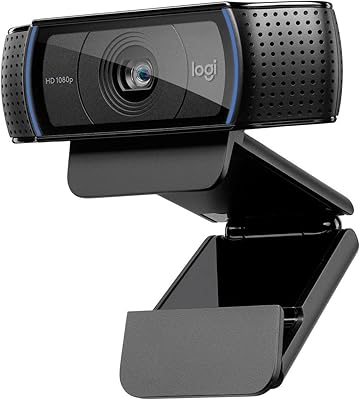
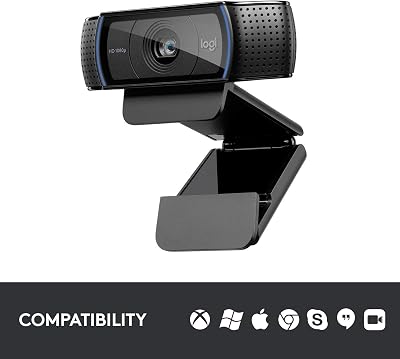
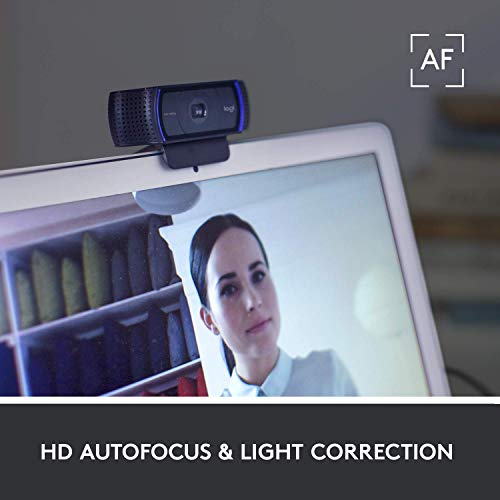
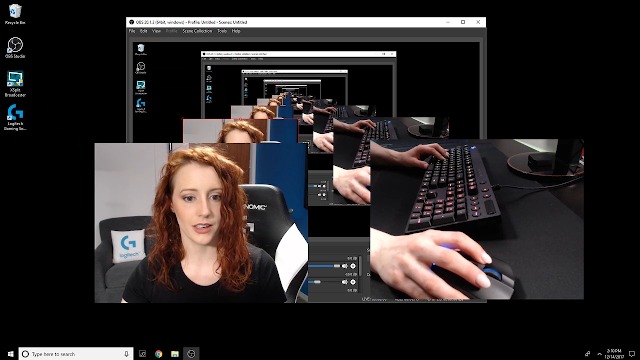
The original Logitech HD Pro C920 is the proven budget classic, and it carries no RGB lighting — it is a standard webcam. It is the camera that set the benchmark for affordable 1080p webcams: Full HD 1080p video, a widescreen field of view, dual mics and Logitech’s reliable autofocus, all at a price that has only grown more attractive over time. At around $68 it remains one of the best-value dependable webcams you can buy.
This is the webcam to choose if you want the trusted C920 experience for calls and streaming on a sensible budget within your RGB setup. The 1080p capture is clean and well-supported across virtually every app, the dual mics cover voice, and the autofocus keeps you sharp. It is functionally close to the newer C920x at a lower price. As ever, the colourful lighting in your shot comes from your peripherals and lights — the C920’s role is to capture the scene reliably, which it has done for years and continues to do well.
Pros: Trusted 1080p video, widescreen field of view, dual mics, broad app support, excellent value.
Cons: No built-in RGB lighting (standard webcam); an older model, 1080p 30fps with no 60fps option.
3. EMEET C960 1080P Webcam with Microphone, 2 Mics, 90 Wide Angle
32
Prime
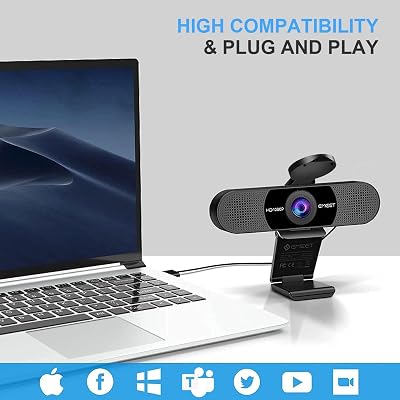
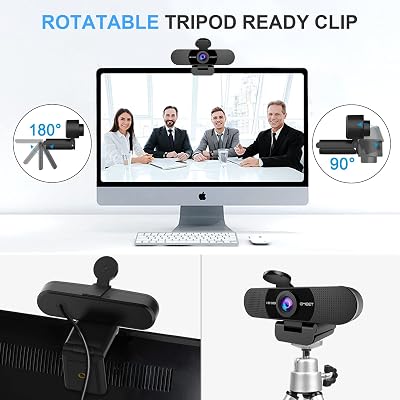
EMEET 1080P Webcam with Microphone, C960 Web Camera, 2 Mics Streaming Webcam, 90°FOV Computer Camera, Plug and Play USB Web Cam for Online Calling/Conferencing, Zoom/Teams/Facetime/YouTube, Laptop/PC
In Stock










As an Amazon Associate we earn from qualifying purchases. Product prices and availability are accurate as of the date/time indicated.
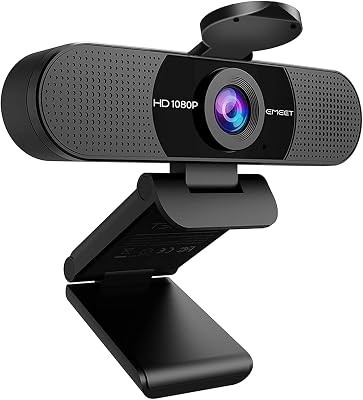
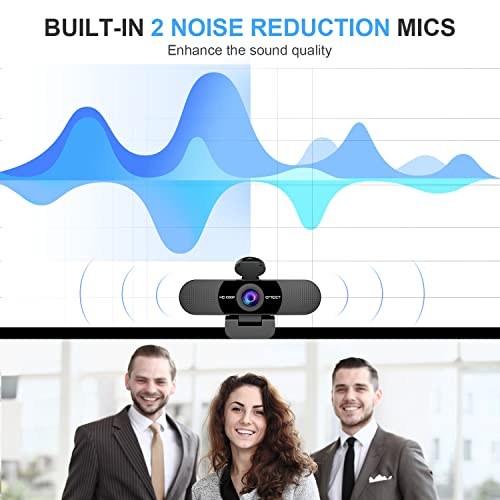
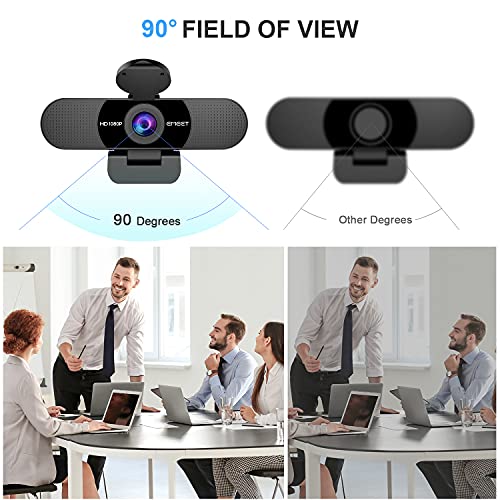
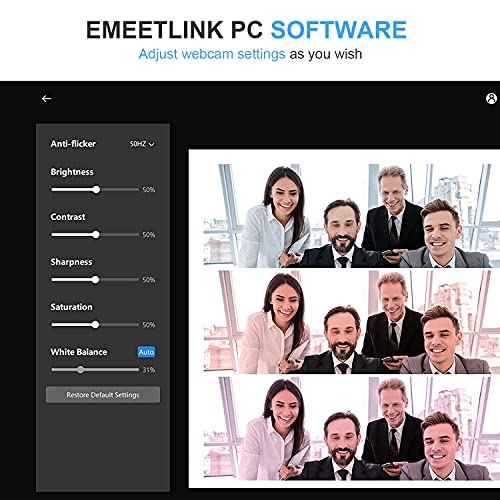
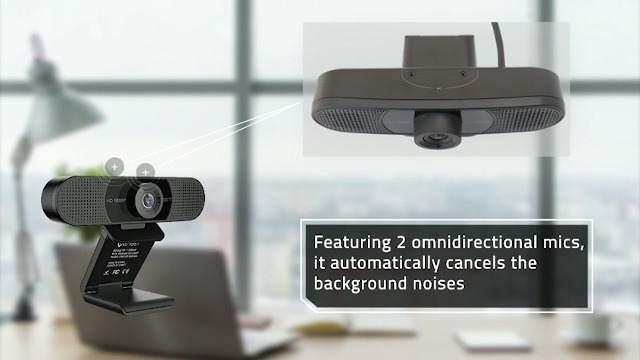
The EMEET C960 is the cheapest pick here — and, like every camera in this guide, a standard webcam with no RGB lighting. It is a 1080p webcam with two built-in noise-reduction microphones and a 90-degree wide-angle field of view, aimed at clear video calls and casual streaming. At around $38 it is by far the most affordable option, and it covers the essentials of a webcam well for the price.
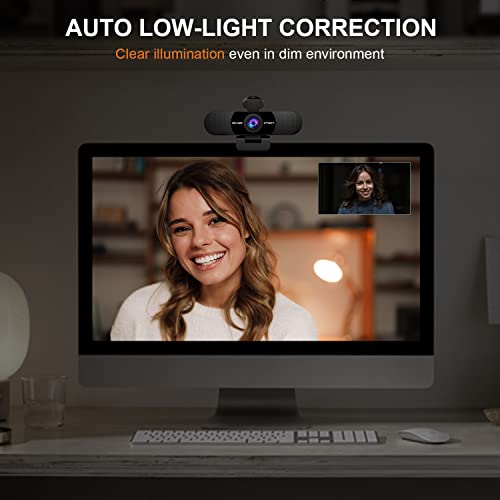
This is the webcam to choose on the tightest budget, when you want decent 1080p video and clear audio for calls or light streaming within an RGB setup. The 1080p resolution is sharp enough for most uses, the dual noise-reduction mics capture voice clearly, and the 90-degree field of view frames a single person comfortably. It has no RGB of its own — the colour in your shot comes from your lights and peripherals — and its low-light and overall image quality are a step behind the pricier picks here. But as an affordable, honest budget webcam, the C960 earns its spot.
Pros: Very affordable, sharp 1080p video, dual noise-reduction mics, 90-degree wide angle.
Cons: No built-in RGB lighting (standard webcam); low-light and image quality trail the pricier picks.
4. Logitech C920x HD Pro PC Webcam, Full HD 1080p/30fps, Clear Audio
27
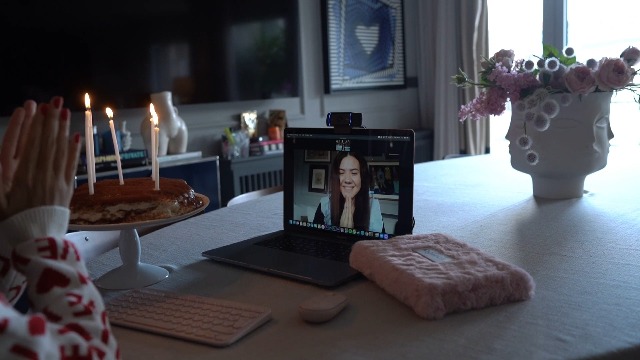
Logitech C920x HD Pro PC Webcam, Full HD 1080p/30fps Video, Clear Audio, Light Correction, Works with Microsoft Teams, Google Meet, Zoom, Nintendo Switch 2’s New GameChat Mode, Mac/Tablet- Black
In Stock




As an Amazon Associate we earn from qualifying purchases. Product prices and availability are accurate as of the date/time indicated.
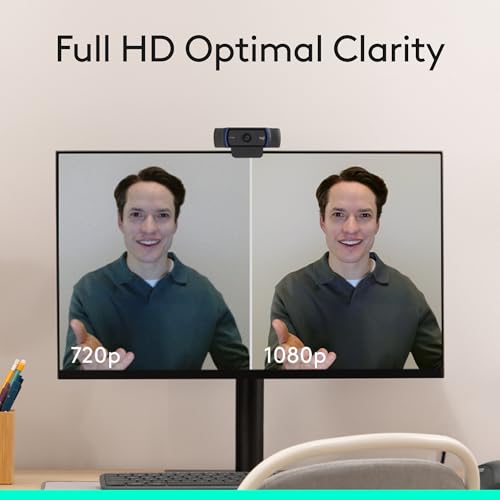
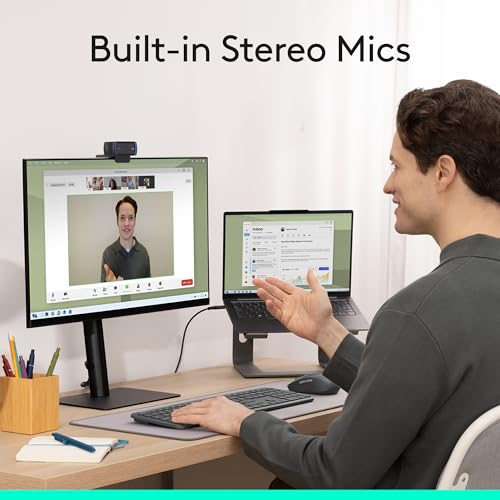
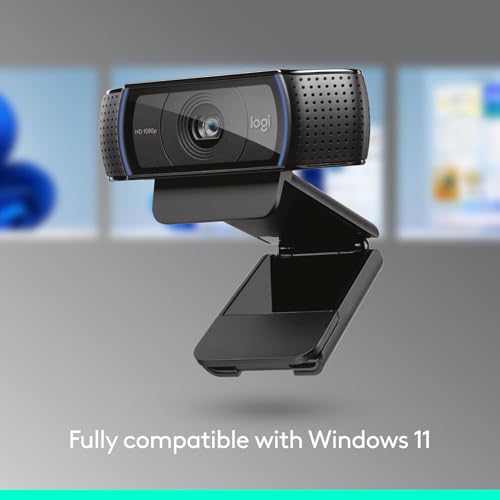
The Logitech C920x is the reliable all-rounder, and like the rest of this list it is a standard webcam with no RGB lighting. It is the refreshed version of Logitech’s legendary C920, delivering crisp Full HD 1080p at 30fps, clear stereo audio from dual mics, and dependable autofocus and light correction. At around $91 it is a polished, no-surprises camera that has earned its reputation as a default recommendation for years.
This is the webcam to choose when you want a known-good 1080p camera that simply works for calls, streaming and recording within an RGB setup. The 1080p 30fps capture is sharp and well-balanced, the light correction keeps exposure sensible in mixed lighting, and the dual mics handle voice cleanly. Its job in an RGB scene is to render you and your colourful backdrop clearly — the glow comes from your lights, not the camera. For a dependable, widely supported 1080p all-rounder, the C920x is an easy and safe pick.
Pros: Crisp 1080p 30fps, clear dual-mic audio, reliable autofocus and light correction, proven all-rounder.
Cons: No built-in RGB lighting (standard webcam); 1080p 30fps only, no 60fps mode.
5. Logitech C922x HD Pro PC Webcam, 1080p/30fps or 720p/60fps, HD Light Correction

35
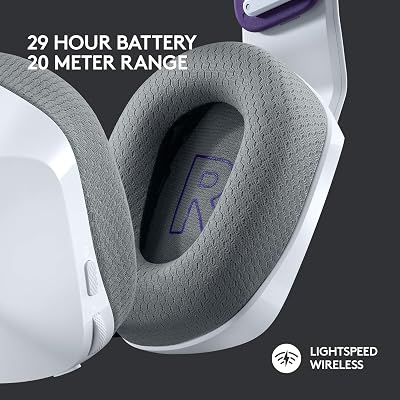
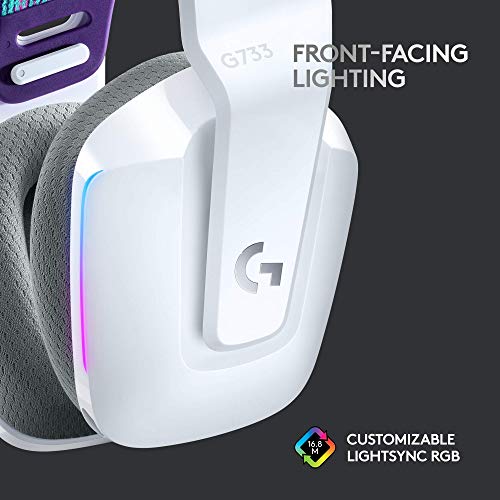
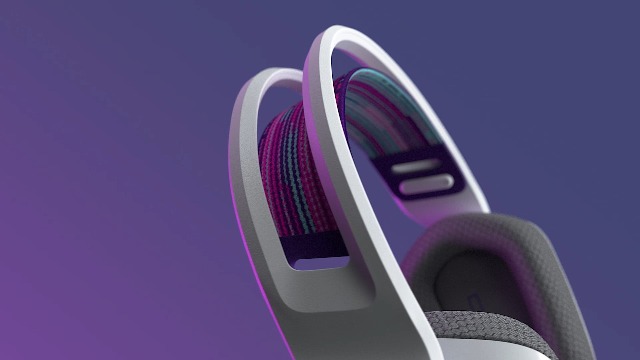
Logitech G733 Lightspeed Wireless Gaming Headset with Suspension Headband, LIGHTSYNC RGB, Blue VO!CE mic Technology and PRO-G Audio Drivers – White
In Stock








As an Amazon Associate we earn from qualifying purchases. Product prices and availability are accurate as of the date/time indicated.
The Logitech C922x is the streaming-focused pick, and it is a standard webcam with no RGB lighting. It is Logitech’s stream-oriented model, offering 1080p at 30fps or 720p at 60fps, automatic HD light correction, and dual microphones, and it has long been a staple on streaming desks. At around $105 it is the priciest webcam here, with the extra cost reflecting its streaming pedigree and 60fps 720p option.
This is the webcam to choose if smooth motion for live streaming is a priority and you value Logitech’s well-supported software and reliability. The 720p 60fps mode keeps fast movement fluid for a face-cam, the HD light correction helps balance exposure in mixed lighting, and the dual mics capture clear audio. As with every camera here, the RGB look in your stream will come from your lighting and peripherals, not the C922x — but for a streaming-first camera to sit at the centre of an RGB setup, it is a proven, capable choice.
Pros: Streaming-tuned with 720p 60fps option, dual mics, HD light correction, trusted Logitech support.
Cons: No built-in RGB lighting (standard webcam); most expensive pick here and tops out at 1080p 30fps.
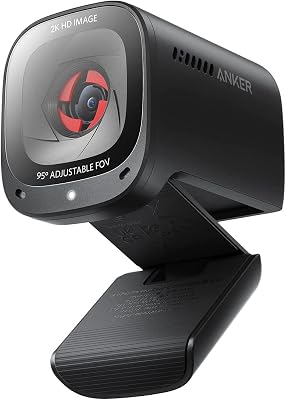
6. Anker PowerConf C200 2K Webcam for PC/Laptop/Mac, Low-Light Correction
22
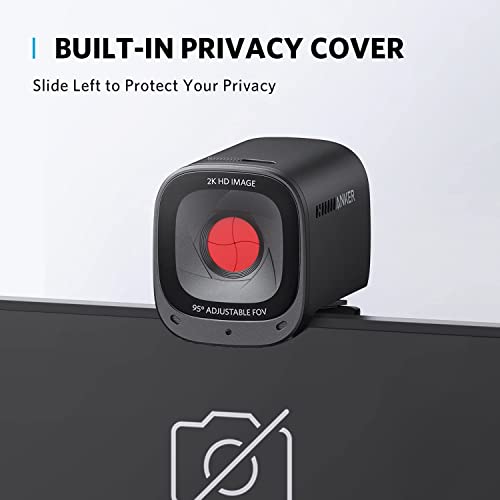
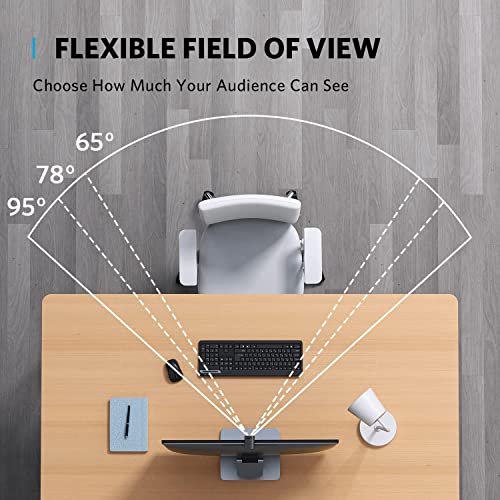
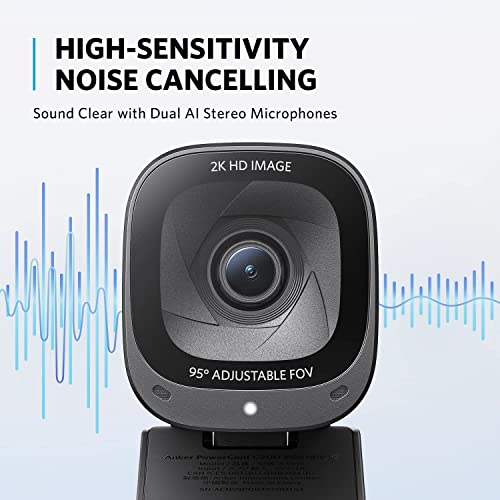
Anker PowerConf C200 2K Webcam for PC/Laptop/Mac, Computer Camera, Low-Light Correction, AI-Noise Canceling Mics, Adjustable Field of View, Built-in Privacy Cover, Stereo Mics, for Meeting
In Stock




As an Amazon Associate we earn from qualifying purchases. Product prices and availability are accurate as of the date/time indicated.
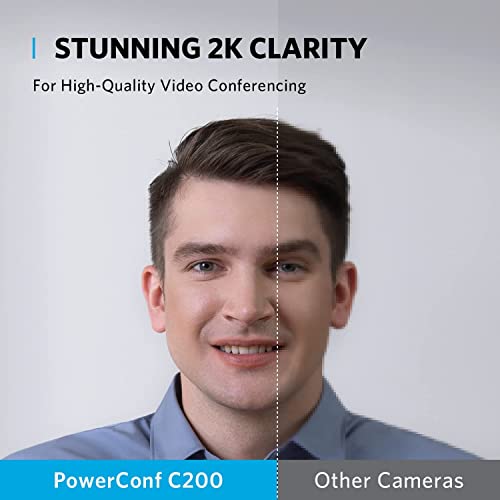
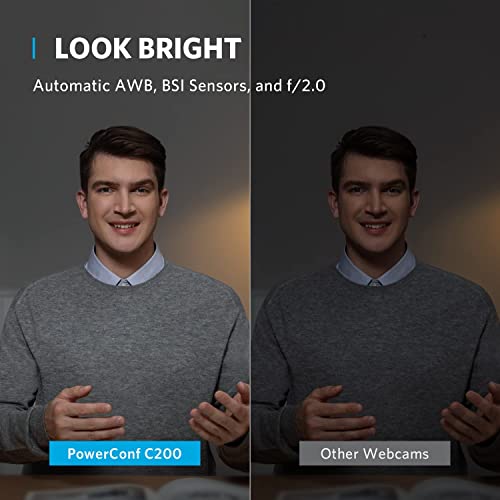
Rounding out the list is the Anker PowerConf C200, the low-light pick — and, like every camera here, it has no RGB lighting of its own. It is a compact 2K webcam whose standout feature is low-light correction, which brightens and cleans up the image when ambient light is dim. That is genuinely relevant to an RGB setup, because RGB battlestations are often run in darkened rooms where the colourful lighting shows best — and that is precisely the condition many webcams struggle in. At around $60 it is a smart, affordable choice.
This is the webcam to choose if your RGB room is dark and you want your face to stay clear rather than grainy. The 2K resolution gives a sharp image, the low-light correction helps maintain a usable picture in dim, moody lighting, and the compact body and adjustable field of view suit a tidy desk. It will not add any colour glow itself — that comes from your lights and peripherals — but it is arguably the best camera here at coping with the kind of low ambient light an RGB setup creates. For dim, colourful rooms, the C200 is a fitting way to close out the list.
Pros: Sharp 2K resolution, effective low-light correction, compact, ideal for dim RGB-lit rooms.
Cons: No built-in RGB lighting (standard webcam); a separate light still gives the best results.
How to Choose a Webcam for an RGB Setup (and How to Get Real RGB)
The most important thing to understand when shopping for an ‘RGB webcam’ is that the category, as people imagine it, barely exists. None of the six webcams here — and very few webcams anywhere — have built-in RGB lighting. RGB is a feature of keyboards, fans, cases and dedicated lights, not of cameras. So the honest way to approach this is to choose the best webcam for capturing your RGB scene, and then add real RGB lighting separately. We judged these cameras on image quality for exactly that reason, rather than pretending any of them glow.
Image quality is therefore the spec that matters most, and within it, low-light performance deserves special attention for an RGB setup. RGB battlestations look their best in dim rooms, and dim rooms are where cheap webcams turn grainy and muddy. A camera with strong low-light handling, like the Anker PowerConf C200 with its low-light correction, or a high-resolution sensor like the NexiGo N660P Pro’s 4K, will render you and your colourful backdrop far more cleanly in moody lighting than a basic camera. If your room is dark and full of RGB, prioritise low-light capability above almost everything else.
Resolution, frame rate and microphones round out the camera decision. For streaming, a 60fps mode like the C922x’s 720p 60fps keeps motion smooth, while 4K or 2K sensors like the NexiGo and Anker give sharper detail; for calls, reliable 1080p 30fps from a C920x or C920 is plenty. Built-in dual microphones, found on every pick here, save you needing a separate mic for casual use. Match the resolution and frame rate to whether you stream or mainly take calls, and check the field of view frames your space the way you want.
Finally, here is how to actually get the RGB glow the keyword implies: add a light. A USB RGB ring light or an RGB LED panel placed in or just out of frame will both illuminate your face properly and cast the colourful glow that makes an RGB scene pop on camera — something no webcam does on its own. This is the real solution: pair one of these capable webcams with a separate RGB light, and you get both a clean image and genuine RGB ambience. So set your budget, pick the webcam here whose image quality and low-light handling match your room, and buy an RGB ring light or LED panel alongside it. That combination — not a mythical RGB-equipped camera — is how you build a great-looking RGB streaming setup.
Frequently Asked Questions
Do any of these webcams actually have built-in RGB lighting?
No. None of the six webcams in this guide — and very few webcams in general — have built-in RGB lighting. RGB is a feature of peripherals and dedicated lights, not cameras. We have flagged this in every entry so there is no confusion. To get the RGB glow, pair one of these capable webcams with a separate RGB ring light or LED panel.
How do I get an RGB look on camera if webcams do not have RGB?
Add a separate light. A USB RGB ring light or an RGB LED panel, placed in or just out of frame, both illuminates your face and casts the colourful glow that makes an RGB scene pop on stream. Combined with a strong webcam like the NexiGo N660P Pro or Anker C200, that gives you a clean image and genuine RGB ambience — which is what an ‘RGB webcam’ search is really after.
Which of these webcams is best for a dark, RGB-lit room?
The Anker PowerConf C200, thanks to its low-light correction, is the standout for dim rooms where RGB lighting shows best — it keeps your face clear rather than grainy. The high-resolution NexiGo N660P Pro is also a strong choice for capturing a colourful scene crisply. Low-light performance matters most here, since RGB setups are often run with the room lights down.
Do I need 4K, or is 1080p enough for an RGB streaming setup?
For most streaming and calls, 1080p from a camera like the Logitech C920x or C922x is plenty, and a 60fps mode helps motion look smooth. A 4K or 2K sensor like the NexiGo N660P Pro or Anker C200 gives extra sharpness if you want it, especially for capturing detailed RGB scenes. Prioritise low-light handling and a frame rate that suits your use over chasing the highest resolution alone.
Related Guides
- Best Webcams for Streaming
- Best Streaming Gear
- Best Ring Lights for Streaming
- Best Microphones for Streaming
- Best RGB Mouse
- Best Budget Gaming Setup
Affiliate Disclosure: As an Amazon Associate, we earn from qualifying purchases. If you click a link and make a purchase, we may earn a small commission at no extra cost to you. Prices and availability are accurate as of publication and may change.
Ready to decide? Our #1 pick for 2026 is the NexiGo N660P Pro 4K.
Live price & availability on Amazon.


