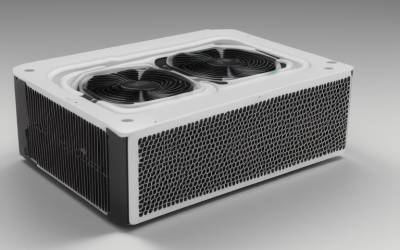
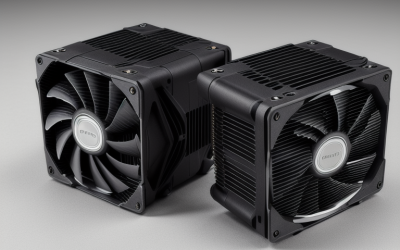
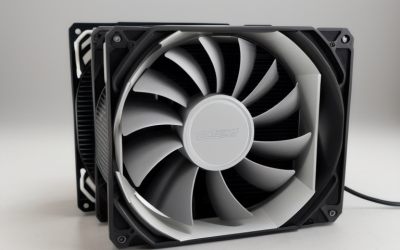
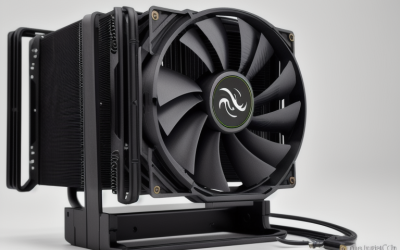
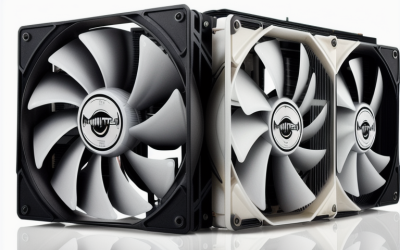
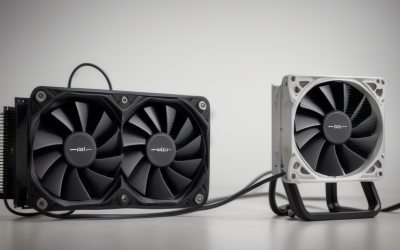
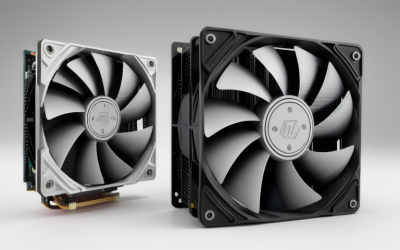
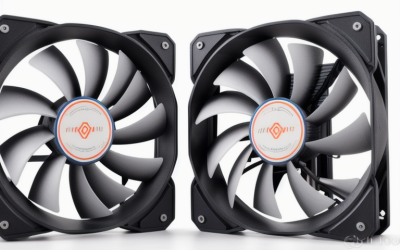
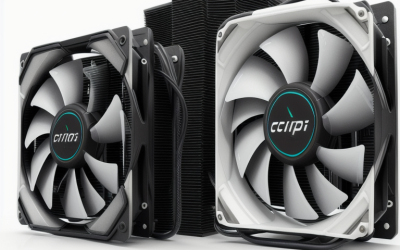
- Top Pick: NZXT Kraken Plus 240 RGB – 240mm AIO CPU Cooler, LCD – White | 240mm RGB AIO with customizable LCD, F240 RGB Core fan, and Turbine pump. Better thermals, synced RGB via CAM.
- Best Value: NZXT Kraken Plus 360-360mm AIO CPU Cooler, LCD – Black | 360mm AIO with customizable LCD and Turbine pump for improved thermals. F120P fans, simple install, CAM control.
- Premium Choice: NZXT Kraken Elite 360 RGB – 360mm AIO CPU Cooler, LCD – White | 360mm RGB AIO with 2.36-inch LCD and F360 RGB Core fan. Flagship display cooling with synced RGB via CAM.
NZXT builds its liquid coolers around one idea: the pump block should do more than move coolant. Across the Kraken family you will find LCD screens, a Turbine pump and software control through CAM, so the real decision is not whether to buy NZXT but which tier, radiator length and color suits the machine you are building. Eight current Kraken listings show how the lineup splits.
This guide is for builders who already settled on an NZXT cooler and need to choose among the 240mm, 280mm and 360mm models, the Core, Plus and Elite tiers, and the black or white finishes. Everything below comes from the facts in each listing title, so read the Quick Picks table first, then use the buying advice to narrow the field for your case in 2026.
Quick Picks
As an Amazon Associate we earn from qualifying purchases at no extra cost to you.




| Product | Best for | Key spec from the title |
|---|---|---|
| Kraken Plus 240 RGB White | White builds in mid towers | 240mm, LCD, F240 RGB Core fan |
| Kraken Plus 360 Black | Larger cases, simple install | 360mm, LCD, F120P fans |
| Kraken Elite 360 RGB White | Display-focused white builds | 2.36-inch LCD, F360 RGB Core fan |
| Kraken Plus 240 Black | Plain black 240mm setups | 240mm, LCD, F120P fans |
| Kraken Plus 240 RGB Black | RGB lighting in black builds | 240mm, LCD, F240 RGB Core fan |
| Kraken Elite 360 RGB Black | Flagship black builds | 2.36-inch LCD, F360 RGB Core fan |
| Kraken Core 360 RGB Black | Entry 360mm builds | Turbine pump, single-frame fan |
| Kraken Elite 280 RGB White | Mid-size 280mm mounts | 2.36-inch LCD, F280 RGB Core fan |
How to Choose
Radiator Length: 240, 280 or 360mm
Radiator size is the first filter. A 240mm unit uses two 120mm fan positions, a 280mm unit uses two 140mm positions, and a 360mm unit needs three 120mm positions. Check the case specification for front or top radiator support at the exact length you want. Longer radiators spread heat across more surface area, which suits high-wattage processors, but they need a larger case and clear space above the memory. Many mid towers accept 240mm in the top position and 360mm only in the front, and compact cases may accept neither, so the case manual matters more than the cooler listing.
Screen or No Screen
The Plus and Elite lines carry an LCD on the pump block, while the Core 360 does not list one. The Elite models list a 2.36-inch display, and the Plus models list a customizable one. A screen can show temperatures, animations or images, but it does nothing for cooling. If your case has a solid side panel, you will never see it, so a screenless model is the sensible pick there. In an open or glass-heavy case the display adds a personal touch, and the Elite 360 and Elite 280 listings emphasize that role.
Fan Design and Noise Control
Elite and RGB Plus models name their fans as F-series RGB Core units, the Plus non-RGB models use F120P fans, and the Core 360 uses a single-frame fan assembly. Look at how the fans are attached to the radiator, since a single frame makes the install tidier. Fan curves can be set through CAM, so check that you are comfortable running NZXT software on your system. If you prefer to set fan speeds in the motherboard firmware instead, confirm that the fan headers you intend to use support that arrangement.
Mounting and Compatibility
The titles do not list socket support, so confirm it on the product page before buying. Verify the case offers clear space for the radiator thickness and that header counts match: you need a pump header, fan headers and an internal USB header for the screen and CAM features. Also check that the radiator does not block your top memory slots, and leave room for the tubes to reach the CPU socket without a hard bend.
Radiator length and screen choice drive most of the decision, so those two filters come first. The reviews below follow the same order as the Quick Picks table, and each one is based only on what the listing title states.
The 8 Best Options
NZXT Kraken Plus 240 RGB White
A 240mm AIO with a customizable LCD, an F240 RGB Core fan and a Turbine pump, finished in white. It is built for mid-tower owners who want a screen cooler that matches a white case.
- Customizable LCD on the pump block.
- RGB fan synced through CAM.
- Trade-off: the 240mm radiator offers less surface area than the 360mm models.
Skip it if your processor runs hot and your case supports 360mm; a longer radiator is the better match there. It also makes sense to skip it if the white finish clashes with the rest of your parts.
NZXT Kraken Plus 360 Black
This 360mm AIO uses F120P fans, a Turbine pump and a customizable LCD, with an emphasis on simple installation and CAM control. It suits larger cases that can take a full three-fan radiator.
- The 360mm radiator brings the most surface area in the Plus line.
- Simple install is part of the listing.
- Trade-off: fans are not described as RGB, so lighting is limited.
Skip it if you want lit fans or have a compact case. A case that tops out at 240mm cannot take this radiator at all.
NZXT Kraken Elite 360 RGB White
The white Elite 360 carries a 2.36-inch LCD and an F360 RGB Core fan, described in the listing as flagship display cooling. It is meant for builders who want the display as a centerpiece.
- Larger 2.36-inch LCD with synced RGB.
- 360mm radiator for higher-wattage processors.
- Trade-off: it is the premium tier in the family.
Skip it if the display will be hidden behind a solid panel, since the screen is the main reason to step up to this tier.
NZXT Kraken Plus 240 Black
A 240mm black AIO with a customizable LCD, Turbine pump and F120P fans, built around easy installation and CAM control. It targets buyers who want a screen without RGB fan lighting.
- Customizable LCD on the pump block.
- Simple install and software control.
- Trade-off: no RGB fan lighting is listed.
Skip it if you want lit fans or more radiator area. Buyers who like RGB should look at the RGB version of the same 240mm model.
NZXT Kraken Plus 240 RGB Black
This is the black version of the 240mm RGB Plus: customizable LCD, F240 RGB Core fan and Turbine pump, with the better-thermals claim in the listing. It fits black RGB builds in cases that top out at 240mm.
- RGB Core fan synced via CAM.
- Black finish suits most cases.
- Trade-off: the same 240mm length limit as its white twin.
Skip it if you want a larger radiator or a bigger screen. The Elite models carry the larger 2.36-inch display.
NZXT Kraken Elite 360 RGB Black
The black Elite 360 repeats the 2.36-inch LCD and F360 RGB Core fan configuration, positioned as the flagship display cooler. It is for high-end builds where the pump screen is visible.
- 2.36-inch display with customizable content.
- Full CAM control and synced RGB.
- Trade-off: the 360mm length needs a roomy case.
Skip it if a screenless block is enough, because the Core 360 covers the same radiator length with less on the pump block.
NZXT Kraken Core 360 RGB Black
The entry 360mm RGB AIO of the group, with a Turbine pump and a single-frame fan, described as quiet and high-performance with an easy install. It is the choice for buyers who want a long radiator without a screen.
- Single-frame fan keeps the build tidy.
- 360mm radiator with CAM-ready control.
- Trade-off: no LCD is listed.
Skip it if you want a display on the pump block, since this model leaves the screen to the Plus and Elite lines.
NZXT Kraken Elite 280 RGB White
A 280mm white AIO with a 2.36-inch LCD and an F280 RGB Core fan, giving a middle radiator length for cases that take two 140mm fans. It suits builders who want the Elite display in a smaller footprint.
- 2.36-inch customizable display.
- Synced RGB with full CAM control.
- Trade-off: the 280mm mount is less common in cases than 240mm or 360mm.
Skip it if your case lacks 140mm fan positions or only accepts 120mm-based radiators.
Which One Fits Your Situation
Your Case Takes a Full Three-Fan Radiator
The Kraken Plus 360 Black and Kraken Core 360 RGB Black are the 360mm options without the large display. Choose the Plus 360 if you want an LCD and the Core 360 if you prefer a single-frame fan.
You Want the Display as a Showpiece
The Kraken Elite 360 RGB in white or black carries the 2.36-inch screen, while the Elite 280 RGB White brings it to a shorter radiator.
Your Case Tops Out at 240mm
The Kraken Plus 240 RGB White and Black suit RGB builds, and the Kraken Plus 240 Black suits owners who would rather skip fan lighting.
You Care About a Clean, Quiet Build
The Kraken Core 360 RGB Black stresses quiet operation and a single-frame fan, which reduces cable clutter on the radiator. Pairing it with a mesh-front case keeps the intake path open and lets the quiet fan curve do its job.
Common Mistakes
- Choosing a 360mm radiator without confirming the case supports it at the front or top.
- Choosing an LCD model when the case has no window to show it.
- Ignoring header requirements for the pump, fans and the USB connection used by CAM.
- Mixing up black and white finishes when the listing names look nearly identical.
- Skipping a check of memory clearance beneath the radiator.
A final habit that saves time: before mounting any of these coolers, lay out the radiator in the case without the fans to confirm the tubes reach the socket, then fit the fans and route their cables behind the motherboard tray.
Related guides
- Battery Operated Smoke And Carbon Monoxide Detectors
- Combination Smoke And Carbon Monoxide Detectors
- Aio Liquid Coolers For High Performance Gaming
Frequently Asked Questions
Do all NZXT Kraken coolers have a screen?
No. The Plus and Elite listings include an LCD, while the Core 360 listing describes an entry RGB cooler without one.
Is a 360mm Kraken always better than a 240mm one?
A longer radiator offers more cooling surface, but only if the case supports it. A well-installed 240mm unit can suit a mainstream processor in a smaller case.
Can I run the cooler without NZXT software, and what is CAM?
CAM is NZXT software that controls lighting, fan behavior and screen content, and the listings mention it for the Plus, Elite and Core models. Features beyond basic cooling rely on it, while basic operation depends on the pump and fan headers being connected correctly. Install it once the build is finished and update it before adjusting any fan curves.
How are black and white versions different?
Based on the listings, the finishes change appearance but the titles describe the same radiator size, pump and fan type, so choose by your case color. Double-check the color word in the listing name before you order, since the black and white pages look alike.