

- Top Pick: TONOR Gaming Microphone Set with Boom Arm, Vocal Condenser Microphone for Content Creators, USB Mic for PC with Stand, RGB, Tap Mute, Gain Control, Gaming Equipemnt, Twitch, Streaming, TC310+
- Best Value: FIFINE AmpliGame AM8 USB/XLR Dynamic Microphone for Gaming Streaming
- Premium Choice: FIFINE AmpliGame AM8T XLR/USB Gaming Microphone Set, Dynamic PC Mic
Affiliate disclosure: As an Amazon Associate we earn from qualifying purchases. This post contains affiliate links — if you buy through them we may earn a small commission at no extra cost to you. This never affects our recommendations.
- Watch: What Is the Best Microphone for Gaming 2026: Complete Buyer’s Guide — Video Review
- Quick Decision Tree — Find Your Mic in 3 Questions
- Best Microphone for Gaming: Top Category Picks
- Microphone Type Comparison: Which Is Right for You?
- Condenser vs. Dynamic: Which Is Better for Gaming?
- Gaming Microphone Buying Checklist
- Frequently Asked Questions
- Final Verdict: Choosing Your Microphone
- Quick Comparison Table
- Related Articles
- Related Articles
- Related Articles
“What’s the best gaming microphone?” has no single answer because your needs differ from the next gamer’s. A competitive esports player streaming Valorant needs something different than a casual co-op gamer on Discord. A Twitch streamer needs something different than a podcaster who games part-time.
As an Amazon Associate we earn from qualifying purchases at no extra cost to you.







This guide cuts through confusion by mapping your use case to the right mic. Whether you’re upgrading from a headset, starting your first streaming setup, or building a professional esports broadcast rig, we’ll show you exactly what matters and which microphones deliver real value.
🎮 Get More From Your Setup — Free
Prime Gaming gives you free PC games every month, in-game loot, and a free Twitch channel sub — plus fast free shipping on all the gear above. New members get a 30-day free trial.
Watch: What Is the Best Microphone for Gaming 2026: Complete Buyer’s Guide — Video Review
Quick Decision Tree — Find Your Mic in 3 Questions
Q1: Are you streaming or just using Discord?
- Streaming → Go to “Best Streaming Microphone” section
- Discord only → Go to “Best Discord Microphone” section
Q2: How much desk space do you have?
- Limited (<3 feet wide) → Compact USB mics (Razer Seiren Mini, HyperX SoloCast)
- Standard (3-6 feet) → Full-size USB (AT2020, Blue Yeti)
- Spacious (6+ feet) → XLR + mixer options (Rode Procaster, Shure SM7B)
Q3: Are you willing to learn XLR/mixer setup?
- No → USB-only (simplest, plug-and-play)
- Maybe later → USB/XLR hybrid (AT2020, Samson Q2U)
- Yes → Full XLR setup (professional isolation, flexibility)
Best Microphone for Gaming: Top Category Picks
Best Overall: Audio-Technica AT2020 USB

Best Seller
Shure SM58S Dynamic Vocal Microphone with On/Off Switch, Cardioid Pattern, Built-in Pop Filter, for Live & Studio Performance Mic for Singers, Speakers & Stage Use, Black
The AT2020 USB is the safest investment for any gamer upgrading from headset audio. Its 16mm large-diaphragm condenser captures voice clarity that sounds noticeably professional to Discord teammates. The USB/XLR switchable design means you don’t lose this mic if you ever build a mixer setup.
” That consistent praise from multiple independent listeners is why it’s our top overall pick.
Best for: First microphone upgrade, quality-for-money, future-proof setup.
Best Budget: Fifine K669

36
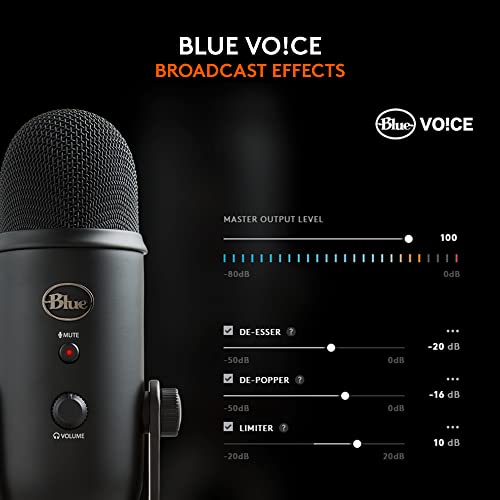
Logitech Creators Blue Yeti USB Microphone for PC, Mac, Gaming, Recording, Streaming, Podcasting, Studio and Computer Condenser Mic with Blue VO!CE effects, 4 Pickup Patterns, Plug and Play – Blackout
In Stock

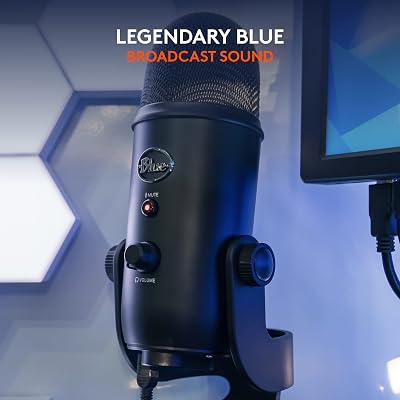


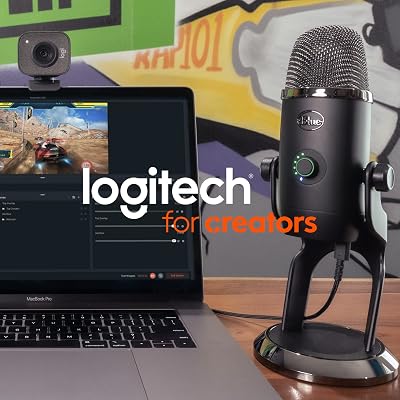


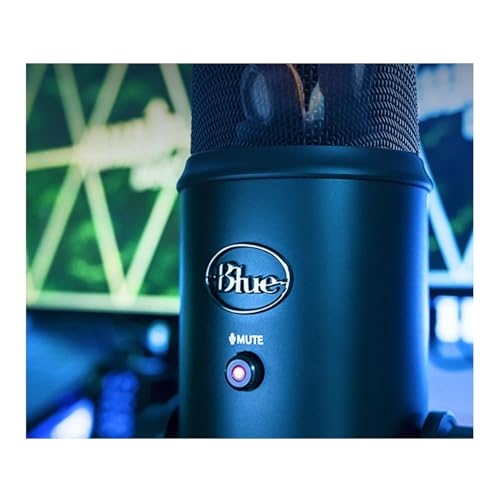

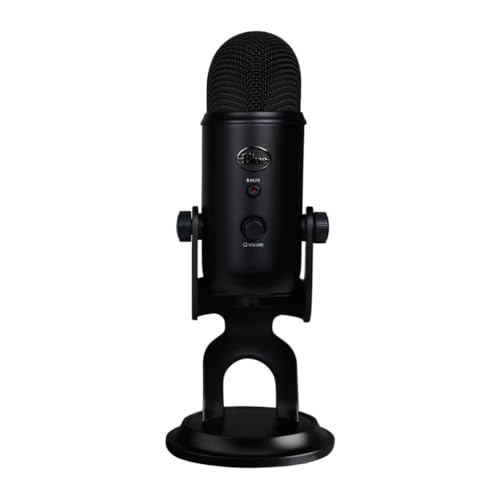

As an Amazon Associate we earn from qualifying purchases. Product prices and availability are accurate as of the date/time indicated.
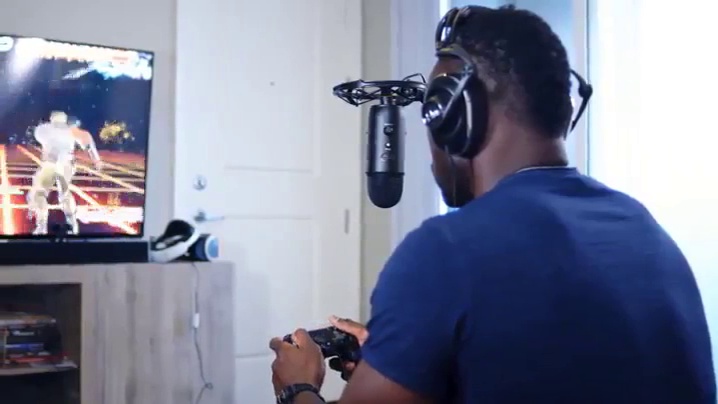
At $50, the Fifine K669 delivers genuine audio quality without the premium price. It’s real condenser engineering, not cheap USB gimmickry. Cardioid isolation is competent, and teammates report noticeably better clarity than headset mics.
Best for: Budget-conscious gamers, testing streaming without commitment.
Best Compact: Razer Seiren Mini
Best Seller
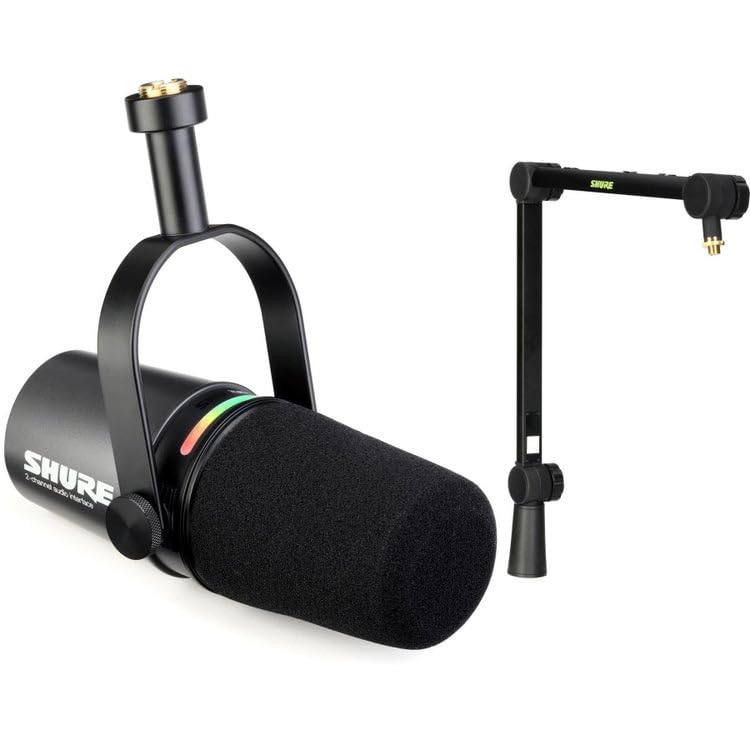
Shure MV7i Smart Microphone with Built-in Audio Interface and Deluxe Articulating Desktop Mic Boom Stand – Podcast Mic with 2 Channels, XLR and 1/4", USB-C for Mac/PC/Phone, and Advanced DSP Features
For tiny desks, the Seiren Mini is absurdly good. At 5 inches tall with supercardioid isolation, it delivers quality competitive with much larger mics. Positioning is critical (4-6 inches dead center), but that’s usually where gaming mics belong anyway.
Best for: Small battlestations, tight desk arrangements.
Best Simple: Blue Yeti
36
Logitech Creators Blue Yeti USB Microphone for PC, Mac, Gaming, Recording, Streaming, Podcasting, Studio and Computer Condenser Mic with Blue VO!CE effects, 4 Pickup Patterns, Plug and Play – Blackout
In Stock
As an Amazon Associate we earn from qualifying purchases. Product prices and availability are accurate as of the date/time indicated.
The Yeti is the gateway to quality audio. Massive community support, multiple polar patterns, and true plug-and-play operation make it the most popular option for gamers testing streaming for the first time.
Best for: First-time streaming, multi-scenario use (solo gaming + group hangouts).
Best Gaming Brand: HyperX SoloCast
The SoloCast is gaming-optimized—engineered specifically for gamer voices. Its dynamic design and presence peak make vocal callouts cut through Discord’s compression naturally. The tap-to-mute feels intuitive during intense moments.
Best for: Competitive gamers, gamers who appreciate gamer-focused design.
Best XLR Professional: Rode Procaster — $230 (+ ~$100 mixer/interface)
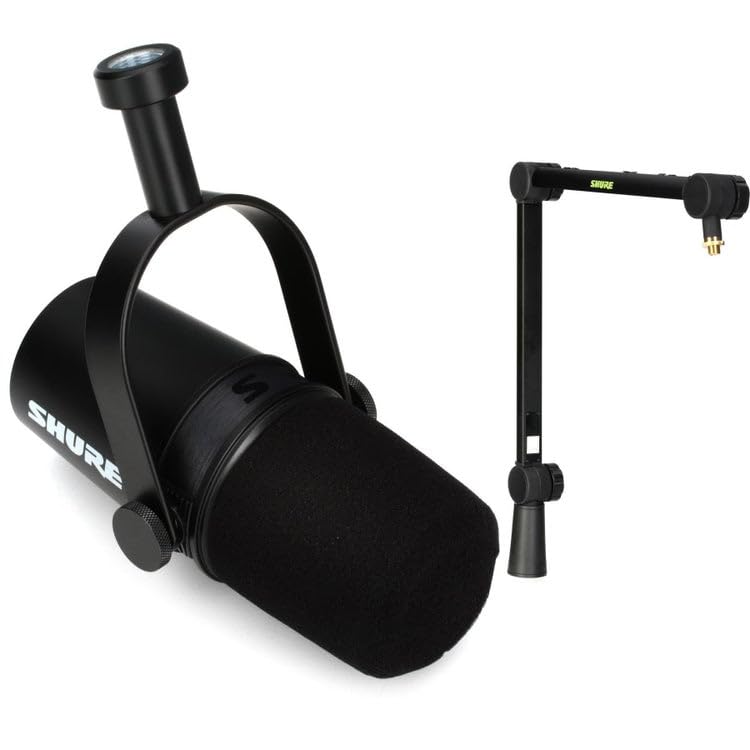
Shure MV7X Microphone and Deluxe Articulating Desktop Mic Boom Stand – Pro Quality Dynamic Mic for Podcasting & Vocal Recording, Voice-Isolating Technology, Optimized Frequency – Black
In Stock
As an Amazon Associate we earn from qualifying purchases. Product prices and availability are accurate as of the date/time indicated.
The Procaster is broadcast-standard. Its integrated mechanical shock mount isolates vibrations better than any USB mic, and the presence peak makes your voice cut through any codec compression. Esports broadcast teams use this.
Best for: Serious streamers, competitive esports, long-term investment.
Best Cable-Free: RODE Wireless GO II
Best Seller
Logitech Creators Blue Yeti USB Microphone for PC, Mac, Gaming, Recording, Streaming, Podcasting, Studio and Computer Condenser Mic with Blue VO!CE effects, 4 Pickup Patterns, Plug and Play – Blackout
For gamers irritated by mic cables, the Wireless GO II transmits your voice wirelessly (5.8GHz, <2ms latency) from a lavalier clip to a USB receiver. True wireless without the latency penalty of gaming headsets.
Best for: Gamers who move around, cable-haters, temporary setups.
Microphone Type Comparison: Which Is Right for You?
USB Microphones (Plug-and-Play)
How they work: Single USB cable directly to PC. No mixer, no drivers needed. Literally plug and play.
Best for: New streamers, gamers, anyone who wants simplicity.
Pros:
- True plug-and-play (zero driver hunting)
- No mixer learning curve
- Portable if you game on multiple PCs
- Affordable ($50-200)
Cons:
- No upgrade path (can’t add mixer later)
- Limited customization
- Built-in features can’t be expanded
Top USB picks: AT2020 USB, Blue Yeti, Razer Seiren Mini, HyperX SoloCast.
XLR Microphones (Professional Setup)
How they work: XLR cable to audio interface or mixer. Requires phantom power and software configuration.
Best for: Streamers planning to expand, podcasters, content creators.
Pros:
- Professional-grade isolation and sound quality
- Scalable (add mixer, processing, multiple sources)
- Industry-standard reliability
- Better shock mount options
- Customize frequency response via mixer
Cons:
- Higher total cost ($200-800 with mixer/interface)
- Learning curve (phantom power, gain staging, etc.)
- More cables and equipment
- Overkill for casual gaming
Top XLR picks: Rode Procaster, Shure SM7B, Audio-Technica AT2020 with XLR option.
Wireless Microphones
How they work: Wireless transmission from lavalier clip to USB receiver. Usually condenser or lavalier design.
Best for: Mobile streamers, gamers who move, cable-free aesthetics.
Pros:
- True wireless (no cable constraint)
- Sub-2ms latency (imperceptible)
- Lavalier freedom (position clip anywhere)
- Professional appearance
Cons:
- Higher cost ($150-300)
- Battery management (charge every 7-10 hours)
- 5.8GHz band interference risk (WiFi congestion)
- Capsule exposed to bumping
Top wireless picks: RODE Wireless GO II, RODE Wireless PRO.
Gaming Headset Mics (Built-in)
How they work: Tiny microphone element integrated into gaming headset ear cup.
Best for: Budget constraint, minimal setup friction.
Pros:
- Included with headset (no extra cost)
- Boom positioning automatically tied to headset
- Simplest possible setup
- No desk space used
Cons:
- 4-6mm tiny diaphragm (compressed audio)
- Proximity effect (bass-heavy if you talk close)
- Noise rejection minimal (picks up all room sound)
- Can’t upgrade (headset-locked)
Skip headset mics if possible. Even $60 USB mics beat $200 gaming headset mics.
Condenser vs. Dynamic: Which Is Better for Gaming?
Condenser Microphones
Diaphragm: 16-25mm thin membrane (very sensitive).
Sound: Bright, detailed, presence-heavy. You hear every nuance of your voice.
Noise rejection: 30-40% quieter background (cardioid pattern).
Positioning: Flexible (works well 4-12 inches away).
Best games: Competitive shooters (Valorant, CS2), tactical team games.
Why: Presence peak makes vocal callouts super clear on Discord.
Examples: AT2020, Blue Yeti, Audio-Technica, most standalone mics.
Dynamic Microphones
Diaphragm: 12-20mm thicker membrane (less sensitive).
Sound: Warm, mid-focused, forgiving. You hear “natural” voice, not hyper-detailed.
Noise rejection: 20-30% quieter background (tighter cardioid required).
Positioning: Tight (requires 4-6 inches, or proximity bass kicks in).
Best games: Story-driven games, group hangouts, casual play.
Why: Warmth hides imperfect positioning, forgiving of movement.
Examples: HyperX SoloCast, Rode Procaster, Shure SM7B.
Verdict for gaming: Condenser usually wins because voice clarity matters in competitive play. But if you move constantly, dynamic’s positioning forgiveness is worth it.
Gaming Microphone Buying Checklist
Before you buy, ask yourself:
- [ ] USB or XLR? (Start USB, upgrade to XLR only if you plan mixer expansion.)
- [ ] Condenser or dynamic? (Condenser for clarity, dynamic for warmth.)
- [ ] Diaphragm size? (16mm+ minimum. Avoid <10mm.)
- [ ] Cardioid pattern? (Yes. Omni picks up too much room noise.)
- [ ] Mute button? (Convenient but not critical. Keyboard shortcut works too.)
- [ ] Headphone monitoring? (Useful for streaming, optional for gaming.)
- [ ] Desk space available? (Ultra-compact if <3 feet wide.)
- [ ] Future streaming plans? (Yes → USB/XLR hybrid. No → USB-only fine.)
- [ ] Budget ceiling? ($50 minimum for decent quality.)
Frequently Asked Questions
Do I really need to upgrade from my headset mic?
Yes. Even a $60 USB condenser beats a $300 gaming headset mic. Headset elements are 4-6mm (tiny); standalone mics are 16-25mm (full-size). The audio quality difference is immediately audible to listeners.
What’s the hidden cost of XLR microphones?
XLR mics require:
- Audio interface or mixer: $100-300
- XLR cables (2): $30
- Mic arm with shock mount: $80-150
- Total hidden cost: $200-450 beyond mic price
USB avoids all hidden costs.
Can I use a gaming mic on a console (PS5, Xbox)?
Partially. Consoles use controller mics or gaming headsets by default. Workarounds:
- PS5: Capture card + PC + USB mic (indirect)
- Xbox: Same workaround
- Switch: Via dock + interface (complicated)
For pure console gaming, stick with gaming headsets.
Which mic isolates keyboard noise best?
Isolation ranking (best to worst):
- Supercardioid (tight 15° pattern): Razer Seiren Mini, Shure KSM8 HS
- Cardioid (standard 30° pattern): Most USB mics
- Omnidirectional (all directions): Avoid for gaming
Supercardioid requires dead-center positioning but isolates best.
Do I need a pop filter?
For gaming: No. Pop filters reduce plosives (P, B sounds), which matter for singing or close-talk speech. Gamers sit 6+ inches away naturally.
For streaming speech/singing: Yes. Basic fabric filter ($15) reduces sibilance “S” and harsh consonants.
Should I buy a $300 mic if I only stream 5 hours/week?
No. A $100 USB mic at 40 hours/week gets more use justifying the cost than a $300 mic at 5 hours/week. Upgrade when your usage increases.
Can I use a gaming mic for podcasting?
Yes. USB condensers (AT2020, Blue Yeti) work great for podcasts, voiceovers, and vocals. Stick with 16mm+ diaphragm mics. Cheap USB options distort on loud sounds, limiting headroom.
Final Verdict: Choosing Your Microphone
Your answer depends on your use case:
Gaming only (Discord, no streaming):
→ Audio-Technica AT2020 USB ($130). Best value, future-proof, no compromise.
Budget-conscious:
→ Fifine K669 ($50) or Razer Seiren Mini ($60). Genuine audio quality at entry price.
First-time streaming:
→ Blue Yeti ($100). Versatile, simple, massive community support.
Competitive esports with streaming:
→ HyperX SoloCast ($90) or AT2020 USB ($130). Gamer-optimized clarity.
Professional broadcast/podcast:
→ Rode Procaster ($230 + $150 interface) or Shure SM7B ($400 + interface). Industry-standard reliability.
Mobile/cable-free:
→ RODE Wireless GO II ($200). True wireless without latency penalty.
Next steps: Pair your mic with quality gaming headphones for complete audio immersion, explore gaming streaming PC builds for a complete setup, and check gaming keyboard + mouse guides to complete your setup.
Last updated: April 2026. Prices and availability may change. We independently research every product we recommend. When you buy through our links, we may earn a commission at no extra cost to you.

In a hurry? See the top-rated What Is Microphone for Gaming deals available right now:
Quick Comparison Table
| Product | |
|---|---|
| Logitech Creators Blue Yeti USB Microphone for PC, Mac, Gaming, Recor… | View on Amazon |
| Razer Seiren Mini USB Condenser Microphone: for Streaming and Gaming … | View on Amazon |
Related Articles
- Best Gaming Mice for League of Legends 2026: Precision, DPI, Button Config
- Best Gaming Mice for Mac 2026: macOS Compatible, Wireless, Tested
- Best Lightweight Gaming Mice 2026: Ultra-Responsive Picks for Competitive Play
- Best Microphone for Gaming Reddit
- Best USB Microphone for Gaming
Related Articles
Looking for more on this topic? Browse the hand-picked guides below — each one applies the same scoring rubric used in this review.
















