

How to Reset BIOS and Clear CMOS on a Gaming PC Safely
The easiest way to reset BIOS settings is from inside the setup screen: press the setup key at startup.
We research everything we recommend. When you buy through our links, we may earn a commission. As an Amazon Associate we earn from qualifying purchases. Learn more ›
Expert buying guides for gaming hardware — compare the best gaming PCs, GPUs, monitors, peripherals and accessories. Make the right choice with tested, up-to-date recommendations.
The easiest way to reset BIOS settings is from inside the setup screen: press the setup key at startup.
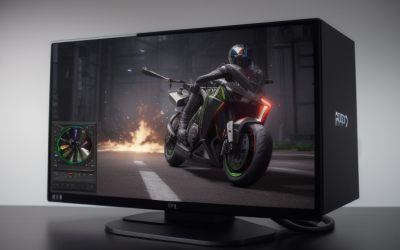
The easiest way to record gameplay on a PC is the built-in tool from your graphics card maker.

Most old PC games can run on Windows 11 if you right-click the game's executable, open Properties, go to the Compatibility tab.

To lube mechanical keyboard switches, remove the switches from a hot-swap board, open each housing.

Monitor flickering during games is most often caused by a loose or low-quality cable.
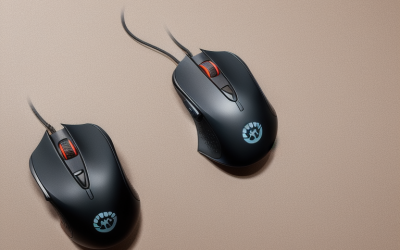
A gaming mouse that registers one press as two clicks is almost always suffering from a worn or contaminated micro switch.

To enable virtualization, restart the PC, open the BIOS or UEFI setup with the key your motherboard uses at startup (commonly Delete, F2 or F10).

To satisfy an anti-cheat that asks for Secure Boot and TPM 2.0, first check what Windows already reports.

To disable startup programs on Windows, press Ctrl, Shift, and Esc to open Task Manager.

To create a Windows 11 bootable USB, download Microsoft's official Media Creation Tool on any working PC, plug in a blank USB drive of at least 8 GB.
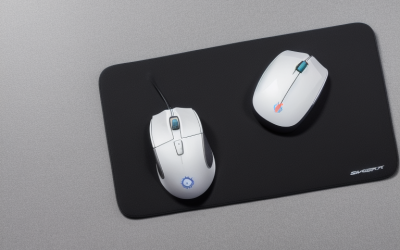
To clean a gaming mouse safely, unplug it or switch it off, wipe the shell with a soft cloth lightly dampened with isopropyl alcohol of about 70.
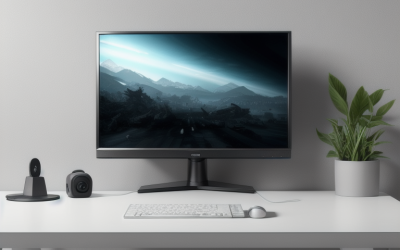
To clean a gaming monitor screen safely, power the display off and unplug it, wipe dust away with a clean dry microfiber cloth.





