
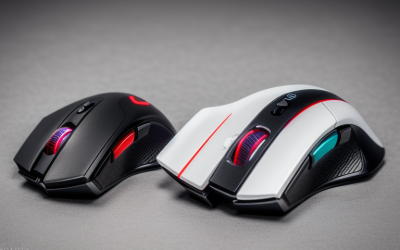
Optical vs Laser Gaming Mouse Sensors Explained
For gaming, an optical sensor is the better choice for nearly everyone. Optical sensors track consistently on a mousepad.
We research everything we recommend. When you buy through our links, we may earn a commission. As an Amazon Associate we earn from qualifying purchases. Learn more ›
Expert buying guides for gaming hardware — compare the best gaming PCs, GPUs, monitors, peripherals and accessories. Make the right choice with tested, up-to-date recommendations.
For gaming, an optical sensor is the better choice for nearly everyone. Optical sensors track consistently on a mousepad.
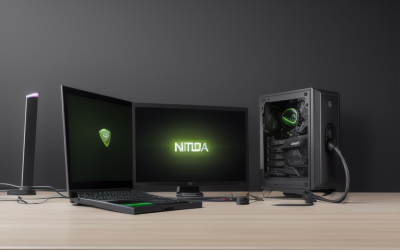
In the NVIDIA app, the settings worth changing for most players are the driver type, the in-game overlay and recording options.

If your monitor says no signal after you install a graphics card, check three things first: that the display cable is plugged into the graphics card.

N-key rollover (NKRO) means a keyboard can register every key you press at the same time, with each press reported independently.

Monitor overdrive speeds up how quickly pixels change color, which cuts motion blur, but too much of it creates bright or dark halos called overshoot.

Debloating Windows is worth a light version and rarely worth an aggressive one. Removing preinstalled apps, trimming startup items.

To spot a performance problem with Task Manager, open it with Ctrl+Shift+Esc while a game is running, go to the Performance tab.

You cannot switch Windows Update off permanently without trade-offs, but you can stop it from interrupting play.
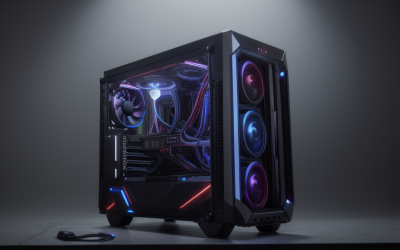
The quickest ways to show an FPS counter in PC games are the overlay built into your platform or graphics software (Steam, the Xbox Game Bar.

To run a monitor at its full refresh rate, open Settings, go to System, Display, Advanced display.
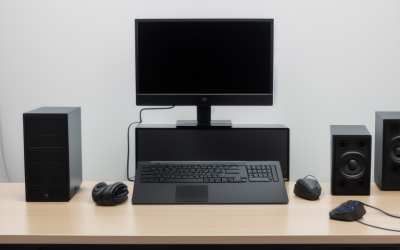
To set up multiple monitors on Windows, plug each display into a video output on your graphics card, press the Windows key plus P and choose Extend.

To enable HDR on Windows 11, open Settings, go to System, then Display, select your HDR-capable monitor, and switch on Use HDR.





