

Best Rust Settings for PC: Balancing Visuals and Smoothness
The best Rust settings for PC protect your processor and memory first: keep draw distance and shadow-related options moderate.
We research everything we recommend. When you buy through our links, we may earn a commission. As an Amazon Associate we earn from qualifying purchases. Learn more ›
Expert buying guides for gaming hardware — compare the best gaming PCs, GPUs, monitors, peripherals and accessories. Make the right choice with tested, up-to-date recommendations.
The best Rust settings for PC protect your processor and memory first: keep draw distance and shadow-related options moderate.
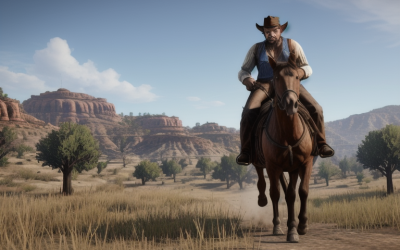
The best Red Dead Redemption 2 settings for PC lower the handful of very expensive options, namely volumetrics, water physics, shadows.
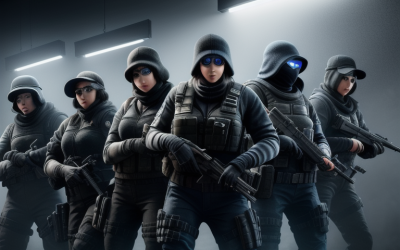
The best Rainbow Six Siege settings for PC favor a high, steady frame rate and clear visibility over cinematic effects: keep texture quality matched.

The best Path of Exile 2 settings for PC focus on keeping the frame rate steady during crowded fights: use an upscaler or lower render resolution to.
The best Palworld settings for most PCs keep textures within your video memory, lower view distance and shadows before anything else.

The best Overwatch 2 settings for PC are a high, stable frame rate at your monitor's native resolution, a low-latency mode switched on.

The best Monster Hunter Wilds settings for PC begin with a modest rendering resolution through an upscaler.

The best Minecraft shader settings for PC begin with a performance-minded shader loader, a moderate render distance.
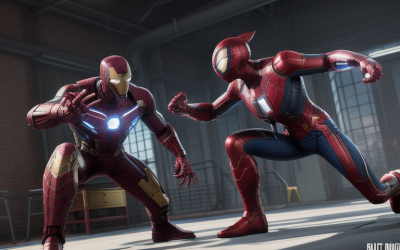
The best Marvel Rivals settings for PC put smoothness and clarity ahead of effects: use an upscaler in a quality mode if your graphics card.
The best Lethal Company settings for PC are mostly simple: run it at your monitor’s native resolution, pick a steady frame rate cap.

The best League of Legends settings for most PCs are your monitor's native resolution, a frame cap at or just above your refresh rate.

The best Hogwarts Legacy settings for PC start with managing video memory and the processor, not just the graphics sliders.





