
Fixing Missing DLL, VCRUNTIME and DirectX Errors in PC Games
When a game says a DLL such as VCRUNTIME140.dll, MSVCP140.dll or d3dx9_43.dll is missing.
We research everything we recommend. When you buy through our links, we may earn a commission. As an Amazon Associate we earn from qualifying purchases. Learn more ›
Expert buying guides for gaming hardware — compare the best gaming PCs, GPUs, monitors, peripherals and accessories. Make the right choice with tested, up-to-date recommendations.
When a game says a DLL such as VCRUNTIME140.dll, MSVCP140.dll or d3dx9_43.dll is missing.

For most first-person games on a standard 16:9 monitor, a horizontal field of view between 90 and 110 degrees is the comfortable range.

Steam is the better main launcher for most PC gamers because it has the larger catalog, deeper features such as the Workshop.

For most PC gamers, the best Discord setup is simple: enable the built-in noise suppression, use push to talk or a tuned input sensitivity.

A blue screen while gaming almost always traces back to one of five things: an unstable overclock or memory profile, a bad graphics driver.

The quickest way to hear footsteps more clearly is to send the game plain stereo, switch off system-level sound effects.

Anti-aliasing smooths the jagged, stair-stepped edges that appear when a game draws diagonal lines with square pixels.

A 4K gaming PC needs a graphics card from the upper performance class, at least 12 GB of video memory (16 GB is the comfortable target).
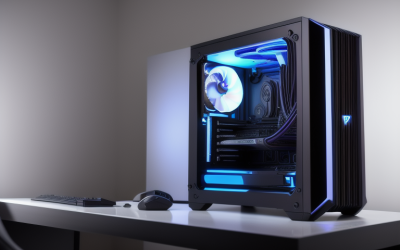
A 1440p gaming PC makes sense when it pairs a graphics card with at least 12 GB of video memory, a modern six-core or better processor, 32 GB of RAM.
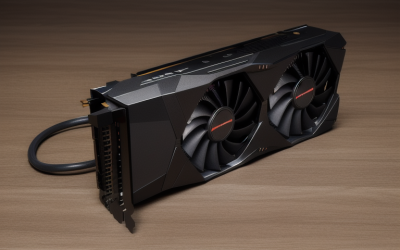
Low GPU usage in games almost always means something else is limiting your frame rate before the graphics card runs out of work: a processor.
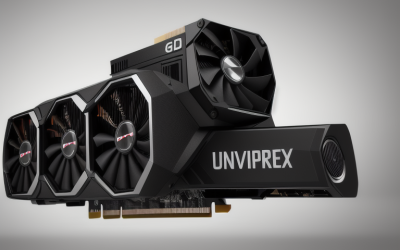
You should upgrade your GPU when it can no longer hold the frame rate and settings you want in the games you actually play.
To buy a used graphics card safely, verify the seller and the listing details first.





