

How to Fix PC Games Crashing on Startup: A Troubleshooting Order
When a PC game crashes on startup, work through the fixes from cheapest to most disruptive: restart and read the error, verify the game files.
We research everything we recommend. When you buy through our links, we may earn a commission. As an Amazon Associate we earn from qualifying purchases. Learn more ›
Expert buying guides for gaming hardware — compare the best gaming PCs, GPUs, monitors, peripherals and accessories. Make the right choice with tested, up-to-date recommendations.
When a PC game crashes on startup, work through the fixes from cheapest to most disruptive: restart and read the error, verify the game files.
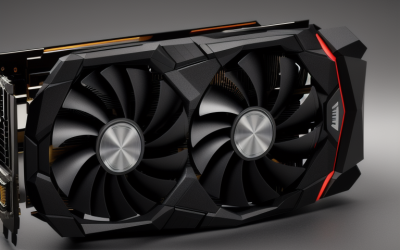
To choose a graphics card for gaming, start with the resolution and refresh rate of your monitor.

To choose a gaming mouse, start with shape and size that fit your hand and grip, then weight, then connection type.

When choosing a gaming laptop, look at the screen first, then the graphics chip's actual power limit, then the cooling design, and finally the ports.
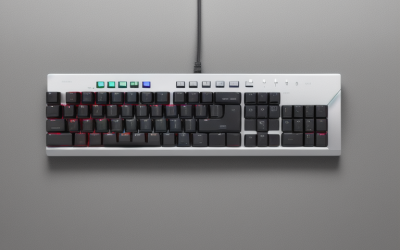
Choose a gaming keyboard by deciding on layout size first, then switch type, then connection and extras.

You need an Ultra High Speed HDMI cable only if you want features that require the full 48 Gbps bandwidth of HDMI 2.1.

GOG Galaxy is a free launcher from GOG that pulls the game libraries from other stores and consoles into one searchable list.

The most comfortable gaming room lighting is a dim, even ambient glow plus a neutral bias light behind the monitor.
A gaming PC that overheats is almost always suffering from one of four problems: dust blocking airflow, fans that are slow or failing.

Thermal throttling is a gaming laptop slowing its processor or graphics chip on purpose when temperatures or power limits are reached.
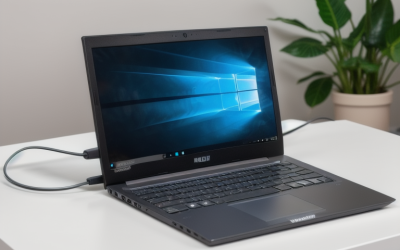
The simplest way to protect a gaming laptop battery is to use the manufacturer's charge limit feature to cap charging at around 80 percent when you.

For most players, the best latency setup is to turn on NVIDIA Reflex inside the game when it is offered.





