
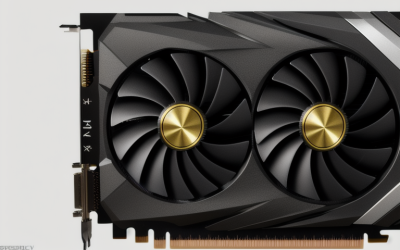
Texture Quality and VRAM in PC Games: How to Stop Running Out of Memory
If a game stutters, shows blurry textures that slowly sharpen, or suddenly drops frame rate, you may be running out of video memory (VRAM).
We research everything we recommend. When you buy through our links, we may earn a commission. As an Amazon Associate we earn from qualifying purchases. Learn more ›
Expert buying guides for gaming hardware — compare the best gaming PCs, GPUs, monitors, peripherals and accessories. Make the right choice with tested, up-to-date recommendations.
If a game stutters, shows blurry textures that slowly sharpen, or suddenly drops frame rate, you may be running out of video memory (VRAM).
Steam generally refunds a game if you ask within 14 days of buying it and have played it for less than two hours, no questions about the reason.

Steam's family sharing lets people in the same family group play each other's game libraries on their own accounts, while keeping saves.
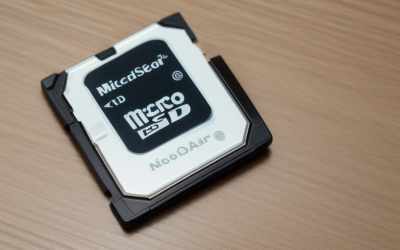
For a Steam Deck, buy a name-brand microSD card from a reputable seller in the capacity you need.
The settings that save the most Steam Deck battery are a lower frame rate limit, a lower TDP limit, reduced screen brightness and.
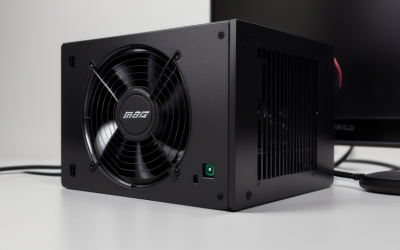
A failing power supply usually announces itself through random shutdowns or restarts under load, a PC that sometimes will not turn on.

Native resolution looks the sharpest and has the cleanest image, while resolution scaling runs faster by rendering fewer pixels and stretching or.

Raw input matters because it lets a game read your mouse movement directly from the device, skipping Windows pointer settings such as acceleration.
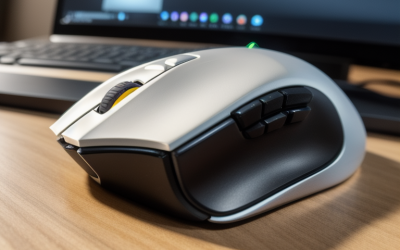
For PC gaming, turn Enhance pointer precision off and leave the Windows pointer speed slider at the sixth notch out of eleven.
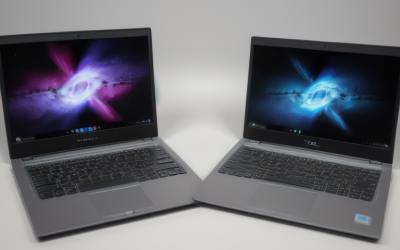
Two laptops can carry a graphics chip with the same name and still perform noticeably differently because each manufacturer chooses how much power.

To verify game files, open your game launcher, find the game, and use its built-in check: Steam calls it "Verify integrity of game files," Epic Games.

The simplest way to move Steam games to another drive is the built-in storage manager: open Steam settings, add the new drive as a library folder.





