

How to Clean a Gaming Keyboard Safely: Keycaps, Switches and Spills
The safe way to clean a gaming keyboard is to unplug it, shake out loose debris, blow out the gaps, wipe the surfaces with a barely damp cloth.
We research everything we recommend. When you buy through our links, we may earn a commission. As an Amazon Associate we earn from qualifying purchases. Learn more ›
Expert buying guides for gaming hardware — compare the best gaming PCs, GPUs, monitors, peripherals and accessories. Make the right choice with tested, up-to-date recommendations.
The safe way to clean a gaming keyboard is to unplug it, shake out loose debris, blow out the gaps, wipe the surfaces with a barely damp cloth.
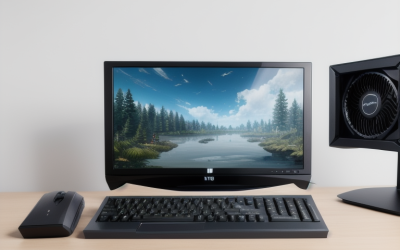
The fastest way to check whether your gaming PC supports Windows 11 is to open Settings, go to Windows Update.

A hot-swappable keyboard lets you pull out a switch and push in a different one without a soldering iron.

GPU fans that sit still are often normal. Most modern graphics cards use a zero-RPM or semi-passive mode that keeps the fans off until the GPU.

The right order for a fresh Windows install on a gaming PC is: install Windows and let it finish updating, add the chipset driver.

Short answer: for most Radeon owners, a handful of Adrenalin settings do the real work. Turn on AMD FreeSync for your monitor.

For most players, an 8000 Hz polling rate is a nice extra, not a necessity. It cuts the gap between mouse reports from 1 millisecond to 0.125.
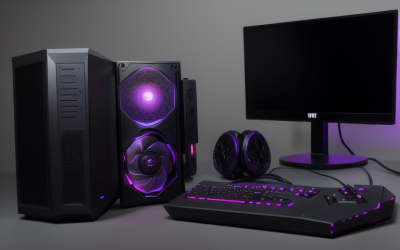
V-Sync makes your graphics card hold each frame until the monitor is ready to show a new one.
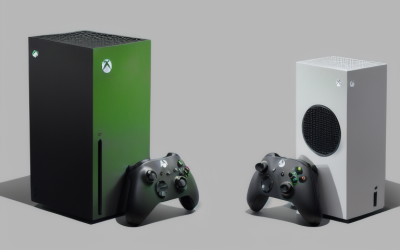
Xbox Game Pass for PC is a subscription: you pay regularly for access to a rotating catalog and lose access to those games if you stop paying or they.
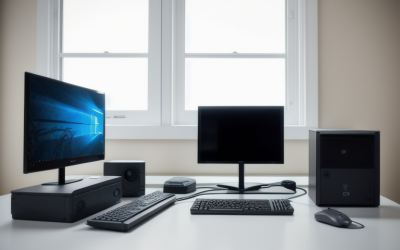
For most gaming PCs the right Windows page file setting is the default: leave it on automatic and keep it enabled on a fast SSD.
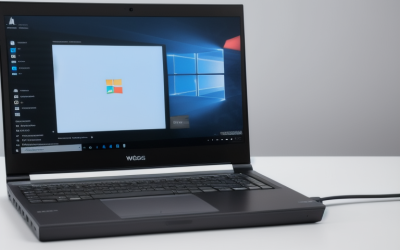
For most gaming PCs, the Balanced power plan is fine, and switching to High Performance (or Best performance in the Windows 11 power mode setting).
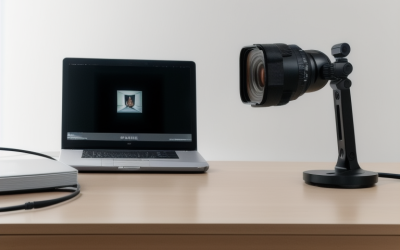
A good streaming webcam picture comes from lighting first, framing second and camera settings third.





