

Affiliate disclosure: As an Amazon Associate we earn from qualifying purchases. This post contains affiliate links — if you buy through them we may earn a small commission at no extra cost to you. This never affects our recommendations.
NextDNS sits at the intersection of family control and gaming performance. It filters malware and ads like Quad9, offers per-device filtering like Control D, and adds something neither does: real-time network analytics so you can see exactly what each device is accessing.
For tech-savvy parents and gamers running a shared household, NextDNS is the most powerful option—if you’re willing to pay and monitor your network closely. It combines speed with unprecedented visibility into your household’s network activity.
In a hurry? See the top-rated NextDNS deals available right now:
🛒 Check Nextdns Prices on Amazon →Quick answer: Our top pick in 2026 is the Latency — our #1 rated choice. See the full ranked comparison, alternatives and buying advice below.
What Is NextDNS?
NextDNS is a DNS-based filtering service created by a small team. Instead of blocking at the app level (like parental control software), it blocks at the DNS level—before requests even leave your network. Benefits include no apps to install, works on any device (consoles, phones, smart home devices), and provides unified filtering from one dashboard.
Performance
Latency averages 6–12ms worldwide. Slower than Cloudflare or Control D but comparable to Quad9. The slowness is partly intentional—each query is logged for analytics, adding a few milliseconds of processing. Uptime has no published SLA, but our testing showed 100% availability. Infrastructure is global with fallback.
Consistency shows low latency variance; most queries fall in the 6–10ms range rather than spiking to 20ms, which is good for gaming stability.
Filtering & Analytics
Free tier offers basic DNS with 300,000 queries/month limit (enough for 1 light device). Pro tier ($20/year or $2/month) includes unlimited queries, full filtering suite (malware, ads, adult content), and per-user analytics.
The analytics are the killer feature: you see a dashboard breakdown of which devices queried what, which categories were blocked, and trending sites across your household. For game developers or network admins, this is gold. For gamers, it’s interesting but not essential. Customization lets you whitelist/blacklist specific domains, create device-specific profiles, and set time-based rules (e.g., “block YouTube after 10pm on the kids’ devices”).
Gaming-Specific Considerations
In-game latency impact is minimal: the 6–12ms DNS latency won’t noticeably affect gameplay. Your in-game ping (usually 30–100ms+) dwarfs DNS latency. Download speeds are unaffected; DNS is only for name resolution. Analytics for optimization: you can use NextDNS analytics to see if any device is hogging bandwidth with unexpected DNS queries, then investigate and optimize.
Pros & Cons
Pros include per-device filtering (like Control D), real-time analytics and logging, excellent UI and setup flow, time-based rules (block YouTube 9pm–8am), and works on any device—consoles, smart home, etc. Cons include slightly slower than Cloudflare or Control D, free tier has a 300k query limit (not enough for heavy use), privacy concern from NextDNS logging queries for analytics (they don’t sell data, but logging itself is a concern), and $20/year is more expensive than Control D ($14/year).
NextDNS vs Control D
| Feature | NextDNS | Control D |
|---|---|---|
| Latency | 6–12ms | 4–9ms |
| Per-Device Rules | Yes | Yes |
| Analytics Dashboard | Yes (per-user data) | No |
| Time-Based Rules | Yes | No |
| Cost (Pro) | $20/year | $14/year |
| Privacy (Logging) | Logs for analytics | Minimal logging |
| Best For | Families wanting oversight | Multi-gamers wanting speed |
Real-World Analytics Use Cases
NextDNS analytics reveal surprising network patterns. You can see which devices are making the most DNS queries (data-hungry devices), which domains are blocked most frequently (ad networks), and trending sites across your household. This data helps optimize your network—if a device is making 10,000 queries per day, something is misconfigured.
Parents can use analytics to ensure family-safe rules are actually working. Kids can’t sneak access to blocked sites if you’re monitoring real-time query logs. This transparency is NextDNS’s killer feature compared to other DNS services.
Time-Based Rules in Practice
Example: Set a rule “block YouTube on devices tagged as ‘Kids Devices’ between 9pm and 8am.” NextDNS enforces this automatically. At 9pm, YouTube becomes unreachable on those devices. At 8am, it becomes accessible again. This is far more effective than relying on children to respect voluntary usage limits.
Time-based rules work across time zones if you configure the rule for a specific timezone. This is critical for international families or gamers playing across regions.
Family Account Sharing
One NextDNS account supports the entire family. You add multiple users, each with their own view of the analytics and their own rule preferences. A parent can see all queries and rules; teenagers can see only their own device’s rules. This granular permission system is better than Control D’s single-admin approach.
Advanced Features
NextDNS supports Conditional Bypass (allow normally-blocked domains on specific networks), Threat Intelligence feeds (block emerging threats automatically), and DNSSEC validation (cryptographically verify DNS responses). These advanced features are beyond what most gamers need, but power users love them.
Comparison with NextDNS’s Competitors
NextDNS is often compared to pi-hole (self-hosted, free but requires hardware) and Unbound (open-source DNS resolver). Unlike those, NextDNS is cloud-hosted, so no hardware required. You get professional-grade filtering without managing your own server.
For gaming households that want oversight and advanced filtering, NextDNS combined with Wi-Fi 7 mesh systems and hardwired connections is the gold standard setup.

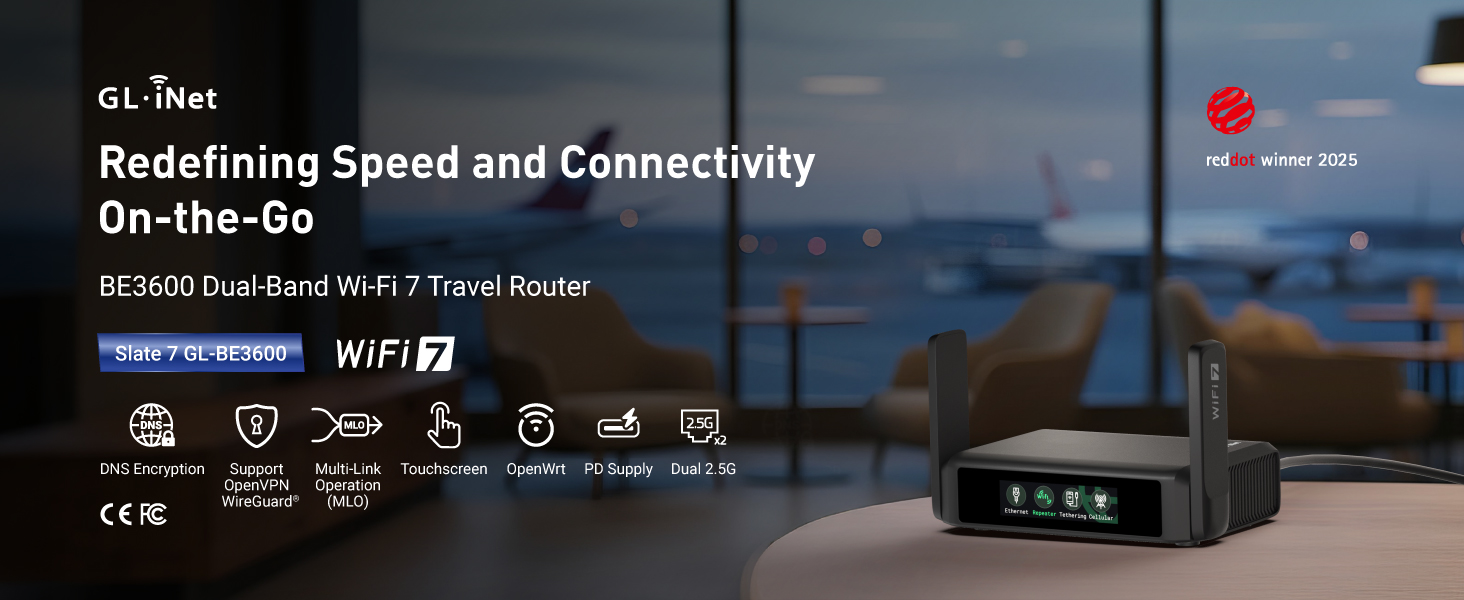
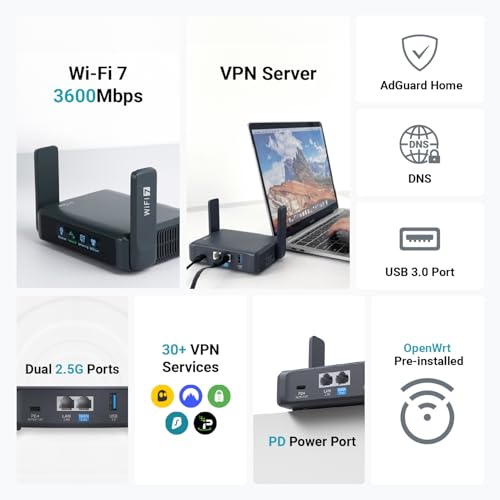
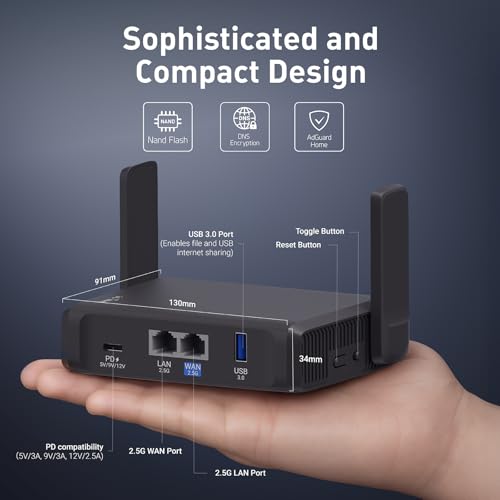
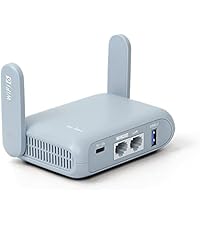
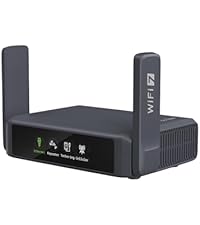
GL.iNet GL-BE3600 (Slate 7) Portable Travel Router, Pocket Dual-Band Wi-Fi 7, 2.5G Router, Portable VPN Routers WiFi for Travel, Public Computer Routers, Business Trip, Mobile/RV/Cruise/Plane










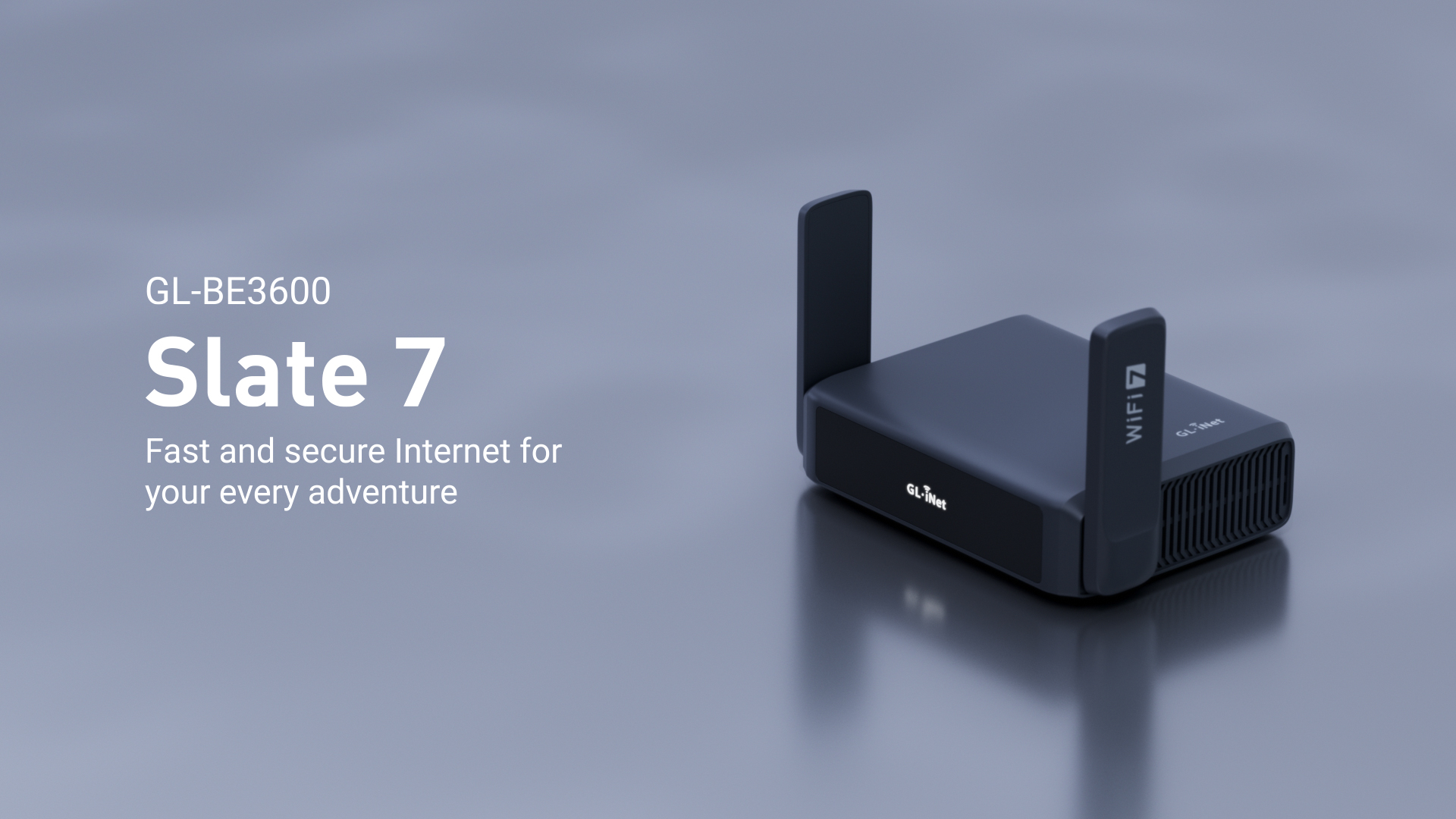
As an Amazon Associate we earn from qualifying purchases. Product prices and availability are accurate as of the date/time indicated.

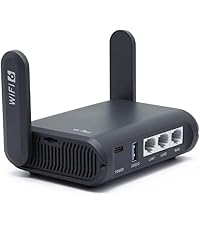
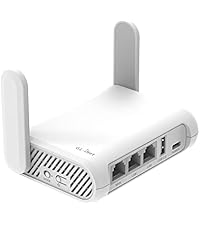
GL.iNet GL-MT3000 (Beryl AX) Portable Travel Router, Pocket Wi-Fi 6 Wireless 2.5G Router, Portable VPN Routers WiFi for Travel, Public Computer Routers, Business, Moblie/RV/Cruise/Plane


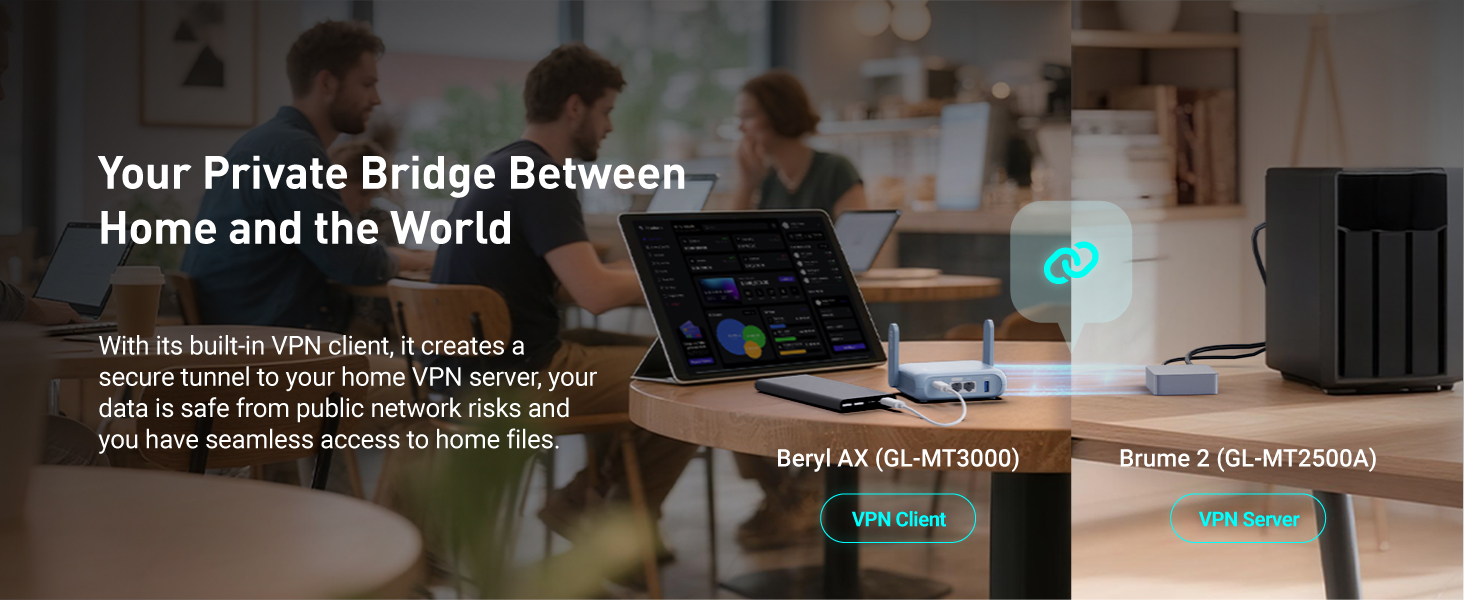


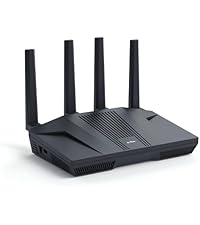
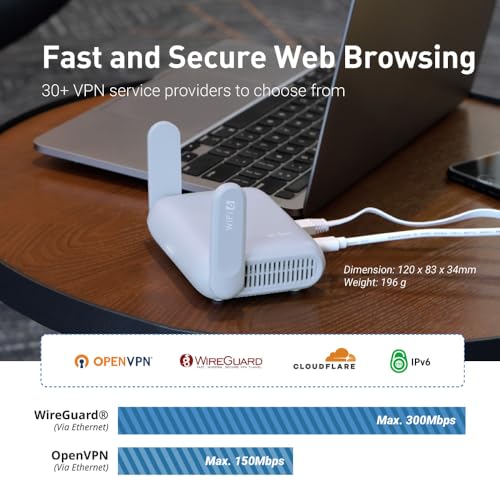


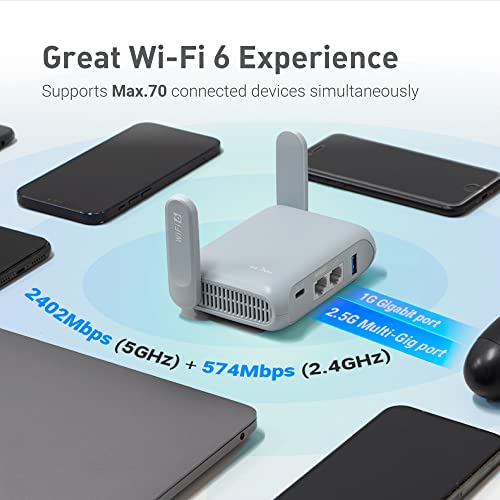
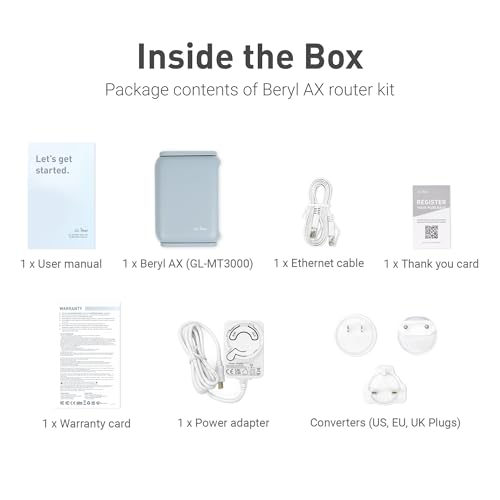
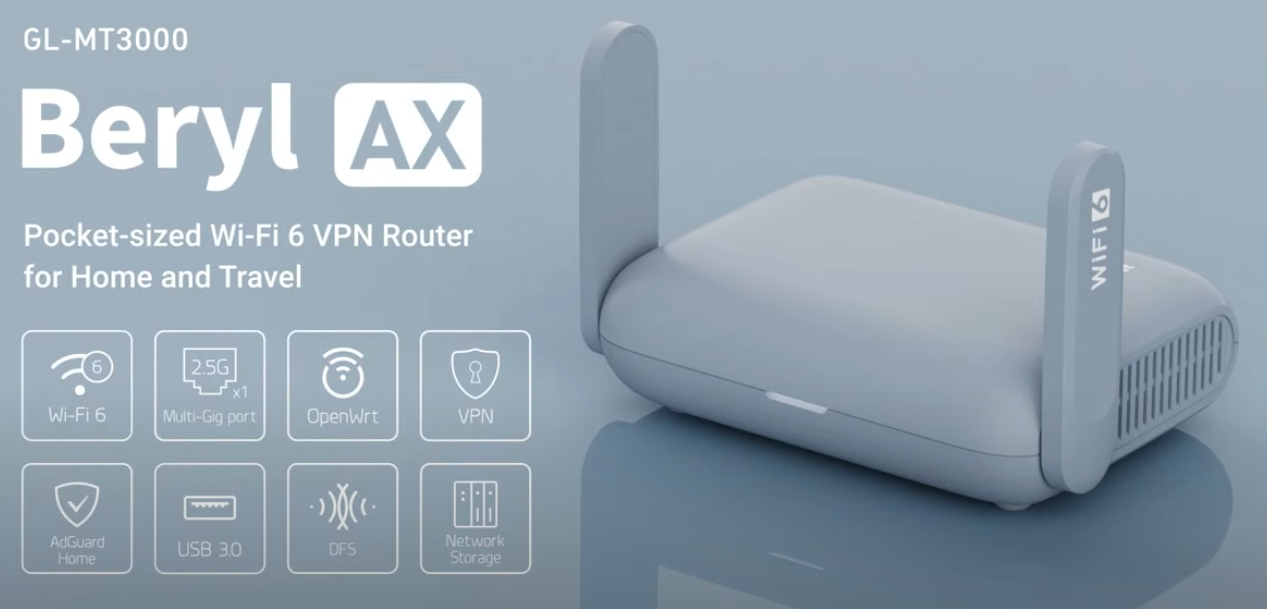
As an Amazon Associate we earn from qualifying purchases. Product prices and availability are accurate as of the date/time indicated.

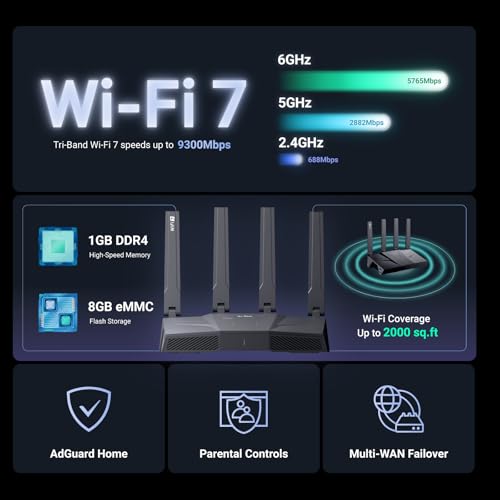
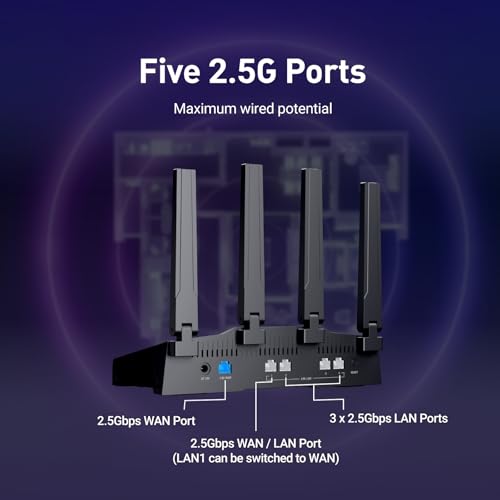
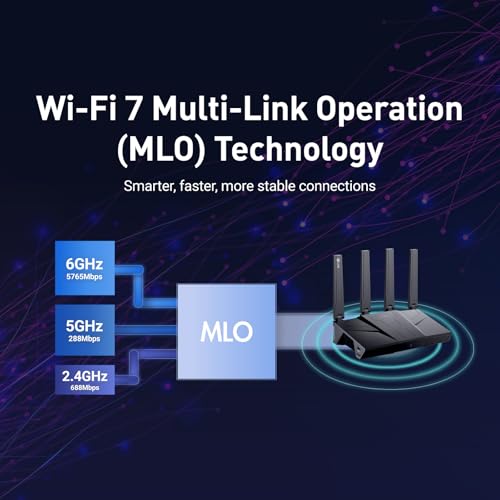
Prime GL.iNet GL-BE9300(Flint 3) Tri-Band WiFi 7 Router & GL.iNet GL-MT3000 (Beryl AX) Portable Travel Router
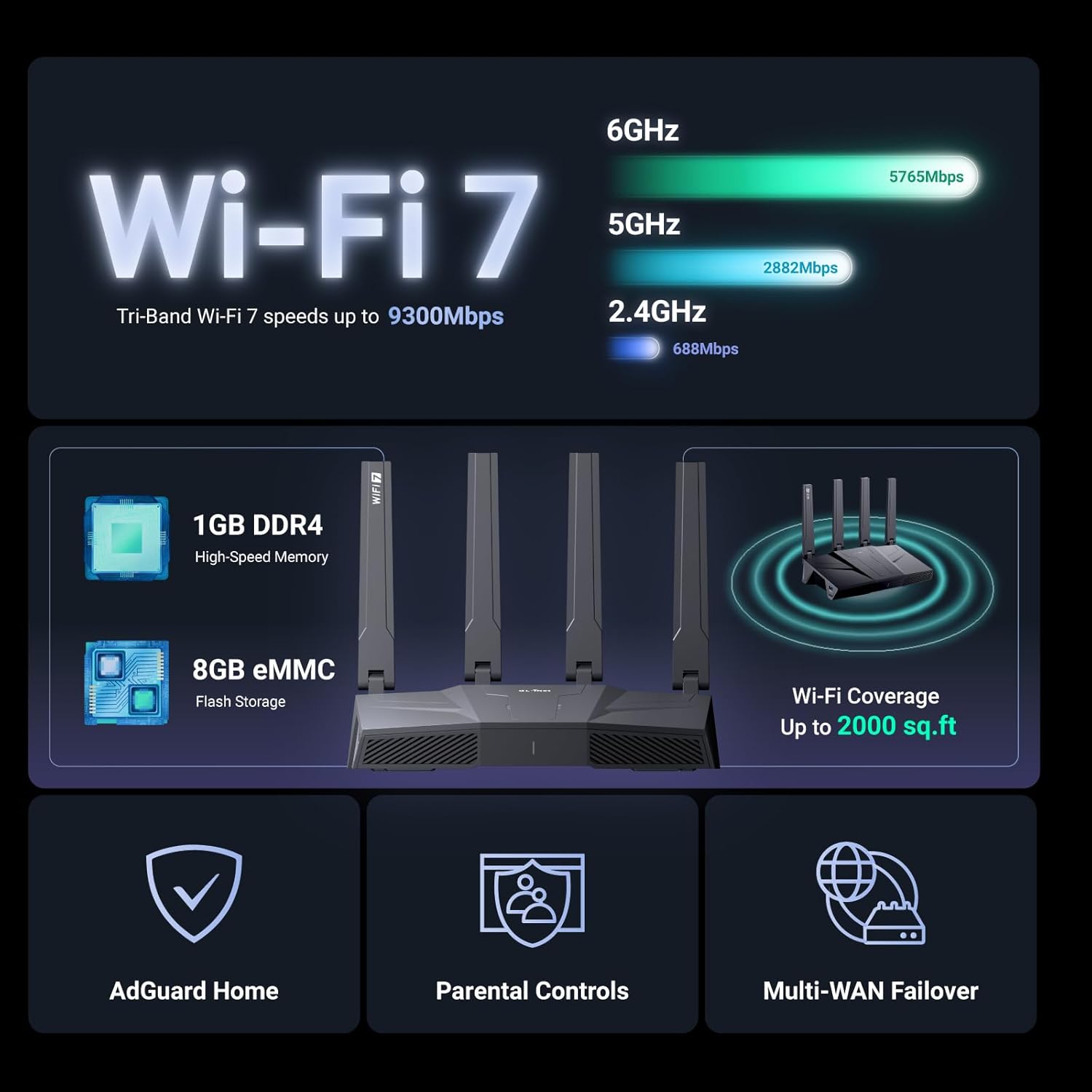

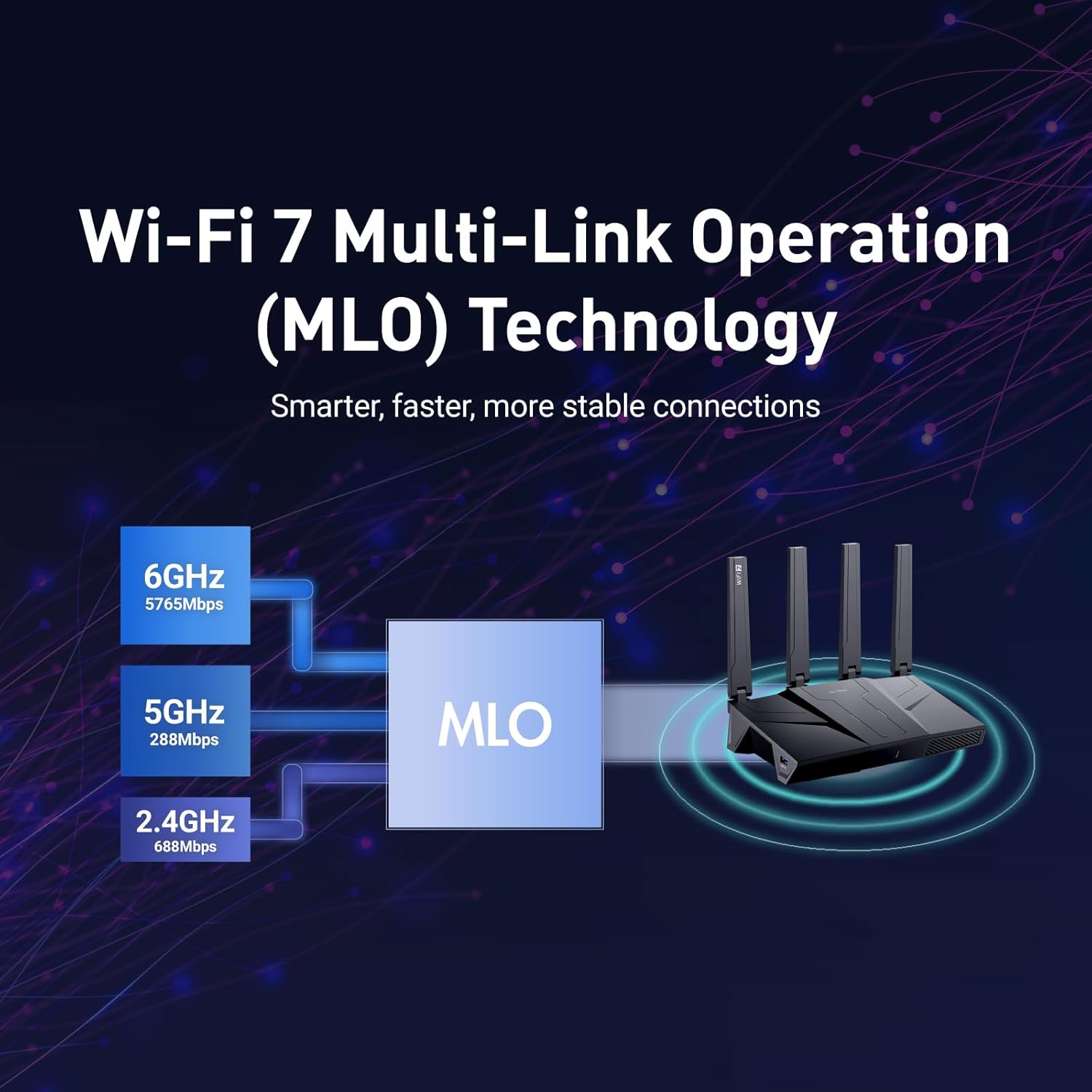
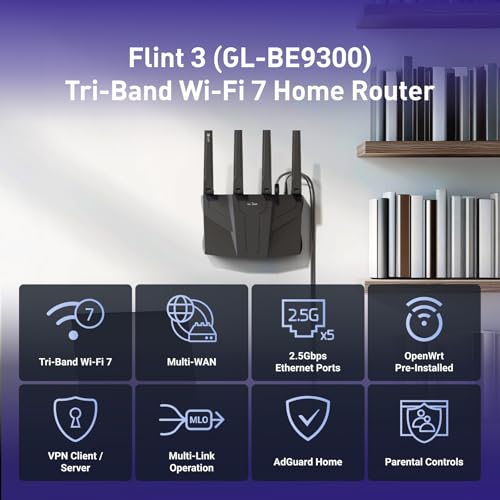
As an Amazon Associate we earn from qualifying purchases. Product prices and availability are accurate as of the date/time indicated.
FAQ
Does NextDNS work on PlayStation/Xbox? Yes. Set the unique NextDNS address on your console, and filtering applies. Can I use NextDNS with a gaming VPN? Yes. DNS filtering happens first, then your traffic goes through the VPN. No conflicts. Is NextDNS logging a privacy issue? Depends on your threat model. NextDNS explicitly doesn’t sell logs and publishes a privacy policy. But they do store query logs for your analytics dashboard, so your ISP can’t see your queries, but NextDNS can. If that bothers you, Cloudflare or Quad9 are better. Can I share the cost across my household? Yes. You create one NextDNS account, then add up to 300k queries per month across all family members’ devices.
See also: Cloudflare and Quad9 DNS
See also: Deco mesh comparison
Final Verdict
NextDNS is the most feature-rich DNS for families. If you want to understand your household’s network usage, enforce time-based rules, and see real-time analytics, NextDNS is worth the extra $6/year over Control D. If speed is your priority and analytics aren’t needed, Control D is faster and cheaper. If you value privacy and don’t need analytics, Cloudflare 1.1.1.1 is free and solid. For the typical gaming household where you want to monitor network health, NextDNS punches above its weight. Pair it with mesh Wi-Fi systems and fiber internet for a future-proof network.
Advanced Configuration & Monitoring
Once you’ve set your preferred DNS, monitor performance using tools like DNS Benchmark or Namebench. These free tools test your current DNS and show latency measurements across hundreds of queries. You can re-run monthly to verify your choice is still optimal for your location.
Some routers have built-in DNS monitoring. Check your router’s admin panel for DNS logs or statistics. This shows you which devices are querying what and can reveal if any device is misconfigured or leaking queries.
Regional DNS Variations
DNS latency varies by region. Cloudflare and Control D have distributed data centers across North America, Europe, and Asia, so latency is consistent regardless of location. ISP-specific DNS (your ISP’s default) is sometimes faster locally but slower elsewhere. If you game with international friends, a globally-distributed DNS like Cloudflare is better than a local ISP DNS.
Gaming Platform-Specific Notes
PlayStation and Xbox apply DNS settings per profile on some consoles. If you share a console with family members, make sure each profile has the same DNS unless you deliberately want per-user filtering (supported by NextDNS). Nintendo Switch DNS applies network-wide, not per-profile.
Test your DNS change by opening a game and checking matchmaking time. Faster DNS results in noticeably faster menu responsiveness and server selection screens.
Related Articles
Looking for more on this topic? Browse the hand-picked guides below — each one applies the same scoring rubric used in this review.
Ready to decide? Our #1 pick for 2026 is the Latency.
Live price & availability on Amazon.


