

Affiliate disclosure: As an Amazon Associate we earn from qualifying purchases. This post contains affiliate links — if you buy through them we may earn a small commission at no extra cost to you. This never affects our recommendations.
Logitech Brio 4K Webcam: Ultimate 4K Gaming Stream Camera
For streamers and content creators demanding ultra-high definition video capture, the Logitech Brio 4K stands as the benchmark for premium webcam performance. This powerful 4K webcam transforms gaming streams into cinematic experiences with stunning 4096×2160 resolution at 30fps, delivering visually stunning content that captures every detail of your gaming performance. Unlike standard 1080p cameras that limit your streaming potential, the Brio 4K provides the visual clarity that engages viewers and elevates your channel’s production value instantly.
The Brio 4K combines Logitech’s legendary engineering with advanced optics and intelligent sensor technology specifically designed for professional streaming. With five-element glass lens design, HDR support, and RightLight™ 3 technology, this camera automatically adapts to complex lighting scenarios that would challenge standard webcams. Whether you’re streaming from a brightly lit professional studio or a moody gaming setup with RGB lighting, the Brio 4K maintains excellent color accuracy and exposure consistency across every frame.


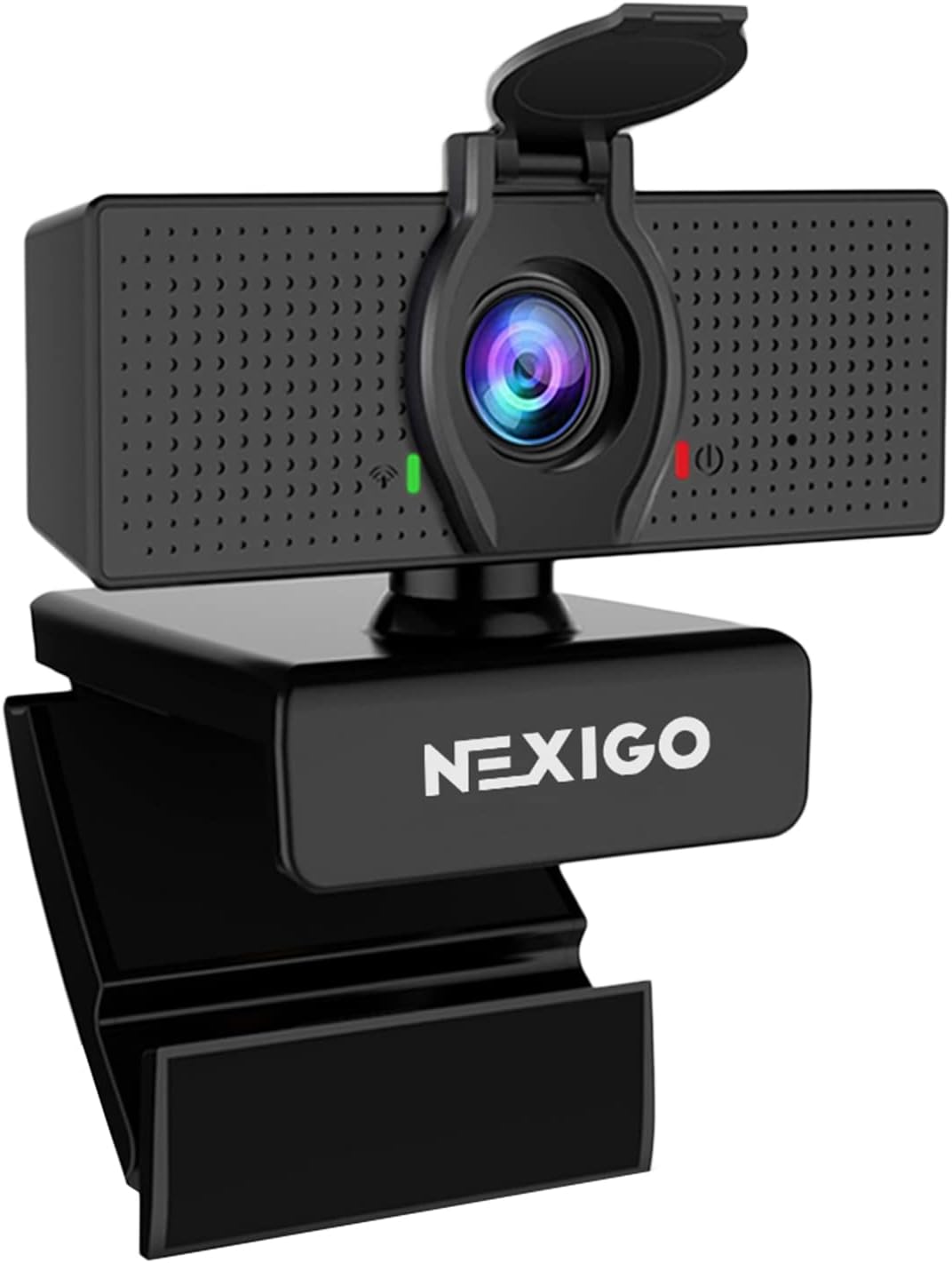

In a hurry? See the top-rated Logitech Brio 4K Webcam deals available right now:
🛒 Check Logitech Brio 4K Webcam Prices on Amazon →4K Video Quality and Resolution Excellence
The standout feature of the Brio 4K is its ability to capture pristine 4K video at 30fps, providing roughly four times the pixel density of 1080p cameras. This exceptional resolution clarity means viewers can see fine details in your face, expressions, and gaming environment with unprecedented sharpness. For streamers who value video quality as a differentiator in competitive streaming markets, the 4K capability becomes a significant advantage when building audience loyalty and attracting brand partnerships.
The camera’s five-element glass lens offers exceptional optical quality with minimal distortion across the entire 90-degree field of view. This wider perspective captures more of your gaming environment and body language, creating more dynamic on-camera presence compared to narrower field-of-view competitors. The ultra-wide lens also accommodates multi-person streaming setups, allowing entire gaming teams or co-streaming groups to remain visible in frame without awkward positioning.
RightLight™ 3 technology represents a significant advancement beyond standard RightLight™ solutions. This intelligent system analyzes your lighting environment and makes real-time adjustments to exposure, white balance, and color correction. Gaming setups with intense RGB peripheral lighting or mixed natural and artificial light sources often create exposure challenges—the Brio 4K handles these complexities automatically, ensuring consistent video quality regardless of lighting conditions.
Professional Streaming and Integration
The Logitech Brio 4K integrates seamlessly with professional streaming platforms and broadcasting software. OBS Studio, Streamlabs OBS, XSplit, and professional broadcast applications all recognize the Brio 4K as a premium video source with full resolution support. Many professional esports organizations and streaming studios have standardized on Brio 4K cameras for tournament broadcasts and professional gaming content, recognizing its reliability under demanding conditions.
USB 3.0 connectivity ensures sufficient bandwidth for 4K video transmission without compression artifacts or lag. Unlike USB 2.0 cameras limited to lower resolutions, the Brio 4K leverages USB 3.0’s expanded bandwidth to deliver pristine 4K quality with minimal latency. This technical advantage becomes crucial when streaming competitive gaming where responsiveness and smooth video output directly impact viewer engagement and partnership opportunities.
The camera supports multiple resolution options, allowing streamers to optimize for platform-specific requirements. Stream at full 4K for YouTube and premium streaming services, or reduce to 1080p60 for platforms with lower bitrate requirements. This flexibility means you can leverage the Brio 4K’s capabilities across your entire streaming ecosystem without limiting yourself to single-resolution output.

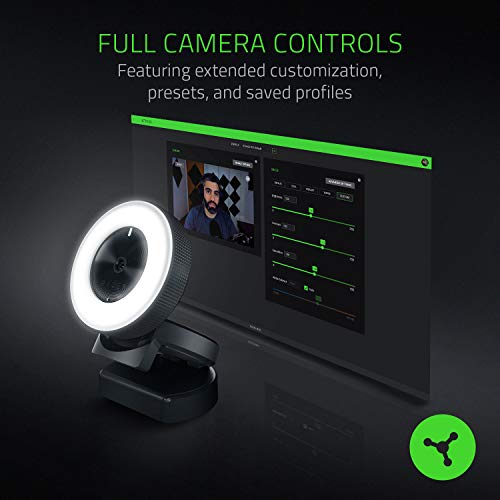
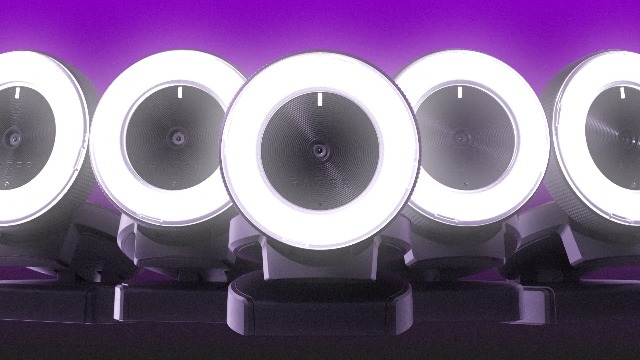
Prime Razer Kiyo Streaming Webcam: 1080p 30 FPS / 720p 60 FPS - Ring Light w/Adjustable Brightness - Built-in Microphone - Advanced Autofocus




As an Amazon Associate we earn from qualifying purchases. Product prices and availability are accurate as of the date/time indicated.
Advanced Autofocus and Tracking Performance
The Brio 4K features advanced autofocus technology that continuously tracks your face and adjusts focus in real-time. As you move around your gaming desk during intense competitive moments, the camera maintains sharp focus on your face without the hunting or oscillation that plagues cheaper autofocus systems. This dynamic focus capability ensures professional presentation even during fast-paced, movement-heavy gaming streams.
Face detection algorithms built into the camera’s processor intelligently prioritize focusing on your face rather than background objects. When you lean forward toward your monitor during crucial gaming moments, the Brio 4K maintains focus on your expression rather than drifting to your keyboard or desk background. This intelligent autofocus behavior contributes to professional-quality output that appears intentionally framed rather than randomly focused.
For streamers who want enhanced control over autofocus behavior, Logitech’s proprietary software allows advanced customization. You can adjust focus speed, sensitivity to movement, and region-of-interest settings. This software-level control appeals to professional streamers building elaborate setups with 4K gaming monitors where precise focus tuning matters for optimal presentation quality.
Mounting and Studio Integration
The Brio 4K includes a premium tripod mount with smooth ball joint and adjustable friction. The mounting hardware feels substantial and professional compared to cheaper webcam accessories. The camera’s compact body and lightweight design allow positioning on monitor stands, tripods, or arm mounts without excessive stress on mounting hardware. Many professional studios integrate Brio 4K cameras into comprehensive setups that include ergonomic gaming chairs, motorized gaming desks, and professional gaming monitors.
The 6-foot USB 3.0 cable provides adequate reach for most streaming setups. Professional installations often employ longer USB 3.0 extension cables to accommodate complex studio layouts where the streaming PC sits far from the camera mounting location. The cable quality feels premium with robust shielding to maintain signal integrity over extended distances.
Privacy shutter functionality provides security peace-of-mind for streamers concerned about accidental camera activation or unauthorized access. This physical lens cover blocks the camera completely, eliminating software vulnerabilities that could theoretically compromise camera privacy. For professional streamers handling sensitive business or competitive information, this hardware-level privacy protection provides legitimate security benefits.
Video Quality Comparison Table
| Feature | Logitech Brio 4K | Logitech C920s Pro | Elgato Facecam Pro | Dell UltraSharp WB7022 |
|---|---|---|---|---|
| Resolution | 4K (30fps) | 1080p (30fps) | 1080p (60fps) | 4K (30fps) |
| Field of View | 90° | 78° | 84° | 87° |
| USB Version | USB 3.0 | USB 2.0 | USB 3.0 | USB 3.0 |
| Autofocus Type | Advanced Dynamic | Fixed | AI-Powered | AI-Powered |
| Light Correction | RightLight™ 3 | RightLight™ | Advanced Sensors | AI Enhancement |
| Price Range | $200-220 | $60-80 | $200-240 | $300-350 |
Pros and Cons
Pros:
- Stunning 4K resolution at 30fps—four times the pixels of 1080p competitors
- RightLight™ 3 technology handles complex lighting automatically
- 90-degree wide field of view captures more environmental context
- Advanced autofocus with intelligent face tracking
- USB 3.0 provides full bandwidth for pristine 4K transmission
- Five-element glass lens with minimal distortion
- HDR support for enhanced color depth in professional setups
- Privacy shutter for hardware-level security
- Proven reliability in professional esports and broadcast environments
Cons:
- Maximum 30fps at 4K—limited to 60fps at 1080p for higher motion capture
- Significantly more expensive than 1080p alternatives ($200+ vs $60-80)
- Requires USB 3.0 port—not compatible with older USB 2.0-only systems
- 4K output demands higher CPU encoding overhead during streaming
- May be overkill for casual streamers with limited audience viewing capability
- Larger file sizes when recording locally alongside streaming

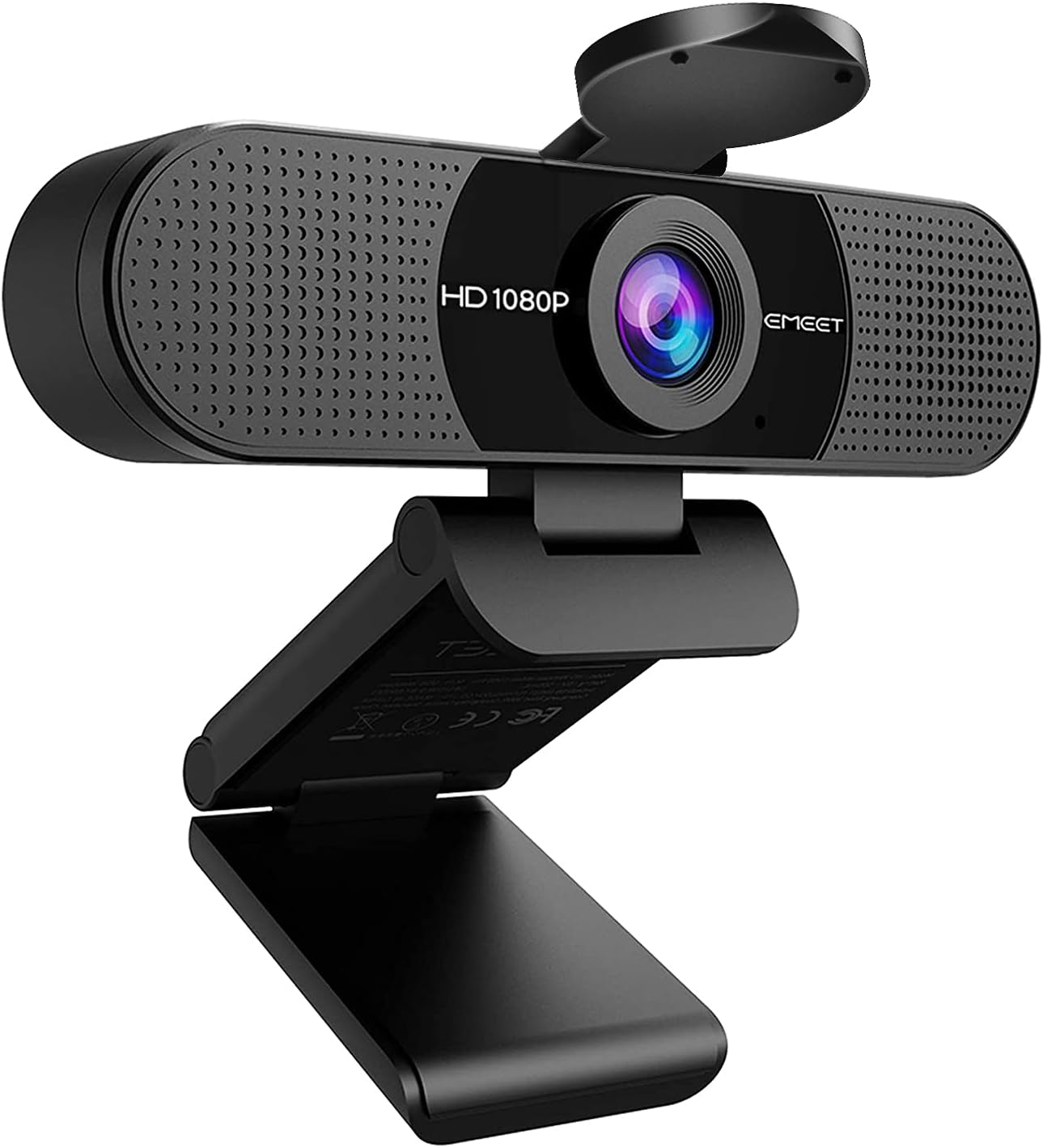
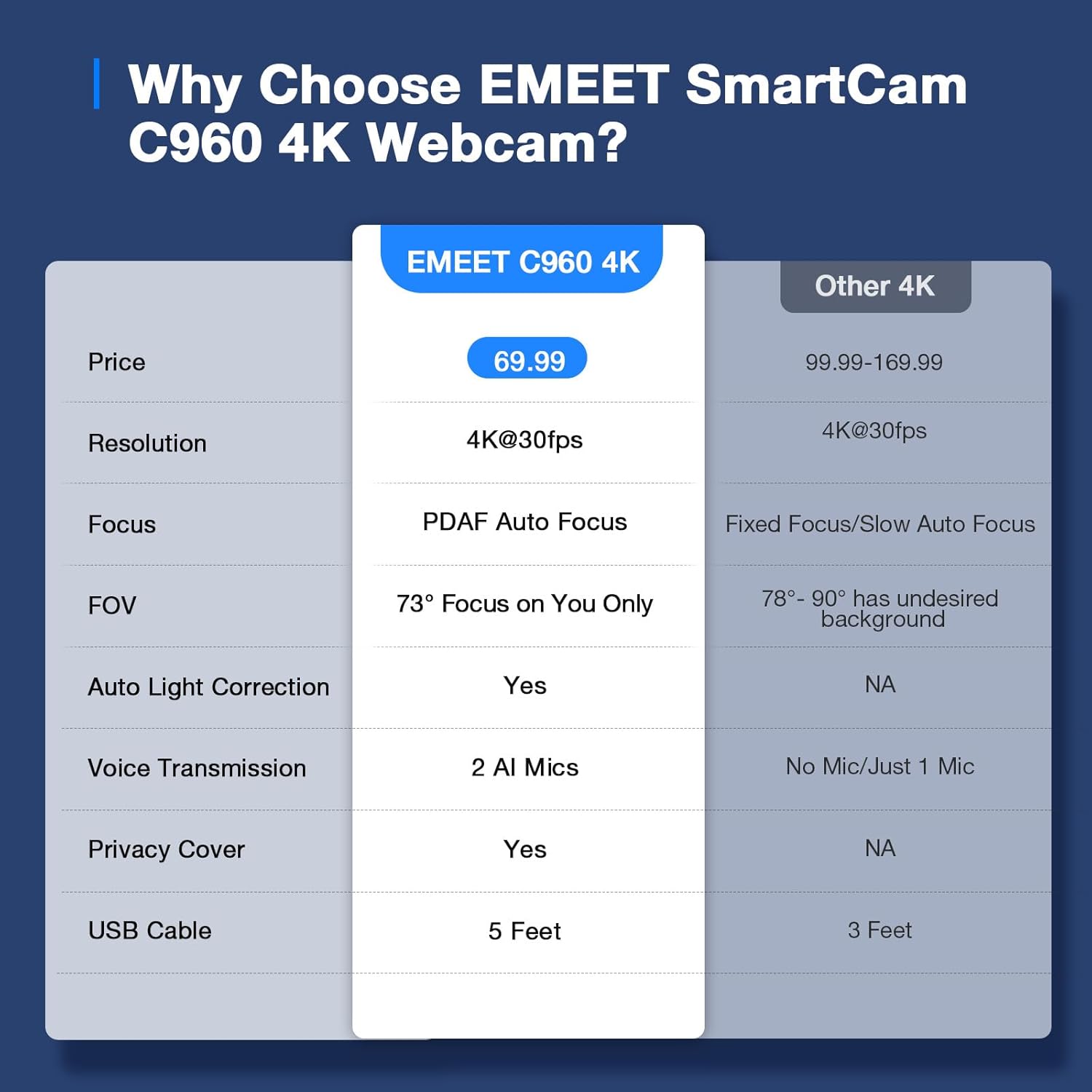
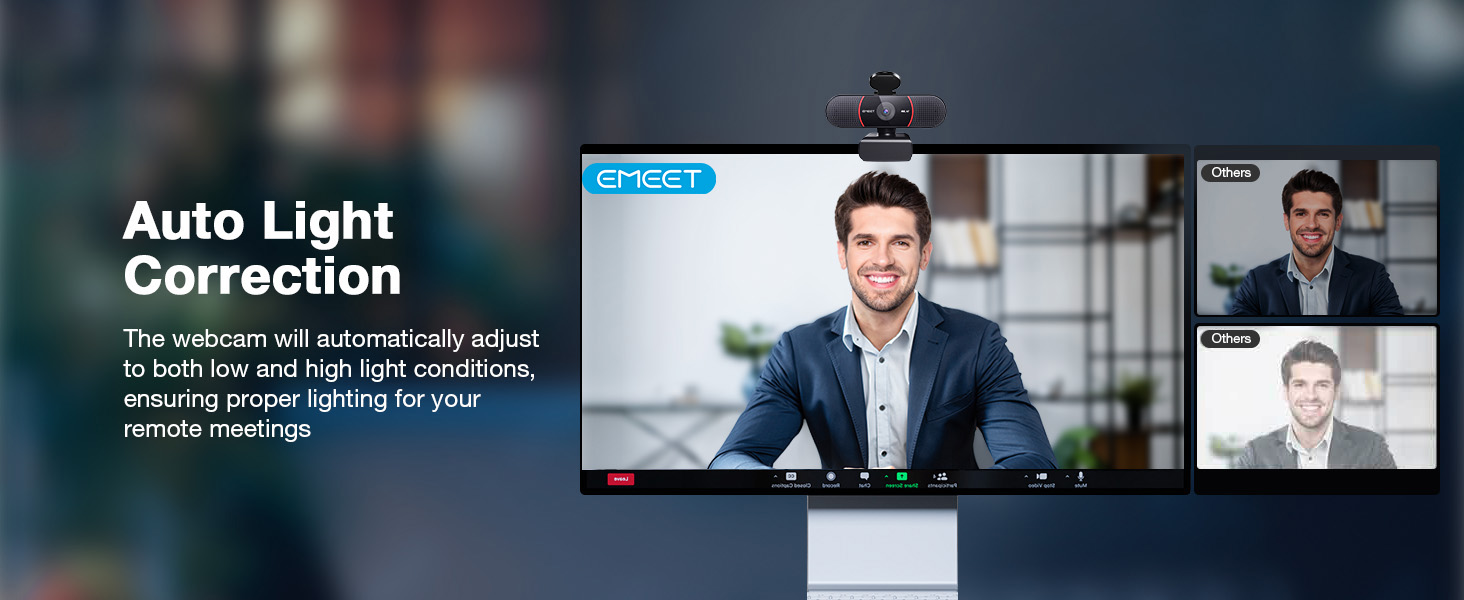
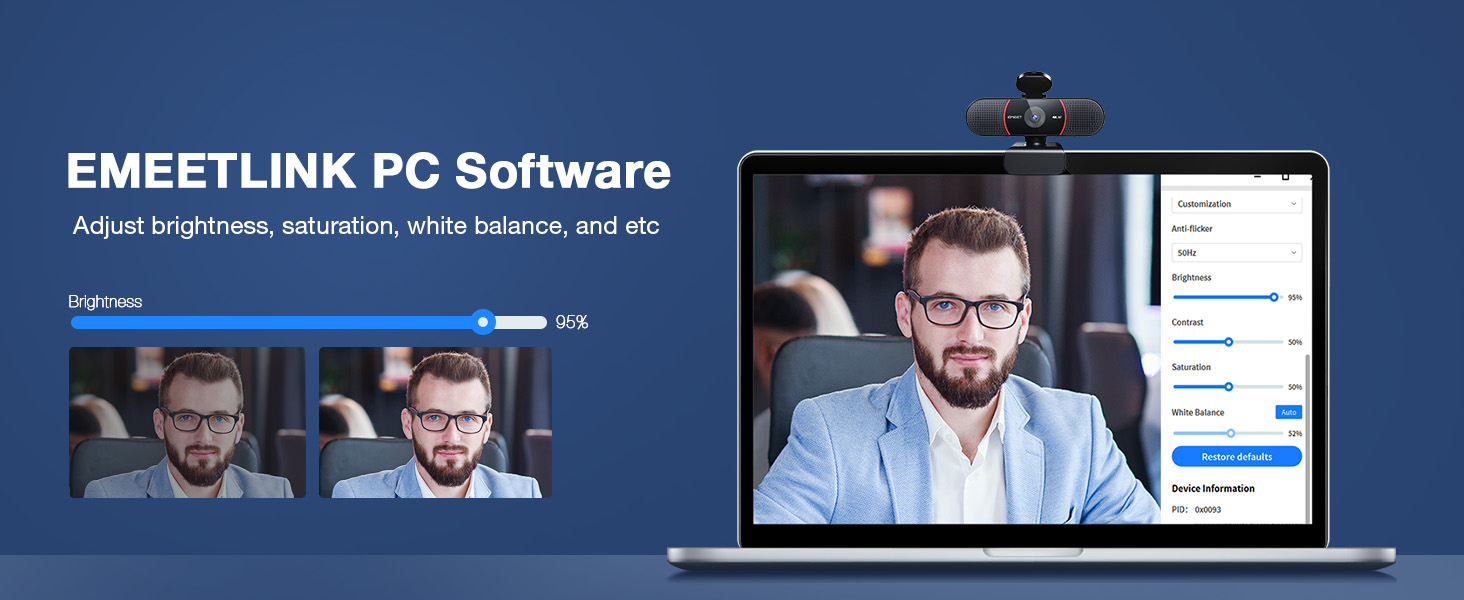
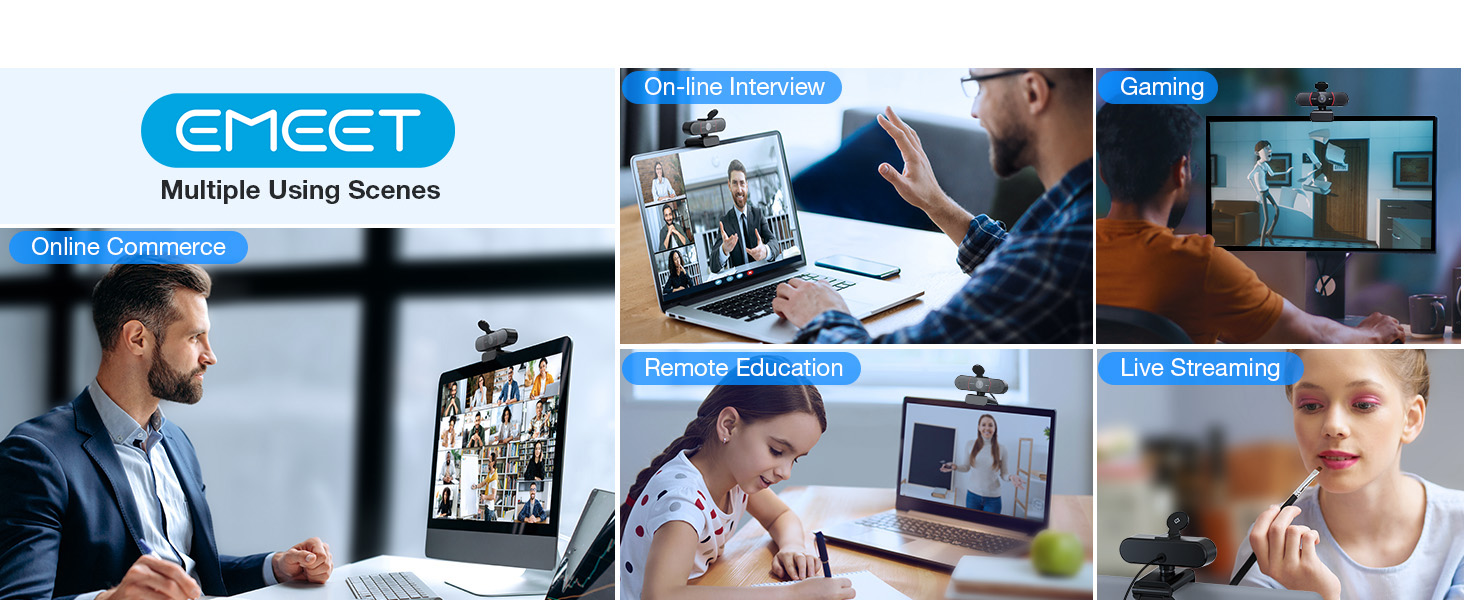
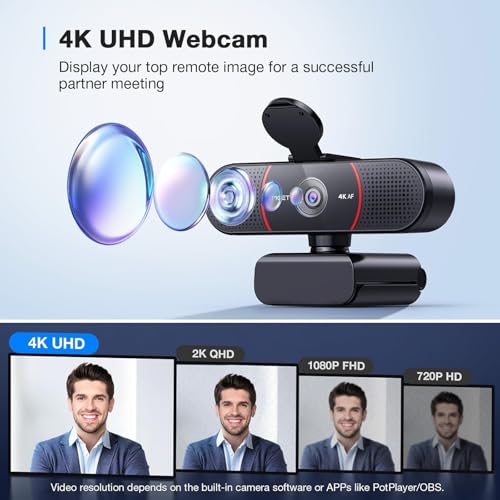
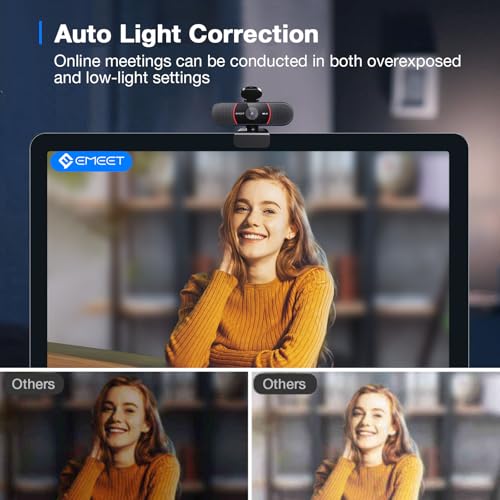
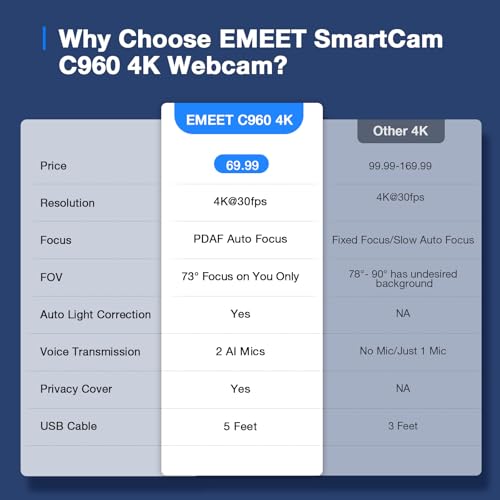
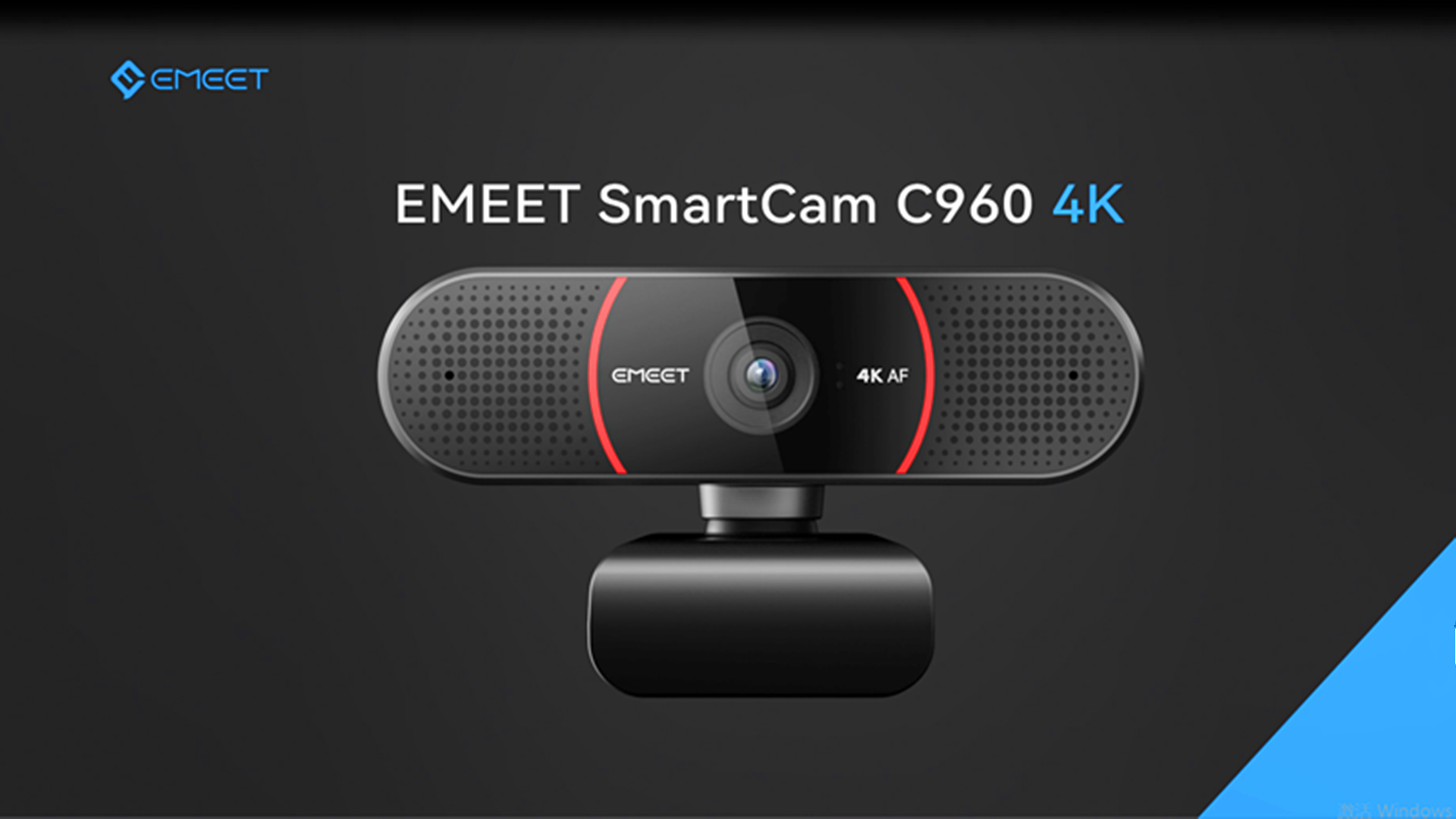
Prime EMEET C960 4K Webcam for PC, 4K UHD CMOS Sensor, PDAF Auto Focus, Dual Omnidirectional Mics, Auto Light Correction, 73° FOV, Plug&Play Webcam w/Privacy Cover, Works w/Zoom/Teams/Skype/Google Meet









As an Amazon Associate we earn from qualifying purchases. Product prices and availability are accurate as of the date/time indicated.
Comparison with Other Premium Webcams
Compared to the Logitech C920s Pro, the Brio 4K justifies its premium price through superior 4K resolution and advanced RightLight™ 3 technology. Budget-conscious streamers with limited audiences may find 1080p adequate, but the Brio 4K becomes essential when professionalism and visual quality directly impact monetization opportunities. Many successful gaming channels have upgraded to 4K specifically to differentiate from competitors and attract viewers seeking premium content.
Compared to the Elgato Facecam Pro, the Brio 4K prioritizes resolution over framerate. The Facecam Pro delivers 1080p at 60fps, ideal for fast-motion streaming, while the Brio 4K captures 4K at 30fps, ideal for high-detail presentation. The choice depends on whether you prioritize motion smoothness or image detail. For strategic games and content where viewer presentation matters more than motion, the Brio 4K’s resolution advantage proves compelling.
The Dell UltraSharp WB7022 matches the Brio 4K’s resolution and adds AI enhancement features, but at a higher price point. Both cameras represent the premium 4K webcam segment targeting professional streamers and organizations prioritizing maximum visual quality. The choice between them hinges on specific feature preferences and software ecosystem compatibility.
CPU and Encoding Requirements
Streaming 4K video requires more CPU resources than 1080p streaming. Most streamers pair the Brio 4K with modern gaming PCs featuring high-end CPUs capable of handling both game rendering and 4K video encoding. For systems with powerful gaming CPUs and dedicated streaming PCs, the Brio 4K enables broadcast-quality 4K output without gaming performance compromise.
NVIDIA’s NVENC and AMD’s VCE encoding engines provide hardware acceleration for 4K video encoding, allowing GPU-accelerated streaming that minimizes CPU overhead. Many professional streamers use these technologies specifically to enable 4K streaming on powerful gaming systems without sacrificing in-game frame rates. The Brio 4K pairs perfectly with modern gaming PC builds featuring NVENC-capable GPUs.
Why Professional Streamers Choose Brio 4K
Esports tournaments and professional gaming organizations have standardized on Logitech Brio 4K cameras for broadcast-quality streams. The camera’s proven reliability, exceptional image quality, and professional-grade build quality make it the trusted choice for high-stakes streaming events where technical failures are unacceptable.
Full-time content creators with established audiences recognize that video quality directly impacts viewer retention and monetization potential. Upgrading from 1080p to 4K often results in increased viewership as audience members appreciate the enhanced visual presentation. For streamers whose income depends on viewer engagement and partnership opportunities, the Brio 4K’s premium capabilities represent a legitimate business investment.
Content creators building elaborate streaming setups with professional lighting rigs, backdrop systems, and studio-quality environments benefit most from the Brio 4K’s exceptional clarity. When you’ve invested in professional studio infrastructure, capturing that visual quality with a premium camera like the Brio 4K ensures your investment pays dividends in viewer perception and content quality.
FAQ Section
Can I use the Brio 4K on an older PC with USB 2.0?
The Brio 4K requires USB 3.0 to achieve its full 4K resolution performance. While it may function on USB 2.0 ports, you’ll be limited to lower resolutions that defeat the purpose of the premium camera. If your PC lacks USB 3.0 ports, consider USB 3.0 expansion cards or upgrading to a newer PC with modern connectivity.
What bitrate do I need for smooth 4K streaming?
4K streaming typically requires 8-15 Mbps upload speed depending on platform requirements and encoding settings. Twitch supports 4K streaming for powered channels, while YouTube allows higher bitrates. Ensure your internet connection reliably supports your target bitrate before investing in 4K capture capability. Many streamers start with 1080p60 until their bandwidth situation improves.
Is the Brio 4K worth it for casual gaming streams?
If you’re streaming casually to small audiences, the Brio 4K may be overkill. The Logitech C920s Pro offers excellent value for casual streamers. The Brio 4K justifies its premium price when you have engaged audiences who appreciate visual quality or when you’re pursuing partnerships that value production quality.
How does the Brio 4K perform in low-light conditions?
RightLight™ 3 technology handles low-light environments exceptionally well, automatically compensating for dim gaming setups. However, professional streamers still recommend supplemental lighting for optimal results. Adding affordable LED panels or ring lights ensures consistent brightness while allowing RightLight™ 3 to focus on color accuracy rather than exposure rescue.
Can I record 4K locally while streaming at lower resolution?
Yes, OBS Studio and similar software allow simultaneous recording and streaming at different resolutions. You can record 4K locally while streaming 1080p to conserve bandwidth, or vice versa. This flexibility enables local-quality archival while respecting platform-specific streaming requirements and audience connectivity limitations.
Final Recommendation
The Logitech Brio 4K stands as the premier webcam choice for professional gamers and full-time streamers demanding exceptional video quality. With stunning 4K resolution, advanced RightLight™ 3 lighting correction, and proven reliability in professional environments, the Brio 4K elevates your streaming presentation to cinematic quality that engages viewers and attracts partnership opportunities.
If you’re an established streamer with growing audiences, professional aspirations, or monetization goals, the Brio 4K’s premium capabilities represent a worthy investment. The 4K resolution captures visual details that standard cameras miss, while the advanced autofocus ensures professional presentation during dynamic gaming moments. Combined with a quality gaming headset and professional streaming desk setup, the Brio 4K positions your channel for success in competitive streaming markets.
For casual streamers with limited audiences or older PC hardware, the Logitech C920s Pro remains the value choice. But for serious content creators ready to compete at professional levels, the Brio 4K delivers the visual excellence that sets premium channels apart from the competition.
Related Articles
Looking for more on this topic? Browse the hand-picked guides below — each one applies the same scoring rubric used in this review.


