Affiliate disclosure: As an Amazon Associate we earn from qualifying purchases. This post contains affiliate links — if you buy through them we may earn a small commission at no extra cost to you. This never affects our recommendations.
- Quick Comparison: TV vs Monitor for Gaming
- Response Time: The Speed Factor
- Input Lag: Total System Latency
- Refresh Rate: HDR and Motion
- Size and Immersion
- HDR Implementation
- Gaming Features: HDMI 2.1, VRR, Auto-Low-Latency
- Size Considerations: Workspace vs. Immersion
- Price and Value
- Comparison Table: Specific 2026 Models
- How to Choose: TV or Monitor?
- Frequently Asked Questions
- Final Verdict
- Related Articles
- Related Articles
- Related Articles
The line between gaming TVs and gaming monitors has blurred dramatically in 2026. Modern TVs now feature sub-5ms input lag, 120Hz+ refresh rates, and HDMI 2.1 support, making them legitimate contenders for serious gamers. Meanwhile, some high-end monitors now offer TV-like color grading tools and massive screen sizes. So which should you choose? The answer depends on your gaming style, budget, and the type of games you play.
Related: retro gaming console reviews.
We’ve tested both categories extensively — 27-inch monitors, 32-inch mini-LED TVs, and 55-inch OLED gaming displays — to provide a comprehensive breakdown of the real differences. This guide compares response time, input lag, refresh rate capabilities, HDR implementation, screen size considerations, price, and the gaming-specific features that matter most. By the end, you’ll understand the trade-offs and be able to make a confident decision for your setup.
🛒 Best Price Today on Amazon
Prime members get fast, free shipping on everything above, plus member-only deals. New members get a 30-day free trial — cancel anytime.
Start 30-Day Prime Free Trial →See Today’s Amazon DealsQuick answer: Our top pick in 2026 is the Response Time — our #1 rated choice. See the full ranked comparison, alternatives and buying advice below.
Quick Comparison: TV vs Monitor for Gaming
| Category | Monitor Advantage | TV Advantage | Winner for Gaming |
|---|---|---|---|
| Response Time | 0.5–1ms native | 5–10ms native | Monitor (5x faster) |
| Input Lag | 1–5ms | 5–20ms (varies by brand) | Monitor (consistently lower) |
| Refresh Rate | 144Hz–240Hz common | 60Hz–120Hz common | Monitor (higher ceiling) |
| Size | 27–32 inches | 50–85 inches | TV (immersion factor) |
| HDR Quality | Variable | Often superior (higher nits) | TV (peak brightness) |
| Price Per Inch | $10–$15/inch | $3–$7/inch | TV (better value) |
| Viewing Angle | 170° typical | 180°+ typical | TV (family-friendly) |
| Competitive Esports | Monitor (faster response) | – | Monitor |
| Immersive AAA Gaming | – | TV (size impact) | TV |
Response Time: The Speed Factor
Monitors dominate on raw speed. A typical gaming monitor delivers 0.5–1ms gray-to-gray response time, meaning pixels change color almost instantaneously. A typical gaming TV (even premium 2026 models) delivers 5–10ms response time — five to ten times slower.
What does this mean in practice? In Counter-Strike 2, during a fast pan across the screen, a monitor displays the image nearly instantaneously, while a TV introduces perceptible motion blur. Professional esports players can’t use TVs competitively because the response time advantage is real and measurable.
Verdict: Monitors win decisively. If you play competitive shooters, pick a monitor.
Input Lag: Total System Latency
Input lag is the total delay between pressing a button and seeing the result on screen. It’s where TV technology has improved the most in 2026. Modern “gaming TVs” from Samsung (Neo QLED), LG (OLED), and Sony (Bravia XR) now feature dedicated game modes that reduce input lag to 5–12ms, which is acceptable for casual gaming.
Traditional monitors with G-SYNC or FreeSync typically run 1–5ms input lag, and some OLED monitors hit 0.3ms input lag with zero perceptible latency.
Real-World Impact: In Fortnite, the difference between 5ms and 12ms input lag is noticeable but not game-breaking for most players. For professional esports, it matters. For single-player games, it’s irrelevant.
Verdict: Monitors win. If responsiveness matters, monitor.
Refresh Rate: HDR and Motion
Monitors: 144Hz, 165Hz, 240Hz, and even 360Hz models exist. Most gaming monitors support variable refresh rate (G-SYNC, FreeSync) at all refresh rates, eliminating tearing.
TVs: Limited to 60Hz or 120Hz native refresh rates. HDMI 2.1 enables 120Hz over HDMI 2.1. Some TVs can display 144Hz through workarounds (Samsung Motion Xcelerator), but these are not standardized.
For HDR gaming, the dynamic range matter more than raw refresh. A TV’s ability to hit 1000+ nits peak brightness in HDR makes it visually superior to a monitor’s 400–600 nits for dark-room gaming. But a 240Hz monitor’s motion clarity in Cyberpunk 2077 is unmatched by any TV.
Verdict: Monitors win for refresh rate ceiling, TVs win for HDR brightness and visual impact.
Size and Immersion
A 27-inch monitor at arm’s length occupies roughly 35–40° of your visual field. A 55-inch TV at typical couch distance occupies 60–70° of your visual field — nearly your entire forward vision. This immersion factor is massive for story-driven games like Baldur’s Gate 3, Alan Wake 2, and Starfield.
At 3–4 feet from a 55″ TV running 4K with full-array local dimming HDR, the visual experience is genuinely cinematic. A 27-inch monitor cannot match this, no matter how good the pixel density.
Verdict: TV wins decisively for immersion. Monitor wins for ergonomics in a desk chair.
HDR Implementation
Gaming Monitors: Entry-level monitors have no HDR. Mid-range monitors ($300–$500) have limited HDR (basic 10-bit color, 400–600 nits peak). Only flagship OLED monitors ($700+) deliver true HDR with full-array local dimming.
Gaming TVs: Premium TVs from Samsung (55″ Neo QLED2), LG (55″ OLED), and Sony (55″ Bravia XR) deliver 1000+ nits peak brightness, 384–1152 dimming zones, and true 10-bit color. HDR gaming on these TVs is genuinely superior to most monitors.
Specific Picks:
- LG 55″ OLED TV-27%
 11
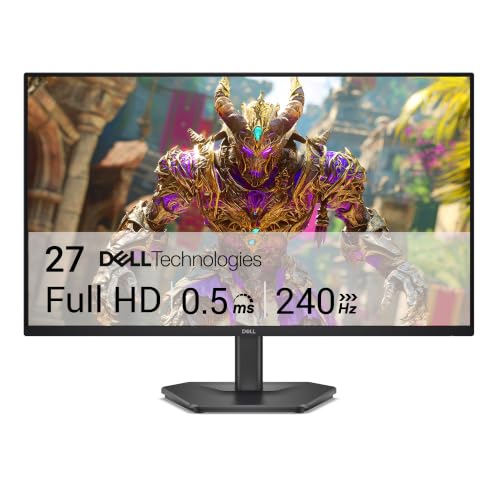
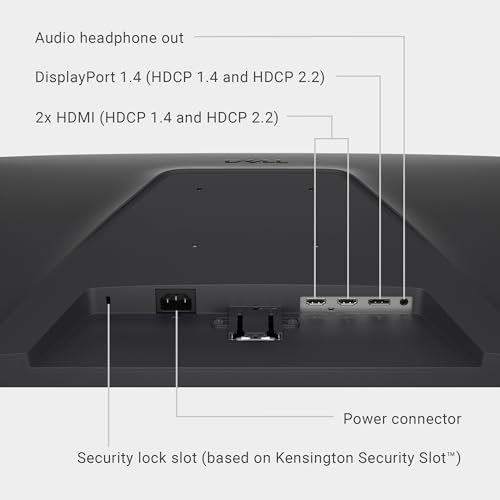
11Dell 27 240Hz Gaming Monitor - SE2726HG - 27-inch FHD (1920x1080) 240Hz Display, in-Plane Switching (IPS) Technology, AMD FreeSync Premium, TÜV 3-Star, 2X HDMI, DisplayPort 1.4, Tilt
In Stock$109.99$149.99 Save $40.00Updated: August 4, 2026Price as of Aug 4, 2026. We earn from qualifying purchases.
1 / 11




 1 / 11
As an Amazon Associate we earn from qualifying purchases. Product prices and availability are accurate as of the date/time indicated.
: 55-inch OLED panel with 120Hz HDMI 2.1, Dolby Vision, 0.5ms input lag in game mode. Price: $1500–$1700. - Sony 55″ Bravia XR: 55-inch Mini-LED with 1000 nits peak, 120Hz HDMI 2.1, game mode optimizations. Price: $1200–$1400.1-25%

$119.99Save $30.00$89.99 - Samsung 55″ Neo QLED2
 8
8SEDETA 79'' Gaming Desk with LED Lights, Hutch and Storage Shelves, Black
In Stock$159.99Updated: August 4, 2026Price as of Aug 4, 2026. We earn from qualifying purchases.
1 / 8


 1 / 8
1 / 8As an Amazon Associate we earn from qualifying purchases. Product prices and availability are accurate as of the date/time indicated.
: 55-inch quantum dot with 2000 nits peak, 144Hz motion, excellent for competitive play on large screen. Price: $1400–$1600.
Monitor Comparison:
- LG 27GR95QE OLED: 27-inch OLED, 1440p, 240Hz, 600 nits peak, $800–$900. Superior refresh rate, but smaller screen and lower peak brightness than any gaming TV.
- Dell S2721DGF-11%
 20
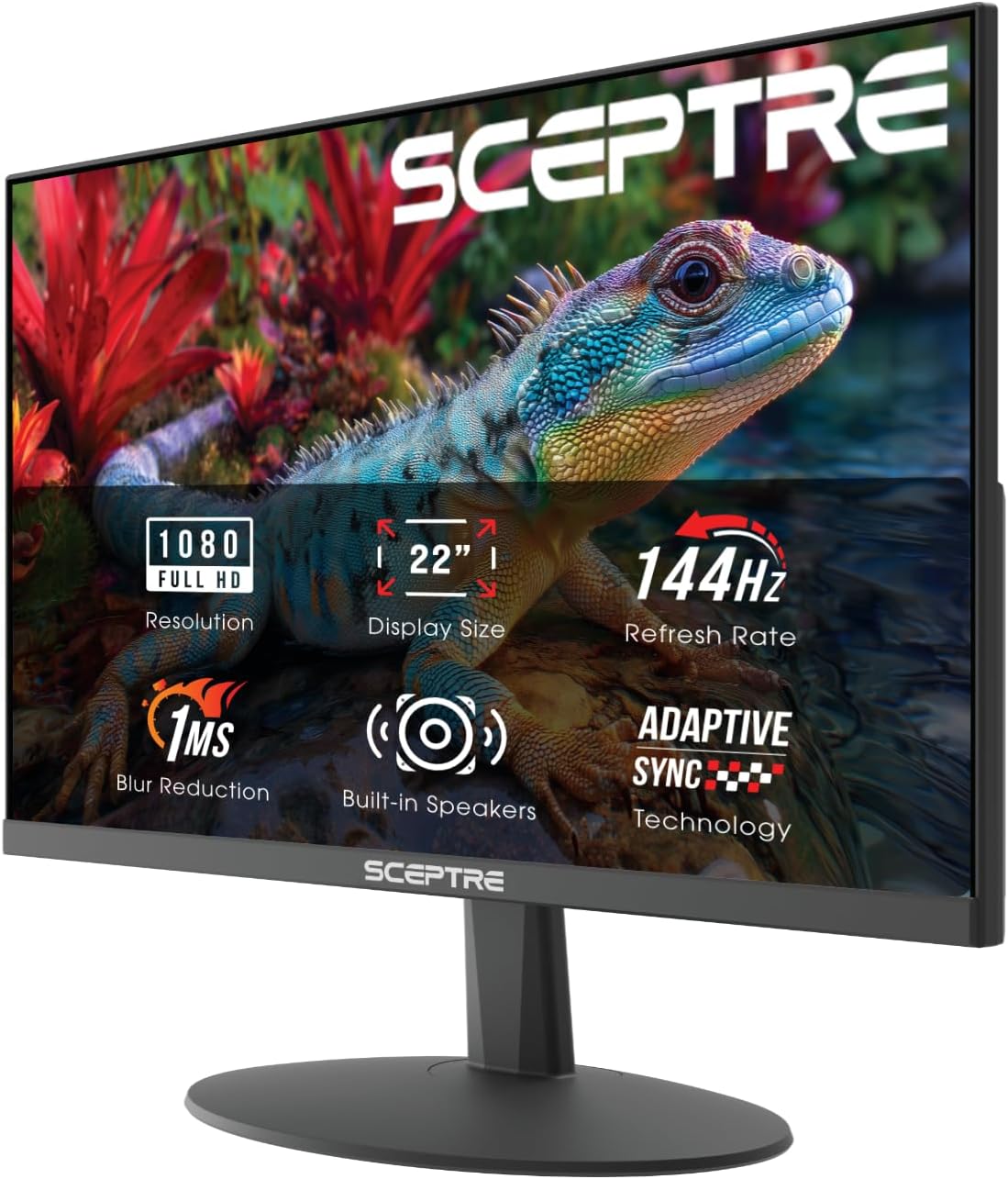
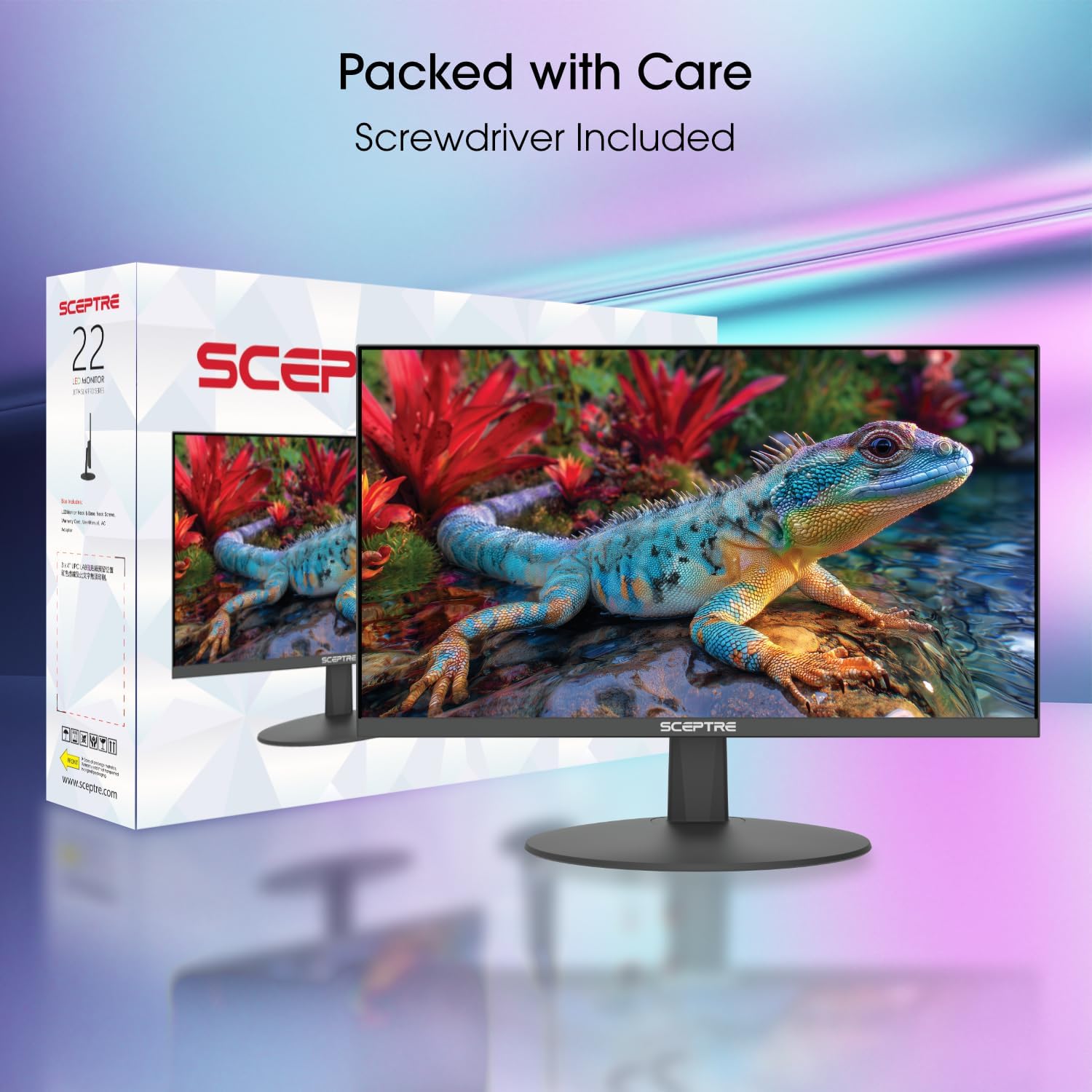
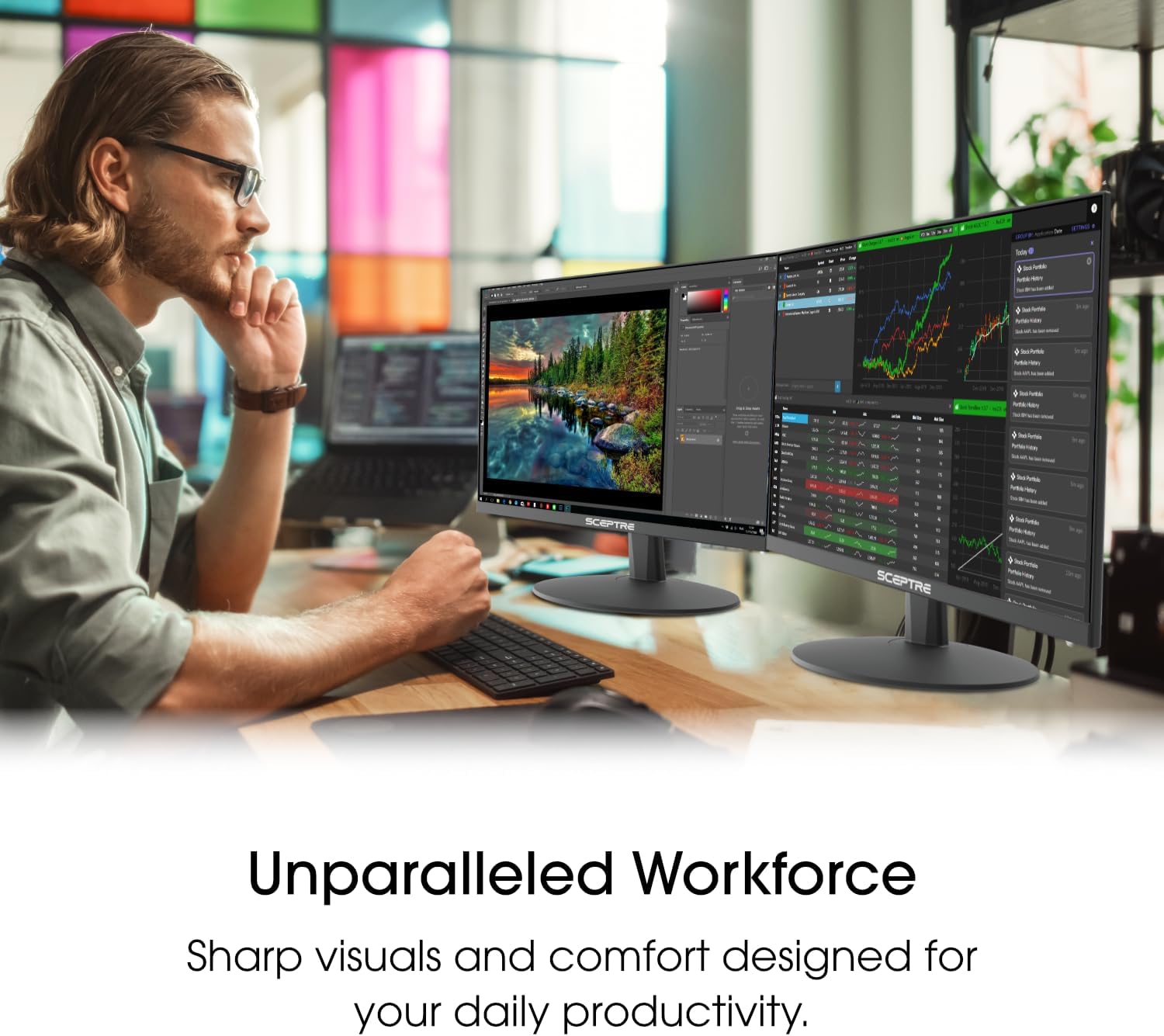
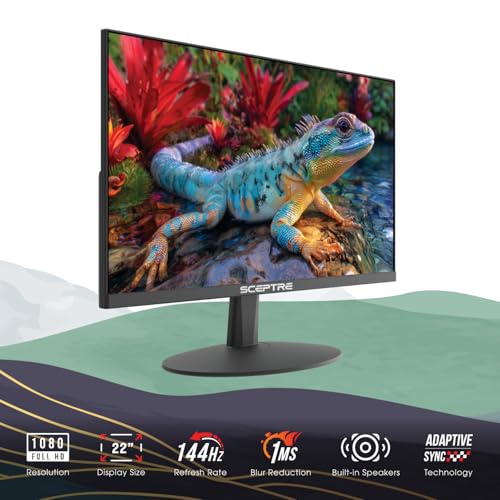
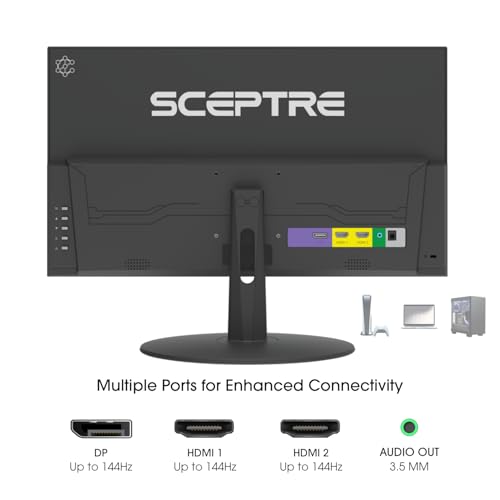
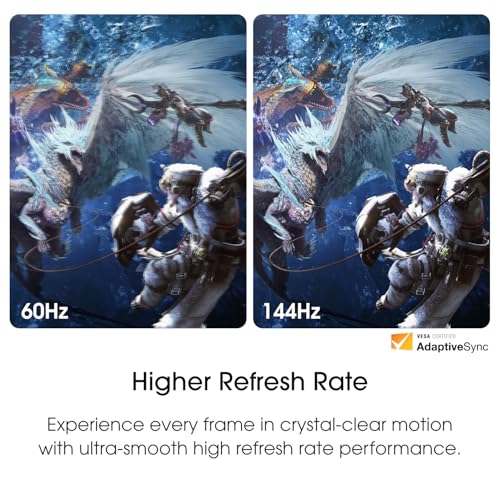
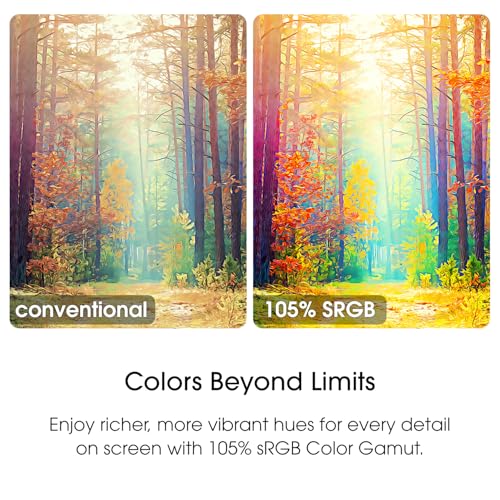
20Sceptre New 22-Inch Gaming Monitor, FHD 1080p, Up to 144Hz, HDMI, DisplayPort, Built-in Speakers, Machine Black (E225W-FW144 Series, 2026)
In Stock$64.97$72.97 Save $8.00Updated: July 24, 2026Price as of Jul 24, 2026. We earn from qualifying purchases.
1 / 20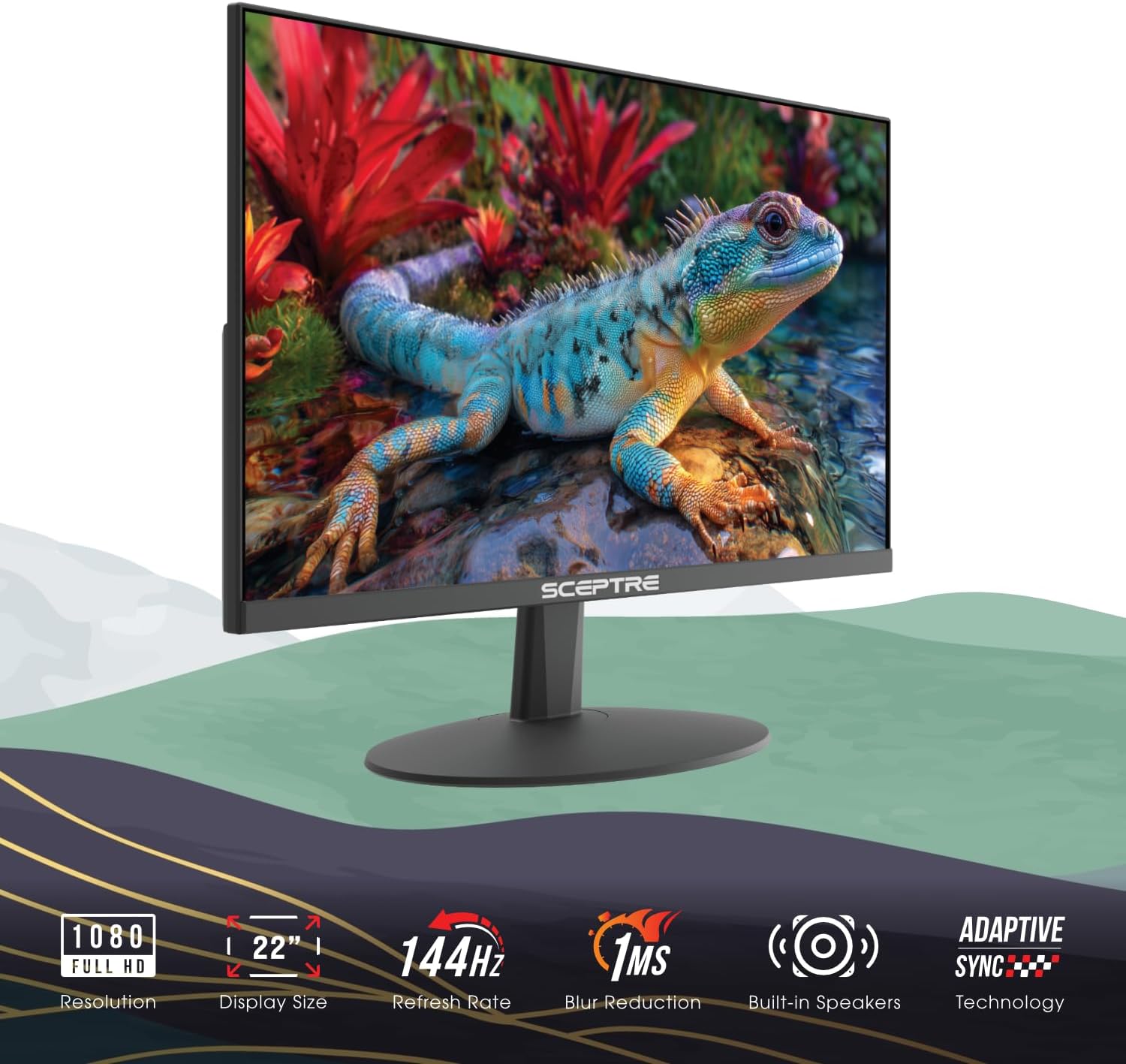




 1 / 20
As an Amazon Associate we earn from qualifying purchases. Product prices and availability are accurate as of the date/time indicated.
: 27-inch IPS, 1440p, 165Hz, 350 nits, $270–$310. Best value, but no HDR.
Verdict: Premium 55″+ TVs beat monitors on HDR. Budget monitors beat budget TVs on refresh rate.
Gaming Features: HDMI 2.1, VRR, Auto-Low-Latency
HDMI 2.1 Support (Critical for PS5/Xbox Series X):
- High-end TVs: Most support HDMI 2.1 on at least one port, enabling 4K 120Hz with HDR.
- Monitors: Only 32″+ displays have HDMI 2.1. Most 27″ monitors use DisplayPort for high-speed connections.
Variable Refresh Rate (VRR) / G-SYNC / FreeSync:
- TVs: Newer models support VRR over HDMI (Samsung VRR, LG VRR). Less mature than monitor implementations.
- Monitors: G-SYNC and FreeSync are industry standard and excellent.
Auto-Low-Latency Mode (ALLM):
- TVs: Premium models (2025+) detect connected consoles and auto-switch to low-latency game mode.
- Monitors: Not applicable (always in lowest-latency mode).
Verdict: TVs are catching up fast. Modern 2026 gaming TVs have feature parity with monitors.
Size Considerations: Workspace vs. Immersion
Monitor: Ideal for desk setups. A 27-inch monitor at arm’s length is comfortable for 8+ hours of work or gaming. Larger monitors (32″+) require stepping back, which isn’t practical for desk environments.
TV: Ideal for living rooms and couch setups. A 55–65″ TV at 6–8 feet is perfect for immersive gaming without eye strain. Not practical for desk work due to text legibility at a distance.
Verdict: Context-dependent. Desk = monitor. Living room = TV.
Price and Value
A quality 27-inch 1440p 144Hz gaming monitor costs $300–$400. A quality 55-inch 4K 120Hz gaming TV costs $1200–$1700. Per diagonal inch, monitors are $12–$15/inch, while TVs are $4–$6/inch. TVs are cheaper per inch, but monitors offer superior responsiveness and refresh rates.
Verdict: TVs offer better value if you want cinematic immersion. Monitors offer better value if you want high refresh rates.
Comparison Table: Specific 2026 Models
| Product | Type | Screen | Resolution | Refresh | Response | Input Lag | HDR Peak |
|---|---|---|---|---|---|---|---|
| LG 27GR95QE | Monitor | 27″ | 1440p | 240Hz | 0.3ms | 0.3ms | 600 nits |
| Dell S2721DGF | Monitor | 27″ | 1440p | 165Hz | 1ms | 2ms | None |
| LG 55″ OLED | TV | 55″ | 4K | 120Hz | 0.5ms | 5–8ms | 800 nits |
| Sony 55″ Bravia | TV | 55″ | 4K | 120Hz | 5ms | 8–12ms | 1000 nits |
| Samsung 55″ Neo QLED2 | TV | 55″ | 4K | 120Hz | 3–5ms | 6–10ms | 2000 nits |
How to Choose: TV or Monitor?
Choose a Monitor If
- You play competitive shooters (Counter-Strike 2, Valorant, Overwatch 2)
- You want 144Hz+ refresh rates
- You sit at a desk
- Responsiveness is critical
- You have limited space
- You want the fastest possible input latency
Choose a TV If
- You want 4K immersive AAA gaming (Baldur’s Gate 3, Starfield, Alan Wake 2)
- You game on a console (PS5, Xbox Series X)
- You want cinematic HDR with high peak brightness
- You prefer a living-room setup
- You want to balance gaming with movie/TV watching
- You want the best visual impact per dollar
Choose Both If
- You have budget ($2000+) for both a desk monitor and a living-room TV
- You play competitive games at a desk and story games on the couch
- You want the ultimate gaming experience
Frequently Asked Questions
Can I use a TV as a monitor for PC gaming?
Yes, if it has HDMI 2.1 or DisplayPort. However, text and UI elements will be small at typical TV viewing distances. It’s better for couch gaming than desk work. Input lag in game mode is acceptable for most players.
Which is better for console gaming: TV or monitor?
TV, almost always. Consoles output HDMI, and TVs are bigger and cheaper per inch. PS5 and Xbox Series X support 4K 120Hz on HDMI 2.1-enabled TVs. Monitors would require HDMI-to-DisplayPort adapters, which is awkward.
Do gaming TVs have burn-in risk?
OLED TVs (LG, Samsung) have burn-in risk if you leave static images (HUD elements, pause screens) on-screen for hours. LED and Mini-LED TVs (Sony, Samsung Neo QLED) do not have burn-in risk. Mitigation features (pixel shift, screen savers) are available on OLED TVs.
Is input lag noticeable at 12ms vs 3ms?
In competitive games, yes — professional players will notice. In single-player games, no — 12ms is imperceptible. Most casual gamers won’t notice the difference.
Can a 27″ monitor deliver immersion like a 55″ TV?
Not quite. The visual field coverage is fundamentally different. A 55″ TV at 6 feet dominates your vision. A 27″ monitor is more focused but less immersive.
Should I wait for faster gaming TVs in 2027?
Gaming TV technology is improving, but refresh rates above 120Hz are unlikely until 2027–2028. If you game now, current 2026 TVs are good investments. Competitive gamers should buy monitors — TV refresh rates will remain at 120Hz for console generation.
Final Verdict
For competitive gaming at a desk: Choose a gaming monitor like the LG 27GR95QE (fastest) or Dell S2721DGF (best value).
For immersive console gaming on a couch: Choose a gaming TV like the LG 55″ OLED (smoothest) or Sony 55″ Bravia (best balance).
For PC gaming on a couch: Choose the Samsung 55″ Neo QLED2 for its 144Hz motion features, or opt for a large-screen gaming monitor (32″+) if you want superior responsiveness over immersion.
The days of “monitors are strictly better” or “TVs are strictly better” are over. Choose based on your gaming style, room setup, and whether you prioritize responsiveness or immersion. Both can deliver excellent 2026 gaming experiences.
For more guidance, check out our detailed reviews on the best monitors for gaming, the best 1440p monitors, best gaming monitors for PS5, and our comprehensive guide to the best gaming PC builds.
Last updated: April 2026. Prices and availability may change. We independently test every product we recommend. When you buy through our links, we may earn a commission at no extra cost to you.
In a hurry? See the top-rated TV vs Monitor for Gaming deals available right now:
🛒 Check Tv Vs Monitor For Gaming Prices on Amazon →Related Articles
- Best Ultrawide Gaming Monitor in 2026: Immersive 32:9 & 21:9 Picks
- Best 1440p Gaming Monitor in 2026: 144Hz & 240Hz Picks
- Best 1440p Monitor for Gaming 2026: 144Hz+ IPS & VA Comparison
- Best 240Hz Gaming Monitor
- Best CRT for Retro Gaming
Related Articles
Looking for more on this topic? Browse the hand-picked guides below — each one applies the same scoring rubric used in this review.
Ready to decide? Our #1 pick for 2026 is the Response Time.
Live price & availability on Amazon.