

Best Gaming Mini PC in 2025: Top Compact Powerhouses for Every Budget
The best gaming mini PC packs serious gaming performance into a surprisingly compact form factor, freeing your desk from tower PCs while still delivering smooth frame rates in modern games. Mini PCs have come a long way — today’s best models use AMD Ryzen APUs or Intel Core processors with integrated Radeon or Arc graphics that handle 1080p gaming in many titles, while others pair laptop-grade discrete GPUs for genuine gaming performance. Whether you need a compact living room gaming PC, a portable LAN party machine, or a small desk setup, there’s a gaming mini PC for every need.
For comparison with full-sized gaming desktops, also see our best gaming desktops guide and our best mini PC for gaming roundup for more options.


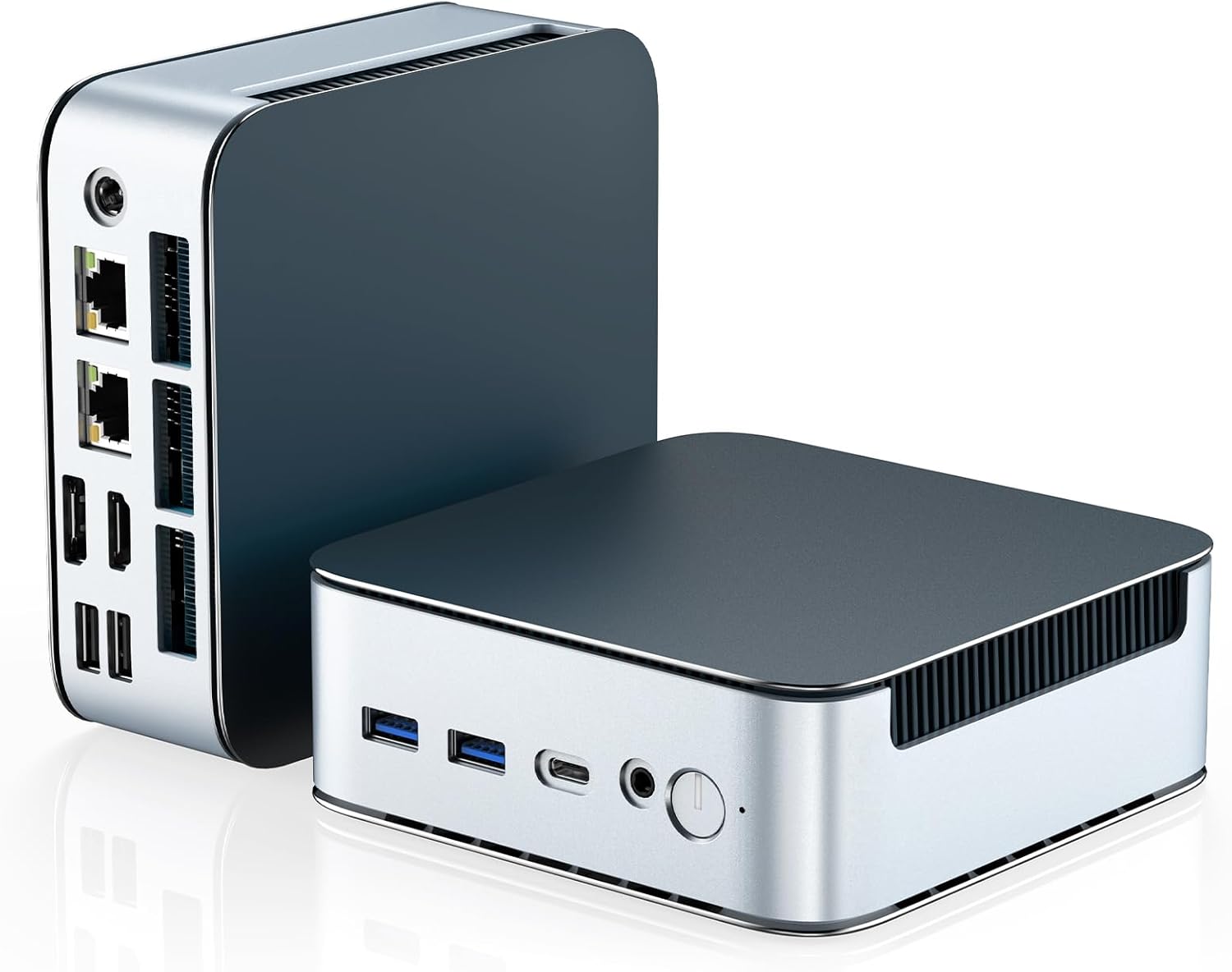
![GEEKOM [2026 Edition] Mini PC AI A7 MAX with AMD Ryzen 9 7940HS 16GB DDR5(Not LPDDR) & 1TB SSD(Expandable) Desktop Mini Computers for Creation,Radeon 780M Graphics 4 Modes|Premium Support|USB4|8K|SD](https://m.media-amazon.com/images/I/61TI37hjt7L._AC_SL1500_.jpg)
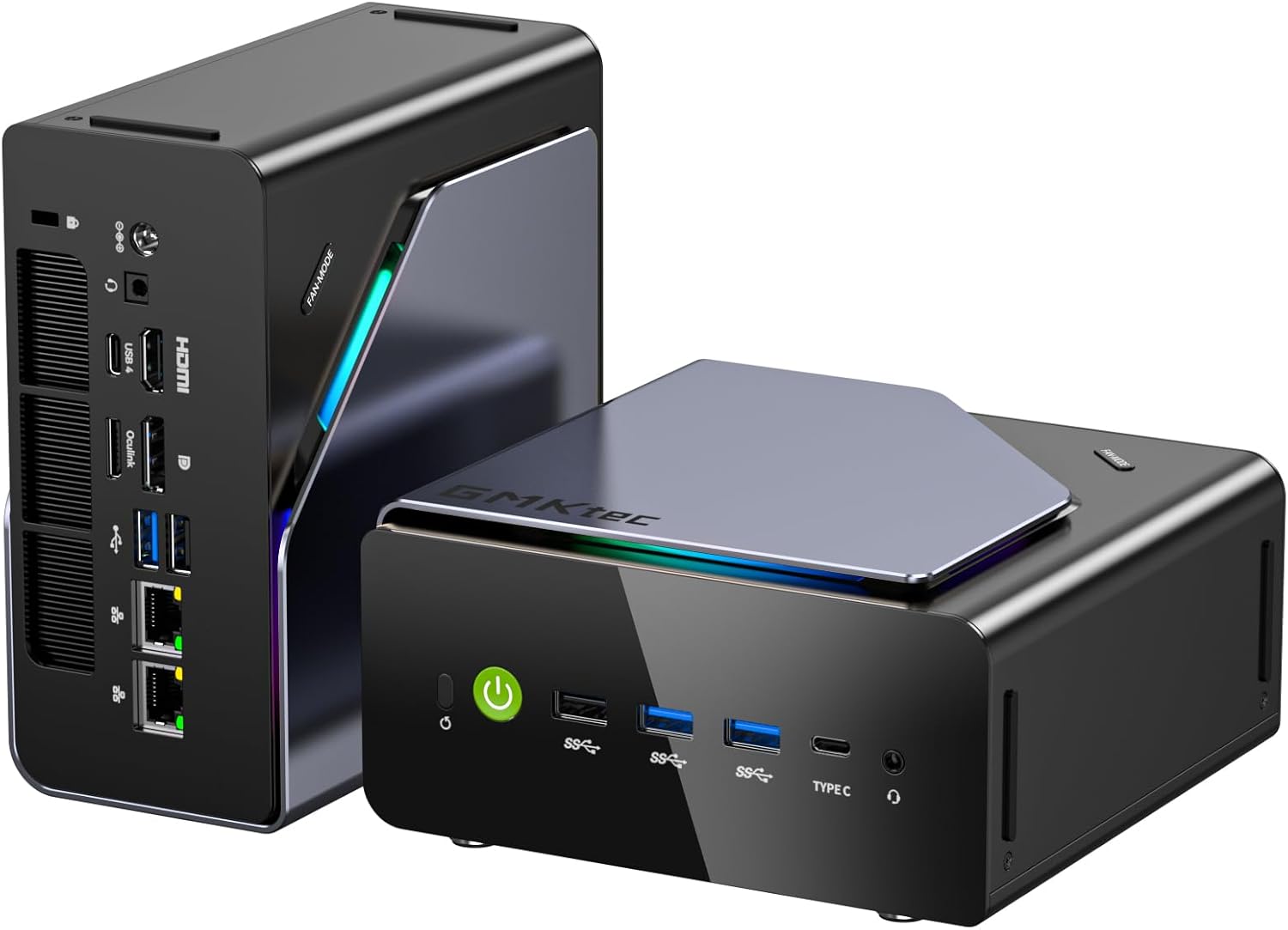
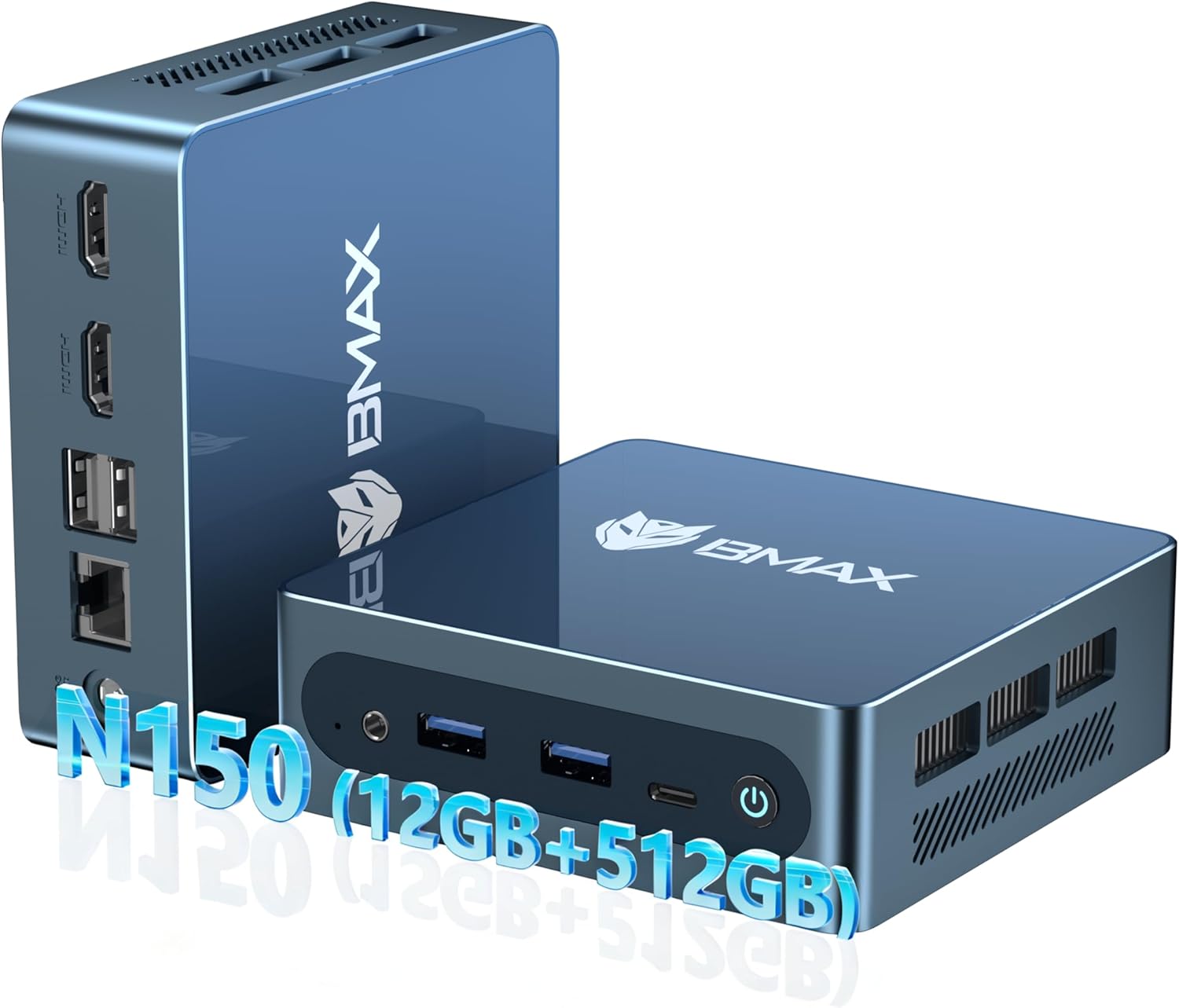

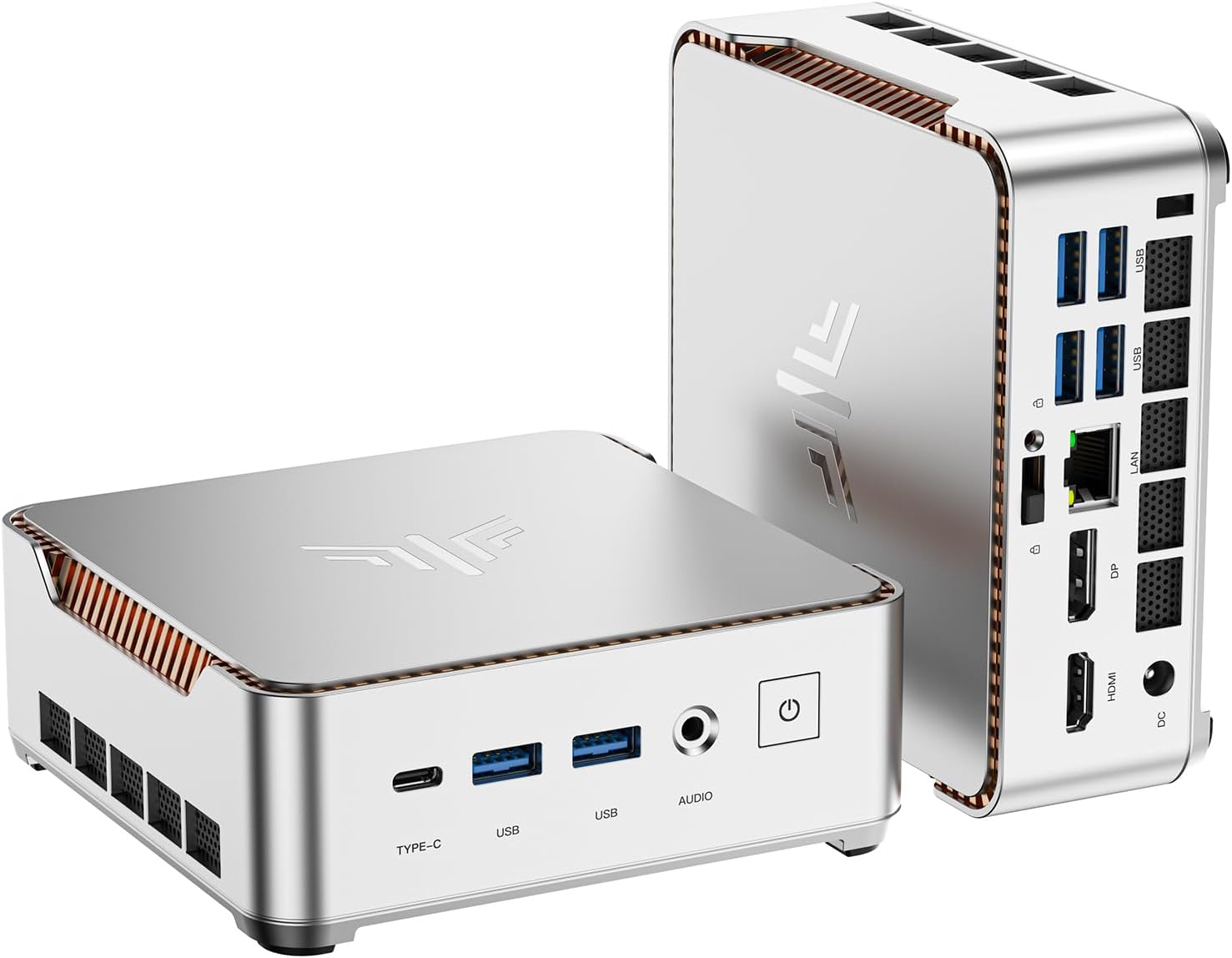


Gaming Mini PC Types
- APU-Based: AMD Ryzen 7000/8000 series with integrated RDNA 3 graphics — no discrete GPU needed.
- Discrete GPU Mini PC: Uses laptop-grade RTX 4060 or RX 7600M for better gaming performance.
- Intel NUC-Style: Compact Intel Core with Intel Arc or Iris Xe graphics.
- Custom ITX Build: DIY mini-ITX build with full desktop GPU — ultimate compact gaming performance.
Best Gaming Mini PCs — Comparison Table
| Mini PC | CPU | GPU | RAM | Storage | Price | Rating |
|---|---|---|---|---|---|---|
| ASUS ROG NUC | Core Ultra 9 185H | RTX 4060 (laptop) | 32GB DDR5 | 1TB NVMe | ~$1,299 | 4.8/5 |
| Minisforum UM790 Pro | Ryzen 9 7940HS | Radeon 780M (iGPU) | 32GB DDR5 | 1TB NVMe | ~$499 | 4.7/5 |
| Beelink SER7 | Ryzen 7 7745HX | Radeon 680M (iGPU) | 32GB DDR5 | 500GB NVMe | ~$399 | 4.6/5 |
| GMKtec NucBox M5 Pro | Ryzen 9 6900HX | Radeon 680M (iGPU) | 32GB DDR5 | 512GB NVMe | ~$349 | 4.5/5 |
| Intel NUC 13 Pro | Core i7-1360P | Intel Iris Xe | 16-32GB DDR4 | Configurable | ~$499 | 4.5/5 |
Top 5 Gaming Mini PCs — Detailed Reviews
1. ASUS ROG NUC — Best Gaming Mini PC Overall
The ASUS ROG NUC is a genuine gaming powerhouse in a package the size of a thick hardcover book. Pairing Intel’s Core Ultra 9 185H with a laptop-grade RTX 4060 delivers performance that rivals gaming laptops costing significantly more, while fitting on a small corner of your desk. The RTX 4060 handles 1080p gaming at high settings in all modern titles, and reaches 1440p in less demanding games. DLSS 3 support makes even demanding titles playable at high frame rates.
Thunderbolt 4 ports enable connecting an external GPU enclosure for even more gaming power. Four display outputs support multi-monitor setups. WiFi 6E and 2.5G Ethernet handle all connectivity needs. The compact enclosure manages thermals effectively with dual-fan cooling. For gamers who want real gaming performance without a tower PC, the ASUS ROG NUC justifies its premium price.
Pros: RTX 4060 gaming performance, compact size, Thunderbolt 4, multi-display support
Cons: Expensive, limited upgrade potential, laptop GPU not as powerful as desktop equivalent
Best for: Serious compact gaming, LAN party use, desk space-limited setups
2. Minisforum UM790 Pro — Best AMD Gaming Mini PC
The Minisforum UM790 Pro with AMD Ryzen 9 7940HS and Radeon 780M integrated graphics represents the best of AMD’s RDNA 3 APU gaming capability. The 780M iGPU handles 1080p gaming in many titles at medium settings — genuinely playable performance without any discrete GPU. Esports titles like Valorant, CS2, and League of Legends run at 100+ fps. More demanding AAA titles run at 720p-1080p medium settings.
32GB DDR5-5600 RAM in dual channel maximizes the shared memory bandwidth that the iGPU depends on. Two USB4 ports enable eGPU connection for a massive performance boost when gaming at a desk. WiFi 6E and 2.5G Ethernet provide fast connectivity. For gamers who want compact APU gaming with strong connectivity, the UM790 Pro is the best AMD option.
Pros: Best AMD iGPU gaming, USB4/eGPU support, 32GB DDR5, compact, good value
Cons: iGPU limits demanding game performance, shared memory reduces available RAM
Best for: Casual gamers, esports-focused setups, those who may add eGPU later
3. Beelink SER7 — Best Value Gaming Mini PC
The Beelink SER7 delivers impressive value for a compact gaming mini PC. The Ryzen 7 7745HX is a high-performance laptop processor with Radeon 680M integrated graphics. While the 680M is a step below the 780M in the UM790 Pro, it still handles esports titles and older AAA games at 1080p medium settings. The strong CPU performance makes it excellent for productivity alongside light gaming.
The compact chassis is well-built and runs quietly under light to moderate loads. Dual HDMI 2.0 outputs support dual monitors for productivity use. WiFi 6 and 2.5G Ethernet cover connectivity needs. At ~$399, it’s the best balance of price, performance, and build quality in the mid-range mini PC gaming tier.
Pros: Good value, strong CPU performance, dual HDMI, quiet operation
Cons: 680M weaker than 780M for gaming, limited gaming at demanding settings
Best for: Casual gamers who prioritize productivity, budget mini PC buyers
4. GMKtec NucBox M5 Pro — Best Budget Gaming Mini PC
The GMKtec NucBox M5 Pro offers APU gaming at the most accessible price point. The Ryzen 9 6900HX with Radeon 680M handles esports titles and older games well at 1080p. 32GB DDR5 in dual channel maximizes iGPU memory bandwidth. For buyers who want a compact gaming-capable PC without spending $400+, the NucBox M5 Pro delivers surprisingly capable performance.
Build quality is acceptable for the price — it’s not as polished as Minisforum or Beelink but functional. USB4 connectivity enables future eGPU consideration. Windows 11 Pro is included. For living room casual gaming, retro gaming via emulation, or light esports play, the NucBox M5 Pro is an exceptional value at ~$349.
Pros: Very affordable, 32GB DDR5, USB4 support, Windows 11 Pro included
Cons: Build quality less refined, 6900HX older generation, limited demanding game performance
Best for: Budget mini PC buyers, casual gamers, emulation enthusiasts
5. Intel NUC 13 Pro — Best Productivity Gaming Mini PC
The Intel NUC 13 Pro represents Intel’s refined approach to compact computing, combining the Core i7-1360P’s excellent productivity performance with Intel Iris Xe graphics that handle casual gaming and older titles. The NUC’s build quality, reliability, and extensive enterprise support make it a compelling choice for work-from-home users who also play casual games. Thunderbolt 4 enables connecting an eGPU for more serious gaming when needed.
Available in barebones (no RAM, no storage) or configured versions, the NUC 13 Pro allows customization for exact memory and storage requirements. The tiny footprint (4.5″ x 4.5″) makes it ideal for VESA mounting behind monitors. For professionals who need a reliable compact PC that can also handle casual gaming, the NUC 13 Pro is the trusted choice.
Pros: Excellent build quality, Thunderbolt 4, barebones flexibility, enterprise reliability
Cons: Iris Xe weakest iGPU on the list, no AMD gaming APU options
Best for: Professionals who casually game, Thunderbolt eGPU users, VESA mount setups
Mini PC vs Gaming Laptop: Which Is Better?
Mini PCs are generally better value than gaming laptops at equivalent prices because you’re not paying for the laptop’s screen, battery, and portable chassis. A mini PC connected to a monitor and peripherals delivers more performance per dollar. However, gaming laptops offer true portability that mini PCs cannot match. If you need to game away from a desk, a laptop wins. If you primarily game at a fixed location, a mini PC is better value.
Complete your mini PC gaming setup with our best gaming monitors under $250 and best keyboards for gaming guides.
Frequently Asked Questions About Gaming Mini PCs
Can mini PCs run modern games?
Yes, but with limitations. APU-based mini PCs (AMD Ryzen with Radeon iGPU) run esports titles and many older games at 1080p medium settings. Mini PCs with discrete laptop GPUs (like the ASUS ROG NUC with RTX 4060) run modern AAA games at 1080p high settings. Full desktop gaming performance requires a traditional desktop with a desktop GPU.
Can I connect an external GPU to a mini PC?
Yes, mini PCs with Thunderbolt 3/4 or USB4 ports support external GPU (eGPU) enclosures. This allows connecting a desktop GPU like an RTX 3080 to a compact mini PC for full gaming performance. eGPU enclosures cost $150-300 additional, and there’s some performance overhead vs native PCIe connection, but the total setup is still more compact than a desktop tower.
What is the most powerful gaming mini PC?
The ASUS ROG NUC with RTX 4060 laptop GPU is currently the most powerful gaming mini PC in terms of out-of-box gaming performance. For maximum performance via eGPU, the Minisforum UM790 Pro or similar USB4-equipped mini PC connected to a desktop RTX 4090 eGPU provides near-desktop-level gaming performance.
Are gaming mini PCs worth it?
For gamers who primarily play esports titles, older games, or casual games — yes, absolutely. For gamers who want to play demanding AAA titles at high settings, a traditional desktop with a dedicated GPU provides better performance per dollar. Mini PCs shine in compact living room setups, small desks, and situations where portability and size matter more than maximum performance.
Related Guides You May Like
- Best Retro Gaming Consoles in 2026 — Top Picks for Classic Gaming Nostalgia
- Best Mini PC for Gaming in 2026: Top Compact Gaming Machines Tested
- Best Gaming TV 2026: Top Picks for Console and PC Gamers
- Best Gaming Websites for Free Games in 2026: Top Platforms to Play Without Paying
- Best Gaming Earbuds for PC: Top In-Ear Options for Immersive PC Gaming


Write Your Review
No reviews yet. Be the first to share your experience!