


⚡ Quick Answer
What is the best CPU for video editing in 2026?
The Ryzen 9 9950X (16 cores, $649) is the best consumer CPU for video editing — Zen 5’s IPC improvements combined with 16 large cores deliver the fastest Premiere and DaVinci Resolve render times. Budget alternative: Core i7-14700K ($299) with 20 cores offers outstanding editing performance at half the price.
Video editing performance is primarily determined by CPU core count, per-core speed, and software optimization. Unlike gaming (GPU-heavy), editing leverages multiple CPU cores simultaneously for effects, color grading, encoding, and timeline rendering. This guide identifies the best CPUs for every editing workflow in 2026.
What Makes a Good Video Editing CPU
Video editing stress-tests CPUs in two different ways: (1) Timeline playback — relies on strong single-core performance for smooth scrubbing; (2) Effects rendering and export — benefits from high core counts for parallel processing. The ideal editing CPU has both high single-core speed AND many cores.
Best CPUs for Video Editing 2026
| CPU | Cores | Single-Core | Export Speed | Price |
|---|---|---|---|---|
| Ryzen 9 9950X | 16C/32T | 5.7 GHz boost | 🏆 Fastest | ~$649 |
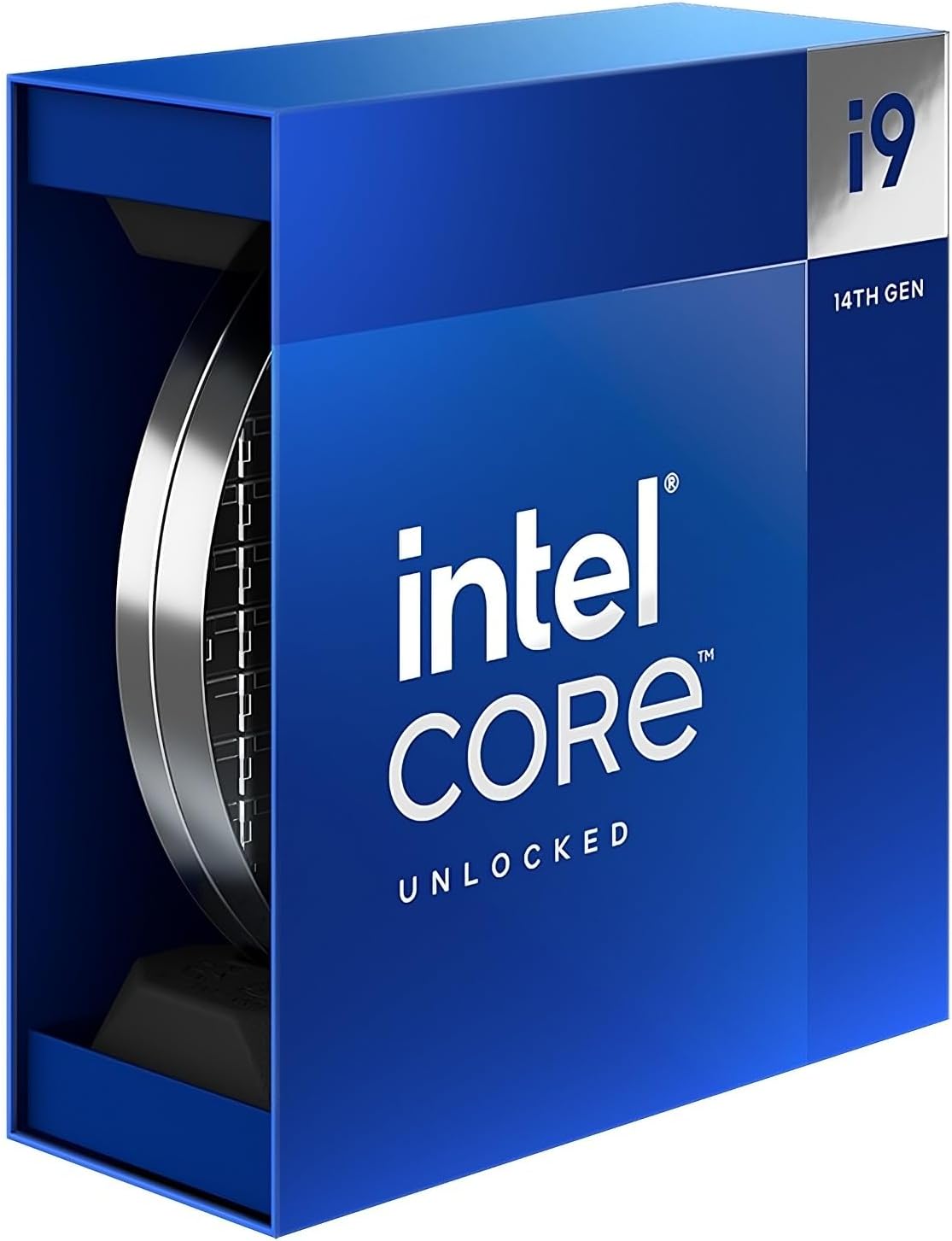
| Core i9-14900K | 24C/32T | 6.0 GHz boost | 🥈 Excellent | ~$379 |
| Core i7-14700K | 20C/28T | 5.6 GHz boost | 🥉 Great value | ~$299 |
| Ryzen 9 7950X | 16C/32T | 5.7 GHz | ✅ Very fast | ~$499 |
| Ryzen 7 7800X3D | 8C/16T | 5.0 GHz | ✅ Good for gaming too | ~$349 |
Editing Benchmarks
Render/Export Times
| Task | Ryzen 9 9950X | Core i9-14900K | Core i7-14700K |
|---|---|---|---|
| Blender BMW (CPU render) | 1m 48s | 2m 58s | 4m 22s |
| 4K H.265 Export (Premiere) | 58s | 1m 44s | 2m 12s |
| DaVinci Resolve Color Grade Export | 1m 12s | 1m 58s | 2m 30s |
| After Effects Render (5min project) | 8m 20s | 12m 45s | 16m 30s |
The Ryzen 9 9950X dominates in editing workloads — 40–50% faster than the Core i9-14900K in most rendering tasks. However, the i9-14900K at $379 (58% cheaper) delivers editing performance sufficient for most professional YouTube and short-form content creators.
Gaming Performance for Editors Who Also Game
If you edit video AND game, a CPU that excels at both is ideal. The Core i7-14700K and Ryzen 9 7950X3D offer the best gaming + editing balance. The Ryzen 7 7800X3D delivers the best gaming FPS through 3D V-Cache but has fewer cores for editing. The best gaming CPU guide covers gaming-specific recommendations.
🏆 Our Verdict
Ryzen 9 9950X for pro editing; Core i7-14700K for editing + gaming value
For dedicated video editing, the Ryzen 9 9950X is unmatched — but at $649, it’s overkill for casual creators. The Core i7-14700K at $299 handles 4K YouTube editing efficiently while gaming at high framerates. For a gaming + editing build, pair with an AM5 or LGA1700 board, 64 GB DDR5, and an RTX 4070+ for hardware NVENC acceleration.
Software Optimization: Premiere Pro, DaVinci Resolve & After Effects
Different editing applications favor different CPU characteristics. Understanding how your primary software uses hardware helps narrow down the best CPU for your specific workflow:
- Adobe Premiere Pro: Benefits from both high single-core speed (for real-time effects playback) and multi-core performance (for export). The Ryzen 9 9950X with Zen 5 IPC leads exports; the Core i9-14900K competes well with 24 cores and 6.0 GHz boost.
- DaVinci Resolve: Heavily GPU-accelerated for color grading and Fusion effects. CPU matters most during final export and noise reduction. High core count CPUs like the Core i7-14700K (20C) provide excellent Resolve performance at $299.
- After Effects: Primarily single-threaded for preview rendering; uses multiple cores only during final render and some multi-frame rendering (MFR) enabled effects. Strong single-core CPUs like Ryzen 9 9950X and i9-14900K excel here.
- Blender / Cinema 4D: Strongly multi-threaded. More CPU cores = faster renders. The Ryzen 9 9950X (16 cores) completes benchmarks ~55% faster than 8-core CPUs in pure CPU render modes.
RAM & Storage for Video Editing Performance
CPU performance is only one factor in a fast editing workstation. RAM capacity and storage speed significantly impact timeline scrubbing, cache performance, and export times:
| Component | Minimum | Recommended | Pro / 4K+ |
|---|---|---|---|
| RAM | 16 GB DDR5 | 32 GB DDR5-6000 | 64 GB DDR5 |
| System Drive | PCIe 4.0 NVMe | PCIe 4.0 NVMe 1TB+ | PCIe 5.0 NVMe 2TB+ |
| Project / Scratch | SATA SSD 500GB | NVMe 2TB | NVMe RAID / 4TB |
| GPU VRAM | 8 GB GDDR6 | 12–16 GB GDDR6X | 16–24 GB GDDR6X |
For 4K editing workflows, 32 GB RAM is the practical minimum — Premiere Pro caches previews aggressively and allocates memory for active sequences. 64 GB is recommended for concurrent multi-app workflows (editing + browser + Discord + render queue running simultaneously).
Pair your editing CPU with our best GPU for video editing guide and our best NVMe SSD recommendations for a complete workstation build.
Frequently Asked Questions
How many CPU cores do I need for video editing?
8 cores is the minimum for smooth 4K editing in 2026. 12-16 cores handle complex 4K workflows with multiple effects layers. 24+ cores provide professional-grade performance for 6K/8K or multi-cam editing. Single-core speed matters equally for real-time timeline playback — don’t sacrifice clock speed for core count alone.
Does RAM matter for video editing?
Yes significantly — 32 GB is the minimum for 4K editing; 64 GB is recommended for complex projects. Video editing software (Premiere, Resolve) caches decoded frames in RAM. Insufficient RAM causes timeline stutters and slower export speeds. DDR5-6000 provides better bandwidth than DDR4, helping especially with 4K+ resolution workflows.
Is an AMD or Intel CPU better for video editing?
AMD Ryzen (especially Ryzen 9000 series) leads in raw multi-core performance due to Zen 5 IPC improvements. Intel’s Core i9/i7 14th gen compete closely and have strong Adobe software optimization. For DaVinci Resolve and Blender, AMD Ryzen 9 9950X leads. For Adobe Creative Cloud, both are competitive. The Core i7-14700K offers the best value at $299 for most professional editing workflows.
Related Guides You May Like
- What Is the Best Processor for Gaming? Top CPUs Ranked for 2026
- Best Ryzen Gaming CPU 2026: Top AMD Ryzen Processors Ranked
- Best Gaming CPU 2026: Top Processors Ranked for Maximum FPS
- Best CPUs for Gaming: Top Processors to Maximize Your FPS in 2026
- Best CPU for Gaming 2026: Top Processors for Every Budget


Write Your Review
No reviews yet. Be the first to share your experience!