

Best PC Monitor for Gaming on a Budget in 2025: Top Picks Under $200
Finding the best PC monitor for gaming on a budget means getting the most performance per dollar — high refresh rates, fast response times, and decent color accuracy without overspending. Budget gaming monitors have improved dramatically, with 144Hz IPS panels now available under $150 and 165Hz curved VA monitors under $130. If you’re building your first gaming PC or upgrading from a 60Hz display, a budget gaming monitor delivers a transformative improvement in gameplay smoothness.
This guide covers the top budget gaming monitors under $200. For more options at slightly higher budgets, also see our best gaming monitors under $250 and best gaming monitors under $300 guides.
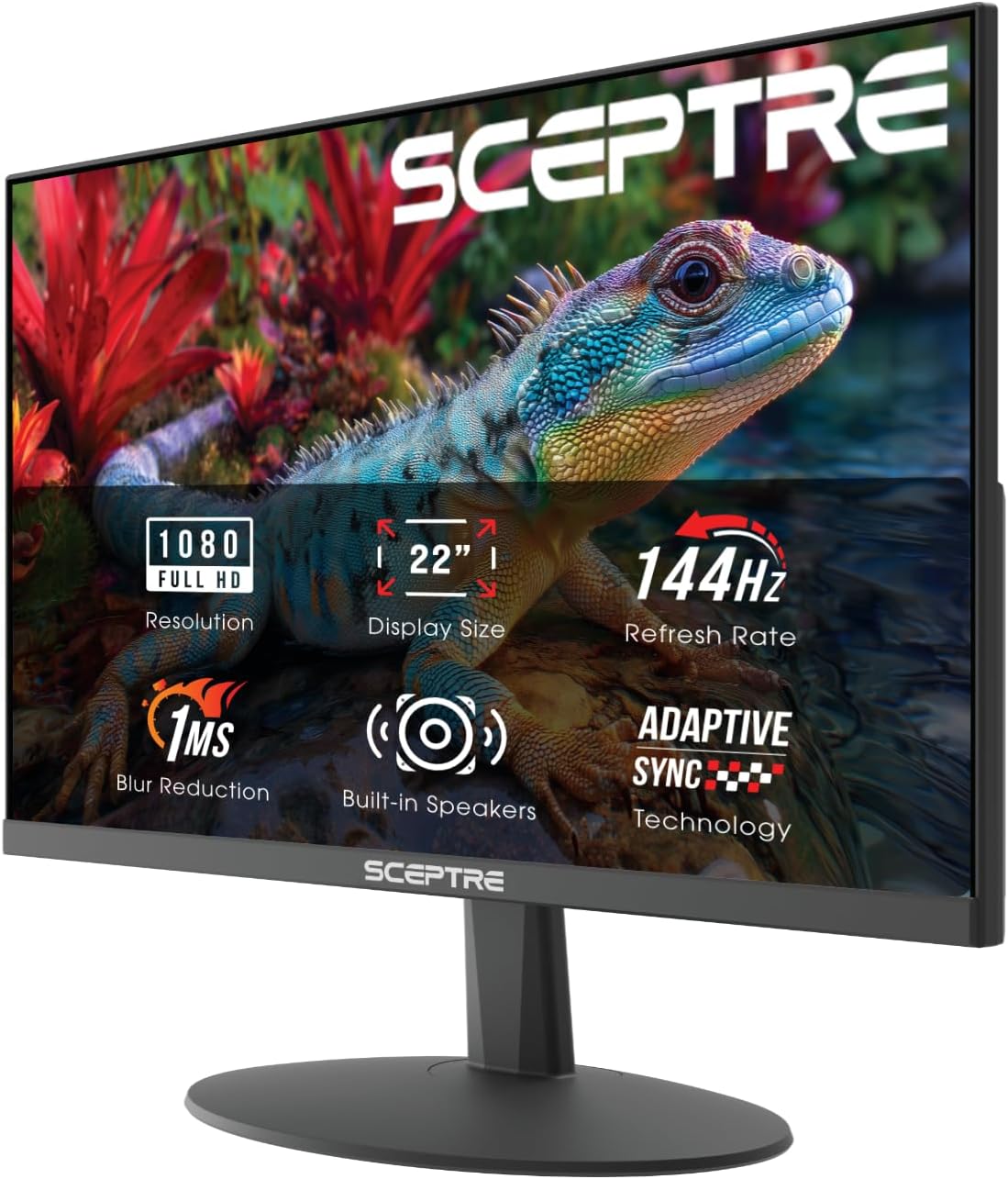


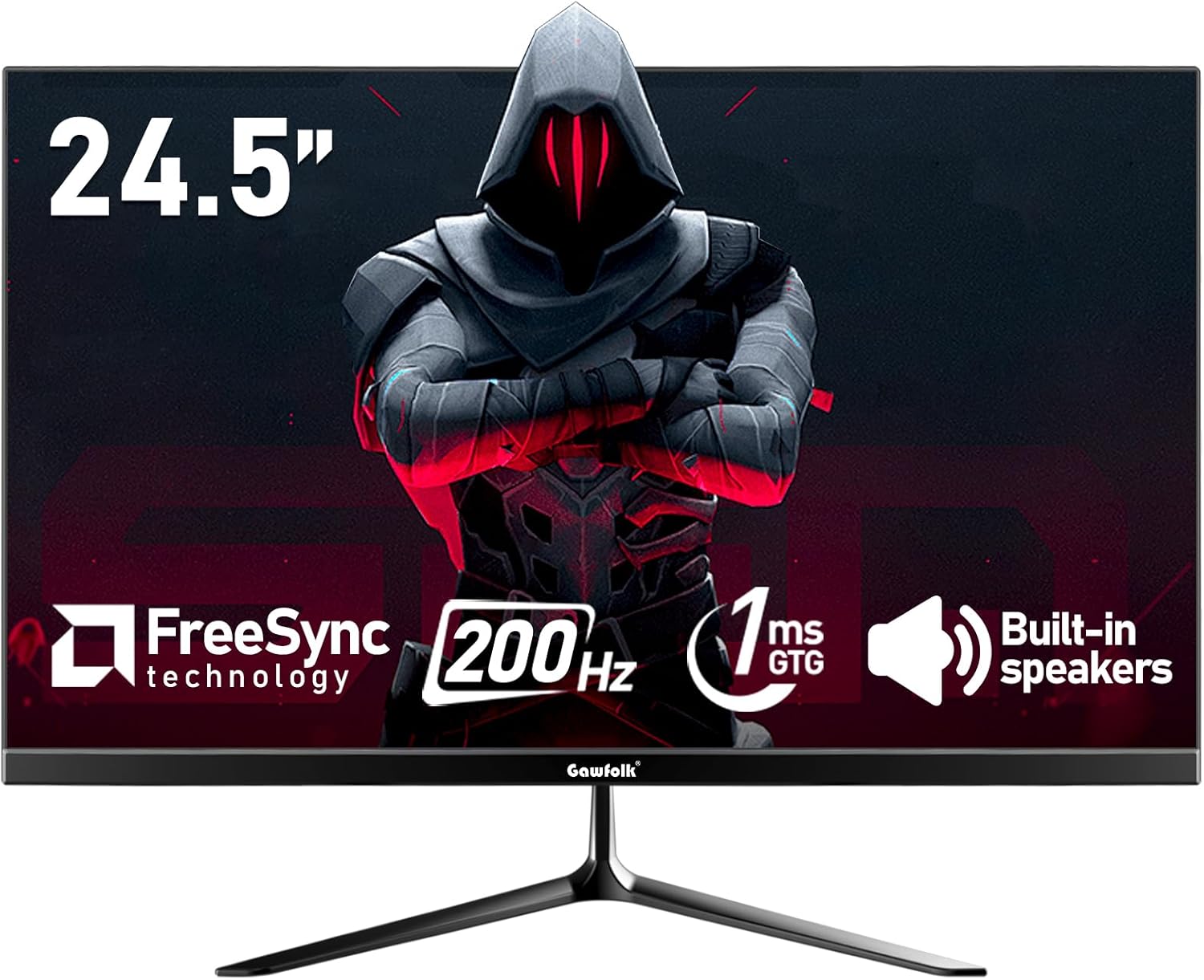
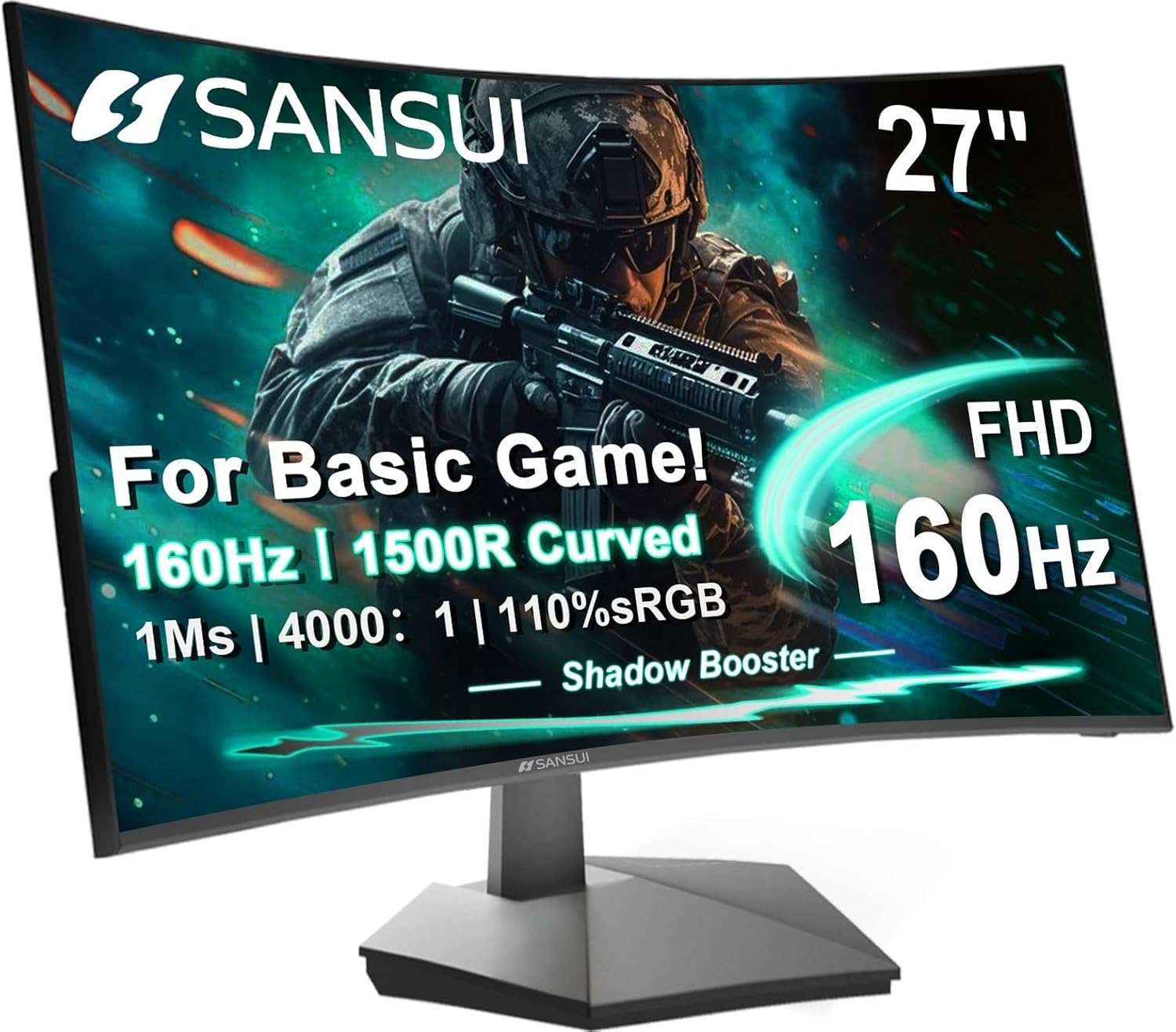


Budget Gaming Monitor Key Specs to Target
- Refresh Rate: 144Hz minimum; 165Hz is now available at budget prices.
- Response Time: 1ms GtG or MPRT for smooth motion in fast games.
- Panel: IPS for best colors; VA for best contrast; TN for absolute fastest response.
- Size: 24-inch is ideal for 1080p budget builds; 27-inch works but pixels are more visible.
- FreeSync: Eliminates screen tearing with AMD and NVIDIA GPUs (G-Sync Compatible).
Best Budget Gaming Monitors — Comparison Table
| Monitor | Size | Panel | Refresh Rate | Response | Price | Rating |
|---|---|---|---|---|---|---|
| AOC C24G1A | 23.6″ | VA Curved | 165Hz | 1ms MPRT | ~$129 | 4.6/5 |
| ASUS TUF Gaming VG249Q1A | 23.8″ | IPS | 165Hz | 1ms MPRT | ~$169 | 4.7/5 |
| MSI Optix G241 | 24″ | IPS | 144Hz | 1ms | ~$149 | 4.5/5 |
| ViewSonic VX2468-PC-MHD | 24″ | VA Curved | 165Hz | 1ms MPRT | ~$139 | 4.5/5 |
| LG 24GN650-B | 24″ | IPS | 144Hz | 1ms | ~$179 | 4.7/5 |
Top 5 Budget Gaming Monitors — Detailed Reviews
1. ASUS TUF Gaming VG249Q1A — Best Budget Gaming Monitor Overall
The ASUS TUF Gaming VG249Q1A offers an IPS panel at 165Hz for under $170 — a combination that was considered premium just two years ago. The IPS panel delivers accurate colors with good viewing angles, making games look vibrant and detailed. ASUS’s ELMB (Extreme Low Motion Blur) technology reduces ghosting in fast-paced games. FreeSync Premium support ensures tear-free gameplay with both AMD and NVIDIA GPUs.
Shadow Boost technology enhances visibility in dark areas without washing out bright areas — genuinely useful for survival horror and stealth games. The ergonomic stand offers tilt and height adjustment. For budget gaming builds that demand IPS color quality with competitive refresh rates, this is the top pick.
Pros: IPS panel, 165Hz, ELMB, Shadow Boost, FreeSync Premium, ergonomic stand
Cons: No USB hub, basic bezel design
Best for: All-around budget gaming, IPS color quality seekers
2. LG 24GN650-B — Best IPS Budget Gaming Monitor
LG’s 24GN650-B brings LG’s well-regarded IPS panel quality to the budget tier at around $179. The 144Hz refresh rate and 1ms response time handle competitive gaming smoothly. LG’s IPS panels are known for excellent out-of-box color accuracy — 99% sRGB coverage means games look rich and accurate without calibration. HDR10 support adds dynamic range for compatible titles.
AMD FreeSync Premium certification covers a wide dynamic range for smooth variable frame rate gaming. The slim borderless design on three sides looks clean and works well in multi-monitor setups. At ~$179, it’s a fraction above some competitors but the LG IPS panel quality justifies the premium.
Pros: Excellent LG IPS colors, HDR10, FreeSync Premium, slim borders, reliable brand
Cons: 144Hz vs 165Hz on some competitors, basic stand
Best for: Color-conscious gamers, content consumption alongside gaming
3. AOC C24G1A — Best Curved Budget Gaming Monitor
The AOC C24G1A offers a 1500R curved VA panel at one of the lowest prices on the market for a 165Hz gaming monitor. The curve creates a more immersive feel for single-player games and simulations. VA panel contrast ratios (typically 3000:1 vs IPS’s 1000:1) produce dramatically deeper blacks that make dark scenes in games look far better. At ~$129, it’s the most affordable option on this list.
FreeSync Premium support handles variable frame rates cleanly. The 1ms MPRT response time reduces motion blur in fast gameplay. The curved stand is sturdy and the overall build quality is acceptable for the price. For budget gamers wanting an immersive curved experience, the AOC C24G1A delivers excellent value.
Pros: Very affordable, curved VA, 165Hz, excellent contrast, FreeSync Premium
Cons: VA colors less accurate than IPS, narrower viewing angles
Best for: Immersive single-player gaming, dark room gaming, tight budget
4. ViewSonic VX2468-PC-MHD — Best Value Curved Budget Monitor
The ViewSonic VX2468-PC-MHD pairs a curved VA panel with 165Hz refresh rate and includes both HDMI and DisplayPort connections — useful flexibility at the budget tier. The 1800R curve provides gentle immersion without being as aggressive as 1500R panels. ViewSonic’s Blue Light Filter and Flicker-Free technology reduce eye strain for long sessions. FreeSync support eliminates tearing.
The monitor stands on a simple but stable base with tilt adjustment. Color accuracy out of the box is decent for gaming purposes. At ~$139, it offers excellent value for a curved 165Hz display with multiple connectivity options.
Pros: Curved 165Hz, HDMI + DisplayPort, eye care features, good value
Cons: Basic stand, VA panel response slower than IPS in dark transitions
Best for: Multi-source gamers needing DisplayPort and HDMI, budget curved display seekers
5. MSI Optix G241 — Best Budget IPS Monitor for Esports
The MSI Optix G241 targets competitive gamers with its fast IPS panel, 144Hz refresh rate, and 1ms response time at an accessible price. The wide color gamut (DCI-P3 coverage) makes it a surprisingly versatile display for both gaming and media consumption. Anti-flicker technology and a blue light reduction mode make long competitive sessions easier on the eyes.
The slim borderless design fits multi-monitor setups cleanly. FreeSync support works with the wide range of mid-range GPUs common in budget gaming builds. The stand offers tilt adjustment. For esports-focused budget gamers who play competitively and want a fast, accurate IPS display, the MSI G241 is a strong choice.
Pros: Fast IPS panel, wide color gamut, borderless design, anti-flicker, good value
Cons: Basic stand adjustment, 144Hz vs 165Hz competitors
Best for: Budget competitive gamers, multi-monitor setups
Budget Monitor Buying Tips
When shopping for budget gaming monitors, prioritize refresh rate over resolution. A 1080p 165Hz monitor will feel far smoother and more responsive than a 1440p 60Hz panel for gaming. Only consider 1440p budget monitors if your GPU can consistently hit 60+ fps at 1440p in your favorite games. For competitive gaming, lower resolution with higher frame rates is always the better trade-off.
Once you’ve chosen your monitor, pair it with the right accessories from our best keyboards for gaming and best gaming mice guides to complete your budget setup.
Frequently Asked Questions
Is 144Hz enough for budget gaming?
Absolutely. 144Hz is a massive upgrade over 60Hz and perfectly adequate for all gaming scenarios. The difference between 144Hz and 165Hz is subtle for most players. Focus budget on getting a quality 144Hz IPS panel rather than spending more for marginally higher refresh rates.
Should I get IPS or VA on a budget?
IPS panels offer better color accuracy and viewing angles — better for general use and competitive gaming. VA panels offer better contrast ratios and deeper blacks — better for dark room gaming and immersive single-player titles. For most budget gamers, IPS is the safer, more versatile choice.
What GPU do I need for a 144Hz budget monitor?
For 1080p 144Hz gaming, an RX 6600 or RTX 3060 handles most games at maximum settings above 144fps. A mid-range RX 6500 XT or GTX 1660 Super handles 100-144fps in most titles at 1080p medium-high settings. Match your GPU capability to your monitor’s refresh rate for the best experience.
Do budget monitors have good enough color accuracy for gaming?
Yes. Budget IPS gaming monitors typically achieve 99% sRGB coverage, which is more than sufficient for gaming. Professional color accuracy (Adobe RGB, DCI-P3) matters for photo editing and video production but has minimal impact on gaming visual quality.
Related Guides You May Like
- Best Gaming Monitors for Under $300 in 2026: Top Picks Reviewed
- Best Size Monitor for Gaming: The Ultimate Guide to Picking the Right Screen
- Best PC Monitors for Gaming 2026: Top Displays for Windows Gamers
- Best Monitor for Gaming 2026: Ultimate Guide to Every Resolution and Budget
- Best Monitor for Budget Gaming 2026: Top Picks Under $200


Write Your Review
No reviews yet. Be the first to share your experience!