



Best Microphone for Gaming in 2025: Top Picks for Clear Voice and Streaming Quality
The best microphone for gaming delivers crystal-clear voice communication that makes your teammates hear every callout, and gives your stream audience professional-sounding audio. Whether you’re a casual gamer who wants to be heard clearly in Discord, a competitive player making precise callouts, or a streamer building an audience, the right gaming microphone is one of the most impactful upgrades you can make to your setup.
USB microphones have made professional-grade audio accessible without expensive audio interfaces. Condenser microphones capture detail and clarity while dynamic microphones reject background noise. This guide covers the best gaming microphones for every use case and budget. For complete audio setups, also see our best wireless gaming headphones and gaming headset Reddit picks.

Microphone Types for Gaming
- USB Condenser: Plug-and-play, great sensitivity, ideal for quiet rooms — Blue Yeti style.
- USB Dynamic: Rejects background noise naturally, great for noisy environments.
- XLR Dynamic: Professional quality, requires audio interface, best for serious streamers.
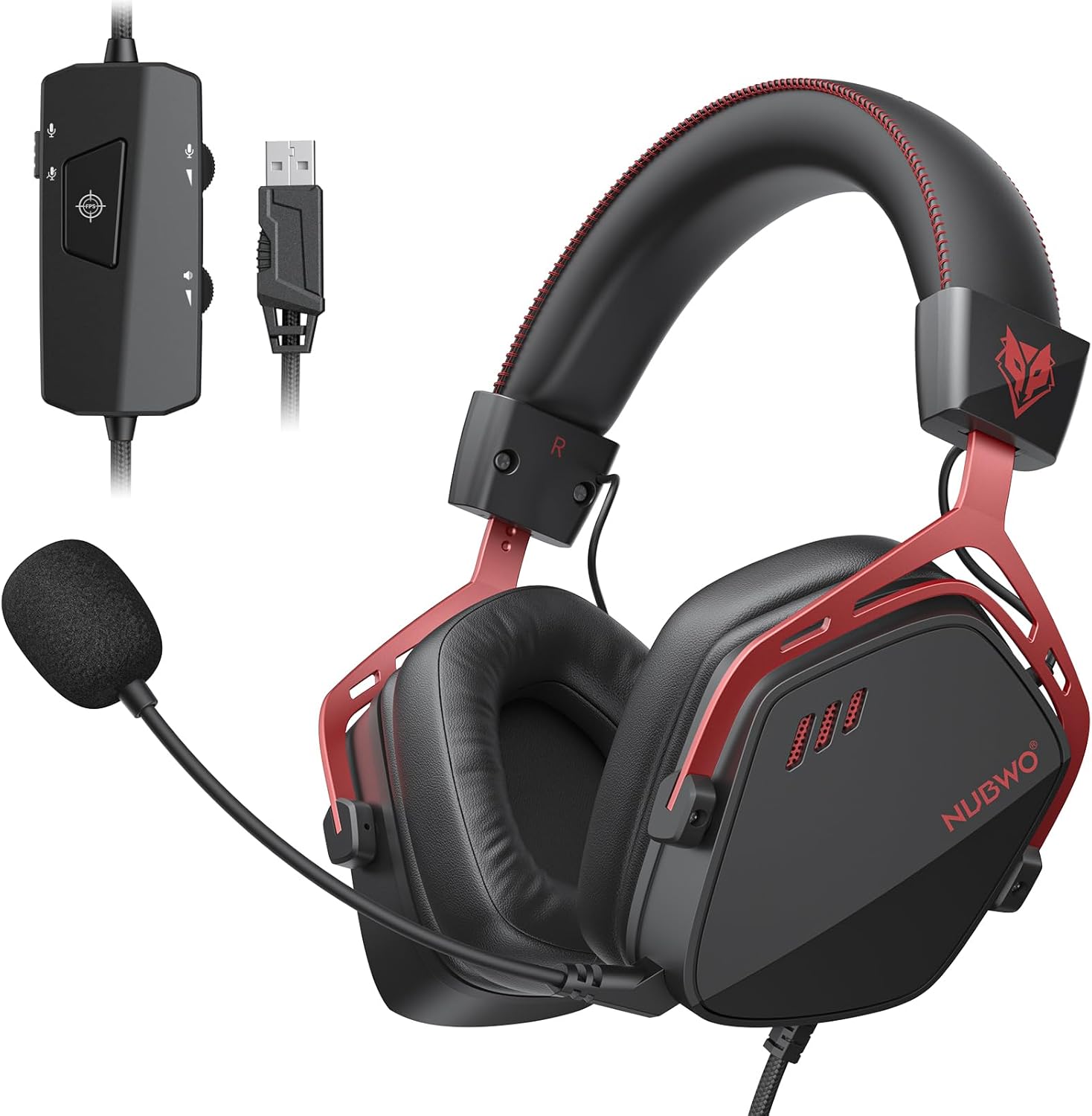
- Headset Mic: Convenient but lower quality; upgraded by boom arms and windscreens.
Best Gaming Microphones — Comparison Table
| Microphone | Type | Connection | Pattern | Sample Rate | Price | Rating |
|---|---|---|---|---|---|---|
| Blue Yeti X | Condenser | USB | Multi (4 modes) | 48kHz/24-bit | ~$169 | 4.8/5 |
| HyperX QuadCast S | Condenser | USB | Multi (4 modes) | 48kHz/16-bit | ~$159 | 4.7/5 |
| Elgato Wave:3 | Condenser | USB | Cardioid | 96kHz/24-bit | ~$149 | 4.8/5 |
| Razer Seiren V2 Pro | Dynamic | USB | Supercardioid | 96kHz/24-bit | ~$149 | 4.7/5 |
| SteelSeries Alias Pro | Condenser | USB/XLR | Cardioid | 96kHz/24-bit | ~$179 | 4.7/5 |
Top 5 Gaming Microphones — Detailed Reviews
1. Elgato Wave:3 — Best Gaming Microphone Overall
The Elgato Wave:3 stands out for its combination of excellent audio quality, thoughtful streaming-focused features, and outstanding software integration. The 96kHz/24-bit USB condenser captures voice with remarkable clarity and warmth. Its cardioid polar pattern focuses on your voice while rejecting room noise from the sides and rear. The proprietary Clipguard technology monitors audio on two separate signal paths, preventing clipping even when you shout or have sudden loud moments — a lifesaver for streaming.
Wave Link software creates a virtual mixer on your desktop, letting you independently control game audio, microphone, music, and communication apps for mixing streams with ease. The capacitive mute button with LED indicator and a physical monitoring headphone output add practical value. The compact footprint fits any desk. For streamers and gamers who want the complete package, the Wave:3 is the best all-around choice.
Pros: Clipguard anti-clip technology, Wave Link software, 96kHz/24-bit, compact, great build
Cons: Cardioid only (no pattern switching), premium price
Best for: Streamers, content creators, gamers wanting broadcast-quality audio
2. Blue Yeti X — Best Feature-Rich Gaming Microphone
The Blue Yeti X is the most versatile gaming and streaming microphone available. Four selectable polar patterns (cardioid, bidirectional, omnidirectional, stereo) make it useful for interviews, podcast co-hosts, instrument recording, and solo gaming streams alike. The high-resolution LED metering on the microphone body gives real-time level feedback. Blue VO!CE software provides a suite of vocal effects, noise reduction, and broadcast processing tools that elevate stream audio significantly.
The 48kHz/24-bit capsule array captures full, present vocals. The solid metal construction and adjustable desktop stand are premium. The multi-function smart knob controls headphone volume, mic gain, and mute with a single dial. For streamers who want maximum flexibility and professional features in a USB microphone, the Yeti X is the standard.
Pros: Four polar patterns, Blue VO!CE software, LED metering, excellent build quality
Cons: Large and heavy, shorter sample rate than Wave:3
Best for: Versatile streamers, podcasters, those wanting pattern switching
3. Razer Seiren V2 Pro — Best Dynamic Microphone for Gaming
The Razer Seiren V2 Pro uses a supercardioid dynamic capsule — the best choice for gamers in noisy environments like busy households, apartments with ambient noise, or those with mechanical keyboard clatter. Dynamic microphones naturally reject off-axis noise, meaning your mic picks up your voice while ignoring keyboard sounds, fan noise, and room echo without needing noise gate software.
The 96kHz/24-bit sampling delivers rich, broadcast-quality audio despite the noise-rejecting design. Razer’s Superhumane Voice AI powered by NVIDIA RTX Voice further cleans up background noise in software. A high-pass filter and gain knob provide hardware-level control. The premium matte metal build looks excellent on any desk. For gaming environments where background noise is a challenge, the Seiren V2 Pro is the clear choice.
Pros: Dynamic capsule rejects background noise naturally, 96kHz/24-bit, excellent build, NVIDIA RTX Voice support
Cons: Requires closer mic placement than condensers, higher price
Best for: Noisy gaming environments, mechanical keyboard users, apartment gamers
4. HyperX QuadCast S — Best Value Gaming Microphone
The HyperX QuadCast S delivers four polar patterns, vibrant RGB lighting, and solid audio quality at a competitive price. The built-in anti-vibration shock mount reduces desk rumble and keyboard impact noise from reaching the capsule. The tap-to-mute sensor with LED mute indicator makes silencing fast and obvious. The stand is adjustable and sturdy for a microphone at this price point.
The multi-pattern flexibility covers all gaming, streaming, and podcast scenarios. Audio quality is warm and full-sounding, suitable for streaming and gaming communication. The RGB lighting syncs with HyperX NGENUITY software. For gamers who want versatile USB microphone features at an accessible price, the QuadCast S is excellent value.
Pros: Four polar patterns, built-in shock mount, tap-to-mute, RGB, good value
Cons: 16-bit only vs 24-bit competitors, software is basic
Best for: Budget-conscious gamers, streamers wanting pattern versatility
5. SteelSeries Alias Pro — Best Premium Gaming Microphone
The SteelSeries Alias Pro bridges USB convenience and XLR professional quality. The dual-connection design lets you use it as a USB microphone for simplicity or via XLR into a dedicated audio interface for maximum quality. The included Stream Mixer hardware controller provides tactile volume knobs for all audio sources — a unique and genuinely useful addition for streamers. SteelSeries Sonar software integrates tightly for comprehensive audio management.
The 96kHz/24-bit condenser capsule captures warm, detailed vocals. The cardioid pattern with tight pickup angle works well in most gaming rooms. For serious streamers who want the option to go professional XLR in the future while starting with USB convenience, the Alias Pro offers unique flexibility.
Pros: USB and XLR dual connection, hardware Stream Mixer included, 96kHz/24-bit, Sonar software
Cons: Expensive, large footprint with mixer, XLR quality requires additional interface investment
Best for: Streamers wanting upgrade path to XLR, Sonar ecosystem users
Do You Need a Dedicated Microphone or Headset Mic?
For casual gaming and Discord calls, a quality headset microphone is sufficient. For streaming, YouTube content creation, or professional esports teams where voice clarity directly affects your brand or performance, a dedicated USB or XLR microphone is a worthwhile investment. The step up in audio quality from a headset mic to even a budget USB condenser like the HyperX QuadCast S is dramatic and immediately noticeable.
See our best wireless gaming headphones guide if you prefer an all-in-one headset solution, and our best PS5 gaming headsets for console-specific recommendations.
Frequently Asked Questions About Gaming Microphones
What is the best USB microphone for gaming and streaming?
The Elgato Wave:3 and Blue Yeti X are consistently ranked as the top USB microphones for gaming and streaming. The Wave:3 wins for its Clipguard anti-clipping technology and Wave Link software. The Yeti X wins for its four polar patterns and Blue VO!CE processing suite.
Should I use a condenser or dynamic microphone for gaming?
Condenser microphones pick up more detail and sound more natural, making them ideal for quiet gaming rooms. Dynamic microphones reject background noise naturally, making them better for noisy environments with keyboard clatter, fans, or ambient household sound. Most home studios use condensers; noisy environments benefit from dynamics.
Do I need an audio interface for a gaming microphone?
Not for USB microphones — they plug directly into USB and work immediately. XLR microphones require an audio interface (like Focusrite Scarlett Solo) to connect to a PC. USB microphones are recommended for most gamers; XLR setups are for streamers who want professional studio-level audio quality.
How do I reduce background noise on my gaming microphone?
Use a cardioid or supercardioid polar pattern, position the mic 6-12 inches from your mouth, and enable noise gate in software (OBS, Voicemeeter). Dynamic microphones reject noise inherently. Software solutions like NVIDIA RTX Voice or Krisp AI can further clean up background noise in real-time.
Related Guides You May Like
- Best Router for Gaming in 2026: Eliminate Lag and Dominate Online
- Best Projector for Gaming: Top Picks for Immersive Large-Screen Gaming in 2026
- What Is the Best Ethernet Cable for Gaming in 2026? — Complete Buyer’s Guide
- What Ethernet Cable Is Best for Gaming in 2026? — Complete Technical Guide
- Best WiFi for Gaming in 2026: Routers, Adapters, and Setup Tips for Low Ping


Write Your Review
No reviews yet. Be the first to share your experience!